
Work Hours Tracker Timesheet
Time Clock, Shifts, Overtime
Designed for iPhone
In-app purchases
- Age rating4+
- CategoryBusiness
- DeveloperPhuc Pham
- LanguagesEnglish
- Size5.4 MB
Links to the official App Store page
Download.org hosts no file of Work Hours Tracker Timesheet. The button opens its official App Store page, published by Phuc Pham. Listing last checked on Nov 12, 2026.
Screenshots


About
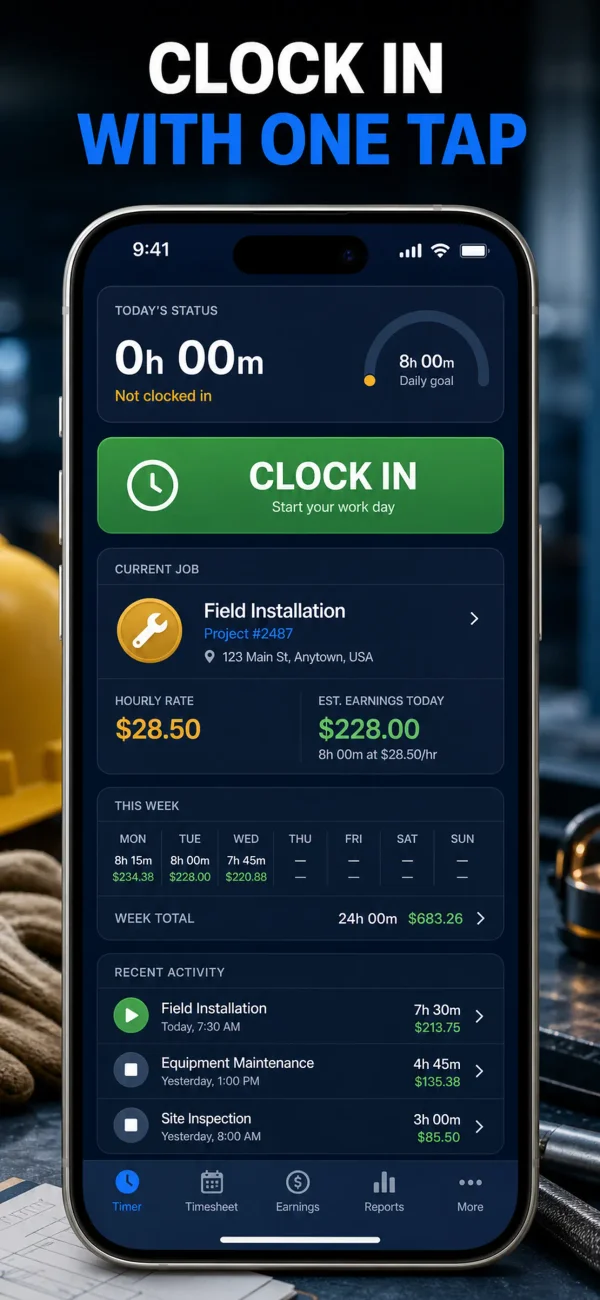
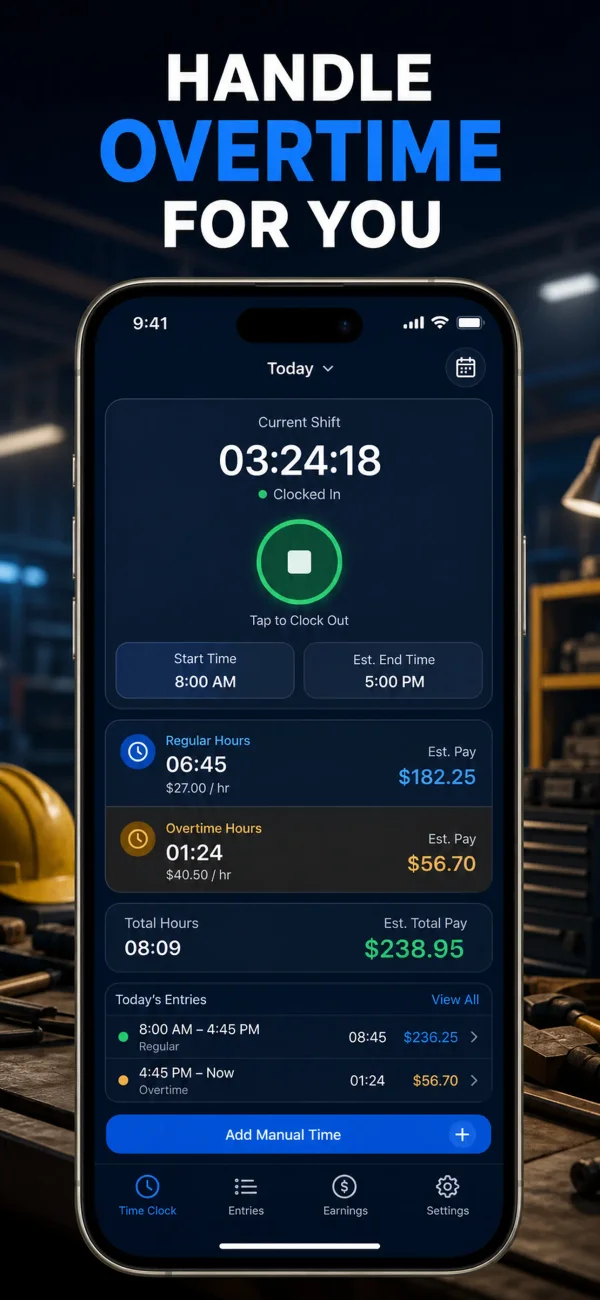
Know exactly how many hours you worked this week — and what those hours are worth. Tap once to clock in, tap once to clock out, and every shift, break and overtime minute is logged and priced for you.
Most hour trackers stop at a stopwatch. This one carries your hours all the way through to pay: each job keeps its own hourly rate, breaks are deducted, anything past your regular day rolls into overtime at a multiplier you set yourself, and the Pay tab shows the weekly or fortnightly total with a daily chart behind it. No spreadsheet formulas, no Sunday-night maths, no wondering whether your payslip looks right.
WHAT YOU GET
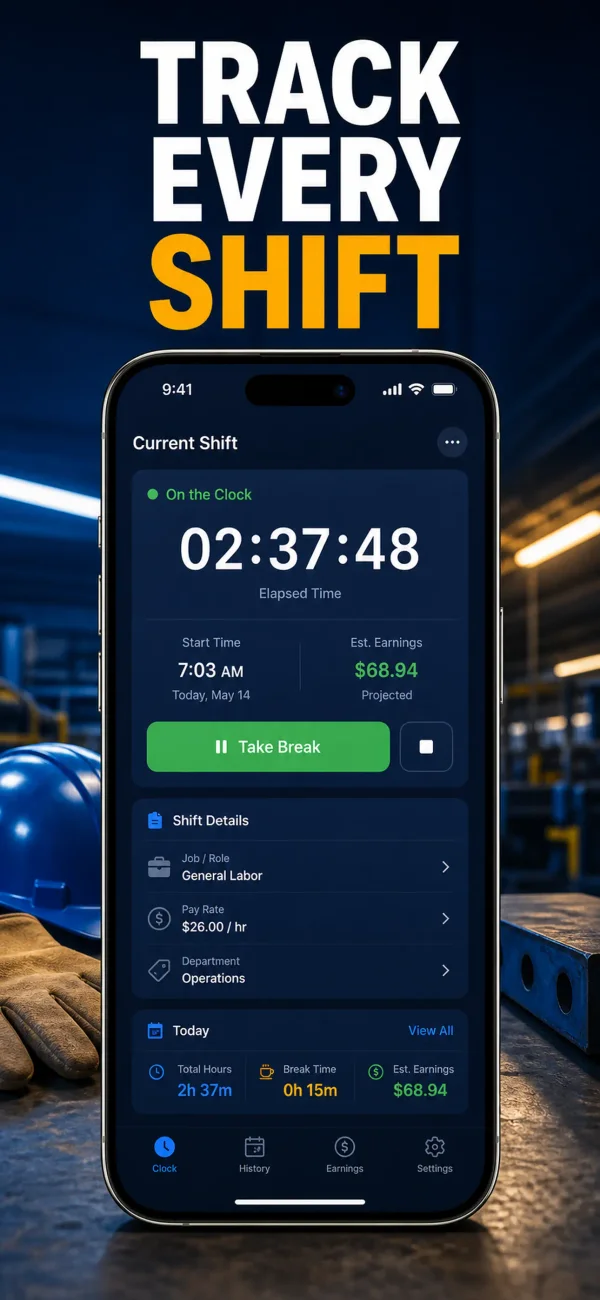
- One-tap clock in and clock out with a live running timer, so you never guess your start time again
- The running shift survives closing the app — reopen it and the timer is still going
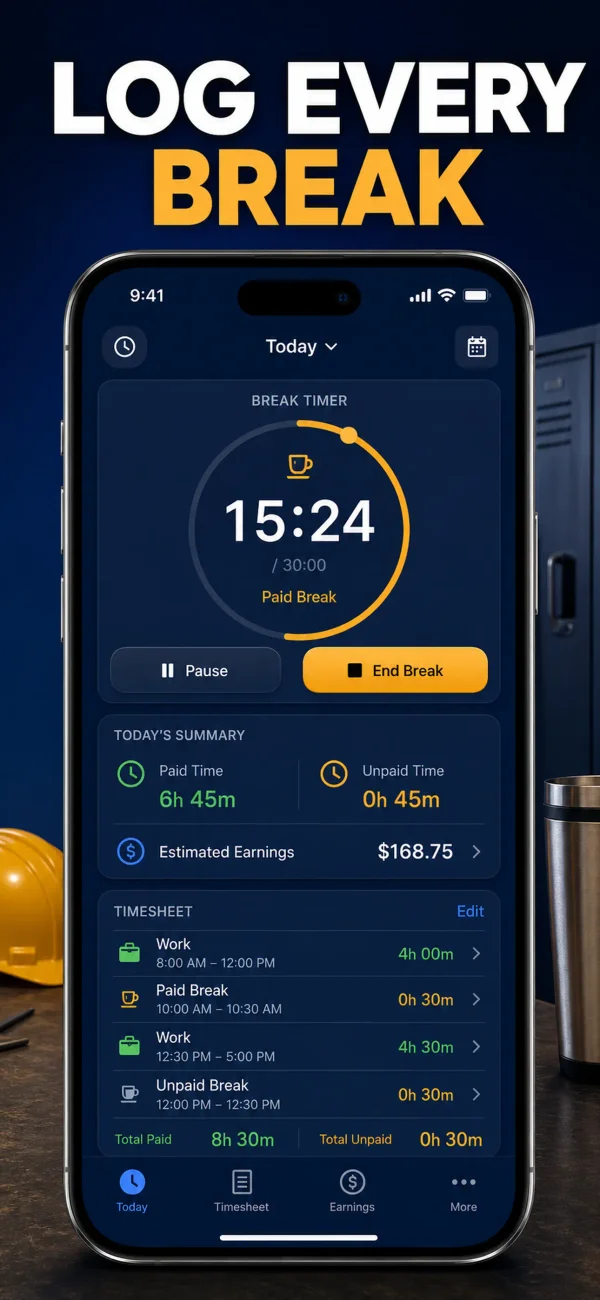
- Break minutes entered when you clock out, then taken off your paid hours
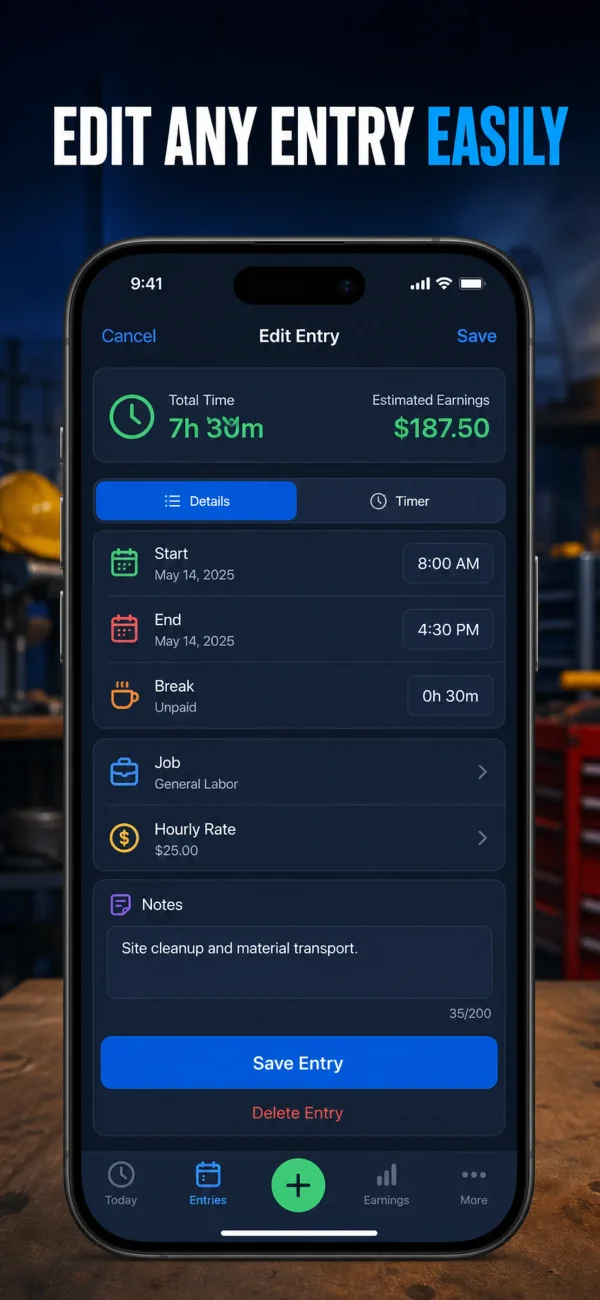
- Every shift stored with exact in, out, break, job and an optional note — editable or deletable any time
- Add past shifts by hand: date, start, finish, a 0-120 minute break slider, job and note
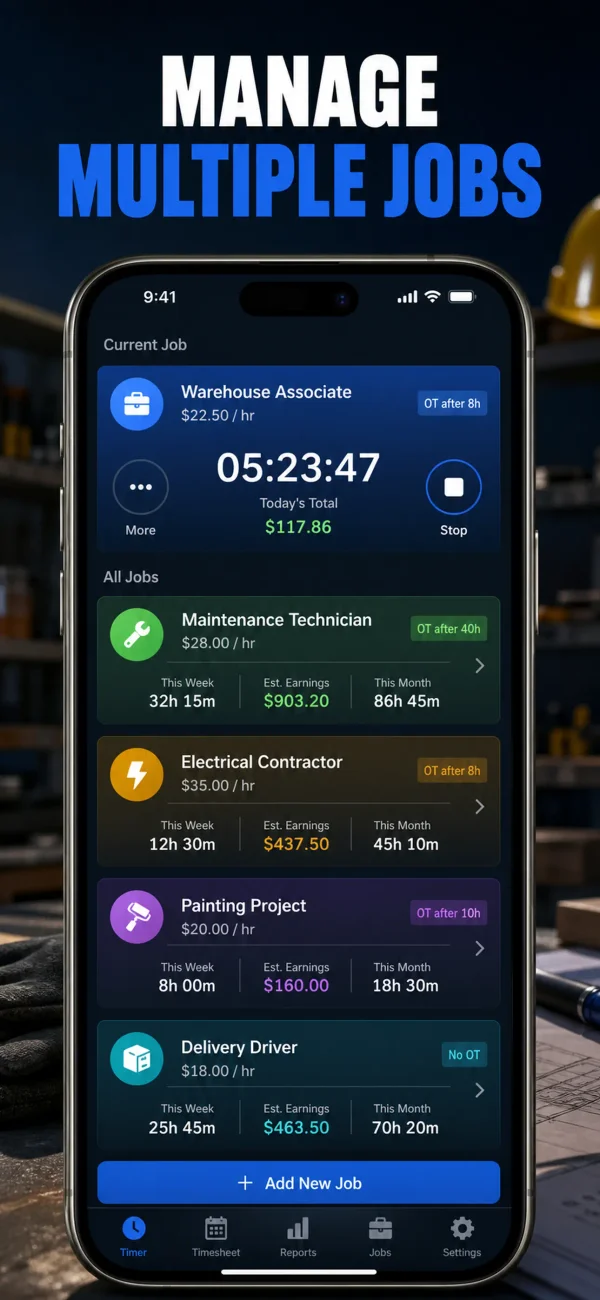
- Several jobs side by side, each with its own hourly rate, colour, default flag and shift count
- Overtime worked out for you: set your regular hours per day and your own multiplier (1x-3x) once
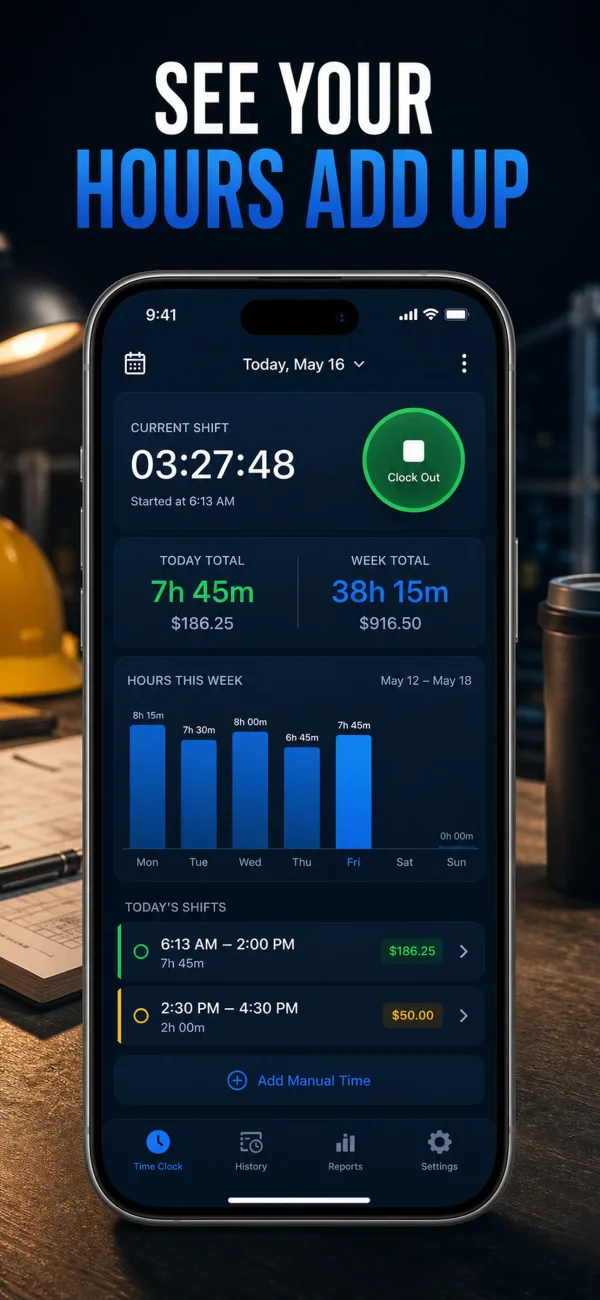
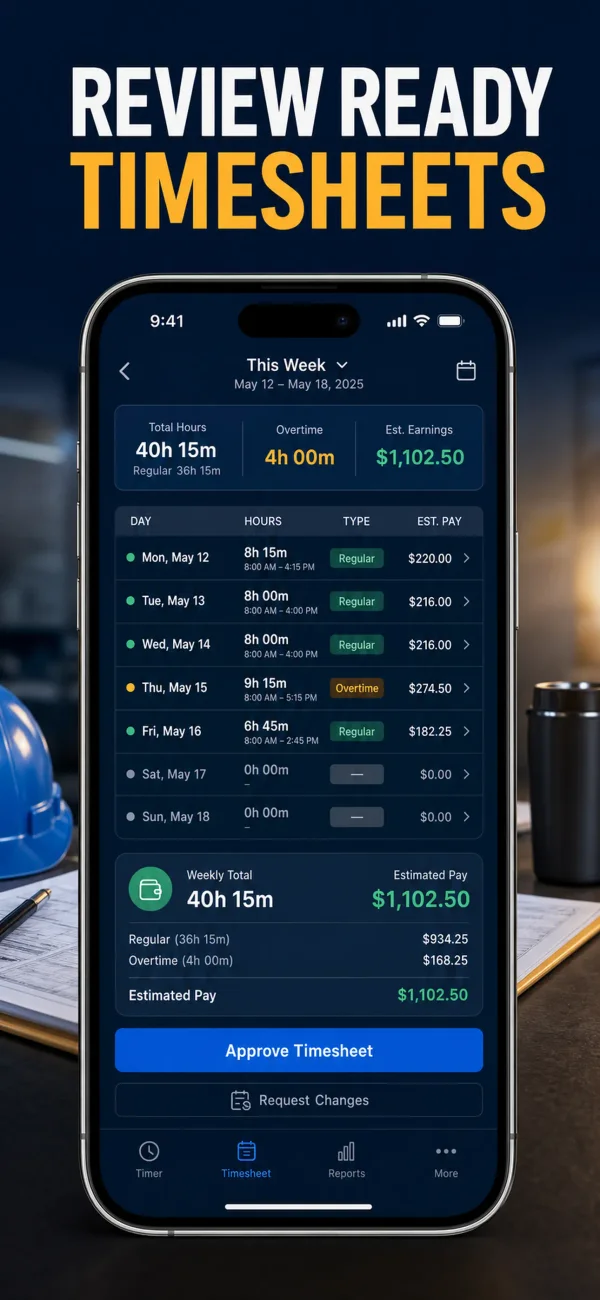
- A timesheet grouped by week, with total hours and total pay on every week header
- Weekly or fortnightly earnings, split into regular pay, overtime pay and total, with a daily bar chart
- CSV export of the whole timesheet — date, job, in, out, break, hours, overtime, pay — via the share sheet
- An optional daily reminder at 19:00 so a forgotten shift doesn't quietly disappear
PERFECT FOR
- Hourly staff who want their own record of the hours they actually worked
- People on two or three jobs at different rates who need them kept apart
- Freelancers and contractors logging billable hours per client before they bill
- Shift and zero-hours workers claiming overtime who want the numbers ready before payday
WHY NOT JUST USE NOTES OR A SPREADSHEET?
Because a note tells you "9 to 5" and nothing else. It won't subtract your 30-minute break, it won't know your second job pays a different rate, it won't split regular from overtime, and it won't total your week. Here that happens the moment you clock out — and when you do want it in a spreadsheet, one tap exports clean CSV.
PRIVACY
Your hours, rates and earnings stay on your iPhone. No account to create, no sign-in, no ads, no third-party analytics. The app works fully offline — nothing is uploaded anywhere, so there is nothing to sync and nothing to leak.
A NOTE ON THE NUMBERS
Amounts are shown with a $ symbol. Totals are personal estimates for your own records — not payroll, not tax advice, not an official employer document. The overtime multiplier is whatever you set, not a statutory entitlement.
FULL ACCESS
Premium unlocks the whole app: unlimited jobs and shifts, per-job hourly rates, break and overtime calculation, weekly and fortnightly pay reports with charts, and CSV timesheet export. Choose a weekly plan ($4.99/week), a yearly plan ($24.99/year) or a one-time lifetime purchase ($49.99). Prices are US rates; your local price is shown in the App Store before you confirm. Subscriptions renew automatically until cancelled in your Apple account settings; lifetime is a single payment with no renewal.
Add your job and hourly rate, then hit Clock In on your next shift — by Friday your week is already added up.
Terms of Use (EULA): https://web-levi.web.app/terms
Privacy Policy: https://web-levi.web.app/privacy-policy
Questions? tphuc.work@gmail.com
What’s new
Version 1.2.1 · Aug 15, 2026
Bug fixes and performance improvements.
App privacy
What Phuc Pham declares on the App Store about how this app handles data.
-
Data not collected
The developer does not collect any data from this app.
Privacy practices may vary, for example with the features you use or your age.
Information
- Seller
- Phuc Pham
- Category
- Business
- Version
- 1.2.1
- Updated
- Aug 15, 2026
- Released
- May 28, 2026
- Size
- 5.4 MB
- Requires
- iOS 17.0 or later
- Age rating
- 4+
- In-app purchases
- Yes
- Languages
- English
- Copyright
- © 2026 Phuc Pham
You might also like
-
 Work Hours Tracker - HoursKitTime Clock, Timesheet & Pay
-
 Work Hours Timesheet: TyempoClock In, Overtime & Payroll
-
 EarnTrace: Work Hours & PayTimesheet, Shifts & Overtime
-
 Work Hours Tracker - StundoTime Clock, Timesheet & Pay
-
 Work Hour Tracker - WorkLogTrack hours & log work time
-
 WorkHours - Overtime TrackerTrack hours. Watch pay grow.
-
 Timesheet: Work Hours & PayShift tracker & pay calculator
-
 Hours Tracker: Time + PayWage Calculator & Timesheet
-
 ShiftWise Pro: OvertimeOvertime & earnings tracker
-
 Shift Work: Calendar & HoursClock in. Plan your shifts.