- Age rating4+
- CategoryProductivity
- Developer昶 黄
- LanguagesJapanese+ 7 more
- Size48.6 MB
Links to the official App Store page
Download.org hosts no file of WorkHours - Overtime Tracker. The button opens its official App Store page, published by 昶 黄. Listing last checked on Nov 23, 2026.
Screenshots
About
WorkHours is a simple yet powerful work-hours tracker for anyone who needs to log hours — hourly workers, salaried employees, or freelancers.
[Smart Time Tracking]
• Clock in/out or enter hours directly
• 15-minute rounding with automatic lunch break deduction
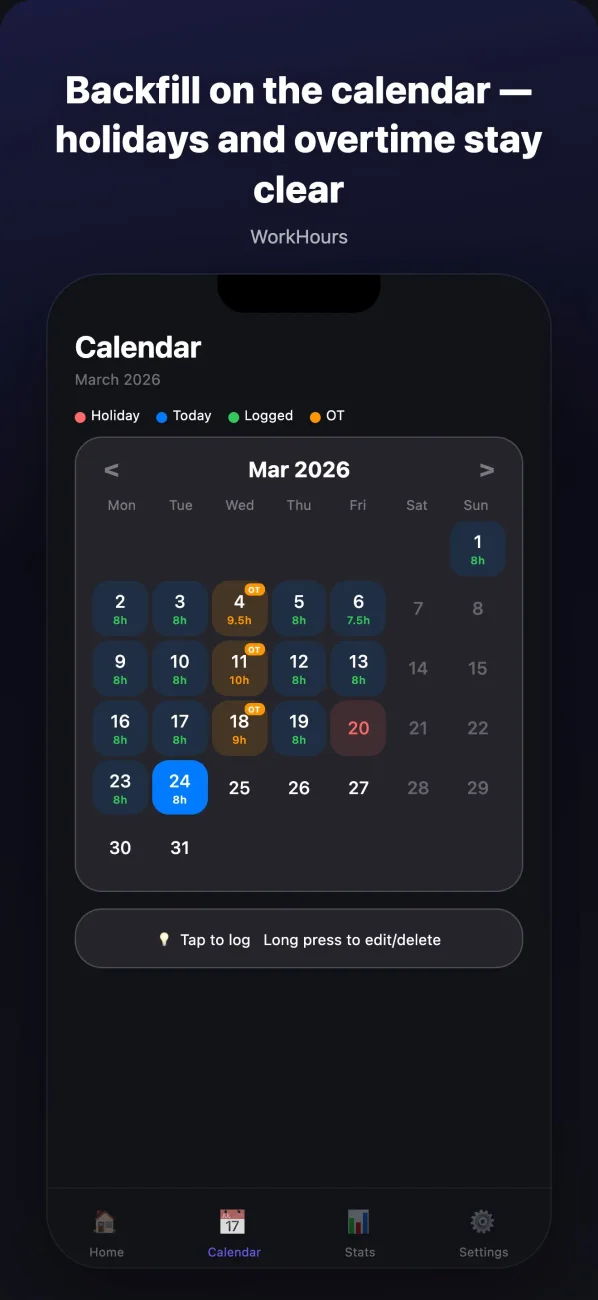
• Long-press calendar entries to edit or delete
• Add notes for business trips, leave, and more
[Monthly Statistics]
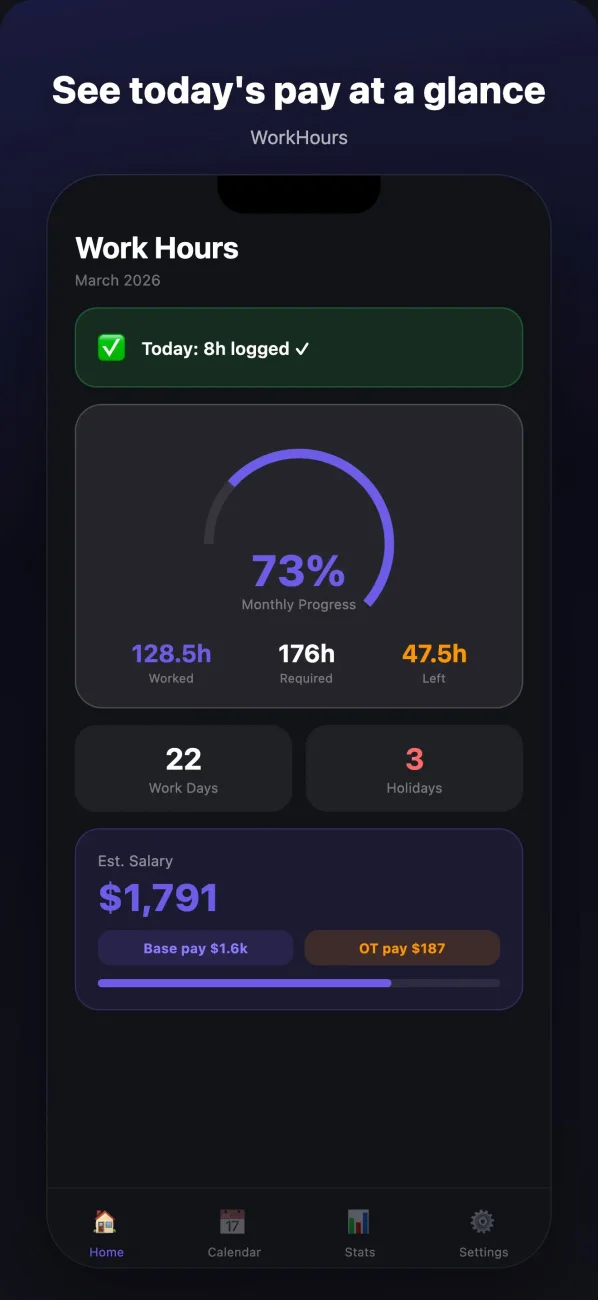
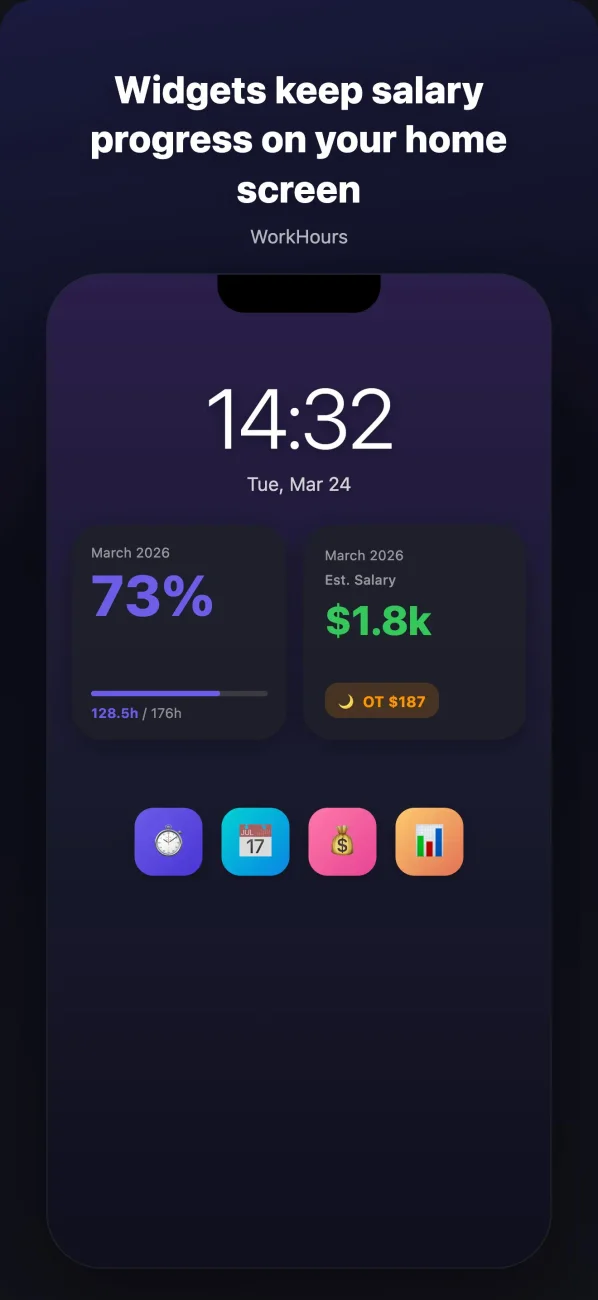
• Visual half-circle progress ring for hours completion
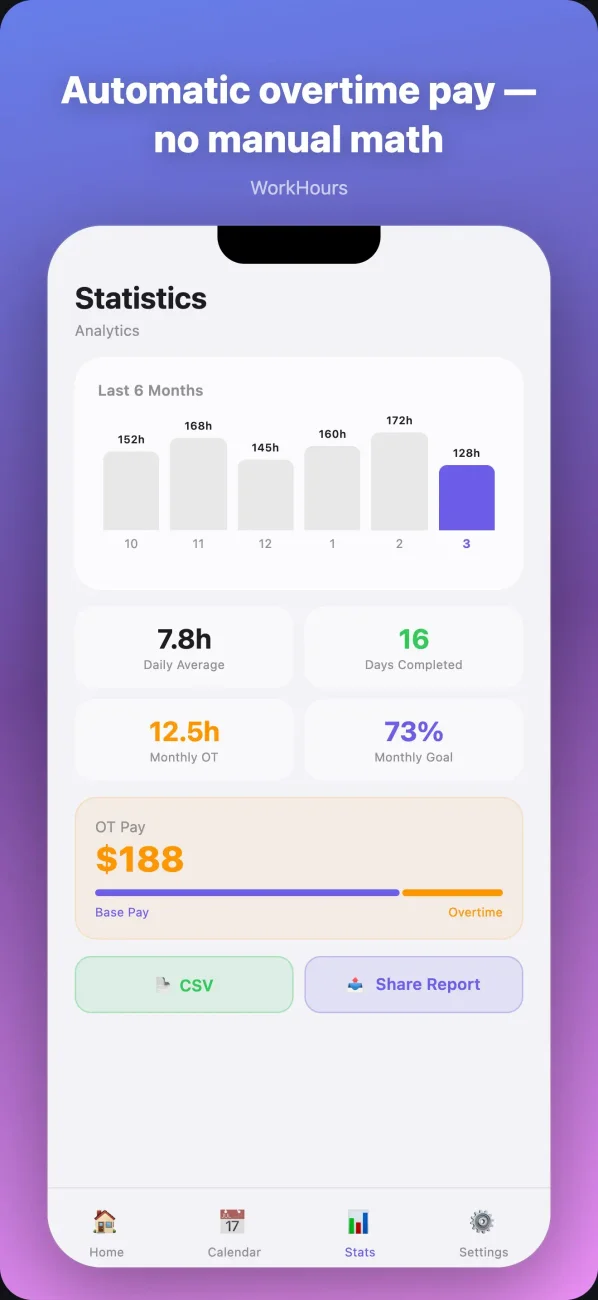
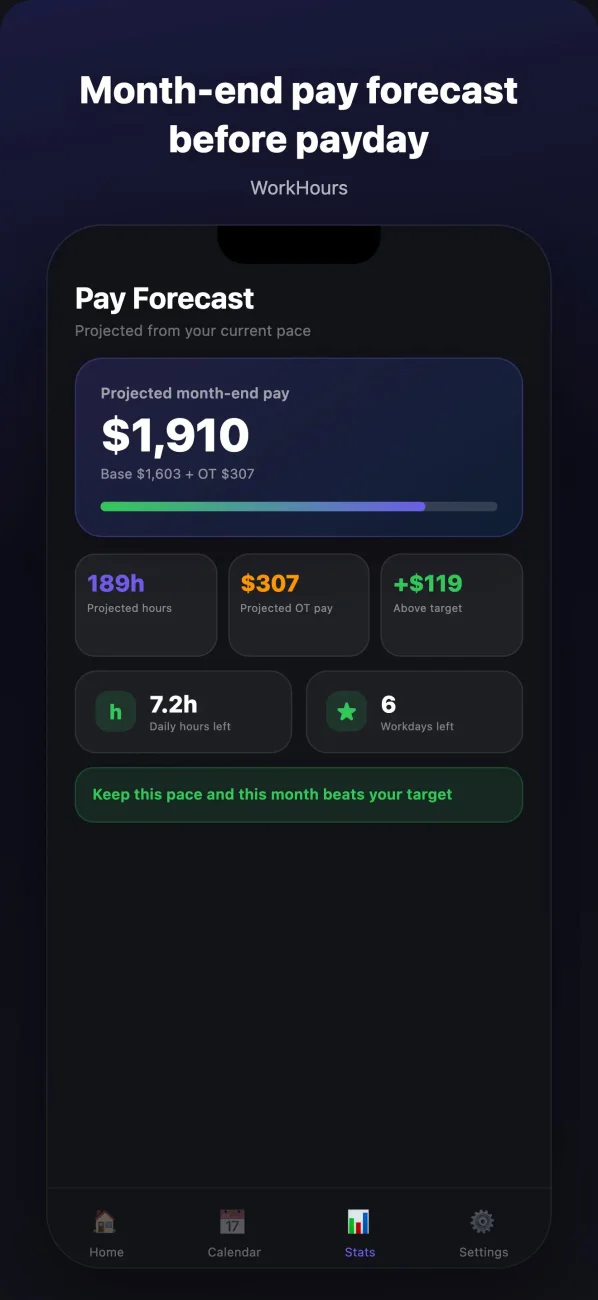
• Automatic overtime hours and pay calculation
• Hourly and monthly salary modes
• Browse any past month's data
• 6-month work hours bar chart comparison
[Multi-Region & Currency Support]
• Built-in holidays for Japan, China, USA, UK, and Korea
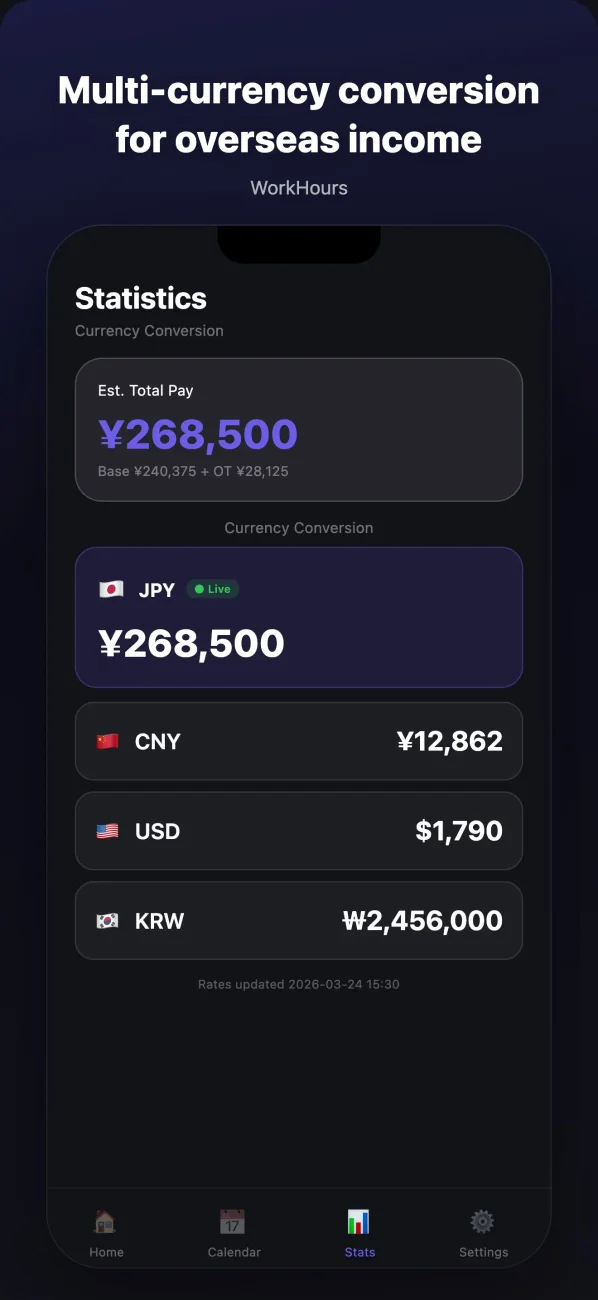
• Real-time exchange rates (JPY / CNY / USD / GBP / KRW)
• Currency symbols follow your region setting
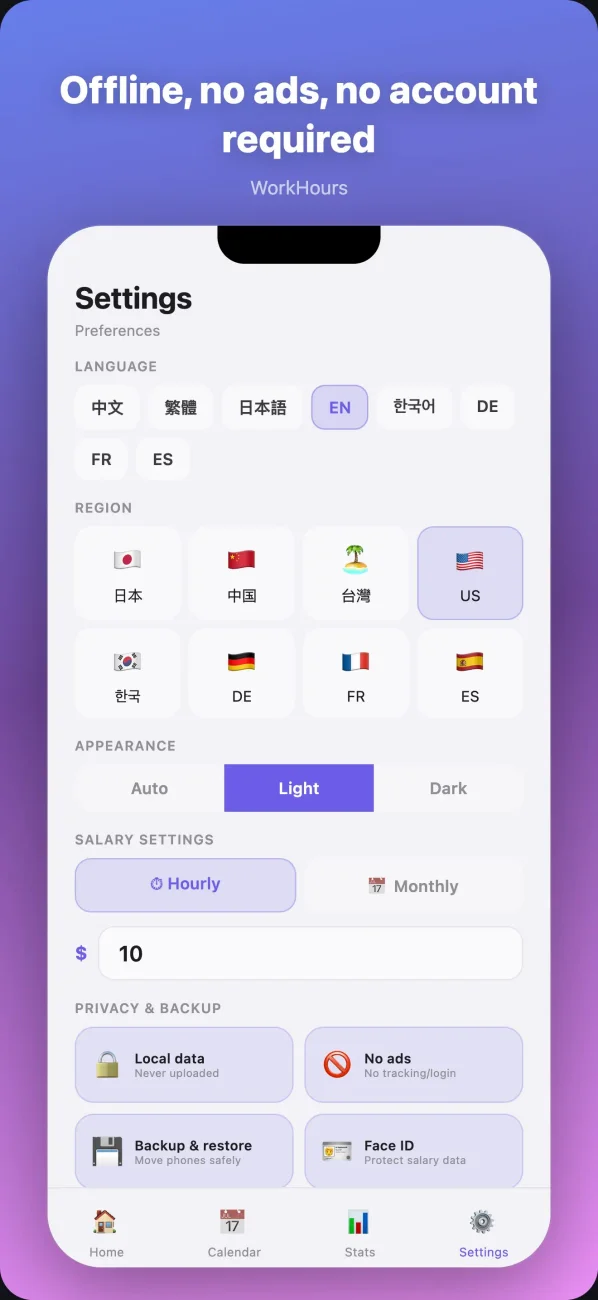
• Available in Chinese, Japanese, English (US/UK), and Korean
[Achievement System]
• 13 unlockable achievements across 4 categories: check-in, hours, salary, and explorer
• 7-day streak, perfect month, 100-day milestone... celebrate every accomplishment
[Daily Clock-in Reminder]
• Customizable daily push notification
• Never forget to log your work hours
[Export & Backup]
• One-tap CSV export (opens directly in Excel)
• Generate text-based monthly reports for email
• Full data backup and restore
[Appearance]
• Light / Dark / System automatic theme modes
[Fully Offline — Your Data Stays on Your Device]
• All data stored locally
• No ads, no tracking, no account required
What’s new
Version 2.20.0 · Nov 21, 2026
• Fixed the app becoming unresponsive after dismissing the share sheet by tapping outside it while sharing a monthly card
• Updated to Expo SDK 58 with iOS 27 support for better compatibility and stability
• The Home Screen name is now WorkHours (formerly Clockd), matching the App Store name
App privacy
What 昶 黄 declares on the App Store about how this app handles data.
-
Data not collected
The developer does not collect any data from this app.
Privacy practices may vary, for example with the features you use or your age.
Information
- Seller
- 昶 黄
- Category
- Productivity
- Version
- 2.20.0
- Updated
- Nov 21, 2026
- Released
- Mar 11, 2026
- Size
- 48.6 MB
- Requires
- iOS 16.4 or later
- Age rating
- 4+
- Languages
- Japanese, Spanish, German, French, Simplified Chinese, Traditional Chinese, English, Korean
- Copyright
- © 2026 Chang Huang
You might also like
-
 Album Watch ZoomerScreencap quick review
-
 NoShift - Time trackingClock in, clock out.
-
 シフトメモ - シフト管理と給料計算Productivity
-
 OverTime TrackProductivity
-
 Wise 40: Work Hours & ShiftsTimesheet, Leave & Work Log
-
 Work Hours Timesheet: TyempoClock In, Overtime & Payroll
-
 WorkLog: Time & Shift TrackerTimesheet & Pay Calculator
-
 WorkHours – Time TrackerTrack Daily Work Hours
-
 Timesheet: Work Hours & PayShift tracker & pay calculator
-
 HourLedger: Timesheet & HoursShift Tracker, Time Clock, Pay