Work Time Tracker & Timesheet
Clock in, log hours & payroll
Designed for iPhone
In-app purchases
- Age rating4+
- CategoryProductivity
- DeveloperXavier Larrode
- LanguagesGerman+ 9 more
- Size20.5 MB
Links to the official App Store page
Download.org hosts no file of Work Time Tracker & Timesheet. The button opens its official App Store page, published by Xavier Larrode. Listing last checked on Nov 23, 2026.
Screenshots
About
Why lose track of unpaid overtime or waste time wrestling with messy spreadsheets? PointHeure was built with one clear purpose: to give you effortless, accurate control over every single hour you work.
Whether you are an hourly employee, shift worker, nurse, contractor, tradesperson, or freelancer, PointHeure adapts to your schedule so every minute counts.
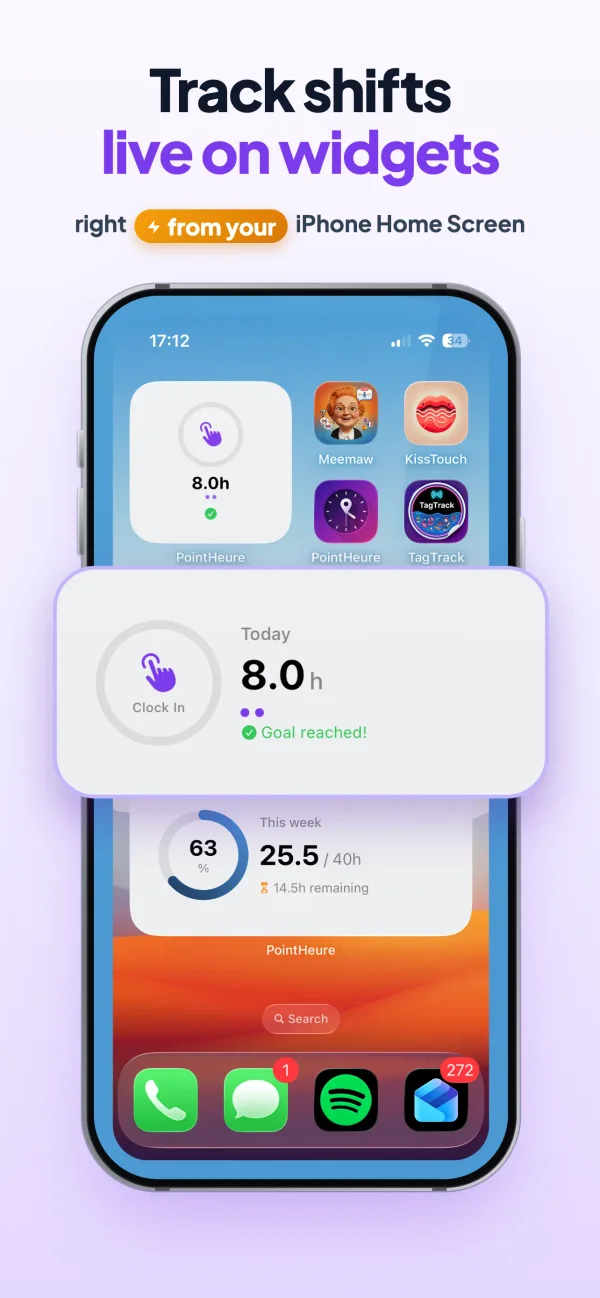
LIVE SHIFT TRACKING & 1-TAP CLOCK IN
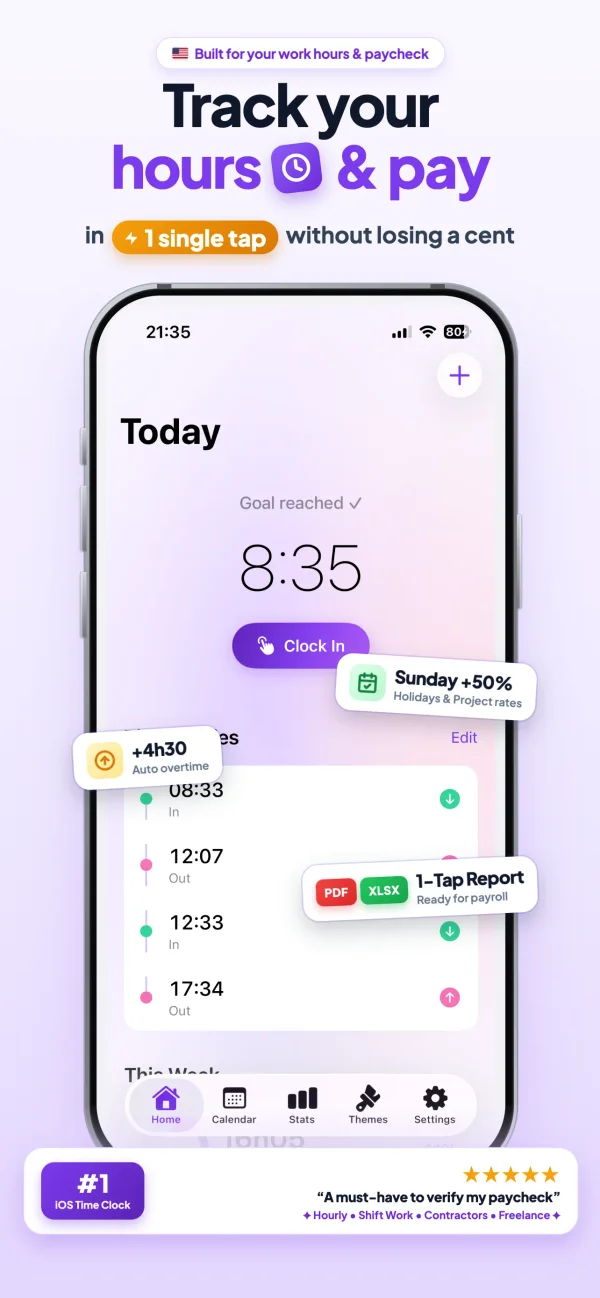
- 1-Tap Time Clock: Clock in, start your lunch break, and clock out in a fraction of a second.
- Live Activity & Dynamic Island: Watch your shift timer live on your Lock Screen and Dynamic Island. Pause for lunch or clock out with a single tap without unlocking your iPhone.
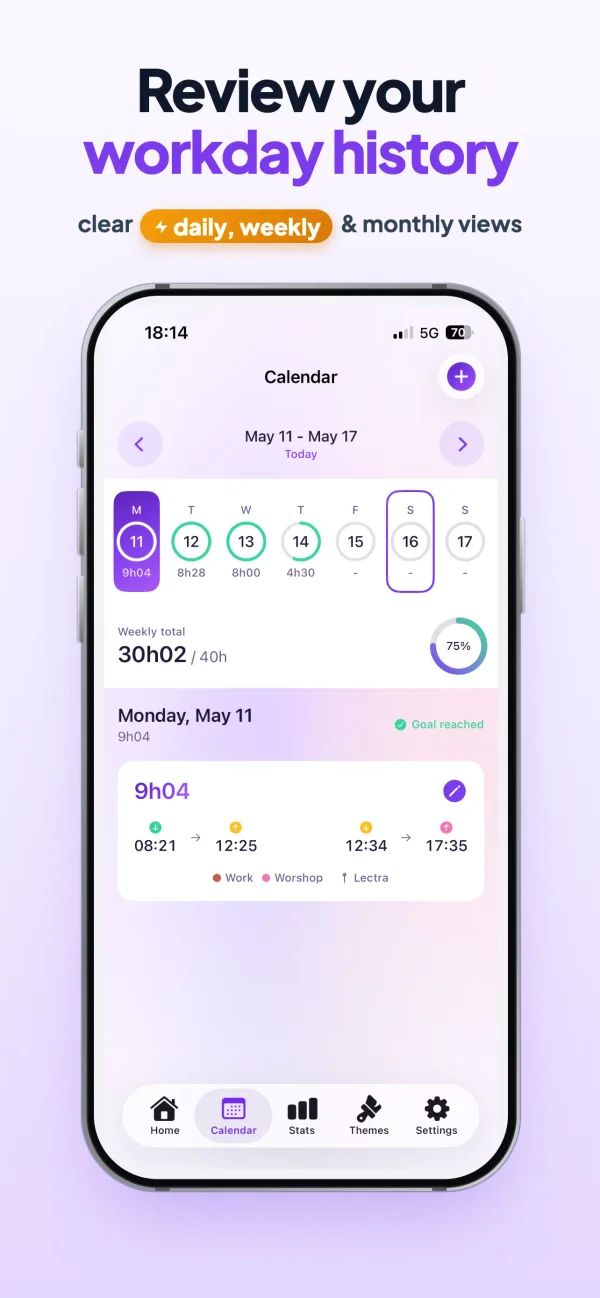
- Default Schedule & Quick Log: Set your typical work hours once and validate standard workdays with 1 tap right from the calendar.
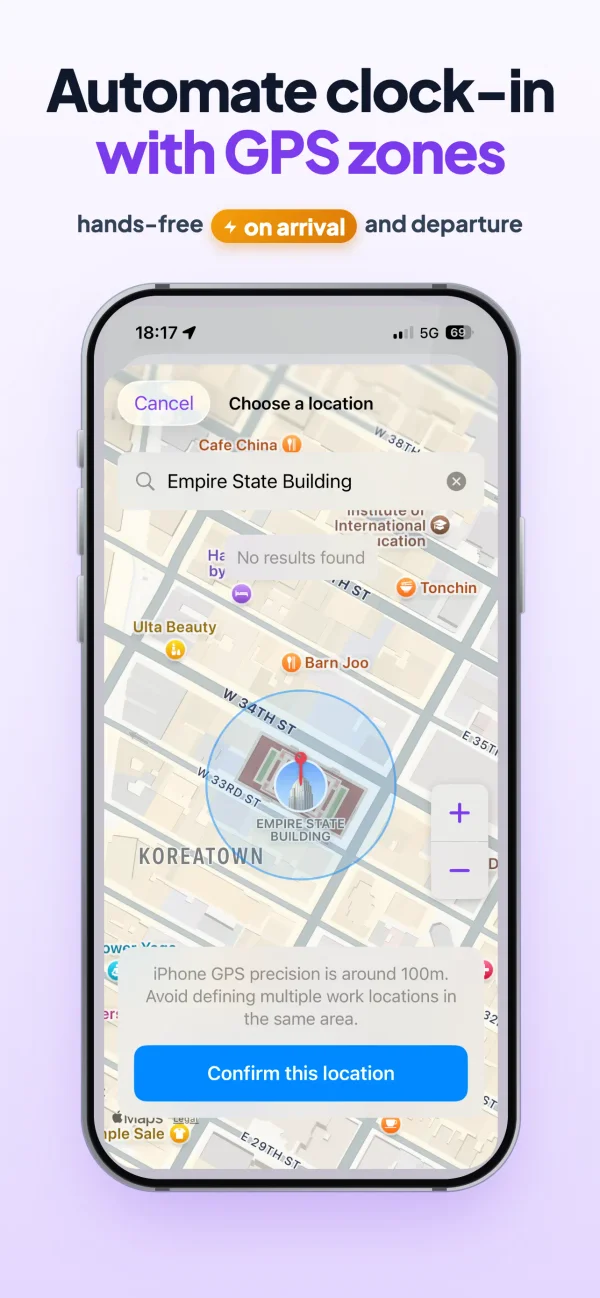
- GPS Workplace Reminders (Geofencing): Get notified or automatically log arrival and departure when entering or leaving your workplace.
- Night Shift Support: Seamlessly handles overnight shifts crossing midnight.
OVERTIME, PAY & MULTI-PROJECT TRACKING
- Custom Weekly Targets: Configure 35h, 37.5h, 40h, or any custom daily and weekly goal.
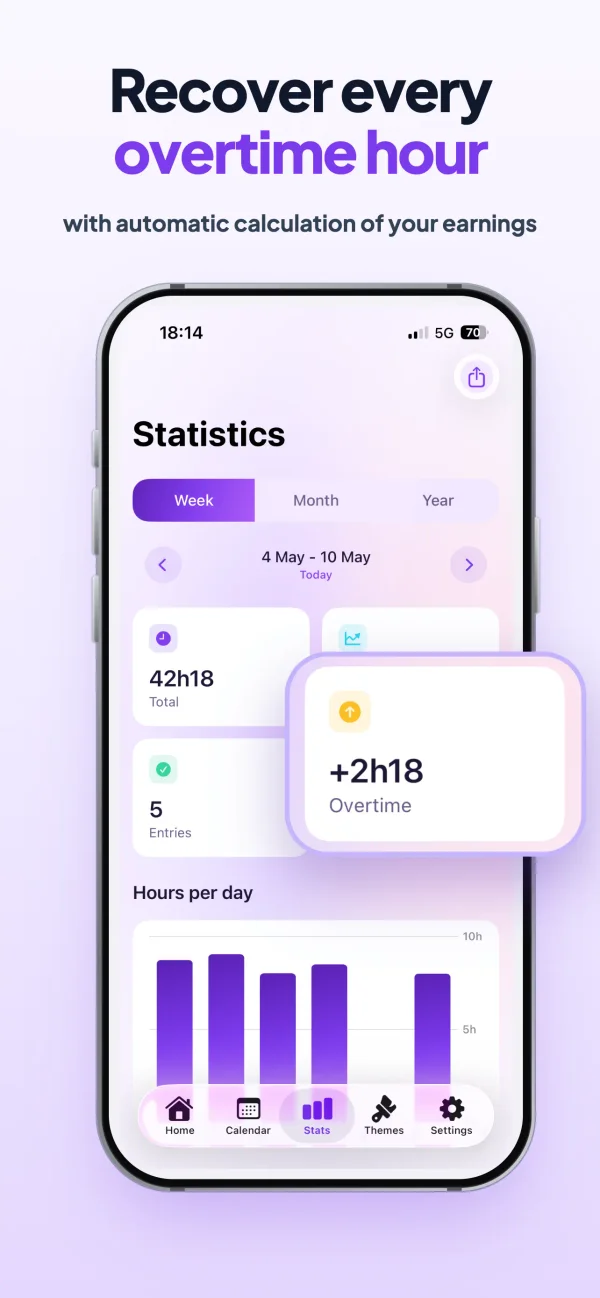
- Accurate Overtime Balance: Track your weekly, monthly, and yearly overtime automatically.
- Pay & Wage Calculator: Enter your hourly rate and overtime multiplier to see your estimated earnings in real time.
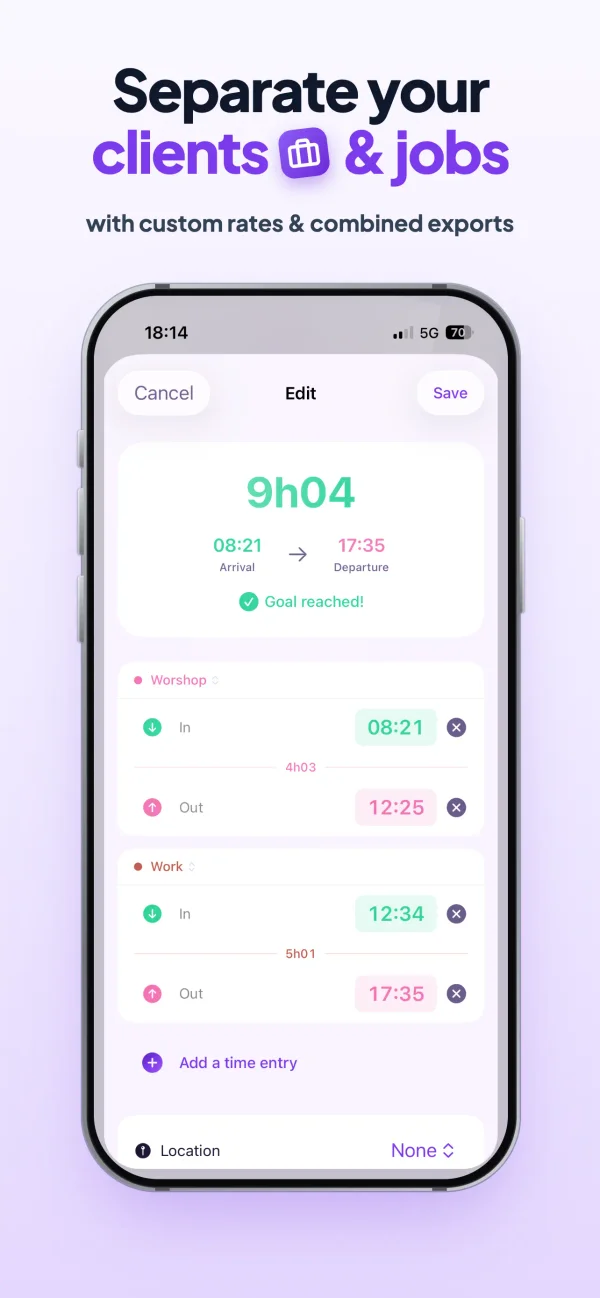
- Multi-Project Time Splits: Assign different portions of your workday to specific clients, job sites, or tasks.
HOLIDAYS, LEAVES & ABSENCES
- Built-in Public Holidays for 10 countries (US, France, Spain, Germany, Italy, Netherlands, Portugal, Brazil, Japan, South Korea) with custom holiday support.
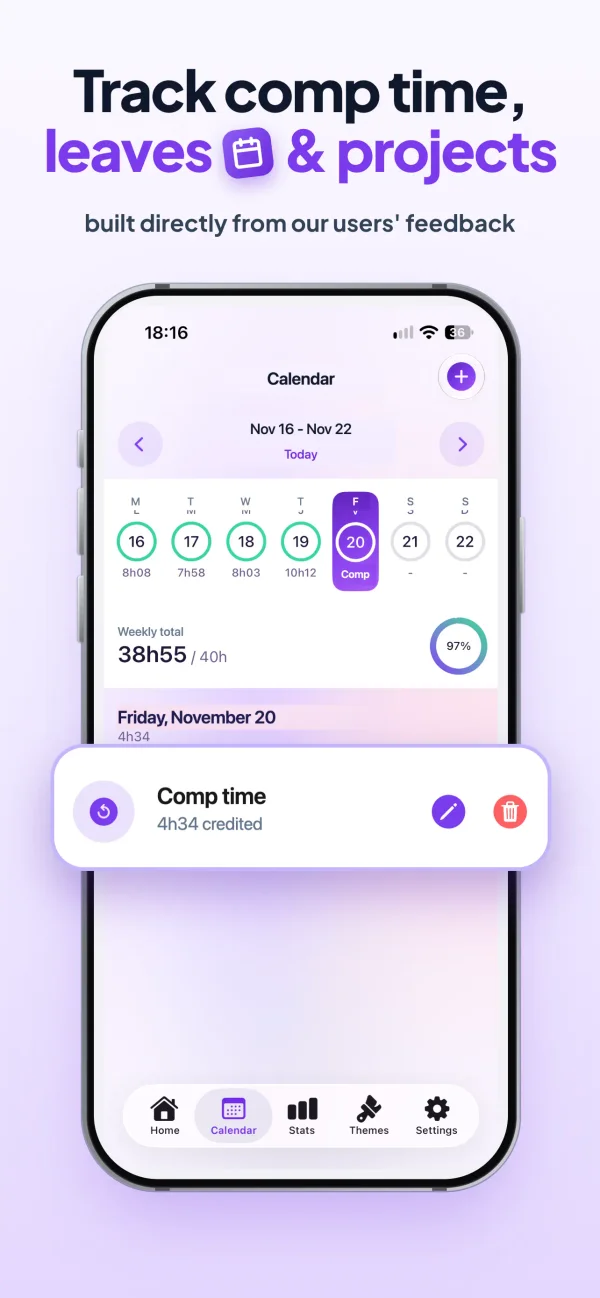
- Leave Management: Log paid time off (PTO), sick leave, compensatory time, or unpaid leave with credited hours.
PROFESSIONAL EXPORTS & AUTOMATIC ICLOUD BACKUP
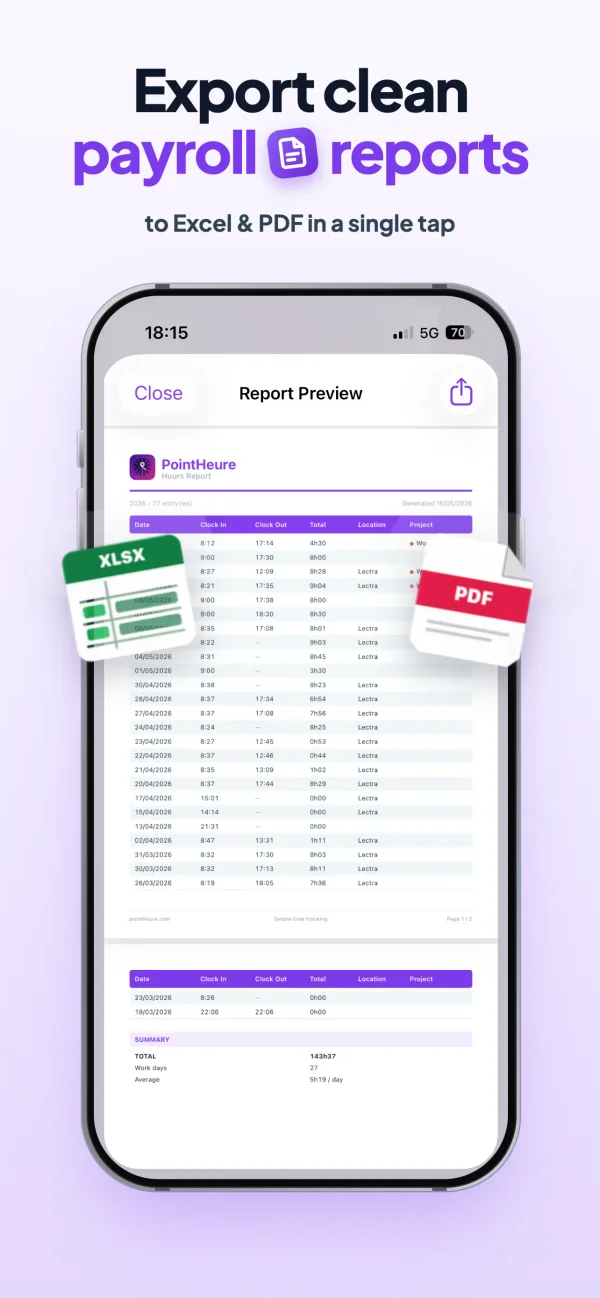
- Ready-to-Share Timesheets: Export clean, detailed reports in PDF, Excel (.xlsx), or CSV format for payroll, HR, or client billing.
- Private by Design: Works 100% offline with no account required.
- Automatic iCloud Backup (PointHeure Pro): Automatic background snapshots and 1-tap restore keep your work history safe at all times.
Terms of Use (EULA): https://www.apple.com/legal/internet-services/itunes/dev/stdeula/
What’s new
Version 1.1.42 · Nov 22, 2026
Built directly from our users' feedback, this update brings 3 major improvements:
• Smart Comp Time (Récup) & Overtime Balance Counter: automatically accumulate weekly overtime into your comp time balance in Statistics (Overtime earned, Comp taken, Available to recover). From the Calendar ("Take a day off" → "Comp time"), PointHeure automatically displays and pre-fills your available balance and caps selection to the hours you actually earned.
• Multi-Project Selection & Combined Export: select 2 or more projects simultaneously in Statistics to combine their hours and earnings (each at its own hourly rate) and export them together onto a single PDF, Excel, or CSV timesheet.
• 7-Day iCloud Auto-Backup History & Triple Protection: restore Today, Yesterday, or up to 7 days back in 1 tap, backed by triple-mirror protection (iCloud, App Group & iOS Keychain) and automatic self-recovery on launch.
App privacy
What Xavier Larrode declares on the App Store about how this app handles data.
-
Data not linked to you
May be collected but is not linked to your identity.
- Purchases
- Identifiers
- Usage data
Privacy practices may vary, for example with the features you use or your age.
Information
- Seller
- Xavier Larrode
- Category
- Productivity
- Version
- 1.1.42
- Updated
- Nov 22, 2026
- Released
- May 30, 2026
- Size
- 20.5 MB
- Requires
- iOS 17.0 or later
- Age rating
- 4+
- In-app purchases
- Yes
- Languages
- German, English, French, Italian, Japanese, Korean, Dutch, Portuguese, Spanish, Simplified Chinese
- Copyright
- © xlarrodeapp
You might also like
-
 Work Timer – Suivi HeuresProductivity
-
 iTimeSheet: Hours & InvoicesTime tracking made easy
-
 Hours Tracker: Planck TimeTimesheet & Pay Calculator
-
 La BadgeuseProductivity
-
 Mes Heures Pro : PointeuseProductivity
-
 RelevéProductivity
-
 calcul heure de travailProductivity
-
 SurPlace : compteur d'heuresProductivity
-
 SimpleTimeLoggerTime Tracking made easy
-
 Workkio - Work HoursClock in - Extra Hours