
- Age rating4+
- CategoryProductivity
- DeveloperMarcel Roeder
- LanguagesGerman+ 25 more
- Size37.0 MB
Links to the official App Store page
Download.org hosts no file of workdrop. The button opens its official App Store page, published by Marcel Roeder. Listing last checked on Nov 12, 2026.
Screenshots
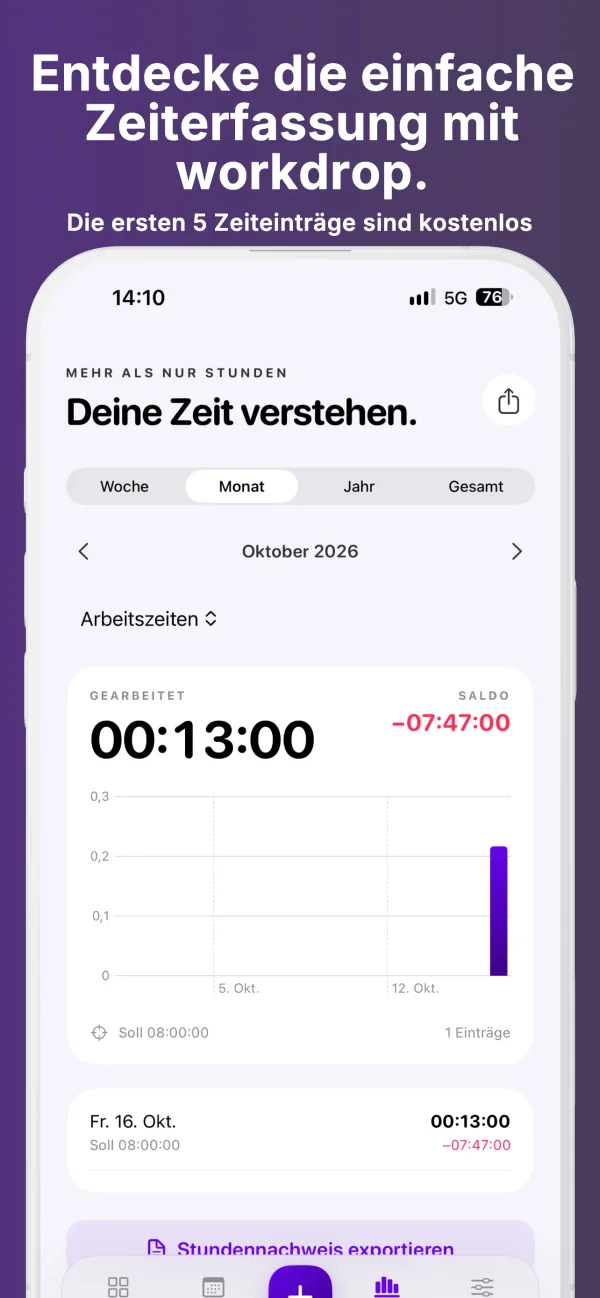
About
Your working time. Your overview.
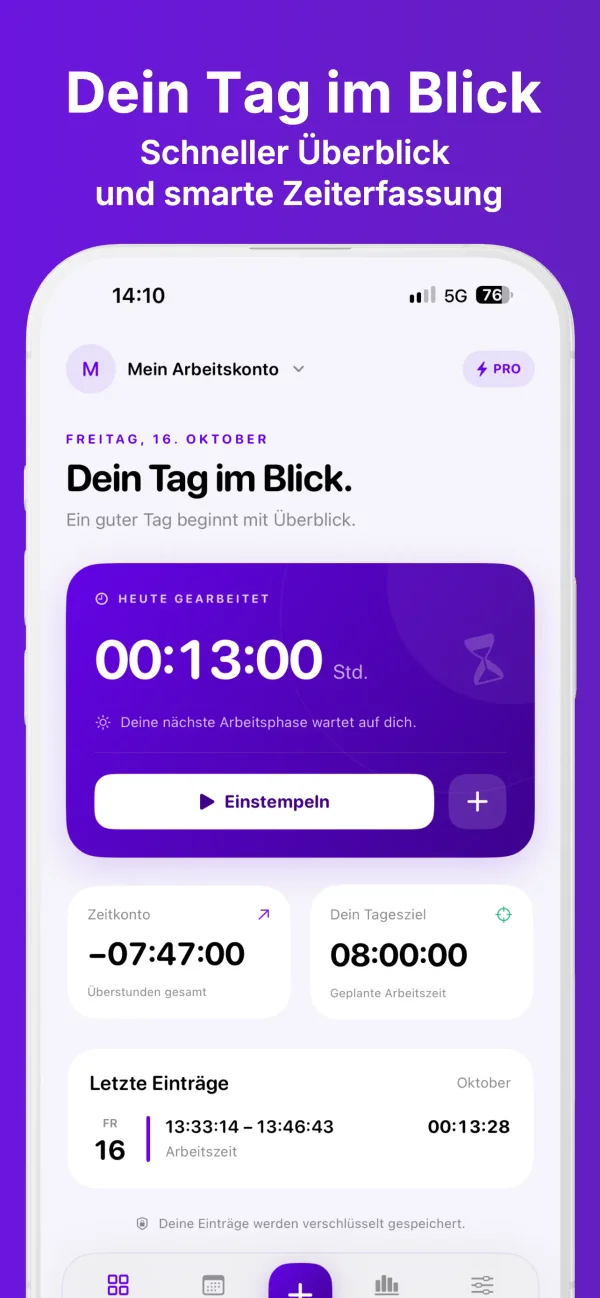
With workdrop., keep track of your working hours, breaks and overtime. Organise your working day on iPhone or iPad and see how close you are to your daily goal. For your personal time tracking — including as an employee.
WHAT WORKDROP. CAN DO
• Add working hours manually, with notes and tags.
• Set target hours and breaks to suit your working routine.
• Follow your working hours and overtime in clear reports.
• Enter your hourly rate and see your estimated earnings based on the time you have recorded.
• Switch between light and dark appearance.
START FOR FREE
Try workdrop. with one work profile and up to five manual entries. Adding your hourly rate is included for free.
MORE WITH WORKDROP. PRO
• Unlimited work profiles and entries.
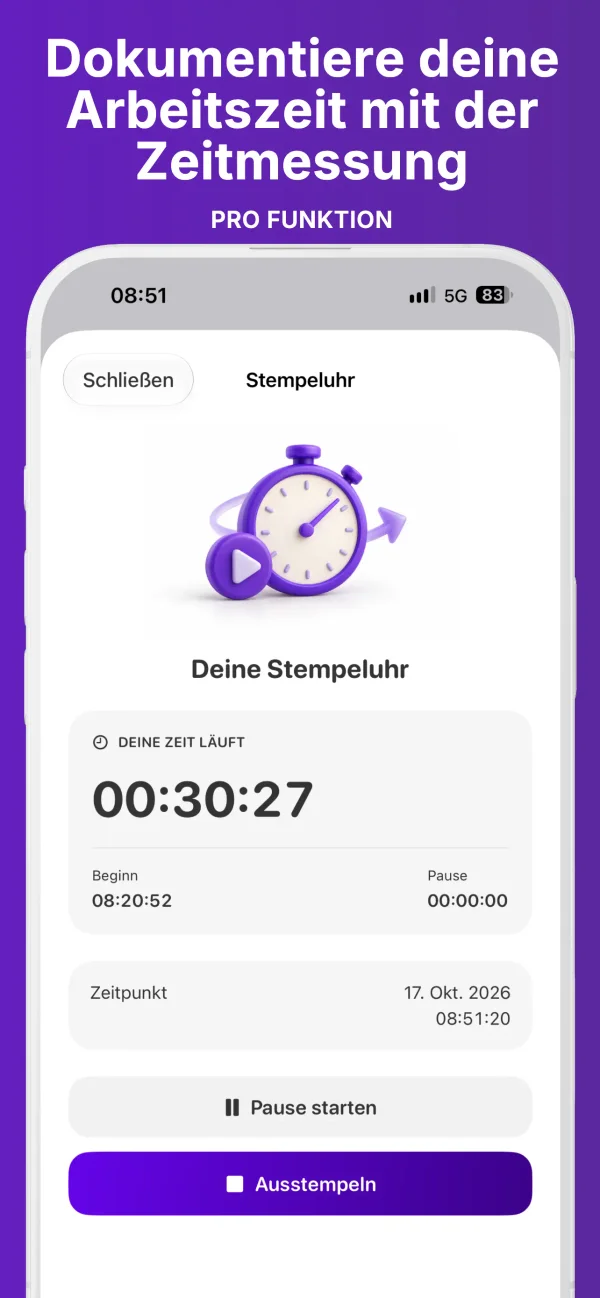
• Clock in and out with one tap — on iPhone, iPad and Apple Watch.
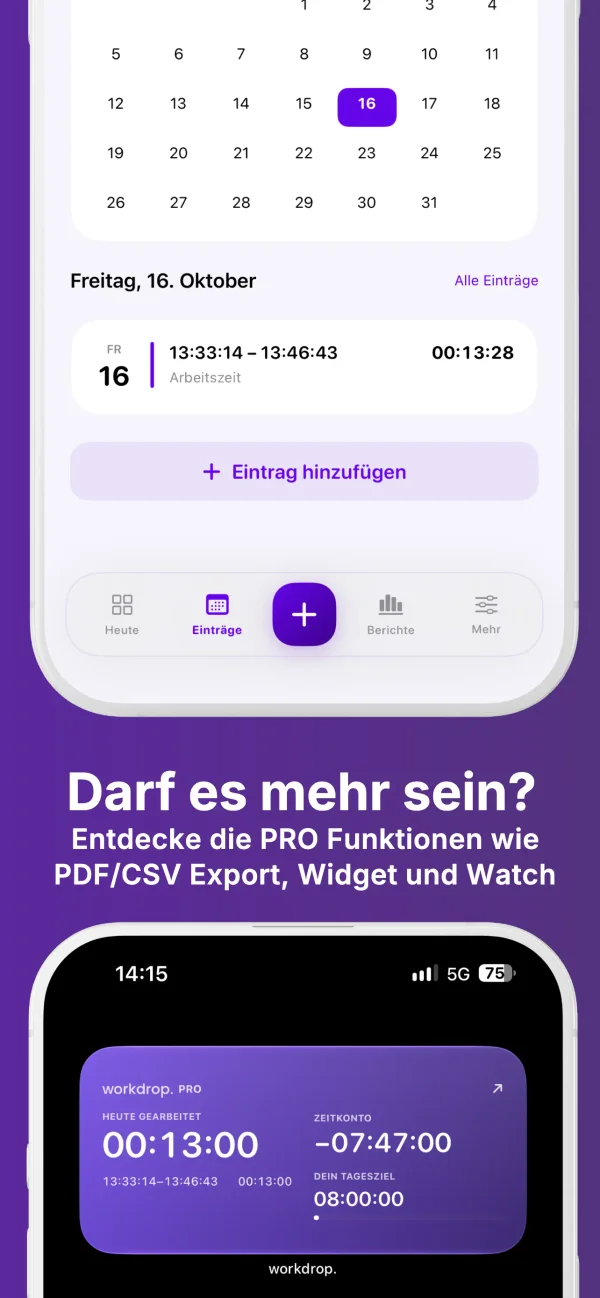
• Export timesheets as PDF or CSV.
• Plan annual leave and keep track of your remaining days.
• Show your time balance and daily goal in a Home Screen widget.
• Create encrypted backups of your data.
YOUR TIME STAYS PRIVATE
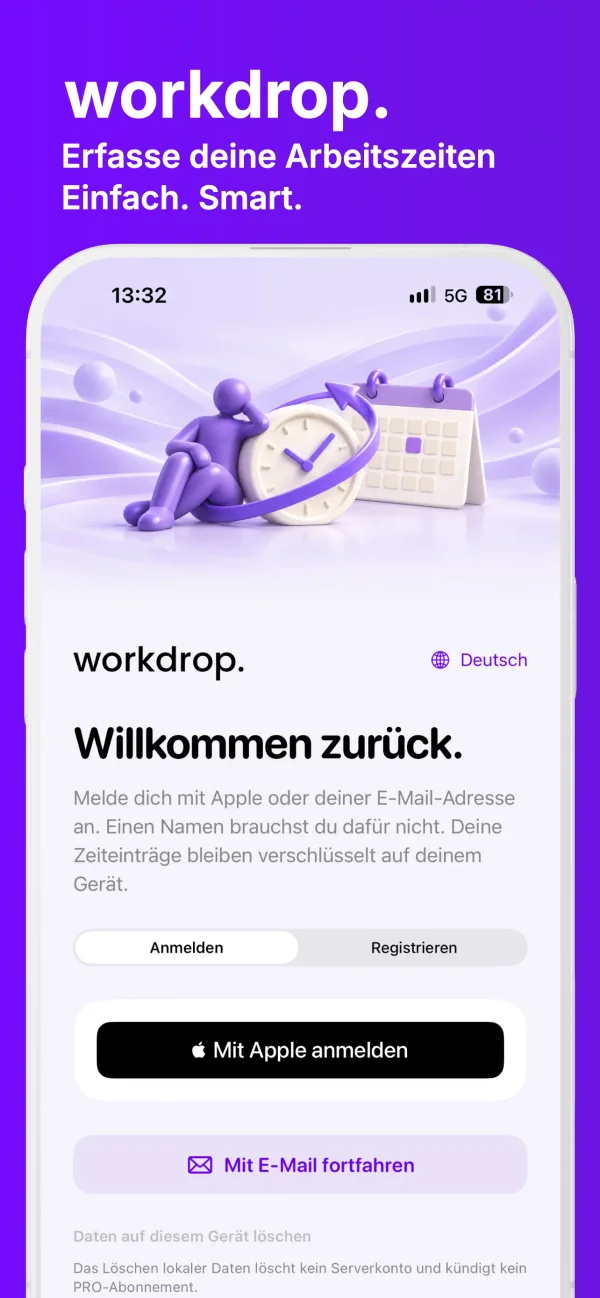
Sign in with Apple or your email address and, if you choose, protect access with Face ID. Your time entries are stored encrypted on your device. workdrop. is designed for individuals to track their own time.
PRO is available monthly or yearly, with the same features. Eligible users can try PRO free for seven days. Prices are shown before purchase. Your subscription renews automatically until you cancel it; you can manage it in your Apple subscriptions.
Terms of Use (EULA): https://www.apple.com/legal/internet-services/itunes/dev/stdeula/
What’s new
Version 27.0.1 · Oct 22, 2026
• Start, pause and finish tracking your work on Apple Watch even when your connected iPhone is locked.
• Fixed a crash when opening notifications.
• The widget now updates your time balance live even when it is negative, without reopening the app. It also shows the duration of your current break.
App privacy
What Marcel Roeder declares on the App Store about how this app handles data.
-
Data linked to you
May be collected and linked to your identity.
- Contact info
- Identifiers
- Diagnostics
- Other data
Privacy practices may vary, for example with the features you use or your age.
Information
- Seller
- Marcel Roeder
- Category
- Productivity
- Version
- 27.0.1
- Updated
- Oct 22, 2026
- Released
- Oct 19, 2026
- Size
- 37.0 MB
- Requires
- iOS 18.0 or later
- Age rating
- 4+
- In-app purchases
- Yes
- Languages
- German, Arabic, Bulgarian, Danish, English, Estonian, Finnish, French, Greek, Irish, Italian, Croatian + 14 more
- Copyright
- © 2026 workdrop.
You might also like
-
 Pflege.Productivity
-
 ArbeitszeitTracking workhours and absence
-
 Week Plan CalendarKeep track of events & todos!
-
 149 Live Calendar & ToDo listSmart, versatile, and helpful.
-
 Kilanka App v2Productivity
-
 KitchenPal Shared Grocery ListPantry Inventory. Meal Planner
-
 SmiceProductivity
-
 Hours Tracker - myTimeTime Sheet, Work Log & Clock
-
 Shift Calendar - ScheduleWork time planning for worker
-
 Week Calendar - Smart PlannerSync Agenda Tasks & Reminders