WorkHours: Time Tracker
Hours Log, Timesheet & Pay
Designed for iPhone, iPad, iPod touch
Free · In-app purchases
- Age rating4+
- CategoryBusiness
- DeveloperDEVAPPS d.o.o.
- LanguagesEnglish+ 9 more
- Size121.5 MB
Links to the official App Store page
Download.org hosts no file of WorkHours: Time Tracker. The button opens its official App Store page, published by DEVAPPS d.o.o. Listing last checked on Nov 24, 2026.
Screenshots
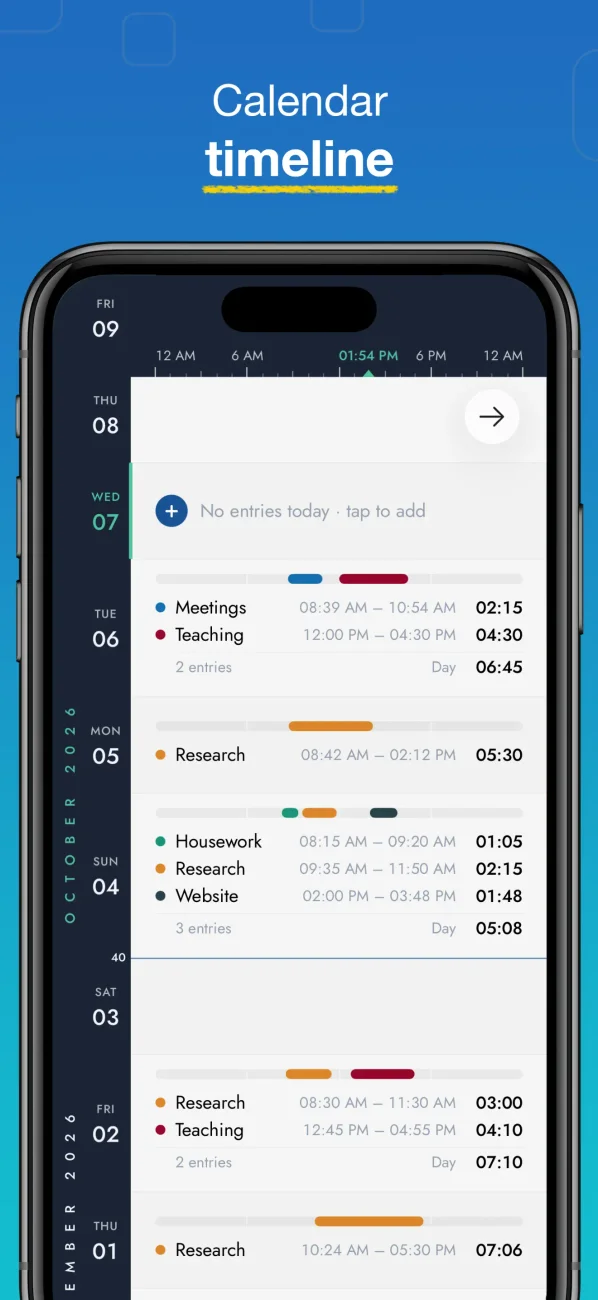
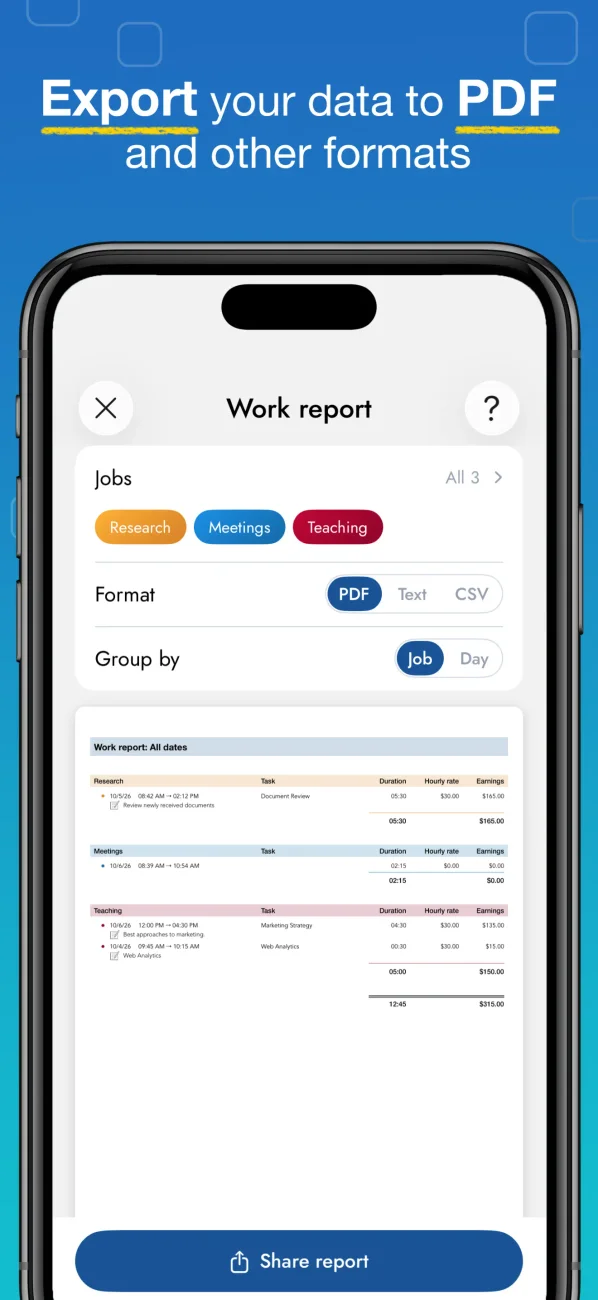


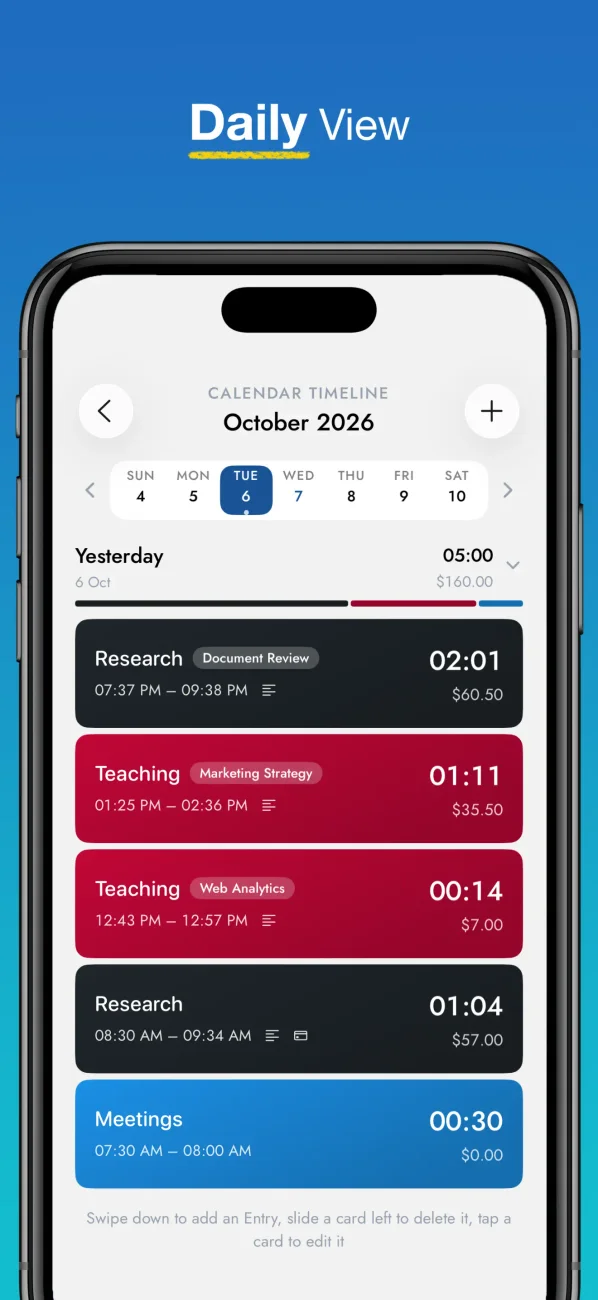
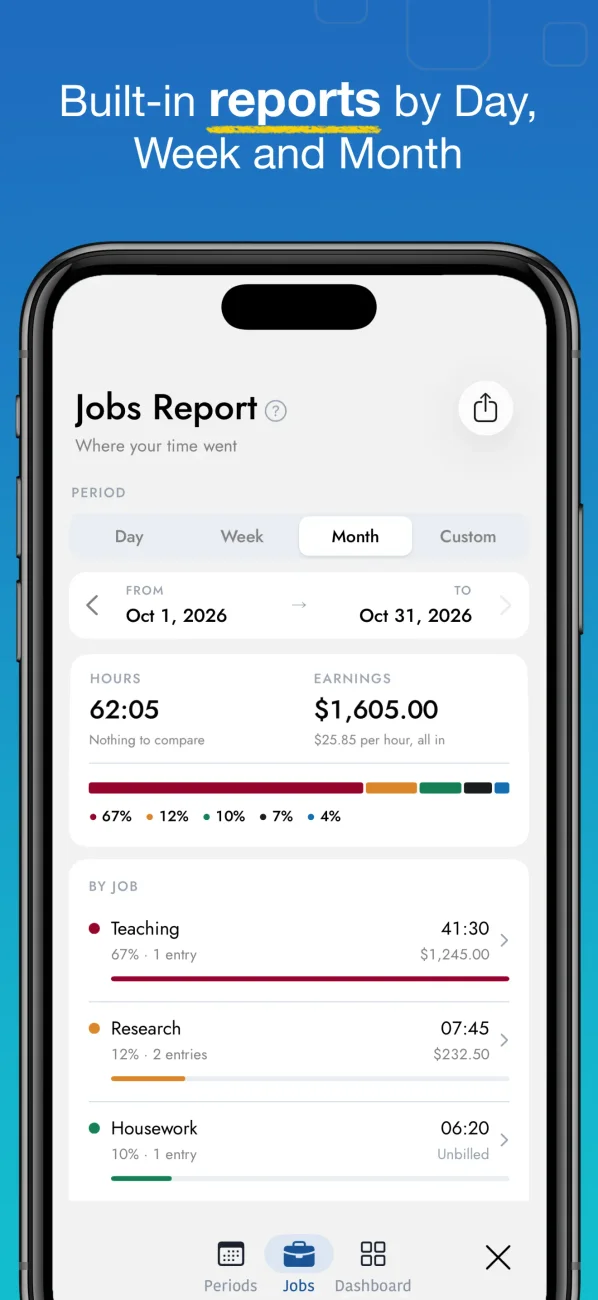
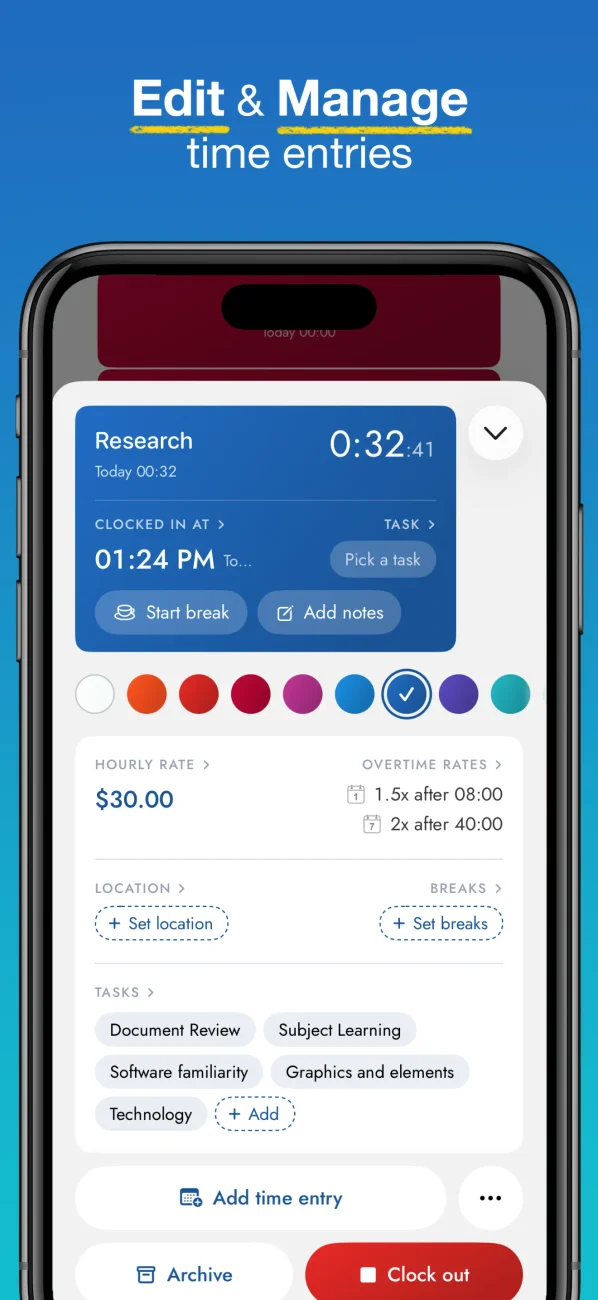
About
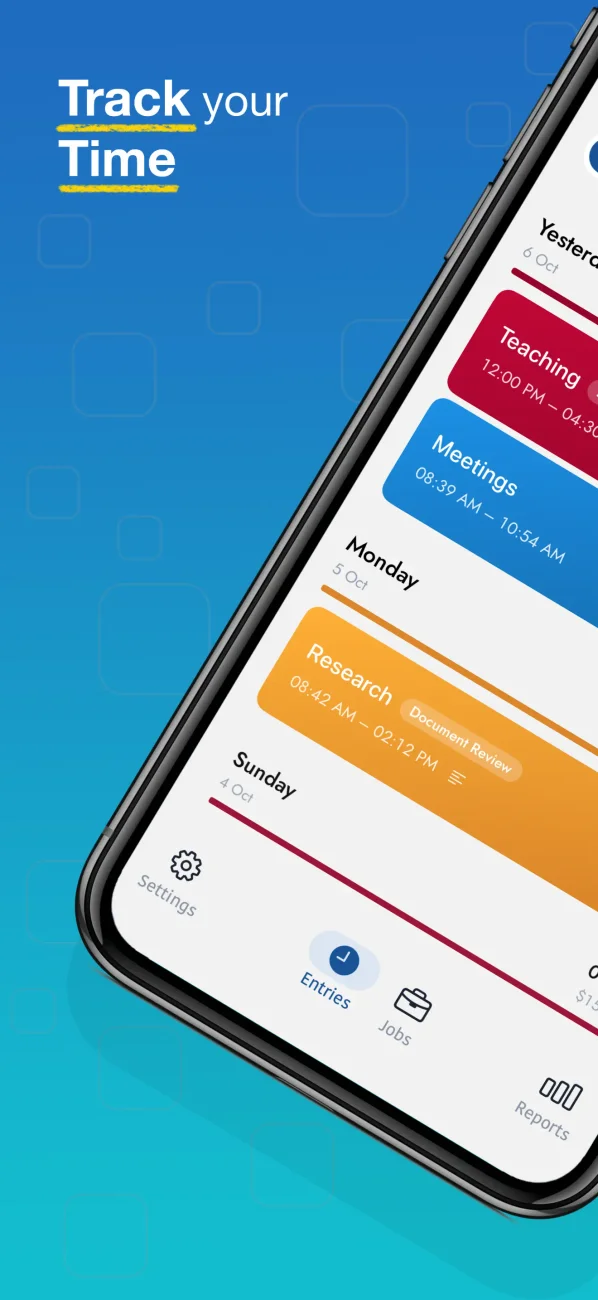
Track your hours, overtime and earnings in one tap.
WorkHours makes clocking in effortless and shows exactly what you've earned today, this week or this month. Made for hourly workers, freelancers, contractors, remote workers and students – anyone who works flexible hours.
TRACK TIME YOUR WAY
• Start and stop timers with a tap or a swipe
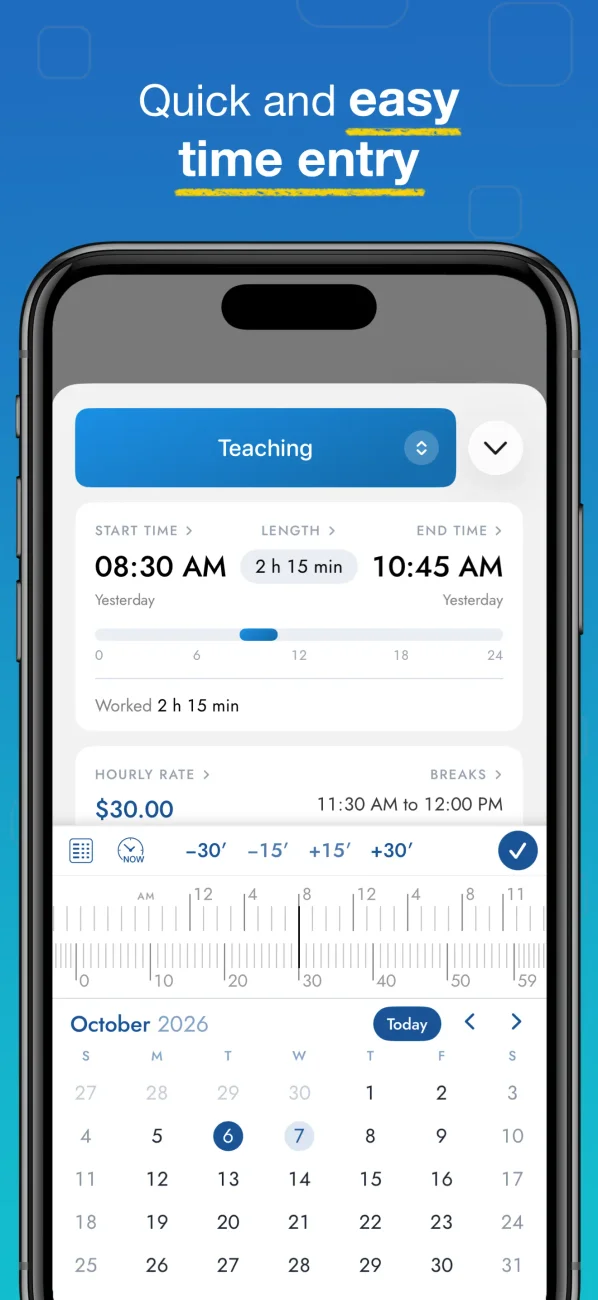
• Add or fix entries by hand – set any start, end or length
• Add breaks, notes, tasks and expenses to entries
• Copy an entry to log a repeat shift in seconds
• Round times automatically
• Reminders so you never forget to clock in or out
KNOW WHAT YOU'VE EARNED
• Hourly rates in your currency
• Automatic daily, weekly and monthly overtime rates
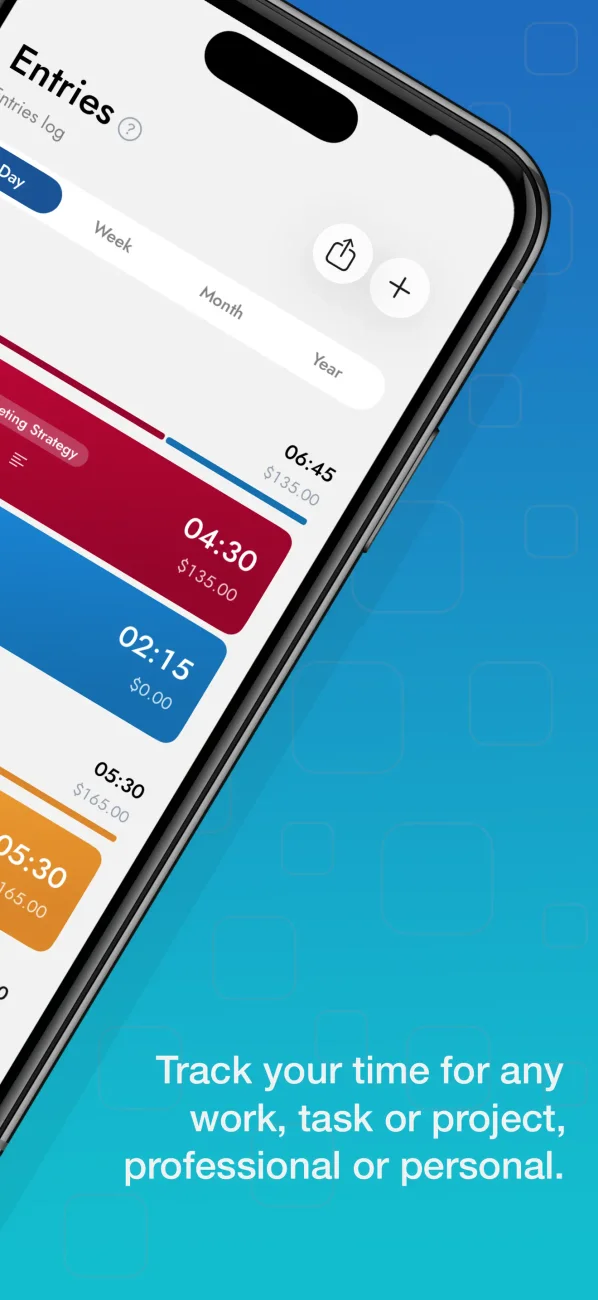
• Dashboard with your hours and earnings at a glance
• Reports by day, week, month or any custom period
• Export to PDF, CSV or text and share by email or any app
ALWAYS WITHIN REACH
• Live Activity and Dynamic Island show your running timer
• Home Screen and Lock Screen widgets
• Apple Watch app with complications – control timers and add entries from your wrist
MAKE IT YOURS
• Give each job its own color
• Light or Dark theme and alternative app icons
• Lock the app with a passcode, Face ID or Touch ID
SYNC AND BACKUP
WorkHours Cloud syncs your data across devices in real time and keeps it backed up, so moving to a new iPhone is painless. Manual backups are included too.
FREE AND PREMIUM
WorkHours is free to use with a limited number of entries and jobs. Premium unlocks unlimited entries, jobs and all features. Try it free for 3 days, then choose a monthly or yearly subscription.
• Payment is charged to your Apple Account at confirmation of purchase
• Subscriptions renew automatically unless auto-renew is turned off at least 24 hours before the end of the current period
• Your account is charged for renewal within 24 hours before the end of the current period
• Manage subscriptions and turn off auto-renew in your Apple Account settings after purchase
• Any unused part of a free trial is forfeited when you purchase a subscription
Terms of Use: https://www.whtracker.com/tos
Privacy Policy: https://www.whtracker.com/privacyPolicy
Questions or ideas? We'd love to hear from you: support@whtracker.com
What’s new
Version 2.02 · Nov 8, 2026
• Now optimized for iPhone Duo
• New “All dates” period in Jobs reports
• New pie chart report showing how your time is split between jobs
App privacy
What DEVAPPS d.o.o. declares on the App Store about how this app handles data.
-
Data used to track you
May be used to track you across apps and websites owned by other companies.
- Identifiers
-
Data not linked to you
May be collected but is not linked to your identity.
- Identifiers
- Usage data
- Diagnostics
Privacy practices may vary, for example with the features you use or your age.
Information
- Seller
- DEVAPPS d.o.o.
- Category
- Business
- Version
- 2.02
- Updated
- Nov 8, 2026
- Released
- Dec 1, 2019
- Size
- 121.5 MB
- Requires
- iOS 15.6 or later
- Age rating
- 4+
- Price
- Free
- In-app purchases
- Yes
- Languages
- English, French, German, Italian, Japanese, Korean, Portuguese, Russian, Simplified Chinese, Spanish
- Copyright
- © DEVAPPS d.o.o.
You might also like
-
 Clock In: Shift Hours TrackerTime Clock & Pay Calculator
-
 Punch time clock - FlexishiftFlex hours tracker and worklog
-
 Work Hours & Pay CalculatorTrack time & expected salary
-
 WorkTime: Shift Work CalendarJob schedule & hours tracker
-
 Hours Tracker: Time TrackingHourly work and pay calculator
-
 Hours Keeper: Time TrackerTimesheet, Pay and Invoice
-
 Atto: Time Tracking & ShiftsEmployee Clock In Hour Tracker
-
 Punch Time ClockTimesheets & Hours Tracker
-
 Clockify Time TrackerTime tracker and timesheet
-
 Timesheet: Work Hours TrackerShift Work & Pay Calculator