WorkingHours • Time Tracker
Work Log & Timesheet Export
Được thiết kế cho iPhone, iPad
Miễn phí · Mua hàng trong ứng dụng
- Độ tuổi4+
- Danh mụcHiệu Suất
- Nhà phát triểnTimo Partl
- Ngôn ngữTiếng Anh+ 31 ngôn ngữ khác
- Kích thước30,4 MB
Liên kết đến trang App Store chính thức
Download.org không lưu trữ tệp nào của WorkingHours • Time Tracker. Nút này mở trang ứng dụng trên App Store, nơi Timo Partl phát hành ứng dụng. Trang được kiểm tra lần cuối: 24/11/2026.
Ảnh chụp màn hình
Giới thiệu
Nhà phát triển chưa cung cấp nội dung này bằng ngôn ngữ của bạn.
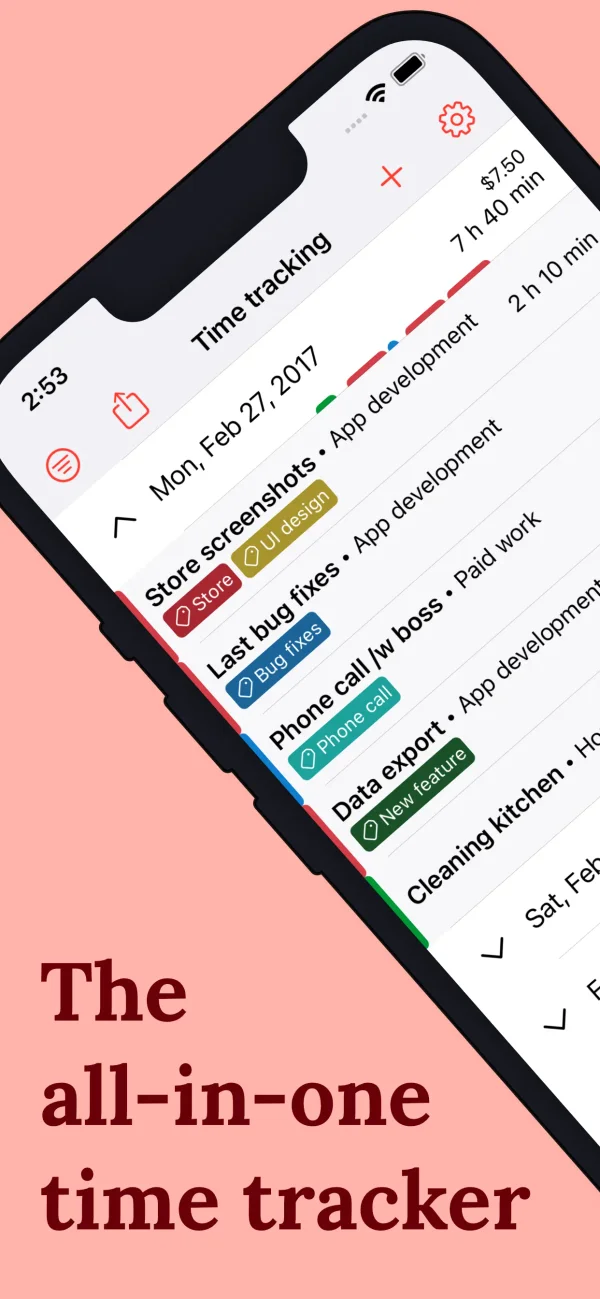
Track work time, keep accurate timesheets, and prepare billable records without a subscription. WorkingHours is a personal time tracker for freelancers, hourly workers, employees, contractors, consultants, and anyone who wants a clear record of their workday.
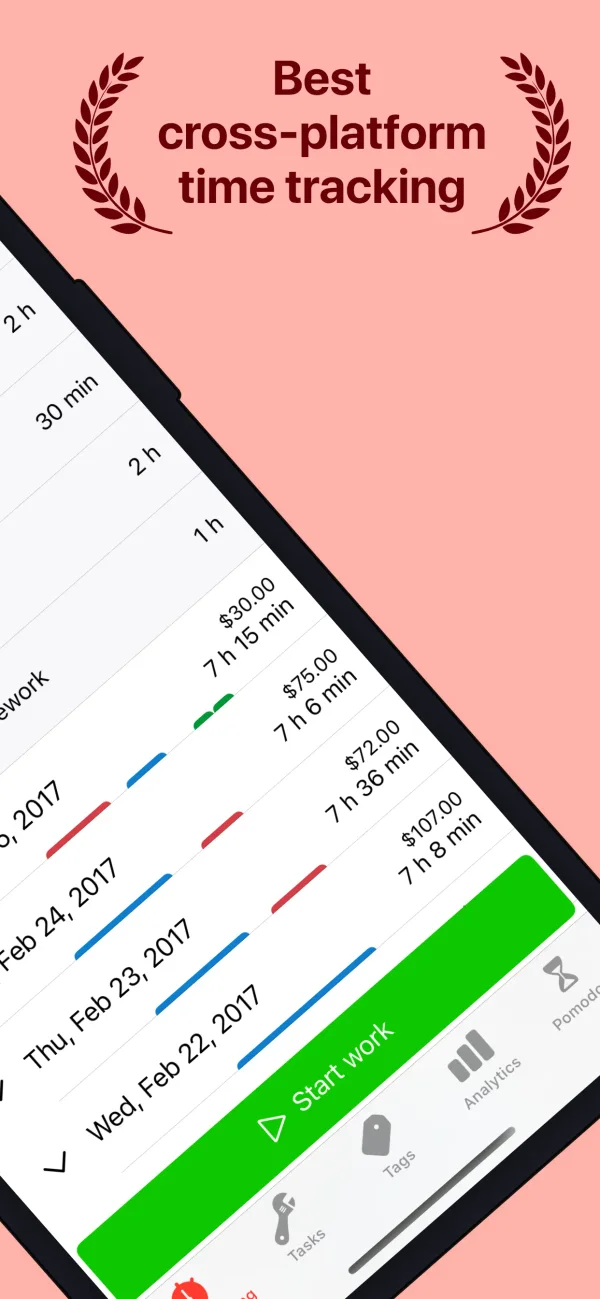
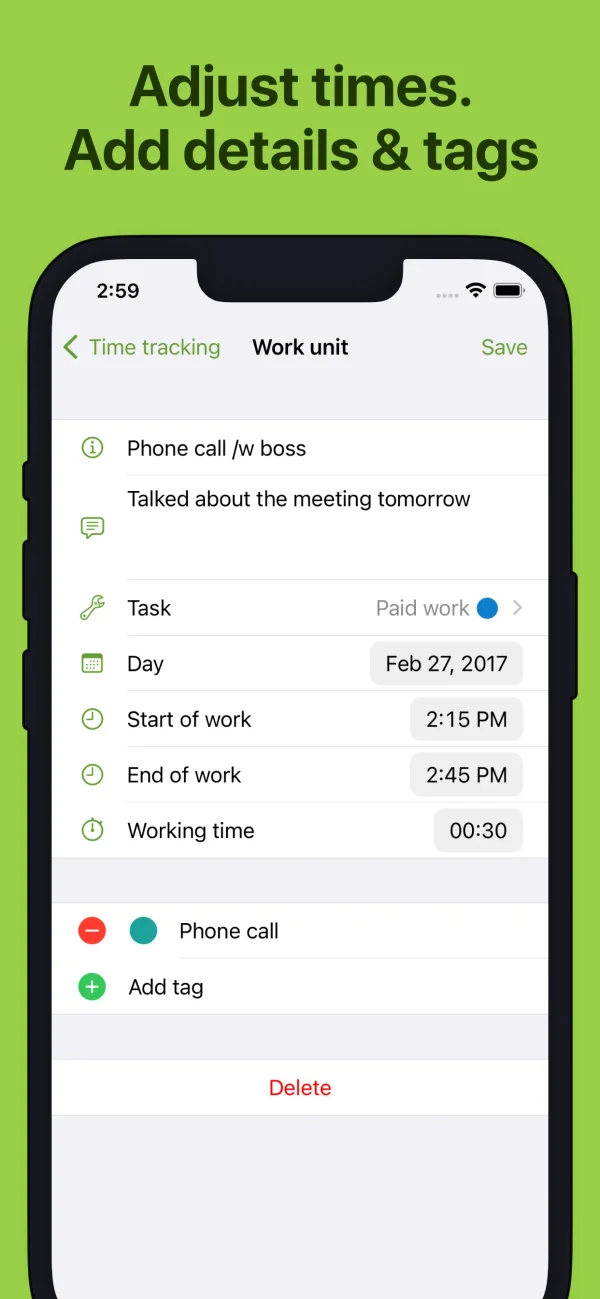
Start the timer when work begins, pause and resume for breaks, then stop when you are done. Breaks can be subtracted automatically. If you forget to track something, add or edit entries manually and correct the details later. Sessions that cross midnight can be split automatically.
Keep your hours organized and useful.
• Assign time to tasks or projects
• Add tags, notes, and descriptions
• Automatically apply tags to projects or new entries
• Track overtime, hourly rates, earnings, and fixed fees
• Adjust time or earnings with flexible tag rules
• Search and filter entries quickly
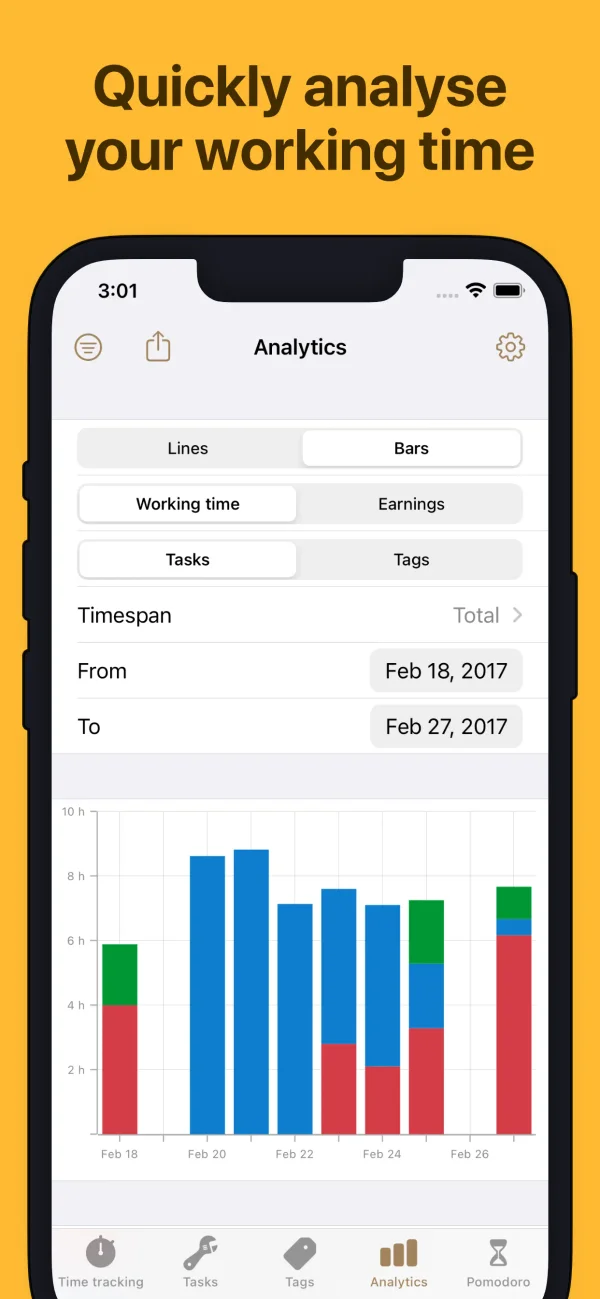
Understand where your time goes with charts and visual reports. Switch between duration and revenue to review work patterns, check billable hours, or prepare records for clients and managers.
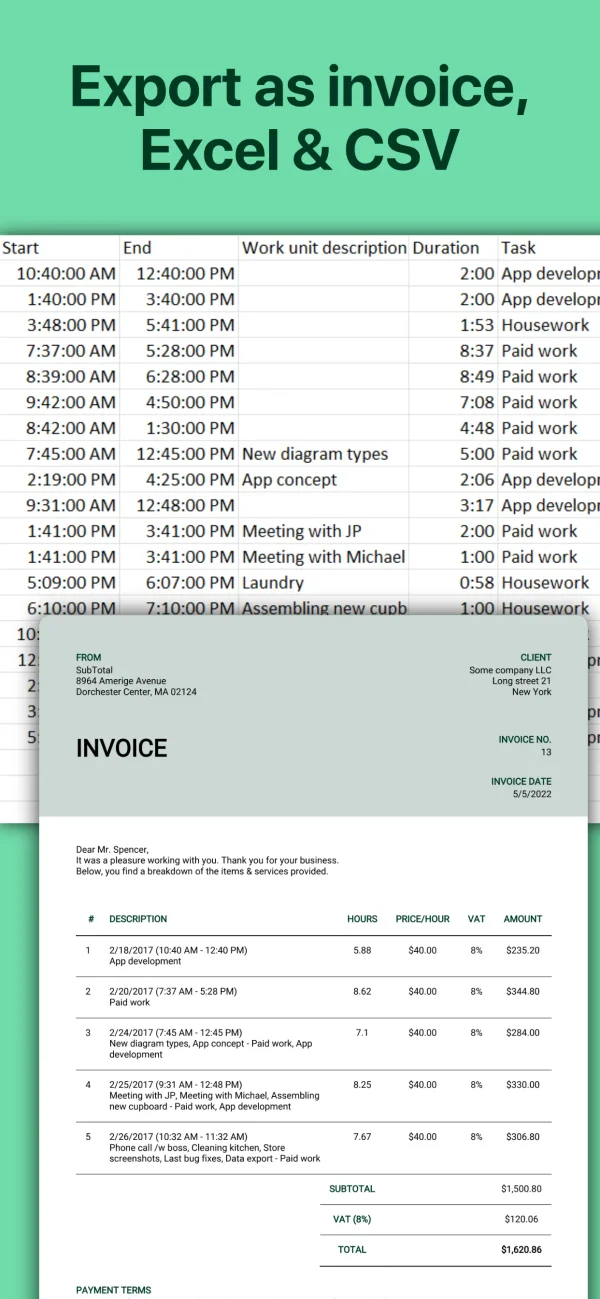
Export timesheet data in the format you need.
• Export to Excel or CSV
• Choose which columns to include
• Group records by day, week, month, task, or tag
• Create PDF invoices from tracked data with SubTotal
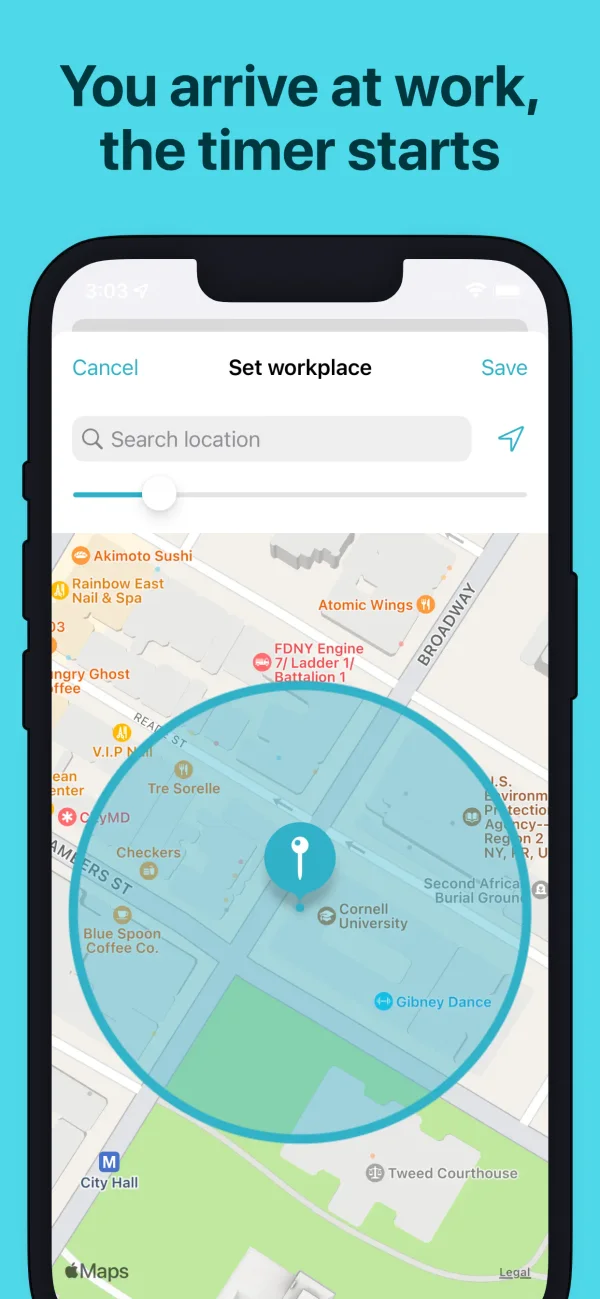
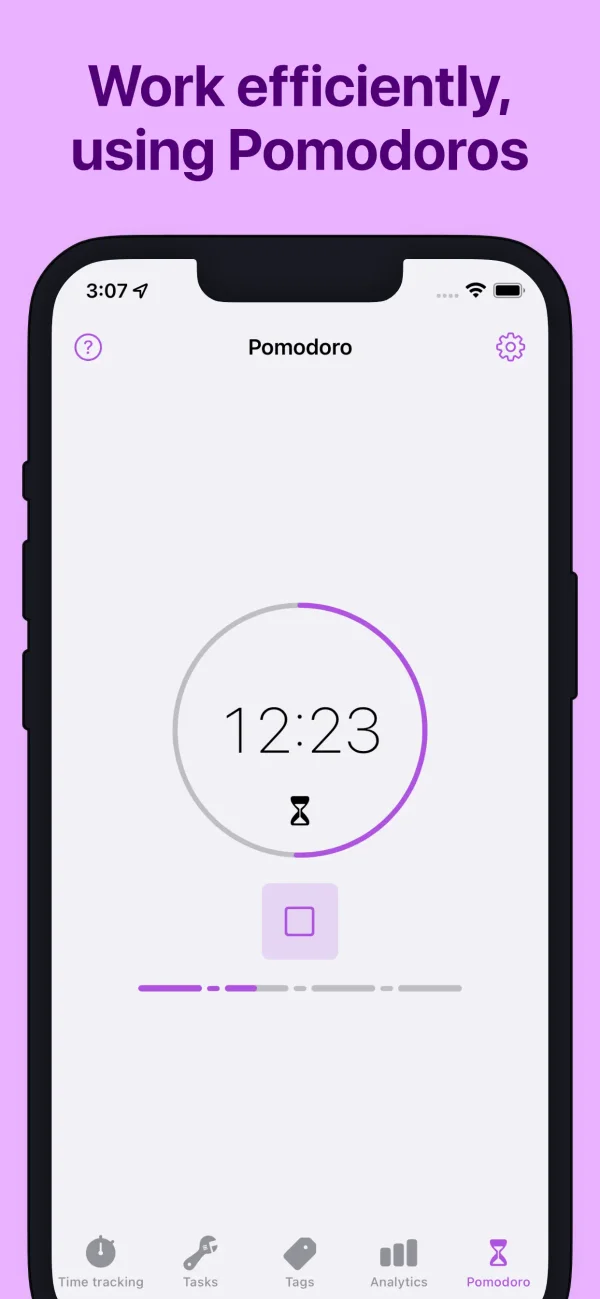
Capture time with less friction using widgets, notifications, NFC tags, and Apple Watch timer controls. Geofencing can detect workplace arrivals and departures, while Pomodoro focus sessions help structure concentrated work. You can also use Apple Shortcuts and view or import appointments from your calendar or Outlook.
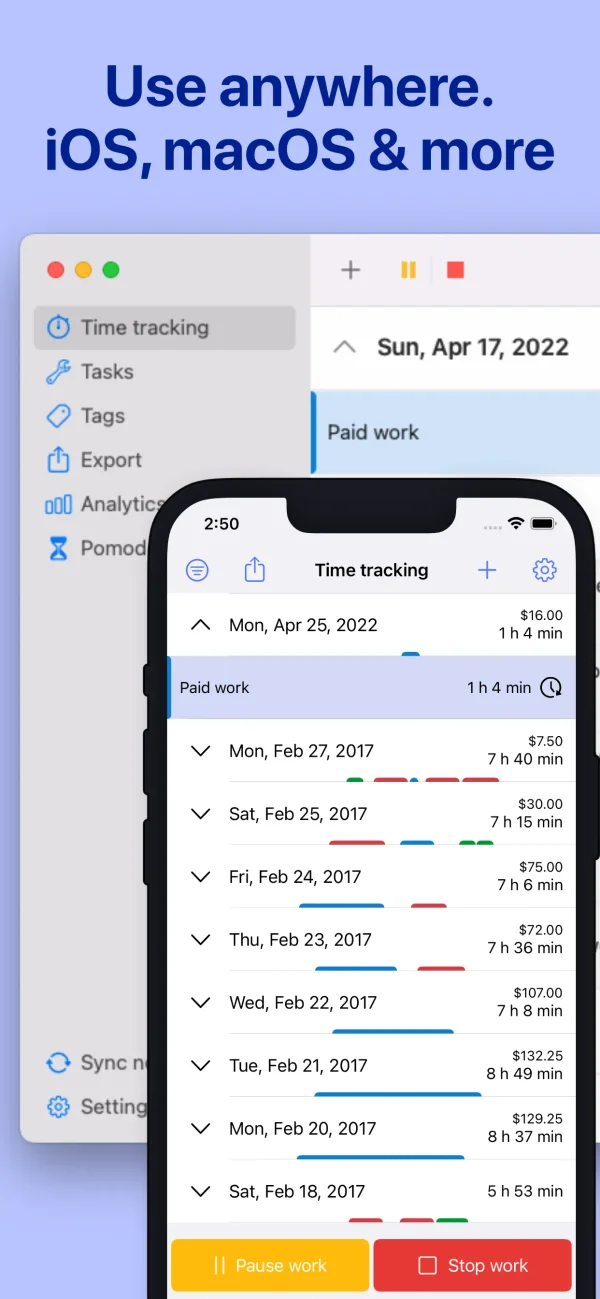
Optional sync keeps your work available across supported phone, tablet, laptop, and desktop versions. It uses your own iCloud, OneDrive, Google Drive, Dropbox, or WebDAV storage, so no WorkingHours account or registration is required.
WorkingHours is free to use, and Pro features can be tested with a 7-day trial. Pro is a one-time purchase linked to your Apple ID that unlocks Pro for iOS/iPadOS; a separate purchase may be required on other platforms.
Có gì mới
Phiên bản 2.19.3 · 27/10/2026
• Workplace detection now supports up to 5 locations, each with its own task
• Improved database, analytics and export performance
• Improved Cloud Sync reliability
Quyền riêng tư của ứng dụng
Những gì Timo Partl khai báo trên App Store về cách ứng dụng này xử lý dữ liệu.
-
Dữ liệu không liên kết với bạn
Có thể được thu thập nhưng không liên kết với danh tính của bạn.
- Chẩn đoán
Phương thức đảm bảo quyền riêng tư có thể khác nhau, chẳng hạn như tuỳ theo các tính năng bạn sử dụng hoặc độ tuổi của bạn.
Thông tin
- Người bán
- Timo Partl
- Danh mục
- Hiệu Suất
- Phiên bản
- 2.19.3
- Cập nhật
- 27/10/2026
- Phát hành
- 06/10/2018
- Kích thước
- 30,4 MB
- Yêu cầu
- iOS 17.4 trở lên
- Độ tuổi
- 4+
- Giá
- Miễn phí
- Mua hàng trong ứng dụng
- Có
- Ngôn ngữ
- Tiếng Anh, Tiếng Ả Rập, Bulgarian, Tiếng Catalan, Tiếng Séc, Tiếng Đan Mạch, Tiếng Hà Lan, Tiếng Phần Lan, Tiếng Pháp, Tiếng Đức, Tiếng Hy Lạp, Tiếng Do Thái + 20 ngôn ngữ khác
- Bản quyền
- © 2017-2026 Timo Partl
Có thể bạn cũng thích
-
 Memento - Better RemindersHiệu Suất
-
 Photo Todo Lists - PhotodoHiệu Suất
-
 V2T: Whisper AI TranscriptionHiệu Suất
-
 LifeWheel Goal Habit TrackerHiệu Suất
-
 HabitDone -Daily Habit TrackerHiệu Suất
-
 AI-Story: Write, Talk & ChatHiệu Suất
-
 Cleaning Schedule: NeatNookHiệu Suất
-
 Cat Calendar:Schedule PlannerHiệu Suất
-
 Habit & Goal Tracker – GoalKitHiệu Suất
-
 SleepScout® : Sleep RecoderHiệu Suất