
Worklog - OJT Progress Tracker
Offline OJT & internship hours
Designed for iPhone, iPod touch
Free
- Age rating4+
- CategoryProductivity
- DeveloperJustine Cua
- LanguagesEnglish
- Size22.1 MB
Links to the official App Store page
Download.org hosts no file of Worklog - OJT Progress Tracker. The button opens its official App Store page, published by Justine Cua. Listing last checked on Nov 10, 2026.
Screenshots
About
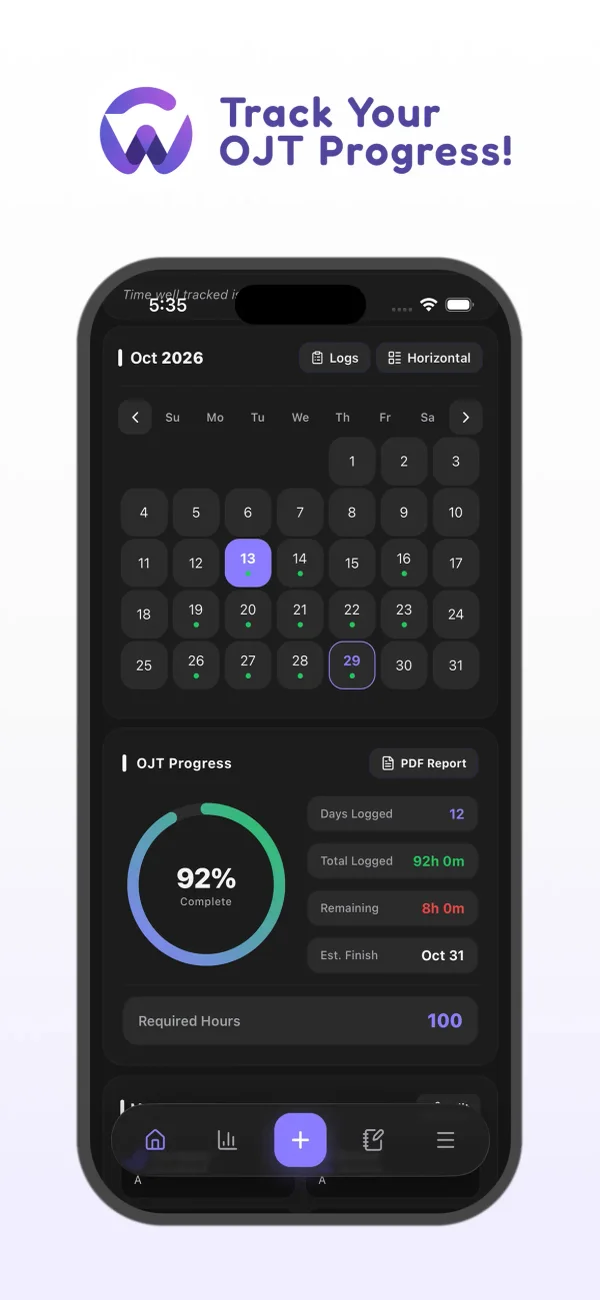
Worklog makes tracking your OJT and internship hours effortless. Log your time in seconds, watch your progress grow, and export a ready-to-submit report when you need it.
LOG HOURS IN SECONDS
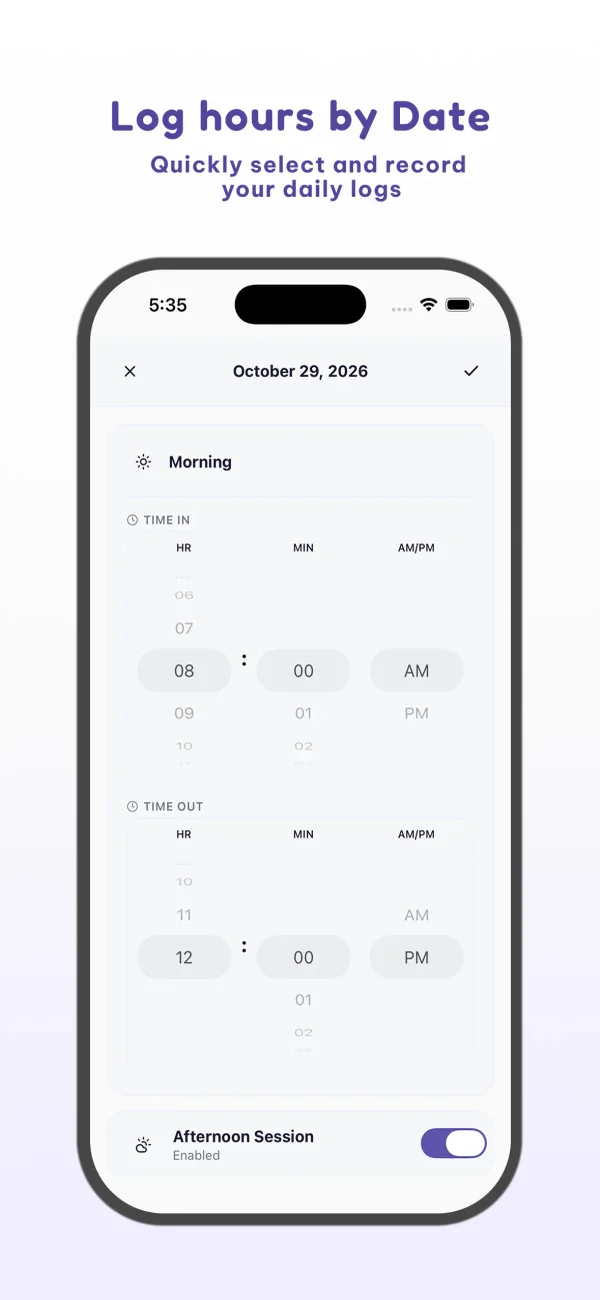
• Tap the + button to log today, or pick any date on the calendar
• Morning and afternoon sessions with a lunch break, or a single straight shift
• Quick Log fills in the current time for you
• Your usual schedule is pre-filled, so most days take one tap
SEE YOUR PROGRESS
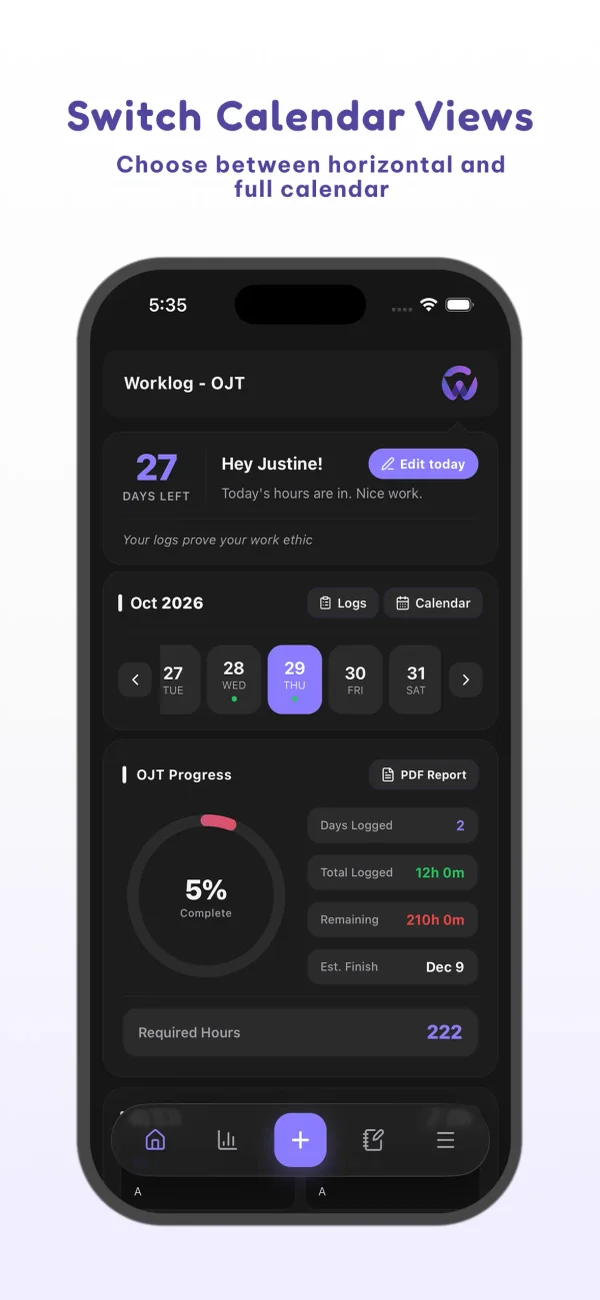
• Progress ring with hours logged, hours remaining, and days completed
• Weekly summary chart of your recent days
• Stats with your daily average, best day, and an estimated finish date
• A celebration when you reach your required hours
EXPORT REPORTS
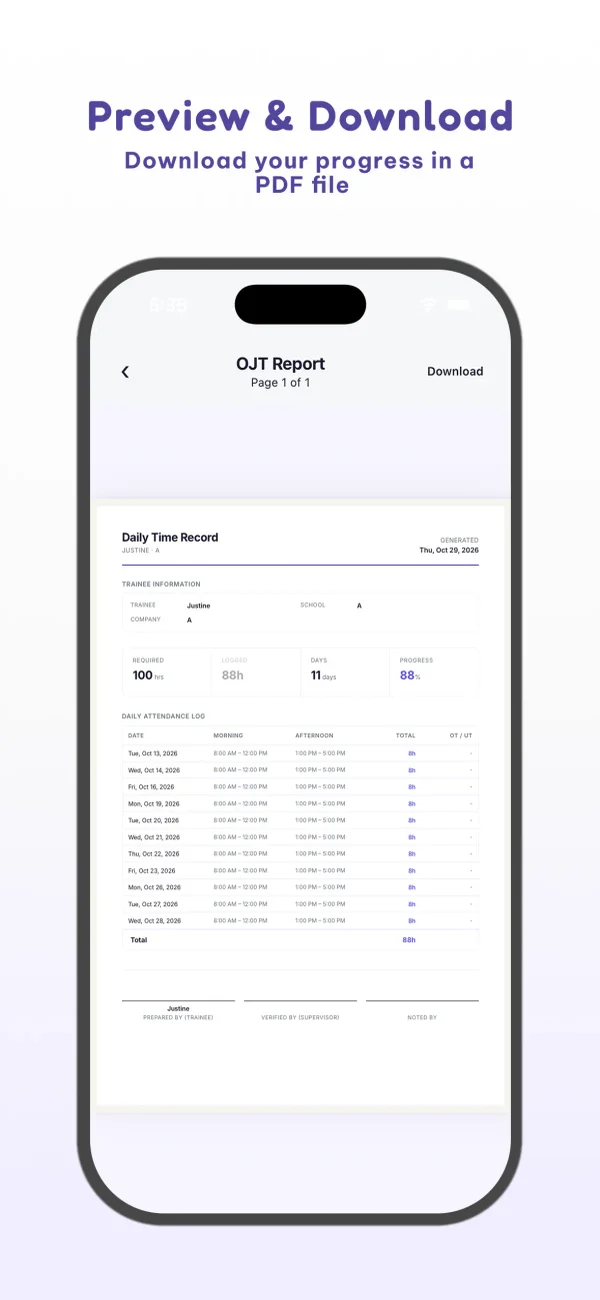
• Generate a clean PDF of your logged hours anytime
• Includes your name, school, company, and supervisor details
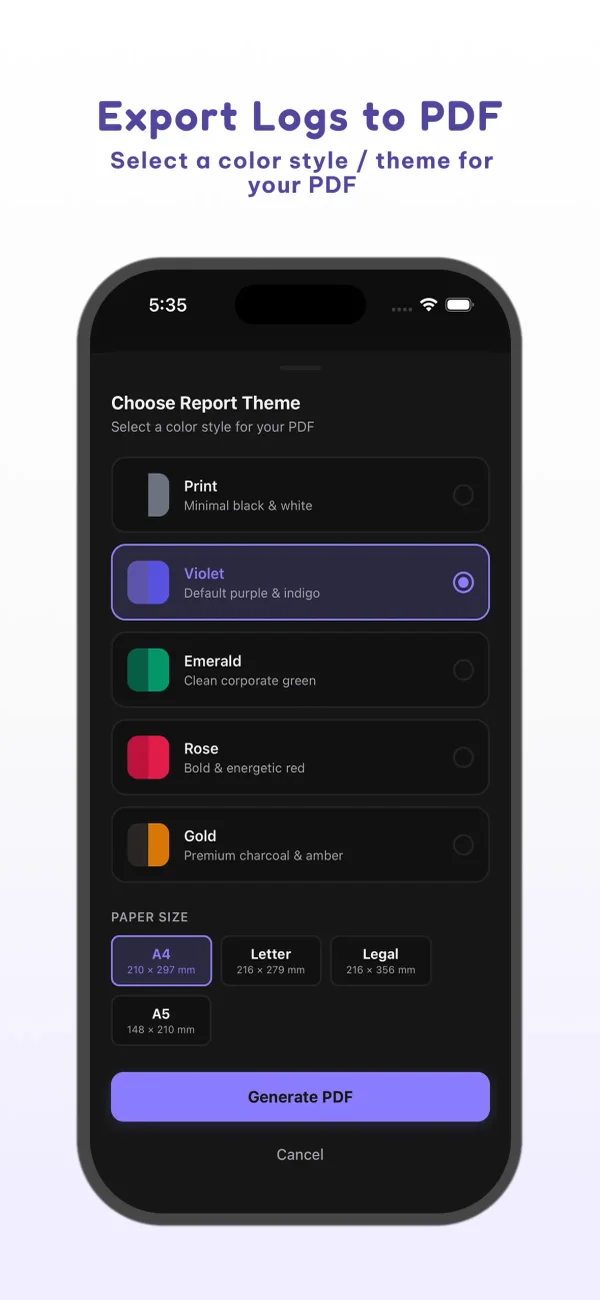
• Choose a report style, then preview, save, or share it
STAY ON TRACK
• Optional daily reminder so you never forget to log
• Quick notes for tasks, learnings, and reminders from your training days
• Light and dark mode
PRIVATE BY DESIGN
• Works 100% offline
• No account, no sign-up, no tracking
• Your data never leaves your device
• Back up your data to a file and restore it on a new phone
Built for OJT trainees, interns, and practicum students who want one less thing to worry about.
What’s new
Version 1.2 · Nov 7, 2026
What's new in 1.2:
• See your hours on each day in the calendar
• Monthly summary: tap the month total to see every day, week by week
• Mark days as Holiday or Absent (shown in red, 0 hours)
• Tap a logged day for a quick summary with Edit and Delete
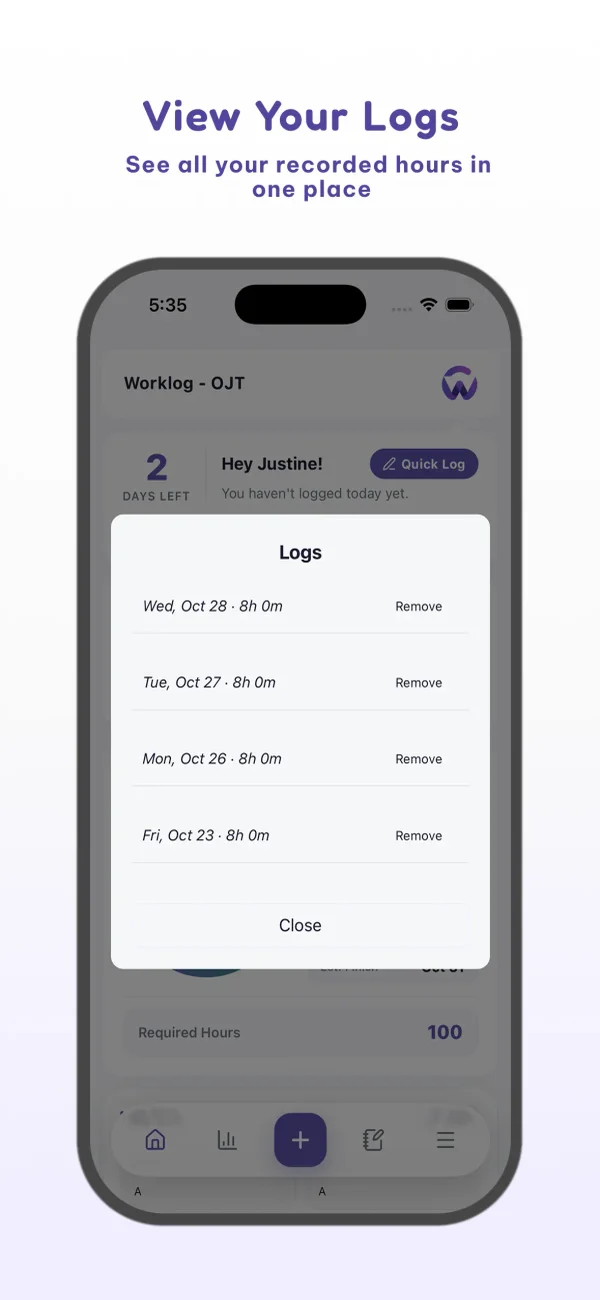
• New Logs screen in More, listing all your saved days
• Reset all logs, with an option to back up first
• Quick Log after lunch now starts with the afternoon only
• Tap the Worklog logo to open your profile
App privacy
What Justine Cua declares on the App Store about how this app handles data.
-
Data not collected
The developer does not collect any data from this app.
Privacy practices may vary, for example with the features you use or your age.
Information
- Seller
- Justine Cua
- Category
- Productivity
- Version
- 1.2
- Updated
- Nov 7, 2026
- Released
- Oct 28, 2026
- Size
- 22.1 MB
- Requires
- iOS 15.1 or later
- Age rating
- 4+
- Price
- Free
- Languages
- English
- Copyright
- © 2026 Justine Cua
You might also like
-
 Noter: Notes, Lists & TablesChecklists, tables, calendar
-
 Trax: Internship TrackerProductivity
-
 Smart Document Summary AIScan a contract, lease or bill
-
 Time Log: Work Hour TrackerWFH & office time calculator
-
 Work Log – Hours TrackerShift & Timesheet Tracker
-
 Word Keeper: Writing TrackerBuild Habits, Finish Your Book
-
 Shadow: Block Apps & FocusScreen time limiter & study
-
 Countdown Timer – DeadlinesWidget, Events & Reminders
-
 May CalendarSee All Your Plans at a Glance
-
 Hours: Time Log & Work TrackerTime Management & Calculator