WorkPulse - work log
Attendance & task time tracker
Designed for iPhone, iPod touch
Free
- Age rating12+
- CategoryProductivity
- DeveloperDo Vuong
- LanguagesEnglish
- Size42.3 MB
Links to the official App Store page
Download.org hosts no file of WorkPulse - work log. The button opens its official App Store page, published by Do Vuong. Listing last checked on Nov 15, 2026.
Screenshots


About
WorkTracker is your personal work companion — a private, single-user app that tracks your attendance, times your tasks, and reminds you when it's time to head home. No account, no sign-up, no cloud: everything you enter stays on your device.
CHECK IN, CHECK OUT
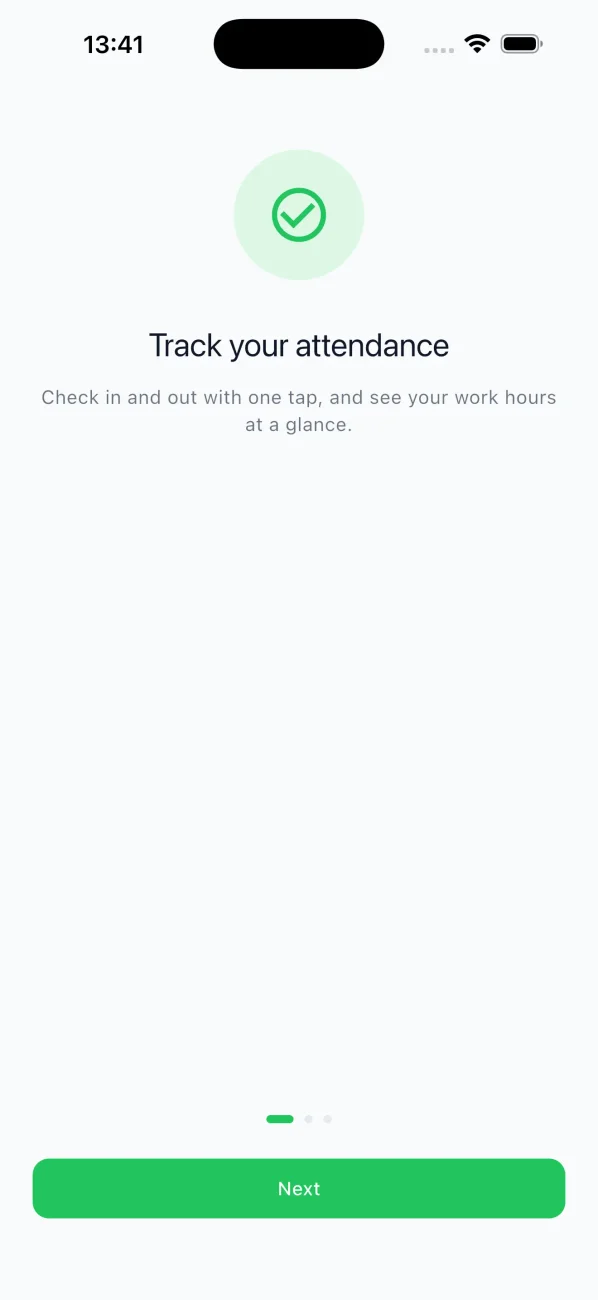
Tap once to clock in and once to clock out. The home screen shows your work-hours progress at a glance, plus your expected leave time (adjusted for a late start and minus lunch), total hours worked, overtime, and when you arrived and left.
YOUR SCHEDULE, YOUR RULES
Set your start and end times, working days, and lunch break once. WorkTracker uses it to power every calculation — lateness, overtime, and reminders.
CALENDAR
Browse a month view with a per-day summary of attendance and lateness, and open any day to review or edit past check-in and check-out records.
SMART LEAVE REMINDERS
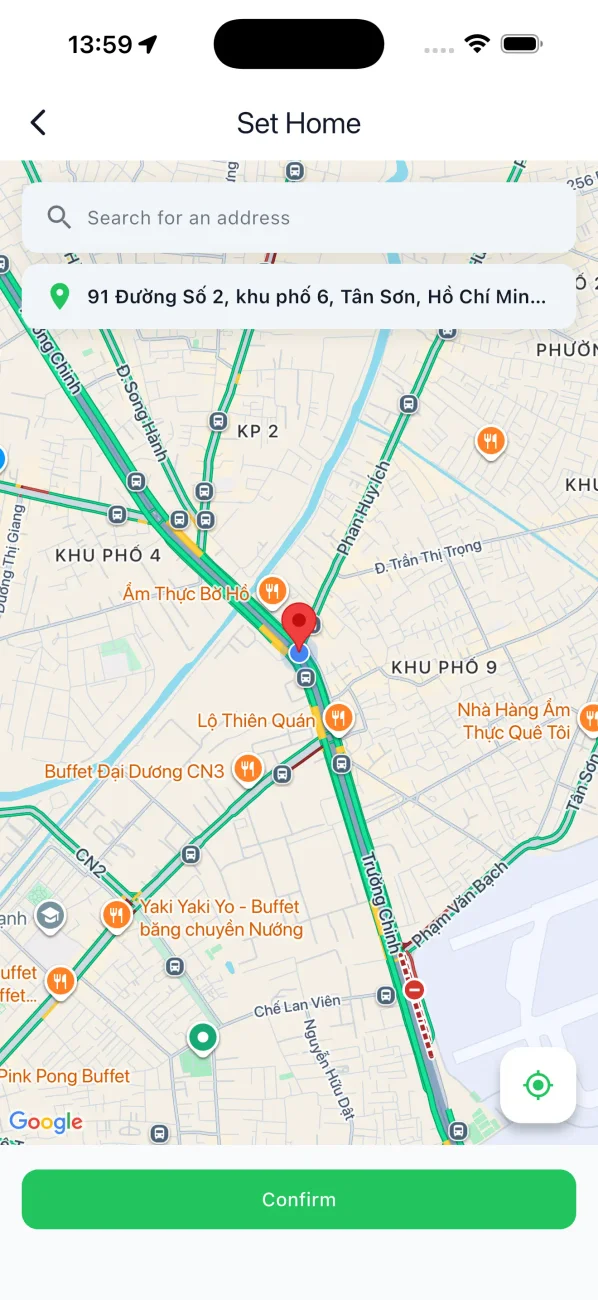
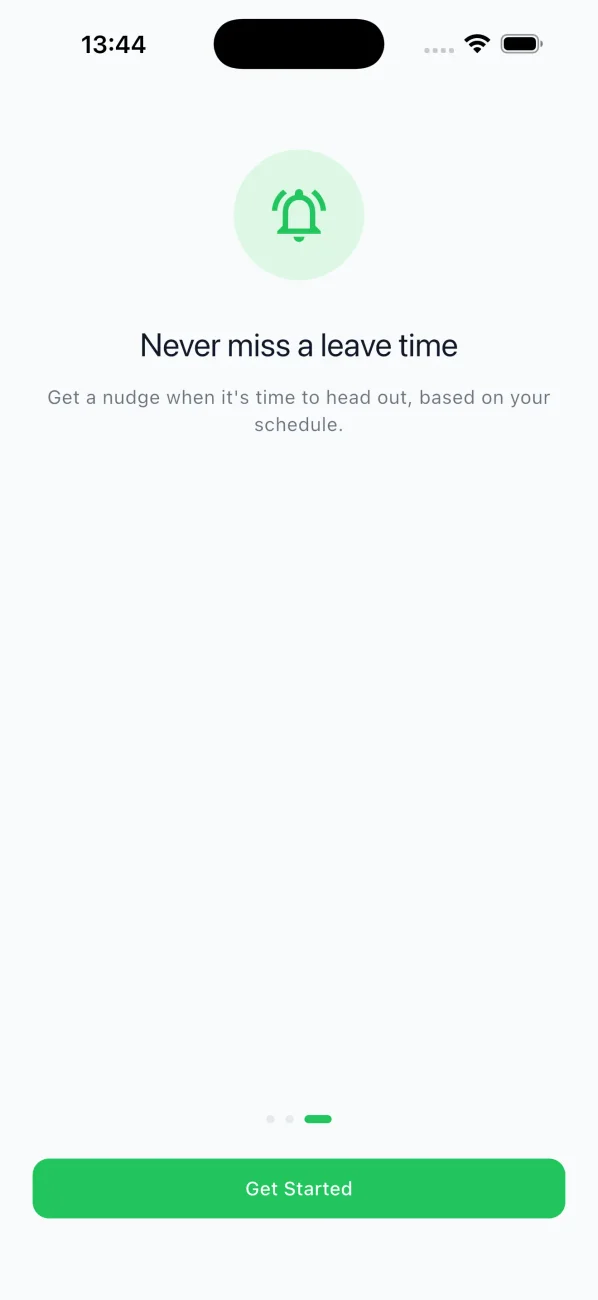
Pin your Home and Work locations on an in-app map (with address search). WorkTracker estimates your commute using live traffic and checks the weather at your workplace, then sends an on-device "heads-up" and a "leave now" nudge timed to your schedule — so you're never caught leaving too late.
CHECKOUT REMINDER
Get an end-of-day reminder to clock out, automatically shifted later if you started late, with a lead time you control.
TASK TIME TRACKING
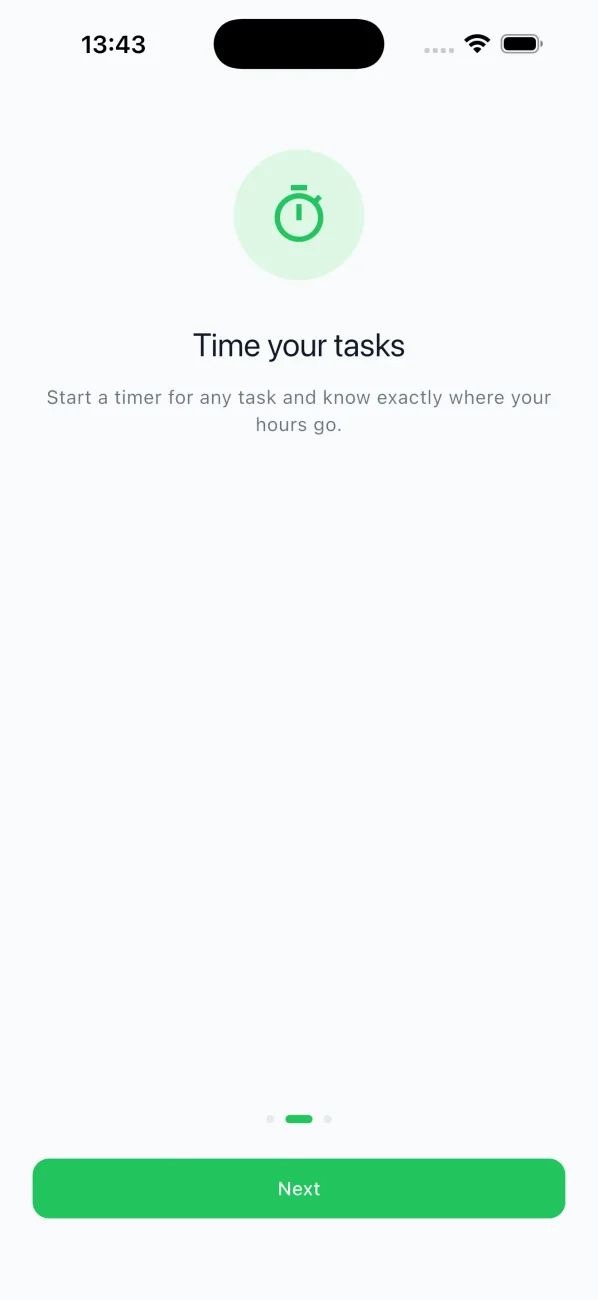
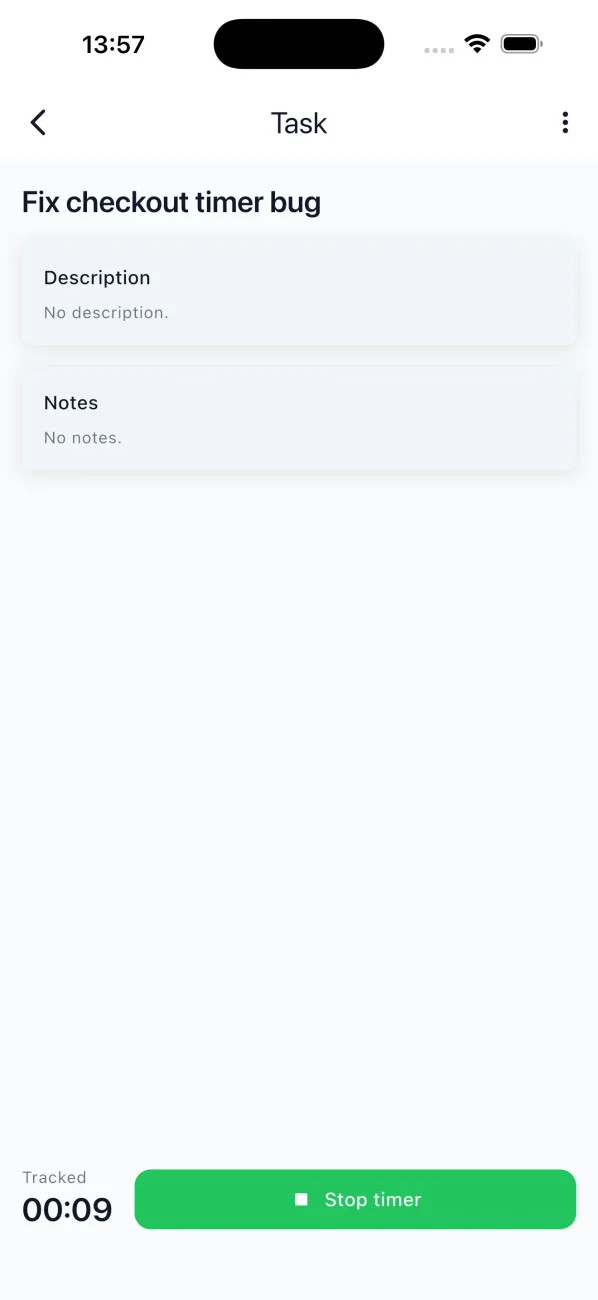
Create tasks and start a per-task timer to see exactly where your hours go. A "Manage task times" screen lets you review and edit per-day time logs.
ZENTAO INTEGRATION (OPTIONAL)
Connect to your own Zentao instance to import assigned tasks and bugs as trackable items — complete with priority, severity, comments, and attachments. Your credentials are stored encrypted on your device and sent only to your Zentao server.
AI BUG-FIX ASSISTANT (OPTIONAL)
For a task linked to a Zentao bug, generate a framework-aware fix prompt tailored to your coding AI of choice. Available only when configured with your own API key.
PRIVATE BY DESIGN
WorkTracker has no account and no backend. Your attendance, schedule, tasks, and settings live only in an on-device database. Location coordinates are sent to mapping and weather services solely to power the leave-reminder features you opt into — never for advertising or tracking. See our privacy policy for full details.
Take control of your workday — download WorkTracker today.
What’s new
Version 1.2.0 · Aug 28, 2026
Home now follows your work day
• Before you leave, a new hero card puts your time-to-leave front and centre, with a live countdown and the time you'll arrive.
• While you're working, today's work moves to the top and the countdown shrinks to a slim status strip.
• Thirty minutes before your scheduled finish, a wrap-up card previews your daily report so you can copy it and check out in one step.
Today Work
• Now includes items you planned for today and any whose status you changed today — not just the ones you tracked time against.
• Today's Activity gets a proper timeline with relative times and the address for each entry.
Daily report
• One row per work item showing its total for the day, so a task worked across several sessions no longer appears several times.
• Tap a row to expand each session inline with its start, end, and duration. The copied report is collapsed the same way.
• The report now includes an attendance block: check-in and check-out, late/overtime/early, and hours worked against hours planned.
Arrival and departure
• Detection now only records the time — no more automatic check-in or check-out. The recorded time pre-fills the check-in/out picker as a suggestion you can accept or change.
• Fixed a false "left work" that could be logged from a drifting first GPS reading.
• Arrival and departure notifications now post reliably when detection runs in the background.
Zentao integration
• New browser for bugs you're involved in — filter by status and sort by priority, severity, last updated, or title.
• Browse a product's bugs and import one as a work item.
• See who opened an item, and view images embedded in a bug's description.
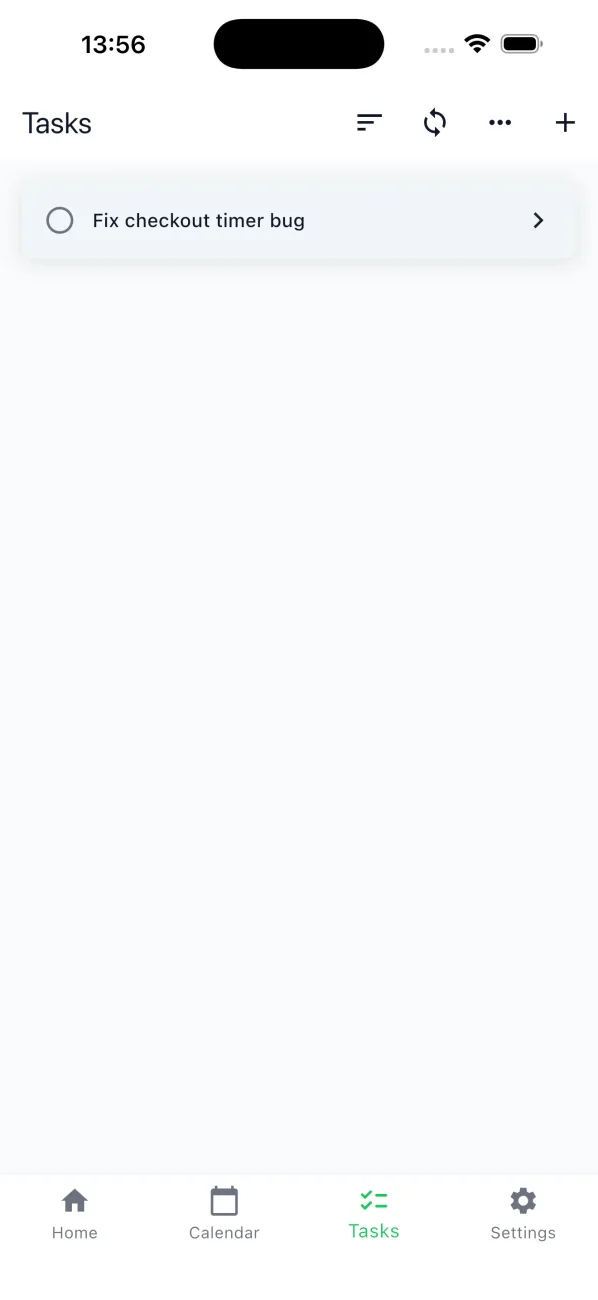
Also: work item IDs in the manage-times rows, a total count on the Tasks page, starting a timer now marks a task as planned for today, and assorted Home layout fixes.
App privacy
What Do Vuong declares on the App Store about how this app handles data.
-
Data not collected
The developer does not collect any data from this app.
Privacy practices may vary, for example with the features you use or your age.
Information
- Seller
- Do Vuong
- Category
- Productivity
- Version
- 1.2.0
- Updated
- Aug 28, 2026
- Released
- Jul 29, 2026
- Size
- 42.3 MB
- Requires
- iOS 15.6 or later
- Age rating
- 12+
- Price
- Free
- Languages
- English
- Copyright
- © 2026 Trong Vuong
You might also like
-
 WorkPlus WorkspaceBook. Work. Connect.
-
 vExpiry: Expiry ReminderBest expiry date tracking tool
-
 PDF Creator : Read,Scan & SignConvert PDF Export & Sign docs
-
 ignitai: Convert PDF to CSV aiScan to Excel Spreadsheet ai
-
 Document ExpiryTrack document expiry dates
-
 Expiry Tracker: Expires!Expiration Date Reminder
-
 ZicalAI Digital Family Calendar
-
 Passport Photo: ID Maker & AidSupports 120+ Countries
-
 Cloud Storage Backup & DriveCloud Data Backup & Restore
-
 Wallet - Digital Wallet CardOne app for all your cards