- 対象年齢12+
- カテゴリ仕事効率化
- 開発元Do Vuong
- 言語英語
- サイズ42.3 MB
App Storeの公式ページにリンクしています
Download.orgはWorkPulse - work logのファイルを一切ホストしていません。ボタンを押すと、Do Vuongが公開しているApp Storeのアプリページが開きます。ページの最終確認:2026/11/15。
スクリーンショット


概要
開発元はこのテキストをお使いの言語で提供していません。
WorkTracker is your personal work companion — a private, single-user app that tracks your attendance, times your tasks, and reminds you when it's time to head home. No account, no sign-up, no cloud: everything you enter stays on your device.
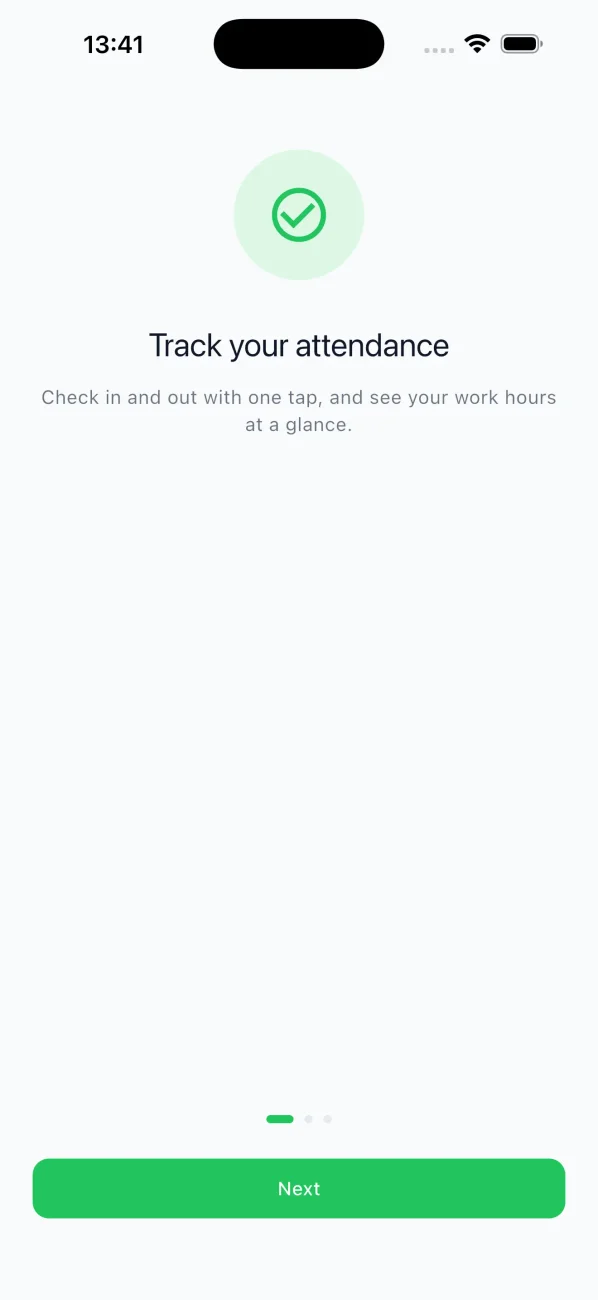
CHECK IN, CHECK OUT
Tap once to clock in and once to clock out. The home screen shows your work-hours progress at a glance, plus your expected leave time (adjusted for a late start and minus lunch), total hours worked, overtime, and when you arrived and left.
YOUR SCHEDULE, YOUR RULES
Set your start and end times, working days, and lunch break once. WorkTracker uses it to power every calculation — lateness, overtime, and reminders.
CALENDAR
Browse a month view with a per-day summary of attendance and lateness, and open any day to review or edit past check-in and check-out records.
SMART LEAVE REMINDERS
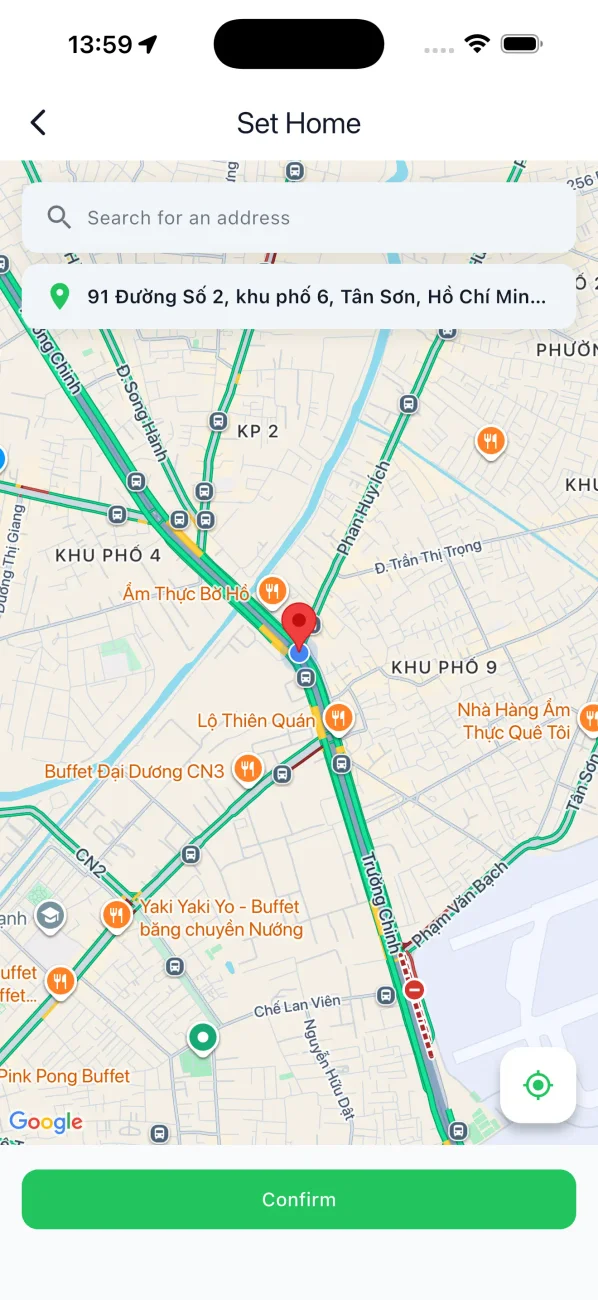
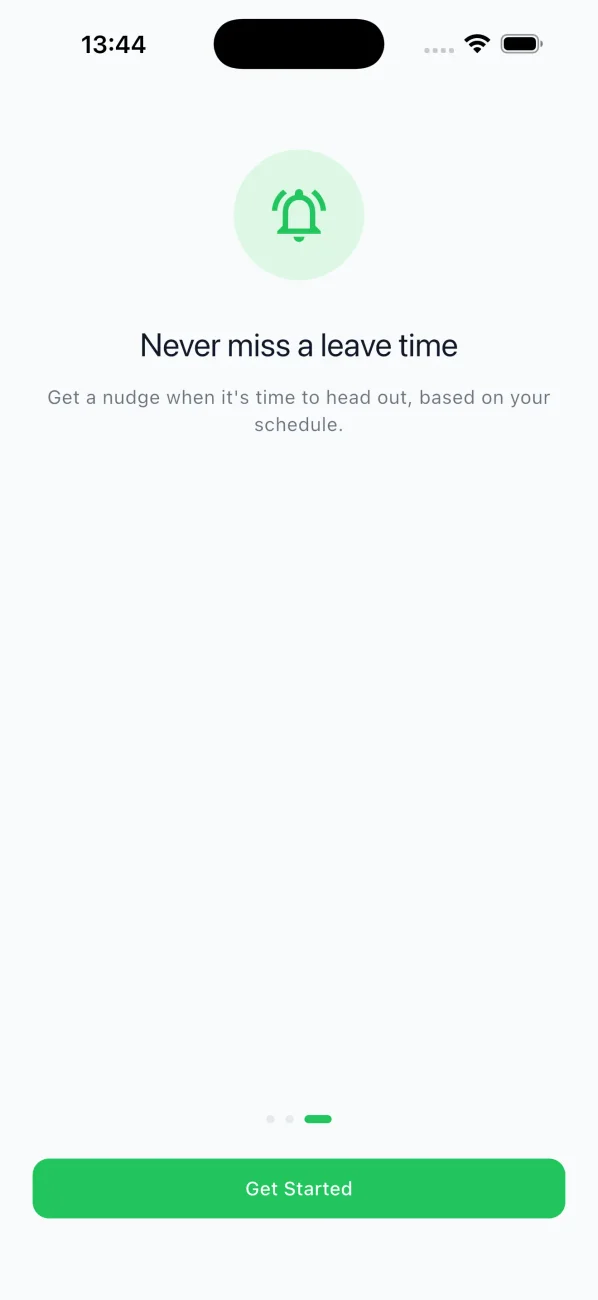
Pin your Home and Work locations on an in-app map (with address search). WorkTracker estimates your commute using live traffic and checks the weather at your workplace, then sends an on-device "heads-up" and a "leave now" nudge timed to your schedule — so you're never caught leaving too late.
CHECKOUT REMINDER
Get an end-of-day reminder to clock out, automatically shifted later if you started late, with a lead time you control.
TASK TIME TRACKING
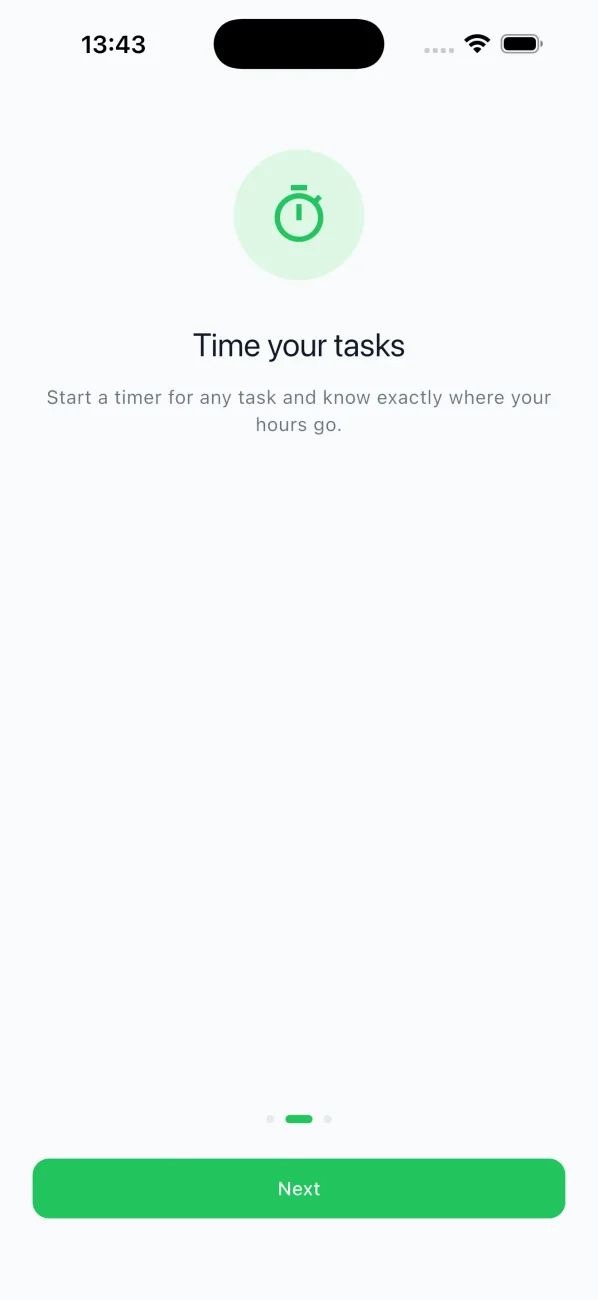
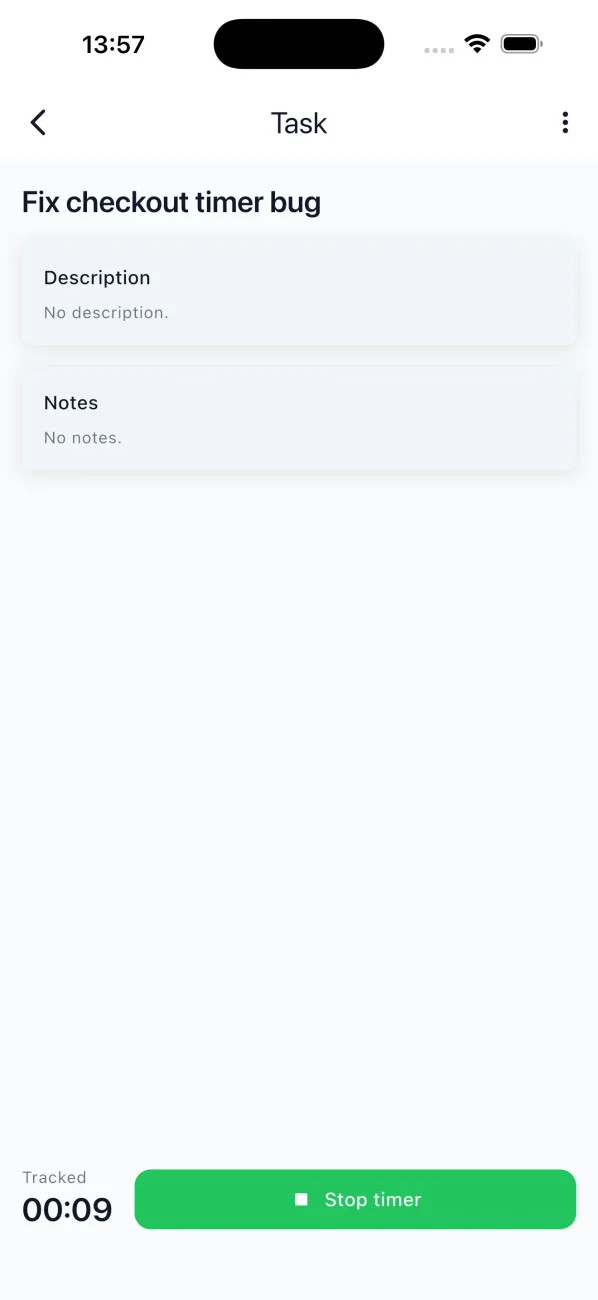
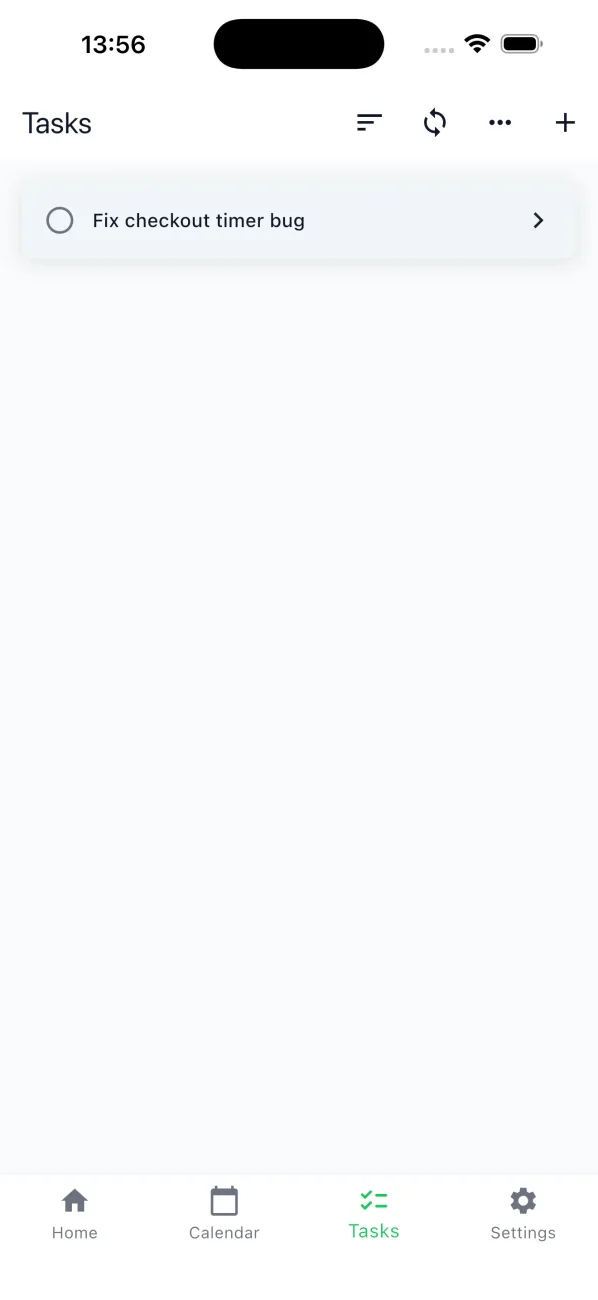
Create tasks and start a per-task timer to see exactly where your hours go. A "Manage task times" screen lets you review and edit per-day time logs.
ZENTAO INTEGRATION (OPTIONAL)
Connect to your own Zentao instance to import assigned tasks and bugs as trackable items — complete with priority, severity, comments, and attachments. Your credentials are stored encrypted on your device and sent only to your Zentao server.
AI BUG-FIX ASSISTANT (OPTIONAL)
For a task linked to a Zentao bug, generate a framework-aware fix prompt tailored to your coding AI of choice. Available only when configured with your own API key.
PRIVATE BY DESIGN
WorkTracker has no account and no backend. Your attendance, schedule, tasks, and settings live only in an on-device database. Location coordinates are sent to mapping and weather services solely to power the leave-reminder features you opt into — never for advertising or tracking. See our privacy policy for full details.
Take control of your workday — download WorkTracker today.
新機能
バージョン 1.2.0 · 2026/8/28
Home now follows your work day
• Before you leave, a new hero card puts your time-to-leave front and centre, with a live countdown and the time you'll arrive.
• While you're working, today's work moves to the top and the countdown shrinks to a slim status strip.
• Thirty minutes before your scheduled finish, a wrap-up card previews your daily report so you can copy it and check out in one step.
Today Work
• Now includes items you planned for today and any whose status you changed today — not just the ones you tracked time against.
• Today's Activity gets a proper timeline with relative times and the address for each entry.
Daily report
• One row per work item showing its total for the day, so a task worked across several sessions no longer appears several times.
• Tap a row to expand each session inline with its start, end, and duration. The copied report is collapsed the same way.
• The report now includes an attendance block: check-in and check-out, late/overtime/early, and hours worked against hours planned.
Arrival and departure
• Detection now only records the time — no more automatic check-in or check-out. The recorded time pre-fills the check-in/out picker as a suggestion you can accept or change.
• Fixed a false "left work" that could be logged from a drifting first GPS reading.
• Arrival and departure notifications now post reliably when detection runs in the background.
Zentao integration
• New browser for bugs you're involved in — filter by status and sort by priority, severity, last updated, or title.
• Browse a product's bugs and import one as a work item.
• See who opened an item, and view images embedded in a bug's description.
Also: work item IDs in the manage-times rows, a total count on the Tasks page, starting a timer now marks a task as planned for today, and assorted Home layout fixes.
アプリのプライバシー
このアプリのデータの取り扱いについて、Do VuongがApp Storeで申告している内容です。
-
データの収集なし
開発元はこのアプリからデータを収集しません。
プライバシーの取り扱いは、ご利用の機能やお客様の年齢などに応じて異なる場合があります。
情報
- 販売元
- Do Vuong
- カテゴリ
- 仕事効率化
- バージョン
- 1.2.0
- 更新日
- 2026/8/28
- リリース
- 2026/7/29
- サイズ
- 42.3 MB
- 必要条件
- iOS 15.6以降
- 対象年齢
- 12+
- 価格
- 無料
- 言語
- 英語
- 著作権
- © 2026 Trong Vuong
こちらもおすすめ
-
 WorkPlus Workspace仕事効率化
-
 vExpiry: Expiry Reminder仕事効率化
-
 PDF Converter & CompressorView,Edit,Convert,Export,Share
-
 ignitai: Convert PDF to CSV ai仕事効率化
-
 Document Expiry仕事効率化
-
 Expiry Tracker: Expires!仕事効率化
-
 Zical仕事効率化
-
 Passport Photo: ID Maker & Aid仕事効率化
-
 Cloud Storage Backup & Drive仕事効率化
-
 Wallet - Digital Wallet Card仕事効率化