World Clock Time Zone Widget
Timezone Converter Calculator
Designed for iPhone, iPad, Mac
Free · In-app purchases
- Age rating4+
- CategoryUtilities
- DeveloperLasmit TLB Ltd
- LanguagesEnglish+ 21 more
- Size103.2 MB
Links to the official App Store page
Download.org hosts no file of World Clock Time Zone Widget. The button opens its official App Store page, published by Lasmit TLB Ltd. Listing last checked on Nov 27, 2026.
Screenshots
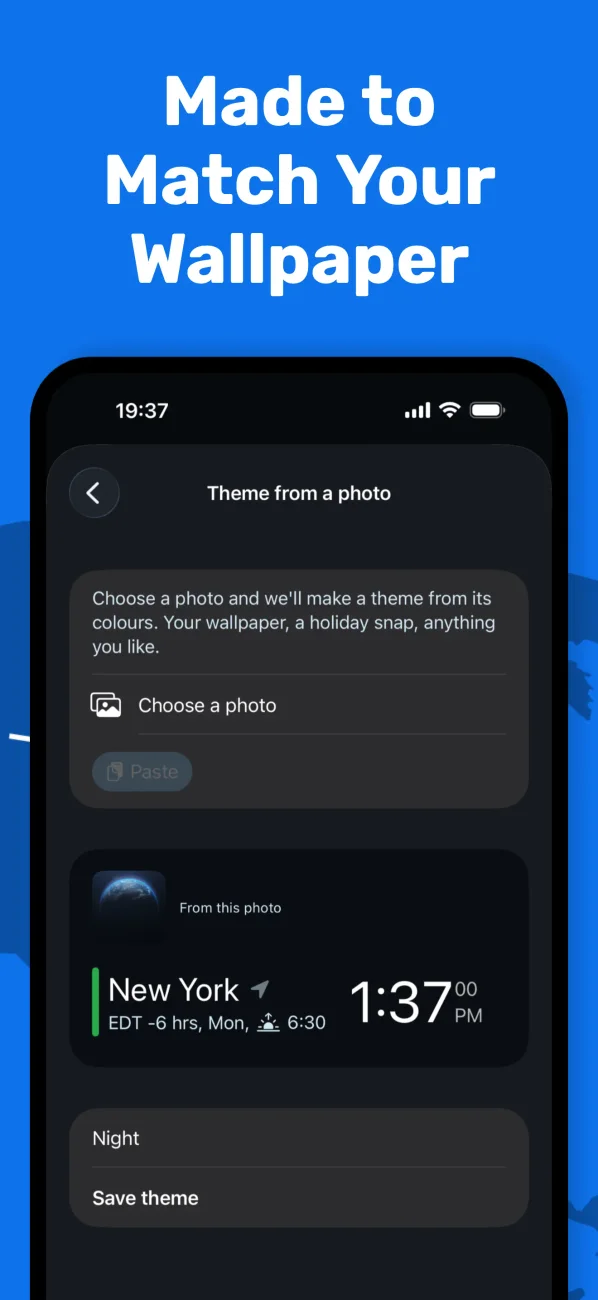
About
A world clock app for the people in your life. For iPhone, iPhone Duo, iPad, Apple Watch and Mac.
Whether your family is spread across countries or your team is split across time zones, World Time Widget keeps you thoughtfully in sync. Add clocks for the cities that matter, give each one a name that means something to you, and know at a glance whether it’s a good time to reach out.
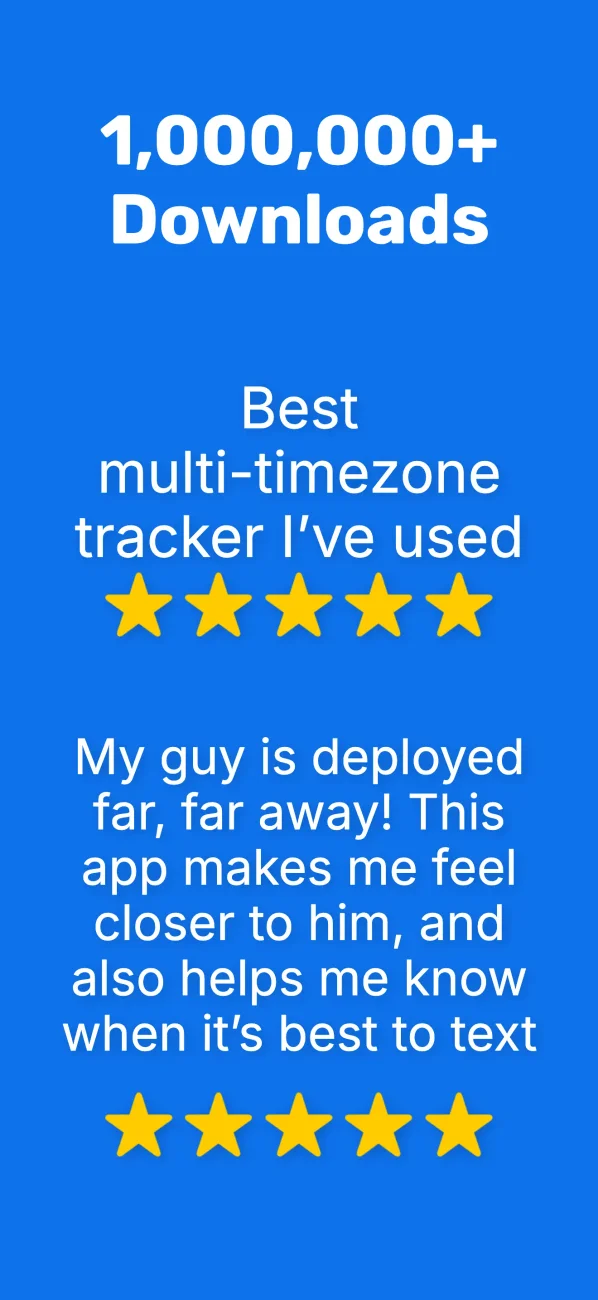
Over one million downloads.
WORLD CLOCKS
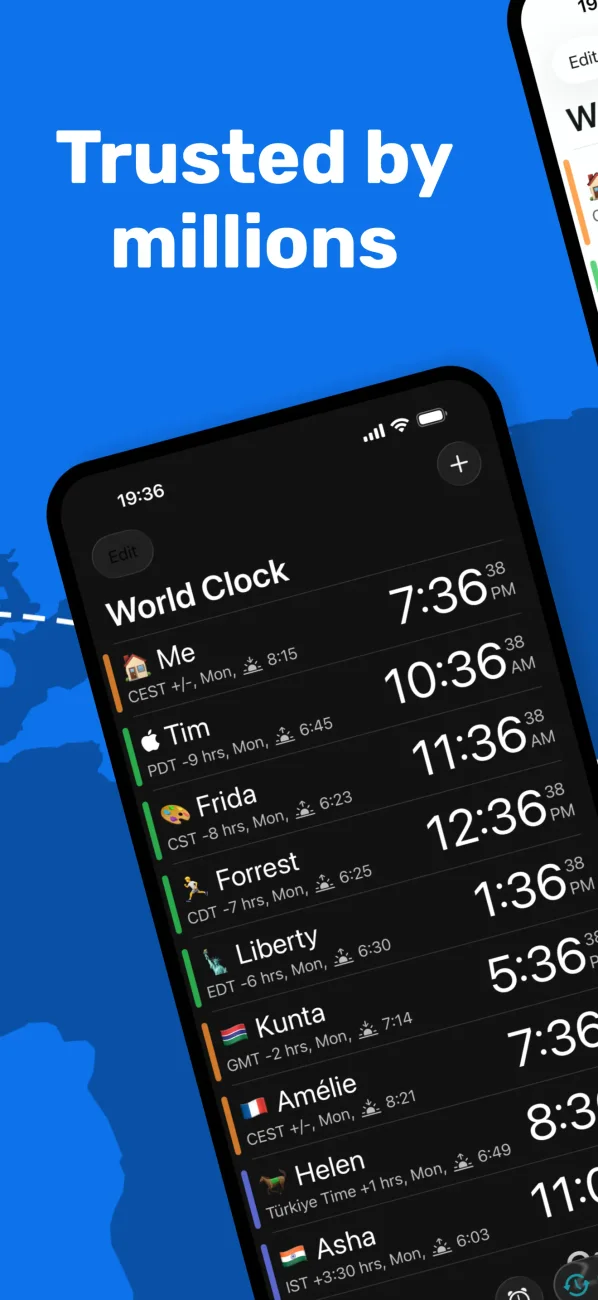
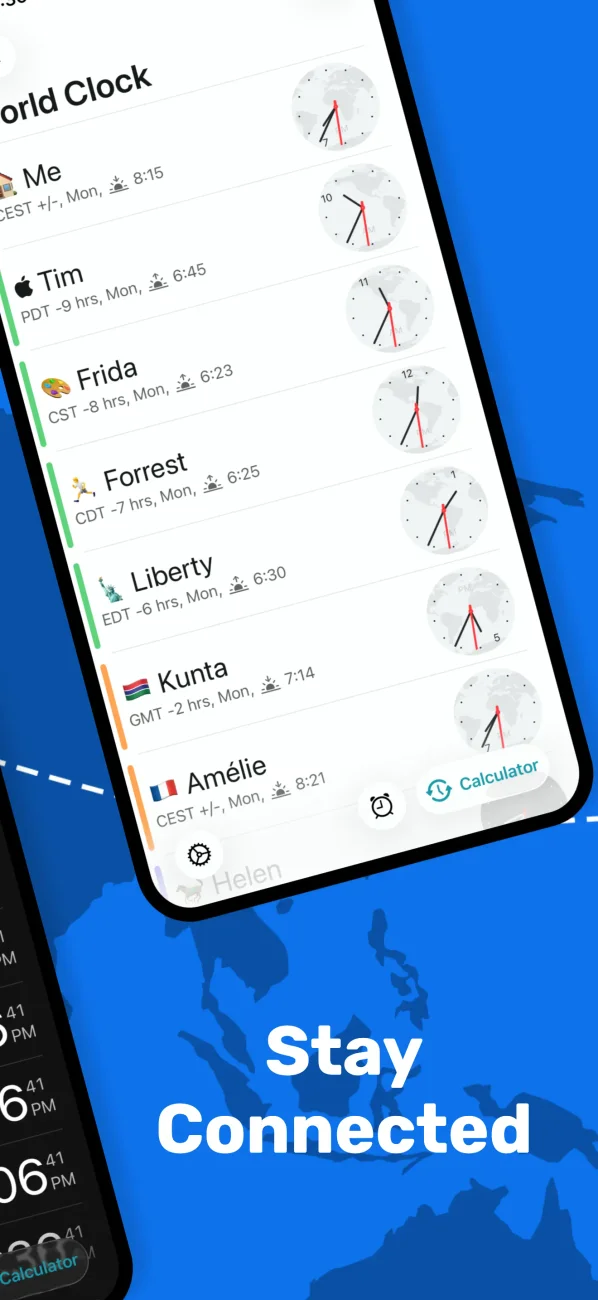
See the time in any city, instantly. Add as many clocks as you need and label them the way you actually think of them: “Mum in Sydney”, “Berlin office”, “Charlie deployed.”
HOME SCREEN, LOCK SCREEN & STANDBY
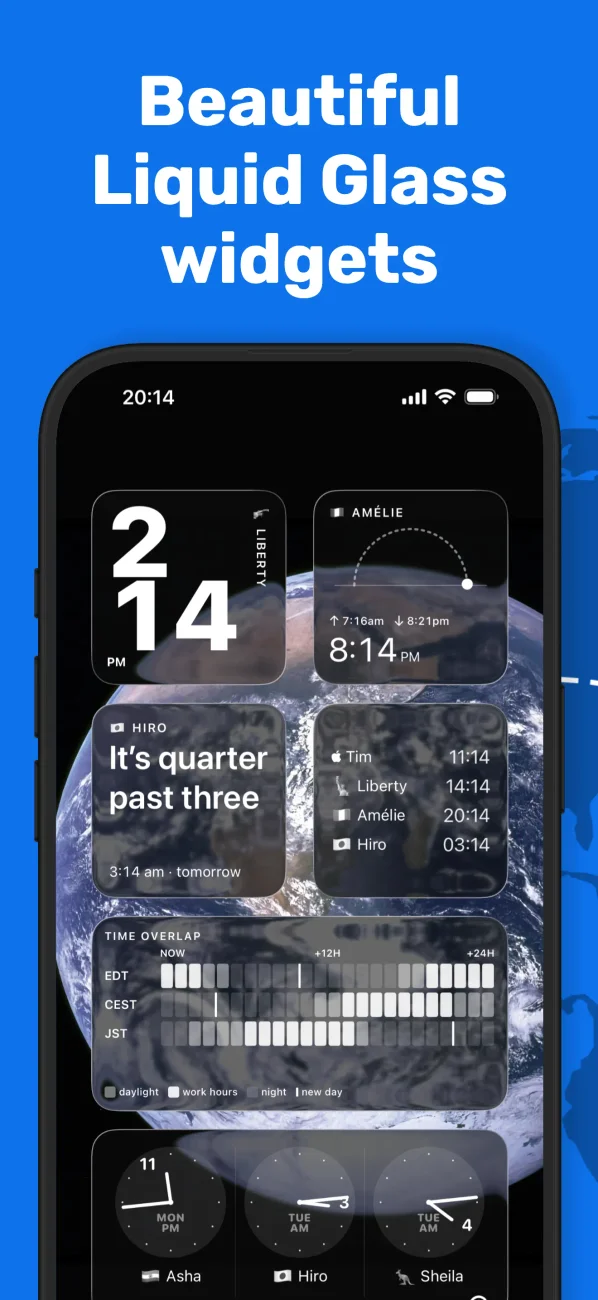
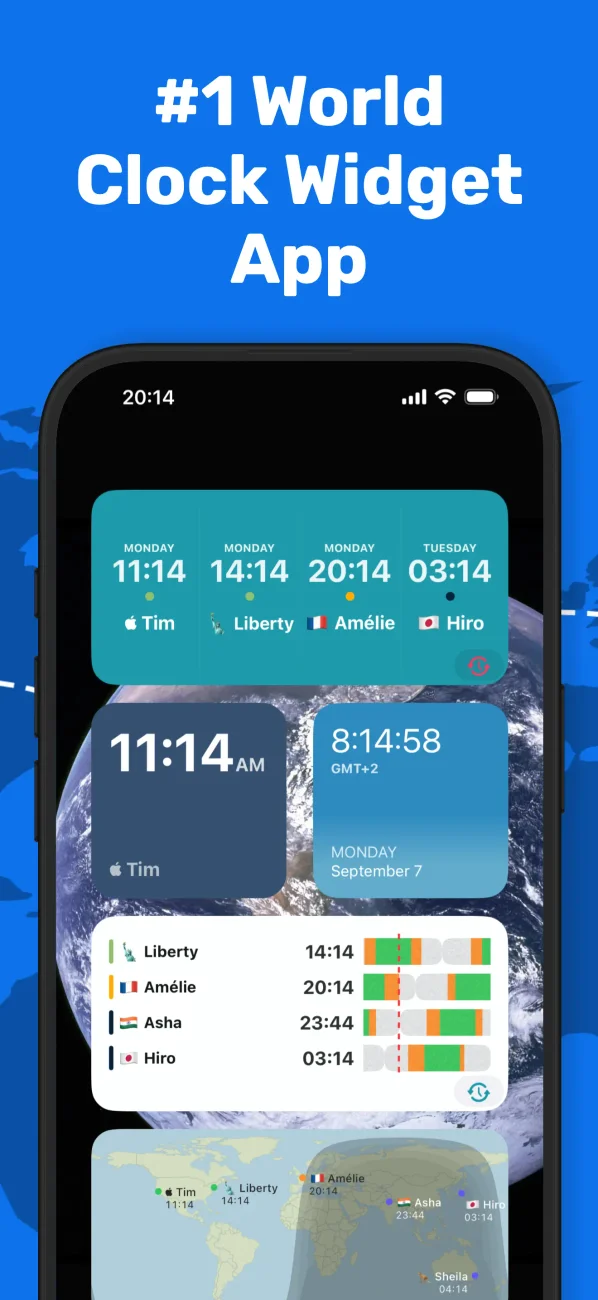
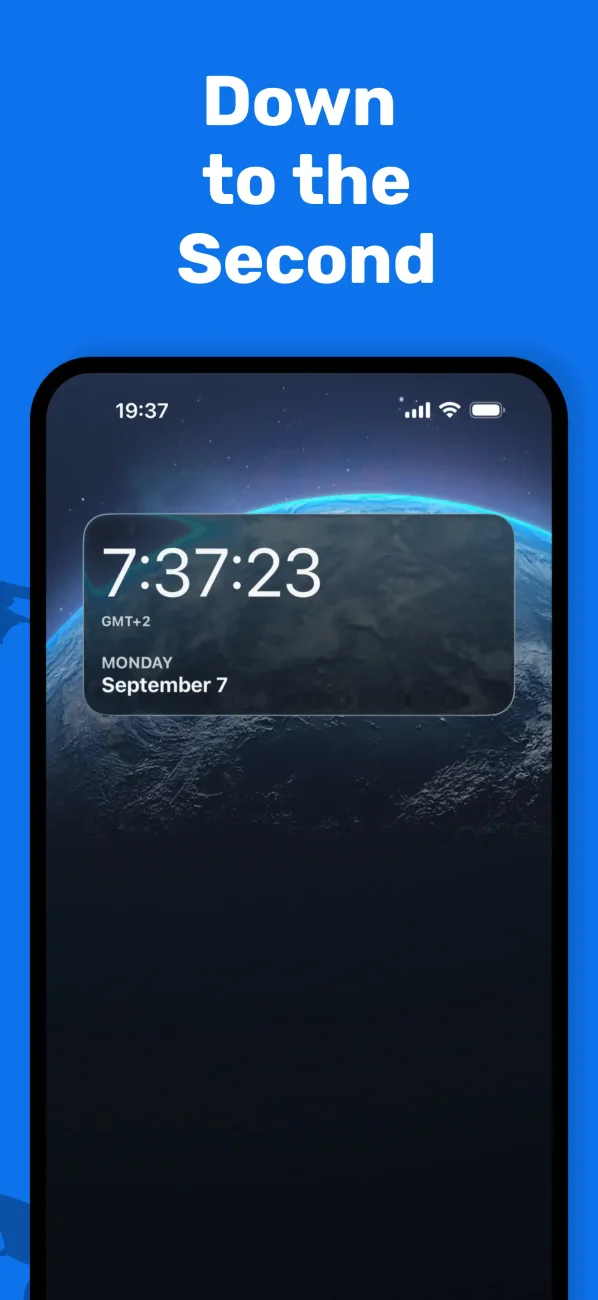
Your most important world times are always one glance away — no need to open the app. Widgets for every Apple surface, with up to 8 time zones on a single large widget.
DAY & NIGHT STATE
Every clock shows whether it’s day or night for the person on the other end. So you know before you text.
MEETING PLANNER
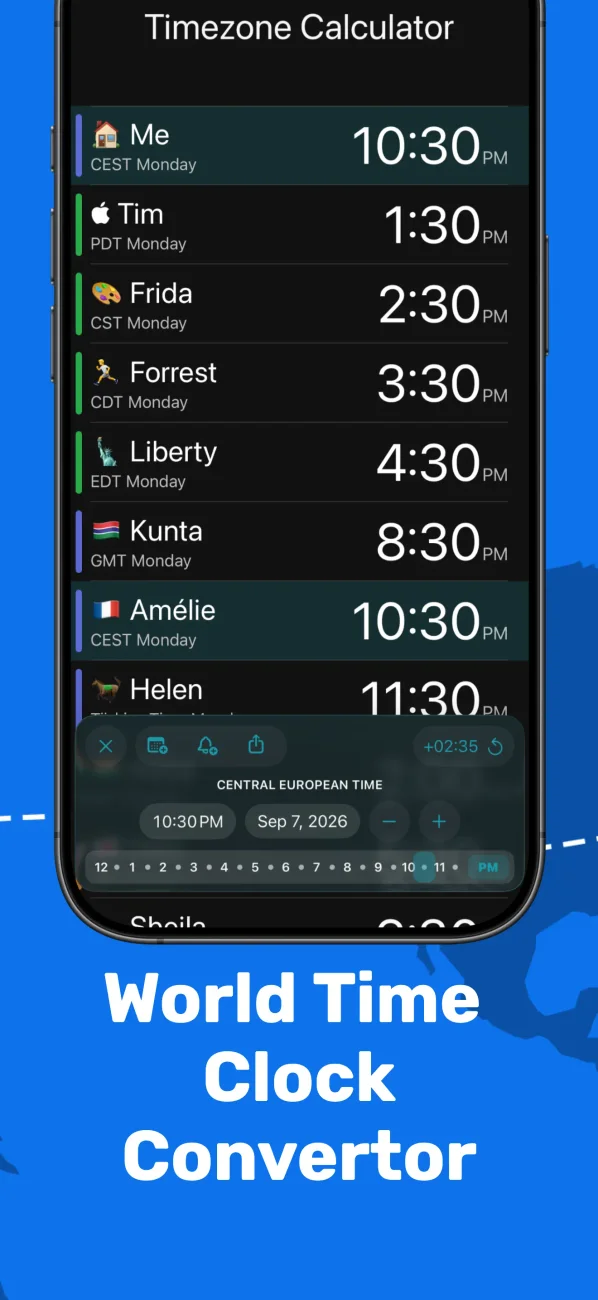
Need to find a time that works across time zones? Drag through the day to find the right slot, without the mental arithmetic.
APPLE WATCH
Your world clocks on your wrist. A dedicated Apple Watch app and support for multiple complications keep your times visible wherever you are.
IPHONE, IPAD & APPLE WATCH
Works beautifully across all your Apple devices, with your clocks syncing seamlessly via iCloud. No ads, no sign up. Just your clocks.
FREQUENTLY ASKED QUESTIONS
Does World Time Widget have a home screen widget?
Yes. There are widgets for every Apple surface: home screen, lock screen, StandBy mode, and Apple Watch. You can show up to 8 time zones on a single large widget, so everything you need is one glance away.
Can I use custom labels instead of city names?
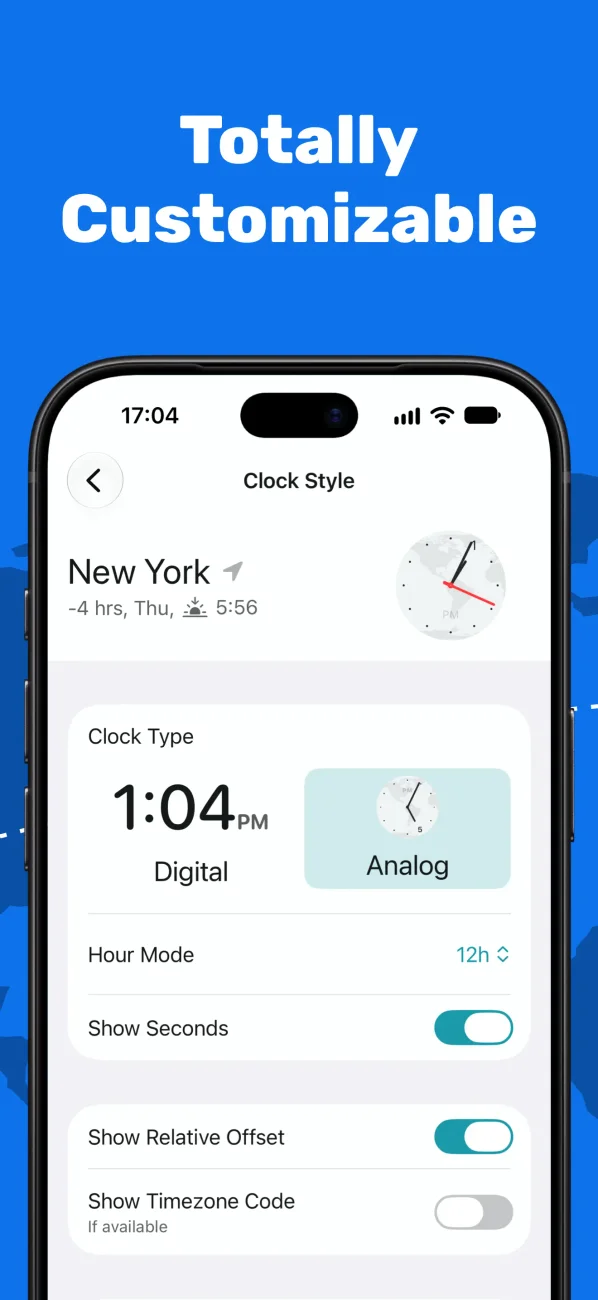
Yes. You can name any clock whatever makes sense to you. “Mum in Sydney” tells you at a glance whether it’s safe to call. “Dev team in Berlin” tells you whether they’re in the office. Your clocks, your labels.
Does it work on Apple Watch?
Yes. There’s a dedicated Apple Watch app plus support for multiple complications, so your world clocks are always on your wrist.
Can I convert time zones and schedule meetings?
Yes. The built-in meeting planner lets you drag across the day to find a time that works for everyone, across as many time zones as you need. No mental arithmetic, no switching between apps.
How many cities can I add?
As many as you need. You can show up to 8 time zones at once on a large widget, and you can add more clocks to the app itself.
Does it handle daylight saving time automatically?
Yes. World Time Widget updates automatically for daylight saving changes worldwide, so your times are always accurate.
Does it work on iPad as well as iPhone?
Yes. World Time Widget works across iPhone, iPad, and Apple Watch. Your clocks sync across all your devices via iCloud.
What makes it different from Apple’s Clock app?
Apple’s Clock app is useful, but limited. World Time Widget adds a day/night indicator for every clock so you can see at a glance who’s awake, lets you use personal labels instead of city names, and puts your world clocks on your home screen, lock screen, StandBy, and Apple Watch with far more flexibility. Apple Clock also caps out at 4 cities in a widget. World Time Widget shows up to 8.
Is there a free version?
World Time Widget is free to download with a premium upgrade available for additional features.
Terms of service: https://world-time.app/terms.pdf
Privacy policy: https://www.iubenda.com/privacy-policy/68114171
What’s new
Version 2026.18 · Nov 26, 2026
World Clock now speaks Simplified Chinese. The whole app is translated, city names included, and the time-in-words widget reads the way you'd say it in Chinese. 欢迎!
Your location is now a blue dot on the clocks map and the World Map widget, like the one in Maps, so you can see where you are next to everyone else. UTC and GMT clocks now sit at the foot of the Greenwich meridian on the World Map widget, rather than tucked into the corner.
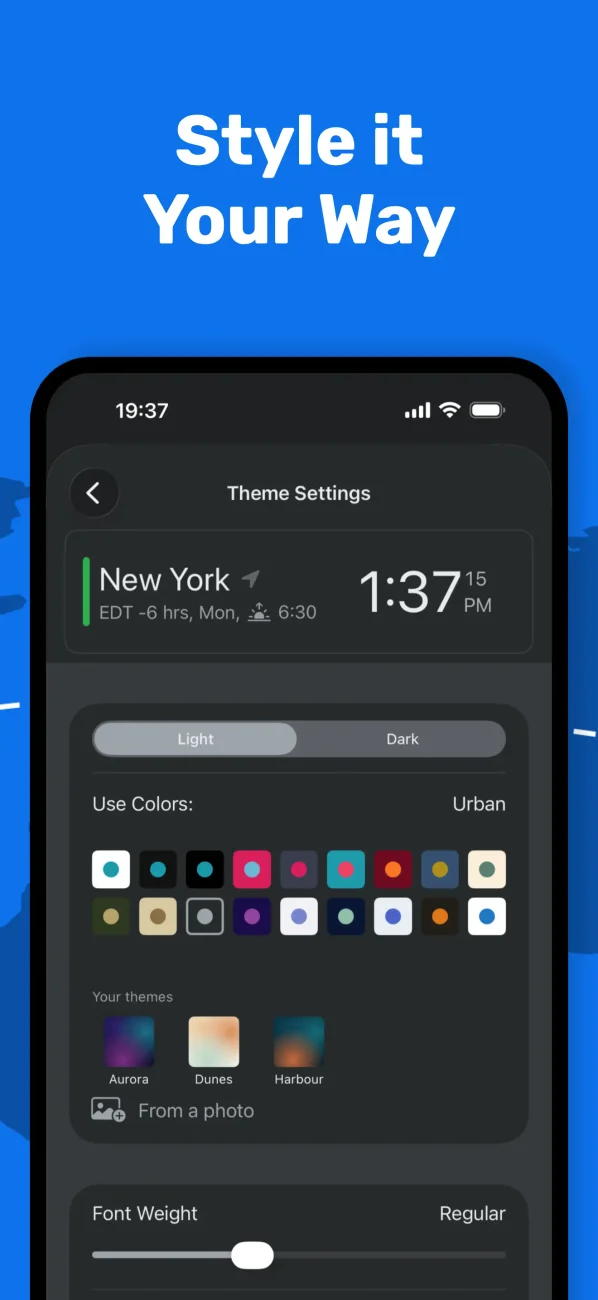
On the Dark and True Black themes, analog clocks are easier on the eye: night clocks stand out from the background and day clocks no longer glare.
Getting in touch is simpler too. Get in Touch at the top of Help in Settings opens a message form straight away, with your device details filled in.
On Apple Watch, the Sunrise & Sunset widget now asks for your location when it needs it and keeps its times up to date every day. Thank you for letting us know.
Lewis
App privacy
What Lasmit TLB Ltd declares on the App Store about how this app handles data.
-
Data not linked to you
May be collected but is not linked to your identity.
- Identifiers
- Usage data
- Diagnostics
Privacy practices may vary, for example with the features you use or your age.
Information
- Seller
- Lasmit TLB Ltd
- Category
- Utilities
- Version
- 2026.18
- Updated
- Nov 26, 2026
- Released
- Sep 17, 2014
- Size
- 103.2 MB
- Requires
- iOS 17.0 or later
- Age rating
- 4+
- Price
- Free
- In-app purchases
- Yes
- Languages
- English, Croatian, Czech, Danish, Dutch, Finnish, French, German, Hungarian, Indonesian, Italian, Lithuanian + 10 more
- Copyright
- © Lasmit TLB Ltd
You might also like
-
 Overlap: World ClockTime Converter
-
 Time Zone Clock - GoTimeMilitary Time Converter
-
 World Time Clock MasterZulu Time Converter & Widget
-
 World Clock Pro: Convert TimeTimezone Converter & Scheduler
-
 The Clocks: Alarm, World ClockGenuine Flip, Digital, Analog
-
 World Clock-Timezone ConverterUTC, widgets, meeting planner
-
 Zulu Time Now - UTC GMT ClockUTC Widget for Pilot, Military
-
 World Clock ۬Time Converter & World Clock
-
 Military Time Converter +24 Hour Clock App & Widget
-
 Atomic Clock PROExact Time Digital and Analog