
WristMic: Voice Notes & Mic
Record, transcribe & organize
Designed for iPhone
Free · In-app purchases
- Age rating4+
- CategoryProductivity
- Developer超 张
- LanguagesEnglish+ 2 more
- Size7.3 MB
Links to the official App Store page
Download.org hosts no file of WristMic: Voice Notes & Mic. The button opens its official App Store page, published by 超 张. Listing last checked on Nov 13, 2026.
Screenshots
About
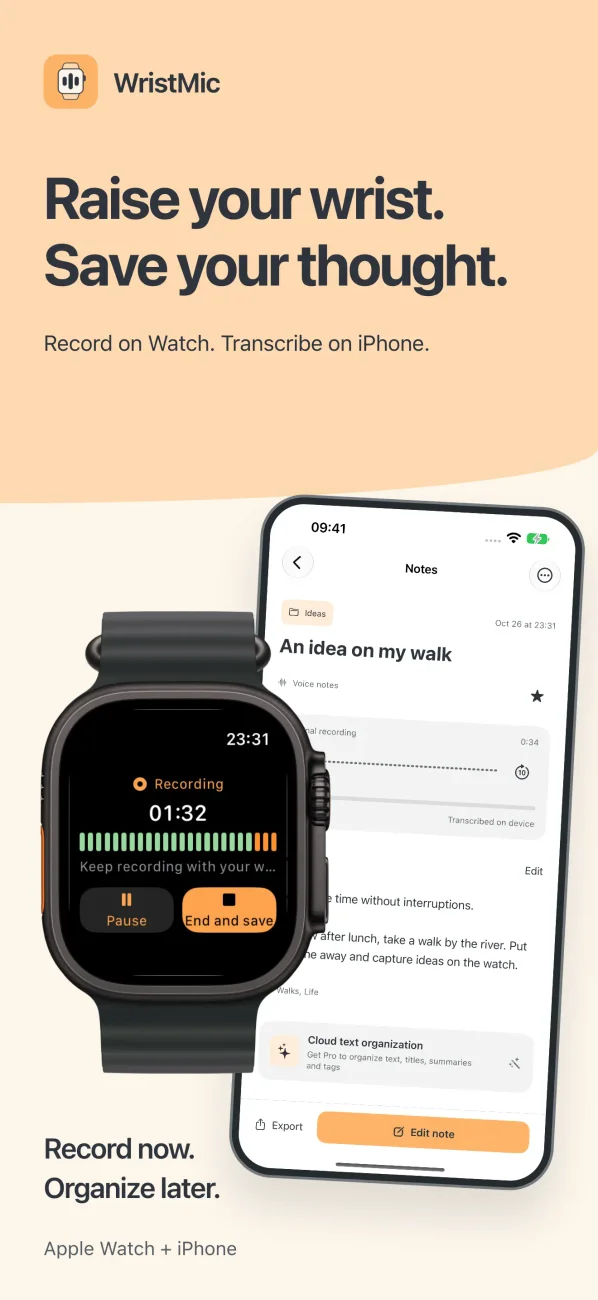
Record ideas on iPhone or Apple Watch, then listen, transcribe and organize your notes. WristMic also turns Apple Watch into a Mac microphone for dictation and compatible calls.
RECORD ON PHONE OR WATCH
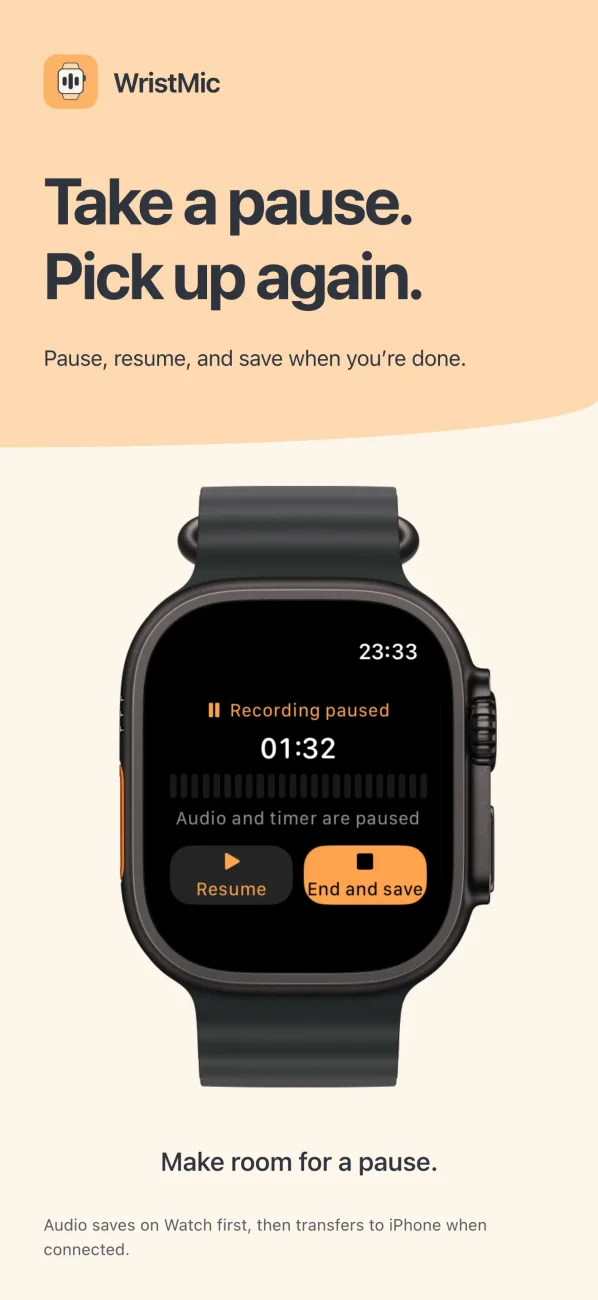
iPhone recording works without a Watch or Mac. Pause, resume and record with the screen locked, up to 60 minutes. Save audio only or save and transcribe on device. Calls and audio-route changes may pause recording; return to check.
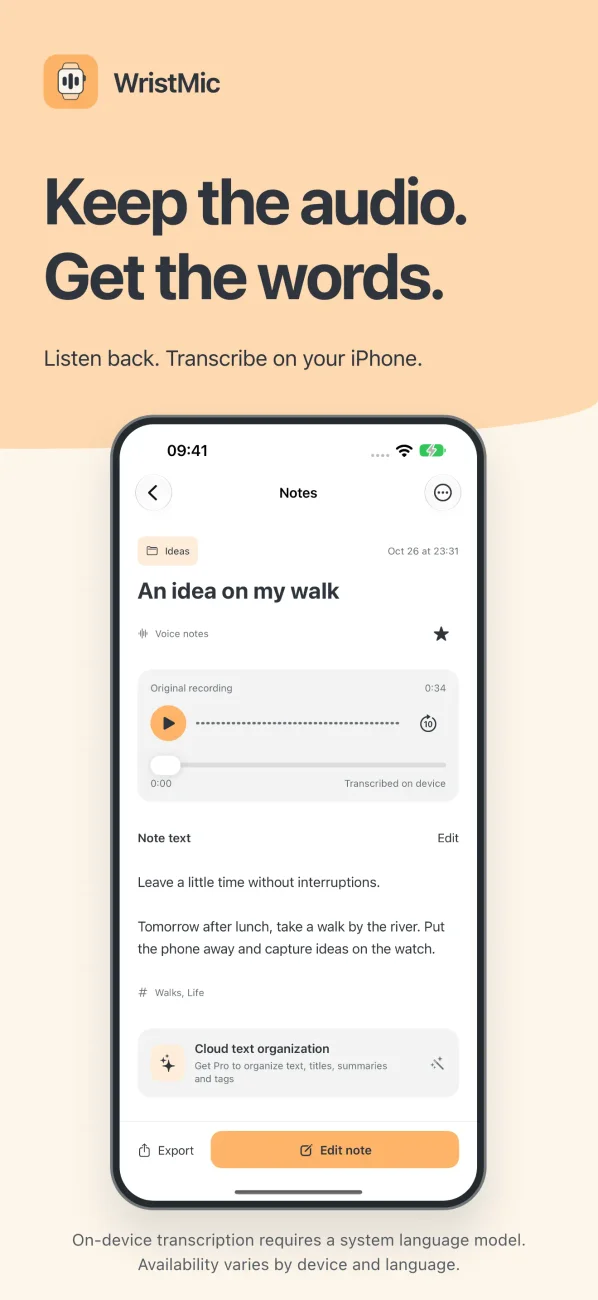
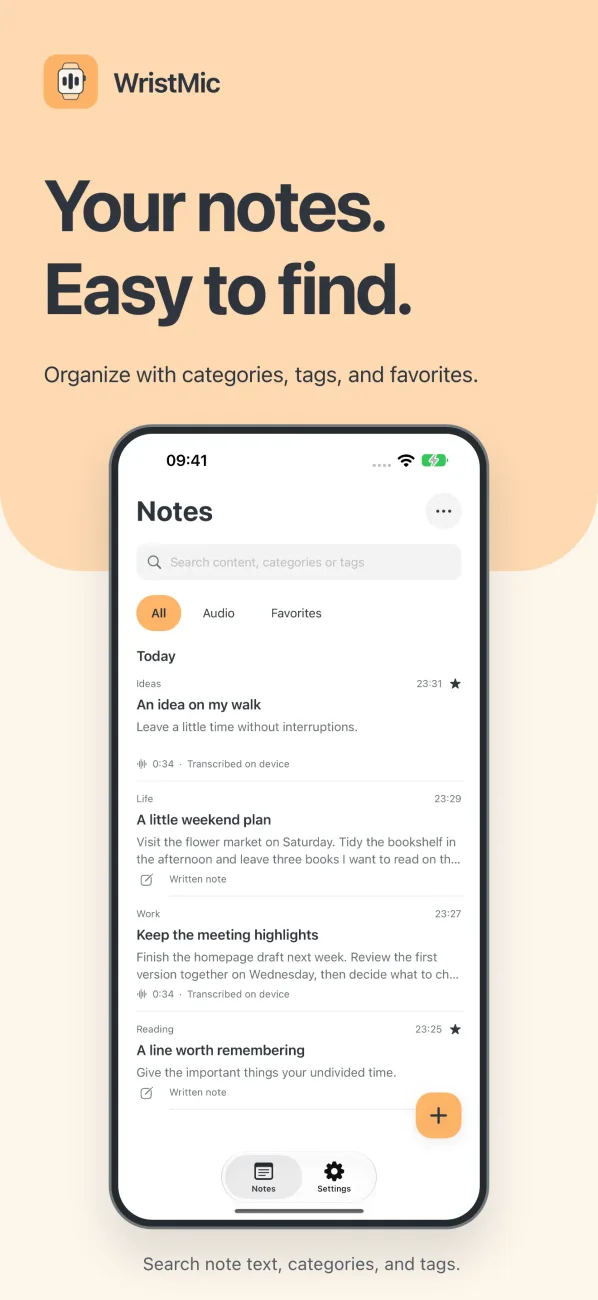
Watch audio stays on Watch until it transfers to the paired iPhone. Listen, edit, categorize, tag, favorite and export text or original audio. Watch-face shortcuts open the app without starting recording.
ON-DEVICE TRANSCRIPTION, OPTIONAL ICLOUD
Transcription uses Apple on-device speech recognition. Language downloads may be required; availability varies by device, OS and language. Audio is not sent to cloud AI services.
iCloud Sync is off by default and does not require a paid plan. When enabled, notes and original audio are stored in the current Apple Account's private iCloud container and merged with devices using the same account with sync enabled. This uses your iCloud storage. Local copies remain available. Offline edits retry when online and the app is open; concurrent edits retain conflict copies. Turning sync off does not delete cloud copies. See Settings and Privacy for removal instructions.
PRO: ORGANIZE TEXT WHEN YOU CHOOSE
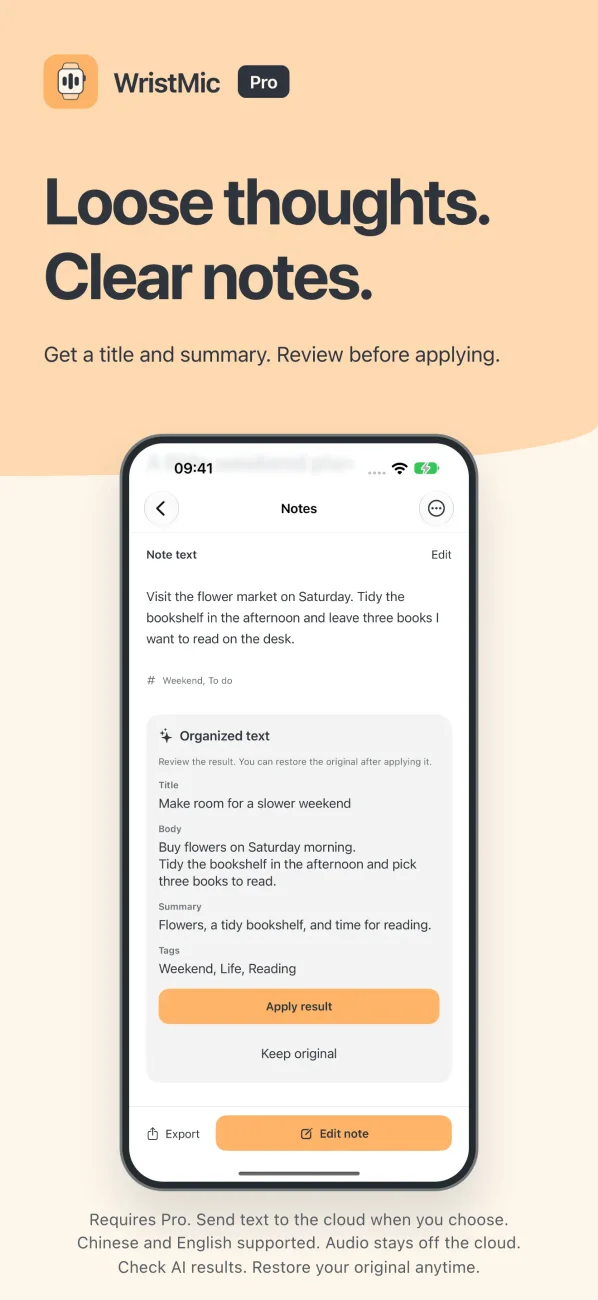
After consent, tap Organize to send the current note's body via Tencent Cloud to Alibaba Cloud Tingwu. Chinese and English are supported. Organize text, generate titles and summaries, and suggest tags while retaining your category. Preview before applying; restore the original from history. AI output may be inaccurate: review it.
Busy requests queue for up to 15 minutes. Waiting text is temporarily encrypted on our server and removed when processing starts or the wait expires. Leave and return to check progress; completed results remain retrievable for about one hour. Stopping local waiting does not withdraw a sent request. Audio and other notes are not sent to the organization service.
Both Pro plans include 300 requests per UTC calendar month, up to 12,000 characters each, with no rollover. See Privacy for data handling.
MAC MICROPHONE AND DICTATION
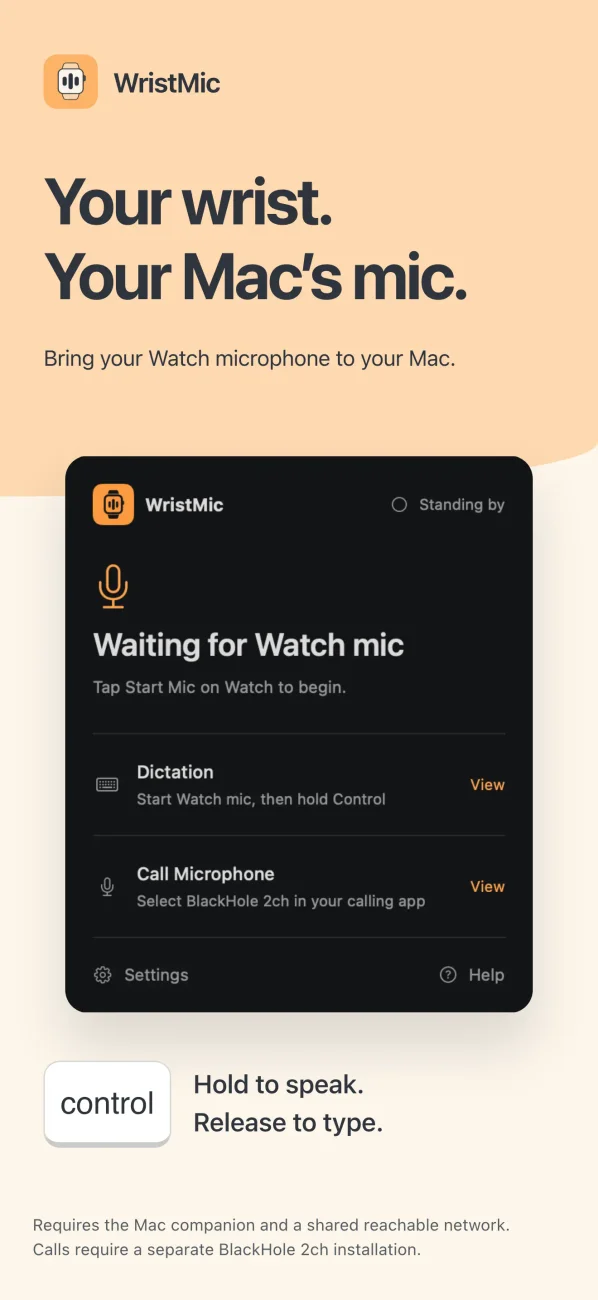
Install the free Mac companion and pair Watch and Mac on a reachable local network. Hold Control to speak and release to insert text, or enable automatic input after a pause. Mac recognition uses a downloaded local model. Some secure fields do not support automatic input.
Calls require the separately installed free BlackHole 2ch component, selected as the input in your calling app. Incoming audio plays on Mac. Watch note recording and Mac streaming run one at a time.
ACCESS AND SUBSCRIPTIONS
• Free download. Basic monthly or lifetime access includes phone/Watch recording, local transcription, note editing and Mac microphone features. Pro monthly/yearly includes basic features and cloud text organization.
• Lifetime access excludes Pro. Lifetime owners retain basic features after Pro expires. Existing notes remain readable, editable and exportable after access expires.
• Eligible new subscribers get one week free, then automatic renewal. Apple determines trial eligibility across the subscription group. Yearly plans are charged annually. Local prices appear before purchase.
• Cancel at least 24 hours before the trial or period ends to avoid renewal. Manage subscriptions on iPhone; access continues until the period ends. Lifetime purchases do not cancel subscriptions. Restore valid purchases in the app.
Requires iOS 17+. Watch features require a paired Watch with watchOS 10+. Only Mac microphone features require macOS 14+ and a reachable local network.
Mac: https://wristmic.tinytiny.cn/en.html
Help: https://wristmic.tinytiny.cn/help-en.html
Privacy: https://wristmic.tinytiny.cn/privacy-en.html
Support: 234766069@qq.com
Terms: https://www.apple.com/legal/internet-services/itunes/dev/stdeula/
What’s new
Version 1.1.1 · Nov 8, 2026
A simpler recording screen keeps the timer and recording controls in focus.
A cleaner iCloud Sync page makes status and sync controls easier to find.
Swipe left on a note to delete it, or swipe all the way to move it straight to Recently Deleted. Deleted notes can be restored.
App privacy
What 超 张 declares on the App Store about how this app handles data.
-
Data linked to you
May be collected and linked to your identity.
- Purchases
- User content
- Identifiers
- Usage data
Privacy practices may vary, for example with the features you use or your age.
Information
- Seller
- 超 张
- Category
- Productivity
- Version
- 1.1.1
- Updated
- Nov 8, 2026
- Released
- Oct 29, 2026
- Size
- 7.3 MB
- Requires
- iOS 17.0 or later
- Age rating
- 4+
- Price
- Free
- In-app purchases
- Yes
- Languages
- English, Simplified Chinese, Traditional Chinese
- Copyright
- © 2026 张超
You might also like
-
 Palmrest - Virtual PalmrestUse Your iPhone to Control Mac
-
 BeanDo: To Do List & TasksPlanner, Reminders & Calendar
-
 WristMarkRecorder · Local AI Summaries
-
 Tide Lite: Natural Focus TimerStay focused, be peaceful.
-
 Aurmo - 听播客时的灵感本Productivity
-
 Einko: One-tap Todo & BookmarkTodos & Events & Bookmarks
-
 yawc - Unofficial WandB Clientyour experiments, on the go
-
 Geode: Transcribe & SummarizeSpeech to Text & Meeting Notes
-
 InfiniteX2P Pro — Desktop ModePro Desktop for Your iPhone
-
 Synca: Notes & File TransferQuick capture, sync everywhere