Budilnik: Alarm Planner - Wubb
Schedule Organizer & AI Tasks
Designed for iPhone
In-app purchases
- Age rating12+
- CategoryProductivity
- DeveloperCatalina Secrieru
- LanguagesGerman+ 9 more
- Size44.2 MB
Links to the official App Store page
Download.org hosts no file of Budilnik: Alarm Planner - Wubb. The button opens its official App Store page, published by Catalina Secrieru. Listing last checked on Nov 25, 2026.
Screenshots



About
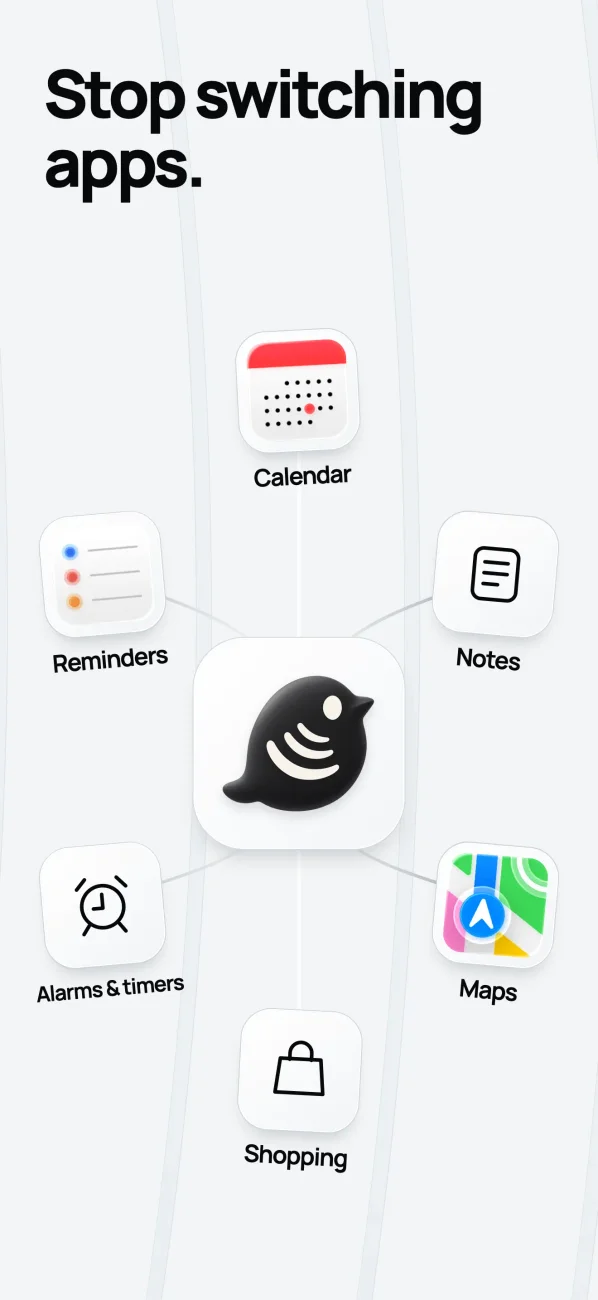
Set an alarm, save a reminder or organise your day with your voice. Wubb turns one spoken or typed request into useful actions, so you can spend less time entering the same details across different screens.
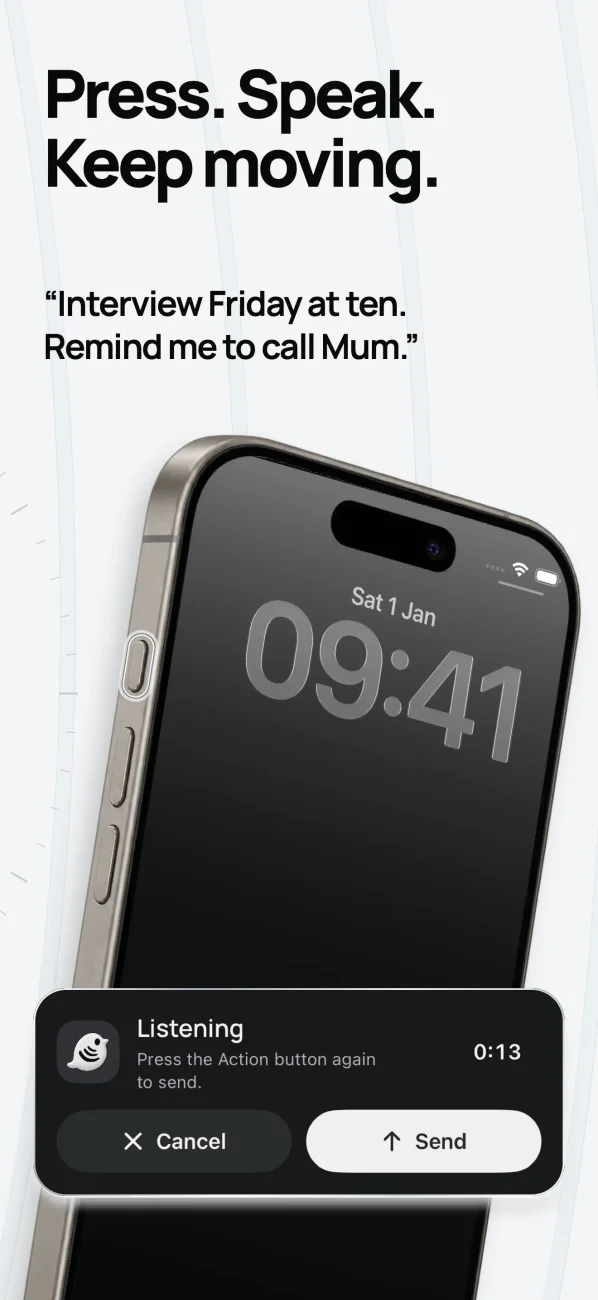
Say: ‘Wake me at seven and add milk to my shopping list.’ Wubb asks if an essential detail is missing.
ALARMS AND TIMERS
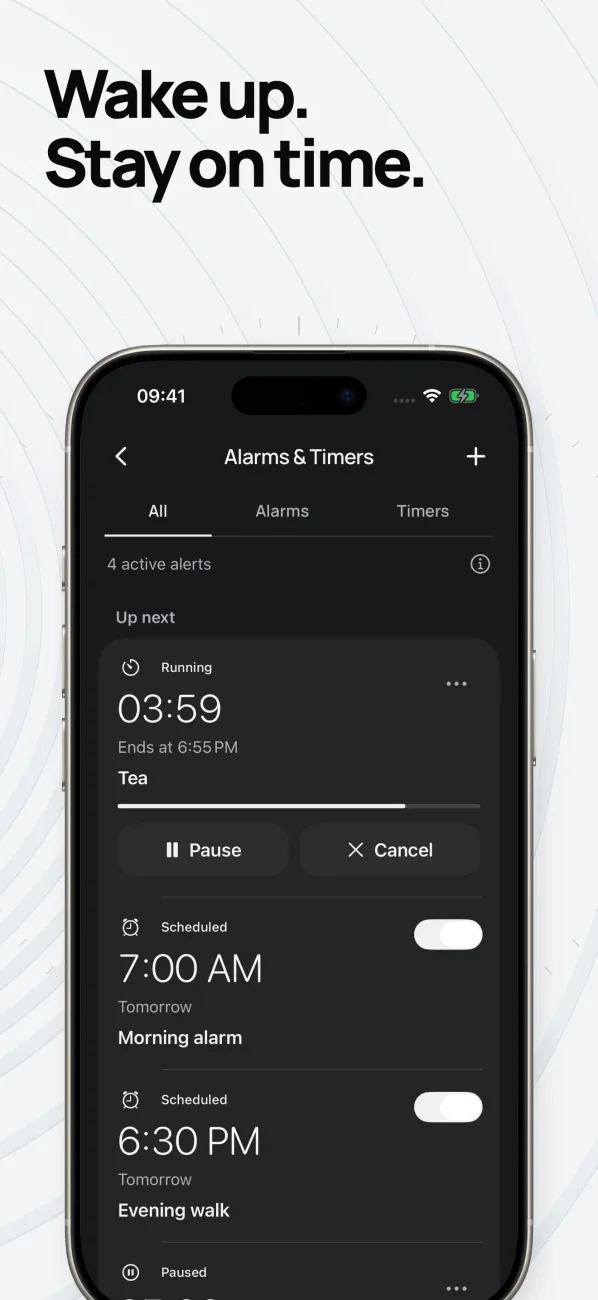
Create an alarm for a specific time, repeat it on selected weekdays, or start a timer. Manage Wubb alarms and timers in one place. Their alerts are delivered by iOS; they are separate from alarms in Apple Clock. Alarm access is requested when needed.
A SCHEDULE ORGANIZER THAT LISTENS
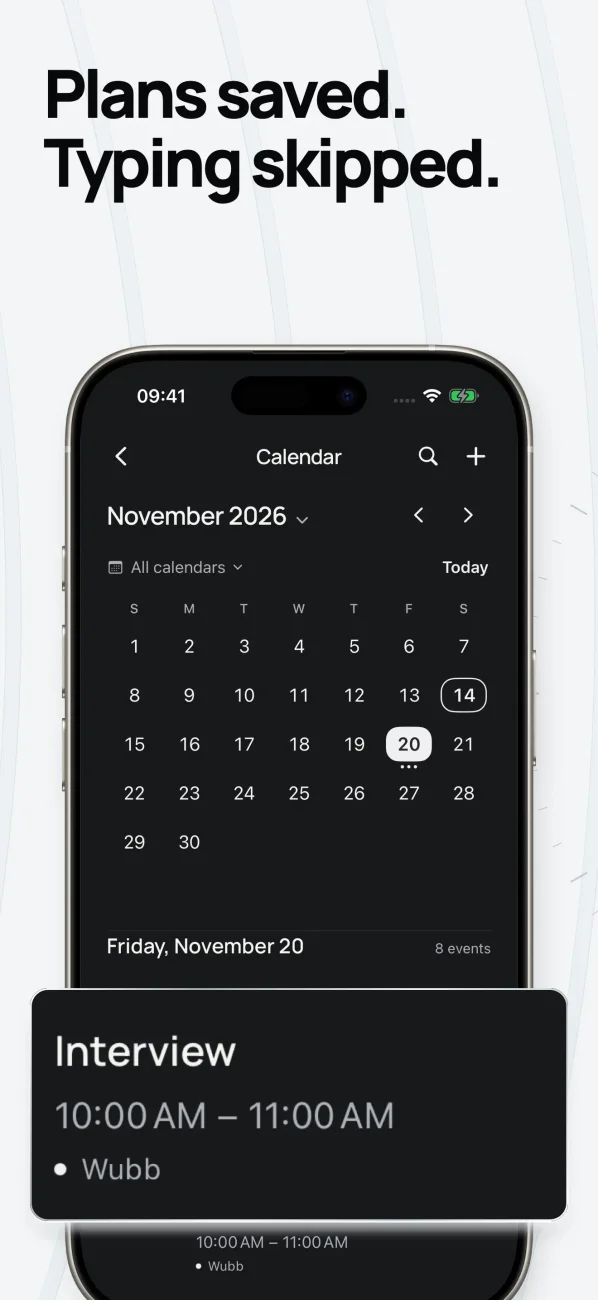
Create calendar events with dates, times and durations. Set one-off or recurring reminders. Keep all-day plans and appointments together, and connect the Apple calendars and reminder lists you choose. You can also keep reminders in Wubb without connecting Apple Reminders.
CALL NOW OR REMEMBER FOR LATER
Ask Wubb to prepare a call to a person or number, or remind you to call later. Contacts are matched on your iPhone. Choose the right person or number when needed, then confirm the call with iOS. Optional Live Activity cards can show a scheduled call on the Lock Screen.
MESSAGES, READY WHEN YOU ARE
Dictate a message for a person or explicitly named group. Open the prepared message composer, review the draft and tap Send yourself. For later, save a message reminder with the draft ready to review. Wubb never sends messages automatically or reads your message history.
SHOPPING LISTS AND NOTES
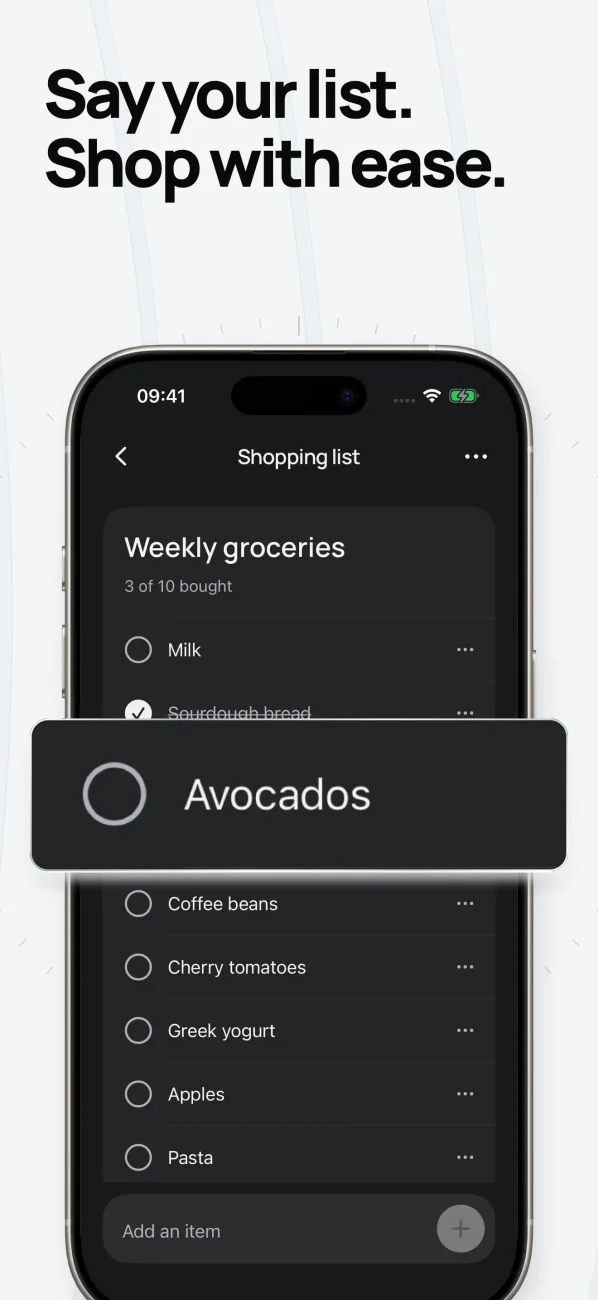
Turn a spoken list into individual items and tick them off while shopping. Save a quick thought as a note. Search your saved items, edit details manually and return to previous requests to see what happened.
ROUTES AND QUICK CAPTURE
Save a destination or place search and continue in Maps. Start a request from Wubb, supported Action button and Shortcuts entry points, or the Share extension. Recording and AI interpretation need the relevant permission and an internet connection.
PREMIUM HOME SCREEN WIDGETS
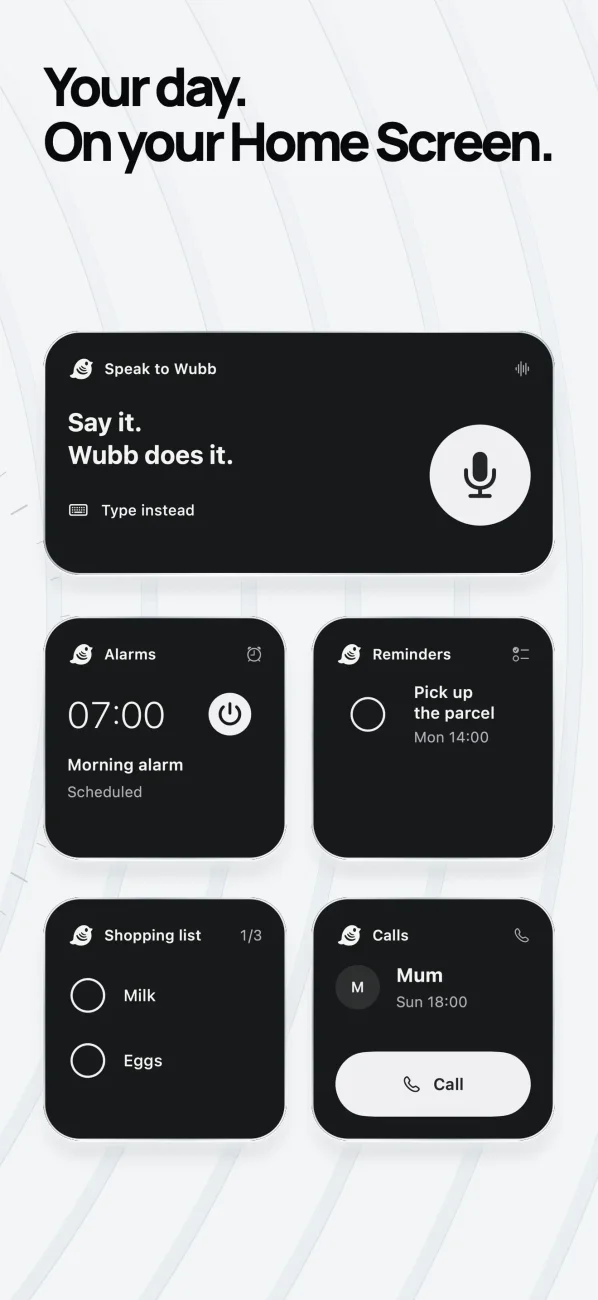
Choose dedicated widgets for voice capture, upcoming calendar events, reminders, shopping, alarms, timers, calls, messages, notes and routes. Complete supported reminder and shopping actions, or manage supported alarm and timer controls from a widget. Some actions require opening Wubb or confirmation by iOS. Themes and privacy options help the widgets fit your Home Screen. Premium is required.
YOUR WORDS STAY YOURS
No account is required. Notes and request history are stored on your iPhone. AI processing happens only with your permission. Wubb asks for Calendar, Reminders, Contacts, notifications and alarm access when a feature needs them. Contact matching stays on the device.
START FREE
Five starter AI requests stay available until you use them. After they are exhausted, two daily requests begin the next UTC day. Unused daily requests do not roll over. Only a successfully completed request uses an allowance; a clarification is not a finished request.
Optional Premium includes 300 AI requests per UTC calendar month, with a maximum of 50 new requests per UTC day. Monthly and yearly plans offer a seven-day free trial to eligible new subscribers. After the trial, the selected plan renews at the local price shown before purchase. Subscriptions renew automatically unless cancelled. Manage or cancel in App Store subscription settings. Existing saved items remain available.
The yearly plan is billed upfront. Cancel at least 24 hours before the trial ends to avoid payment. A separate eligible welcome offer gives 60% off the first month, then the regular price. Ends 31 Dec 2026, 00:00 UTC. Introductory offers do not combine.
Privacy: https://europe-west1-wubb-assistant.cloudfunctions.net/api/privacy
Terms: https://www.apple.com/legal/internet-services/itunes/dev/stdeula/
What’s new
Version 1.4.1 · Nov 24, 2026
More reliable Home Screen widgets.
• Correct alarm-access status in Alarms and Timers.
• More consistent countdown and recurring-alarm updates.
• Clearer text and previews showing all 10 widgets.
Includes localisation and stability improvements.
App privacy
What Catalina Secrieru declares on the App Store about how this app handles data.
-
Data linked to you
May be collected and linked to your identity.
- Purchases
- Location
- User content
- Identifiers
- Usage data
- Diagnostics
-
Data not linked to you
May be collected but is not linked to your identity.
- Other data
Privacy practices may vary, for example with the features you use or your age.
Information
- Seller
- Catalina Secrieru
- Category
- Productivity
- Version
- 1.4.1
- Updated
- Nov 24, 2026
- Released
- Nov 7, 2026
- Size
- 44.2 MB
- Requires
- iOS 26.0 or later
- Age rating
- 12+
- In-app purchases
- Yes
- Languages
- German, Arabic, English, French, Polish, Portuguese, Romanian, Russian, Spanish, Uzbek
- Copyright
- © 2026 Catalina Secrieru
You might also like
-
 Nia: AI AssistantVoice assistant for your day
-
 Kinbell – Agenda familialAgenda, courses et rappels
-
 Contextli: AI Voice DictationSpeech to Text & Email Writer
-
 Upload Manager: Video PlannerContent Calendar for Creators
-
 Chromastone: Habit TrackerDaily Routines & Task Planner
-
 SovaAI: Call TranslatorVoice Translation & AI Chat
-
 AI Goal Achiever: Goal PlannerDaily Plan, Tracker & Coach
-
 Synchly: AI voice assistantVoice-First Memory & Tasks
-
 Ari — Personal AssistantCalls, reminds, gets it done
-
 Nab – Instant ReminderQuick Task & Pill Reminders