
- Age rating4+
- CategoryProductivity
- DeveloperXBuild GmbH
- LanguagesGerman+ 4 more
- Size67.2 MB
Links to the official App Store page
Download.org hosts no file of XBuild Mobile. The button opens its official App Store page, published by XBuild GmbH. Listing last checked on Nov 12, 2026.
Screenshots


About
XBuild brings your project to the construction site. The app is the mobile extension of the XBuild platform: whatever you capture on site is instantly available to everyone on the project – site management, planners, clients and subcontractors. No paper notes, no typing up in the evening. Proven in more than 3,000 projects.
CAPTURE DEFECTS AND TASKS IN SECONDS
• Take a photo, create a ticket, assign it – right on site
• Ticket types such as defect, order, note or decision
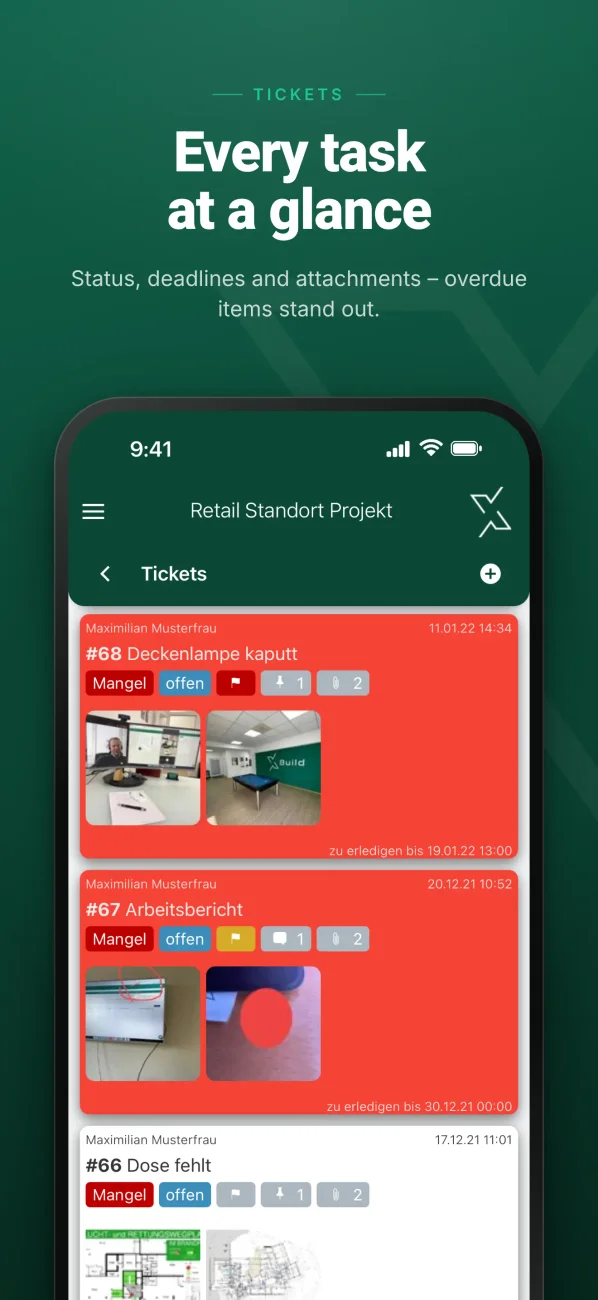
• Status, deadlines and responsibility at a glance
• Overdue tickets are highlighted immediately
• Filter quickly: all tickets, only yours, or by group
• Fast input with dictation and standard texts
PLANS ALWAYS WITH YOU
• Open and zoom project plans on your phone or tablet
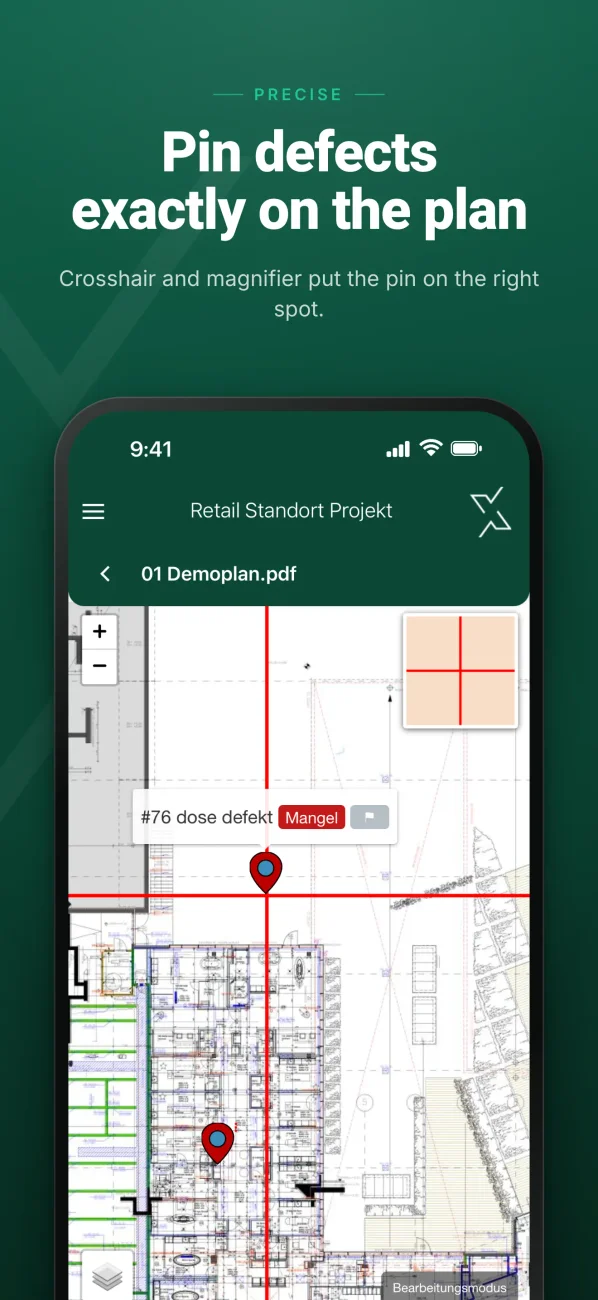
• Pin tickets to the exact spot on the plan
• Coloured pins show what is open and what is done
• Freehand drawing tools for notes on photos and plans
PHOTOS AND FILES
• Built-in camera – the photo is attached to the right ticket instantly
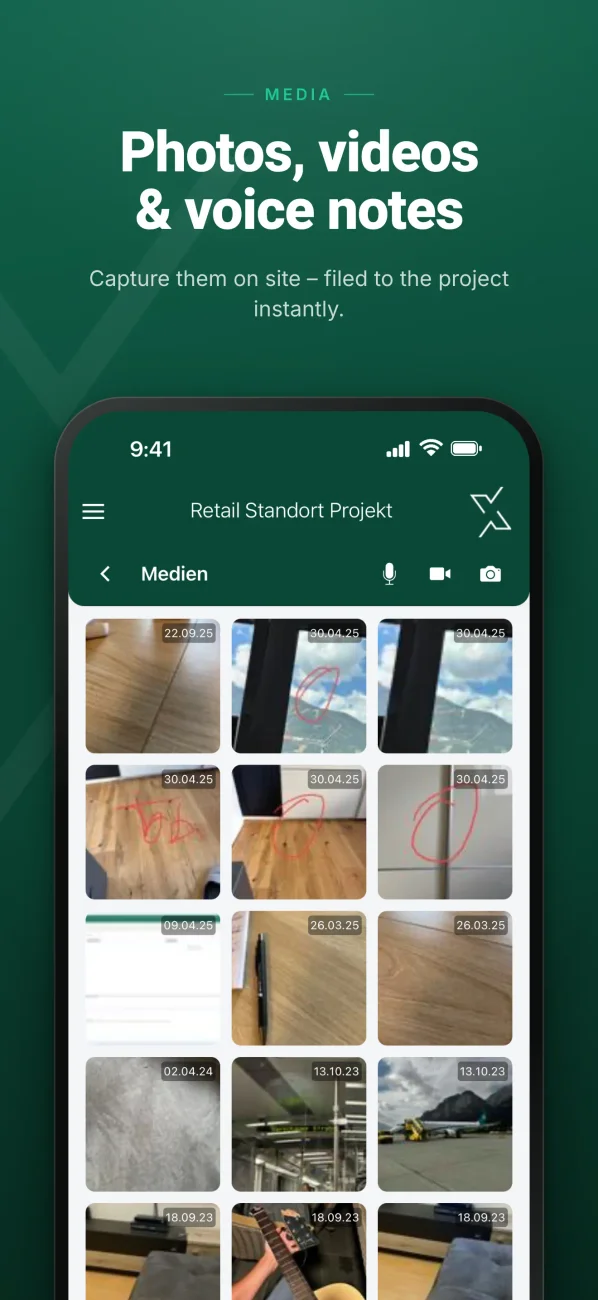
• Record photos, videos and voice notes right in the app
• Image view with all project photos
• Access project documents and plans on the go
SITE REPORTS
• Keep site reports up to date on site and share them with everyone involved
TIME TRACKING
• Log time directly on a ticket – with a timer or manually
• Record breaks, notes and materials
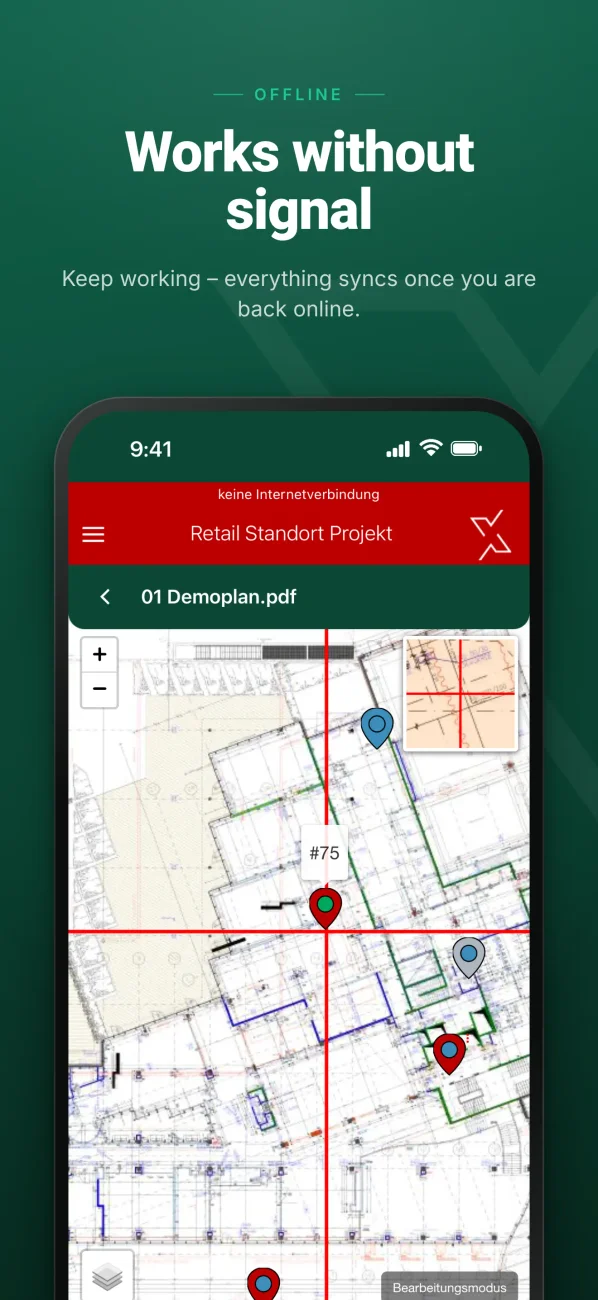
WORKS WITHOUT SIGNAL
No reception in the basement, the shell or the tunnel? Just keep working. XBuild stores your entries on the device and syncs them as soon as you are back online.
ALWAYS UP TO DATE
• Push notifications when something happens in your projects
• All project participants at a glance
PROVEN IN PRACTICE
More than 3,000 construction projects have already been delivered with XBuild – from residential and commercial to industrial building and facility management.
WHO IS IT FOR?
Site managers, project controllers, developers, general contractors, facility management and subcontractors – wherever many parties work together on one project.
REQUIREMENTS
You need an XBuild account to use the app. Your access is provided by your company or project management. Companies not yet using XBuild can find all information at myxbuild.com.
SUPPORT
Questions? Our team is here for you Monday to Friday, 9 am to 5 pm (CET): support@myxbuild.com
What’s new
Version 2.0 · Nov 1, 2026
The new XBuild app is here – completely redesigned.
• New, modern design for faster work on site
• Clearer project, ticket and plan views
• Improved stability and performance
Thanks for your feedback – reach us any time at support@myxbuild.com.
App privacy
What XBuild GmbH declares on the App Store about how this app handles data.
-
Data linked to you
May be collected and linked to your identity.
- Contact info
- User content
-
Data not linked to you
May be collected but is not linked to your identity.
- Diagnostics
Privacy practices may vary, for example with the features you use or your age.
Information
- Seller
- XBuild GmbH
- Category
- Productivity
- Version
- 2.0
- Updated
- Nov 1, 2026
- Released
- Nov 26, 2021
- Size
- 67.2 MB
- Requires
- iOS 15.0 or later
- Age rating
- 4+
- Languages
- German, English, French, Italian, Spanish
- Copyright
- © XBuild GmbH
You might also like
-
 KonstroProductivity
-
 StreckenProfiGPS mileage log & tax export
-
 Construction Log – Pro DokuSite Reports, Defects & PDF
-
 DokProFor the construction industry
-
 +DokuProductivity
-
 Lutz-Jesco - ChlorinatorsExamples of chlorine dosage
-
 CAPREOSThe solution for your protocol
-
 Mobile Handwerker AppProductivity
-
 LinePocketDWG & DXF Viewer, Measure
-
 BauLogixProductivity