
Construction Log – Pro Doku
Site Reports, Defects & PDF
Designed for iPhone, iPad, Mac, iPod touch
In-app purchases
- Age rating4+
- CategoryProductivity
- DeveloperTOBIAS ROSSMANN
- LanguagesGerman
- Size40.6 MB
Links to the official App Store page
Download.org hosts no file of Construction Log – Pro Doku. The button opens its official App Store page, published by TOBIAS ROSSMANN. Listing last checked on Nov 12, 2026.
Screenshots
About
Construction documentation for site managers, tradespeople, architects, and companies.
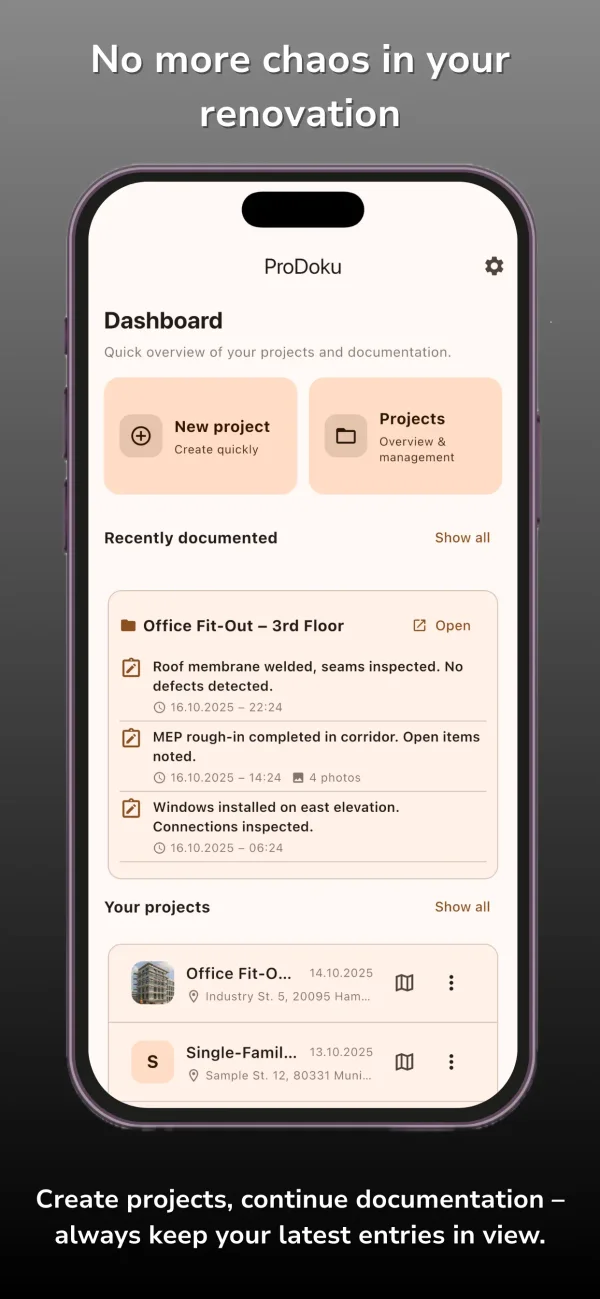
With Pro Doku, you can document construction sites, defects, inspections, and construction progress directly on site. Capture photos, dictate notes, organize projects, and create professional PDF reports – simple, structured, and reliable.
Pro Doku supports your daily construction documentation and keeps important information, photos, and notes organized and available in one place.
EASILY DOCUMENT CONSTRUCTION SITES
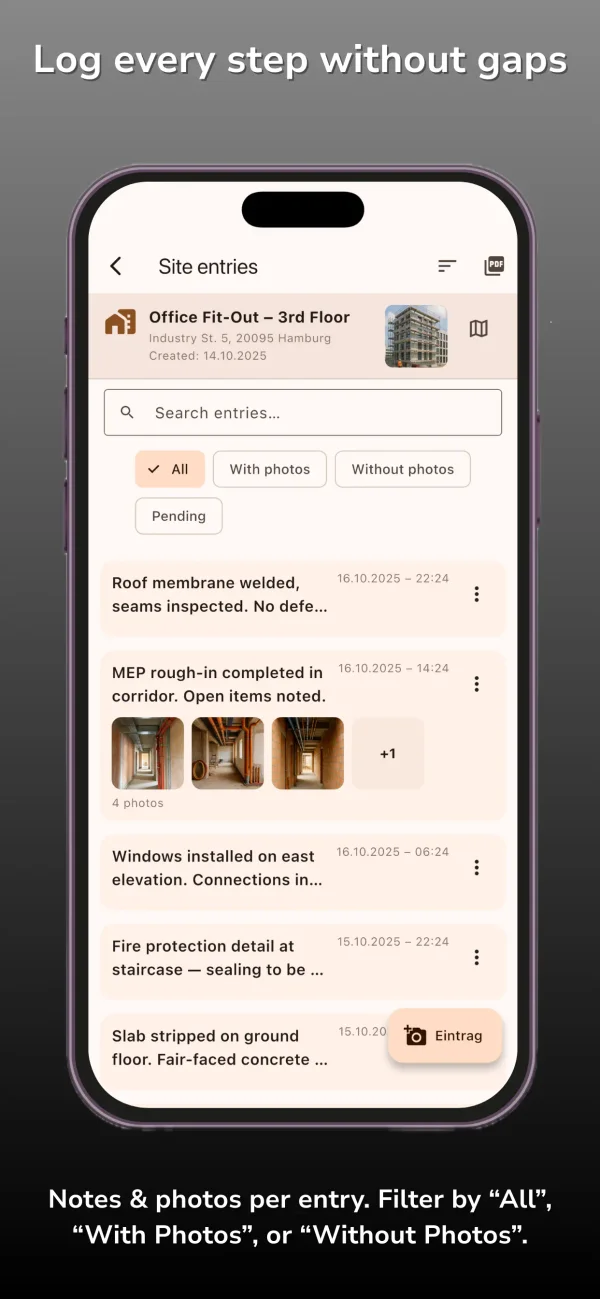
Record construction progress, defects, inspections, and important events directly on site. Add photos and notes to your entries and keep track of the current status of your projects at all times.
CAPTURE PHOTOS, DICTATE NOTES
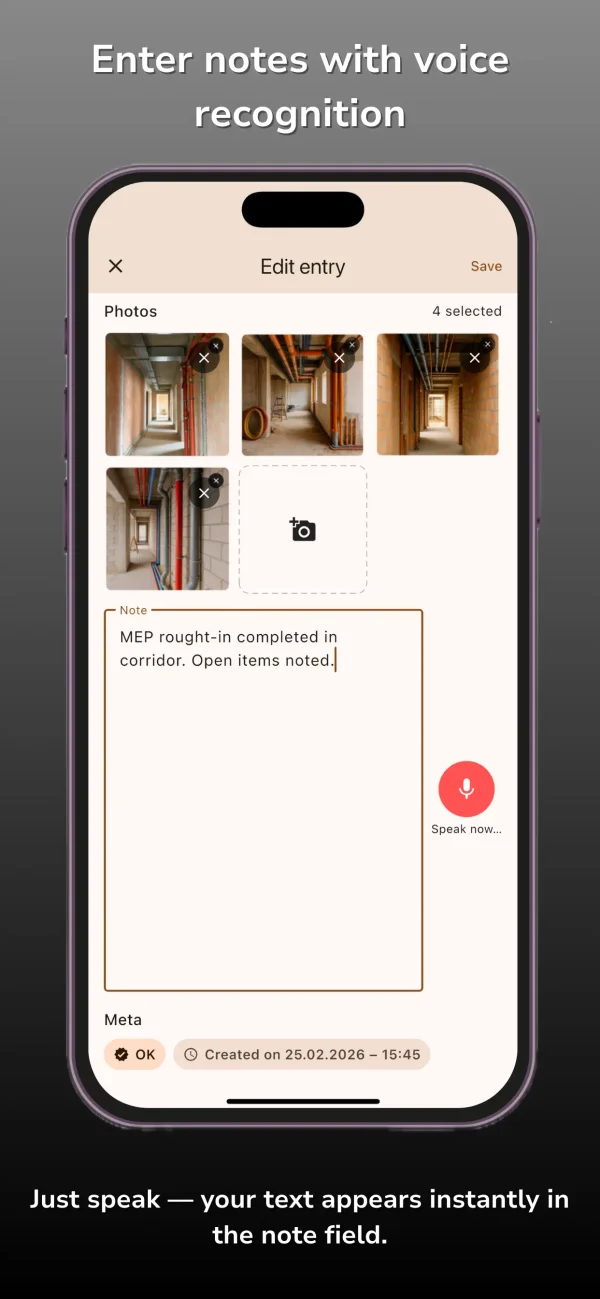
Document situations directly on site using your camera. Instead of typing long texts, you can use voice input to capture notes. This allows you to create documentation exactly where it is needed.
Entries can also include time and location information.
KEEP PROJECTS ORGANIZED
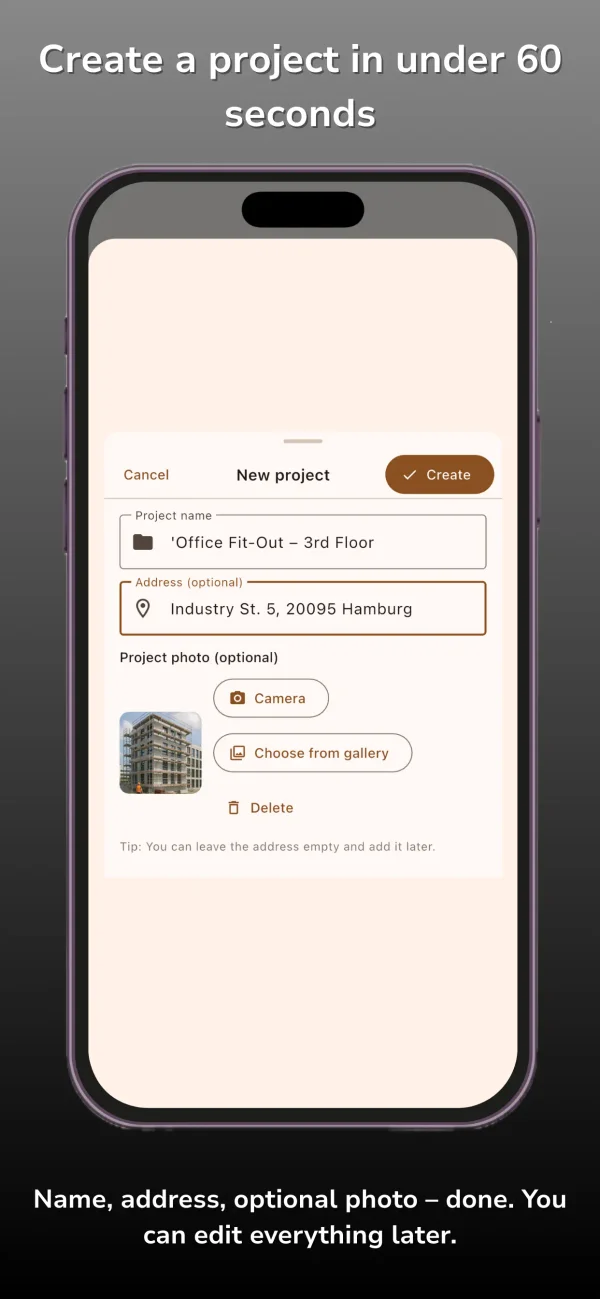
Manage construction sites, clients, and properties centrally in Pro Doku. Projects, entries, and photos remain clearly structured and easy to find – from the first site visit through to final inspection.
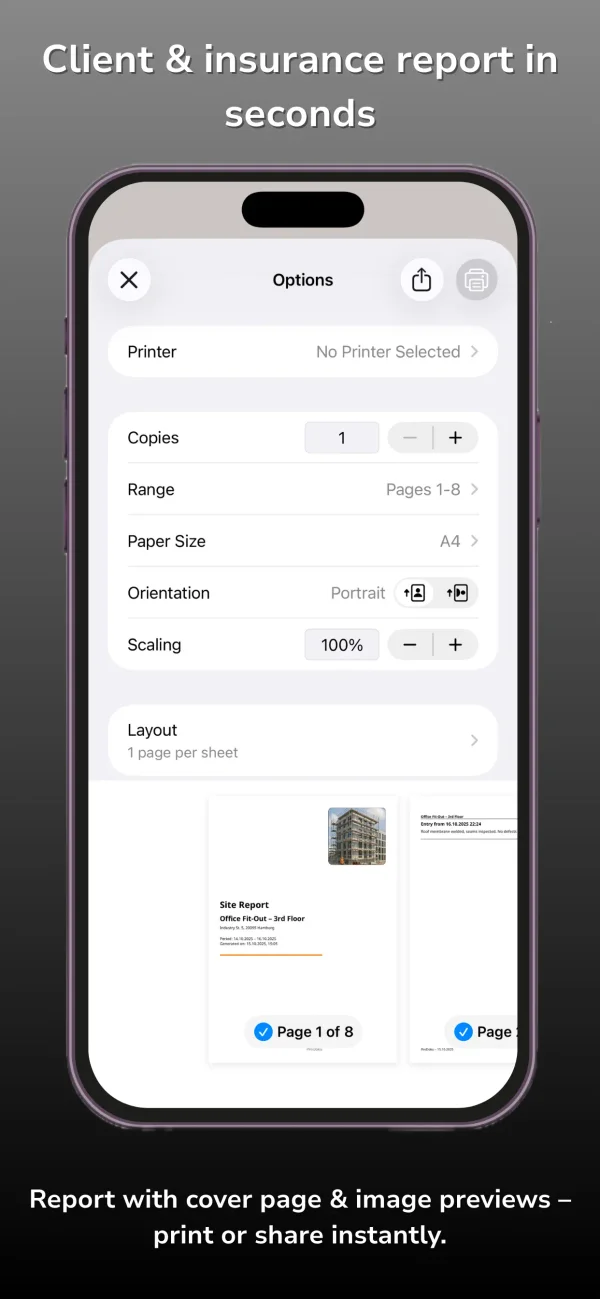
PROFESSIONAL PDF REPORTS
Create professional PDF reports from your documented entries, including photos, notes, and timestamps.
Ideal for:
• Construction documentation
• Construction logs
• Construction progress
• Defect documentation
• Inspections and handovers
• Clients and contractors
• Insurance claims and expert reports
Completed reports can be shared directly.
DOCUMENT TOGETHER AS A TEAM
With the Company version, multiple employees can work together on projects. Projects, entries, and photos are synchronized and available to the team across devices.
Ideal for companies, site managers, and teams that want to manage their construction documentation centrally.
CLOUD SYNCHRONIZATION
Synchronize your projects across supported devices and access your documentation on smartphones and tablets.
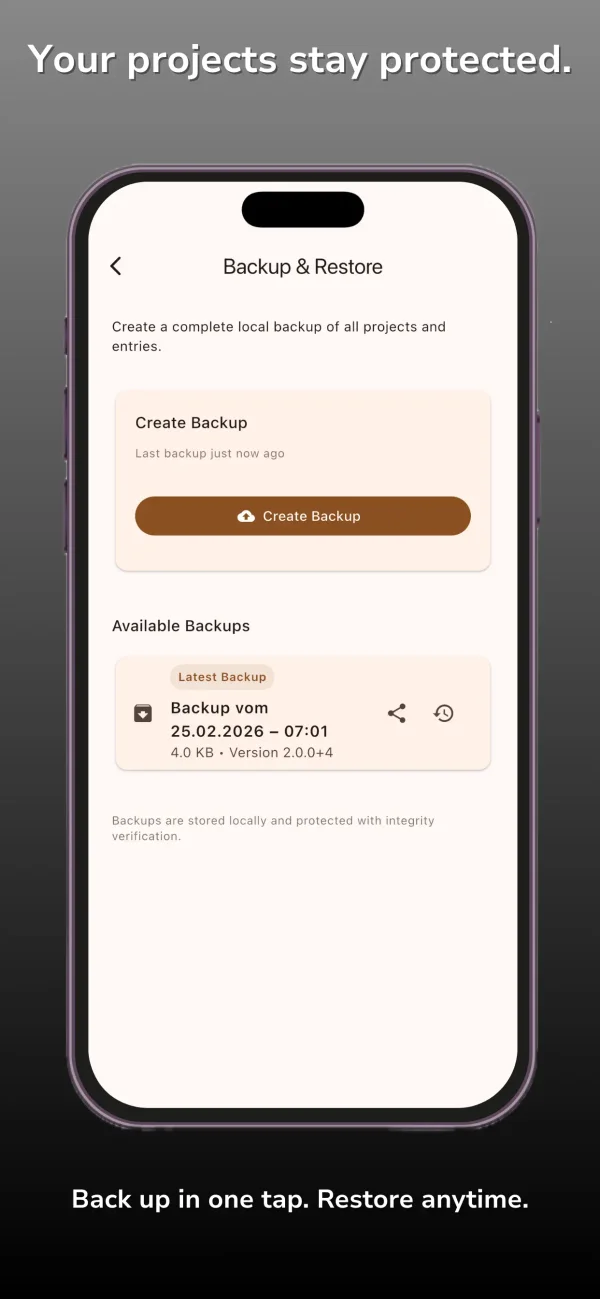
BACKUP & RESTORE
Back up your projects and restore your data whenever needed. This helps keep your construction documentation available for the long term.
START FOR FREE
Pro Doku can be used free of charge:
• Up to 3 projects
• Up to 10 entries per project
PRO VERSION – ANNUAL SUBSCRIPTION WITH A 7-DAY FREE TRIAL
• Unlimited projects
• Unlimited entries
• Voice input
• PDF reports without watermarks
• Your own company logo in reports
• Cloud synchronization across your devices
COMPANY VERSION
• Multiple employees
• Shared projects
• Shared entries and photos
• Cloud synchronization for teams
• Work across multiple devices
• Advanced team features
Pro Doku – professional construction documentation for trades and construction.
Terms of Use (EULA):
https://www.apple.com/legal/internet-services/itunes/dev/stdeula/
What’s new
Version 3.8 · Oct 19, 2026
What's New in ProDoku 3.8:
• Automatic position numbering for entries
• New classifications: D1, D2, D3, and H
• Labels and tags for better organization
• Enhanced search, filtering, and sorting
• Position numbers and classifications are now included in PDF reports
• Cloud synchronization is now disabled by default and can be enabled manually in Settings
• Local data and original photos remain stored on your device
• Optimized cloud images reduce storage usage
• Improvements to login, synchronization, and overall stability
Previously purchased Lifetime licenses remain permanently valid, of course.
App privacy
What TOBIAS ROSSMANN declares on the App Store about how this app handles data.
-
Data linked to you
May be collected and linked to your identity.
- Contact info
- Identifiers
- Usage data
-
Data not linked to you
May be collected but is not linked to your identity.
- Diagnostics
Privacy practices may vary, for example with the features you use or your age.
Information
- Seller
- TOBIAS ROSSMANN
- Category
- Productivity
- Version
- 3.8
- Updated
- Oct 19, 2026
- Released
- Oct 16, 2025
- Size
- 40.6 MB
- Requires
- iOS 15.0 or later
- Age rating
- 4+
- In-app purchases
- Yes
- Languages
- German
- Copyright
- © Sorglos
You might also like
-
 KonstroProductivity
-
 BaunarioProductivity
-
 BauexpertProductivity
-
 Handwerker App DokumentationProductivity
-
 Worksnap™ | Documentation AppPhoto, Video, Audio, PDF & Job
-
 Task Lens – Task AppTasks with photos
-
 iBauDokuProductivity
-
 Check&Go Schäden und ÜbergabenProductivity
-
 Dokum365Productivity
-
 XBuild MobileConstruction defects & plans