
Xermius - SSH Terminal
Server Manager & SFTP Client
Designed for iPhone, iPad, iPod touch
In-app purchases
- Age rating4+
- CategoryUtilities
- DeveloperLuong Van Duc
- LanguagesEnglish
- Size63.5 MB
Links to the official App Store page
Download.org hosts no file of Xermius - SSH Terminal. The button opens its official App Store page, published by Luong Van Duc. Listing last checked on Nov 12, 2026.
Screenshots
About
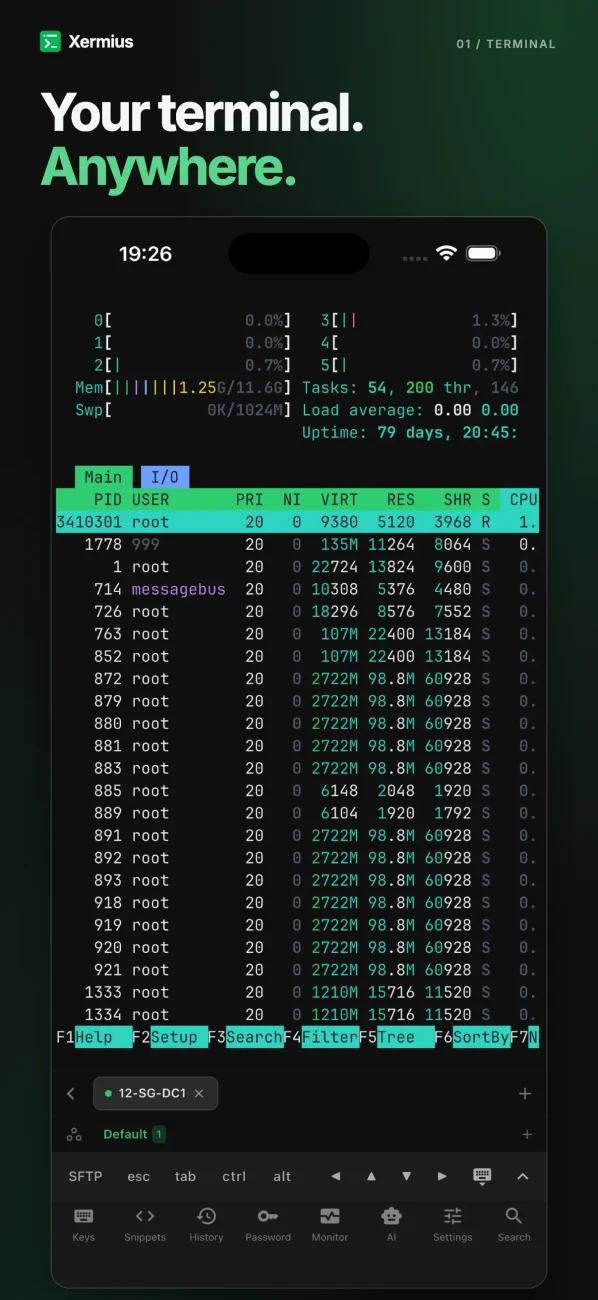
Xermius is a professional SSH terminal manager built for system administrators, DevOps engineers, and developers who need powerful server access on the go.
FULL SSH TERMINAL
• Complete terminal emulation with full keyboard support
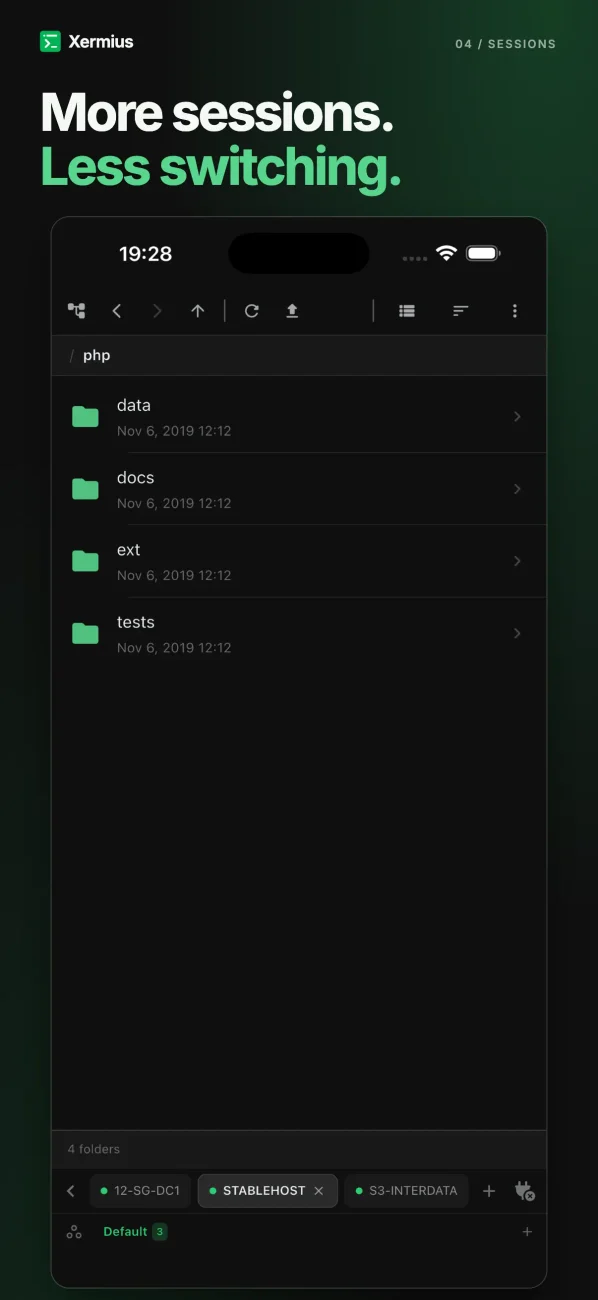
• Multi-tab sessions — work on multiple servers simultaneously
• Split view — divide your screen into multiple terminal panes
• Workspace — save and restore your session layouts
• Broadcast mode — send commands to multiple servers at once
• Custom keyboard toolbar with Ctrl, Alt, Tab, Esc, and arrow keys
• Terminal search and command history
• Multiple color schemes and font customization (JetBrains Mono, Fira Code, Source Code Pro, Cascadia Code)
SECURE AUTHENTICATION
• Password and SSH key authentication (RSA, Ed25519, ECDSA)
• Built-in SSH key generator — create keys directly in the app
• Deploy keys to your servers with one tap
• Known host verification for fingerprint validation
• Biometric unlock with Face ID / Touch ID
• Master password encryption for all credentials
• Two-factor OTP authentication
FILE MANAGEMENT
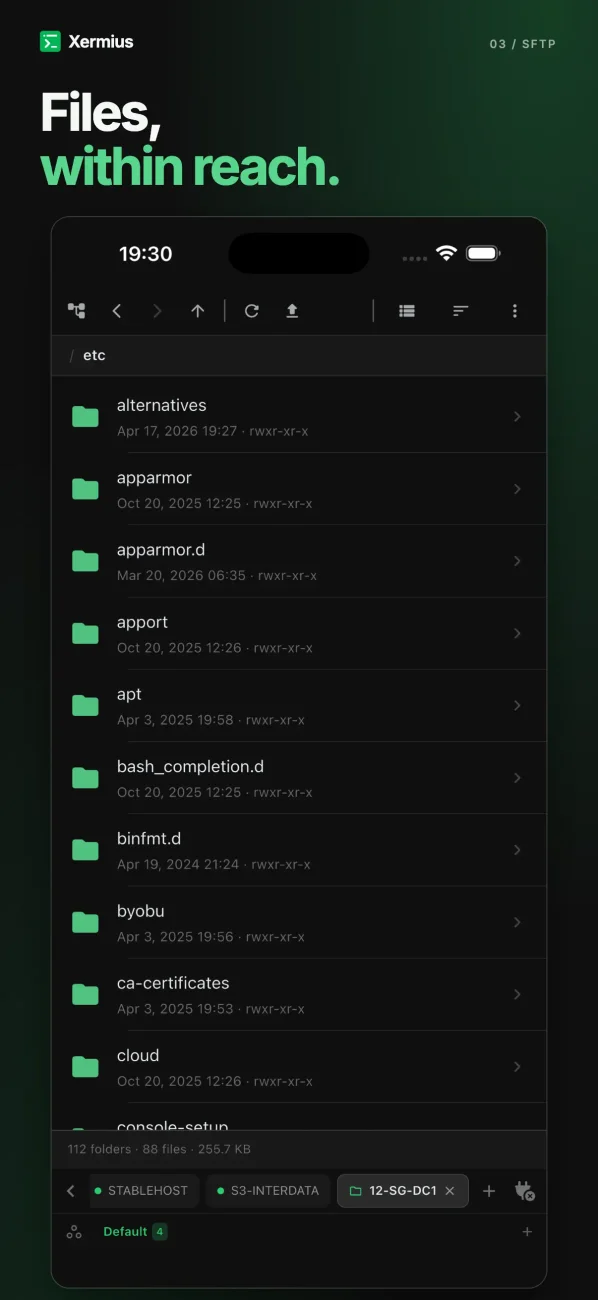
• Multi-protocol support: SFTP, FTP, and S3 (MinIO)
• Transfer files between servers (cross-host transfer)
• Built-in text editor for quick file edits
• File operations: rename, delete, chmod, compress
• Bookmarks for frequently used directories
• Bandwidth monitoring and transfer conflict resolution
HOST MANAGEMENT
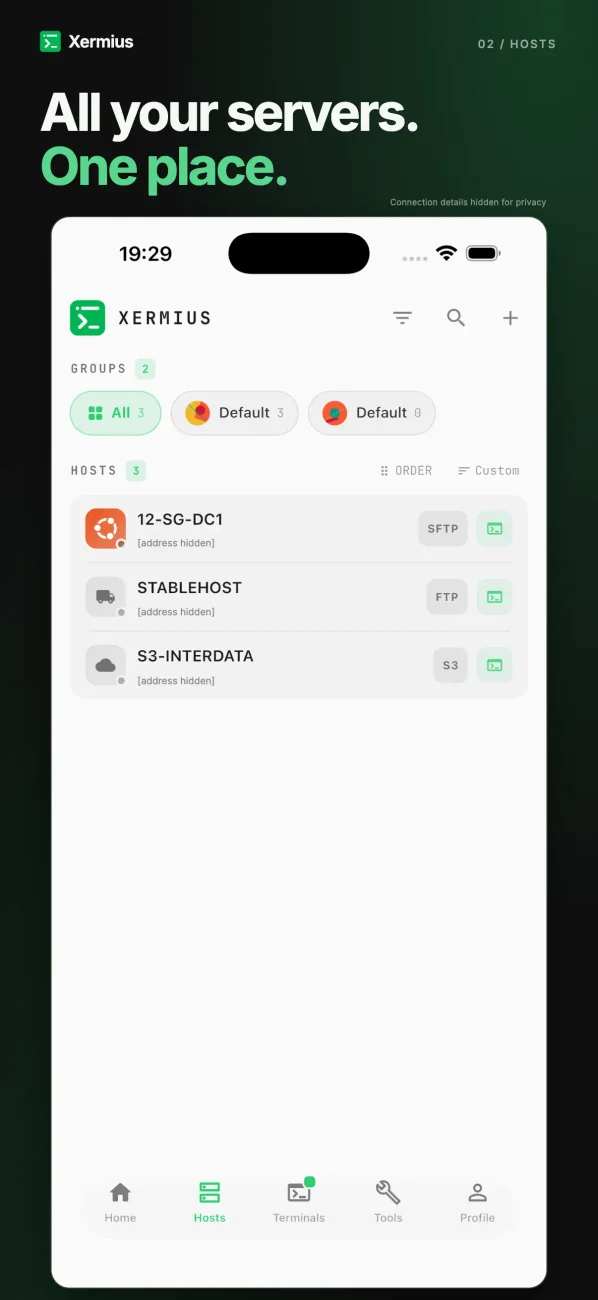
• Unlimited hosts with groups and categories
• Import/Export host configurations
• Search, filter, and sort your server list
• Tags and comments for organization
• Connection status indicators
• Pin your most-used hosts for quick access
COMMAND SNIPPETS
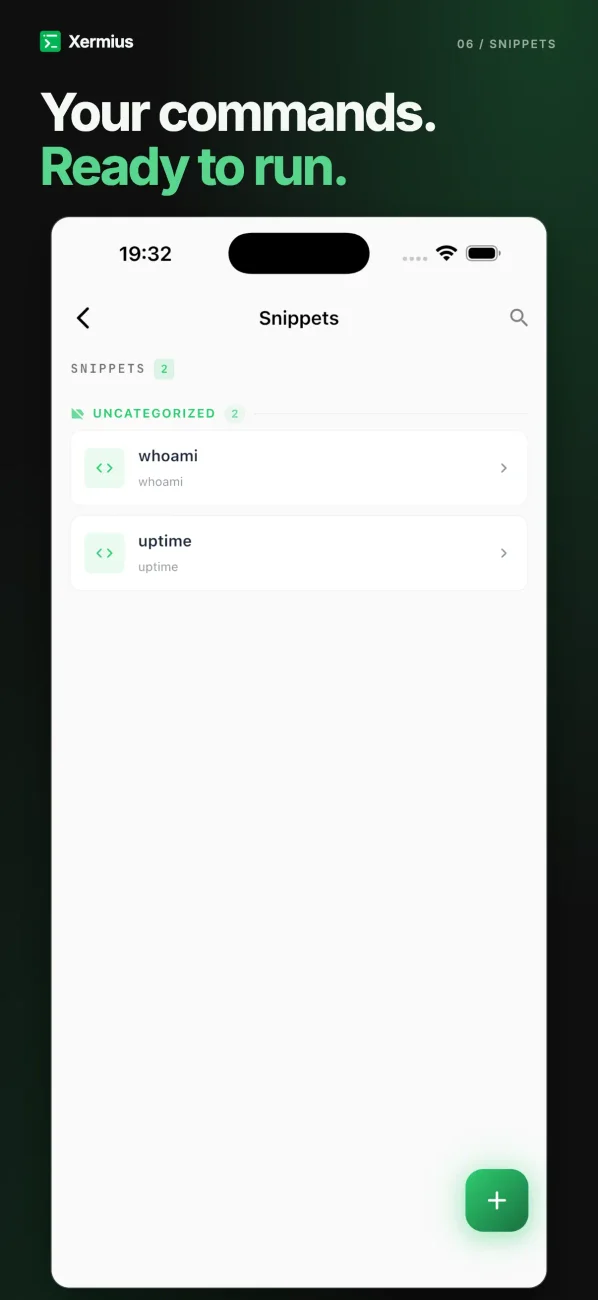
• Save and reuse frequently used commands
• Variable support for dynamic snippets
• Execute snippets across multiple servers simultaneously
• Quick-access buttons from the terminal
MONITORING & TOOLS
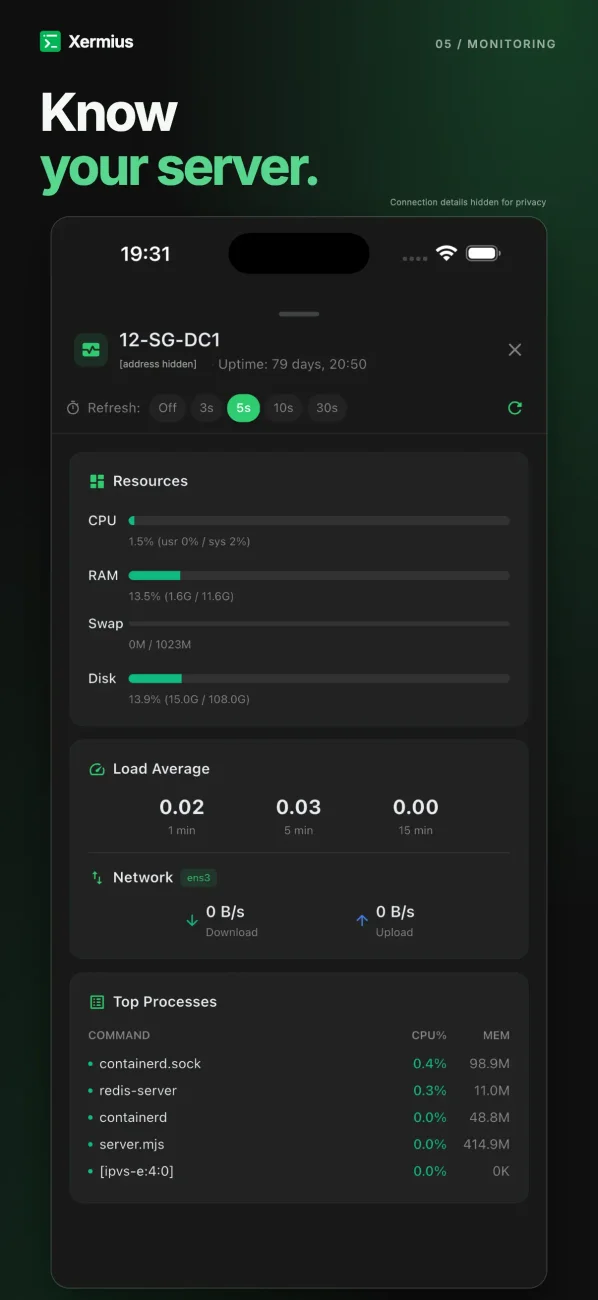
• Real-time server monitoring (CPU, RAM, Disk)
• SSL certificate checker
• Port forwarding (local and remote)
• Tmux session management
• Activity logs and security event logging
SYNC & CLOUD
• Sync hosts, snippets, and keys across devices via GitHub
• Backend sync with automatic conflict resolution
• Push notifications from your servers
AI-POWERED
• AI chat assistant for server management help
• Intelligent command suggestions based on context
PLATFORM FEATURES
• iOS Home Screen widgets for server monitoring
• Live Activities for active session tracking
• Push and local notifications
Whether you manage a single VPS or hundreds of production servers, Xermius gives you the tools you need — right from your iPhone or iPad.
XERMIUS PRO SUBSCRIPTION
Xermius Pro is available through auto-renewable monthly ($4.99/month) or annual ($49.99/year) subscriptions. Pro unlocks cloud sync across devices, GitHub repository sync, advanced autocomplete, session logs, priority support, cross-host file transfer, and advanced web tools. A subscription may be used for both personal and business purposes.
Payment will be charged to your iTunes Account at confirmation of purchase. The subscription will renew automatically. Cancellation of a future subscription may be made up to 24 hours before the end of the current period. The actual subscription may not be manually canceled before its termination date. Subscriptions may be managed, including disabling auto-renewal, in the Account Settings after purchase.
Please review our privacy policy https://xermius.com/privacy-policy and terms of use https://xermius.com/terms-of-service
What’s new
Version 1.1.1 · Oct 30, 2026
We add a few features:
- Webtools can now open in new single window
- Show/hide Local panel in File Manager & can able to set default option per host.
- Add option "Enter" navigation to folder in File Manager
- Solve broadcast to all terminal sessions in Splitview
- Add option menu to Dock icon & Tray menu.
- Right click & left click on Tray menu for same features as before.
- Add Screen lock by Master Massword protection
- Auto set default group on Add host sheet when selecting a group on Simple dashboard
- Added support system fonts
- Connect with Mosh supported
- Vaults: SSH Keys + Credentials (host support multiple credentials)
- X11 Server supported
Bug fixes & improments.
App privacy
What Luong Van Duc declares on the App Store about how this app handles data.
-
Data linked to you
May be collected and linked to your identity.
- Purchases
- Contact info
- Identifiers
-
Data not linked to you
May be collected but is not linked to your identity.
- Identifiers
- Usage data
- Diagnostics
Privacy practices may vary, for example with the features you use or your age.
Information
- Seller
- Luong Van Duc
- Category
- Utilities
- Version
- 1.1.1
- Updated
- Oct 30, 2026
- Released
- Apr 23, 2026
- Size
- 63.5 MB
- Requires
- iOS 15.0 or later
- Age rating
- 4+
- In-app purchases
- Yes
- Languages
- English
- Copyright
- © 2026 Xermius
You might also like
-
 SnapMeme: Meme MakerViral Meme Templates & Trends
-
 RYNAN IMSUtilities
-
 Car Parking MemoMemorize your parking floor
-
 Phone Clean Kit - Storage ProSmart Photo & Video Cleanup
-
 NFC Pro Tools: Scan & WriteRead, Write, Encrypt NFC Tags
-
 Rowa — Router ManagerPer-device internet control
-
 VietTelex - Bàn phím TelexUtilities
-
 Remio Remote DesktopAccess & Control PC or Laptop
-
 Enipa AI ToolsEnipa - Powered AI Tools
-
 Ash — SSH ClientSSH, SFTP & Port Forward