
xHydra Unlock
Unlock & Control Windows PCs
Designed for iPhone
Free · In-app purchases
- Age rating4+
- CategoryUtilities
- DeveloperTaha Laachari
- LanguagesEnglish
- Size2.3 MB
Links to the official App Store page
Download.org hosts no file of xHydra Unlock. The button opens its official App Store page, published by Taha Laachari. Listing last checked on Nov 21, 2026.
Screenshots
About
Unlock your Windows PC with your iPhone.
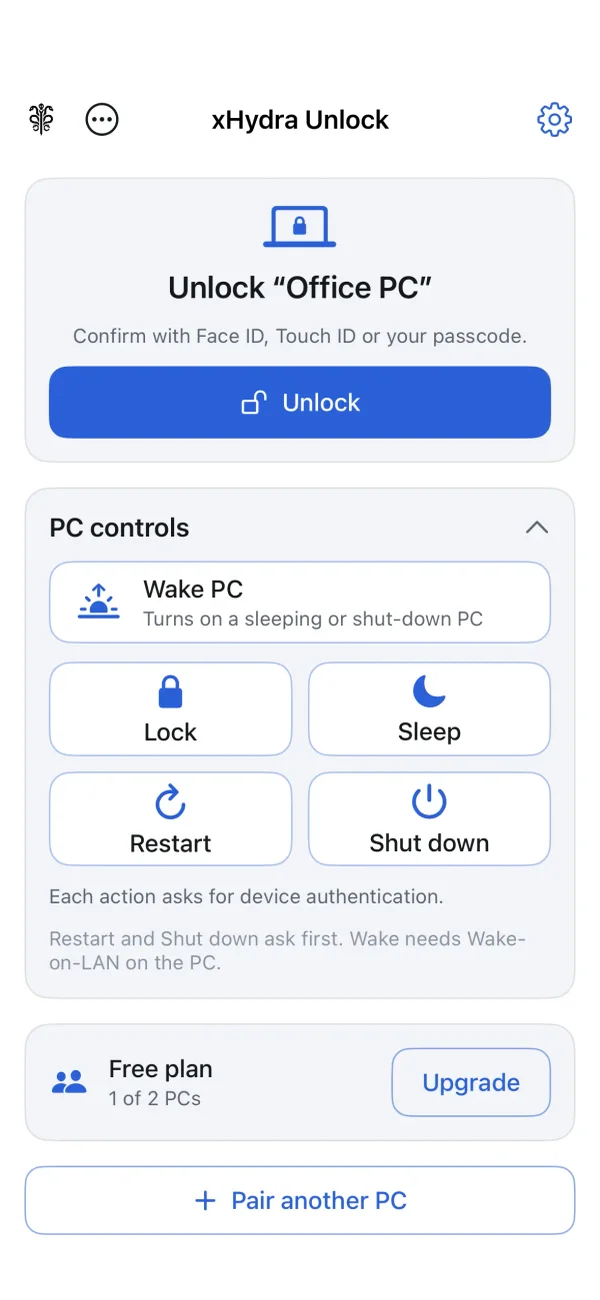
xHydra Unlock turns your iPhone into a secure key and remote control for your Windows computer. Use Face ID, Touch ID, or your device passcode to unlock an existing Windows session without typing your Windows password.
No xHydra account. No cloud relay. Your Windows password stays on your PC.
HOW IT WORKS
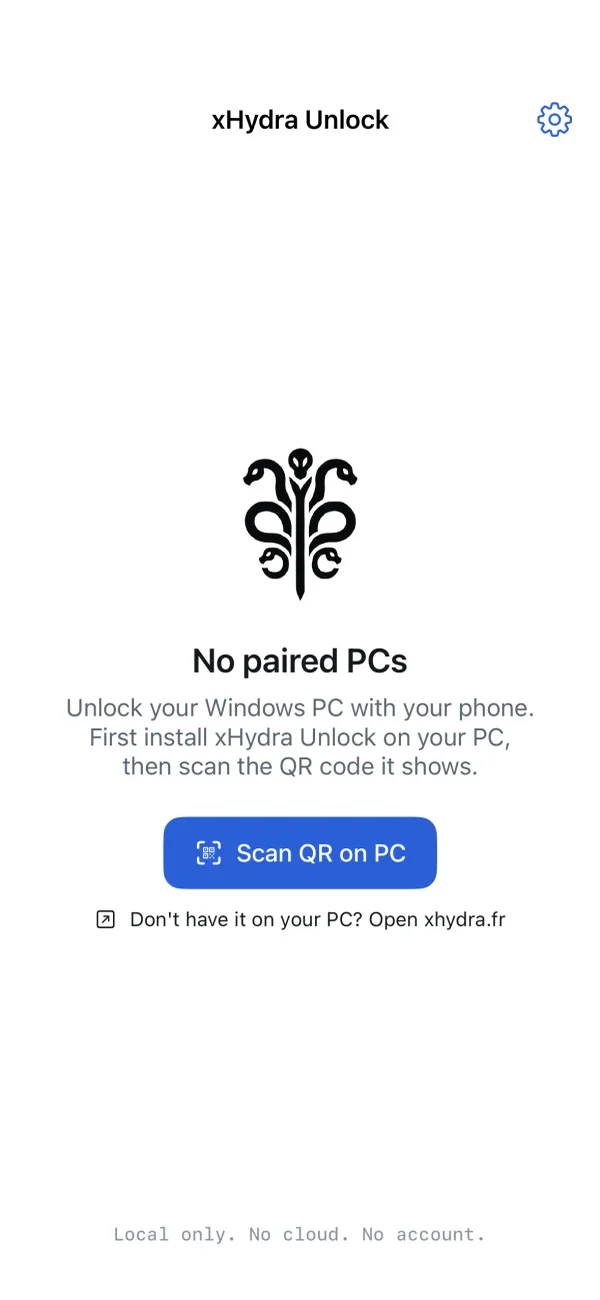
1. Install the xHydra Unlock Windows companion from xhydra.fr.
2. Connect your iPhone and Windows PC to the same trusted local network.
3. Scan the pairing QR code and approve your phone on Windows.
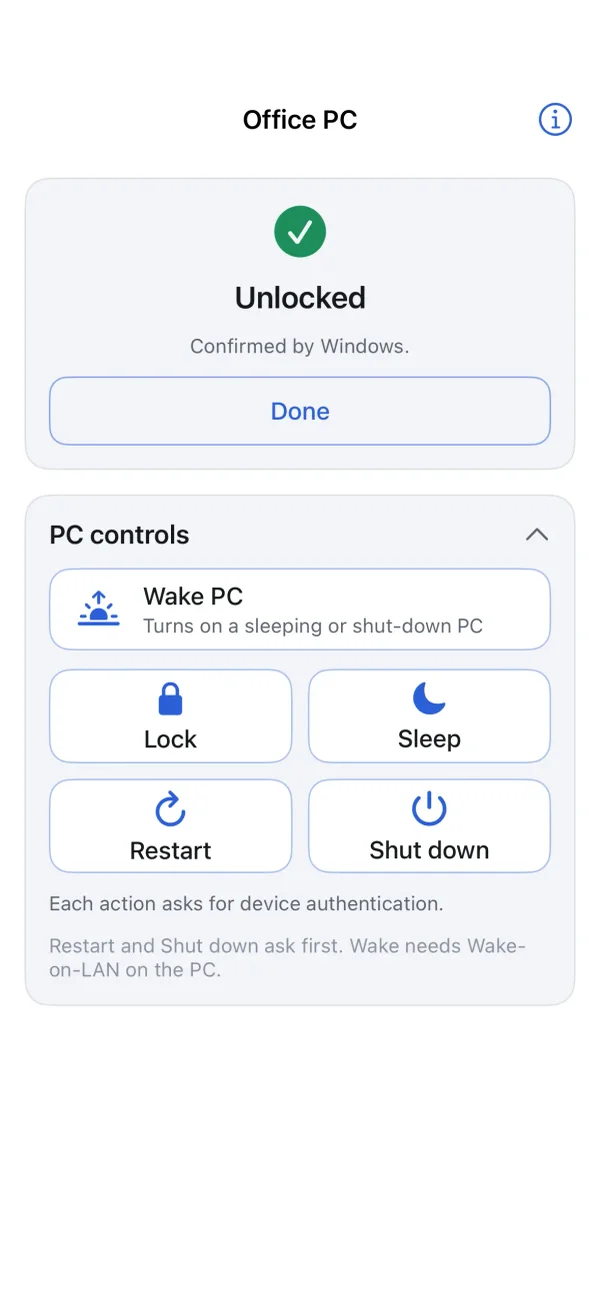
4. Lock your computer, select Unlock on your iPhone, and authenticate.
CONTROL YOUR WINDOWS PC
• Unlock your locked Windows session.
• Lock your PC when stepping away.
• Put your computer to sleep.
• Restart or shut down your PC.
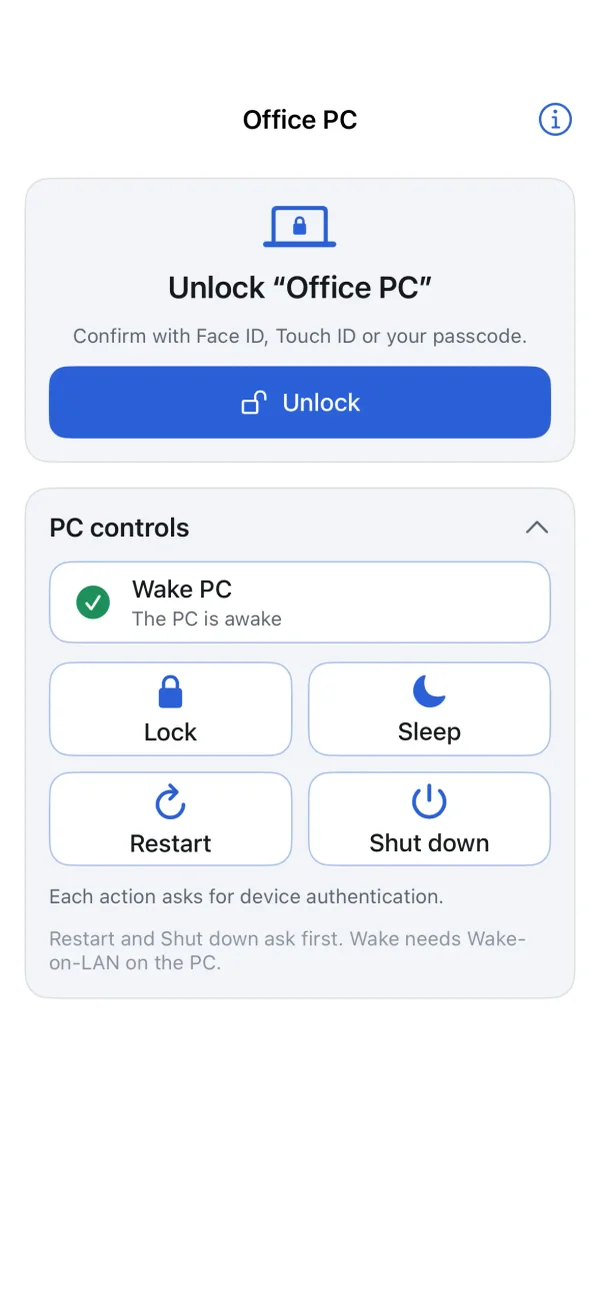
• Send Wake-on-LAN packets to compatible computers.
• Manage paired PCs and their access.
Lock, Sleep, Restart and Shut down require permissions granted in the Windows companion. Wake-on-LAN availability depends on hardware, network configuration and iOS networking restrictions.
SIRI, SHORTCUTS AND THE ACTION BUTTON
Say "Unlock my PC with xHydra", run Unlock PC from a Shortcut, or put it on the Action button. Face ID still confirms each unlock, and your iPhone must be unlocked first.
PRIVACY AND SECURITY
• Direct communication between your iPhone and PC.
• No xHydra account or cloud unlock server.
• Windows credentials remain locally protected on the computer.
• Secure Enclave-backed signing keys.
• Encrypted communication with pinned PC identity.
• Fresh, single-use authentication challenges.
• iPhone device authentication for unlocking and PC controls.
• Revoke paired phones whenever necessary.
LOCAL NETWORK AND PRIVATE VPN
Pair your phone over a trusted local network. Optionally access your already-paired PC through a supported private VPN when enabled in the Windows companion.
FREE TO START
Use xHydra Unlock with up to two paired PCs for free.
Optional upgrades:
• Unlimited Personal: a one-time purchase for unlimited personal computers.
• Business: monthly subscriptions covering 10, 30, 100, or unlimited work PCs, plus unlimited personal PCs.
Business 10 may include a seven-day free trial for eligible new subscribers. Subscriptions automatically renew unless canceled through Apple. Localized prices and renewal terms are displayed before purchase.
REQUIREMENTS
• iPhone with iOS 17 or later.
• Windows 10 or Windows 11 computer.
• Free Windows companion installation.
• Trusted local network for initial pairing.
• An existing signed-in Windows session.
xHydra Unlock does not replace your normal Windows login or support first sign-in after restarting the computer. Always keep your Windows password or PIN available.
Website: https://xhydra.fr
Support: https://xhydra.fr/support
Privacy: https://xhydra.fr/privacy
Terms: https://xhydra.fr/terms
What’s new
Version 1.1 · Nov 16, 2026
• Siri and Shortcuts: say "Unlock my PC with xHydra", or add Unlock PC to a Shortcut or the Action button. With several PCs, say "Unlock Office with xHydra" or let Siri ask which one.
• Face ID, Touch ID or your passcode still approves every unlock. Siri can't unlock while your iPhone is locked.
• Unlocks no longer fail when your iPhone's clock is off.
• If approving takes too long, nothing is sent and xHydra asks you to try again, so a late approval can never reach your PC.
App privacy
What Taha Laachari declares on the App Store about how this app handles data.
-
Data not collected
The developer does not collect any data from this app.
Privacy practices may vary, for example with the features you use or your age.
Information
- Seller
- Taha Laachari
- Category
- Utilities
- Version
- 1.1
- Updated
- Nov 16, 2026
- Released
- Nov 4, 2026
- Size
- 2.3 MB
- Requires
- iOS 17.0 or later
- Age rating
- 4+
- Price
- Free
- In-app purchases
- Yes
- Languages
- English
- Copyright
- © 2026 Taha Laachari
You might also like
-
 Array IDpass ClientUtilities
-
 BLE Simulator GATTTest & Simulate BLE Devices
-
 PulseUnlockUnlock your PC with your phone
-
 LumibearOne Tap to Perfect Light
-
 DNS Button: Changer & SwitcherPrivate, encrypted DNS manager
-
 BridgePlay — Bedrock LAN ToolShow your servers as LAN
-
 Lockfy PersonalLock Your PC Remotely
-
 PhoneMouse – Wireless MouseRemote Control Your Desktop
-
 Power PDF ScannerPDF scanner for business
-
 MetalHunt: Wall Scan & StudsMaps joist spacing and rebar