PulseUnlock
Unlock your PC with your phone
Designed for iPhone
Free · In-app purchases
- Age rating4+
- CategoryUtilities
- DeveloperFabian Matthias Meidt
- LanguagesEnglish+ 1 more
- Size8.1 MB
Links to the official App Store page
Download.org hosts no file of PulseUnlock. The button opens its official App Store page, published by Fabian Matthias Meidt. Listing last checked on Nov 17, 2026.
Screenshots

About
PulseUnlock (formerly PC Bio Unlock) lets you unlock your PC or Mac with Face ID or Touch ID on your iPhone.
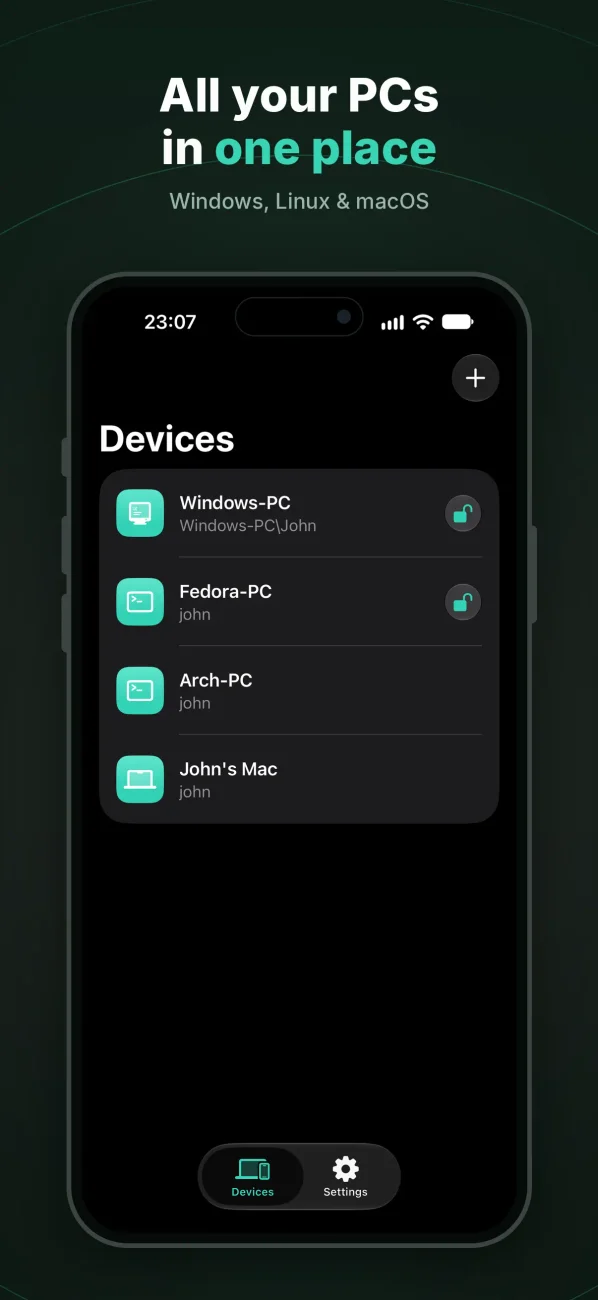
Supports Windows, Linux and macOS.
Get the desktop application: https://meis-apps.com/pcbu
Check out our GitHub: https://github.com/MeisApps
Windows features:
- Unlock the Windows login and lock screen
- Unlock UAC prompts
Linux features:
- Unlock the login and lock screen (GNOME, GDM, KDE, SDDM, LightDM, Cinnamon, Hyprlock)
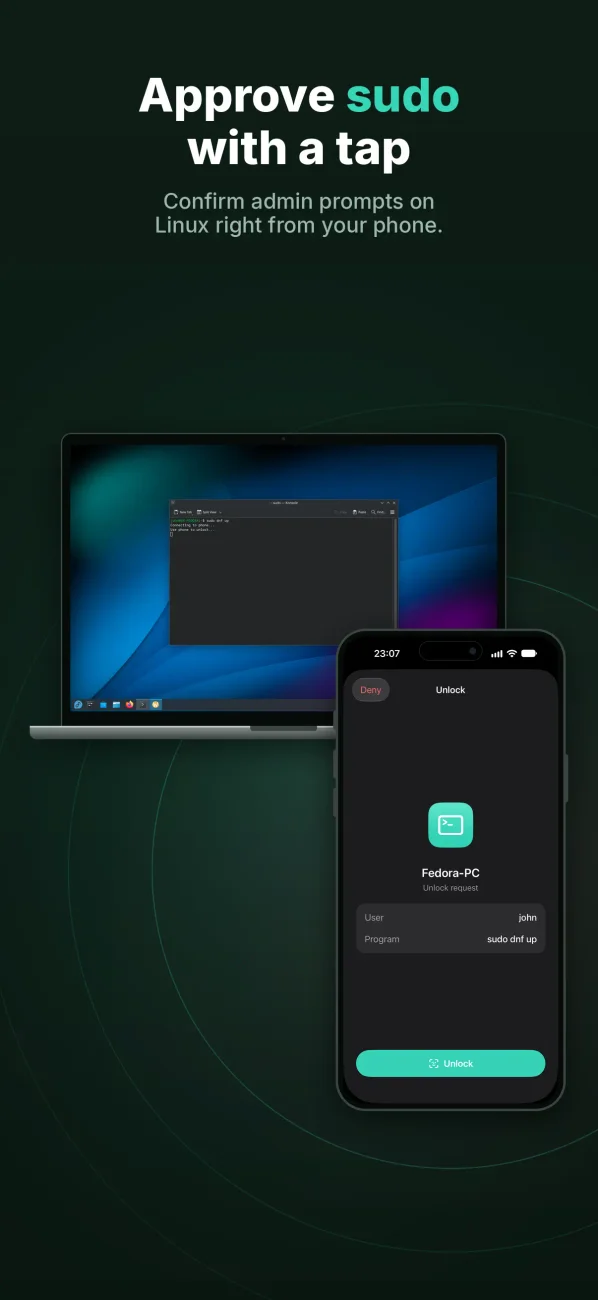
- Unlock sudo and polkit (pkexec)
- Unlock SSH logins for configured hosts
macOS features:
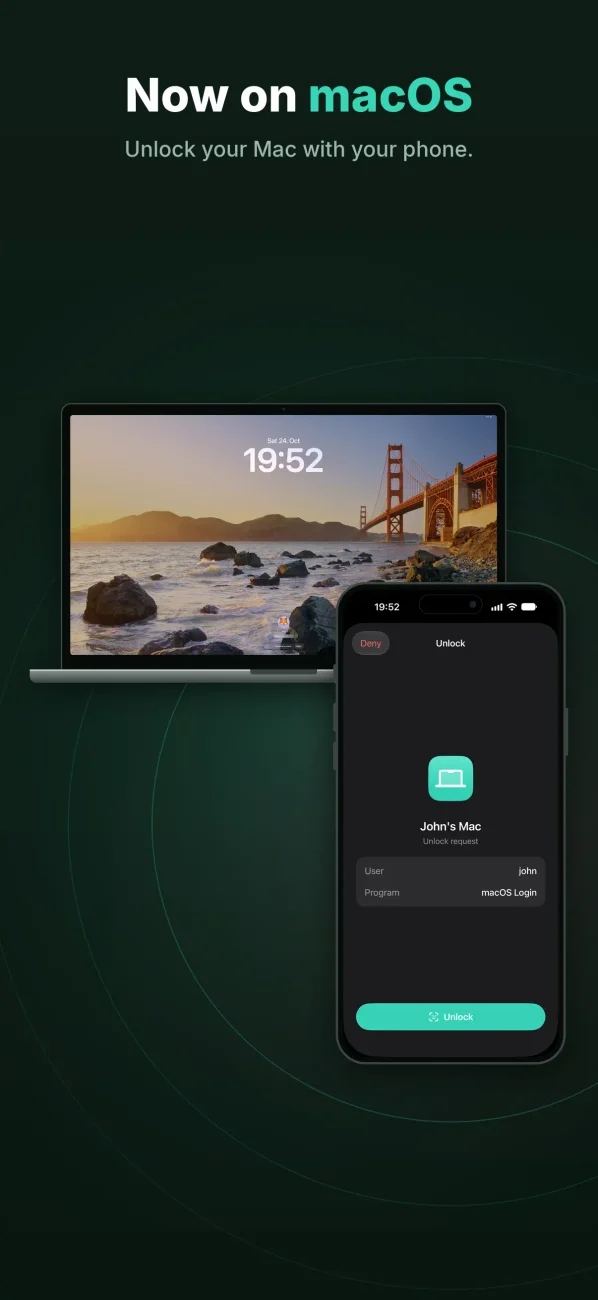
- Unlock the login and lock screen
- Unlock sudo and system permission prompts
- Unlock SSH logins for configured hosts
Connection methods:
- Cloud: Unlock from anywhere over the internet. Unlock requests arrive automatically as a notification, so there's no need to open the app first.
- Wi-Fi: Works locally without internet. When your computer asks to unlock, open PulseUnlock or tap its widget.
More features:
- Direct unlocking (shows the Face ID or Touch ID prompt immediately)
- Wake on LAN (turn on your PC from your iPhone)
- Widgets to unlock or wake a device with a single tap (iOS 18 or later)
- Control Center controls (iOS 18 or later)
- Siri and Shortcuts support
Subscription:
A subscription is required to use PulseUnlock. It's available monthly or yearly and starts with a free trial of 1 week. It includes all features, including Cloud unlocking.
Security:
Your password never leaves your computer. It is stored encrypted on the computer; the phone holds the key and never sees the password.
Traffic between your devices is encrypted with a key created during pairing. Cloud traffic is end-to-end encrypted, so the servers cannot read it.
For more detailed information, please visit https://github.com/MeisApps/pcbu-desktop/blob/main/README.md
Additional notes:
To pair locally, both devices must be on the same network or Wi-Fi.
The unlock process can be cancelled at any time by pressing Ctrl+Alt on the computer.
Support:
Having issues? Please visit https://meis-apps.com/pulse-unlock/troubleshooting
License Agreement (Apple Standard EULA): https://www.apple.com/legal/internet-services/itunes/dev/stdeula/
Terms of Use: https://meis-apps.com/terms-of-service
Privacy Policy: https://meis-apps.com/privacy-policy
What’s new
Version 1.1.0 · Oct 29, 2026
- Optimized for iPhone Duo
- Extra large widgets on iPhone Duo
- Bug fixes and improvements
App privacy
What Fabian Matthias Meidt declares on the App Store about how this app handles data.
-
Data not linked to you
May be collected but is not linked to your identity.
- Purchases
- Identifiers
- Diagnostics
Privacy practices may vary, for example with the features you use or your age.
Information
- Seller
- Fabian Matthias Meidt
- Category
- Utilities
- Version
- 1.1.0
- Updated
- Oct 29, 2026
- Released
- Oct 24, 2026
- Size
- 8.1 MB
- Requires
- iOS 16.0 or later
- Age rating
- 4+
- Price
- Free
- In-app purchases
- Yes
- Languages
- English, German
- Copyright
- © 2026 Fabian Matthias Meidt
You might also like
-
 xHydra UnlockUnlock & Control Windows PCs
-
 Wake Me Up - Wake-on-LANWake your computer up
-
 AR WiFi&5GLook at your network in AR
-
 Wolow - Wake on LANWake your computer up
-
 Wallpix — AI Wallpaper & 4KThemes, Widgets & HD Walls
-
 Unified RemoteControl your computer
-
 Blip: Send Files in a ClickNo Size Limits. None.
-
 AnyViewer Remote DesktopFreeware to control pc safely
-
 NID Wallet BDScan face to access NID portal
-
 Wi-Fi ToolkitUtilities