XovaPDF: Scanner & Editor
Scan, Convert & Edit PDFs
Designed for iPhone, iPad, iPod touch
In-app purchases
- Age rating4+
- CategoryProductivity
- DeveloperHakan GOLGE
- LanguagesEnglish+ 1 more
- Size88.3 MB
Links to the official App Store page
Download.org hosts no file of XovaPDF: Scanner & Editor. The button opens its official App Store page, published by Hakan GOLGE. Listing last checked on Nov 16, 2026.
Screenshots
About
XOVAPDF — document scanner & PDF studio for iPhone
Turn paper documents into searchable PDFs in seconds. Convert Office files, photos and text into clean, shareable PDFs. Then compress, split, merge, watermark or password-protect them. All in one app, fully offline.
WHY XOVAPDF?
• 12+ professional tools in one app — no need to juggle a separate scanner, converter and editor
• OCR makes every scan searchable — find and copy text inside your PDFs
• 100% offline — your documents never leave your device
• Ad-free, clean, fast interface
• Full English and Turkish support
DOCUMENT SCANNING & OCR
• Smart Scanner — Capture receipts, contracts, notebook pages and forms with auto edge detection
• OCR (Optical Character Recognition) — Turn every scan into a searchable PDF; search and copy text inside
• Manual Edge Adjust — Fine-tune crop corners with your finger when auto-detection isn't enough
• Multi-page Mode — Scan as many pages as you need into one PDF
• Split Mode — Export each scanned page as its own PDF
• Automatic perspective correction — even pages shot at an angle look straight
CONVERT TO PDF
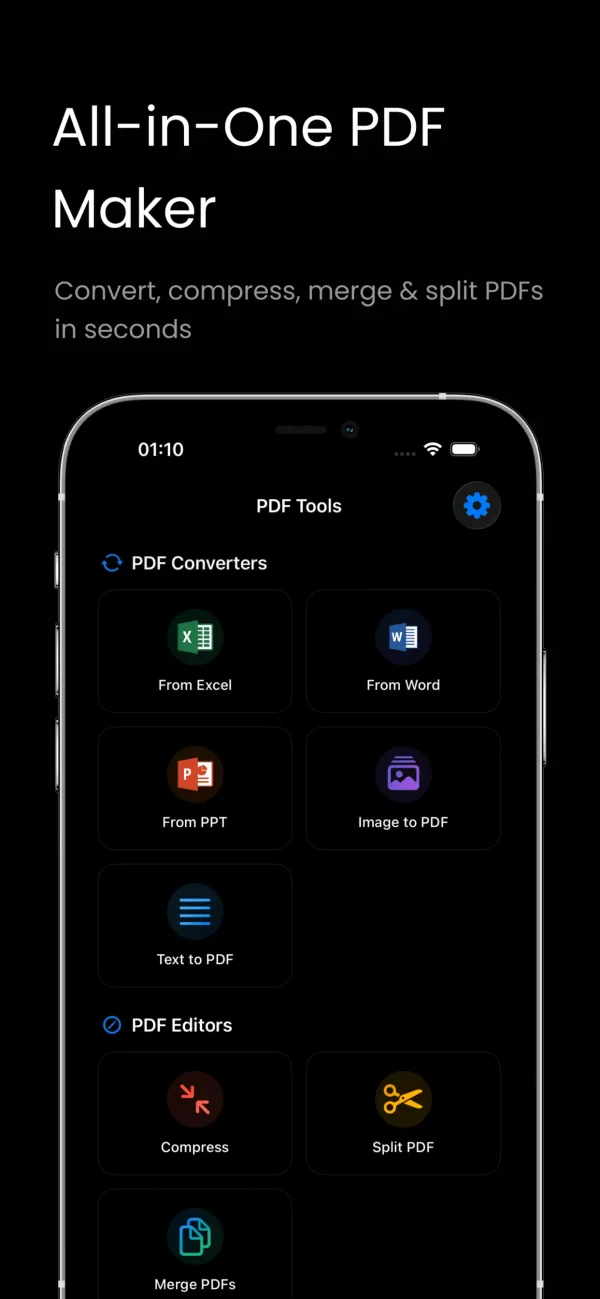
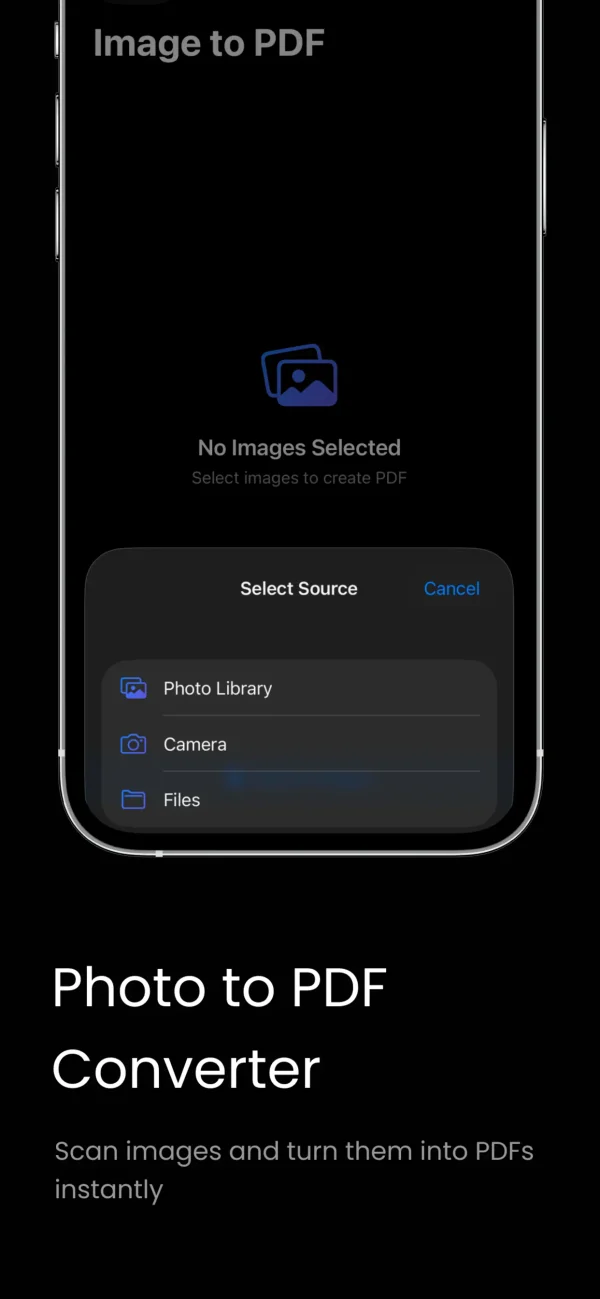
• Image to PDF — Turn one or many photos into a single PDF
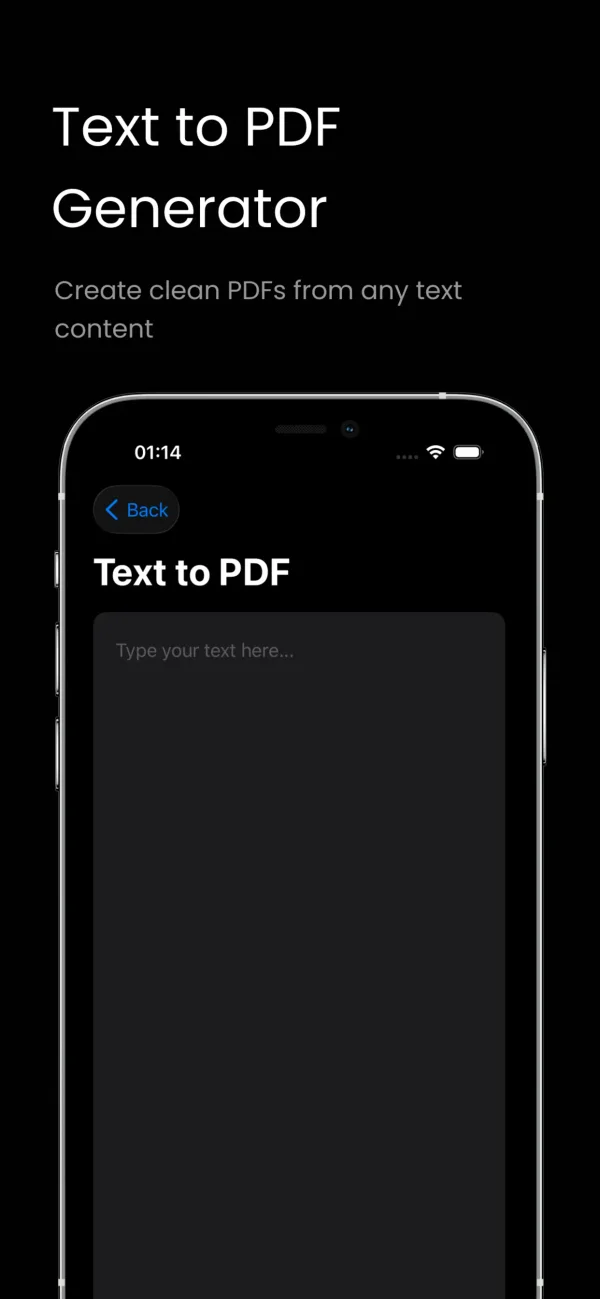
• Text to PDF — Make a PDF from any typed text
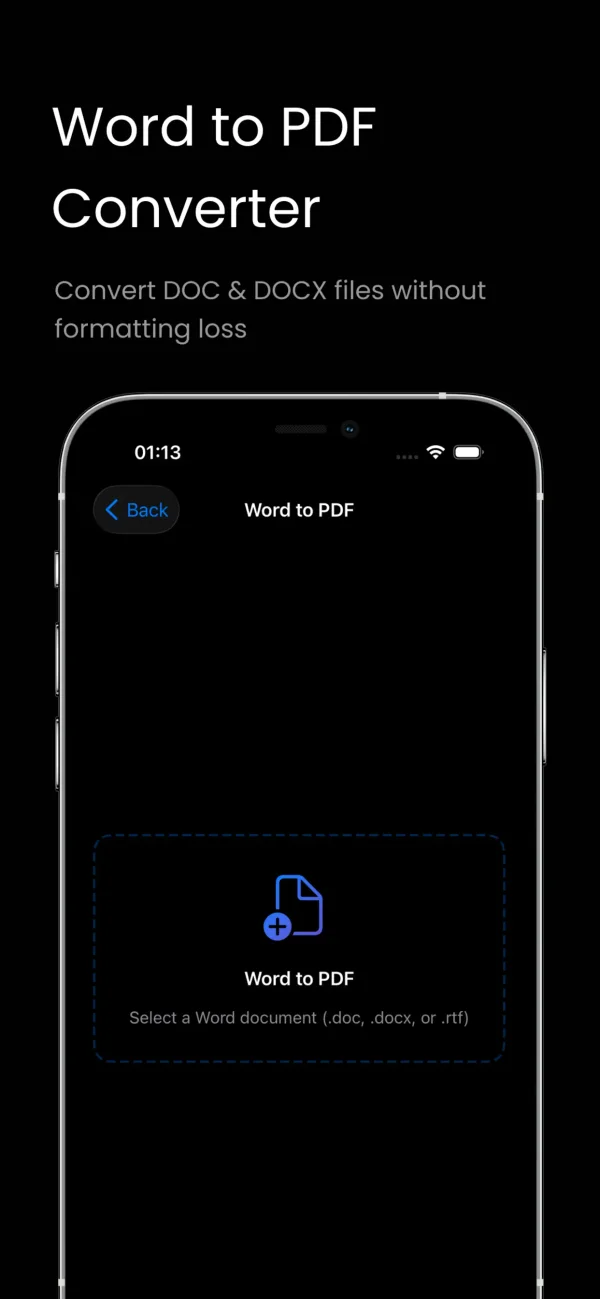
• Word to PDF — Convert .doc / .docx with fonts and layout preserved
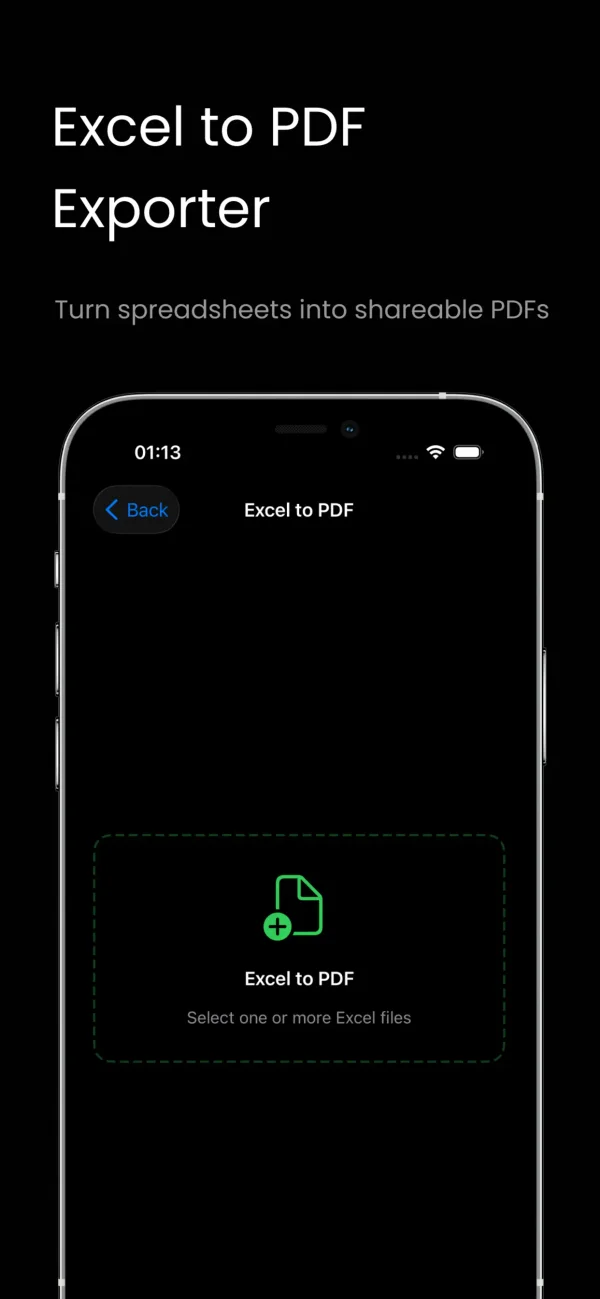
• Excel to PDF — Convert .xls / .xlsx spreadsheets to PDF
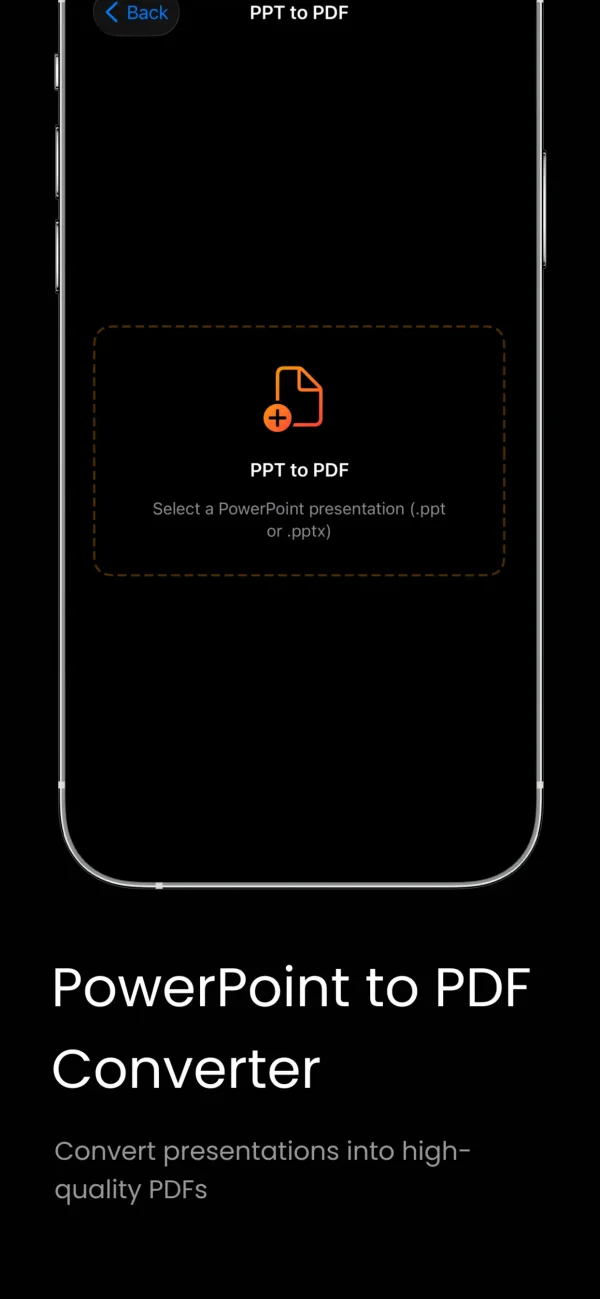
• PowerPoint to PDF — Convert .ppt / .pptx presentations to PDF
EDIT & PROTECT
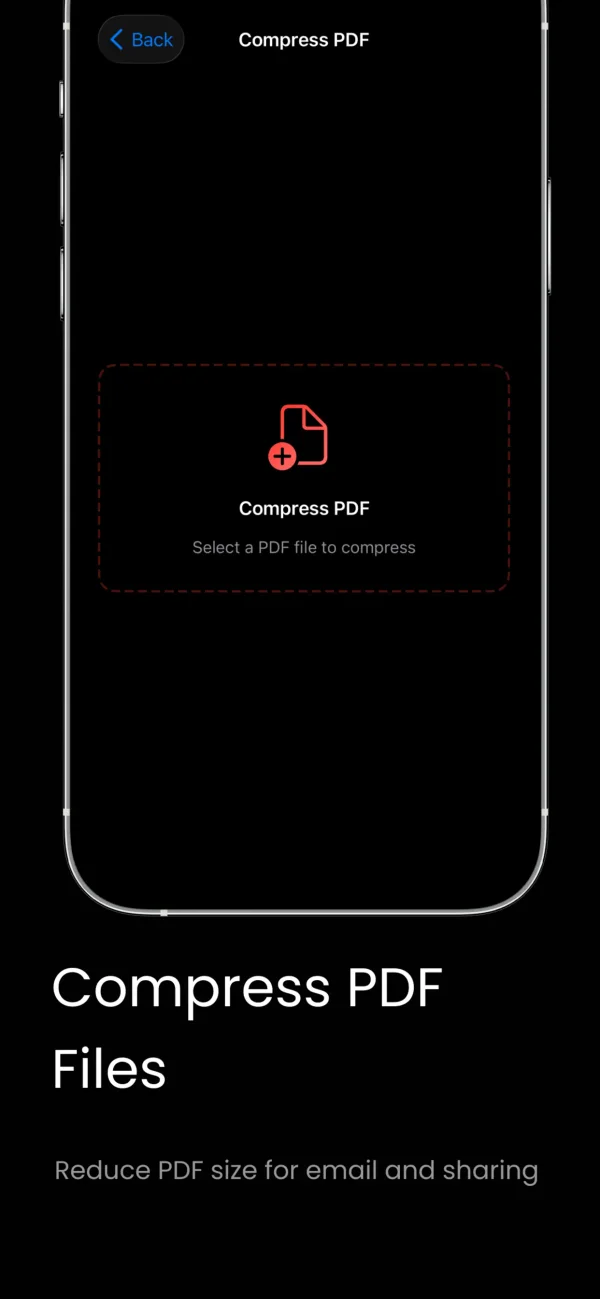
• Compress PDF — Shrink file size without losing quality; no more PDFs that won't fit in an email
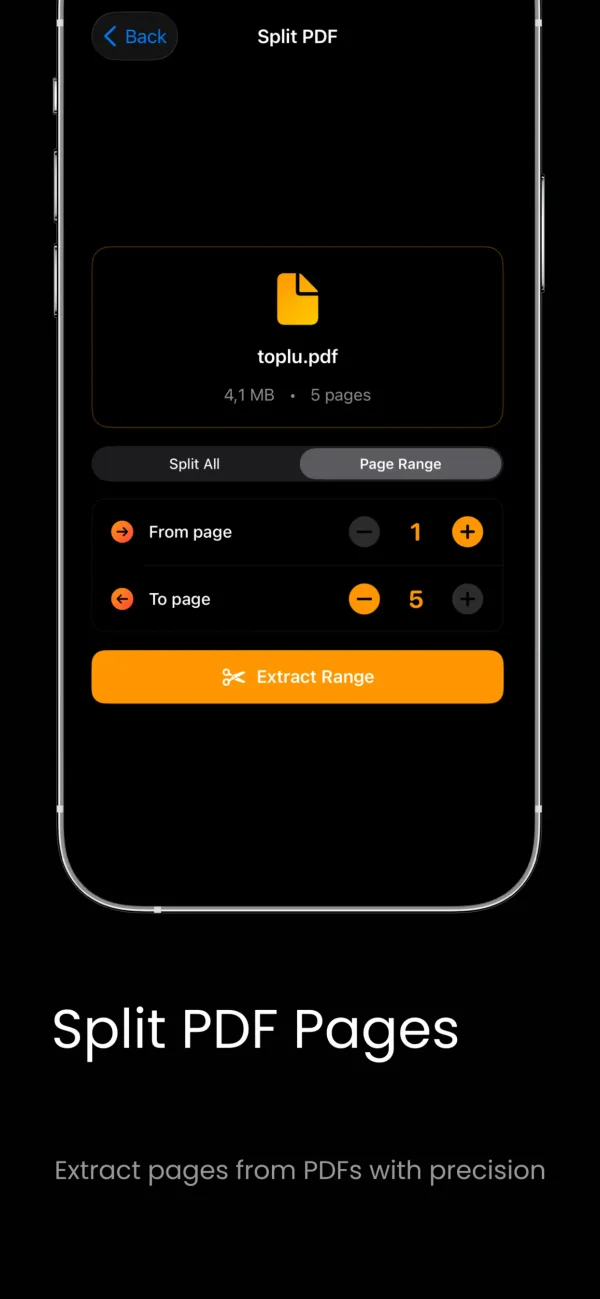
• Split PDF — Pull out specific pages from any PDF
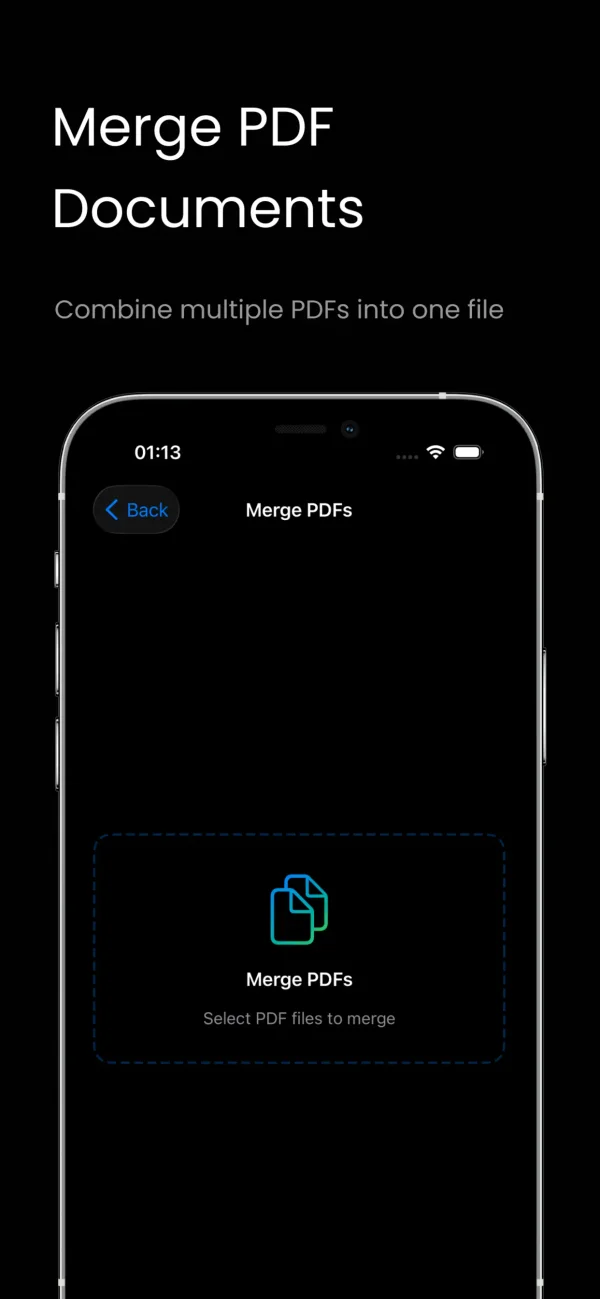
• Merge PDFs — Combine multiple PDFs in any order into a single file
• Watermark PDF — Stamp pages with "Confidential", "Draft" or your own custom text
• Password Protect — Lock sensitive PDFs behind a password
• PDF to Image — Export pages as high-resolution JPG or PNG
WHO USES XOVAPDF?
• Students — Scan lecture notes and book pages into a searchable archive
• Freelancers — Keep contracts, invoices and receipts in one place
• Professionals — Send Word and Excel reports as PDFs in seconds
• Parents — Digitize homework, medical records and school forms
• Anyone — Safely store ID, license and registration scans
PRIVACY
Your documents are yours. XovaPDF runs every conversion and edit on your device — receipts, IDs and contracts you scan never leave the phone. You don't even need an internet connection.
KEY FEATURES
• Refreshed red & black theme with an intuitive interface
• Works fully offline — no internet required
• Share PDFs to WhatsApp, email, Telegram or any other app
• Save directly to the Files app or iCloud Drive
• Open With handler — call XovaPDF from other apps to convert files
FREE & PREMIUM
Free:
• Text to PDF
• Image to PDF
• PDF to Image
Premium (free trial included):
• Document Scanner with OCR
• Word / Excel / PowerPoint → PDF
• PDF compress, split and merge
• Watermark and password protect
• Ad-free experience
• Unlimited PDF creation
• Priority access to new features
SUPPORT
Need help? Drop us a line — we get back fast.
Download XovaPDF now and turn every paper, photo and Office file into a perfect PDF. One app, every PDF need.
What’s new
Version 1.1.0 · May 5, 2026
What's new in 1.1.0
• Document Scanner with OCR — scan papers into searchable PDFs
• Manual edge adjustment for any image source
• Split mode — export one PDF per scanned page
• Watermark PDFs with custom text
• Password-protect any PDF
• PDF to Image export (JPG / PNG)
• Refreshed look with a new red & black theme
• Faster launch with a new branded splash screen
• Plenty of small UX polish across every tool
App privacy
What Hakan GOLGE declares on the App Store about how this app handles data.
-
Data not collected
The developer does not collect any data from this app.
Privacy practices may vary, for example with the features you use or your age.
Information
- Seller
- Hakan GOLGE
- Category
- Productivity
- Version
- 1.1.0
- Updated
- May 5, 2026
- Released
- Feb 23, 2026
- Size
- 88.3 MB
- Requires
- iOS 16 or later
- Age rating
- 4+
- In-app purchases
- Yes
- Languages
- English, Turkish
- Copyright
- © 2026 Hakan GÖLGE
You might also like
-
 Splitter | Multi ScreenMulti Screen Browsing
-
 Onsio - Privacy First AIOnsio: Your Data, Your Rules!
-
 Photo to PDF: ScannerScan Docs, Convert & Protect
-
 NGIE: Gaming AI AssistantSmart Gaming Guide
-
 AI Voice Chat - Infolens VoiceAI Voice Companion & Assistant
-
 Transcribe Here: Audio to TextLocal Whisper Transcription
-
 Pregnancy Diary RoutineDiary Routine & Symptoms
-
 Image to PDF – PDF MakerJPG to PDF & PDF Scanner
-
 Image to Data: OCR & AI ParserExtract tables & data & json!