Yamera (Manual Camera)
Manual Focus, Exposure and WB.
Designed for iPhone, iPad, iPod touch
Free · In-app purchases
- Age rating4+
- CategoryPhoto & Video
- DeveloperAppMadang
- LanguagesEnglish+ 2 more
- Size6.1 MB
Links to the official App Store page
Download.org hosts no file of Yamera (Manual Camera). The button opens its official App Store page, published by AppMadang. Listing last checked on Nov 15, 2026.
Screenshots
About
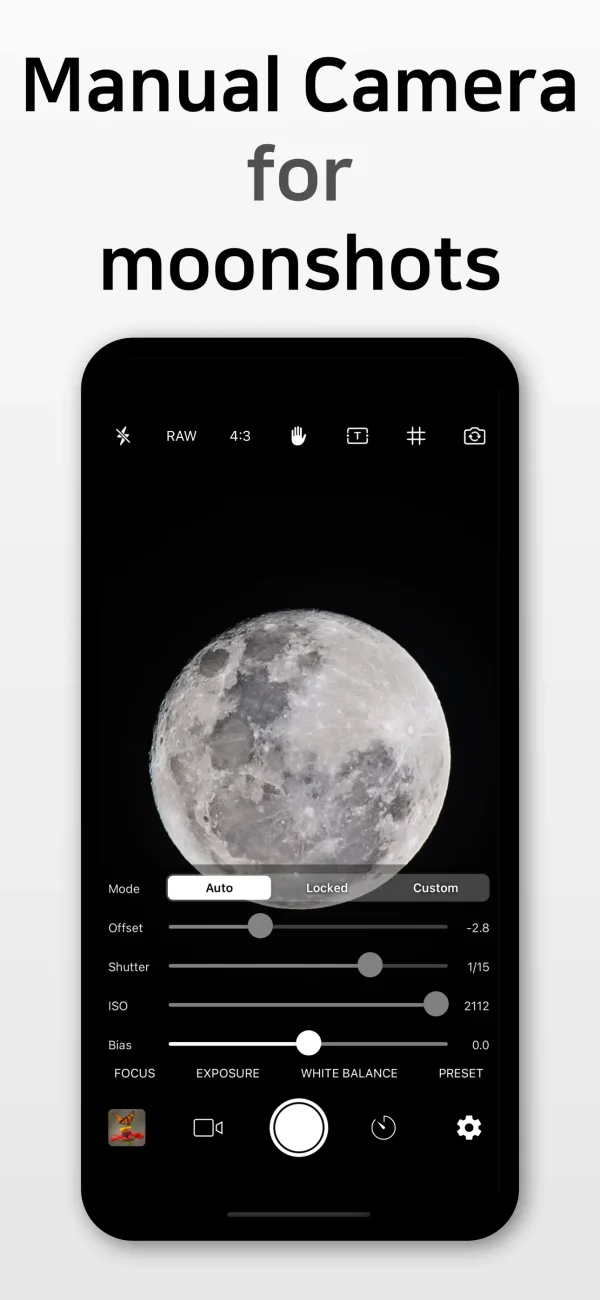
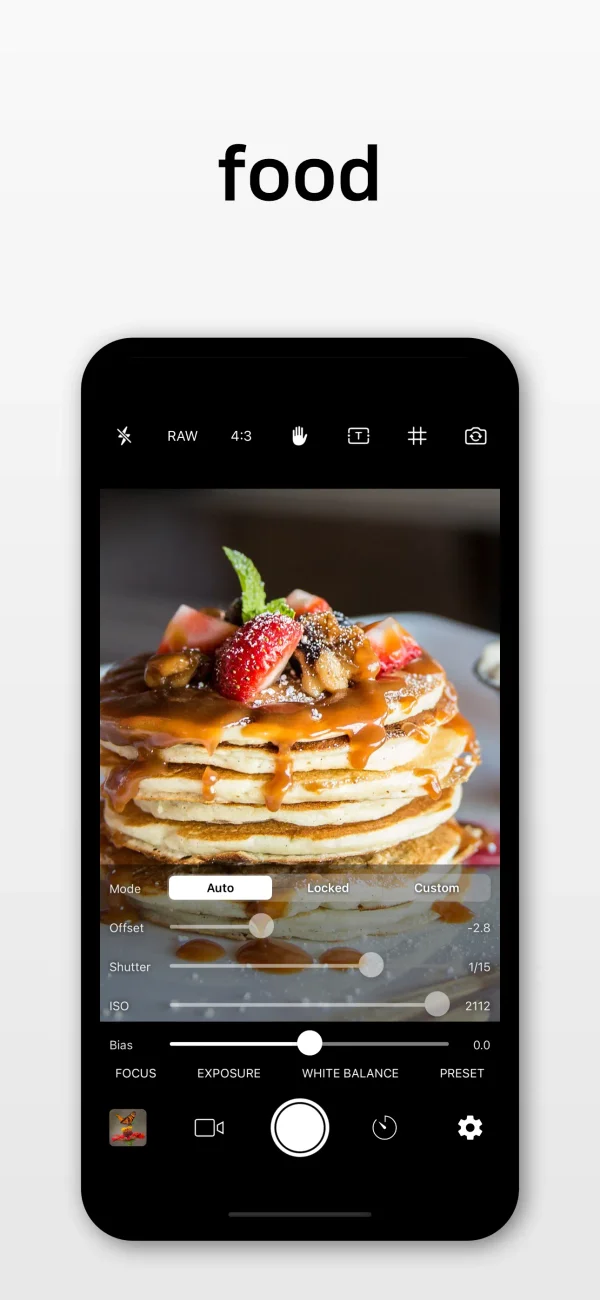
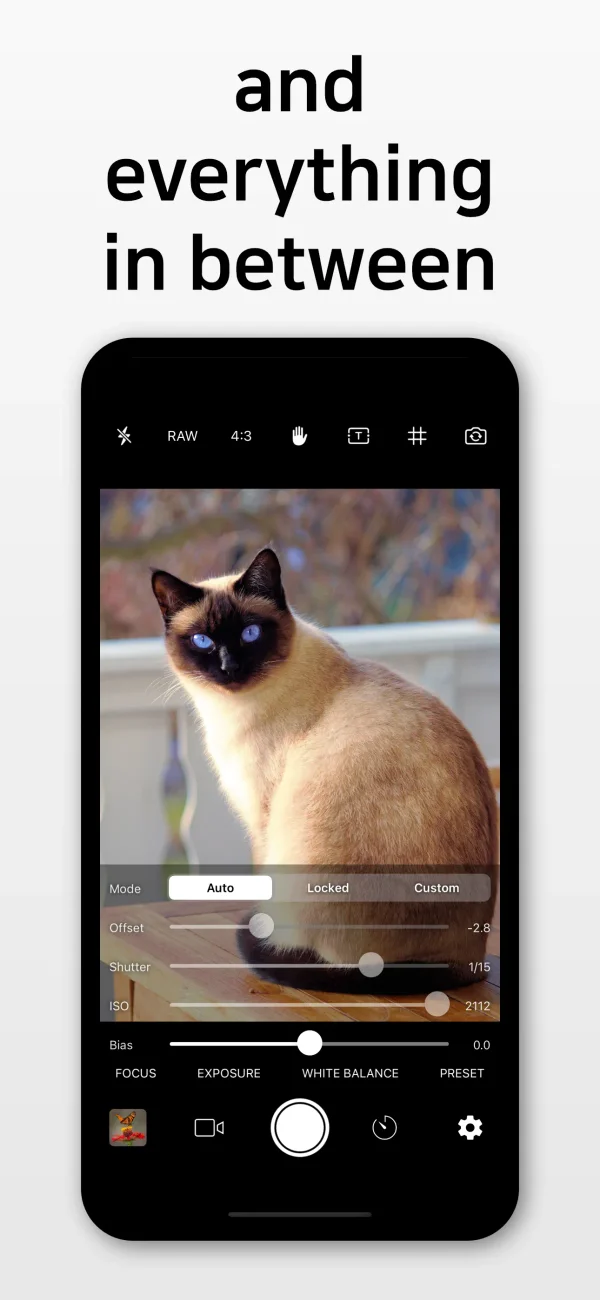
* Custom exposure for your iPhone/iPad Camera
* Full independent control of Focus, Exposure and White Balance
--------------------------------------
Yamera - Full Manual Camera
【Introduction】
* Yamera is a powerful camera app with full control over your image.
* Quickly and simply adjust all parameters of your image.
* No more tapping and hoping automatic can understand what you want.
【Full Manual Control】
* Shutter
* ISO
* White Balance
* Focus
* Exposure Compensation
* Gray Card : Place a gray card in the center of the screen (more than 50% size). It will automatically adjust White Balance parameters.
【Photo Camera Features】
* Auto/Manual control of Focus/Exposure/WhiteBalance
* Timer Shot
* Digital zoom (6x)
* Stabilization
* Date Stamp
* EXIF metadata
* GeoTag
* Flash (On/Off/Auto)
* Front-camera mirroring
【Video Camera Features】
* 4K video recording
* Slo-mo video recording
* Take a photo while recording a video
* Auto/Manual control of Focus/Exposure/WhiteBalance
* Digital zoom (6x)
* Stabilization
* Max frame-rate recording
* App Library (see the below)
【Tip】
* URL Scheme = Yamera://
【App Library】
* In any situation, your photo/video is safe.
* If something goes wrong, the photo/video is automatically saved into 'App Library'.
* One of the following reasons can cause an error.
- First, the app cannot access Photos. In this case, please go to Settings -> Choose the app -> Grant Photos access rights.
- Second, there is no enough disk space. Please check the space.
【App Library - How to Use】
* You can extract files stored in App Library. Please follow the below steps.
[1] Connect your iPhone/iPad to PC via USB cable.
[2] Run iTunes.
[3] Select iPhone/iPad on the menu.
[4] Select Application on the menu.
[5] Select the app on the bottom menu.
[6] Files will be displayed on the right-side. Please copy the files to your PC.
What’s new
Version 5.7 · Sep 30, 2026
UI bug fixes.
App privacy
What AppMadang declares on the App Store about how this app handles data.
-
Data used to track you
May be used to track you across apps and websites owned by other companies.
- Location
- Identifiers
- Usage data
- Diagnostics
-
Data linked to you
May be collected and linked to your identity.
- Location
- Identifiers
- Usage data
- Diagnostics
-
Data not linked to you
May be collected but is not linked to your identity.
- Diagnostics
Privacy practices may vary, for example with the features you use or your age.
Information
- Seller
- AppMadang
- Category
- Photo & Video
- Version
- 5.7
- Updated
- Sep 30, 2026
- Released
- Jan 27, 2015
- Size
- 6.1 MB
- Requires
- iOS 15.0 or later
- Age rating
- 4+
- Price
- Free
- In-app purchases
- Yes
- Languages
- English, Japanese, Korean
- Copyright
- © (c) AppMadang
You might also like
-
 Manual Camera, Pro DSLR | RAW+ProRAW ISO WB Shutter Control
-
 Manual Camera – Focus, ISO, WBSlow shutter, Pro RAW photo
-
 moontakeA Moon Camera
-
 Nightcam Camera: Night ModeLong Exposure, RAW Pro Camera
-
 Manual Camera Pro + RAW PhotoFilter Editor・MUSE Cam Presets
-
 Pro Camera RAW: Modus ProCamManual DSLR Camera, ProRAW
-
 Pro Camera-Omnipotent CameraRAW, Manual&HD Video App, DSLR
-
 Night Camera: Low light photosCamera for Night Photography
-
 Obscura — Pro CameraManual Controls, ProRAW, Video
-
 Easy Long Exposure CameraLight Trails & Motion Blur