
Ycon - Icon Customizer
So easy! Just a screenshot!
Designed for iPhone
Free · In-app purchases
- Age rating4+
- CategoryGraphics & Design
- DeveloperMoriRanMaru
- LanguagesEnglish+ 2 more
- Size22.4 MB
Links to the official App Store page
Download.org hosts no file of Ycon - Icon Customizer. The button opens its official App Store page, published by MoriRanMaru. Listing last checked on Nov 20, 2026.
Screenshots
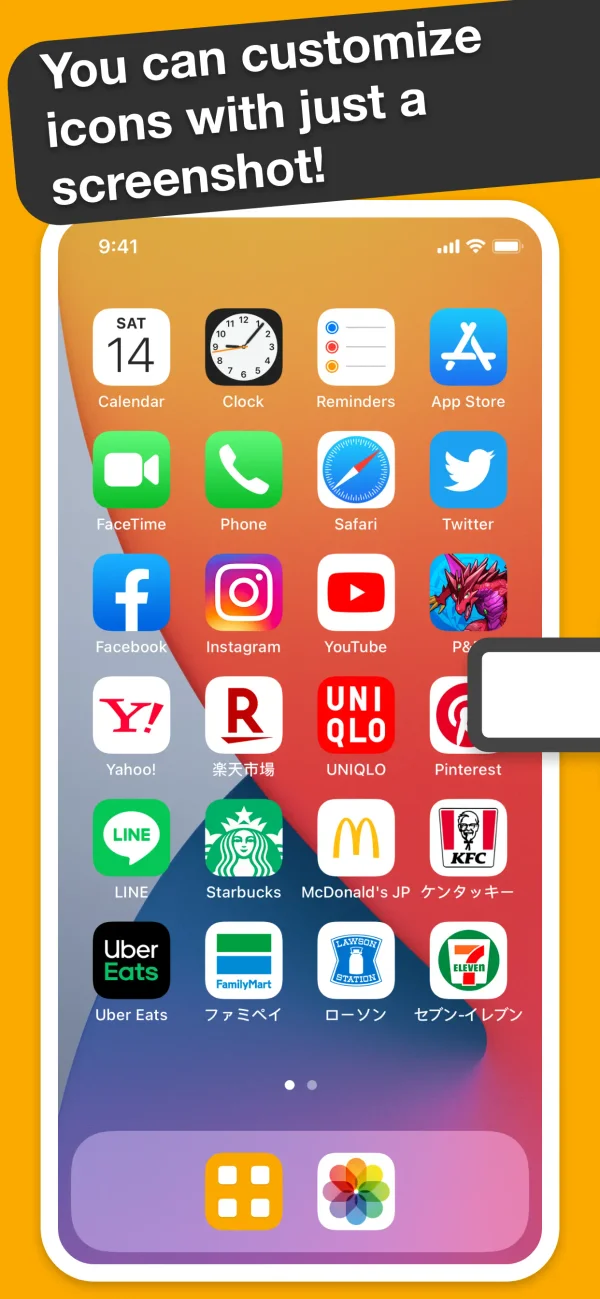
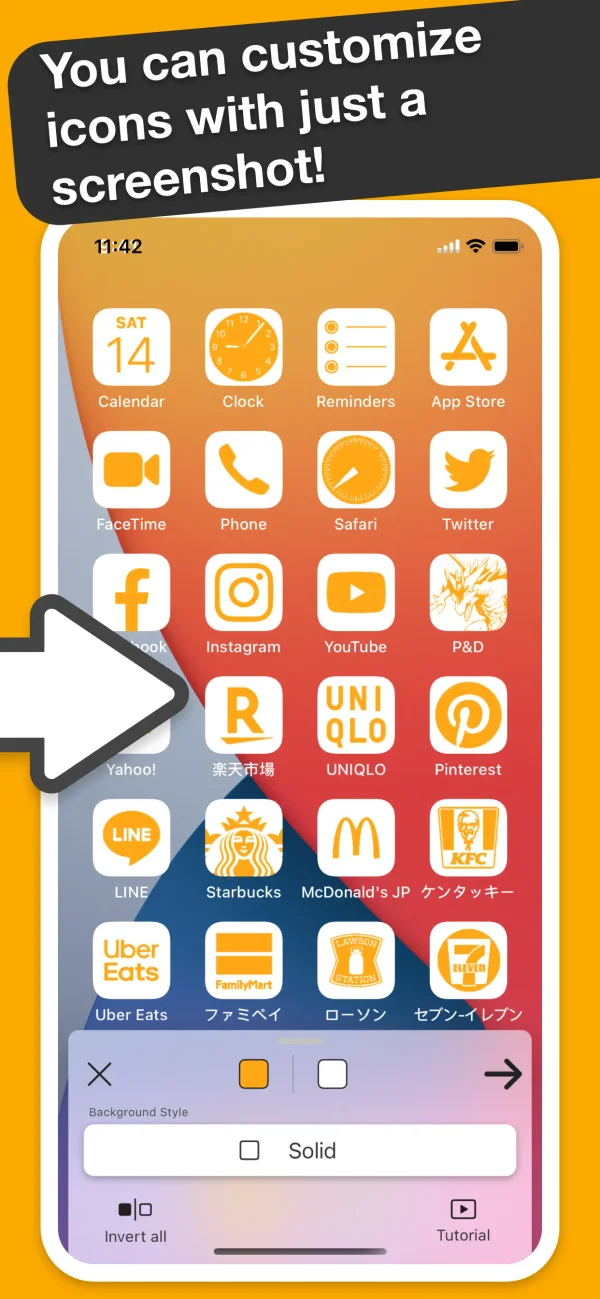
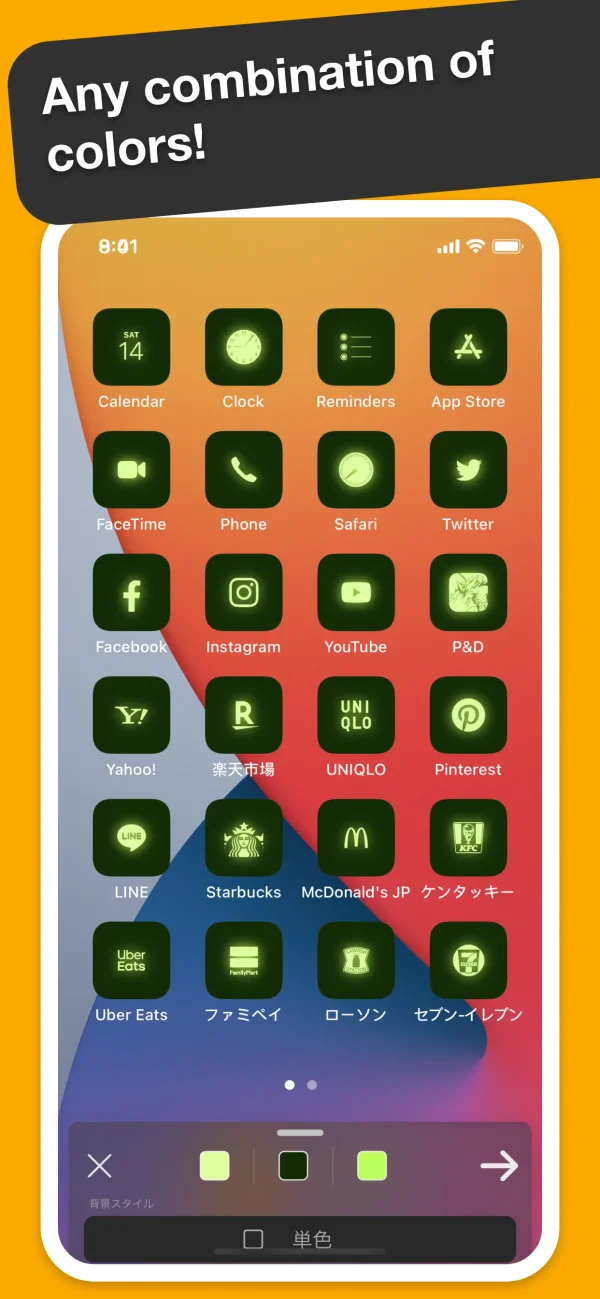
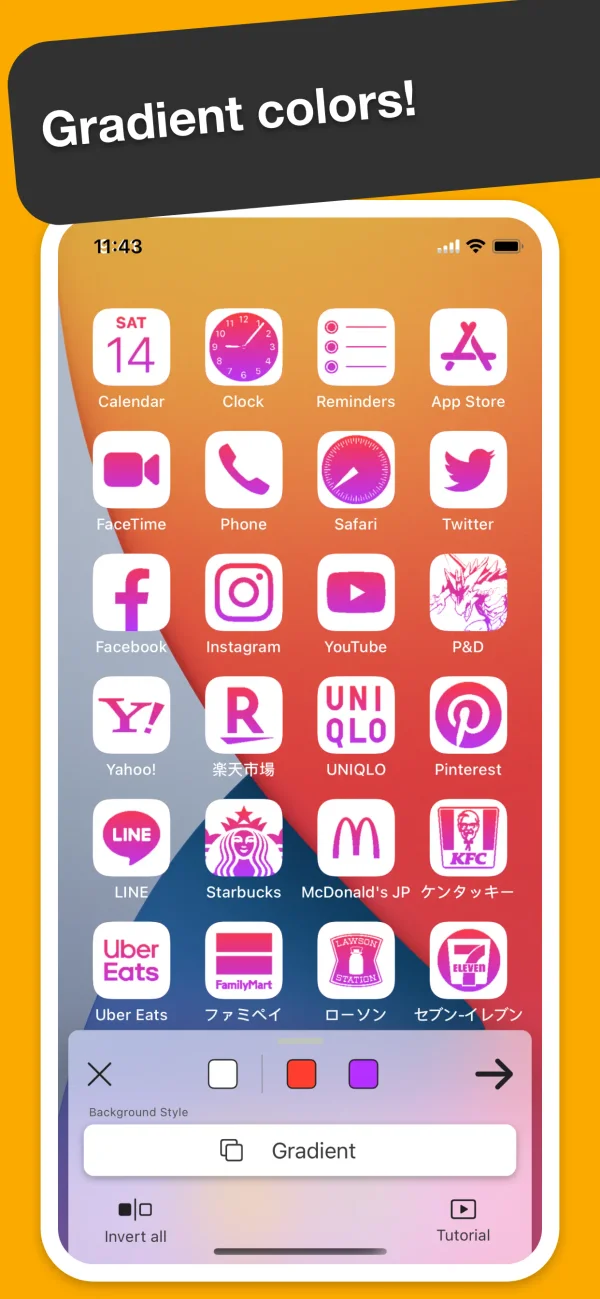
About
Want to customize icons,
But you can't find any icons for the apps you use frequently?
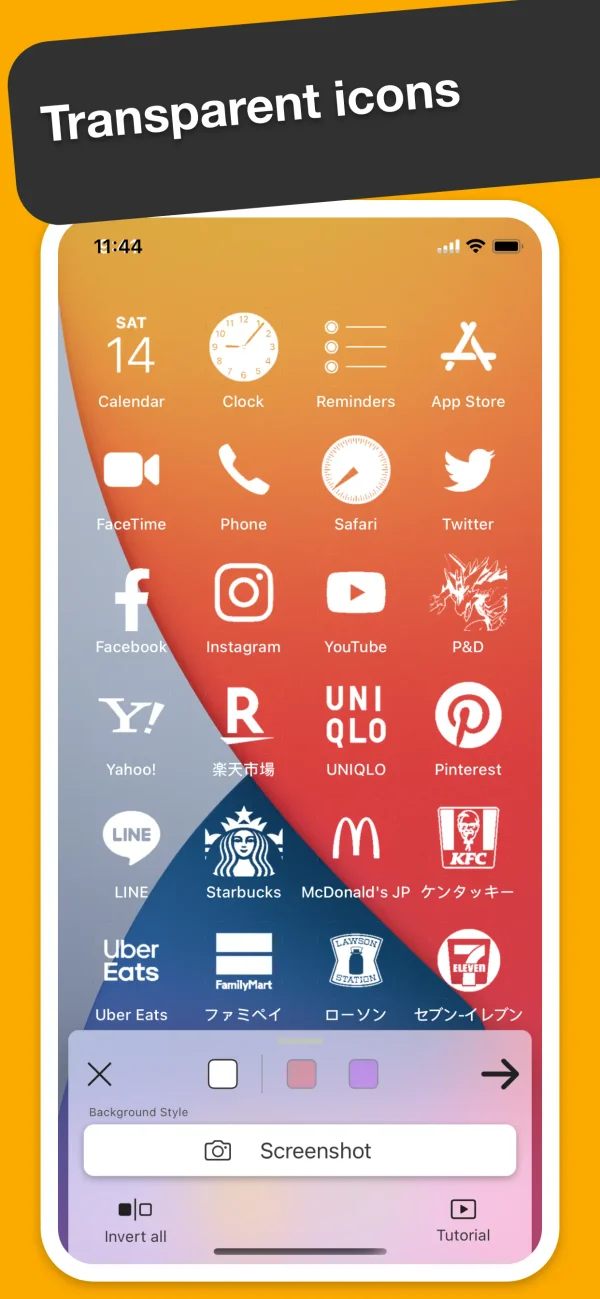
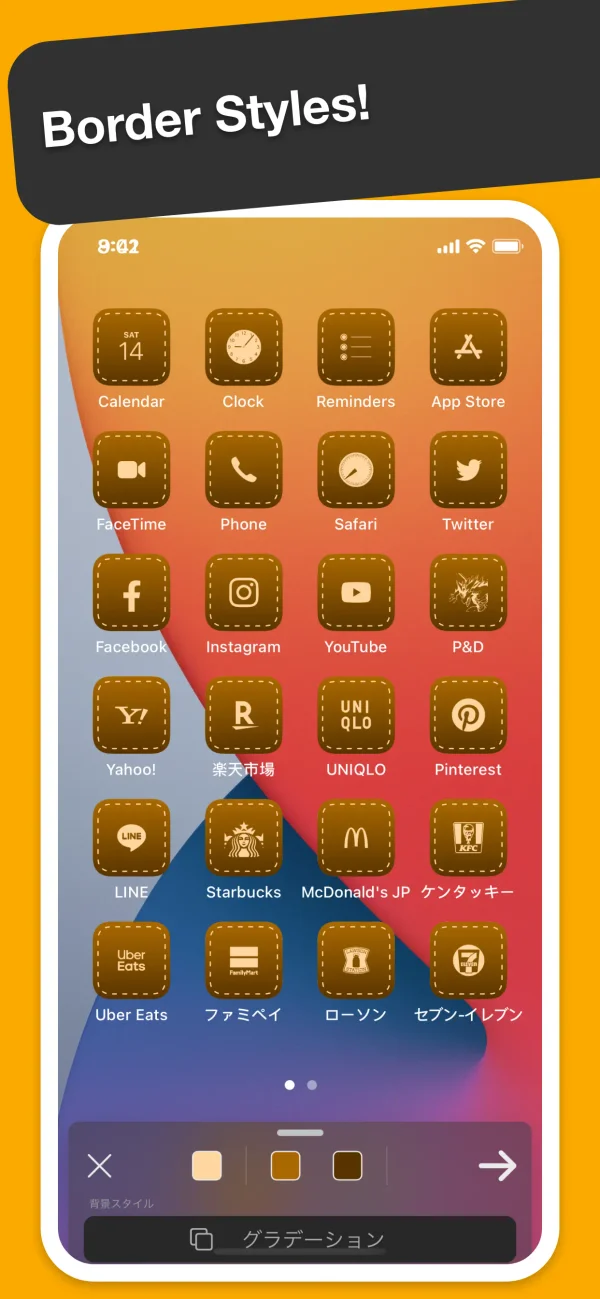
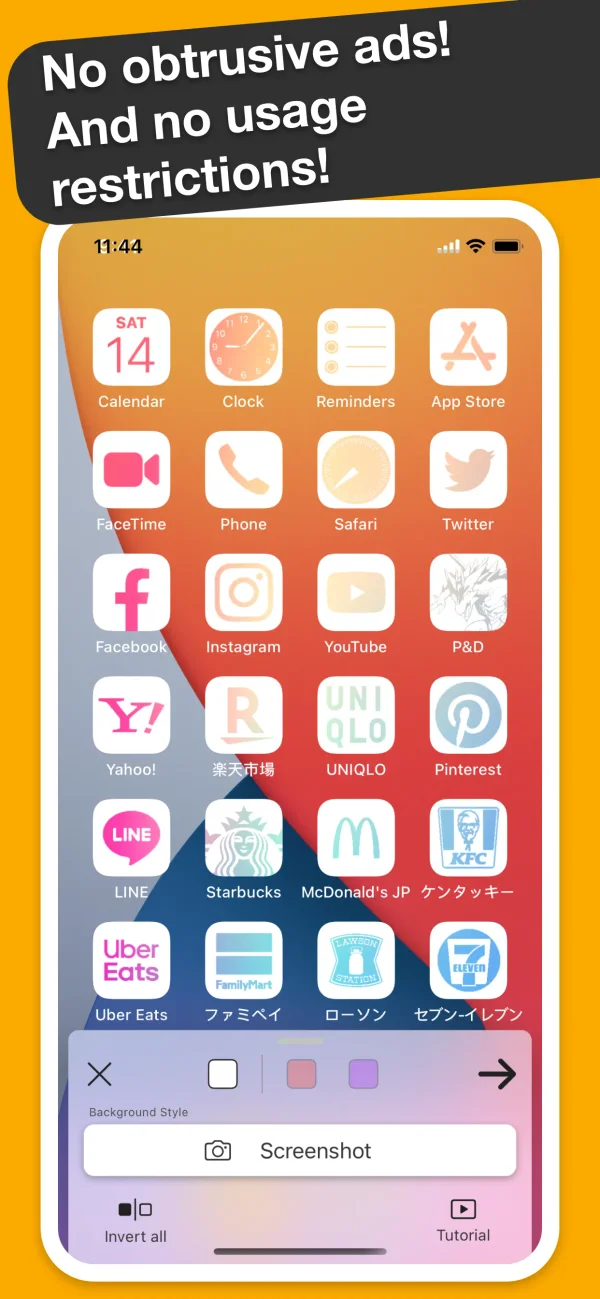
Ycon lets you customize your icons with just a screenshot!
What’s new
Version 1.5.1 · Oct 29, 2024
・Support iOS 18.1
App privacy
What MoriRanMaru declares on the App Store about how this app handles data.
-
Data used to track you
May be used to track you across apps and websites owned by other companies.
- Identifiers
-
Data not linked to you
May be collected but is not linked to your identity.
- Identifiers
- Usage data
- Diagnostics
Privacy practices may vary, for example with the features you use or your age.
Information
- Seller
- Shen-Wen Yang
- Category
- Graphics & Design
- Version
- 1.5.1
- Updated
- Oct 29, 2024
- Released
- Aug 15, 2021
- Size
- 22.4 MB
- Requires
- iOS 18.0 or later
- Age rating
- 4+
- Price
- Free
- In-app purchases
- Yes
- Languages
- English, Japanese, Traditional Chinese
- Copyright
- © 2021 MoriRanMaru
You might also like
-
 Icon SD for custom home screencreate icons for home screen
-
 App Icons & Transparent ThemeIcon Changer - Custom Screen
-
 Transparent App IconsCustomize home screen icons
-
 Customize Icon・Themes, WidgetsAesthetic pack for Home Screen
-
 Blank Widget Transparent SpaceTransparent & Clear Widgets
-
 moloko app icon changerthemes + wallpapers
-
 Icon Changer - Custom Maker#1 Customize Home Screen Theme
-
 Iconic - App Icon ChangerApp Icon Changer & Themepack
-
 Icon Changer - Color ThemesCute Wallpapers & Widget Kit
-
 Icon Themer: Custom App IconsIcon Dealer, Changer & Maker