
YoBlackBox - Password Manager
AES-256&Biometric Unlock
Designed for iPhone, iPod touch
In-app purchases
- Age rating12+
- CategoryUtilities
- DeveloperYoElephant
- LanguagesTraditional Chinese+ 11 more
- Size30.0 MB
Links to the official App Store page
Download.org hosts no file of YoBlackBox - Password Manager. The button opens its official App Store page, published by YoElephant. Listing last checked on Nov 20, 2026.
Screenshots

About
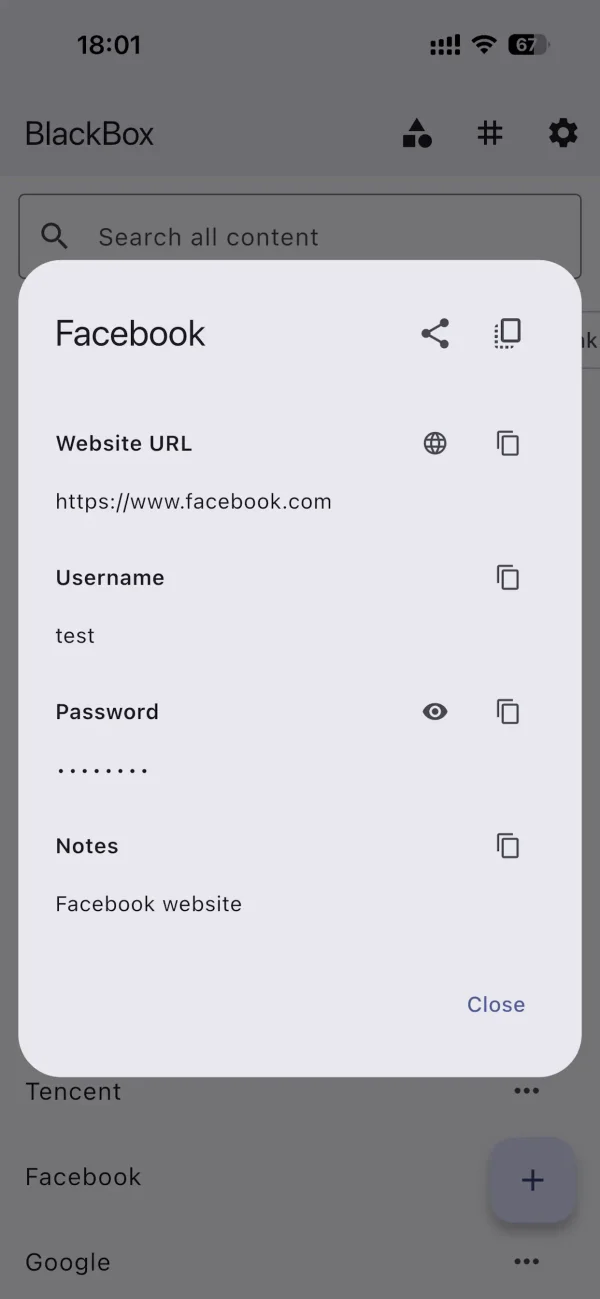
YoBlackBox is a local password manager focused on data security. All data is encrypted with AES-256 and stored locally on your device. No network connection required, no account registration. Your privacy is fully under your control.
【Core Features】
- Bank-grade encryption: AES-256 with PBKDF2 key derivation provides military-level protection for your passwords, accounts, bank cards, and other sensitive data
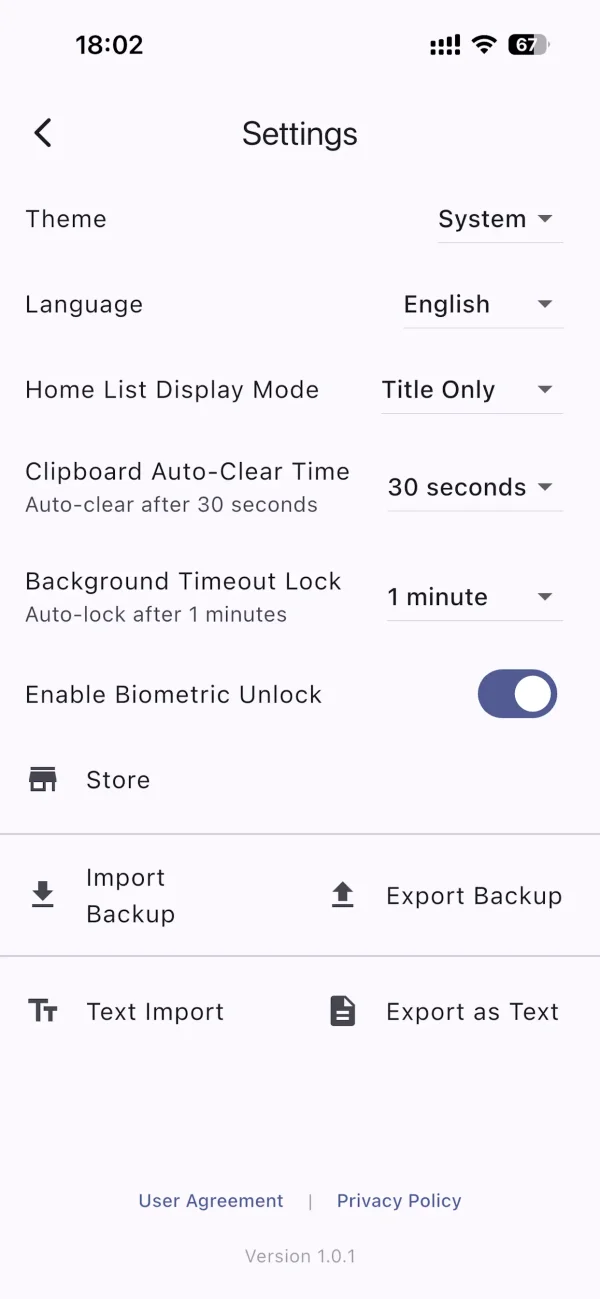
- Biometric unlock: Face ID / Touch ID support for fast access, combining security and convenience
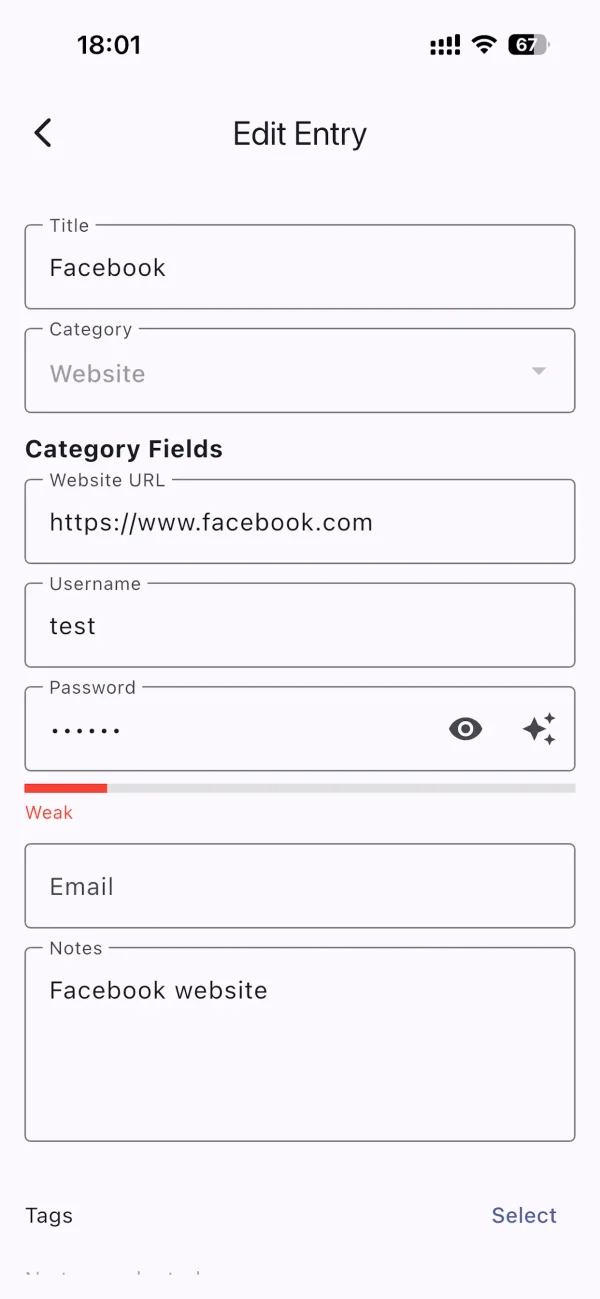
- Smart password generator: One-tap generation of strong random passwords; customize length, uppercase, lowercase, digits, and special characters; real-time strength indicator
- Category & tag management: Flexible categories and a colored tag system make it easy to manage website logins, bank cards, social accounts, software licenses, and more
- Fast search & filter: Keyword search, filter by category and tag – locate any entry in seconds
- Secure sharing: Share individual entries via AES-256-GCM end-to-end encryption; set an independent password and expiration for each share
- Encrypted backup & restore: Export encrypted .bbx backup files, also support plain-text import/export for easy device migration
- Dark mode: Built with Material Design principles, automatic switching between light and dark themes
- Fully offline: All data stored locally, no cloud sync, zero risk of data leaks
【Security Commitment】
- The app never sends your private data to any server
- No account creation required; no email or phone number binding
- Uses internationally recognized algorithms (AES-256, PBKDF2, SHA-256) – secure and verifiable
【Use Cases】
- Manage dozens or hundreds of passwords for websites, apps, etc.
- Securely store bank card information
- Keep software license and activation codes
- Save important identification numbers
- Safely share a single account entry with family or team members
【Privacy Statement】
All encrypted data is stored only on your local device. Developers cannot access your data. Even if your device is lost, without the master password your data cannot be decrypted.
Your feedback is invaluable. For any questions or suggestions, please contact us at: admin@yoelephant.com
Terms of Service:
https://corp.yoelephant.com/docs/yoblackbox_agreement_en.html
Privacy Policy:
https://corp.yoelephant.com/docs/yoblackbox_privacy_en.html
App privacy
What YoElephant declares on the App Store about how this app handles data.
-
Data linked to you
May be collected and linked to your identity.
- User content
-
Data not linked to you
May be collected but is not linked to your identity.
- Identifiers
- Usage data
- Diagnostics
Privacy practices may vary, for example with the features you use or your age.
Information
- Seller
- Xiamen YoElephant Network Technology Co., Ltd.
- Category
- Utilities
- Version
- 1.0
- Updated
- May 19, 2026
- Released
- May 19, 2026
- Size
- 30.0 MB
- Requires
- iOS 13.0 or later
- Age rating
- 12+
- In-app purchases
- Yes
- Languages
- Traditional Chinese, Hindi, Russian, German, Japanese, French, Simplified Chinese, English, Portuguese, Spanish, Arabic, Korean
- Copyright
- © YoElephant
You might also like
-
 DotBGE: File EncryptionPhoto vault & secure transfer
-
 TorideKey: Password managerSecure Vault & Data Leak Scan
-
 Together BudgetShared Expense Tracker
-
 Findit - Find Bluetooth DeviceHeadphones, Pods & Tag Scanner
-
 Kryon VPN: Fast & SecureSafe WiFi, Unlimited Proxy
-
 bedofunInteresting Secondary screen
-
 CardNera: Sell Gift CardsFast Exchange With High Rates!
-
 Deep Whoiswhois for all domains and IPs
-
 Recover Deleted Photos&VideosData Diskdigger Photo Recovery
-
 NFC Tools: Tag Reader & WriterNFC Reader & Writer for Tags