
- Age rating4+
- CategoryPhoto & Video
- DeveloperSalvatore Sanfilippo
- LanguagesEnglish
- Size295.2 MB
Links to the official App Store page
Download.org hosts no file of YouRec. The button opens its official App Store page, published by Salvatore Sanfilippo. Listing last checked on Nov 23, 2026.
Screenshots



About
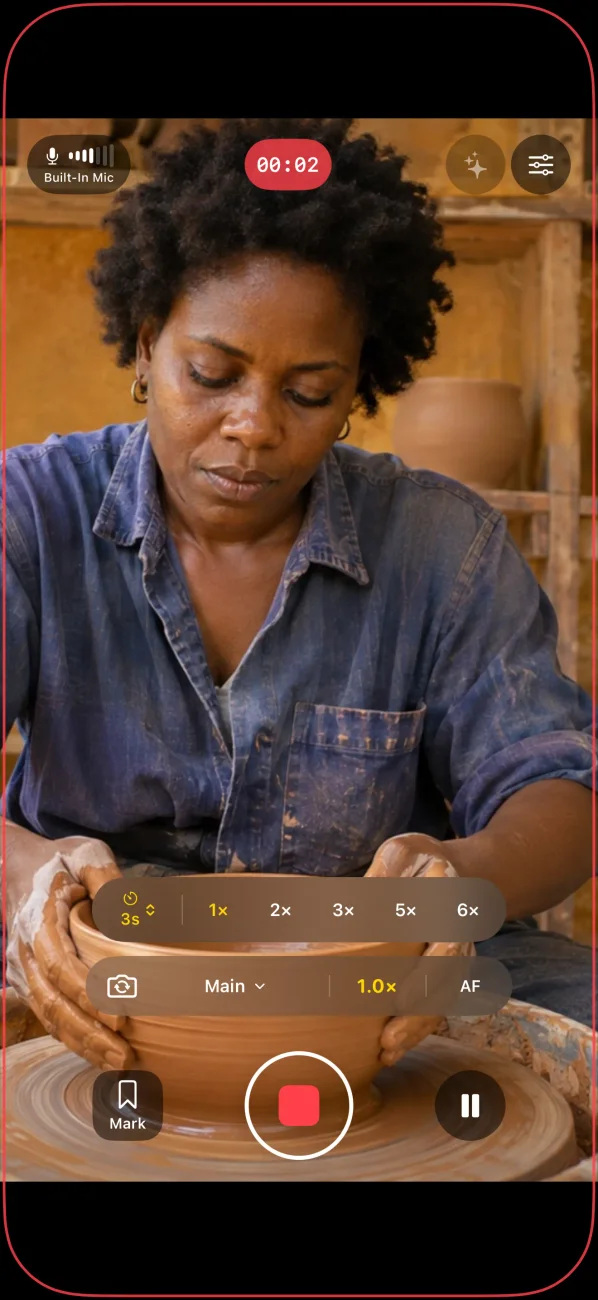
Film a take, pause for a day, and pick up where you left off. YouRec keeps the original recordings together in one project and gives you a multitrack timeline to turn them into a finished movie on iPhone or iPad. On iPad in landscape, the preview and editing tools sit side by side above the timeline.
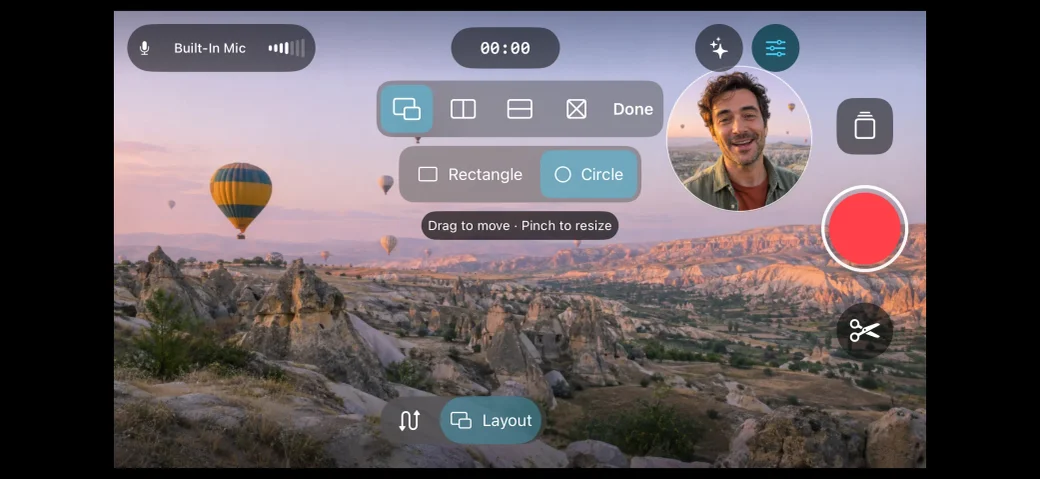
Record both sides of a conversation using two cameras on supported devices. Choose a split screen or a picture-in-picture layout, frame each view, set a smooth zoom, and mark a moment while recording so you can find it later. Choose your microphone, adjust its level, and use manual focus, stabilization or Apple Log where your camera supports them.
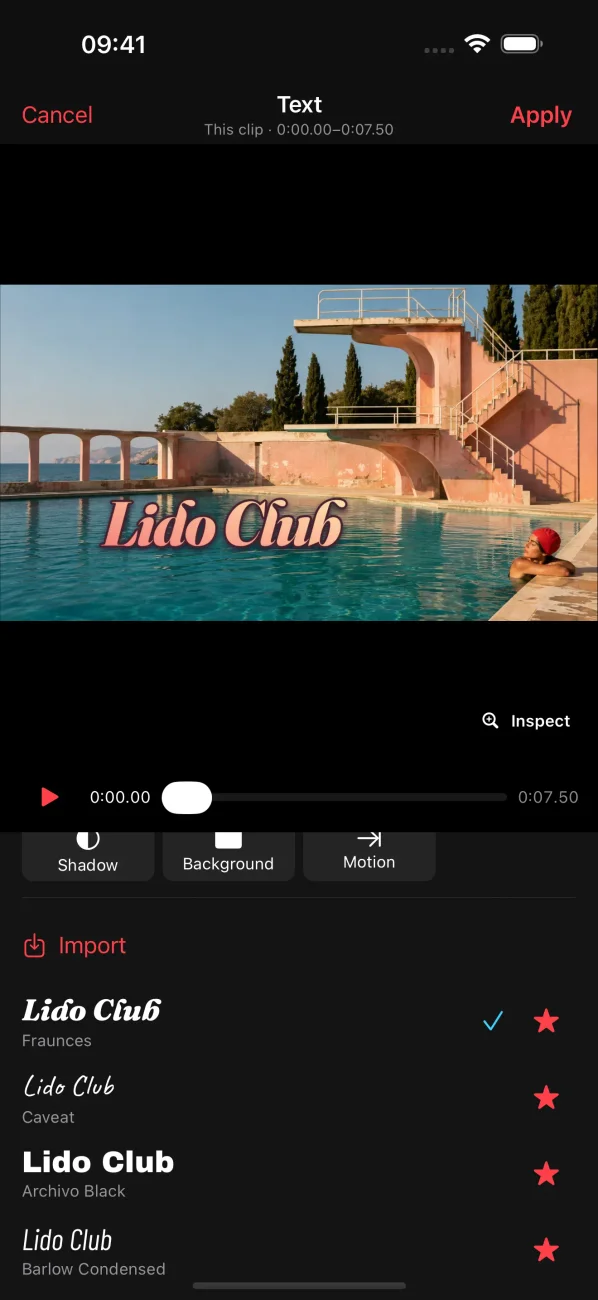
In the editor, trim and rearrange clips, unlink sound from picture, record a voice-over or find pauses in dialogue. Add titles, transitions and color grades, import your own LUTs and fonts, or animate the crop and framing across part of a shot.
Create and edit subtitles on your device with an optional speech model download of about 713 MB. Once downloaded, transcription works offline. Your recordings and transcripts stay on your device unless you choose to share them.
Export your movie to Photos or Files, share a frame as a cover image, or zip the project with its source media and an OpenTimelineIO timeline to continue editing elsewhere.
What’s new
Version 1.0.2 · Nov 20, 2026
• The recording microphone reconnects after a phone call. You can resume recording from the camera screen.
• The front and rear camera switch is easier to tap. The preview keeps its framing more reliably when you rotate your phone or switch cameras.
• Overlapping clips now appear below the main video and its waveform only for the time they overlap. Single-track sections use the full thumbnail height.
• Change the speed of a video or audio clip from 5% to 1000% in Tools → Speed.
• Fixed a crash when previewing transitions on older versions of iOS.
App privacy
What Salvatore Sanfilippo declares on the App Store about how this app handles data.
-
Data linked to you
May be collected and linked to your identity.
- Location
- Usage data
- Diagnostics
Privacy practices may vary, for example with the features you use or your age.
Information
- Seller
- Salvatore Sanfilippo
- Category
- Photo & Video
- Version
- 1.0.2
- Updated
- Nov 20, 2026
- Released
- Nov 13, 2026
- Size
- 295.2 MB
- Requires
- iOS 17.0 or later
- Age rating
- 4+
- Price
- Free
- Languages
- English
- Copyright
- © 2026 Salvatore Sanfilippo
You might also like
-
 E-Log - Log Camera & LUTsCinematic video made easy
-
 Holo - Spatial Video ConverterVideos as AR Spatial Holograms
-
 SnapVault: Photo Backup to S3Camera Roll & Video Auto Sync
-
 Ghost EditorTeleprompter & auto captions
-
 Phosphene RemoteRemote for Phosphene on Mac
-
 Remove BG & Background EraserRemover, Changer & PNG Maker
-
 PhotoLens: Astro Photo EditorRAW, Stacking & Pro Editing
-
 Photo Cleaner: Clean VideosRemove Duplicate Photos Fast
-
 CertyclickPhoto & Video
-
 Sticker Plus - Studio MakerCreate animated stickers