ZArchiver File Manager
Extract Zip & RAR File, UnZip
Designed for iPhone, iPod touch
Free
- Age rating4+
- CategoryUtilities
- DeveloperParth Patel
- LanguagesEnglish
- Size60.7 MB
Links to the official App Store page
Download.org hosts no file of ZArchiver File Manager. The button opens its official App Store page, published by Parth Patel. Listing last checked on Nov 17, 2026.
Screenshots


About
ZArchiver – The Ultimate File Manager & Archiver for iOS
Unlock the full potential of your device with ZArchiver File Manager, the all-in-one file manager and archiving solution designed for power users and everyday explorers alike. Seamlessly manage, organize, and protect your files with a beautiful, intuitive interface and a robust set of features that make file handling effortless and secure.
Key Features:
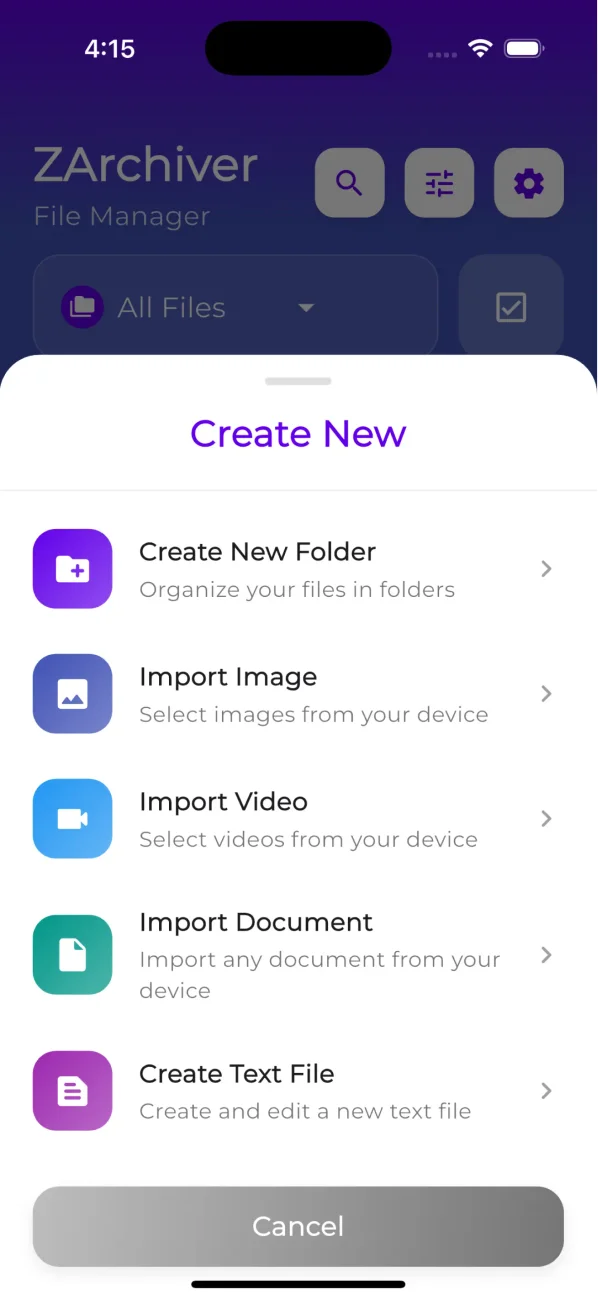
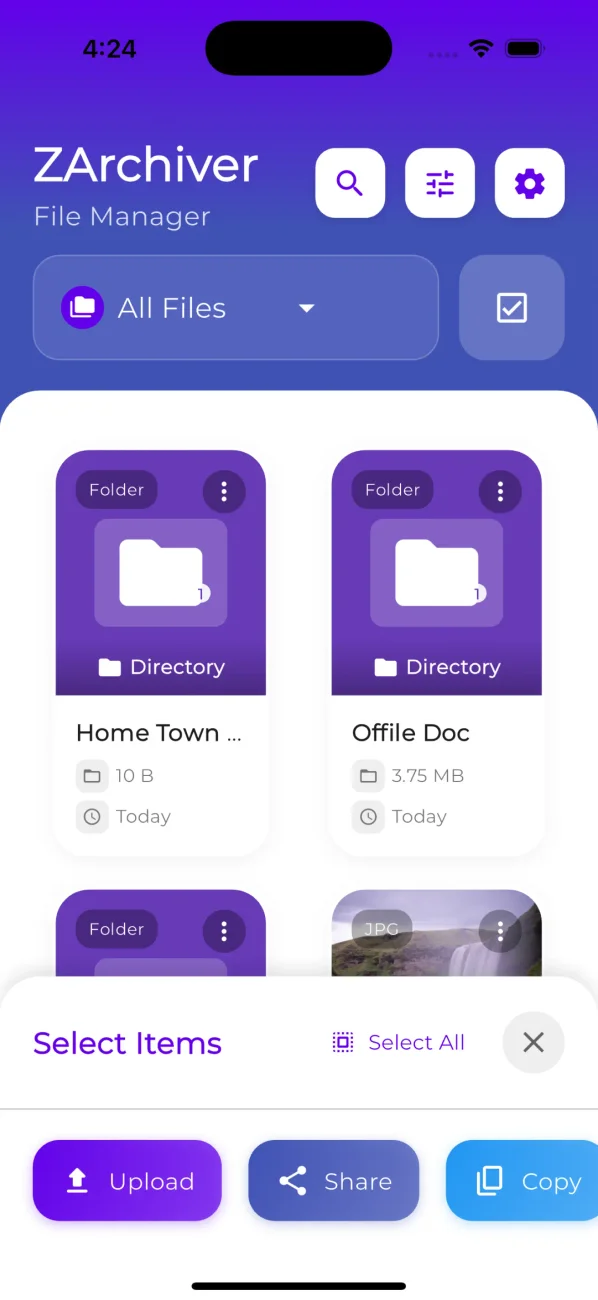
• Powerful File Management Navigate your device’s storage with ease. ZArchiver provides a modern, user-friendly interface for browsing, searching, and managing all your files and folders. Move, copy, rename, delete, and organize files with just a few taps. Enjoy advanced sorting and filtering options to quickly find what you need, whether it’s documents, images, videos, or archives.
• Advanced Archiving & Extraction Compress files and folders into popular archive formats, including ZIP, RAR, 7z, and more. Extract content from a wide range of archive types with lightning-fast performance. Whether you’re saving space or sharing multiple files, ZArchiver makes archiving simple and reliable.
• Storage Insights & Optimization Keep your device running smoothly with real-time storage usage insights. Visualize how much space your files and archives occupy, and free up valuable storage with the built-in cache cleaner. ZArchiver helps you identify large files and manage your storage efficiently, ensuring you always have room for what matters most.
• Secure & Private Your privacy is our priority. ZArchiver operates entirely on your device, ensuring your files remain secure and private. No data is uploaded or shared without your consent. Protect sensitive files with password-protected archives and enjoy peace of mind knowing your information is safe.
• Beautiful & Customizable Design Experience a clean, modern interface with customizable themes and layouts. ZArchiver is optimized for both iPhone and iPad, supporting dark mode and dynamic scaling for a seamless experience on any device.
Why Choose ZArchiver?
Fast, reliable, and easy to use
Supports all major archive formats
Regular updates and new features
Built with privacy and security in mind
Perfect For:
Students and professionals managing documents
Creatives organizing photos, videos, and projects
Anyone who needs to compress, extract, or share files on the go
Download ZArchiver today and take control of your files!
App privacy
What Parth Patel declares on the App Store about how this app handles data.
-
Data not collected
The developer does not collect any data from this app.
Privacy practices may vary, for example with the features you use or your age.
Information
- Seller
- Parth Patel
- Category
- Utilities
- Version
- 1.0
- Updated
- Apr 16, 2025
- Released
- Apr 16, 2025
- Size
- 60.7 MB
- Requires
- iOS 12.0 or later
- Age rating
- 4+
- Price
- Free
- Languages
- English
- Copyright
- © Parth Patel
You might also like
-
 File Manager: File Finder ProManage Files, Music & Movies
-
 File Manager & PDF Merge ToolFile Manager, PDF Merge Tool
-
 File Quick FoldersPrivate file organizer
-
 ZArchiver - Zip UnZipZip Archiver - Zip and unzip
-
 7zArchiver: Zip File ExtractorExtract Zip & RAR File, UnZip
-
 ZIP Archiver - UnZIPZIP RAR File Extractor
-
 Unzip - Zip RAR 7Z File ViewerFile Extractor,Archive Manager
-
 Unarchiver - ZIP, RAREasy to use archive browser
-
 My Files - All File ManagerAll file viewer: File Explorer
-
 ZArchiver: PDF Scanner, Z ScanDocument, ID Card & QR Reader