
- Age rating4+
- CategoryDeveloper Tools
- DeveloperSolar Beam
- LanguagesEnglish+ 3 more
- Size9.8 MB
Links to the official App Store page
Download.org hosts no file of Zenhook: Your App, Live. The button opens its official App Store page, published by Solar Beam. Listing last checked on Nov 26, 2026.
Screenshots

About
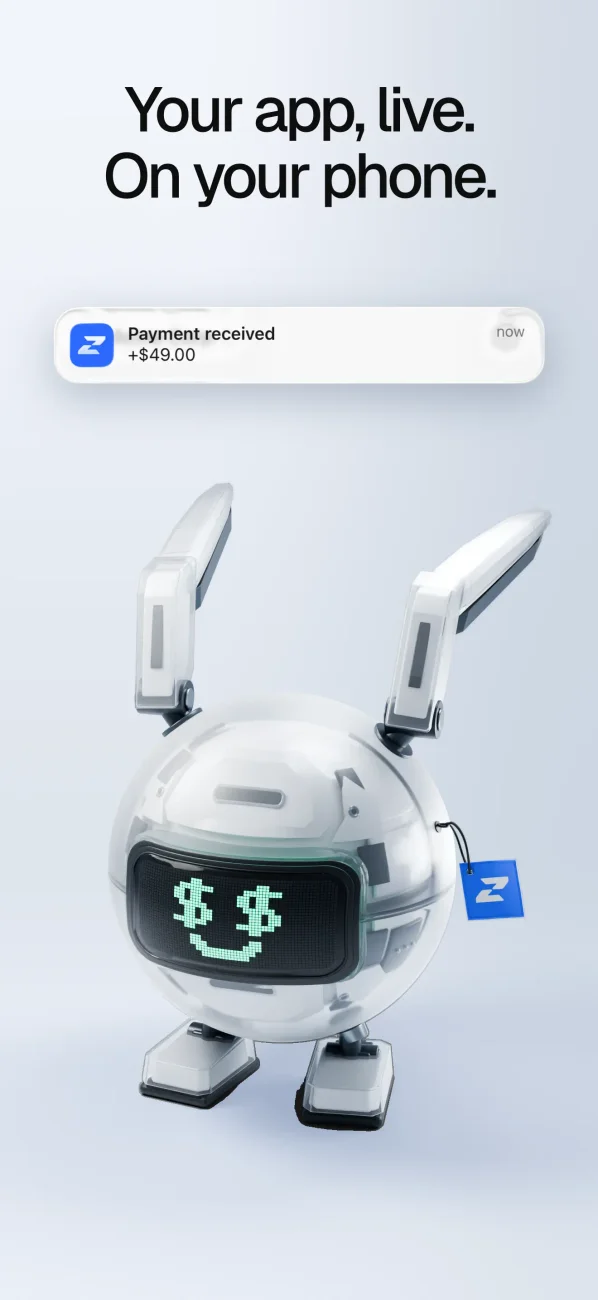
Your app, live. On your phone.
A sale, a new player, a sign-up, an error, a site that goes down. Zenhook puts what happens in what you build on your phone, as it happens. 1,000 events a month, free. No SDK.
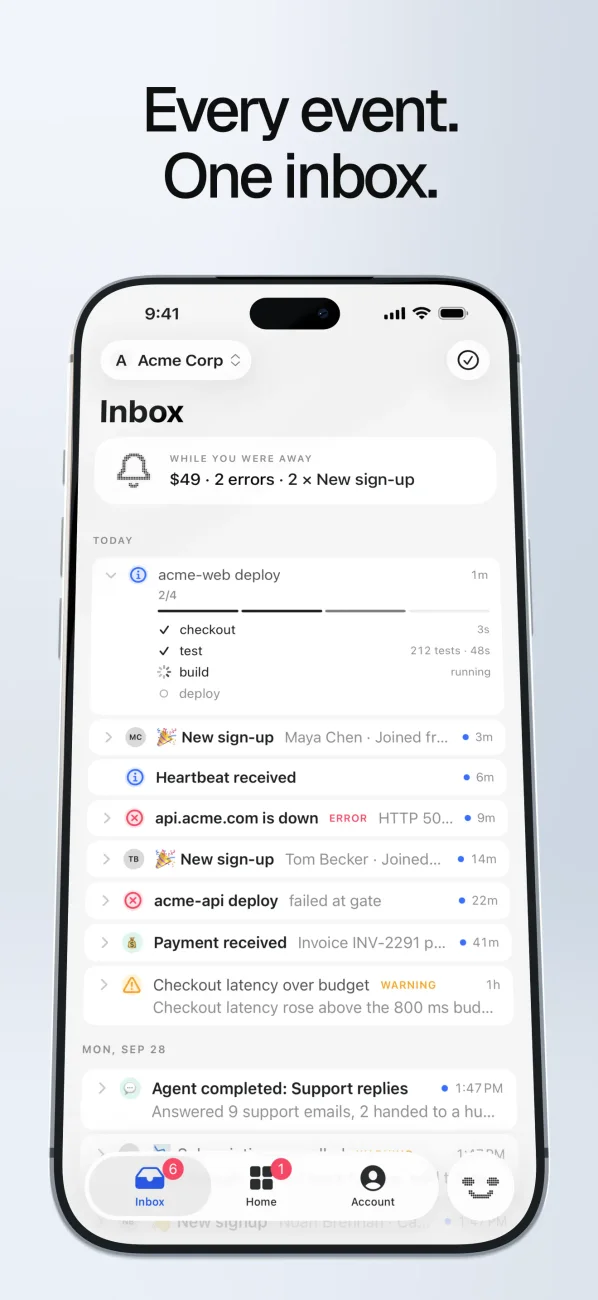
INBOX
- Every event of your workspace, newest first, one line each. Tap a line to read its message, fields and link.
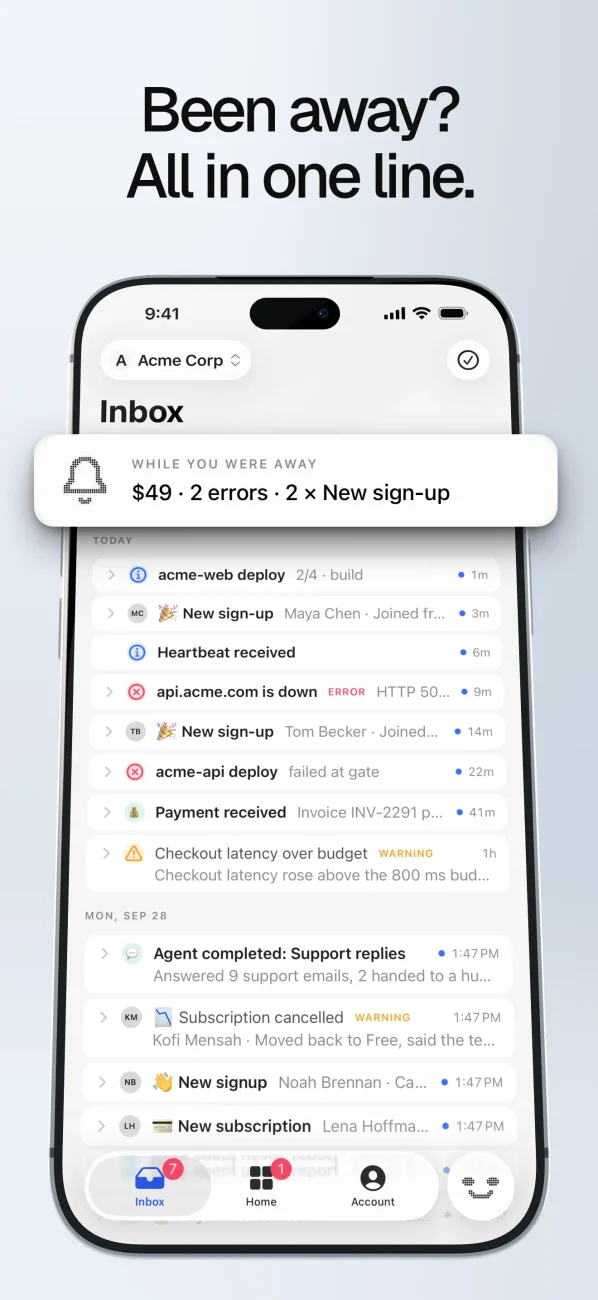
- While you were away: the top line adds up what came in, with the unread count, the money received and the errors.
- Errors and warnings are marked. A deploy shows its steps and the one that failed.
- Mark all as read in one tap. Long press an event to ask the Assistant about it.
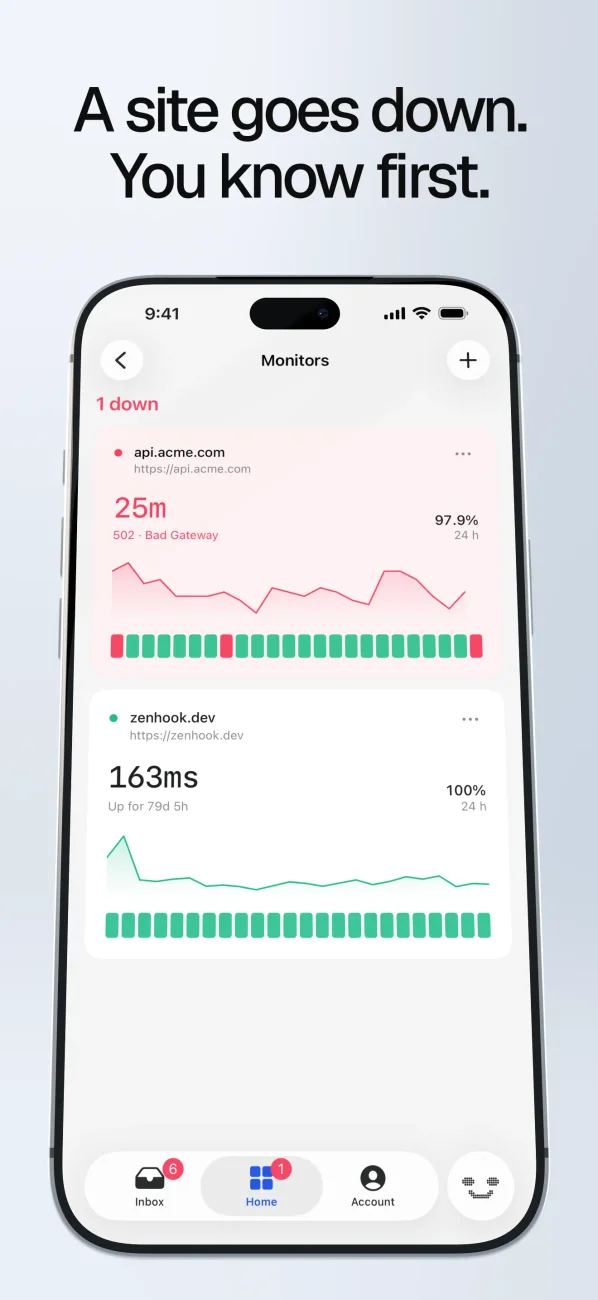
MONITORS
- Add a URL and Zenhook checks it every minute from outside your servers (every 30 seconds on Pro).
- Each site shows its response time now, its latency over the last 24 hours and 24 bars, one per hour, with its uptime over 24 hours.
- When a site goes down, you get an alert, and its tile turns red and says for how long. You get another alert when it is back up.
- A failure counts only when a second check confirms it, so one network blip does not wake you up.
- For a service on a private network (VPN, LAN, localhost), a command you run inside the network reports each check.
ASSISTANT
- Ask about your events in plain words: “What happened this week?”, “Any errors in the last 24 hours?”, “Who signed up?”
- It answers from your workspace's events. Your conversations are kept, grouped by day, with search.
HOW IT WORKS
1. Create a channel: sign-ups, payments, errors, deploys.
2. Copy its webhook URL.
3. POST JSON to it from your code, your CI, a cron job or a no-code tool.
4. Your phone pings. That's it.
An event can carry a title, a message, a level (info, success, warning, error), an emoji, fields, a link and the person it is about. If it can send an HTTP request, it works with Zenhook.
NOTIFICATIONS
- Push on your phone and, if you want it, email, set per workspace and per channel.
- When the same event keeps coming, you get the first few, then at most one notification an hour with each event and its count. The Inbox still shows everything.
FREE TO START
Free: 1,000 events a month, 3 channels, 3 monitors and 50 questions to the Assistant. Pro raises the limits to 50,000 events a month, unlimited channels, 20 monitors and 5 members.
In English, French, Portuguese and German.
Docs: https://zenhook.dev/docs
Privacy: https://zenhook.dev/en/privacy
What’s new
Version 1.9.17 · Nov 25, 2026
A zenhook.dev/a/ link to a page of your site now opens that page's figures in the app.
Where: Analytics, the chip beside the period brings every page back.
The PDF report covers the page shown.
App privacy
What Solar Beam declares on the App Store about how this app handles data.
-
Data linked to you
May be collected and linked to your identity.
- Contact info
- Identifiers
Privacy practices may vary, for example with the features you use or your age.
Information
- Seller
- Solar Beam
- Category
- Developer Tools
- Version
- 1.9.17
- Updated
- Nov 25, 2026
- Released
- Mar 4, 2026
- Size
- 9.8 MB
- Requires
- iOS 17.0 or later
- Age rating
- 4+
- Price
- Free
- Languages
- English, French, German, Portuguese
- Copyright
- © 2026 Solar Beam
You might also like
-
 Lert: Push NotificationsAlerts for code & automations
-
 bonk: push notificationspush notifications in one curl
-
 Noti - Webhook to PushWebhook to Push
-
 Push - Webhook NotificationsWebhook وإشعارات في مكان واحد
-
 PushHook - Webhook Alerts AppReal-Time Push Notifications
-
 The Notification AppPush alerts via simple API/MCP
-
 Flutter Vignettes PlaygroundGet inspired!
-
 CooliAppManage your Coolify servers
-
 Webhook Notifications - HookAlerts, Live Activities & API
-
 brrr • send push notificationsSend pushes via webhooks