brrr • send push notifications
Send pushes via webhooks
Designed for iPhone, iPad, Mac
Free · In-app purchases
- Age rating4+
- CategoryDeveloper Tools
- DeveloperSimon B. Støvring
- LanguagesEnglish
- Size8.8 MB
Links to the official App Store page
Download.org hosts no file of brrr • send push notifications. The button opens its official App Store page, published by Simon B. Støvring. Listing last checked on Nov 13, 2026.
Screenshots
About
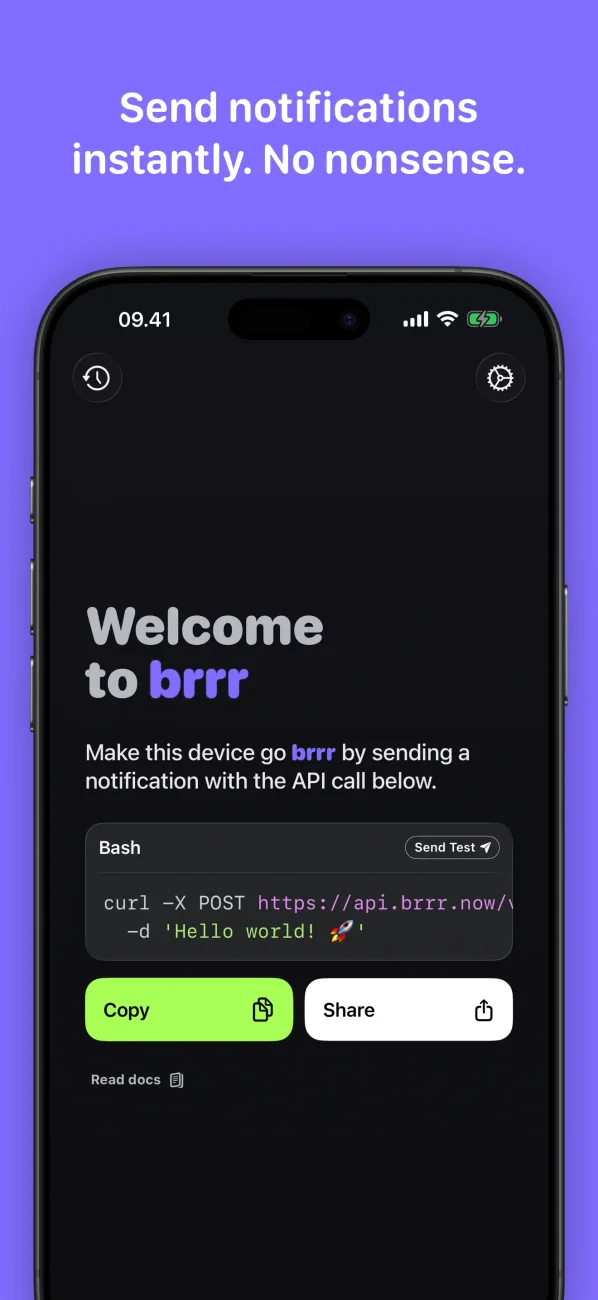
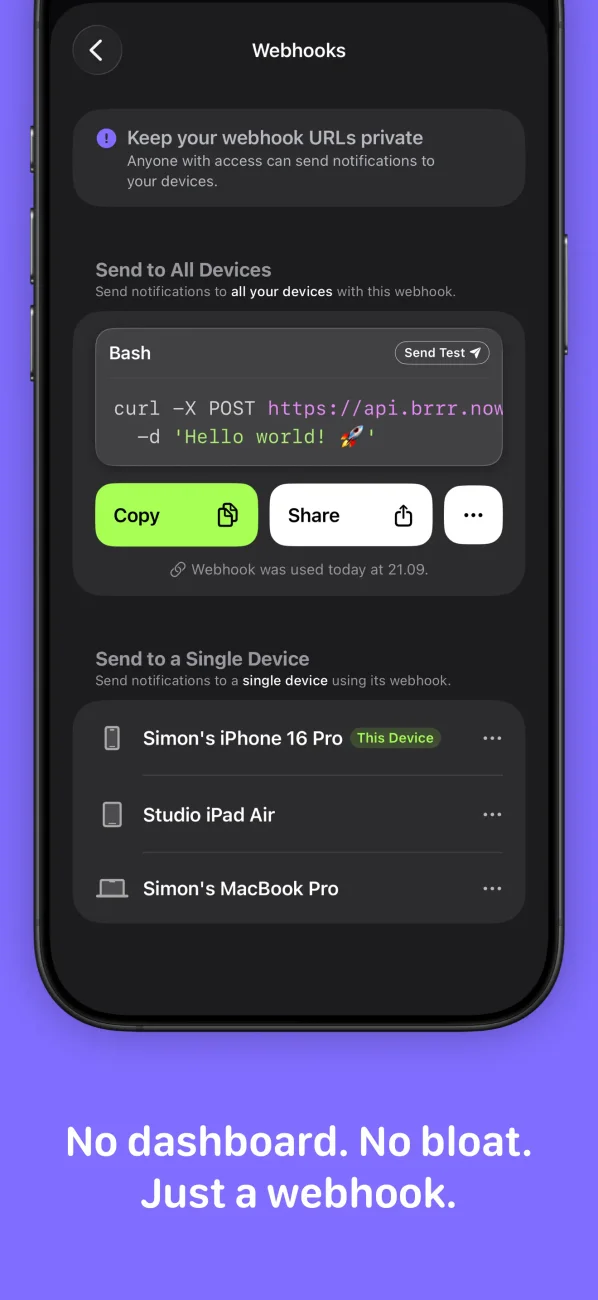
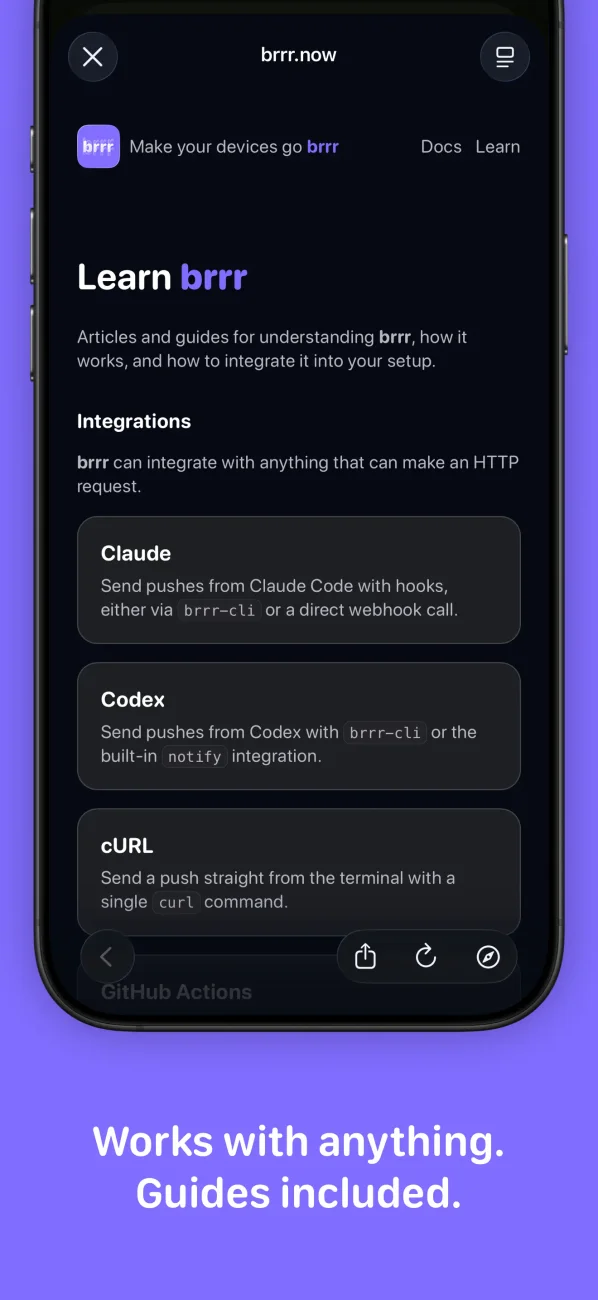
Trigger notifications from anything that can send an HTTP request: agents, scripts, automations, CI jobs, servers, smart home setups, or personal tools.
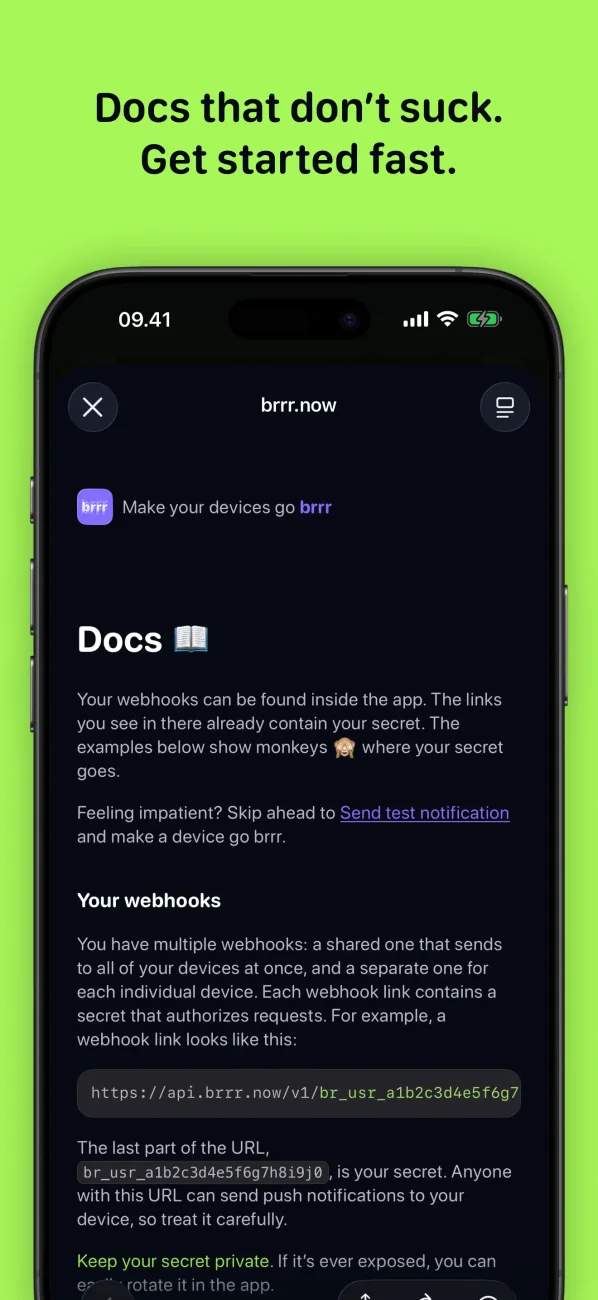
No dashboard. No account setup. No unnecessary complexity. Just a small webhook that works.
With brrr, you can:
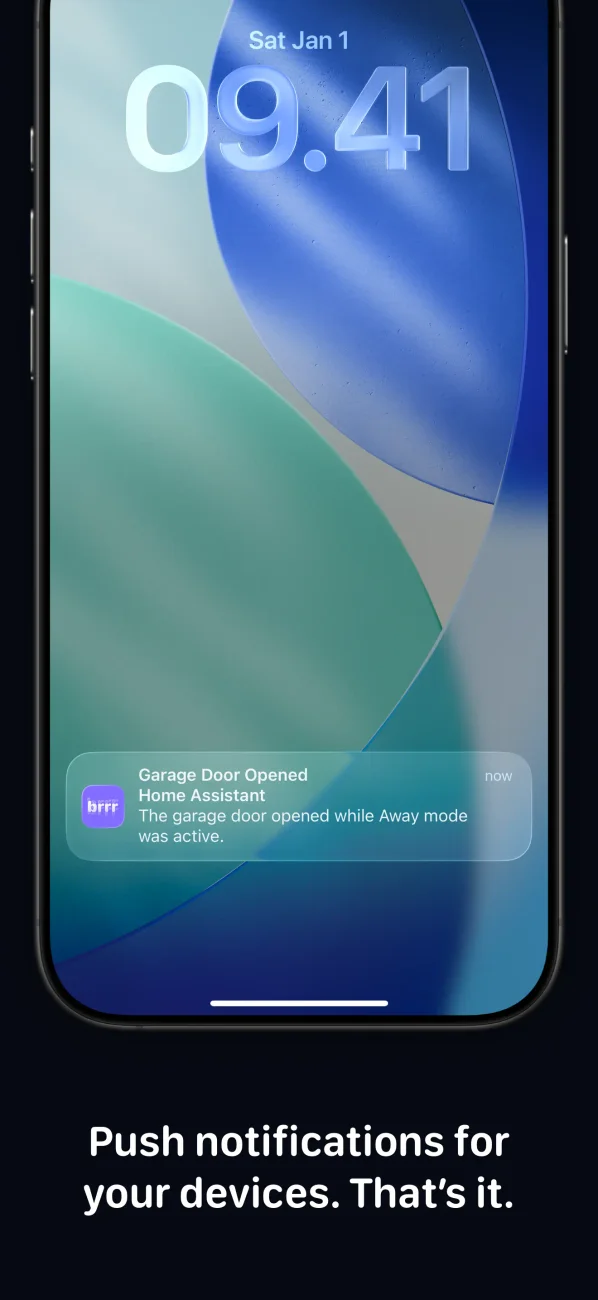
• Send notifications to all your devices or a single device
• Trigger notifications from agents, scripts, and automations
• Break through mute and Focus mode with critical notifications
• Open links directly from notifications
• Attach images to notifications
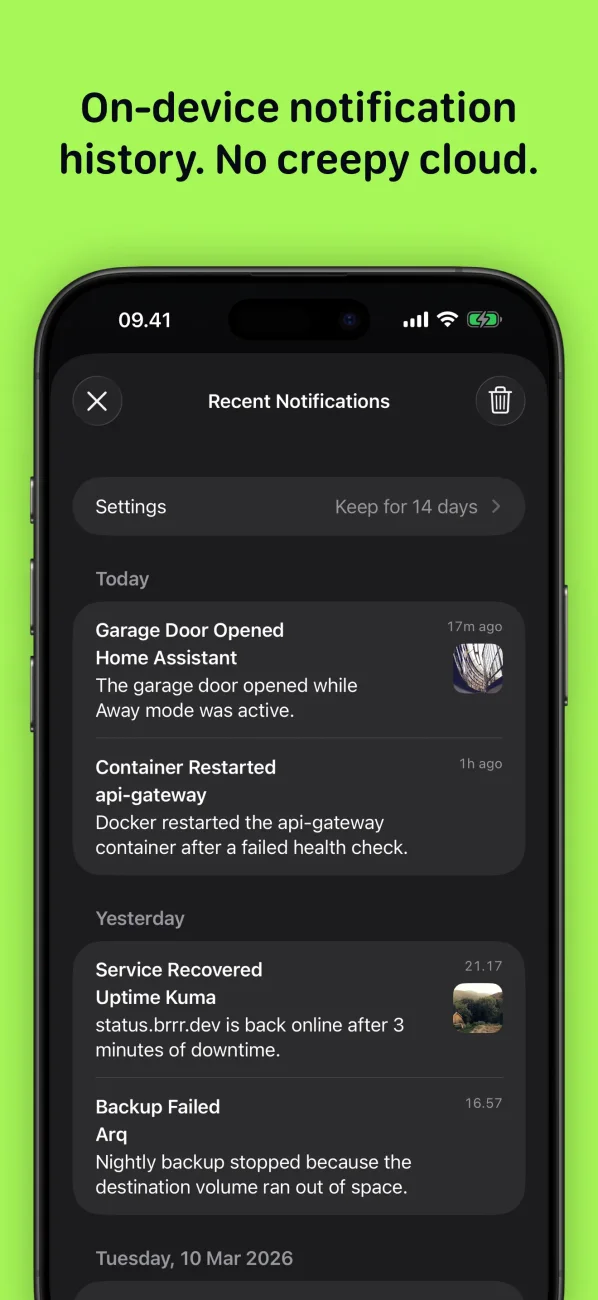
• Keep an on-device notification history
• Decide when notifications appear using Focus filters
GREAT FOR AGENTS
brrr is useful for agents and automations. Have an agent notify you when it is waiting for input, when a task finishes, when a run fails, when a deploy completes, or when something needs your attention immediately.
FOCUS FRIENDLY
brrr integrates with Focus filters so you can decide which notifications are allowed in different contexts. For example, allow work notifications during Work Focus while muting everything else.
PRIVATE BY DESIGN
Webhook secrets are generated on-device, and data stays tied to your iCloud account. brrr stores only what is required to verify webhook requests and deliver notifications through Apple Push Notification Service.
Notification contents are not stored on the backend, and on-device history stays on your device.
WHO IT’S FOR
If you want a big dashboard packed with options and complexity, this probably is not for you.
If you want a clean, fast way to make your devices go brrr, you will feel at home.
Terms of Use
https://www.apple.com/legal/internet-services/itunes/dev/stdeula/
What’s new
Version 1.2.0 · Aug 10, 2026
Your notifications can now arrive with your own icon instead of the brrr icon.
Add icon_url to a webhook payload and an alert from your build server, your smart home, or your late-night shell script shows up looking like it came from there. Full details: brrr.now/learn/custom-icons
Recent Notifications has moved out of the toolbar into a tab of its own, so it's always one tap away.
Its settings have moved too. They now live in Settings, just under Webhooks, alongside a new Show on Launch option that opens brrr straight to Recent Notifications.
App privacy
What Simon B. Støvring declares on the App Store about how this app handles data.
-
Data not collected
The developer does not collect any data from this app.
Privacy practices may vary, for example with the features you use or your age.
Information
- Seller
- Simon Stovring
- Category
- Developer Tools
- Version
- 1.2.0
- Updated
- Aug 10, 2026
- Released
- Mar 25, 2026
- Size
- 8.8 MB
- Requires
- iOS 17.6 or later
- Age rating
- 4+
- Price
- Free
- In-app purchases
- Yes
- Languages
- English
- Copyright
- Copyright © 2026 Simon Støvring. All rights reserved.
You might also like
-
 Echo - SSH + Mosh ClientThe fast and modern Terminal
-
 LunelShip from anywhere
-
 KittyLitterCodex on your phone
-
 LexShellAn SSH terminal client
-
 ActivitySmith Live ActivitiesPush Notifications for Agents
-
 SymboleroExplore & Customize SF Symbols
-
 exe.deva VM for every idea
-
 VVTerm: Native SSH ClientSSH Terminal, SFTP, Mosh
-
 SF Catalog: SF SymbolsBrowse, Animate, Generate Code
-
 Happier - Remote Claude, CodexOpenCode, Pi, Grok coding app