- Age rating4+
- CategoryUtilities
- DeveloperYANMIN WANG
- LanguagesEnglish
- Size5.1 MB
Links to the official App Store page
Download.org hosts no file of ZenLevel. The button opens its official App Store page, published by YANMIN WANG. Listing last checked on Nov 18, 2026.
Screenshots

About
ZenLevel turns your iPhone into a calm, practical level and inclinometer for checking surfaces, walls and slopes.
SURFACE, PLUMB AND EDGE
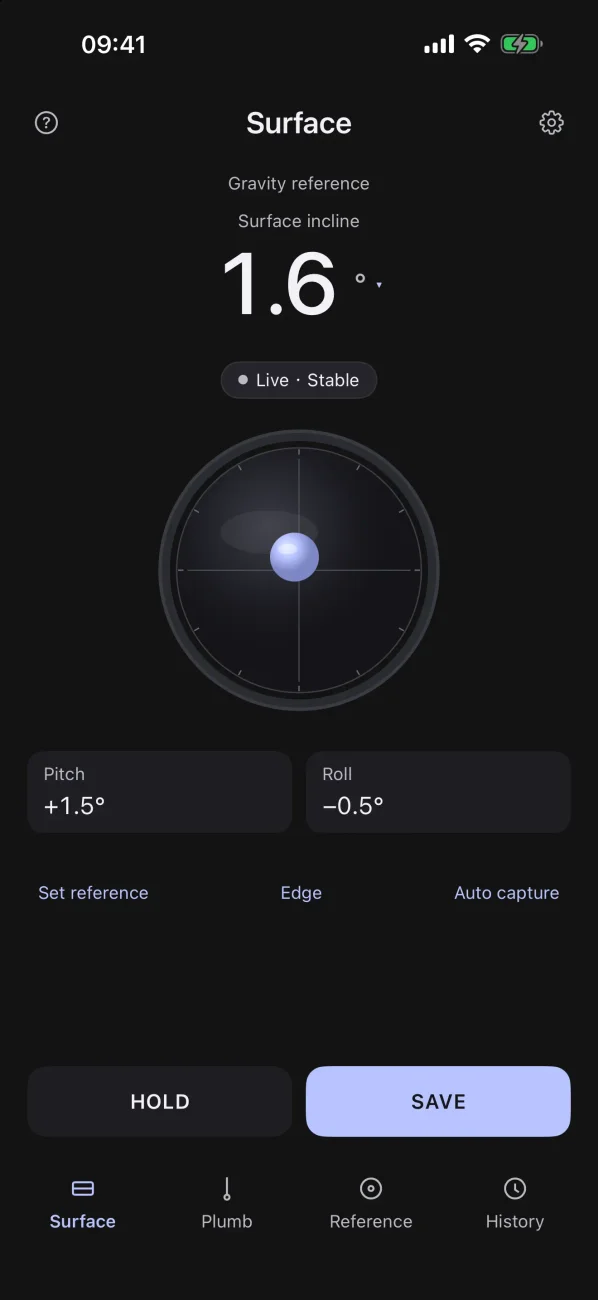
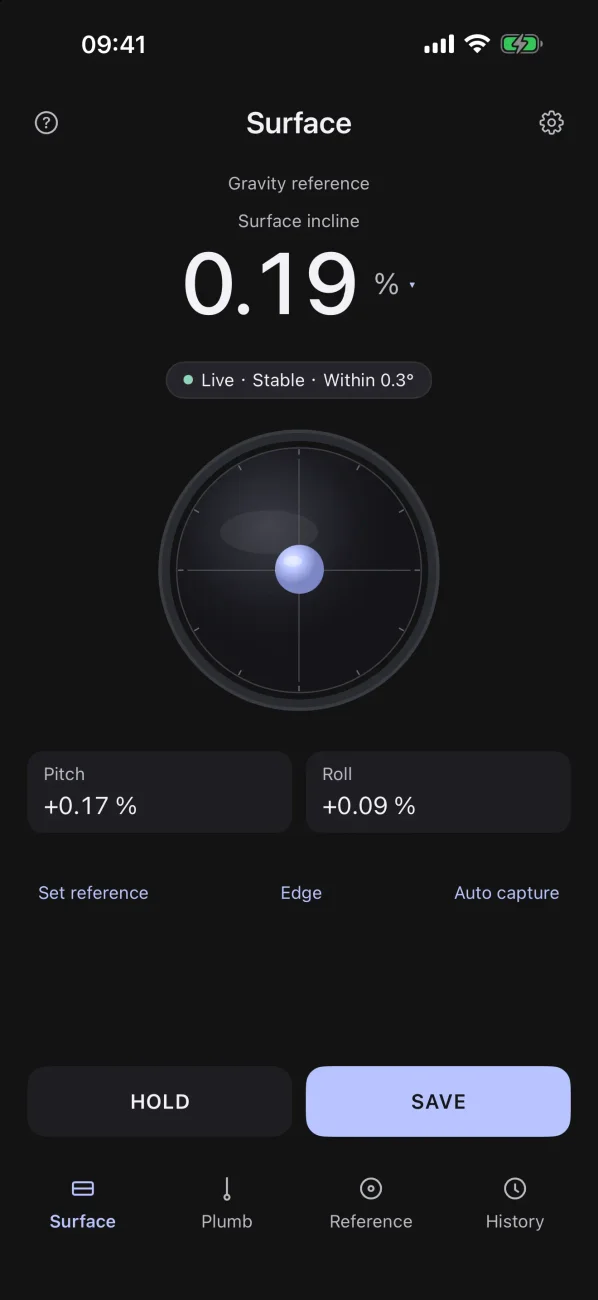
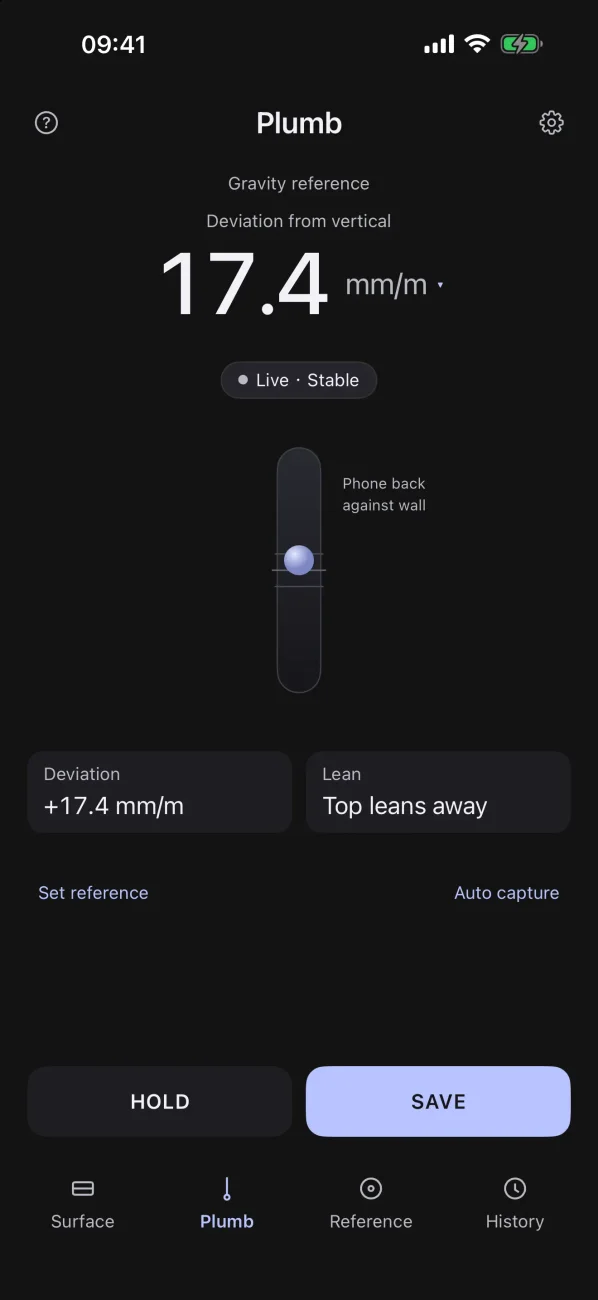
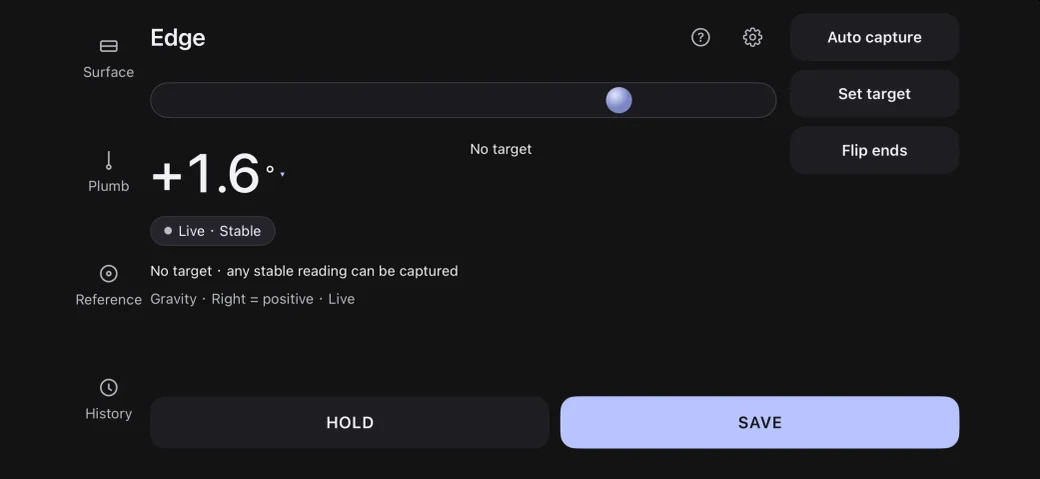
Lay your iPhone screen-up to check a surface, place its back against a wall to check plumb, or use its long edge in landscape to measure a slope. Clear placement guidance and reading status help you understand each measurement.
SET A TARGET SLOPE
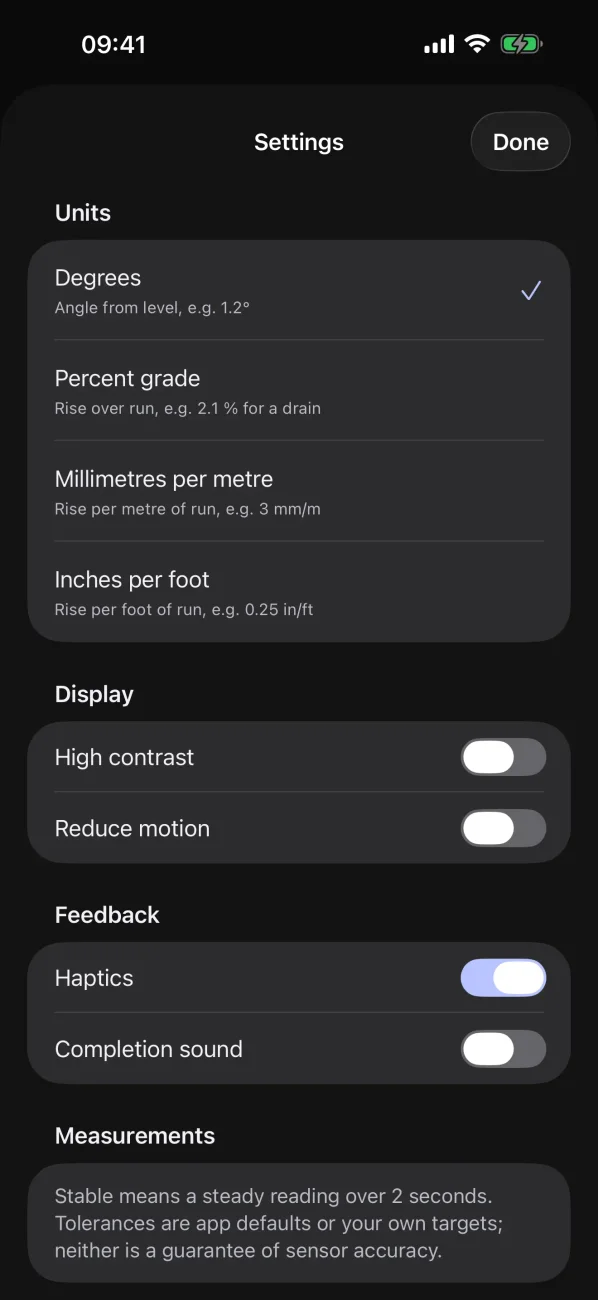
In Edge mode, choose a target and an allowed range. ZenLevel shows whether the reading is within that range and how to adjust. Use degrees, percent grade, millimetres per metre or inches per foot.
CAPTURE WITHOUT TOUCHING
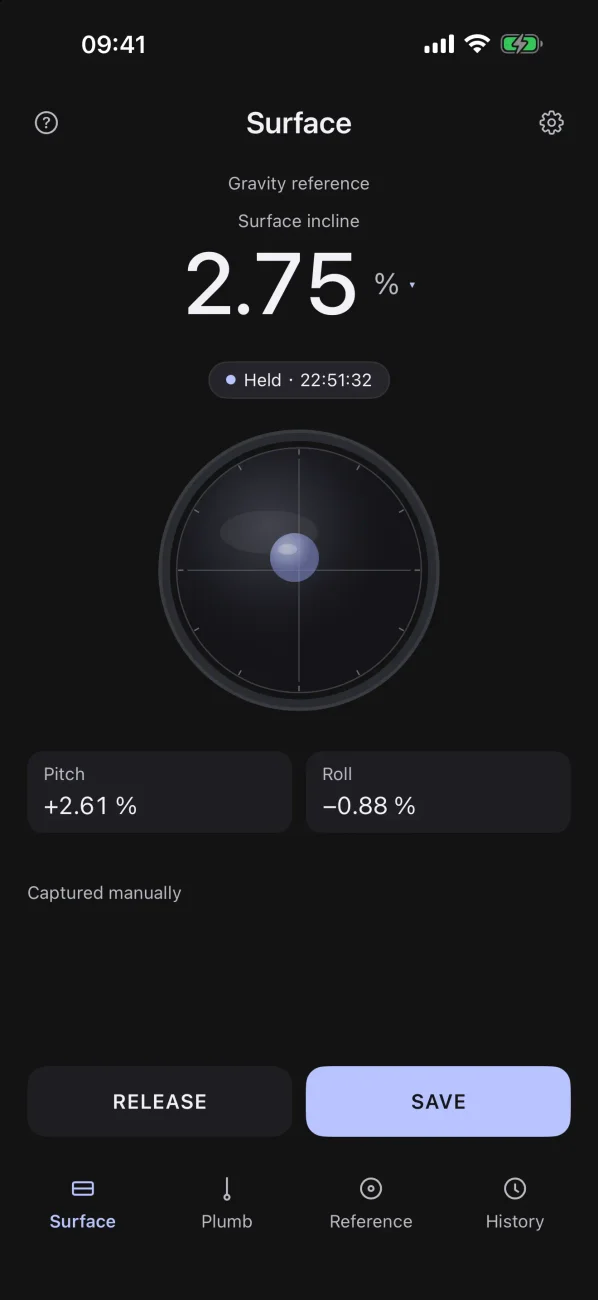
Start Auto capture, place your iPhone and wait for a stable reading. ZenLevel freezes the result for you to review and save. You can also HOLD a reading manually and RELEASE it to continue measuring.
REFERENCE EACH MODE
Surface, Plumb and Edge have separate relative references. Set a reference for the current mode or return to gravity when you need it.
KEEP AND SHARE MEASUREMENTS
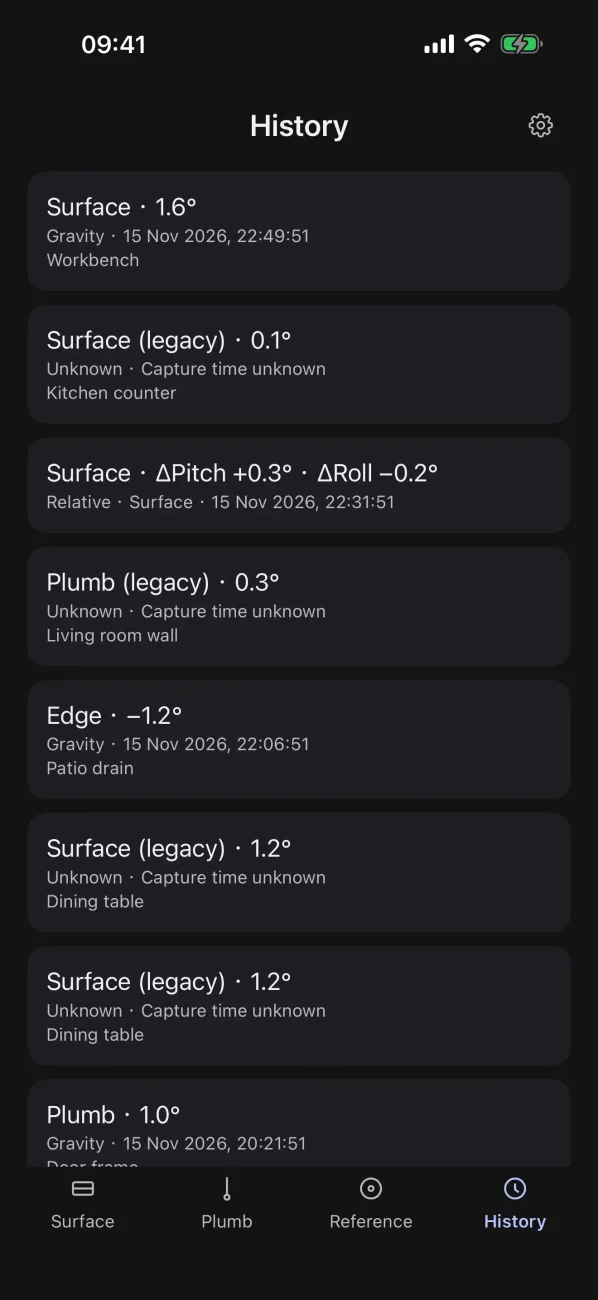
Save readings with their measurement context and capture time. Add notes, view details and share a PNG image. Notes are excluded from sharing by default. Existing measurement history is preserved when upgrading.
BUILT FOR YOUR IPHONE
• Clear readouts, a dark instrument interface and larger-text support
• Optional haptic feedback and completion sound
• No accounts, advertising, tracking or analytics
• No cloud sync or network requests
• Measurements and preferences stay on your device
A stable reading or a reading within your target range is not a guarantee of sensor accuracy. Results depend on your iPhone, its case, placement and contact with the surface.
What’s new
Version 1.2.0 · Nov 16, 2026
New in 1.2:
• Target slopes in Edge mode — set a target and an allowed range, with guidance to help you adjust.
• Auto capture — prepare your iPhone, then let ZenLevel freeze a stable reading. Save it when you're ready.
• Separate references for Surface, Plumb and Edge, with an easy return to gravity.
• Richer saved measurements with capture context, notes, undo for deletion and PNG sharing. Notes stay out of shared images unless you include them.
• A refreshed interface with clearer placement guidance, stable readouts and improved support for larger text.
• Existing measurement history is preserved when upgrading.
App privacy
What YANMIN WANG declares on the App Store about how this app handles data.
-
Data not collected
The developer does not collect any data from this app.
Privacy practices may vary, for example with the features you use or your age.
Information
- Seller
- YANMIN WANG
- Category
- Utilities
- Version
- 1.2.0
- Updated
- Nov 16, 2026
- Released
- Apr 15, 2026
- Size
- 5.1 MB
- Requires
- iOS 17.0 or later
- Age rating
- 4+
- Price
- Free
- Languages
- English
- Copyright
- © 2026 YANMIN WANG
You might also like
-
 SD InclinometerPitch, Roll & Slope Level
-
 List GeniusCreate lists, get smarter!
-
 SoundMeter - Decibel dB LevelSound Level & Noise Meter
-
 Sonara: Decibel & Noise MeterSound Level, dB & SPL Analyzer
-
 Textile: minimal notesA distraction-free notepad
-
 Ambient TimeClocks, widgets & dashboards
-
 Opti ClinometerSlope meter for the field
-
 AI Offline TranslatorFree Offline AI · 29 Languages
-
 Proflame Connect PlusUtilities
-
 Plumb: Bubble Spirit LevelAngle Finder, Slope & Surface