
- Age rating4+
- CategoryUtilities
- DeveloperLi Wei
- LanguagesEnglish+ 1 more
- Size147.2 MB
Links to the official App Store page
Download.org hosts no file of Zero Password. The button opens its official App Store page, published by Li Wei. Listing last checked on Nov 15, 2026.
Screenshots

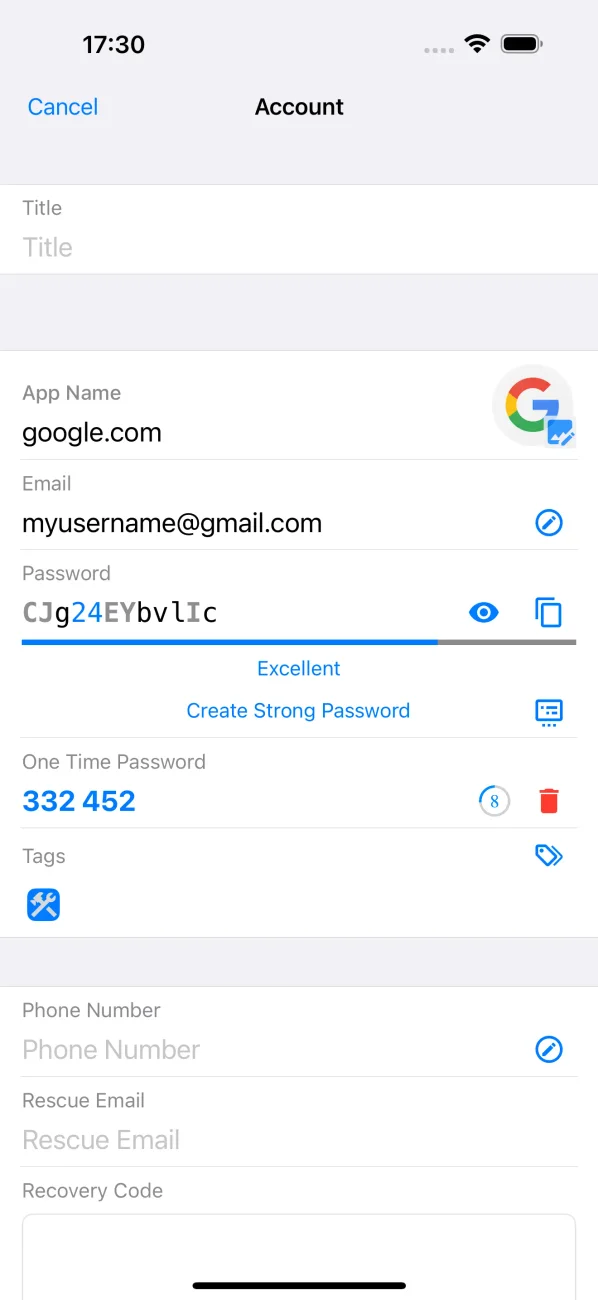


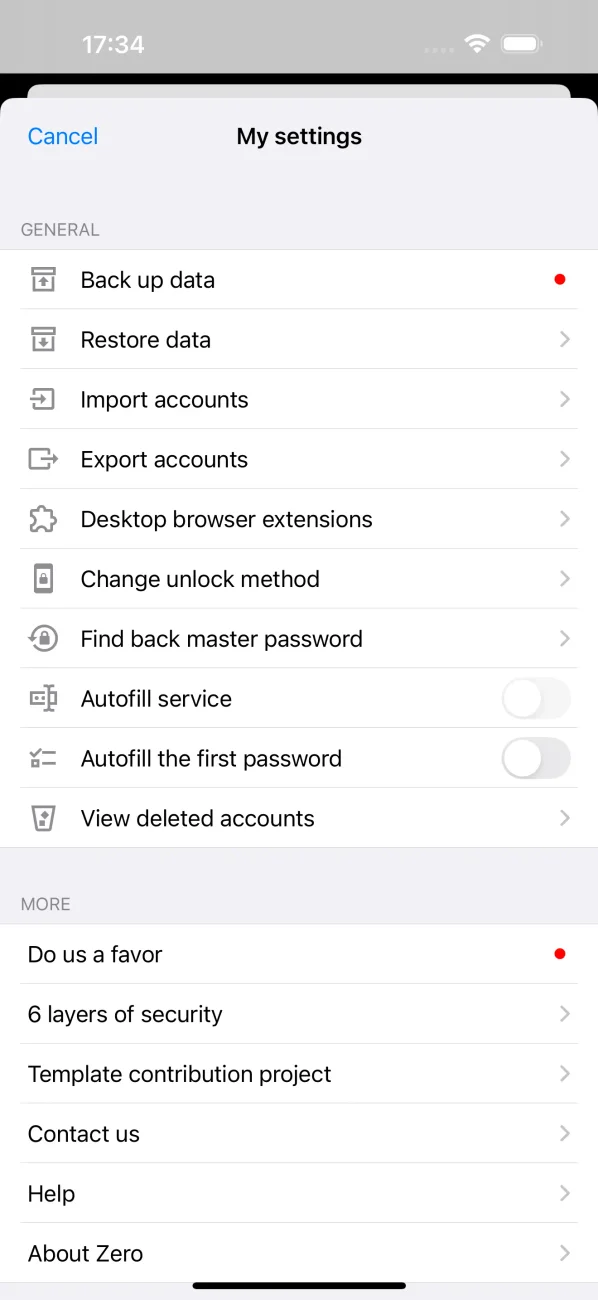
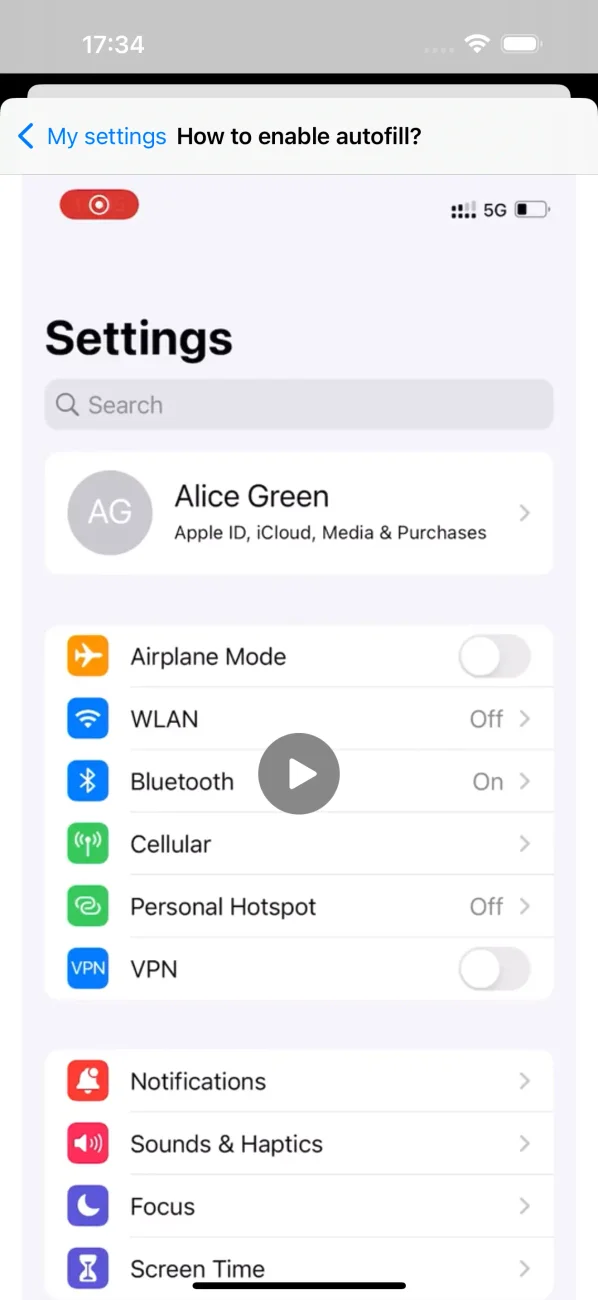
About
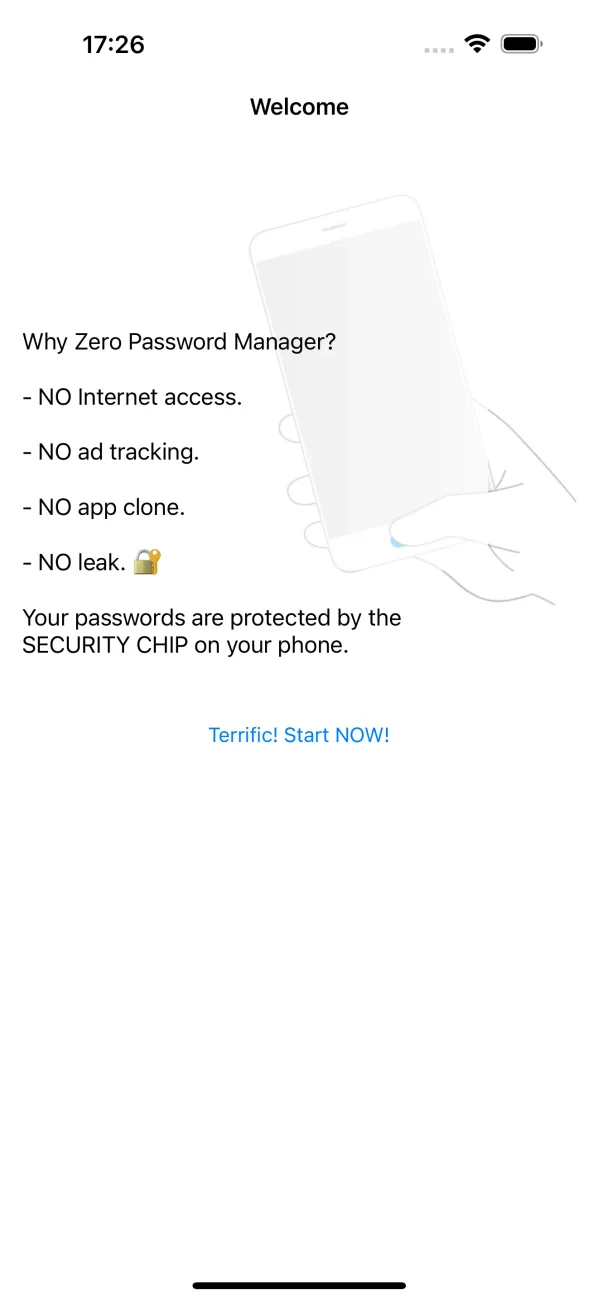
Why is Zero Password Manager more trustworthy?
- We have been developing many verifiable security technologies instead of "Please trust the developers".
- We have consistently improved the security instead of always saying, "The UI has been updated again".
【Solid security model】
- True offline keeps your data isolated from the Internet.
Your passwords are only stored on your phone and can never be uploaded to the cloud secretly.
- Security chip encrypts your data on your device.
Mobile wallets use the same chip to protect your card information, so if you trust the mobile wallet, you can trust Zero.
- Neither require sign-up nor collect personal information.
We don't have any information on you and don't know who you are, let alone bother you with ad tracking.
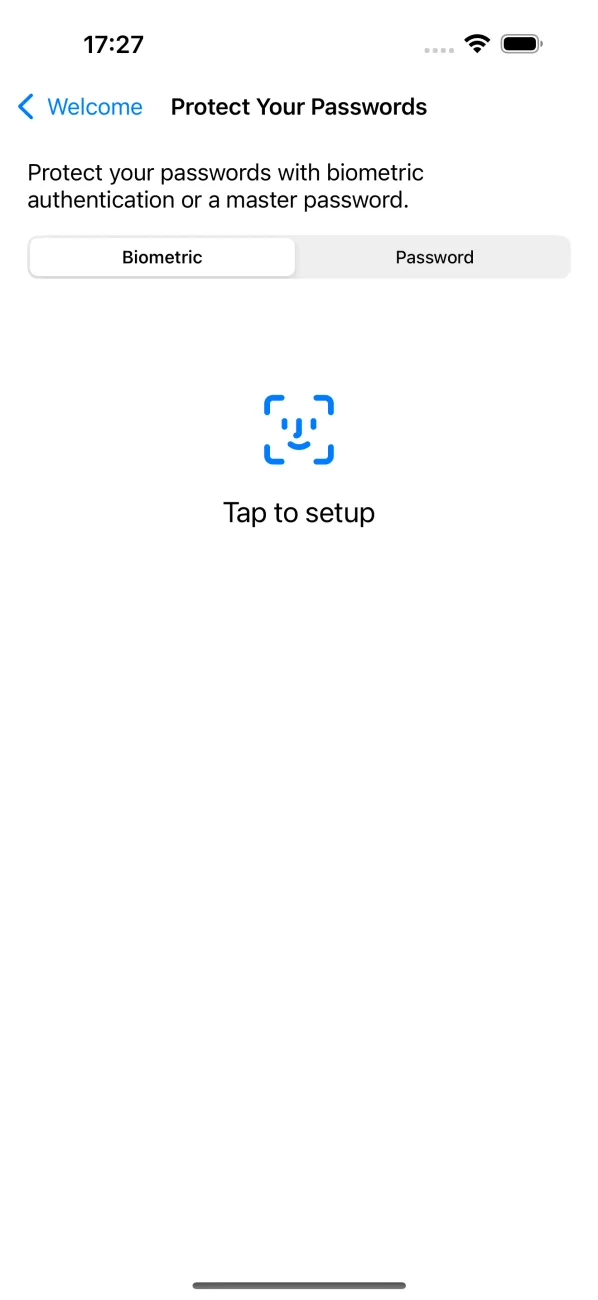
- Biometric authentication to safely unlock the app.
Or you can set a master password for an extra layer of protection.
Of course, we also use other standard encryption technologies like AES-256 and PBKDF2.
【Feature-rich and easy to use】
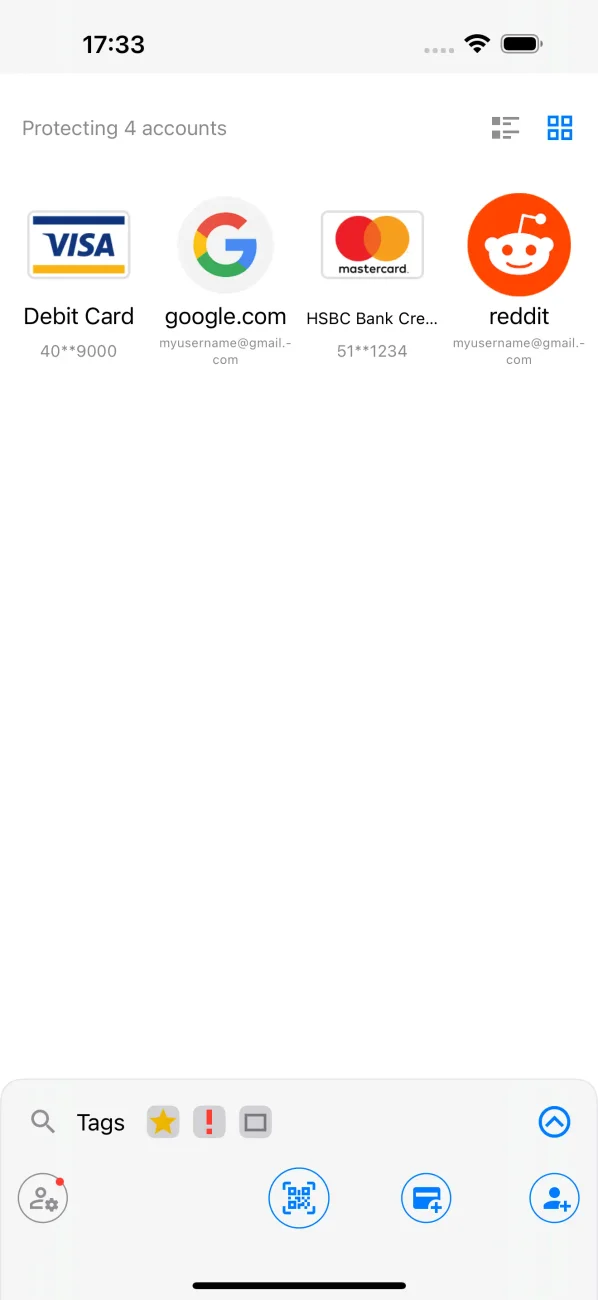
- Account security templates
Hundreds of account templates, including Apple ID, Capital One, Binance, Epic, etc., can hold all sorts of security information you can think of, such as passwords, recovery keys, and security q&a. Some templates also have security tips.
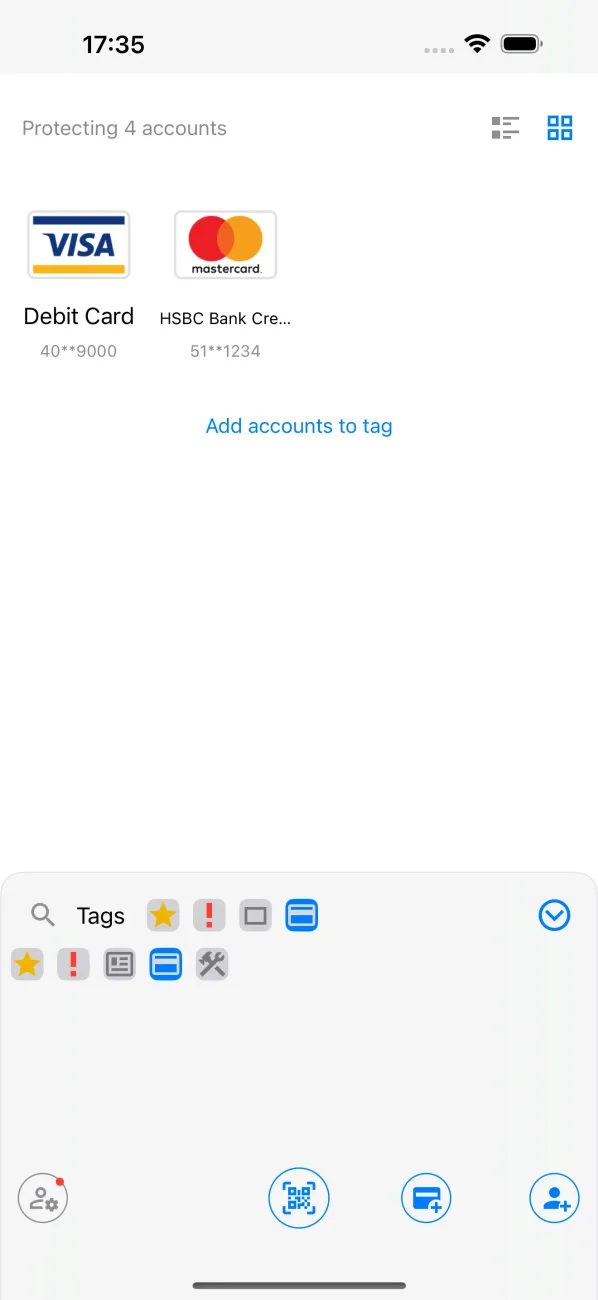
- Save payment cards
As long as you enter the card number, Zero password manager can automatically identify the card issuer, card organization, etc. It's easier than ever to store payment card information.
- Autofill passwords
Fill in your username and password on mobile apps or websites with only two taps. Zero password manager will also automatically check the security of the app or website you are filling in.
- OTP authenticator
Zero password manager integrates OTP (one-time password) authenticator to facilitate 2FA. You can keep passwords and OTPs in just one record.
- Desktop browser extension
With the extension, you can scan QR codes with the app to safely fill passwords into desktop browsers (Safari, Chrome, Edge, and Firefox).
- Password generator
Besides the most basic options like numbers, letters, and length, you can also choose to include certain special symbols, emojis, etc., in your passwords. It works for websites with complex password rules.
- Find back master password
Forgot your master password? Don't worry. You can ask your friends to help find it back; they can't peek at any data.
More great features like password meter, password timeline, password change reminder, etc. are all available in Zero password manager.
What’s new
Version 2026.05 · May 27, 2026
Can auto back up data in a chosen folder.
App privacy
What Li Wei declares on the App Store about how this app handles data.
-
Data not collected
The developer does not collect any data from this app.
Privacy practices may vary, for example with the features you use or your age.
Information
- Seller
- Li Wei
- Category
- Utilities
- Version
- 2026.05
- Updated
- May 27, 2026
- Released
- Feb 21, 2025
- Size
- 147.2 MB
- Requires
- iOS 16.6 or later
- Age rating
- 4+
- Price
- Free
- Languages
- English, Simplified Chinese
- Copyright
- © Li Wei
You might also like
-
 Securly, Easy Password ManagerGenerate & Save Passwords.
-
 PasswordPerfectPassword Generator
-
 Secret GeneratorPassword & PIN Generator
-
 NinTodoDaily To-Do List & Planner
-
 PowMote: Remote Power ControlWake, Sleep & Shutdown via SSH
-
 Passta — KeePass VaultOffline KeePass vaults
-
 兰台秘典 - 密码管理器Utilities
-
 Clipboard Eraserclear your clipboard instantly
-
 Vault DataUtilities
-
 PassCode CreatorStrong Password Generator