Zero Password
a most secure password manager
Được thiết kế cho iPhone, iPad
Miễn phí
- Độ tuổi4+
- Danh mụcTiện Ích
- Nhà phát triểnLi Wei
- Ngôn ngữTiếng Anh+ 1 ngôn ngữ khác
- Kích thước147,2 MB
Liên kết đến trang App Store chính thức
Download.org không lưu trữ tệp nào của Zero Password. Nút này mở trang ứng dụng trên App Store, nơi Li Wei phát hành ứng dụng. Trang được kiểm tra lần cuối: 15/11/2026.
Ảnh chụp màn hình



Giới thiệu
Nhà phát triển chưa cung cấp nội dung này bằng ngôn ngữ của bạn.
Why is Zero Password Manager more trustworthy?
- We have been developing many verifiable security technologies instead of "Please trust the developers".
- We have consistently improved the security instead of always saying, "The UI has been updated again".
【Solid security model】
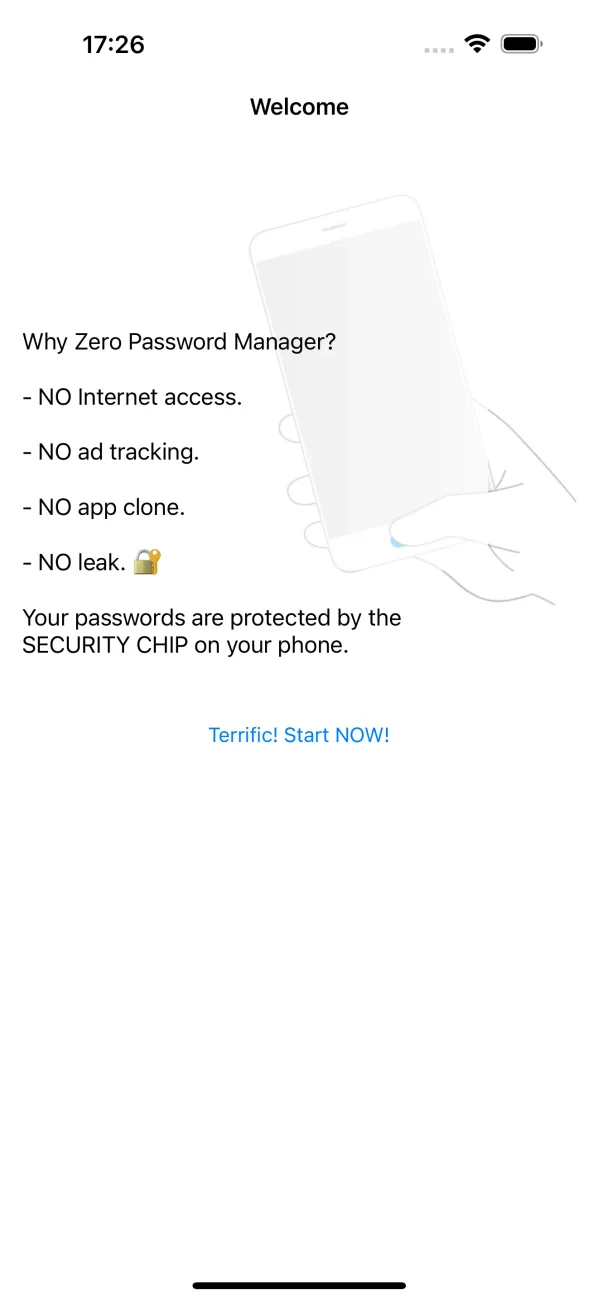
- True offline keeps your data isolated from the Internet.
Your passwords are only stored on your phone and can never be uploaded to the cloud secretly.
- Security chip encrypts your data on your device.
Mobile wallets use the same chip to protect your card information, so if you trust the mobile wallet, you can trust Zero.
- Neither require sign-up nor collect personal information.
We don't have any information on you and don't know who you are, let alone bother you with ad tracking.
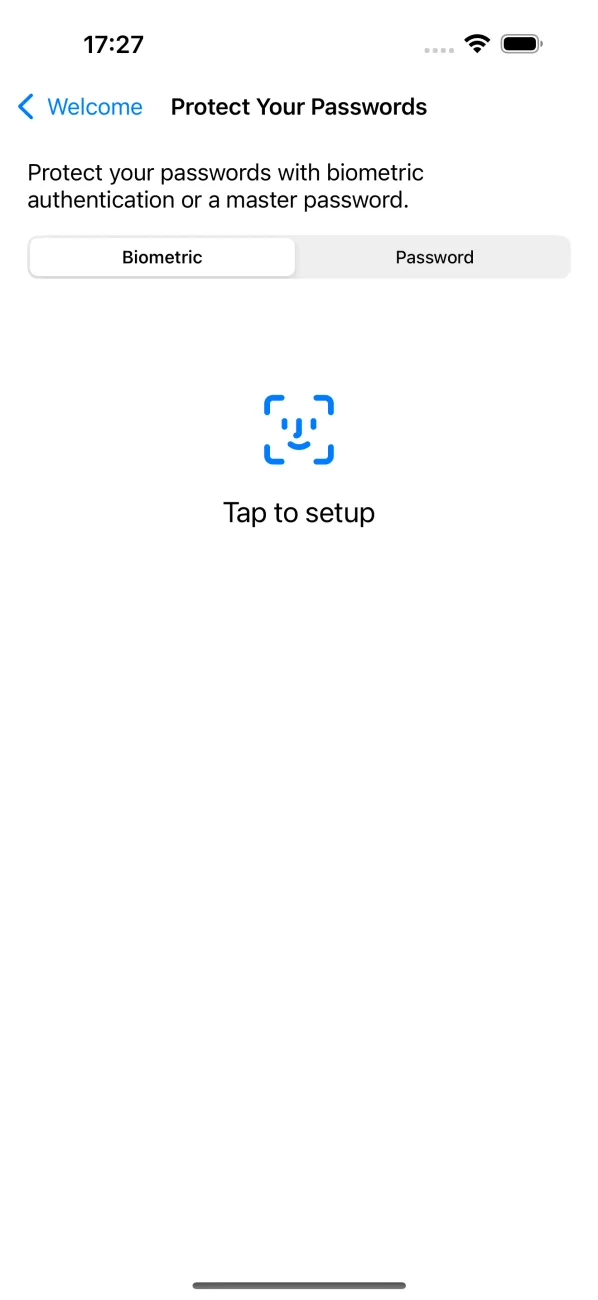
- Biometric authentication to safely unlock the app.
Or you can set a master password for an extra layer of protection.
Of course, we also use other standard encryption technologies like AES-256 and PBKDF2.
【Feature-rich and easy to use】
- Account security templates
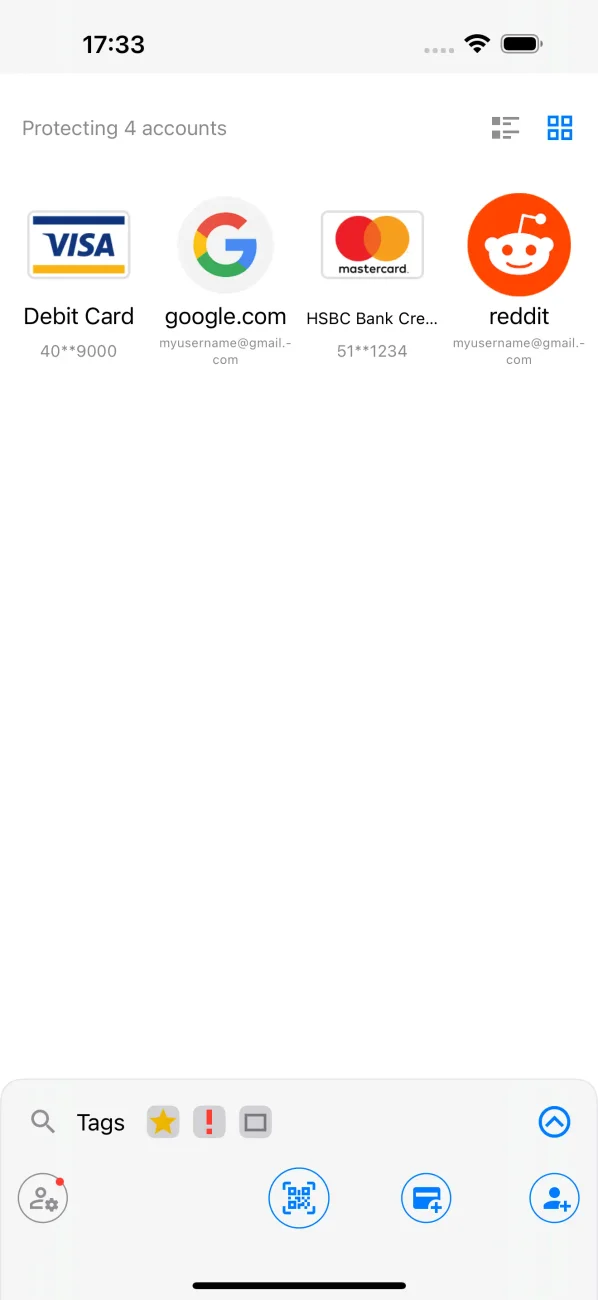
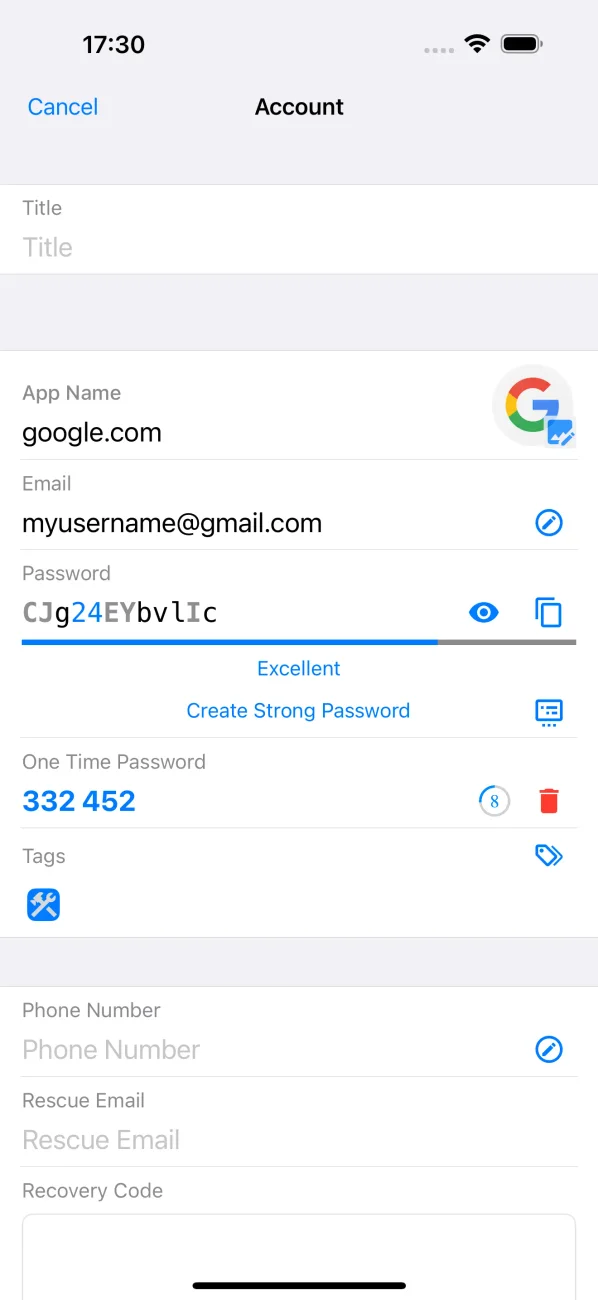
Hundreds of account templates, including Apple ID, Capital One, Binance, Epic, etc., can hold all sorts of security information you can think of, such as passwords, recovery keys, and security q&a. Some templates also have security tips.
- Save payment cards
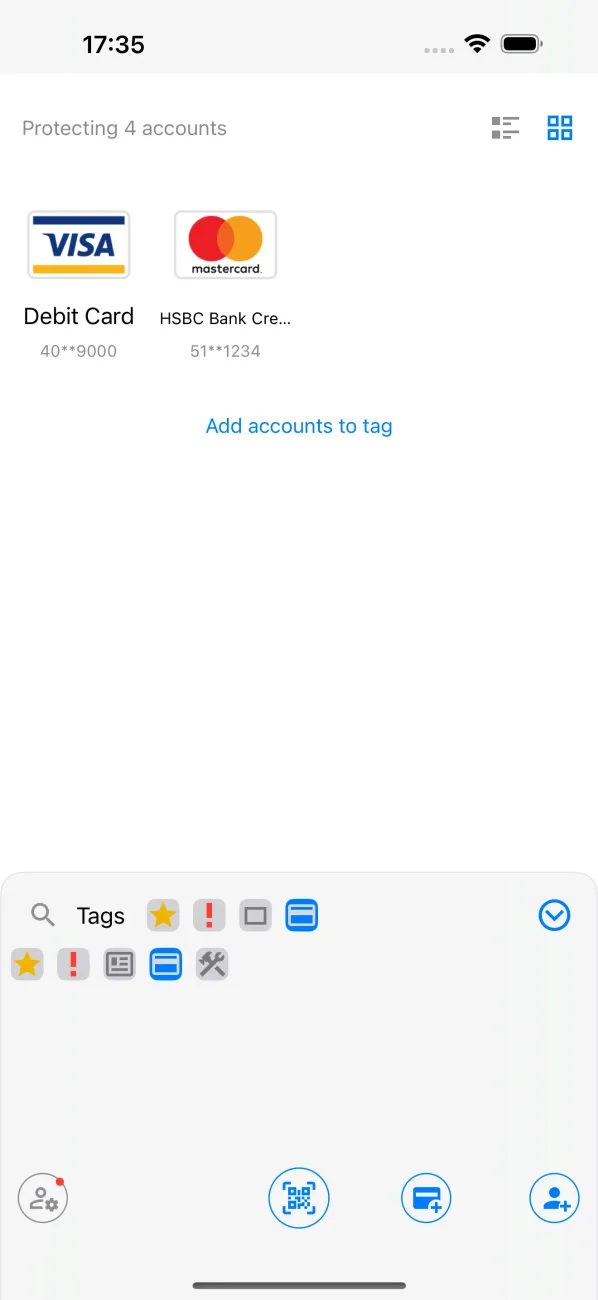
As long as you enter the card number, Zero password manager can automatically identify the card issuer, card organization, etc. It's easier than ever to store payment card information.
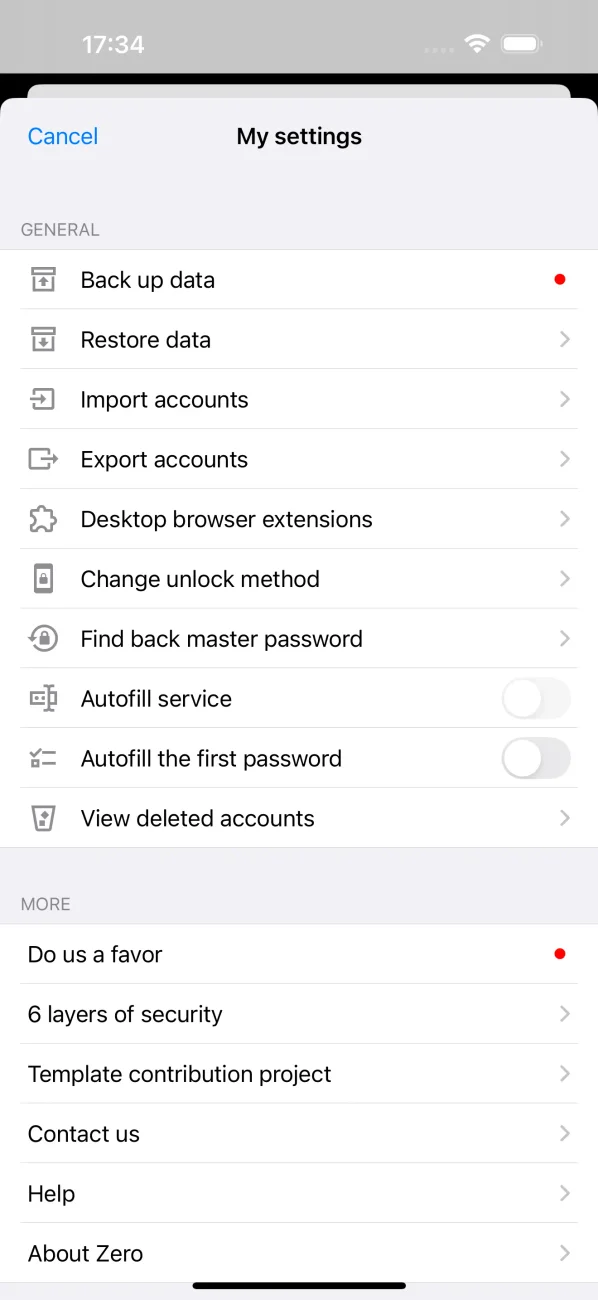
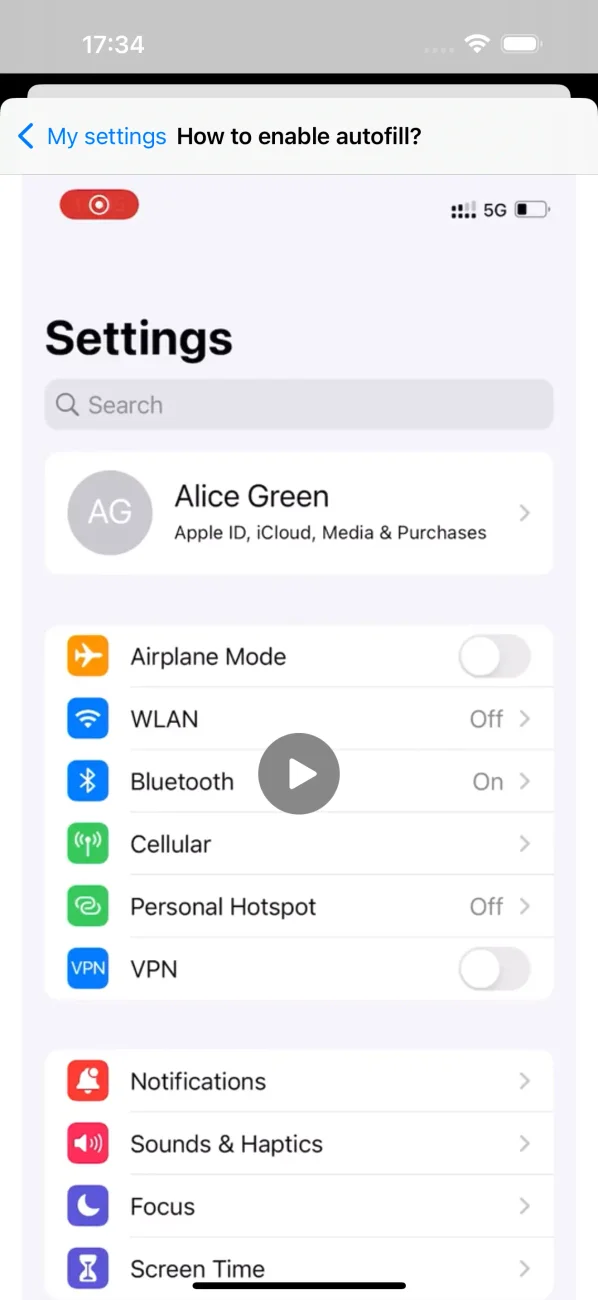
- Autofill passwords
Fill in your username and password on mobile apps or websites with only two taps. Zero password manager will also automatically check the security of the app or website you are filling in.
- OTP authenticator
Zero password manager integrates OTP (one-time password) authenticator to facilitate 2FA. You can keep passwords and OTPs in just one record.
- Desktop browser extension
With the extension, you can scan QR codes with the app to safely fill passwords into desktop browsers (Safari, Chrome, Edge, and Firefox).
- Password generator
Besides the most basic options like numbers, letters, and length, you can also choose to include certain special symbols, emojis, etc., in your passwords. It works for websites with complex password rules.
- Find back master password
Forgot your master password? Don't worry. You can ask your friends to help find it back; they can't peek at any data.
More great features like password meter, password timeline, password change reminder, etc. are all available in Zero password manager.
Có gì mới
Phiên bản 2026.05 · 27/05/2026
Can auto back up data in a chosen folder.
Quyền riêng tư của ứng dụng
Những gì Li Wei khai báo trên App Store về cách ứng dụng này xử lý dữ liệu.
-
Dữ liệu không được thu thập
Nhà phát triển không thu thập bất kỳ dữ liệu nào từ ứng dụng này.
Phương thức đảm bảo quyền riêng tư có thể khác nhau, chẳng hạn như tuỳ theo các tính năng bạn sử dụng hoặc độ tuổi của bạn.
Thông tin
- Người bán
- Li Wei
- Danh mục
- Tiện Ích
- Phiên bản
- 2026.05
- Cập nhật
- 27/05/2026
- Phát hành
- 21/02/2025
- Kích thước
- 147,2 MB
- Yêu cầu
- iOS 16.6 trở lên
- Độ tuổi
- 4+
- Giá
- Miễn phí
- Ngôn ngữ
- Tiếng Anh, Tiếng Trung Giản thể
- Bản quyền
- © Li Wei