
zFuse - Media Player
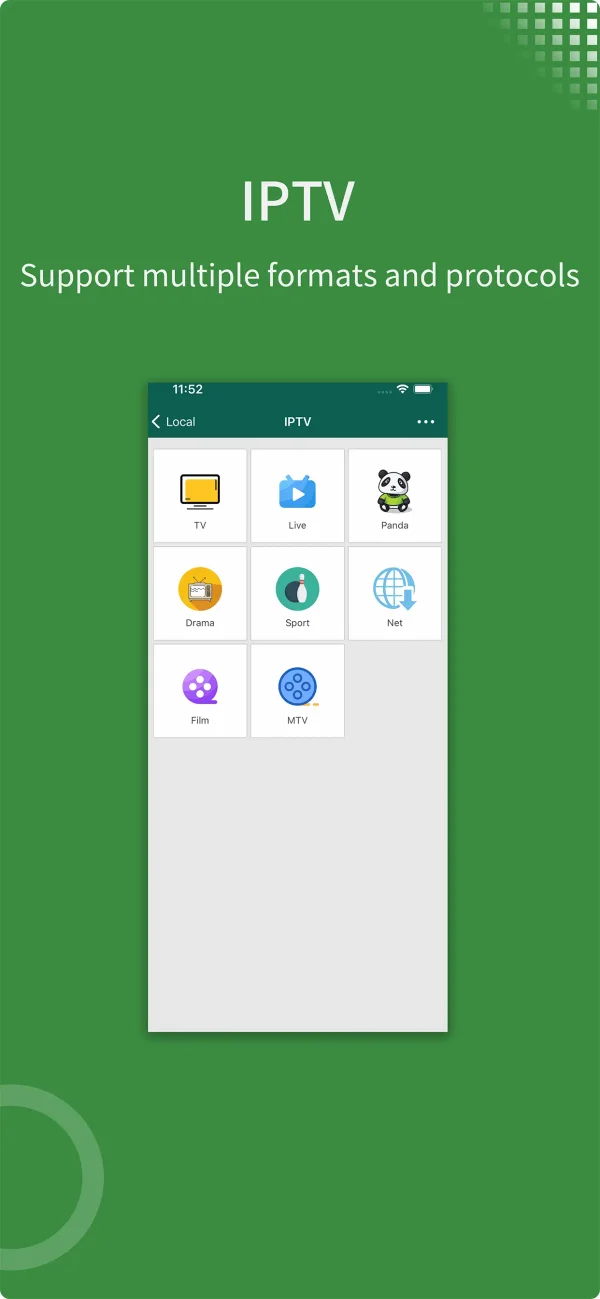
TV Casting / IPTV / Emby
Designed for iPhone, iPad
Free · In-app purchases
- Age rating4+
- CategoryEntertainment
- Developers-joys Co., Ltd.
- LanguagesEnglish+ 6 more
- Size156.3 MB
Links to the official App Store page
Download.org hosts no file of zFuse - Media Player. The button opens its official App Store page, published by s-joys Co., Ltd. Listing last checked on Nov 20, 2026.
Screenshots


About
- zFuse can play all video formats and encodings, allowing you to play video files on your mobile device without the need to convert to MP4.
- zFuse supports ASS/SSA/SUP effect subtitles, enabling you to experience full subtitle effects just like on your PC/Mac.
- zFuse features powerful networking technologies that allow you to play media from your PC or NAS directly, without occupying any space on your limited device storage and without needing to download anything.
- zFuse also allows you to easily download files or directories directly from your PC or NAS, making it the perfect companion for your trips.
- zFuse supports a variety of gestures - simply move your fingers to adjust playback position, font size, volume, and brightness.
- zFuse carefully protects your privacy with folder encryption, so you no longer need to worry about privacy issues.
- zFuse's detailed features include:
* SMB/CIFS playback and discovery (easily play media files from your PC).
* Download media files or directories from SAMBA/DLNA/WebDAV/FTP directly.
* UPnP/DLNA playback and discovery.
* Emby and Jellyfin media server support.
* AirPlay playback.
* Picture-in-Picture mode support.
* iPad split-screen multitasking support.
* Hardware acceleration.
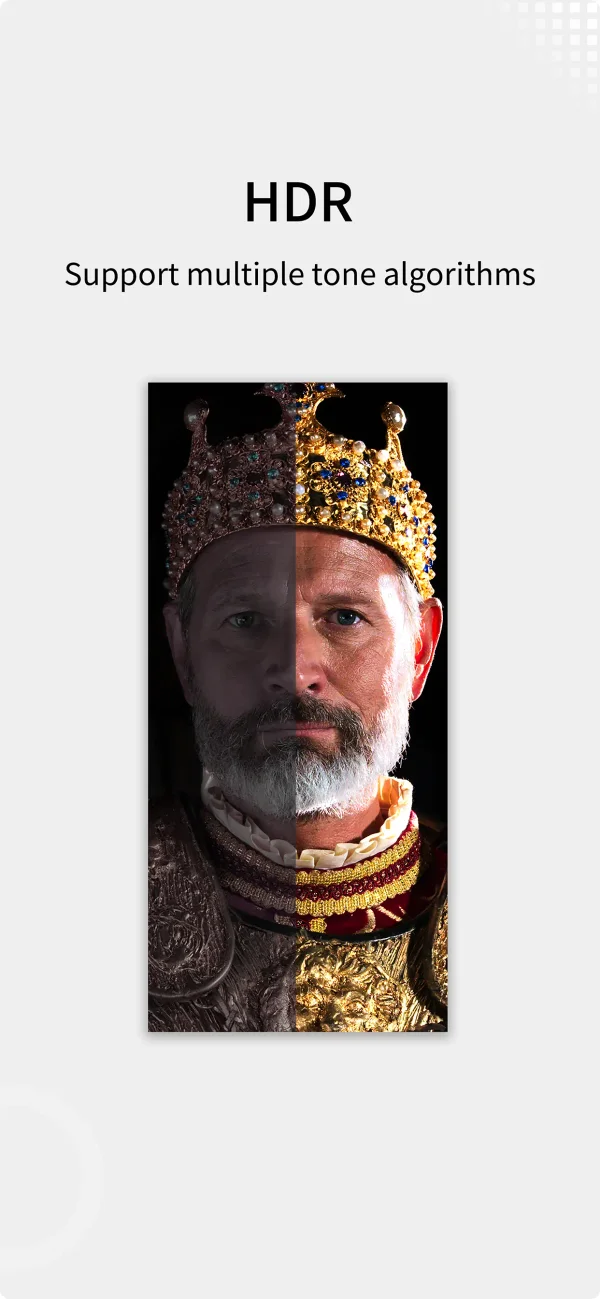
* HDR Tone Mapping support on non-HDR displays.
* Subtitle effects support.
* 0.5x-3.0x playback speed control.
* 0.5x-5.0x screen zoom.
* Media preview while seeking.
* Built-in audio enhancement.
* Multi-soundtrack selection.
* Embedded/external subtitle track selection.
* Subtitle synchronization.
* Audio synchronization.
* External subtitle font selection support.
* Playlist file preview before playback.
* Blu-ray directory playback.
* Real-time playlist management and editing.
* Screen mirroring.
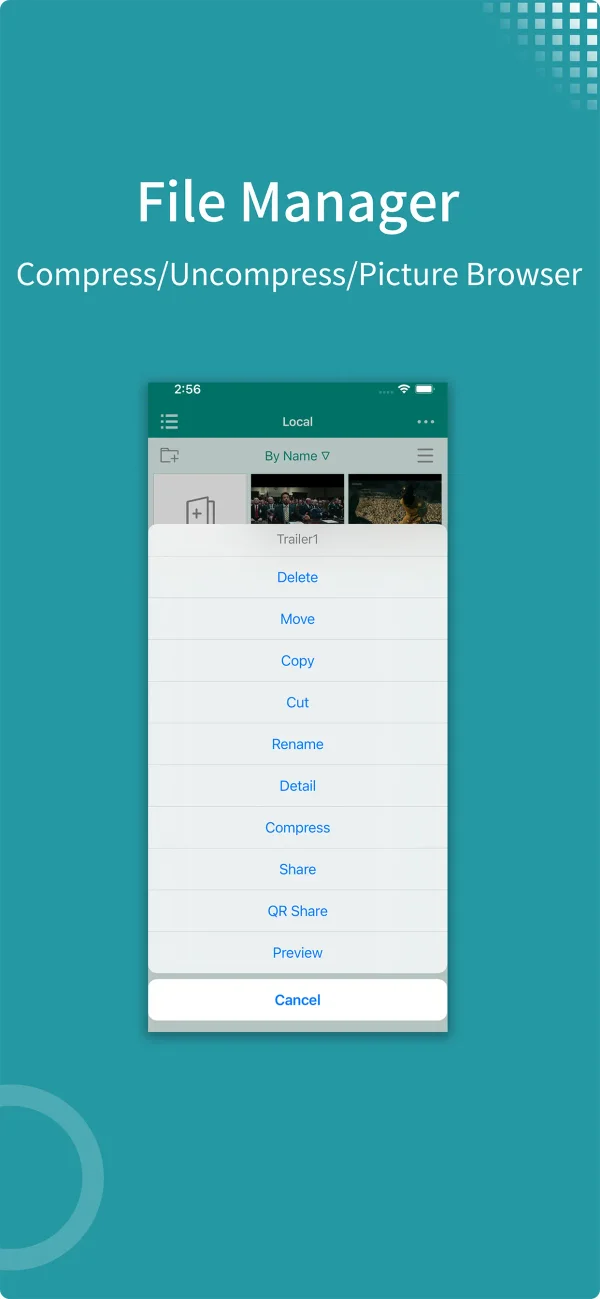
* File Management:
- Delete, move, rename, create folders.
- Wi-Fi file transfer support without USB cable connection.
- Streaming media playlist creation support.
- File decompression support: 7z, zip, rar, tar, bz, bz2, etc.
* Gesture Controls:
- Horizontal drag: adjust playback position.
- Vertical drag on left side: adjust volume.
- Vertical drag on right side: adjust brightness.
- Pinch to zoom: adjust screen size.
- Double-tap: play/pause.
- Two-finger double-tap: change video aspect ratio.
* External Keyboard Support:
- Space: pause/play.
- Left Arrow: backward seek.
- Right Arrow: forward seek.
- Esc: exit playback.
- S: change playback speed.
- B: play previous.
- N: play next.
- Z: change screen scale.
* Supported Video Formats: MP4, MOV, MKV, AVI, WMV, FLV, RMVB, ASF, OGV, Blu-ray ISO and more.
* Supported Audio Formats: MP3, WAV, WMA, FLAC, APE and more.
* Supported Subtitle Formats: SRT, SSA, ASS, SUP, VTT.
* Supported Image Formats: JPG, PNG, BMP, TIFF, GIF, HEIC and more.
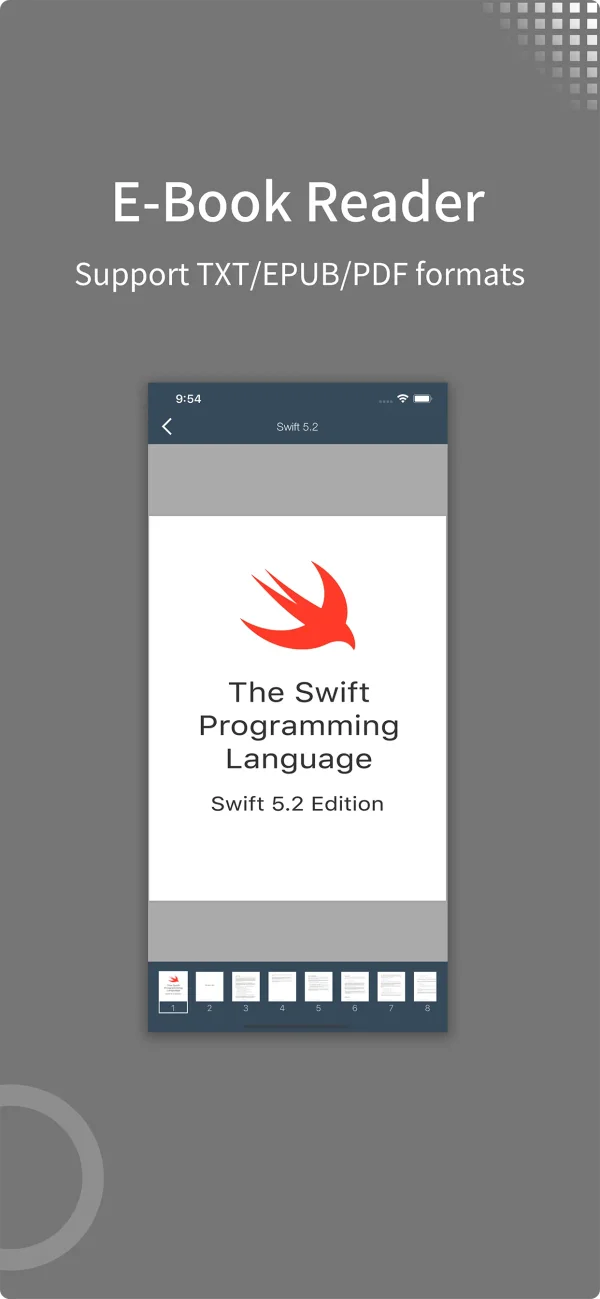
* Supported eBook Formats: EPUB, TXT, PDF.
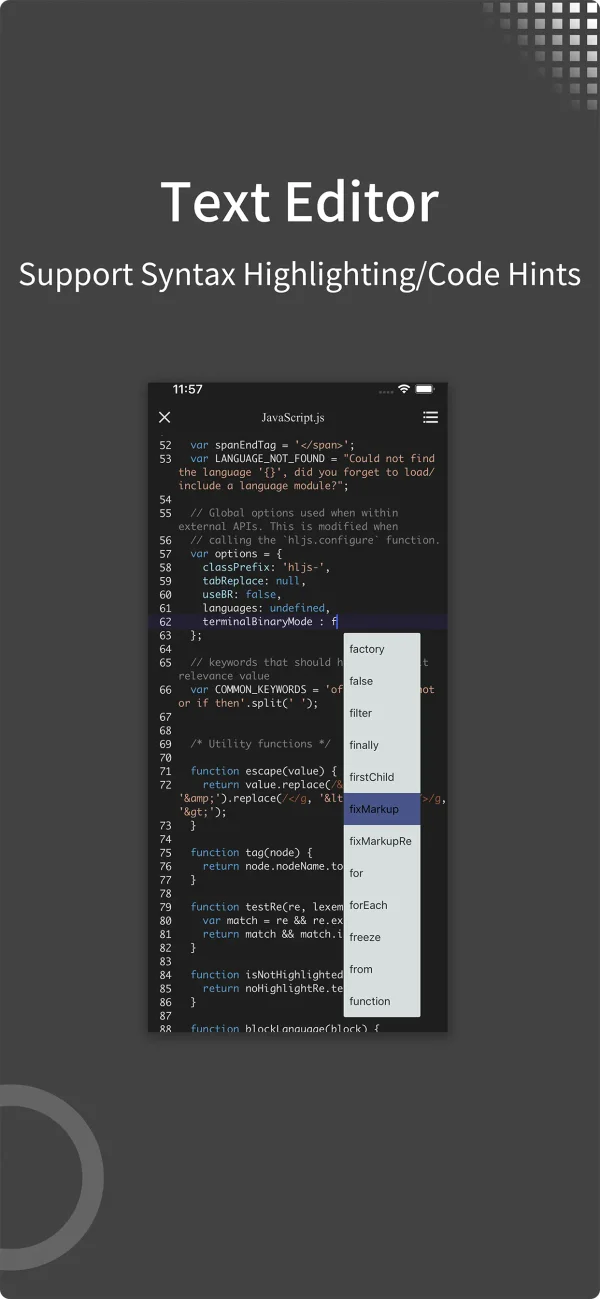
* Code Editor Supported Languages: JSON, HTML, XML, C/C++, Lua, Java, Objective-C, Swift, Python, JavaScript.
* Supported Document Formats: Word, Excel, PowerPoint, Numbers, Keynote, Pages, RTF, CSV.
What’s new
Version 1.10.138 · Sep 12, 2026
1. Added Balanced HDR tone mapping to improve shadow visibility when playing HDR videos on SDR displays.
2. Improved playback compatibility with some P7 videos, along with chroma sampling, gamut mapping, and video black levels.
3. Optimized rendering on newer operating systems, improving efficiency and reducing resource overhead during playback.
4. Fixed issues that could occur when clearing temporary files.
5. Fixed crashes that could occur in certain situations.
6. Fixed layout issues on some phone models.
7. Fixed an issue that allowed files to be dragged while multi-select mode was enabled.
8. Improved compatibility with newer versions of iOS.
9. Fixed various UI issues.
App privacy
What s-joys Co., Ltd. declares on the App Store about how this app handles data.
-
Data used to track you
May be used to track you across apps and websites owned by other companies.
- Location
- Identifiers
- Usage data
- Diagnostics
- Other data
-
Data linked to you
May be collected and linked to your identity.
- Location
- Identifiers
- Usage data
- Diagnostics
- Other data
-
Data not linked to you
May be collected but is not linked to your identity.
- Diagnostics
Privacy practices may vary, for example with the features you use or your age.
Information
- Seller
- s-joys Technology Co., Ltd.
- Category
- Entertainment
- Version
- 1.10.138
- Updated
- Sep 12, 2026
- Released
- Dec 2, 2015
- Size
- 156.3 MB
- Requires
- iOS 16.1 or later
- Age rating
- 4+
- Price
- Free
- In-app purchases
- Yes
- Languages
- English, Japanese, Korean, Russian, Simplified Chinese, Spanish, Traditional Chinese
- Copyright
- © Copyright (c) 2015-2026 s-joys. All rights reserved.
You might also like
-
 SenPlayer - Media PlayerMedia Library & NAS, Local
-
 Fast Player - video playermp4,avi,mkv,wma,flv media IPTV
-
 VidHub -Video Library & PlayerManage and enjoy TV & Movies
-
 HamHub - Your Personal CinemaCloud, NAS & Media Player
-
 nPlayer LiteThe best media player
-
 KMPlayerPerfect Video Player
-
 X Player - Mobile Video PlayerKeep Media Safe
-
 网易爆米花-智能媒体库,全能云盘网盘播放器Entertainment
-
 ntPlayerIPTV Streaming Player
-
 MX Player : All Media PlayerAll Format VIdeo, Music Player