Zivo Draw
Sketch & Trace with AR Camera
Designed for iPhone, iPad, iPod touch
Free · In-app purchases
- Age rating4+
- CategoryGraphics & Design
- DeveloperNanjing Heyback Technology Co., Ltd.
- LanguagesEnglish+ 8 more
- Size121.3 MB
Links to the official App Store page
Download.org hosts no file of Zivo Draw. The button opens its official App Store page, published by Nanjing Heyback Technology Co., Ltd. Listing last checked on Nov 25, 2026.
Screenshots



About
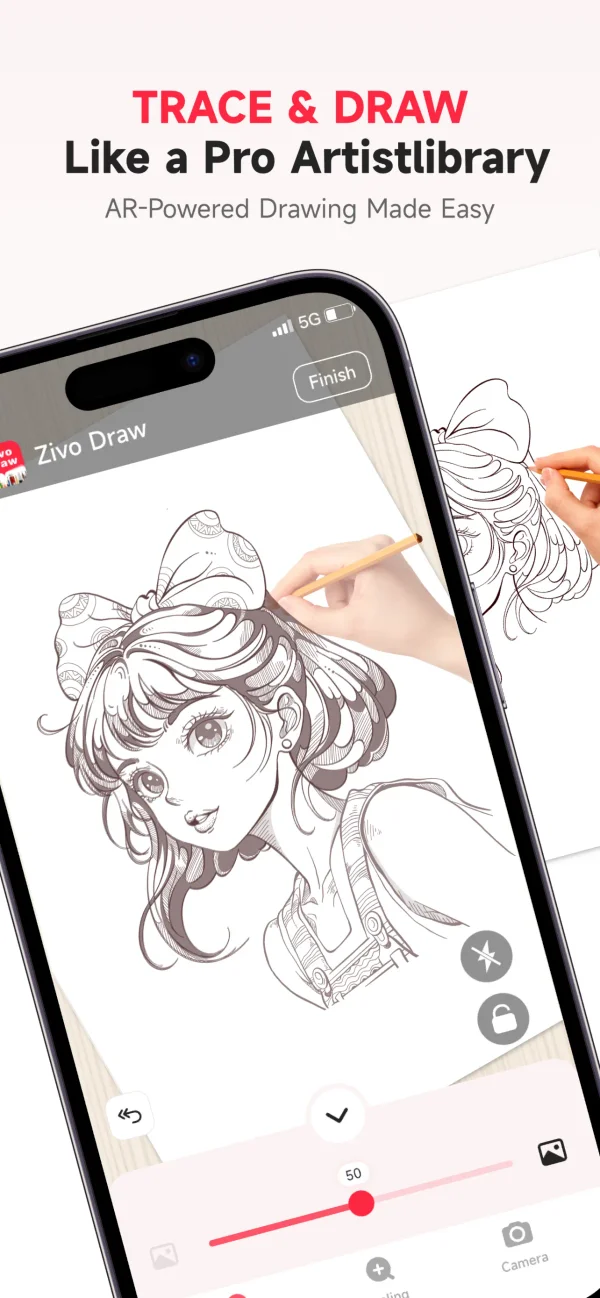
Zivo Draw turns your phone into an AR light table so kids and students can trace, learn to draw, and create in minutes.
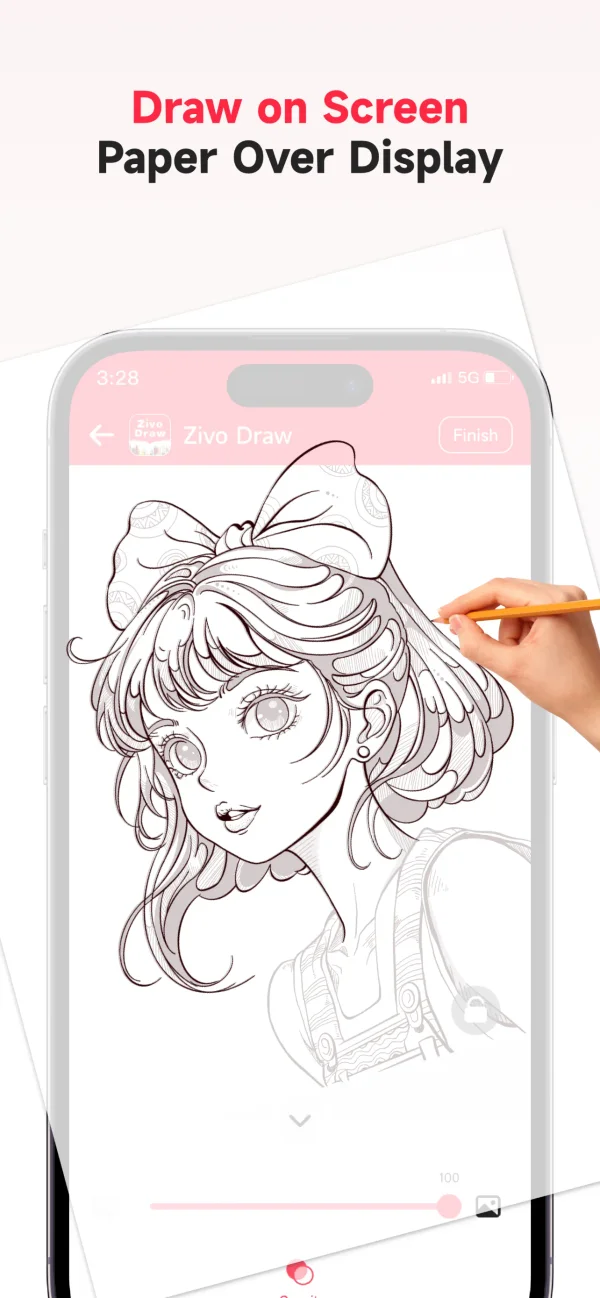
Place a photo on your screen, follow the clear on-screen guide, and start tracing right away — no account required. Record your drawing journey to share with friends and teachers.
Why you'll love Zivo:
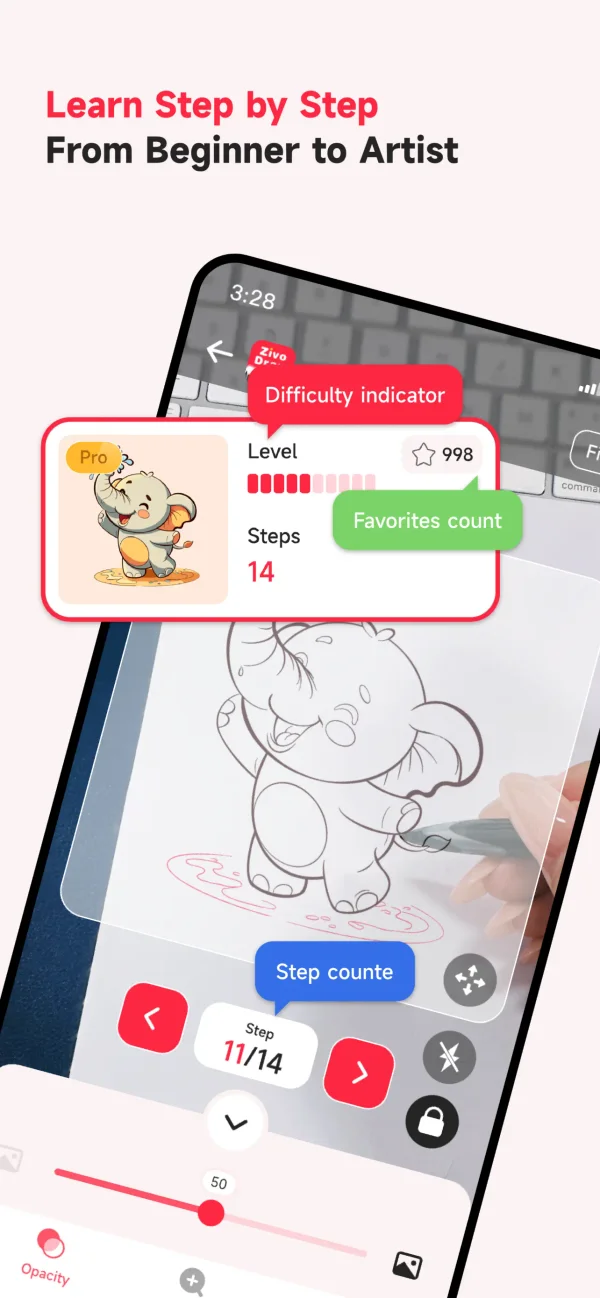
• Beginner-friendly teaching: guided steps and on-screen tips keep confidence high from the first stroke
• Always-growing templates: 500+ tracing models across animals, nature, vehicles, food, anime, and more — with new packs added weekly
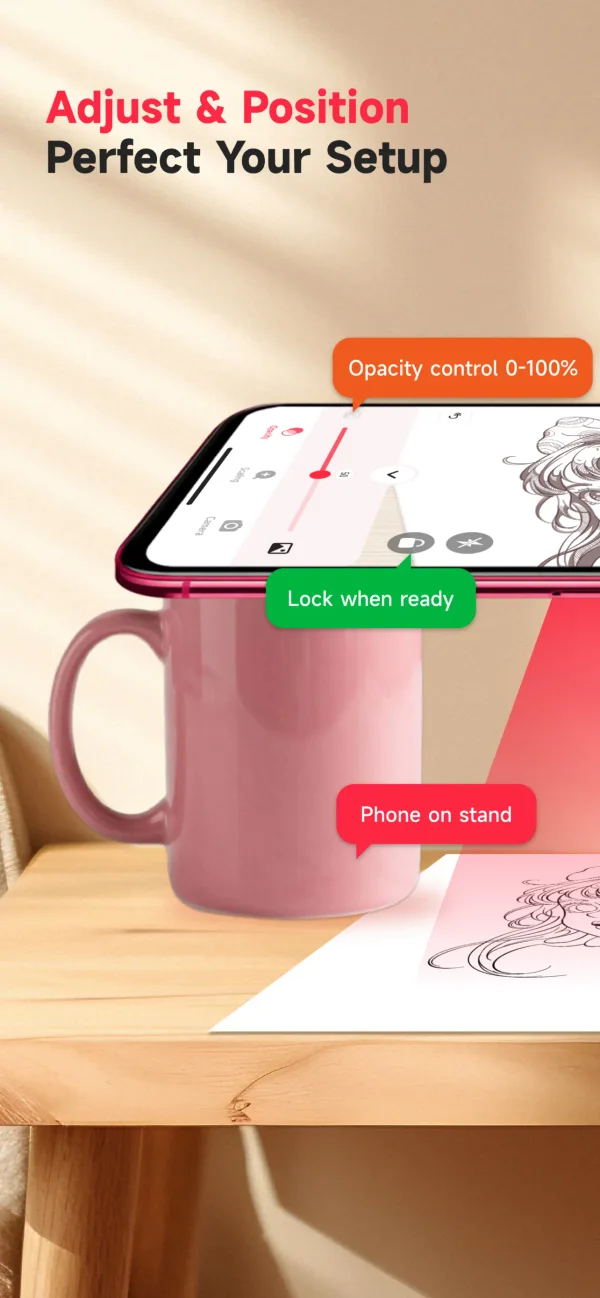
• Stable AR tracing: align the outline on paper, lock it, and draw at your own pace with rock-steady guidance
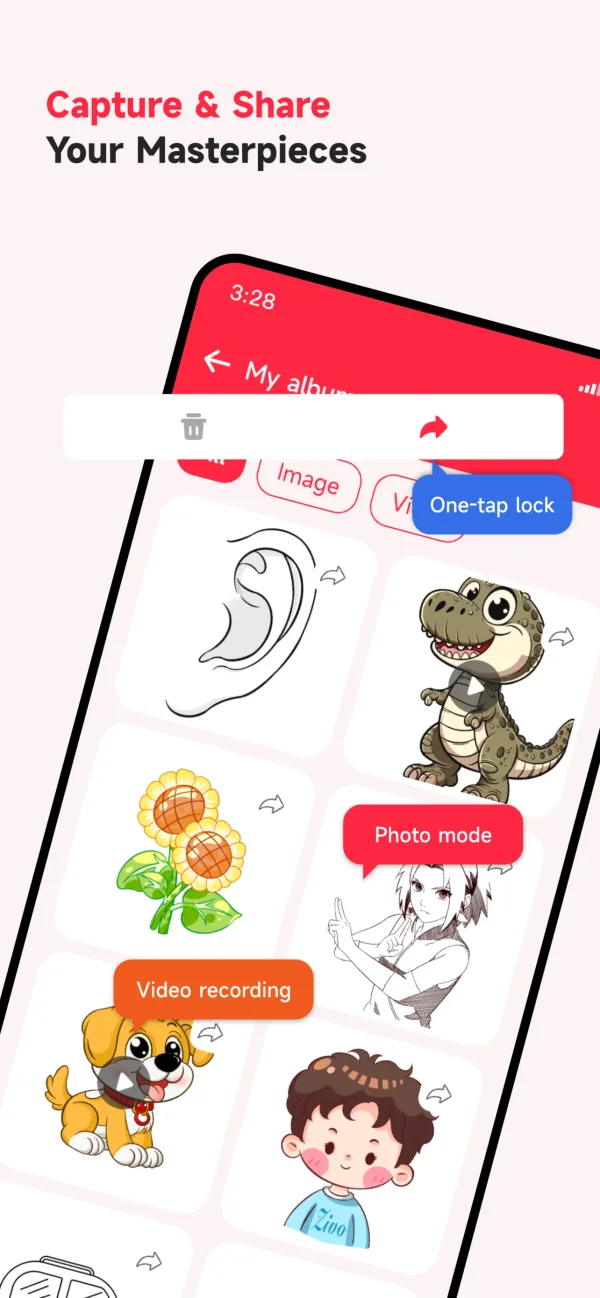
• Story-worthy moments: record your drawing process and export results to your album
• Built for learning: low barrier, kid-friendly UI, and clear flows so students focus on creativity
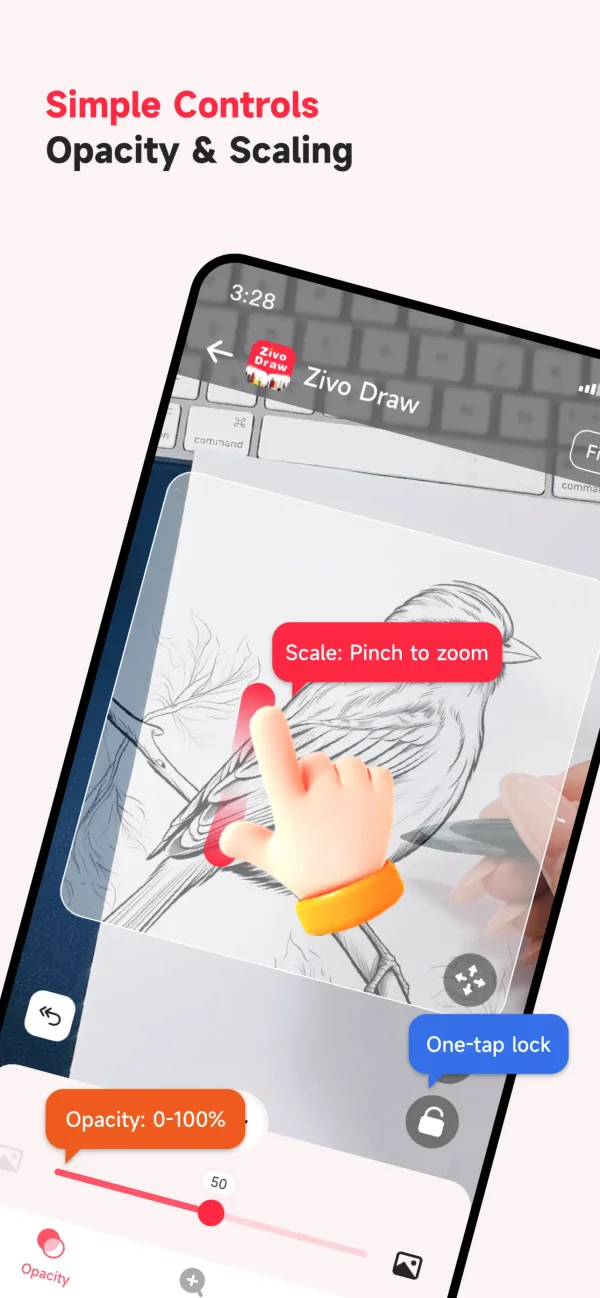
• Flexible controls: adjust opacity/scale/position so every sketch fits your page perfectly
How to start:
1. Choose a template or import a photo
2. Place your phone above the paper, align, and lock the outline
3. Trace with the AR guide, adjust opacity/scale as needed
4. Finish, capture, and share your sketch
Ready to draw your next idea? Start tracing with Zivo Draw today!
Zivo Pro Subscription:
• Weekly: $4.99/week
• Monthly: $9.99/month
• Yearly: $69.99/year, with a 3-day free trial for eligible new subscribers
* Your subscription automatically renews unless auto-renew is turned off at least 24 hours before the end of the current period. Payment will be charged to your Apple ID account at confirmation of purchase (or when the free trial ends). You can manage and cancel subscriptions in your App Store account settings. Any unused portion of a free trial period will be forfeited when you purchase a subscription.
Terms of Use: https://static.xiaoheigohome.com/zivo/legal/subscription-terms/v2.0/index.html
Privacy Policy: https://static.xiaoheigohome.com/zivo/legal/privacy-policy/v2.0/index.html
What’s new
Version 4.5.5 · Nov 24, 2026
• AR drawing (iPhone): pin the reference to your paper and move your phone freely — no stand needed
• Art Text: type any words and trace them in 200 fonts
• New "My artwork" page: turn every drawing into a time-lapse clip, a before/after video and a framed photo, with templates, filters and your own signature
• Redesigned drawing page: undo and redo, focus mode, line-art styles and a step-by-step guide
• Smoother camera and many stability fixes
App privacy
What Nanjing Heyback Technology Co., Ltd. declares on the App Store about how this app handles data.
-
Data used to track you
May be used to track you across apps and websites owned by other companies.
- Identifiers
-
Data linked to you
May be collected and linked to your identity.
- Purchases
- Contact info
- User content
-
Data not linked to you
May be collected but is not linked to your identity.
- Location
- Identifiers
- Usage data
- Diagnostics
- Other data
Privacy practices may vary, for example with the features you use or your age.
Information
- Seller
- Nanjing Heyback Technology Co., Ltd.
- Category
- Graphics & Design
- Version
- 4.5.5
- Updated
- Nov 24, 2026
- Released
- Jan 12, 2026
- Size
- 121.3 MB
- Requires
- iOS 15.1 or later
- Age rating
- 4+
- Price
- Free
- In-app purchases
- Yes
- Languages
- English, French, German, Japanese, Korean, Portuguese, Simplified Chinese, Spanish, Traditional Chinese
- Copyright
- © 2026 Nanjing Heyback Technology Co., Ltd.
You might also like
-
 AR Draw & Sketch - TraceXTrace Photo, Paint & Doodle
-
 Photo Trace & Draw - TracelyTrace photos onto paper
-
 AR Drawing: Easy Sketch & DrawTrace & Draw picture on paper
-
 Tracing Projector Draw EasySketch Easily with Your Camera
-
 Sketch Trace Draw, AR AppAR Draws - Trace Drawing App
-
 AR Tracing: Drawing by TayasuiTrace, Sketch & Draw on Paper
-
 AR Projector Tracing & DrawingTrace & Draw AI Photo on Paper
-
 AR Sketch Art: Camera DrawingTrace & Draw by WhatSticker
-
 AR Drawing – Tracing ProjectorDraw Art with Smart Sketcher
-
 Sketchar: AR Drawing AppTrace, sketch & learn to draw