ZOOMFLOW 1.0
photography, video, time-lapse
Designed for iPhone, iPad, iPod touch
Free · In-app purchases
- Age rating4+
- CategoryPhoto & Video
- Developerstuart sinclair
- LanguagesEnglish
- Size61.7 MB
Links to the official App Store page
Download.org hosts no file of ZOOMFLOW 1.0. The button opens its official App Store page, published by stuart sinclair. Listing last checked on Nov 12, 2026.
Screenshots
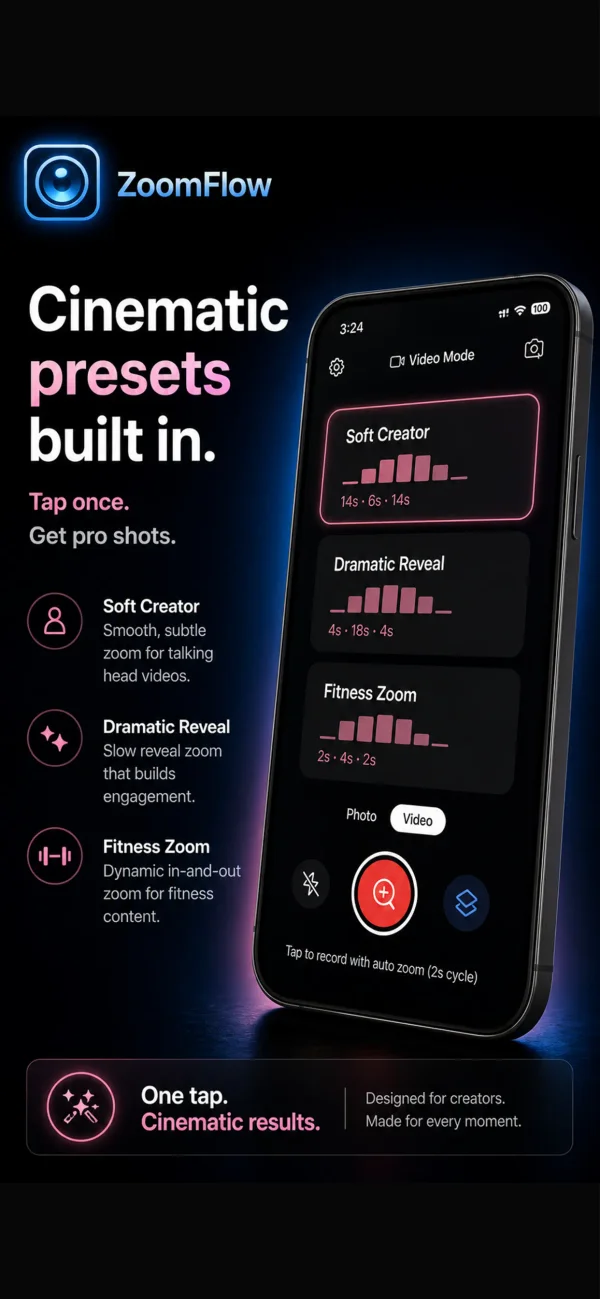


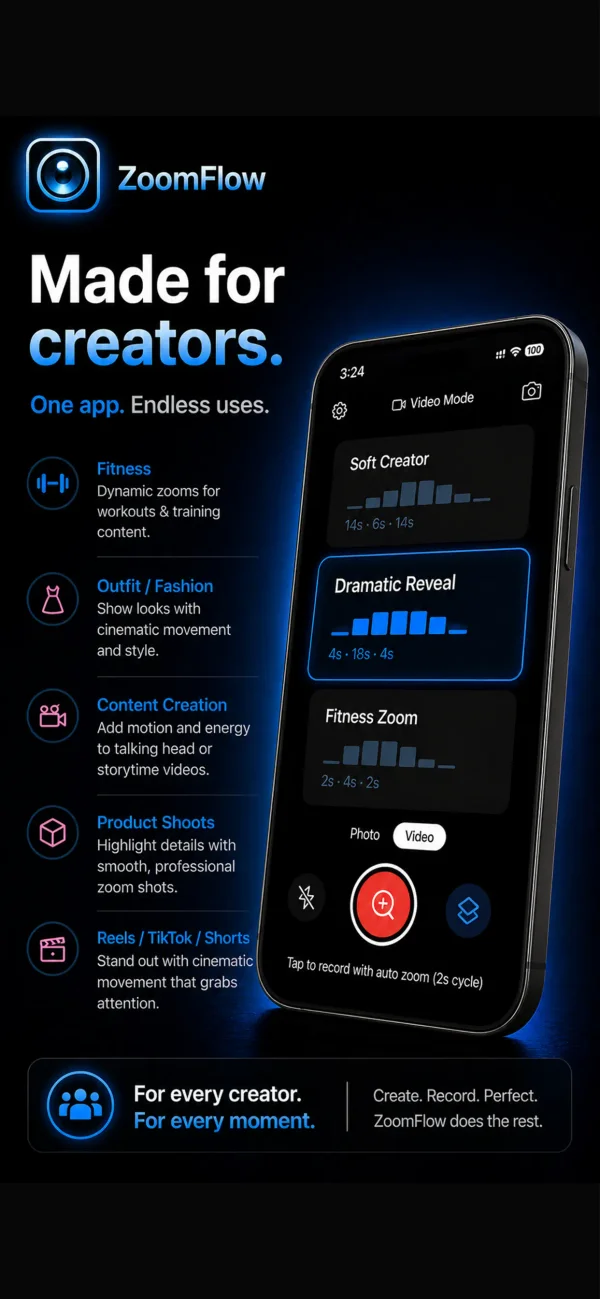
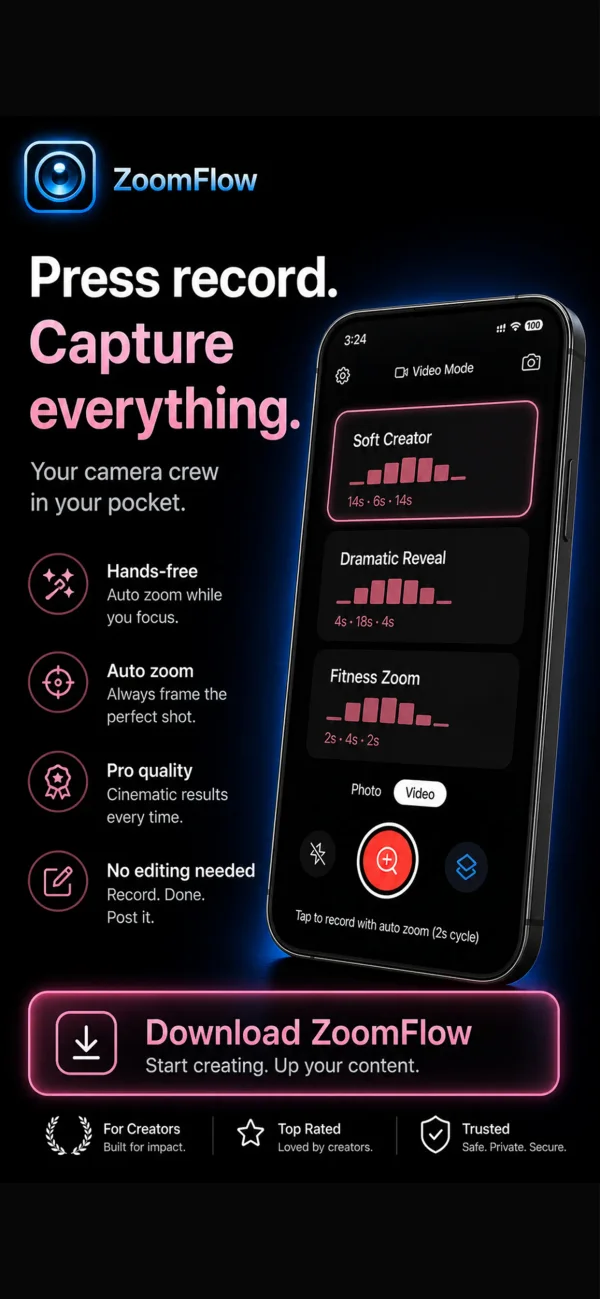
About
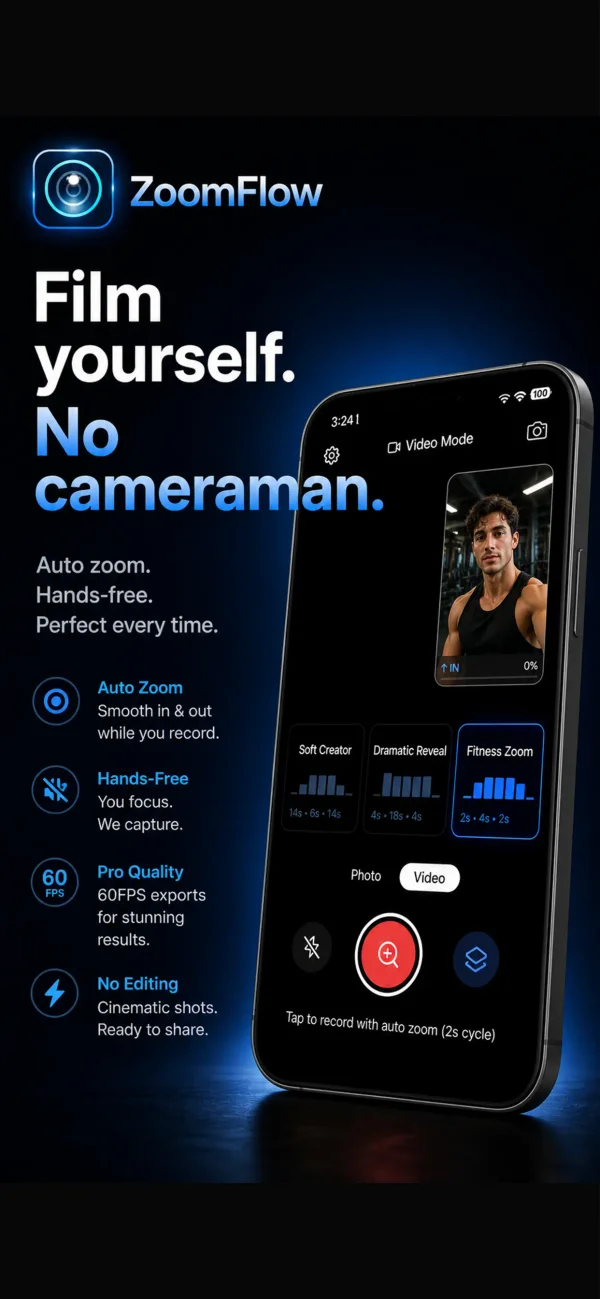
ZoomFlow turns your iPhone into a cinematic camera that zooms automatically, so you can create professional-looking videos without a camera operator.
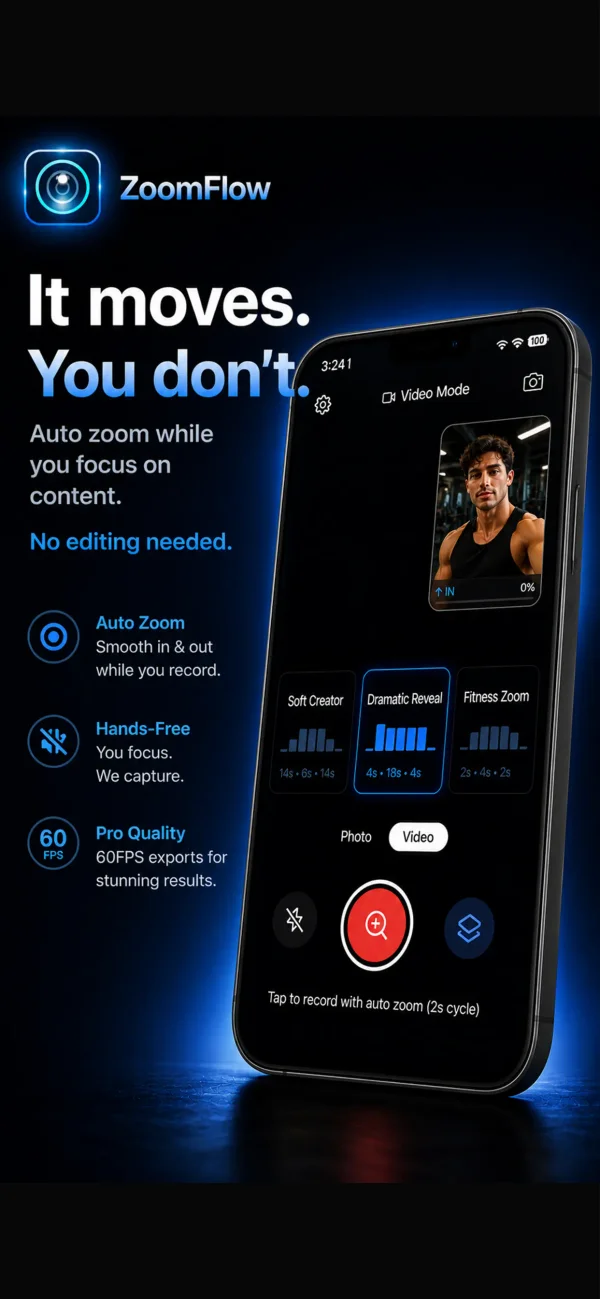
Set your zoom speed, press record, and ZoomFlow handles the movement for you. Perfect for podcasts, workouts, talking videos, timelapses, and creator content.
AUTO-ZOOM VIDEO
Set your zoom-in, hold, and zoom-out timing. ZoomFlow smoothly animates every phase on a loop to create dynamic, cinematic movement that keeps viewers watching.
TIMELAPSE MODE
Capture timelapses with built-in zoom animation. Choose your interval (1s–60s), set a shot target, and track photos captured and final video length live while recording.
BUILT FOR YOUR PLATFORM
One-tap presets optimised for TikTok, Instagram Reels, YouTube Shorts, LinkedIn, Podcasts, and Square formats. Each preset automatically adjusts zoom speed, framing, and aspect ratio.
AI SHOT PLANNER
Paste your script, choose your platform and target length, and ZoomFlow AI creates a complete shot list with zoom settings, timings, and filming suggestions.
TELEPROMPTER BUILT IN
Read your script while maintaining eye contact with the camera. Adjust scroll speed, font size, and opacity directly from the recording screen.
MORE TOOLS FOR CREATORS
• Creator Workflows for instant setup loading
• Keyframe Zoom Editor for custom zoom curves
• Shot History with reusable recording settings
• Aspect Ratio Guides and safe zones
• Shake to Capture for hands-free recording
• Self-Timer with 3s, 5s, and 10s countdowns
ZOOMFLOW PRO
• Unlimited daily sessions
• 4K video recording
• No watermark
• Unlimited timelapse frames
• Teleprompter, AI tools, and creator workflows
• Custom zoom presets
Free plan includes 3 sessions per day with core zoom features included.
## How to Use ZoomFlow
1. **Choose a mode**
Tap the mode label at the bottom to switch between Video, Photo, and Timelapse.
2. **Video Mode — Auto Zoom Recording**
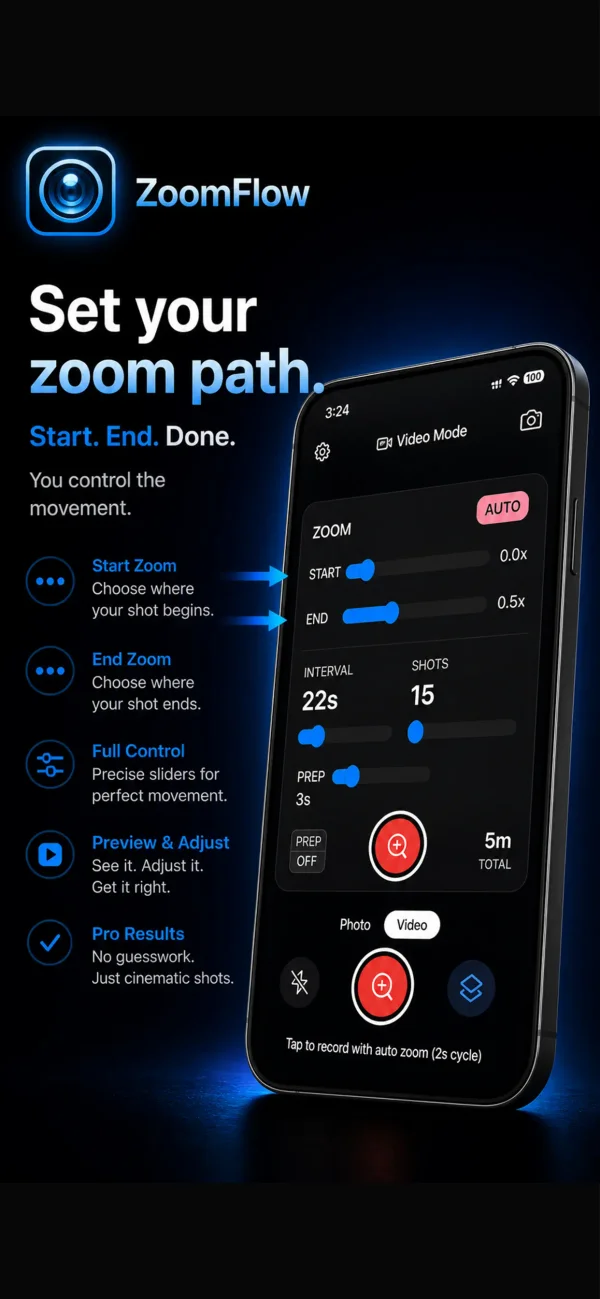
Set your Zoom In, Hold, and Zoom Out times using the sliders. Choose a preset like Soft Creator or Dramatic to load settings instantly. Press Record and ZoomFlow automatically zooms in and out on a loop until you stop recording.
3. **Timelapse Mode**
Select your capture interval and total shot target. Press Record to begin. “Shots In” tracks captured photos while “Shots Out” shows the final video length live. Recording stops automatically once the target is reached.
4. **Platform Presets**
Swipe through presets like TikTok, Reels, Shorts, Podcast, LinkedIn, or Square. ZoomFlow automatically adjusts aspect ratio and zoom style for each platform.
5. **Teleprompter (Pro)**
Long-press the settings button to open the teleprompter. Paste your script, set scrolling speed, then toggle the teleprompter on while recording.
6. **AI Shot Planner (Pro)**
Tap the AI icon, paste your script or ideas, choose your platform and video length, then generate a full shot plan with suggested zoom settings.
7. **Shot History**
View past recordings and instantly reload previous settings using “Reuse Settings.”
8. **Settings & Presets**
Use the gear icon to customise zoom timing, save presets, and manage your subscription.
9. **Gallery**
The Gallery tab stores all saved photos and videos with filter options.
10. **Upgrade to Pro**
Unlock 4K recording, unlimited sessions, no watermark, teleprompter, AI tools, advanced timelapse options, and more.
https://saintclairappl.com/terms-of-service
https://www.apple.com/legal/internet-services/itunes/dev/stdeula/
What’s new
Version 1.5.4 · May 22, 2026
• Timelapse now shows Shots In and Shots Out live during capture — see exactly how many photos you've taken and how long your final video will be, updated in real time.
• UI polish across the camera screen
App privacy
What stuart sinclair declares on the App Store about how this app handles data.
-
Data not collected
The developer does not collect any data from this app.
Privacy practices may vary, for example with the features you use or your age.
Information
- Seller
- STUART GRAEME SINCLAIR
- Category
- Photo & Video
- Version
- 1.5.4
- Updated
- May 22, 2026
- Released
- Feb 25, 2026
- Size
- 61.7 MB
- Requires
- iOS 15.1 or later
- Age rating
- 4+
- Price
- Free
- In-app purchases
- Yes
- Languages
- English
- Copyright
- © 2026 stuart sinclair
You might also like
-
 Geopix - GPS Photo TaggerBatch GPS GeoTag Your DSLR
-
 OneRoll Dual RecorderOne Shot. Portrait + Landscape
-
 AspectPhoto ProPhoto Crop & Export Planner
-
 KondoboxOrganize/clean out your photos
-
 OneShot Record · Studio · ShipPro Studio + Clean Photos
-
 Photolys:Photo Editor & FilterProfessional Photo Editing
-
 Duo Cam: Dual Camera VideoPortrait & Landscape Video
-
 Before After Photo Compare AppSide by Side Image Collage
-
 CuteSticker:From Image | VideoAuto cutout to create stickers
-
 LiveColor - Live PaletteCapture Your Colors