- Age rating4+
- CategoryProductivity
- DeveloperNicholas Payton
- LanguagesEnglish
- Size38.7 MB
Links to the official App Store page
Download.org hosts no file of Zultron. The button opens its official App Store page, published by Nicholas Payton. Listing last checked on Nov 18, 2026.
Screenshots

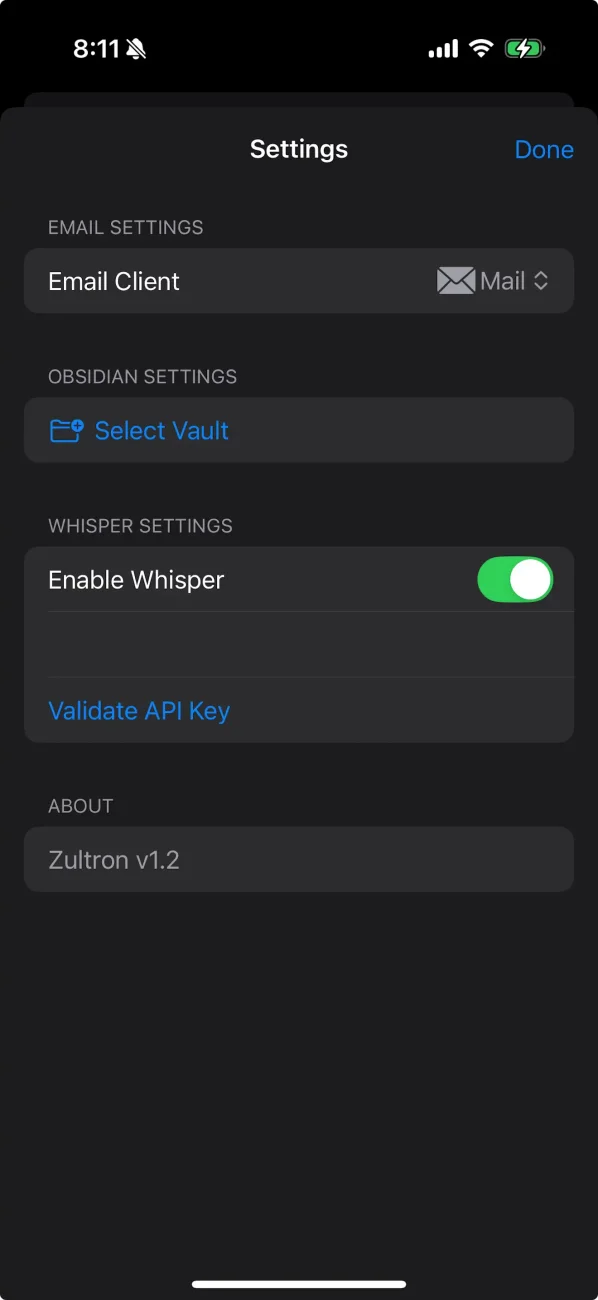
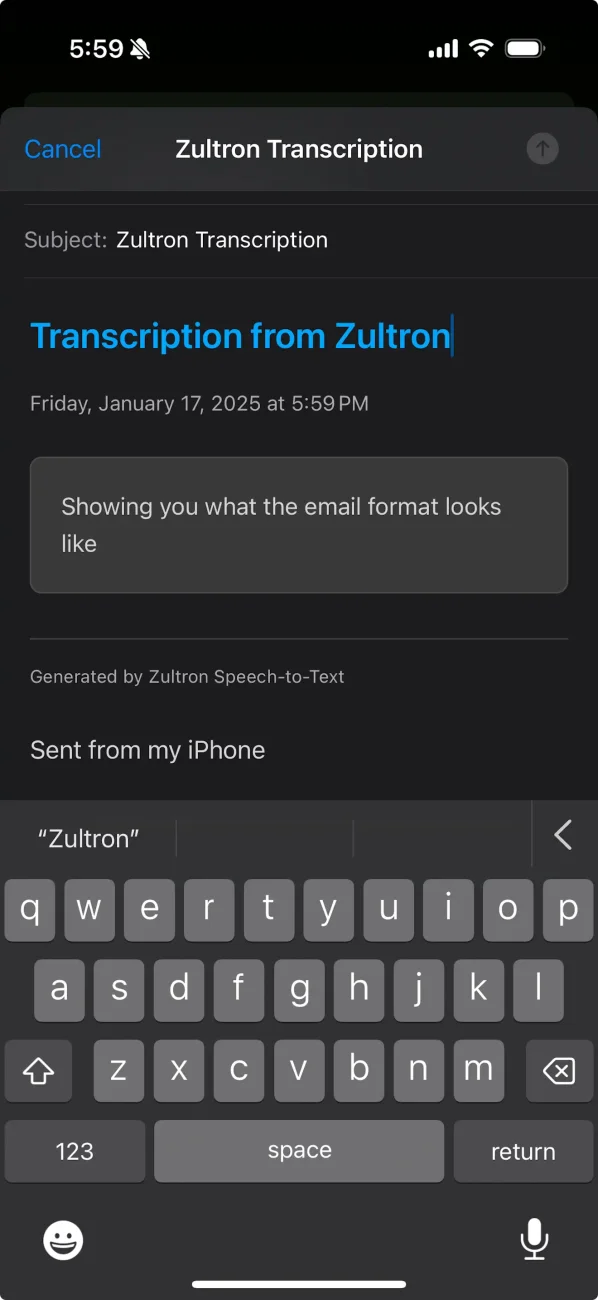
About
Description:
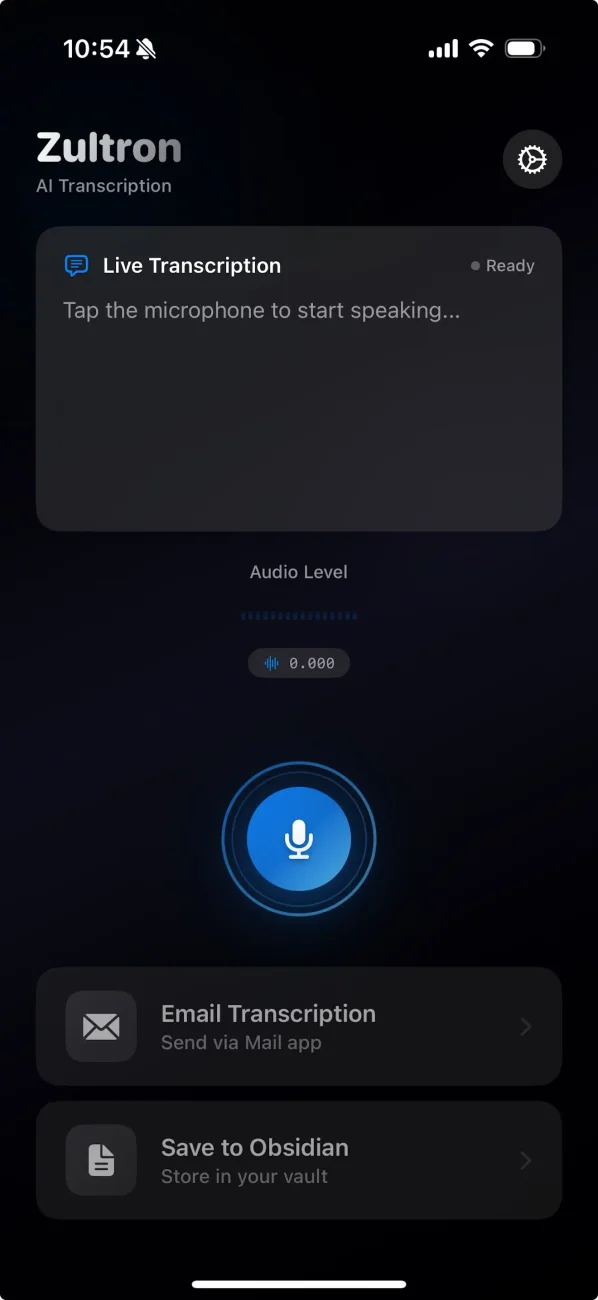
Transform your voice into seamless, organized notes with Zultron! This intuitive app allows you to transcribe your thoughts and ideas effortlessly. Whether you're brainstorming, recording a lecture, or simply capturing quick notes, Zultron ensures your words are accurately transcribed and ready to share or save.
Key Features:
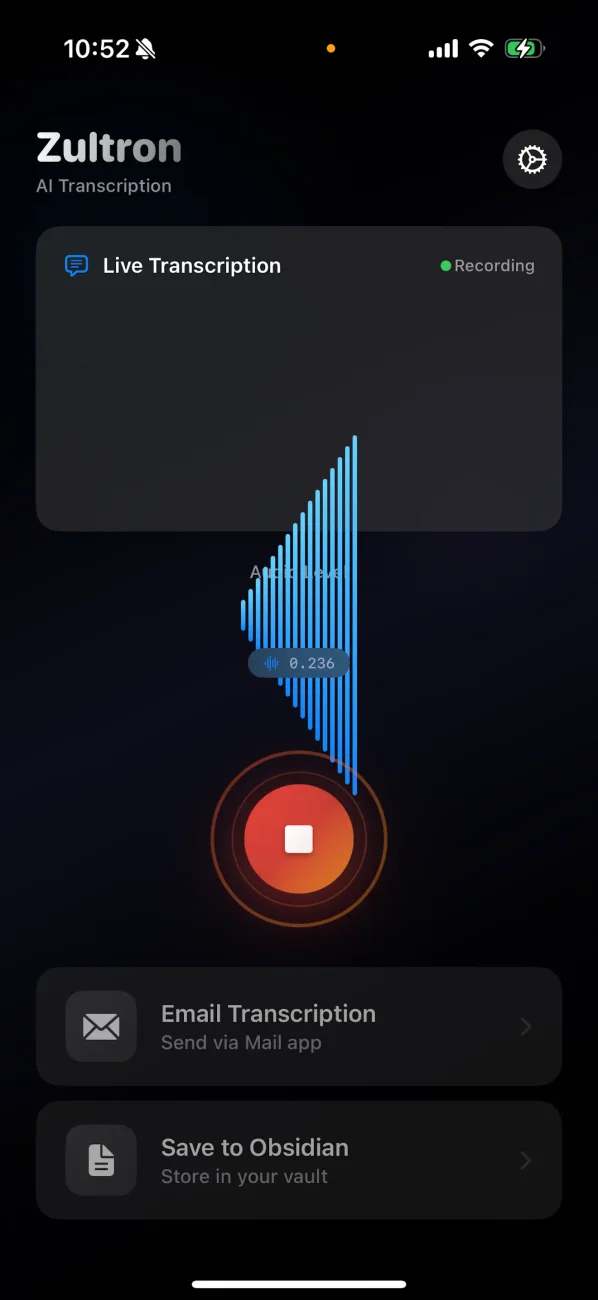
- Voice Transcription: Record your voice and watch as it’s instantly converted into text with high accuracy.
- Markdown Formatting: Save your transcriptions in Markdown format for compatibility with Obsidian and other note-taking apps.
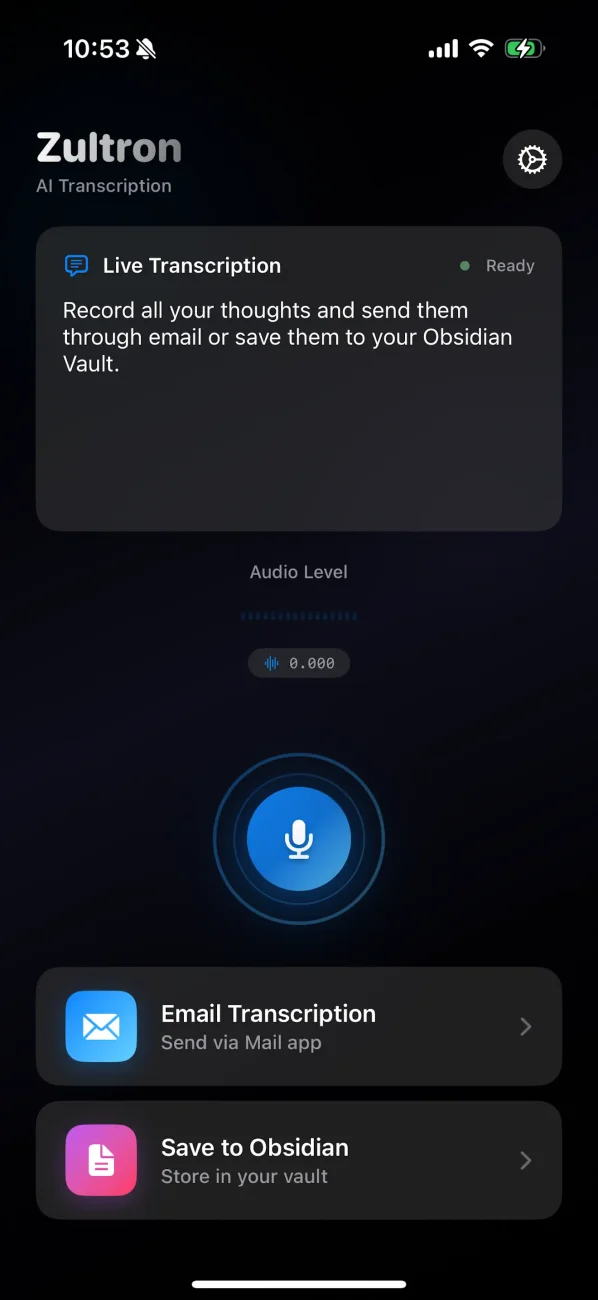
- Easy Sharing: Email your transcriptions with just a tap, making collaboration and sharing quick and hassle-free.
- Obsidian Vault Integration: Directly save your notes to your Obsidian Vault for easy access and organization.
- User-Friendly Interface: Simple and elegant design ensures a smooth experience for everyone.
Why Choose Zultron?
- Accuracy: Powered by advanced voice recognition technology, delivering precise transcriptions every time.
- Efficiency: Streamline your workflow by saving and sharing notes effortlessly.
- Versatility: Perfect for professionals, students, and anyone who values productivity and organization.
How It Works:
1. Open the app
2. Set your Obsidian Vault path if applicable (requires iCloud Vault storage)
3. Press the record button.
4. Speak naturally as the app transcribes your words.
5. Preview the text and choose your next step:
- Send it via email.
- Save it directly to your Obsidian Vault in Markdown format.
Take control of your notes and ideas like never before. Download Zultron today and experience the ease of turning your voice into actionable text!
What’s new
Version 2.5 · Dec 14, 2025
Transcription History:
All your transcriptions are now automatically saved
Search through past transcriptions by title or content
- Filter by template type (General, Meeting, Journal, Ideas)
- Swipe to delete or mark favorites
- Tap any transcription to view, edit, or re-export
Smart Templates:
Choose how to format your transcriptions
- General - Clean, simple format
- Meeting Notes - With sections for attendees, action items, and follow-ups
- Journal Entry - Personal reflection format with gratitude prompts
- Idea Capture - Brainstorming format with next steps
Quick Actions:
- New Copy button for instant clipboard access
- New Share button to send transcriptions anywhere - Messages, Notes, Slack, and more
App privacy
What Nicholas Payton declares on the App Store about how this app handles data.
-
Data not collected
The developer does not collect any data from this app.
Privacy practices may vary, for example with the features you use or your age.
Information
- Seller
- Nicholas Payton
- Category
- Productivity
- Version
- 2.5
- Updated
- Dec 14, 2025
- Released
- Jan 20, 2025
- Size
- 38.7 MB
- Requires
- iOS 18.2 or later
- Age rating
- 4+
- Price
- Free
- Languages
- English
- Copyright
- © Nick Payton
You might also like
-
 Ledge – Clipboard & SnippetsSearch, paste & reuse anything
-
 Found: Private LibraryKeep it. Find it again.
-
 Incognito Mail - Temp MailDisposable inbox, block spam
-
 Linkboard: Bookmarks & RSSOrganize, Tag & Read It Later
-
 KeepLink: Organize your LifeLink & Retrieve your Data
-
 MobileLLMRun LLM on your device
-
 Council AINever trust just one AI
-
 OneCalc+ All-in-one CalculatorCalculates everything. No ads.
-
 LLM: Answering MachineProductivity
-
 Businessmap formerly KanbanizeEnterprise agility software