- 対象年齢4+
- カテゴリ仕事効率化
- 開発元Nicholas Payton
- 言語英語
- サイズ38.7 MB
App Storeの公式ページにリンクしています
Download.orgはZultronのファイルを一切ホストしていません。ボタンを押すと、Nicholas Paytonが公開しているApp Storeのアプリページが開きます。ページの最終確認:2026/11/18。
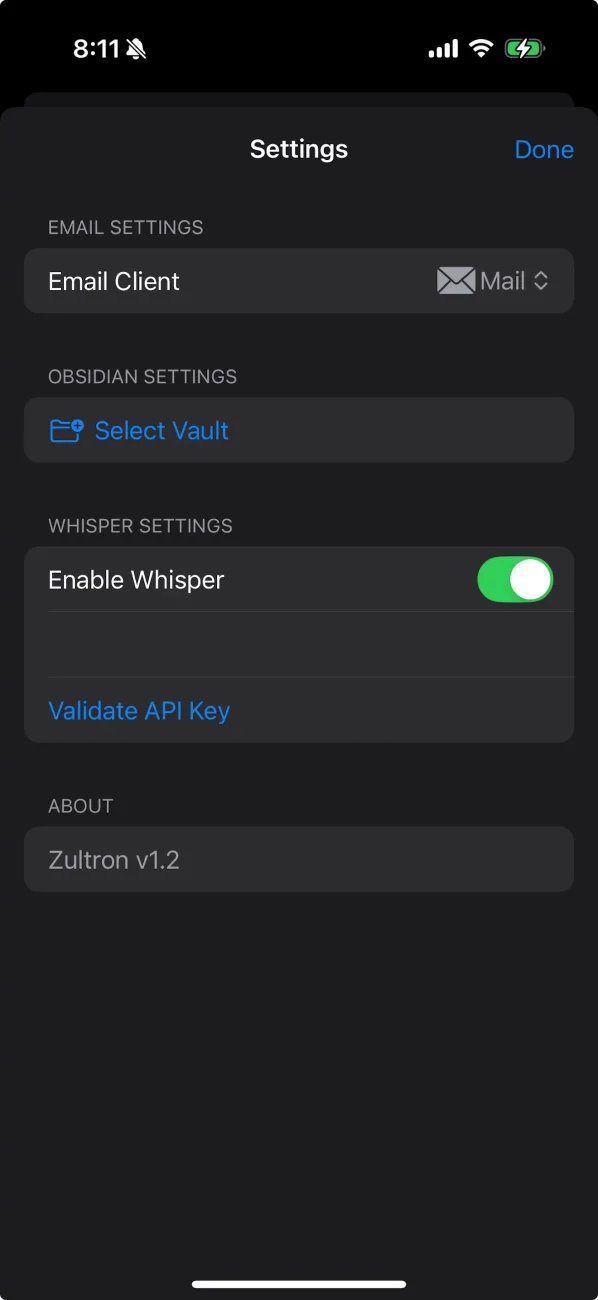
スクリーンショット


概要
開発元はこのテキストをお使いの言語で提供していません。
Description:
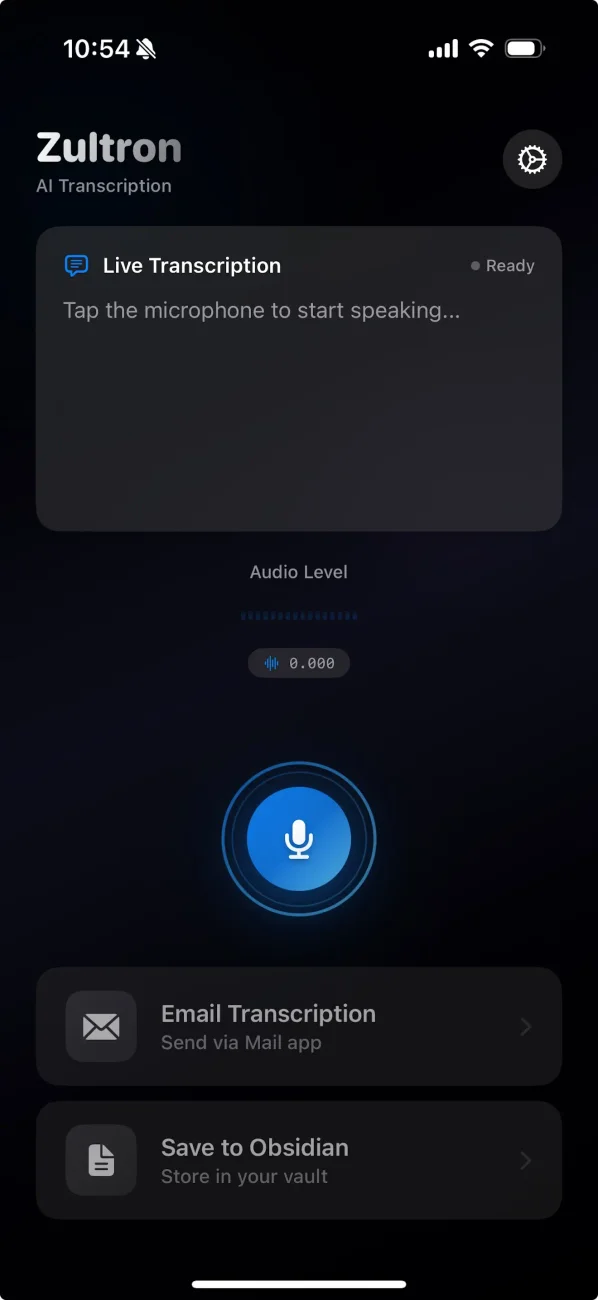
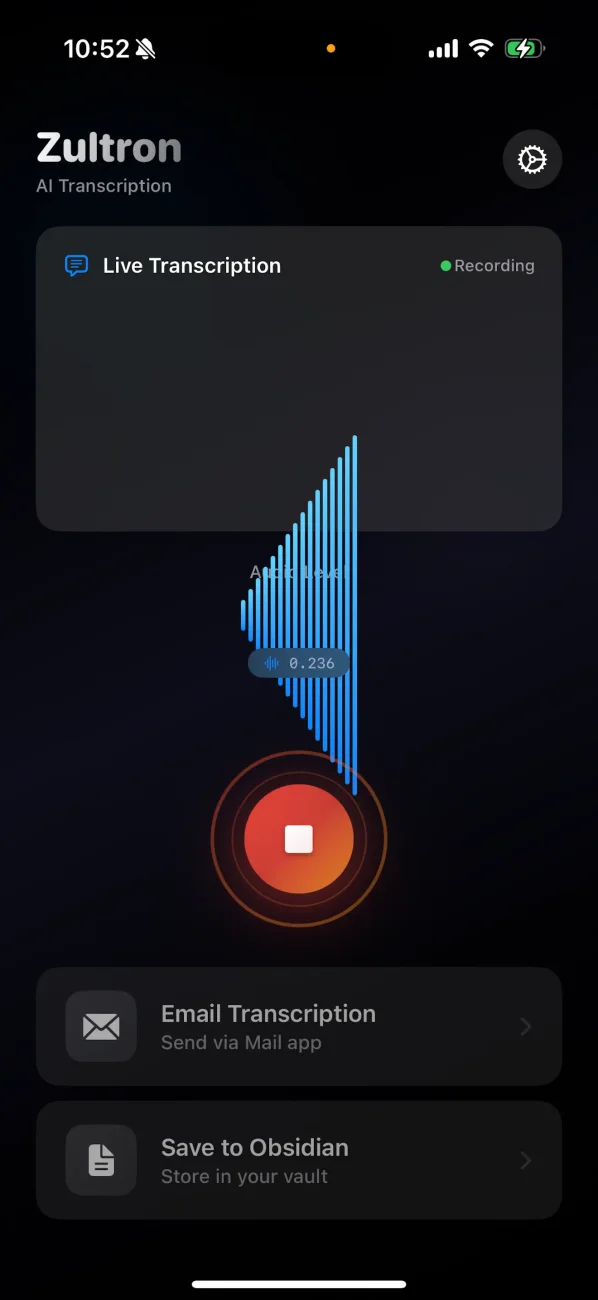
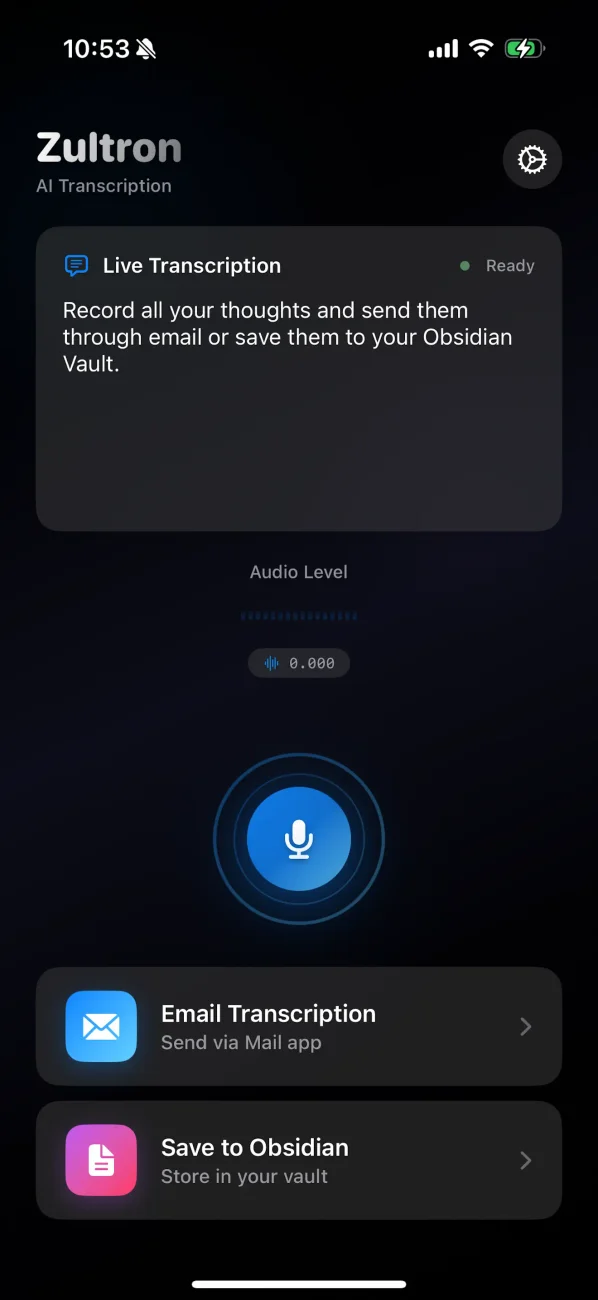
Transform your voice into seamless, organized notes with Zultron! This intuitive app allows you to transcribe your thoughts and ideas effortlessly. Whether you're brainstorming, recording a lecture, or simply capturing quick notes, Zultron ensures your words are accurately transcribed and ready to share or save.
Key Features:
- Voice Transcription: Record your voice and watch as it’s instantly converted into text with high accuracy.
- Markdown Formatting: Save your transcriptions in Markdown format for compatibility with Obsidian and other note-taking apps.
- Easy Sharing: Email your transcriptions with just a tap, making collaboration and sharing quick and hassle-free.
- Obsidian Vault Integration: Directly save your notes to your Obsidian Vault for easy access and organization.
- User-Friendly Interface: Simple and elegant design ensures a smooth experience for everyone.
Why Choose Zultron?
- Accuracy: Powered by advanced voice recognition technology, delivering precise transcriptions every time.
- Efficiency: Streamline your workflow by saving and sharing notes effortlessly.
- Versatility: Perfect for professionals, students, and anyone who values productivity and organization.
How It Works:
1. Open the app
2. Set your Obsidian Vault path if applicable (requires iCloud Vault storage)
3. Press the record button.
4. Speak naturally as the app transcribes your words.
5. Preview the text and choose your next step:
- Send it via email.
- Save it directly to your Obsidian Vault in Markdown format.
Take control of your notes and ideas like never before. Download Zultron today and experience the ease of turning your voice into actionable text!
新機能
バージョン 2.5 · 2025/12/14
Transcription History:
All your transcriptions are now automatically saved
Search through past transcriptions by title or content
- Filter by template type (General, Meeting, Journal, Ideas)
- Swipe to delete or mark favorites
- Tap any transcription to view, edit, or re-export
Smart Templates:
Choose how to format your transcriptions
- General - Clean, simple format
- Meeting Notes - With sections for attendees, action items, and follow-ups
- Journal Entry - Personal reflection format with gratitude prompts
- Idea Capture - Brainstorming format with next steps
Quick Actions:
- New Copy button for instant clipboard access
- New Share button to send transcriptions anywhere - Messages, Notes, Slack, and more
アプリのプライバシー
このアプリのデータの取り扱いについて、Nicholas PaytonがApp Storeで申告している内容です。
-
データの収集なし
開発元はこのアプリからデータを収集しません。
プライバシーの取り扱いは、ご利用の機能やお客様の年齢などに応じて異なる場合があります。
情報
- 販売元
- Nicholas Payton
- カテゴリ
- 仕事効率化
- バージョン
- 2.5
- 更新日
- 2025/12/14
- リリース
- 2025/1/20
- サイズ
- 38.7 MB
- 必要条件
- iOS 18.2以降
- 対象年齢
- 4+
- 価格
- 無料
- 言語
- 英語
- 著作権
- © Nick Payton