
Zwind - WebDAV Server & Player
SMB/NAS,RSS,WebMedia to WebDAV
Designed for iPhone, iPad, iPod touch
Free · In-app purchases
- Age rating17+
- CategoryUtilities
- DeveloperZwind App
- LanguagesEnglish+ 1 more
- Size110.0 MB
Links to the official App Store page
Download.org hosts no file of Zwind - WebDAV Server & Player. The button opens its official App Store page, published by Zwind App. Listing last checked on Nov 20, 2026.
Screenshots
About
Turn your iPhone or iPad into a local WebDAV server and personal content hub. Zwind maps local files, SMB/NAS, cloud drives, RSS/OPML feeds, web media, and Emby libraries into one WebDAV-style resource tree, so files, feeds, web lists, media, and links can be browsed, read, played, streamed, and shared.
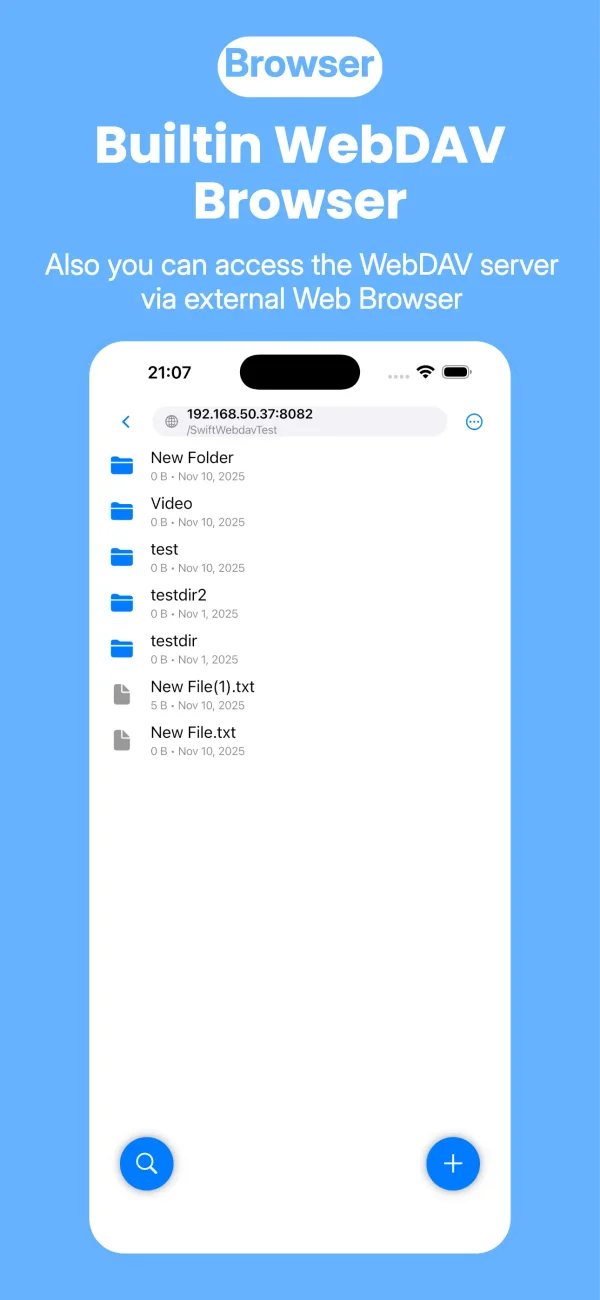
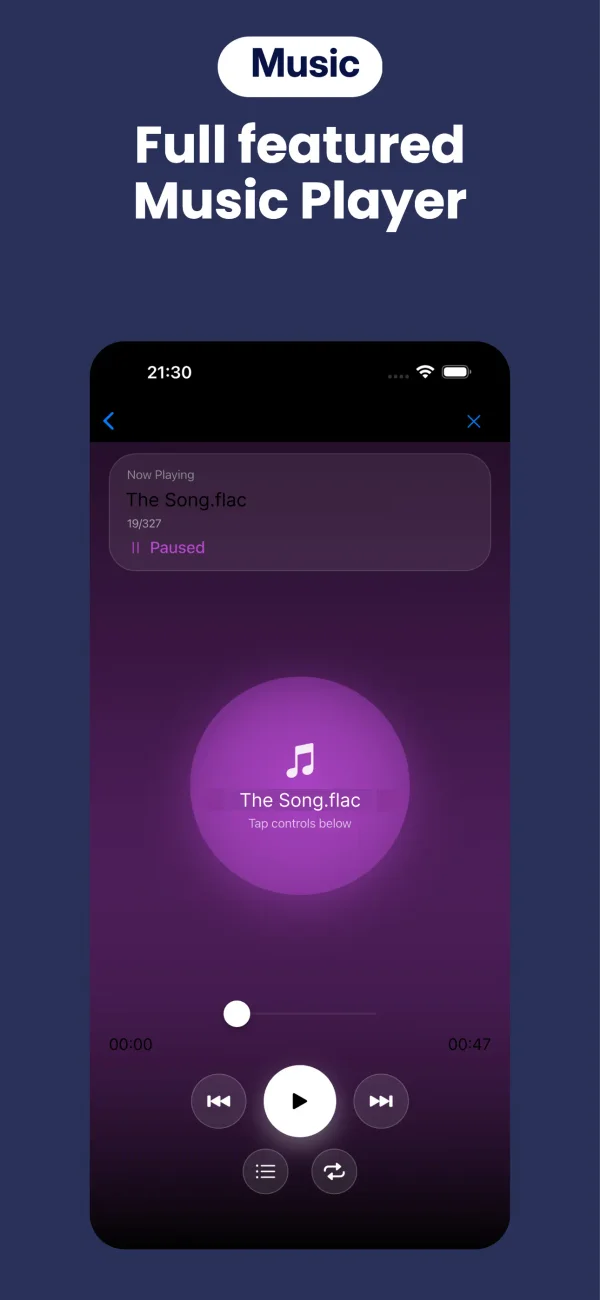
Zwind is more than a file server or player. It is a lightweight workspace with built-in WebDAV Browser, Web Browser, Feed View, Video Player, Music Player, Image Viewer, Text Editor, Markdown Reader, Bookmarks, and more. Map content into Zwind instead of copying it into the app, then read, play, edit, search, cast, or continue in third-party WebDAV clients and players. Background WebDAV server operation is supported.
Start free with one WebDAV server. Upgrade to Zwind VIP for multiple servers, advanced resolvers, and richer content workflows. Selected resolvers can also be unlocked separately.
PERSONAL WEBDAV SERVER
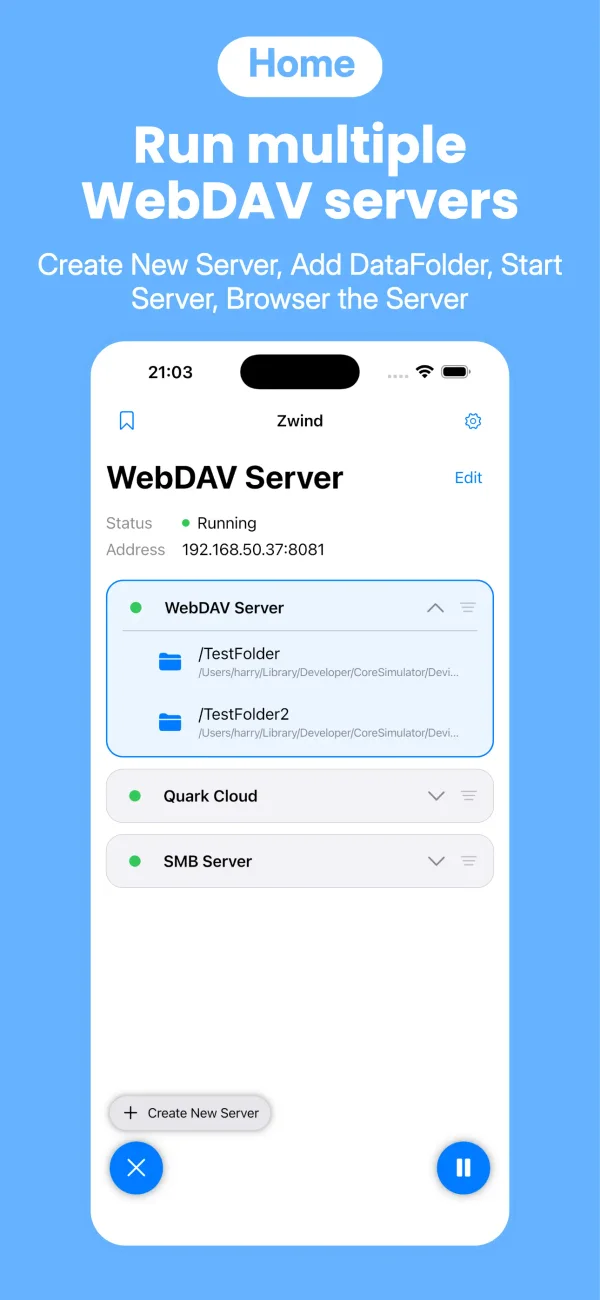
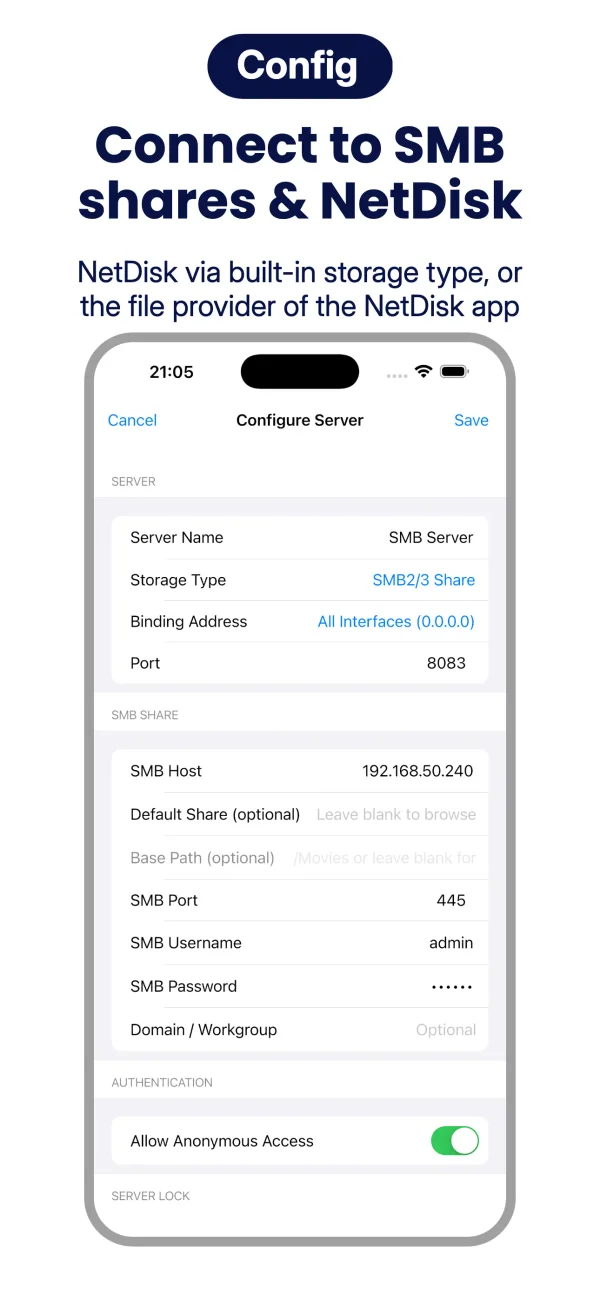
Create a WebDAV server on your iPhone or iPad. Map local folders or connect SMB, NAS, and cloud storage. Share files over LAN and access them from browsers, players, file managers, or any WebDAV-compatible app.
MULTI-SOURCE RESOURCE TREE
Bring local folders, SMB/NAS, iOS Files cloud folders, Quark Drive resources, RSS/OPML, web media, and Emby libraries into one unified directory. To you and third-party clients, they open like normal folders.
RESOURCE PROJECTION & RESOLVERS
Zwind projects feeds, search results, web lists, cloud-drive-like sources, and media libraries into virtual WebDAV directories.
Supported resolvers:
* RSS Projection: RSS, Atom, podcasts, and OPML imports as readable feed resources.
* Quark Search Import: search and save supported Quark Drive shares.
* Web Media Projection: parse web media sites into clean virtual folders, so webpage media can be browsed, read, or played like files.
* Emby Library Projection: browse Emby libraries as WebDAV directories with metadata, filters, pagination, search, and playback.
FEED VIEW
Feed View is Zwind’s unified reading layer. Aggregate RSS, Atom, OPML, podcasts, YouTube channels, Reddit communities, and web sources connected through Web Media rules. Articles, images, audio, and video resources can appear together in one subscription timeline.
WEB MEDIA PROJECTION
With open .wm rules based on the ZWMP open standard, a few lines of declarative configuration can describe how a list page is detected and parsed. Turn webpages into browsable WebDAV directories and enjoy them inside Zwind.
BUILT-IN APPS
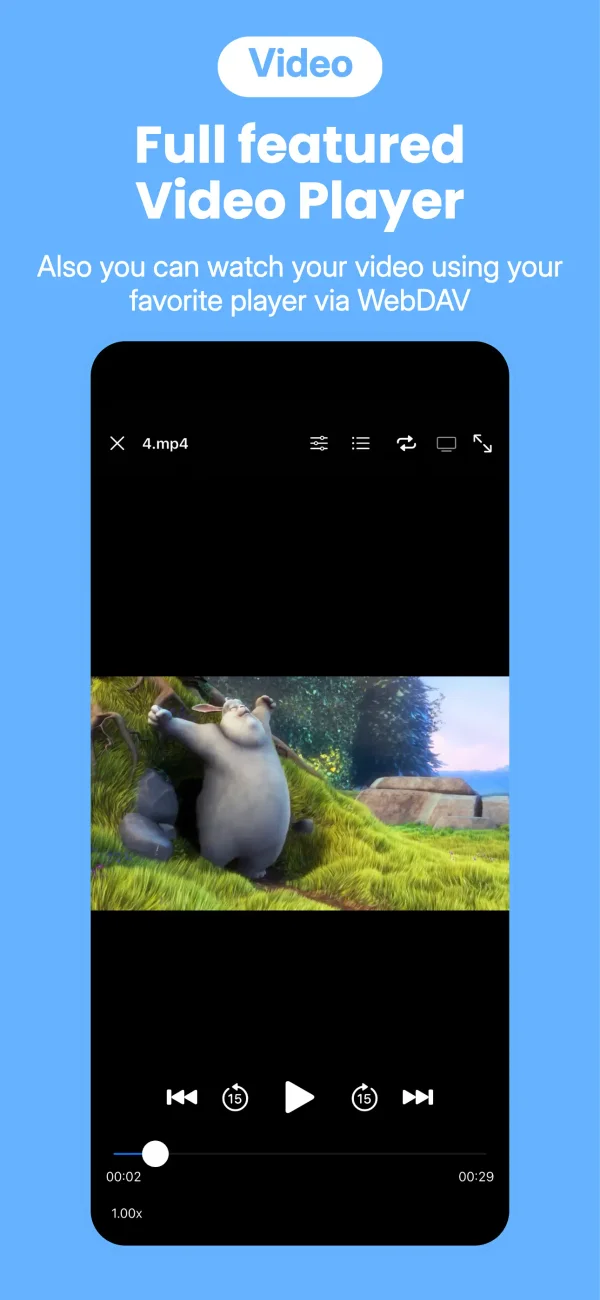
Use WebDAV Browser, Web Browser, Feed View, Video Player, Music Player, Image Viewer, Text Editor, Markdown Reader, and Bookmarks from one place.
MEDIA, READING & FILES
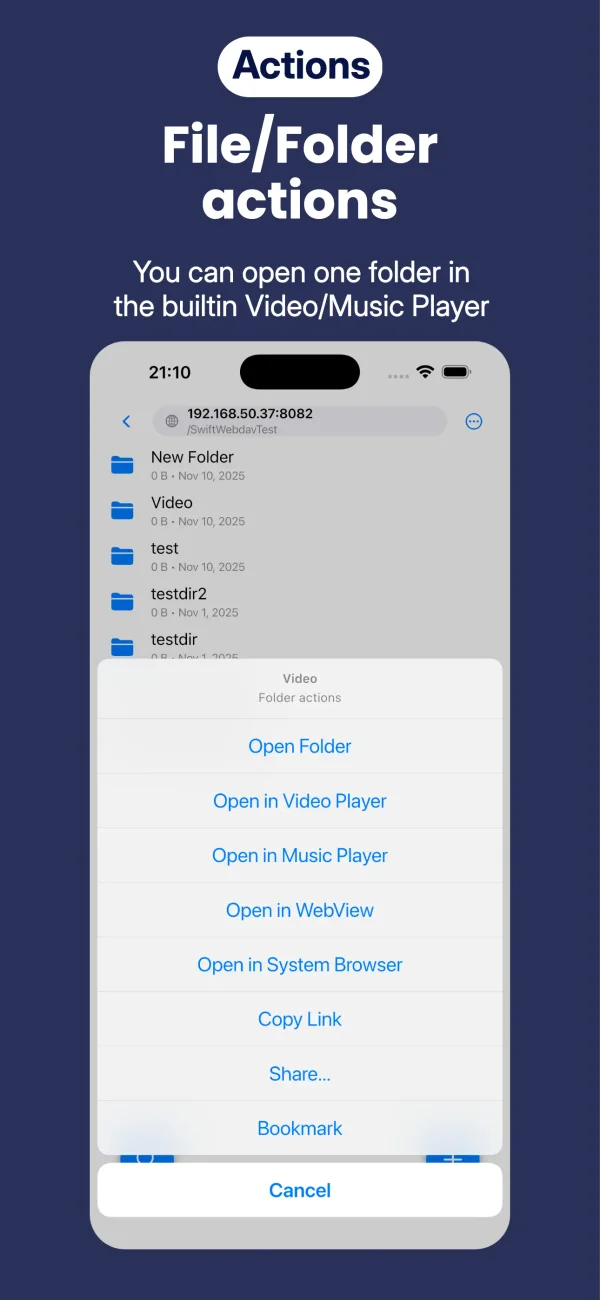
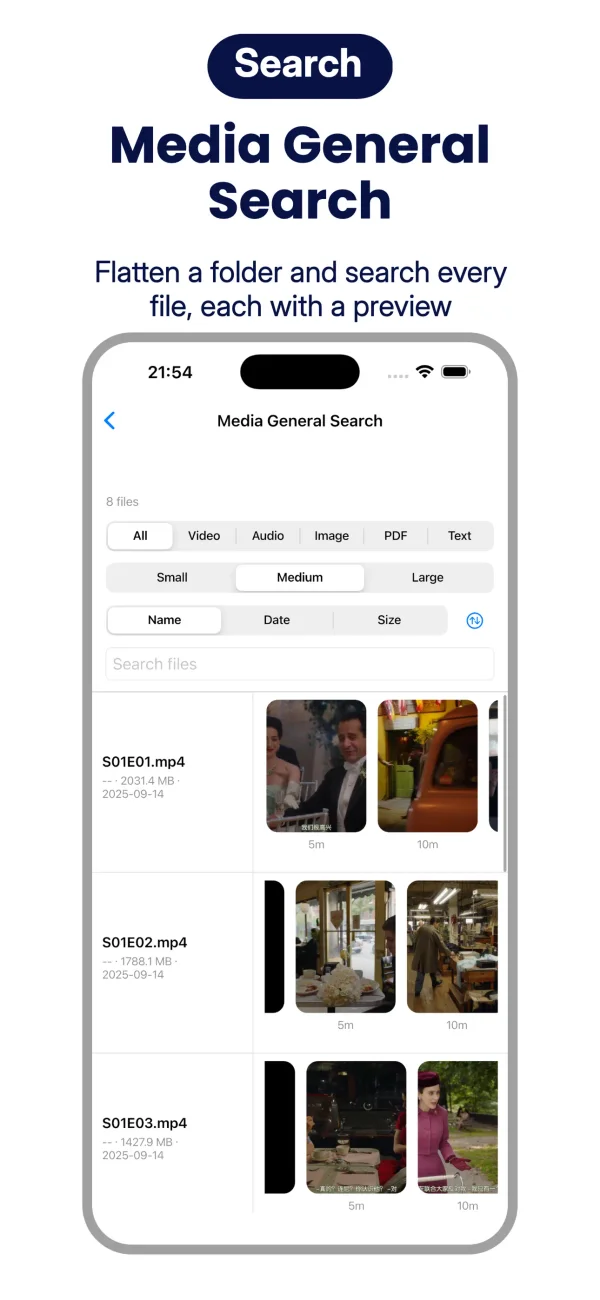
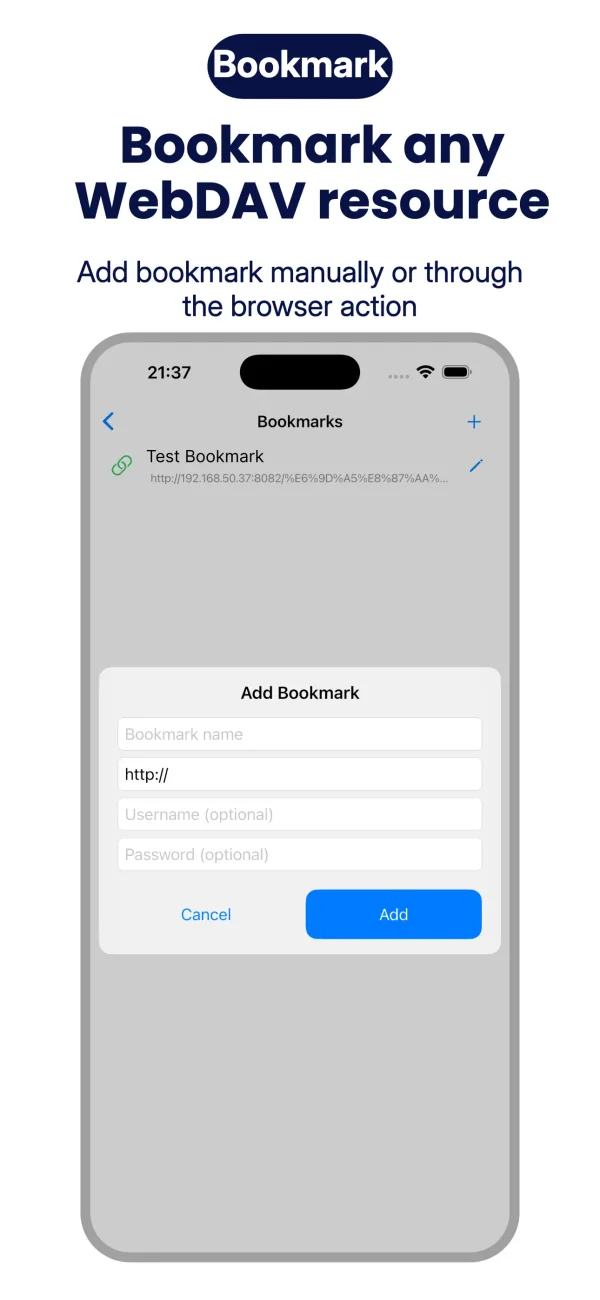
Play video and music, view images, read Markdown or text, and manage files. Supports queues, minimized playback, Picture in Picture for supported videos, subtitles, AirPlay, DLNA/UPnP casting, image zoom, media search, WebDAV URL bookmarks, folder flattening, file actions, and quick previews.
SECURITY & CONVENIENCE
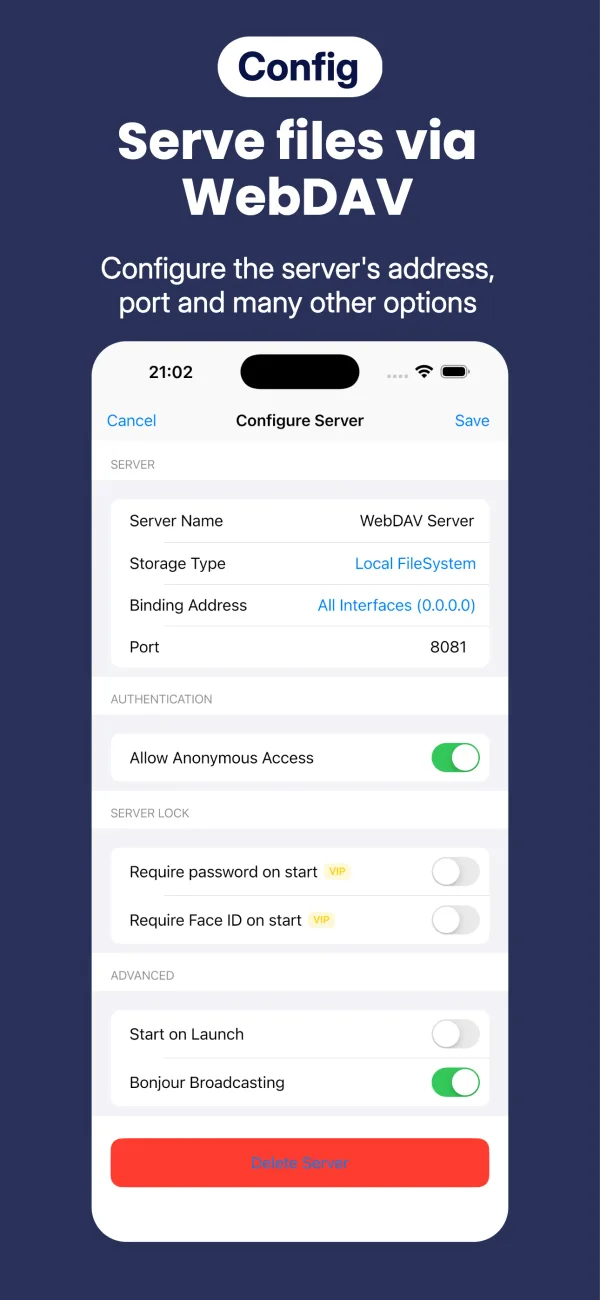
Zwind’s WebDAV server runs locally on your device. You decide which directories to expose and whether visitors must enter username and password. Server Lock can require a password or Face ID before starting selected servers.
PREMIUM
The free version can run one WebDAV server. Upgrade to Zwind VIP to run multiple servers, unlock advanced workflows, and use the growing Resolver system.
SUPPORT
Email: support@zwind.app
Privacy Policy: https://zwind.app/Privacy_Policy.html
Terms of Service: https://zwind.app/Terms_of_Service.html
Terms of Use (EULA): https://www.apple.com/legal/internet-services/itunes/dev/stdeula/
Docs and guides: https://zwind.app/
What’s new
Version 1.5.0 · Nov 18, 2026
Transfers and file management
- Added a transfer manager for uploads, downloads, and cross-storage and cross-cloud transfers between servers, with progress, task history, pause, retry, and resume. Download media detected by the browser's media sniffer, and recursively batch-download media files parsed by WebMedia. Choose a local folder, a folder in the iOS Files app, or a server folder as the destination.
- Added file and folder multi-select: copy, move, duplicate, delete, download, or transfer selected items, gather them into a new folder, or play selected videos as a queue.
- Open supported files from the iOS Files app in Zwind, including video, audio, text, Markdown, images, and document previews. Improved document icons and made downloaded files easier to open and locate.
- When the New Folder dialog opens, the default name "New Folder" is selected automatically, so you can replace it just by typing.
Storage and connections
- Added OneDrive, Baidu Netdisk, Dropbox, and WebDAV storage types.
- Added nearby server discovery: automatically discover and select servers on your local network when setting up SMB or WebDAV storage.
- Improved SMB folder browsing and connection reuse, optimized initial response times, increased throughput by tens of times, and improved server error messages.
- Improved Wi-Fi disconnection handling and MCP connection recovery.
Inbox and subscriptions
- Added Inbox: save links, text, images, and videos shared from other apps, preview them in Zwind, and find sources you can subscribe to.
- Improved Feed Groups: choose groups while adding subscriptions, create empty groups, and drag to reorder them. Fixed page freezes during YouTube subscriptions, and display readable channel names when available.
- Added subscription multi-select: remove several subscriptions at once, or add them to one or more Feed Groups.
- RSS subscriptions now load without waiting for archived articles to load.
Reading and media
- Added Apple system translation to the Markdown text selection menu on iOS 17.4 and later.
- Fixed missing strikethrough in RSS articles, including within links.
- Improved image handling in Feed View and Markdown Preview: reduced memory use and repeated downloads, shared image caching, and better resource cleanup.
- Further improved compatibility for browser media sniffing and WebMedia downloads.
Automation and Zwind TV
- Added transfer manager access through MCP and ZWJS: create upload, download, and transfer tasks, check progress, and control tasks through tools or scripts.
- Improved Zwind TV sync: compatible versions of Zwind TV now receive follow-up update records alongside initial cloud-drive transfer import records.
Setup and guidance
- Added guided cloud-drive resolver setup that generates configuration automatically, and confirmation before leaving forms with unsaved changes. Updated first-launch guidance and fixed reading the free RSS example.
App privacy
What Zwind App declares on the App Store about how this app handles data.
-
Data used to track you
May be used to track you across apps and websites owned by other companies.
- Identifiers
-
Data not linked to you
May be collected but is not linked to your identity.
- Identifiers
- Usage data
- Diagnostics
Privacy practices may vary, for example with the features you use or your age.
Information
- Seller
- Suze Yufeng (hangzhou) Technology Co.,Ltd.
- Category
- Utilities
- Version
- 1.5.0
- Updated
- Nov 18, 2026
- Released
- Nov 28, 2025
- Size
- 110.0 MB
- Requires
- iOS 15.0 or later
- Age rating
- 17+
- Price
- Free
- In-app purchases
- Yes
- Languages
- English, Simplified Chinese
- Copyright
- © 2025 Zwind App
You might also like
-
 GenPad: Phone Number GeneratorGenerate, Lookup, Save, Export
-
 YingBoxPrivate Media Player
-
 Neko Dash - Just a Dashboard连接并管理已有 Clash 控制器前端工具
-
 HopSites: Your Web, OrganisedBrowse websites & save links
-
 Burrow TunnelSSH & web tunnels via your frp
-
 Aria2 Manager - NeoAria2easier to use Aria2
-
 AppSaver: App CollectionsSave Apps Research Competitors
-
 FileXipFiles, ZIP & Network Transfer
-
 Ornn Alarm Clocksmarter alarmclockfor workdays
-
 Insights - Data Analytics ToolAll-In-One Data Analytics Tool