Adobe Connect
Adobe- 3 歳以上対象年齢
- 通信カテゴリ
- 2026/11/18更新日
- 無料価格
com.adobe.connect.android.mobileのGoogle Play公式ページにリンクしています。最終確認:2026/11/19。
スクリーンショット
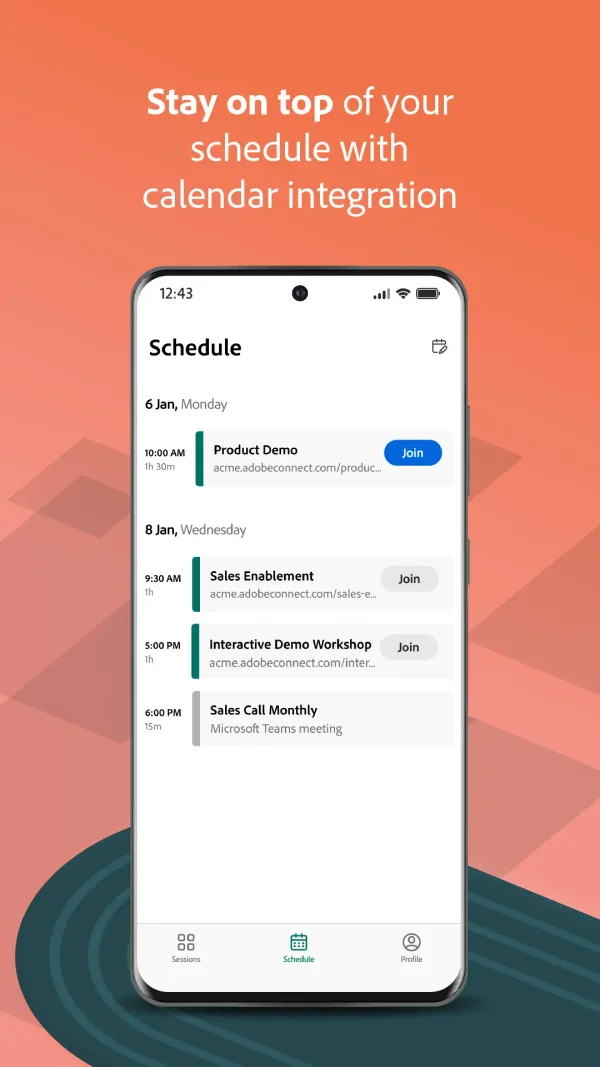
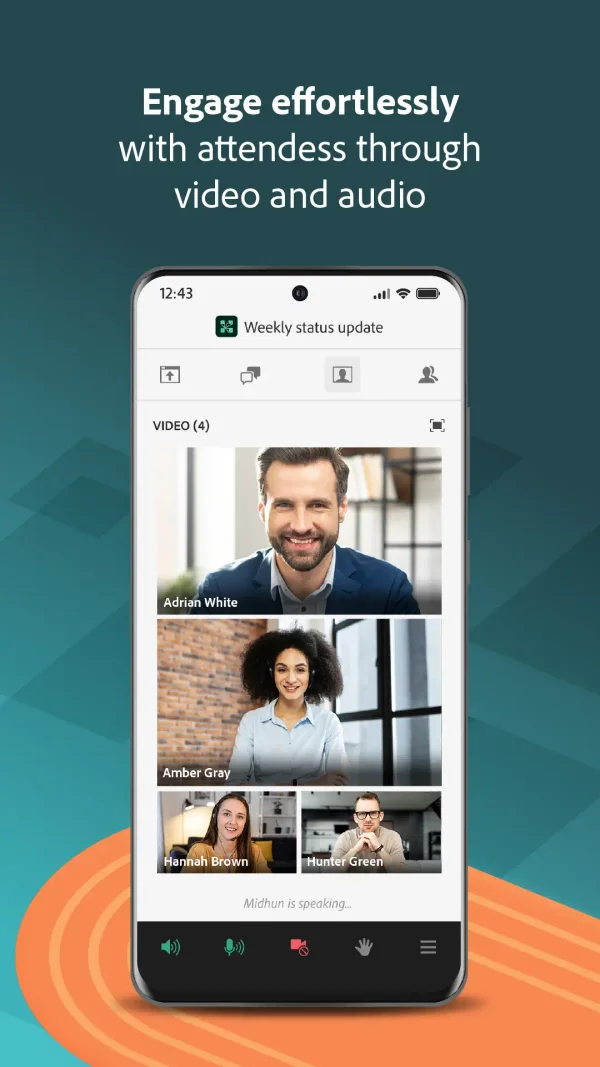
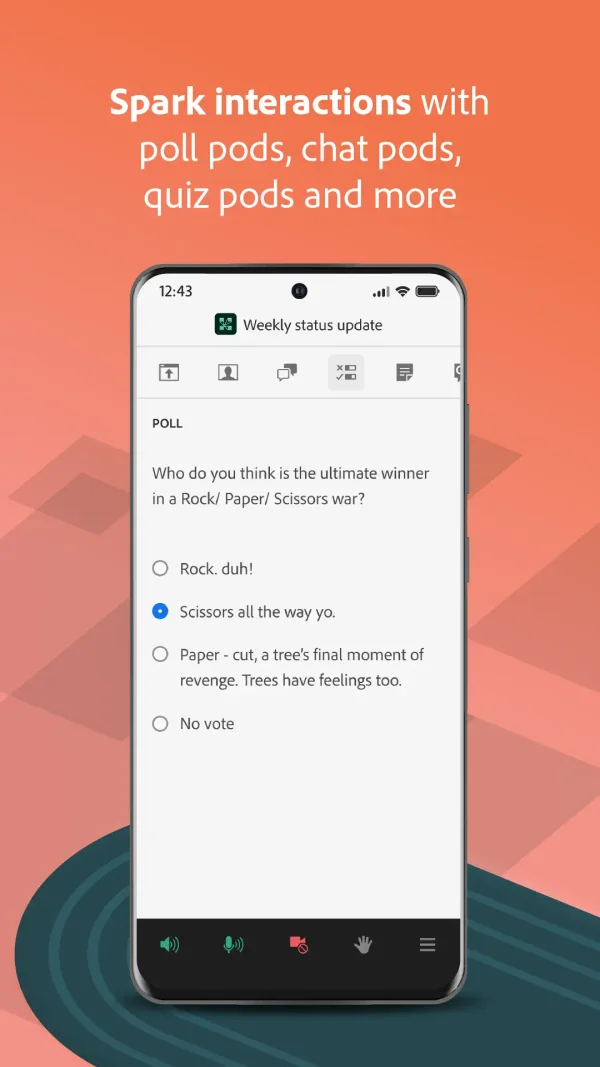
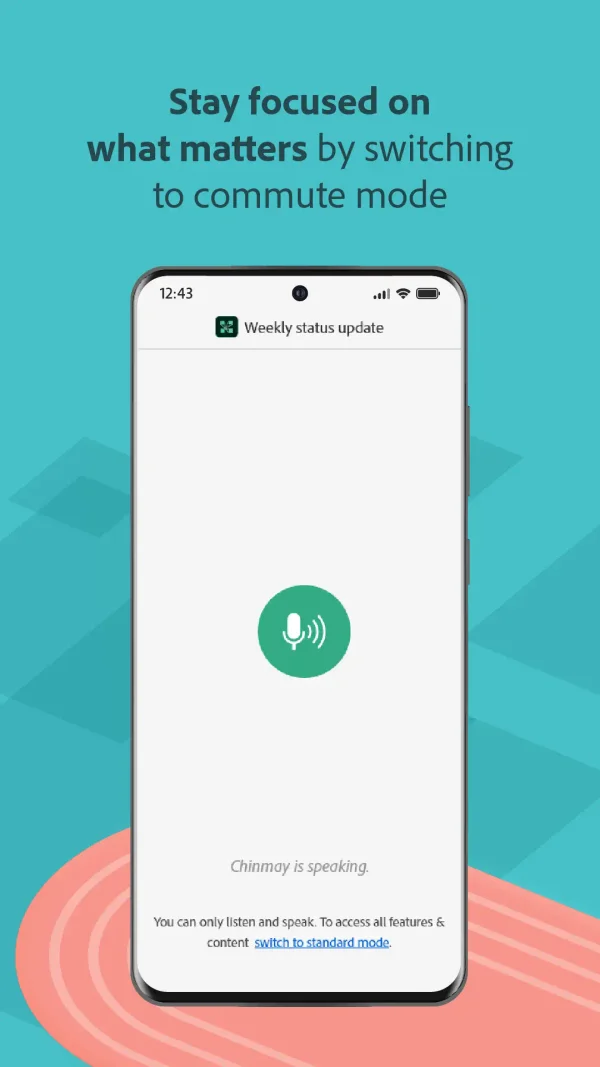
このアプリについて
Googleによる英語 (アメリカ合衆国)からの自動翻訳です。
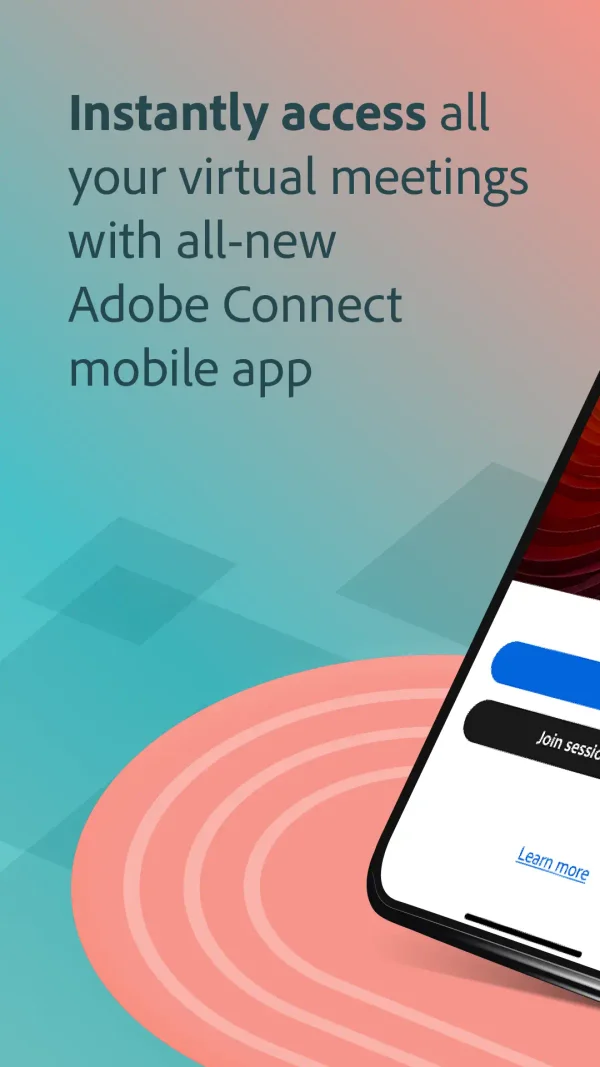
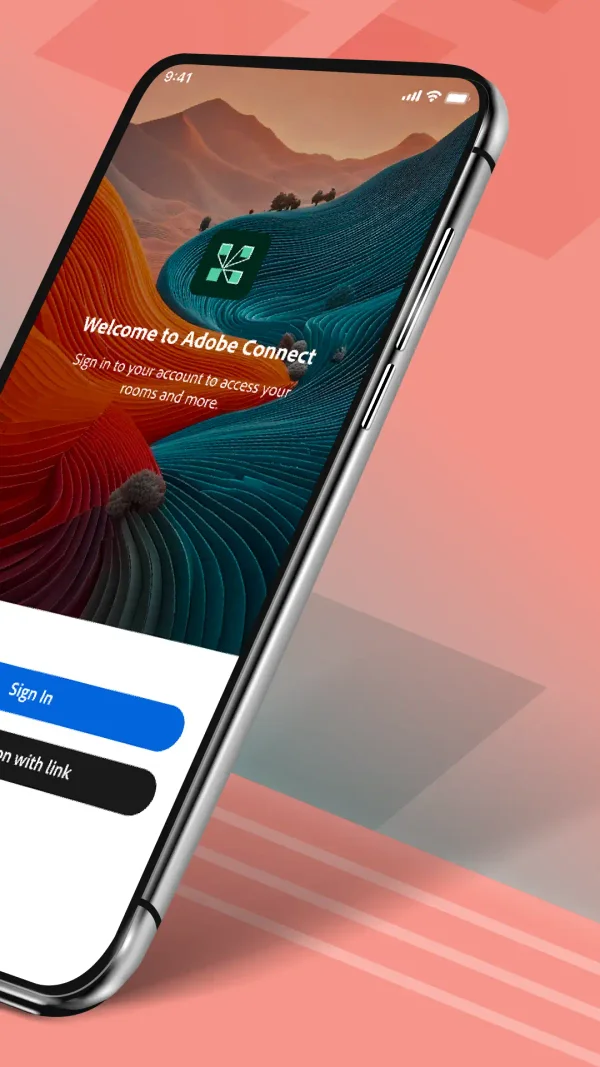
まったく新しい Adobe Connect アプリ!
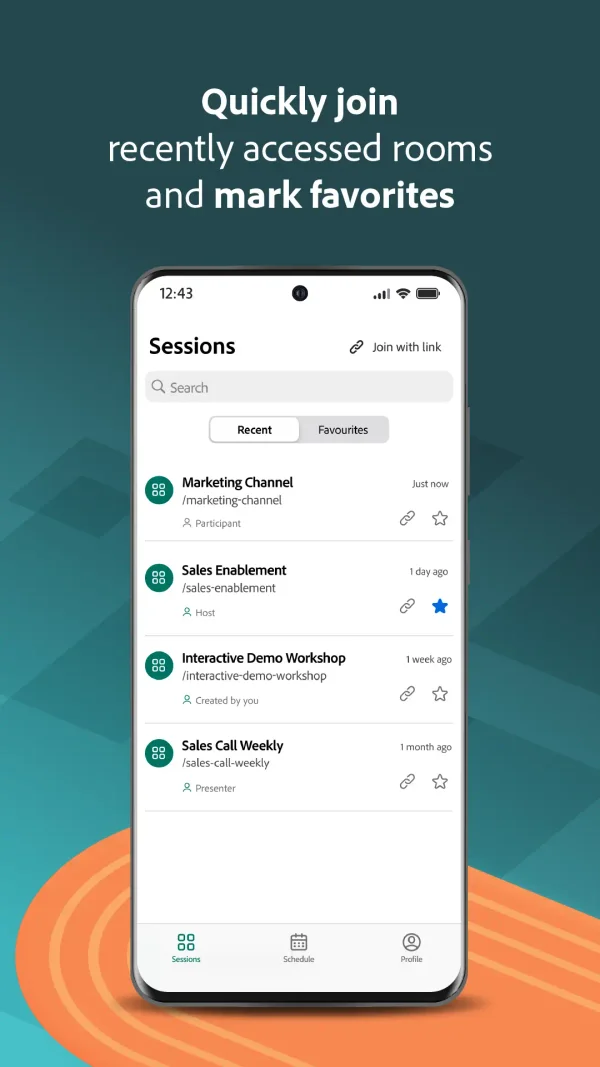
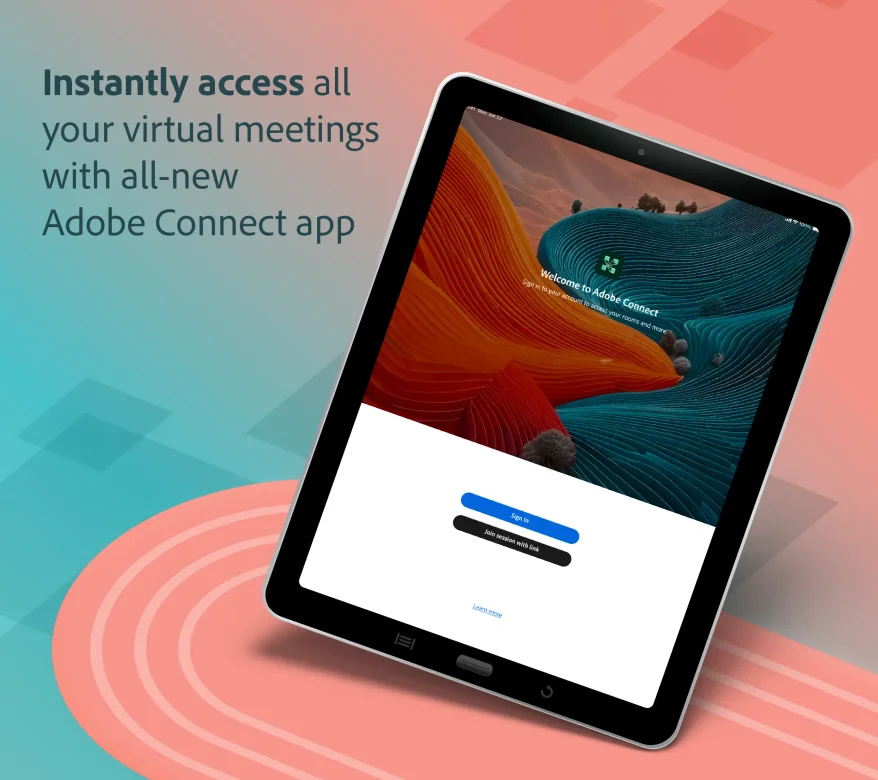
Adobe Connect を使用して、会議、ウェビナー、仮想教室に参加します。 Android 用 Adobe Connect は、重要な会議機能をモバイルデバイスにもたらし、携帯電話やタブレットから直接会議に参加できるようにします。
Adobe Connect アプリケーションは、最新のユーザー インターフェイスを提供し、高解像度のカメラ ブロードキャストをサポートし、横向きと縦向きの両方の表示をサポートします。標準ビューまたは拡張オーディオ/ビデオ エクスペリエンスが有効な会議に参加します。
内蔵マイクとスピーカー、接続されたヘッドセット、またはワイヤレス イヤホンなどの Bluetooth デバイスを使用して、会議の音声に参加します。または、会議に含まれている場合は電話会議に参加します。デバイスのカメラを使用してビデオ会議に参加します。高品質の PowerPoint® プレゼンテーション、ホワイトボード、コンテンツの注釈、MP4 ビデオ、PDF ドキュメント、画像、GIF アニメーション、または共有されているデスクトップ コンピュータ画面を表示します。チャットに参加したり、投票に投票したり、メモを読んだり、ファイルをダウンロードしたり、質問したり、挙手したり、同意/反対したり、ホストに退席したことを知らせたりできます。
特徴:
• マイクとスピーカー (VoIP) または別のデバイスを使用して話したり聞いたりする
• 共有されているカメラを表示し、許可されている場合はカメラを共有します
• 共有されている PowerPoint スライドの表示
• 共有中の画面共有を表示する
• ホワイトボードやコンテンツの注釈を表示する
• 共有されている MP4 ビデオ、JPG および PNG 画像、アニメーション GIF の表示
• 共有されている PDF ドキュメントを表示する
• 共有されている MP3 オーディオを聞く
• カスタム ポッドを表示して参加する
• 色の選択やプライベートチャットなどのチャットに参加する
• 多肢選択式、複数回答式、短答式などのアンケートに参加する
• 書式設定やインタラクティブなハイパーリンクを含むメモの表示
• Q&A で質問したり、他の質問と回答を確認したりできます
• ファイルをデバイスに直接ダウンロードする
• リンクをクリックすると、モバイルブラウザで Web サイトにアクセスできます。
• ステータスの変更: 挙手、同意/反対、退席など
• 音声、カメラ、チャットを備えたブレイクアウト ルームに参加する
• 2 要素認証を必要とするシングル サインオンのサポート
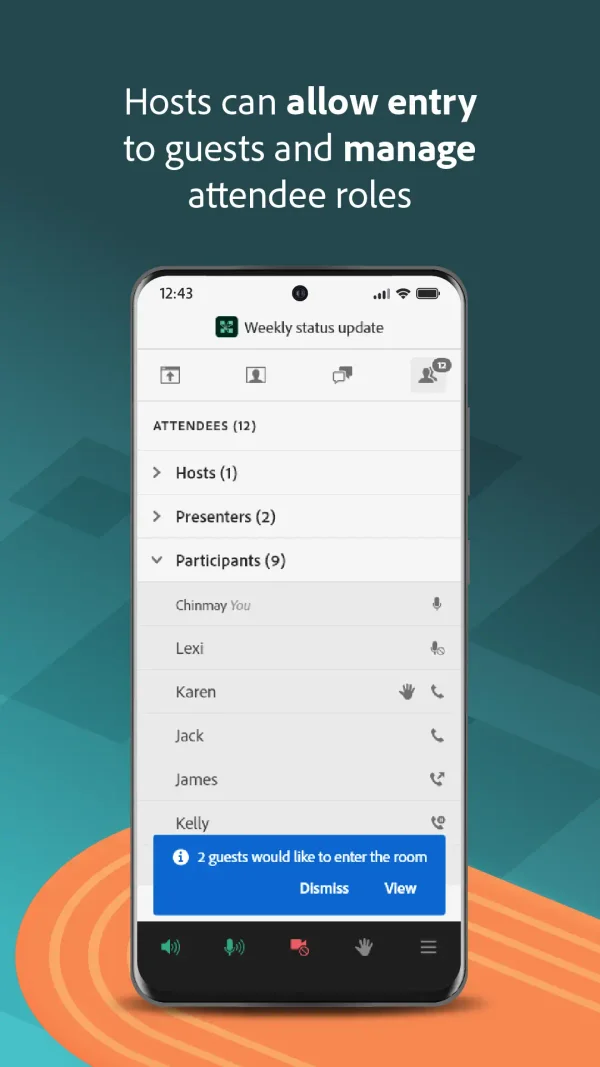
• ホストとしてログインし、ゲストを受け入れ、他のユーザーを宣伝します
追加の会議アクティビティのサポートも近々提供される予定です。このアプリケーションは、クイズ ポッド、クローズド キャプション、ホワイトボードへの描画、またはメモの作成をまだサポートしていません。これらのアクティビティには、標準のモバイル ブラウザを使用して会議に参加することでアクセスできます。
注意: このアプリケーションは録画を視聴するためのものではありません。 Adobe Connect の録画は、オンライン時に標準のモバイルブラウザを使用して表示できます。
要件:Android 11.0以降
サポートされているデバイス: 携帯電話とタブレット
WiFi または標準の 4G/5G モバイル接続が必要です
原文を表示
Attend meetings, webinars, and virtual classrooms with Adobe Connect. Adobe Connect for Android brings critical meeting capabilities to your mobile device, enabling you to attend meetings directly from your phone or tablet.
The Adobe Connect application delivers a modern user interface, supports high resolution camera broadcast, and supports both landscape and portrait viewing. Join any Standard View or Enhanced Audio/Video Experience enabled meetings.
Use your built-in microphone and speakers, a connected headset, or a Bluetooth device such as wireless earbuds to join meeting audio. Or join a telephone conference if included with the meeting. Participate in video conferencing using your device’s cameras. View high quality PowerPoint® presentations, whiteboarding, annotations on content, MP4 videos, PDF documents, images, GIF animations, or desktop computer screens being shared. Participate in chat, vote in polls, read notes, download files, ask questions, raise your hand, agree/disagree, or let the host know you have stepped away.
FEATURES:
• Talk and listen using your microphone and speakers (VoIP) or another device
• View cameras being shared and share your camera if allowed
• View PowerPoint slides being shared
• View screen sharing being shared
• View whiteboards or annotations on content
• View MP4 videos, JPG and PNG images, and animated GIFs being shared
• View PDF documents being shared
• Listen to MP3 audio being shared
• View and participate with custom pods
• Participate in chat, including selecting colors and private chats
• Participate in polls, including multiple-choice, multiple-answer, and short answer
• View notes including formatting and interactive hyperlinks
• Ask questions and see other questions and responses in Q&A
• Download files directly to your device
• Click on links to visit websites with your mobile browser
• Change your status: including Raise Hand, Agree / Disagree, and Stepped Away
• Participate in breakout rooms with audio, cameras, and chat
• Support for Single Sign-On requiring two-factor authentication
• As a host, login, accept guests, and promote others
Support for additional meeting activities will be coming soon. This application does not yet support Quiz pods, closed captions, drawing on whiteboards, or note taking. These activities can be accessed by joining the meeting using a standard mobile browser.
Note: This application is NOT for watching recordings. Adobe Connect recordings can be viewed using a standard mobile browser while online.
Requirements: Android 11.0 or higher
Devices supported: phones and tablets
Requires WiFi or a standard 4G/5G mobile connection
データ セーフティ
このアプリが収集・共有するデータについて、AdobeがGoogle Playで申告している内容です。
- 第三者と共有されるデータはありません詳しくは、デベロッパーが共有を申告する方法についての説明をご覧ください
- このアプリは以下の種類のデータを収集することがあります個人情報、メッセージ、他 2 件
- データは送信中に暗号化されます
新機能
バージョン 4.5 · 2026/11/18
- Caption support for Simulated Live sessions.
- General bug fixes and stability improvements.
開発元の連絡先
- ウェブサイトadobe.com
- メールentrsupp@adobe.com
- プライバシーポリシーadobe.com
- 住所345 Park Ave San Jose, CA 95110 United States
情報
- 提供元
- Adobe
- カテゴリ
- 通信
- バージョン
- 4.5
- 更新日
- 2026/11/18
- リリース
- 2021/9/10
- 必要条件
- Android 10以降
- 対象年齢
- 3 歳以上
- 価格
- 無料
- パッケージ名
- com.adobe.connect.android.mobile
類似のアプリ
-
 YouCam Video:AI動画生成・vlog・動画編集
動画プレーヤー&エディタ
-
 Promeo - かんたん動画&写真デザイン編集
動画プレーヤー&エディタ
-
 invideo: AI動画編集アプリ
動画プレーヤー&エディタ
-
 VicoHome: Smart Home Camera
動画プレーヤー&エディタ
-
 pdfFiller PDFの編集、記入、署
仕事効率化
-
 PDFエディタ―自由に編集しましょう!
ツール
-
 First View
旅行&地域
-
 StubHub - Tickets to Events
イベント
-
 Captions Lite
動画プレーヤー&エディタ
-
 Zoho Meeting - Meet Virtually
ビジネス
-
 PhotoPills
写真
-
 Photomyneによる写真スキャナー
写真