AirDroid Cast TV
SAND STUDIO- 3 歳以上対象年齢
- ツールカテゴリ
- 2026/3/31更新日
- 無料価格
com.sand.aircasttvのGoogle Play公式ページにリンクしています。最終確認:2026/11/27。
スクリーンショット
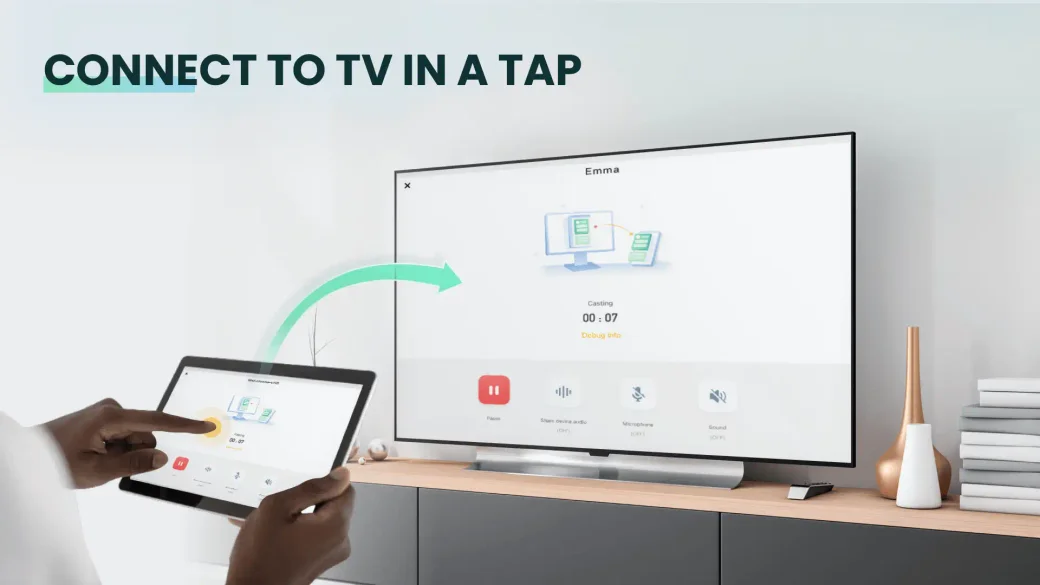
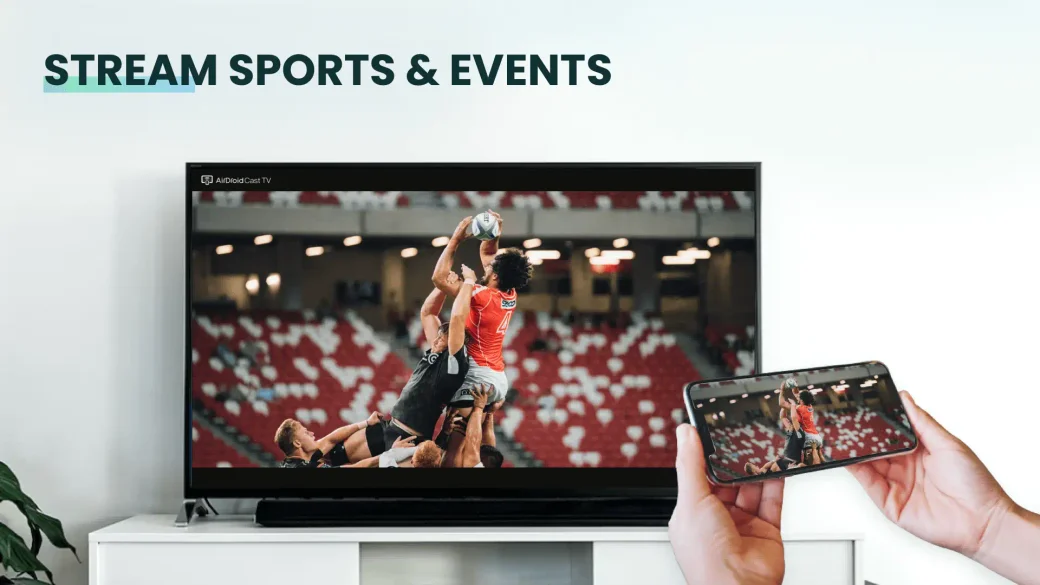
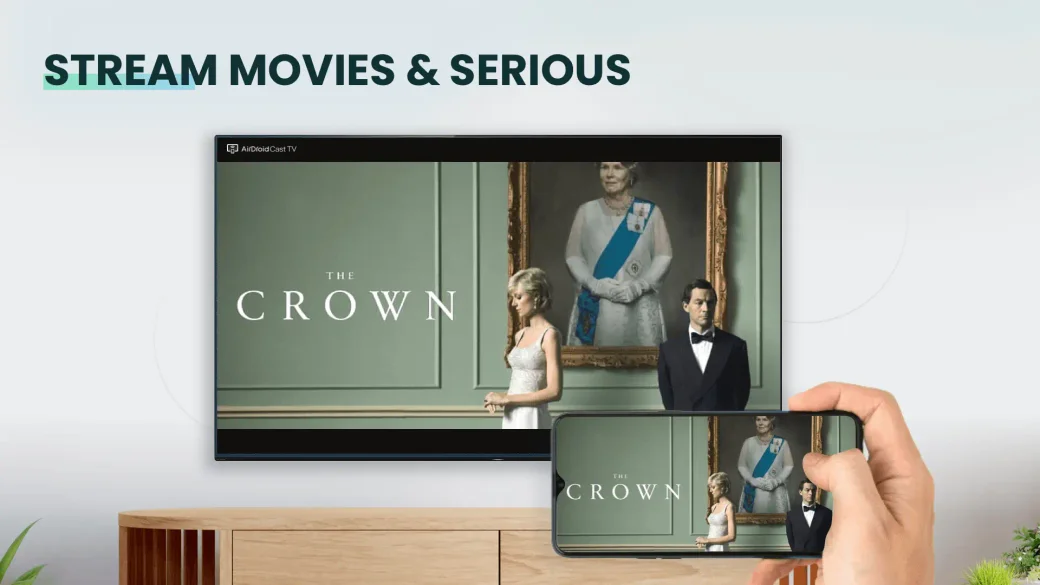
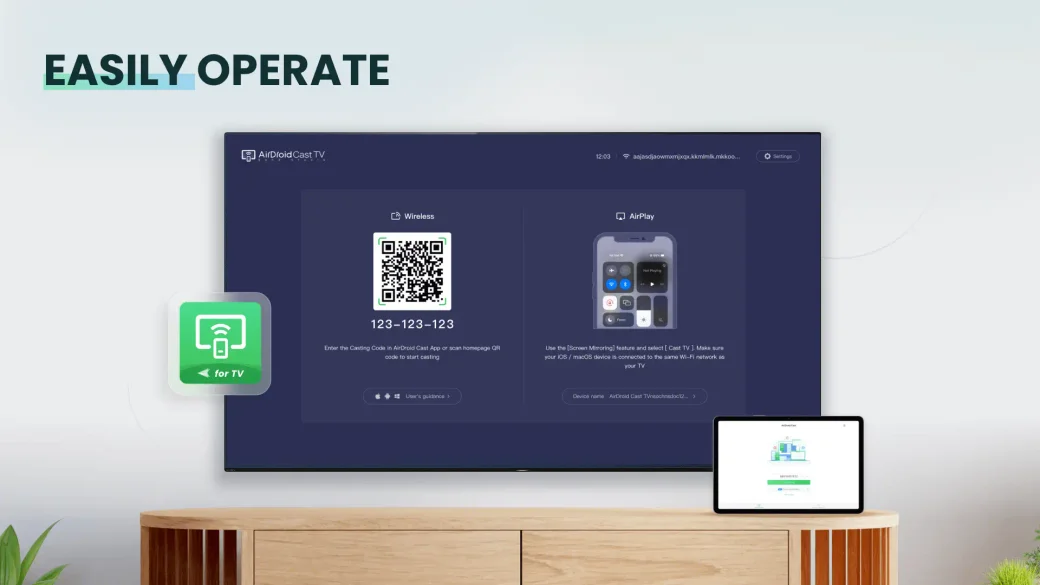
このアプリについて
Googleによる英語 (アメリカ合衆国)からの自動翻訳です。
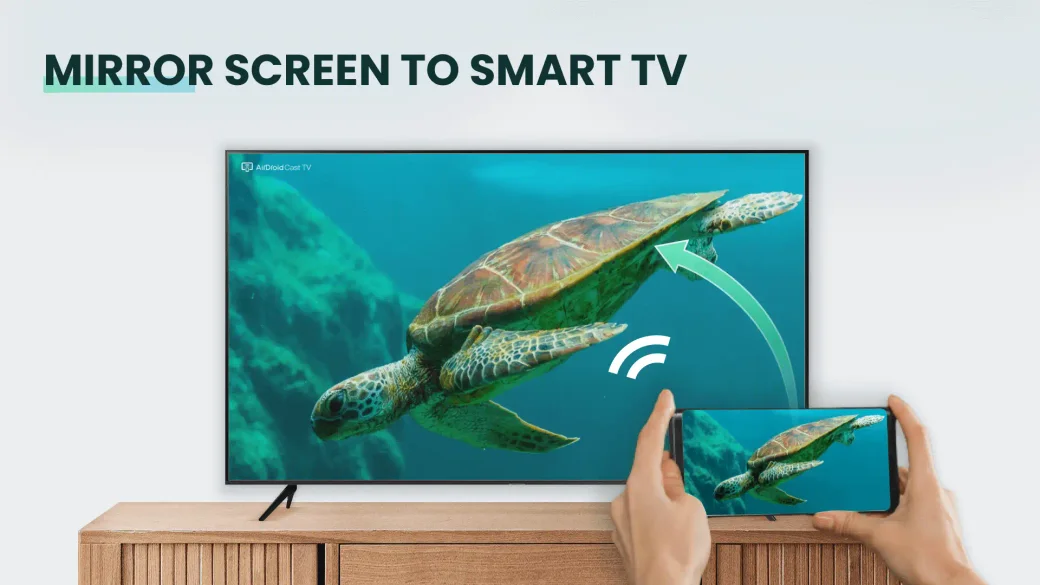
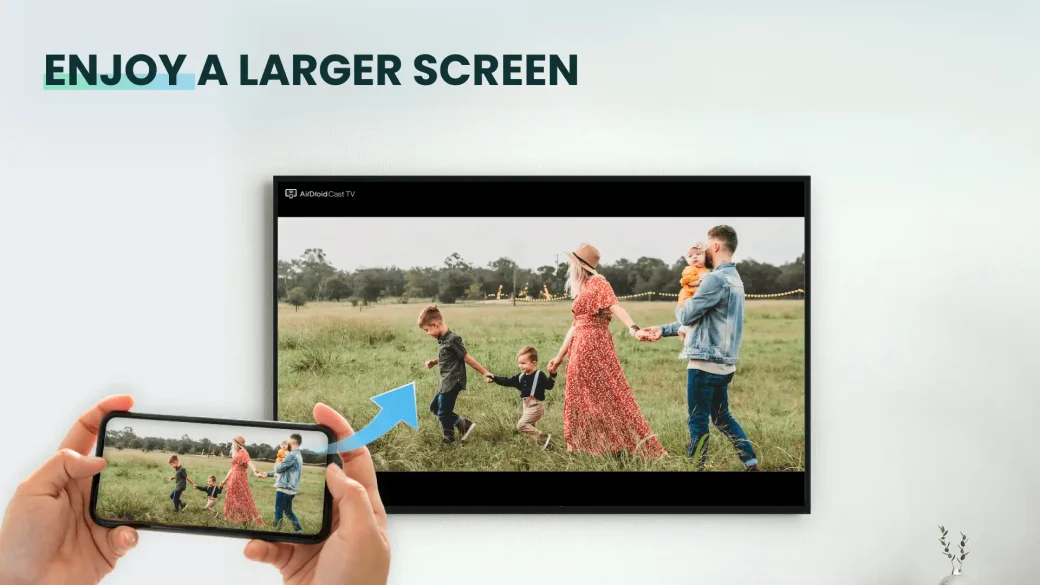
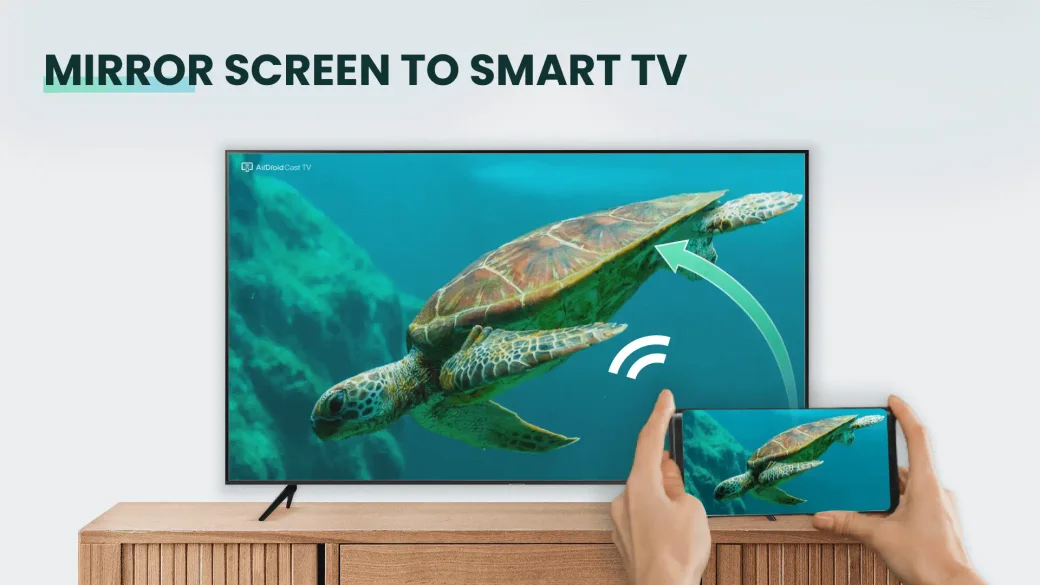
モバイルデバイスやコンピュータからスマートTVへのワイヤレス画面ミラーリング
1 回タップするだけで、デバイスの画面をミラーリングし、テレビにメディアをキャストできます。 AirDroid TV Cast は、現在市場に出ているほぼすべての主要なスマート TV およびストリーミング デバイスに適応します。
AirDroid TV Cast を選択する理由:
● 携帯電話の画面をテレビにミラーリングする
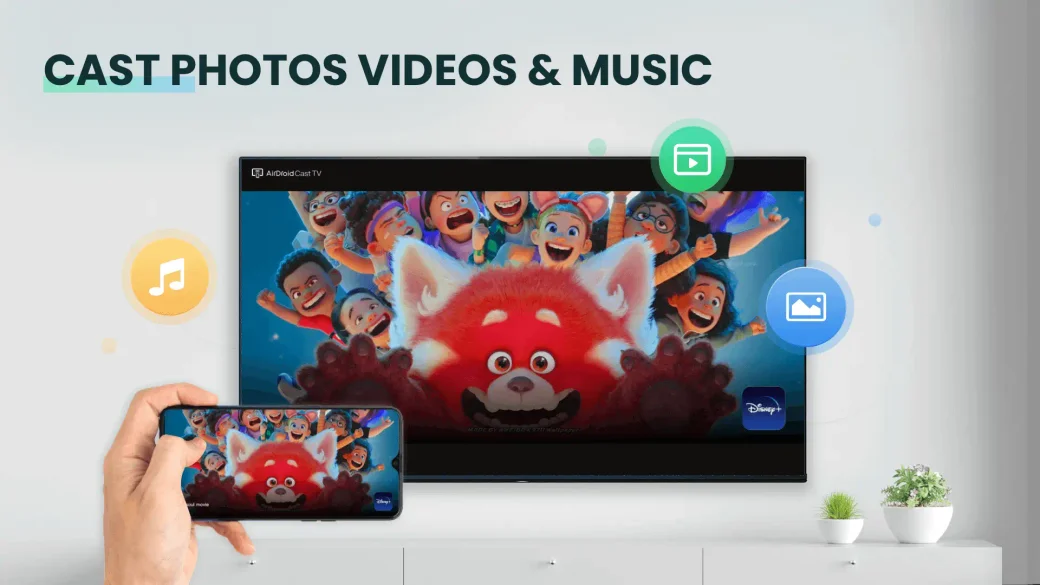
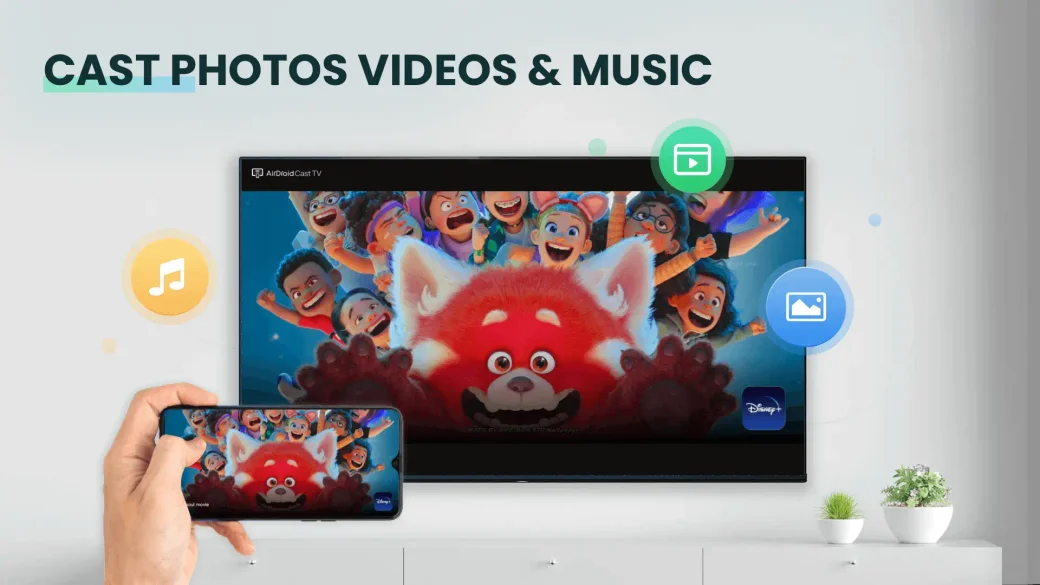
● 写真やビデオをキャストする
● お気に入りの映画、テレビ番組、シリーズをストリーミング
● ゲームをする
● プレゼンテーションやドキュメントを共有する
● 大画面でビデオ通話を行う
● ローカルネットワークを越えたキャストをサポート
● クライアントのインストールは必要ありません(AirPlay を使用するか、デスクトップ上の webcast.airdroid.com にアクセスしてください)
画面をワイヤレスでキャストする 3 つの方法:
1. AirDroid Castアプリのキャストコードを使用して接続します
2. お使いのデバイスが AirPlay をサポートしている場合は、AirPlay を使用して接続します。
3. デスクトップブラウザで webcast.airdroid.com にアクセスして画面をキャストします。
特徴:
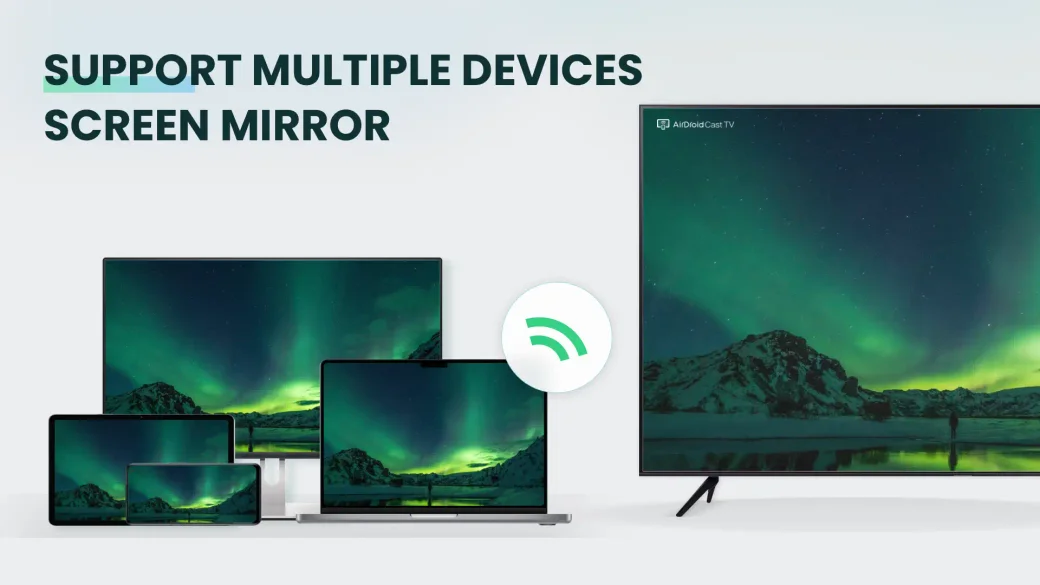
● ほぼすべての主要なプラットフォームがサポートされています
● 追加のハードウェアやソフトウェアは必要ありません。
● 遅延のない高品質な画面ミラーリング
● フォト ライブラリからの写真とビデオのキャスト
● ウェブからの写真とビデオのキャスト
AirDroid Cast TV の期間限定の無料使用 (ローカル ネットワークのみ) は継続中です。キャストのビジュアル体験をさらに向上させるチャンスをお見逃しなく!
No#1 のテレビビデオストリーマーを使用して、大画面で番組をお楽しみください。テレビまたは Blu-ray プレーヤーで Web ビデオ、オンライン映画、ライブストリーム、またはライブテレビ番組を視聴するためのサポート。
デバイスに AirDroid TV Cast アプリをインストールした後、AirDroid Cast を開き、ミラーリング コードをスキャンします。次に、確認をタップしてショーを開始します。大規模なメディア サーバーやサードパーティ ソフトウェアをインストールする必要はありません。
AirDroid TV Cast® を使用すると、映画、テレビ番組、ニュースやスポーツのライブ ストリームなど、お気に入りの Web サイトのビデオを視聴できます。
AirDroid TV Cast® は最も一般的なストリーミング デバイスをサポートしており、テレビで Web からビデオを直接ストリーミングできます。
● Google Cast (Chromecast、Android TV、Chromecastbuilt-in)
● Xbox、Samsung TV、LG TV などの DLNA デバイス
● PlayStation 4 - Web ブラウザを使用する
● ほとんどの Web ブラウザ
**この機能は、すべてのストリーミング デバイスに普遍的に適用されるわけではありません。
※互換性に問題がある場合は、ブランドとモデル番号を添えてご連絡ください。
*ストリーミング デバイスは、再生中のビデオをデコードできる必要があります。 Web Video Caster は、ビデオ/オーディオのデコードやトランスコードを実行しません。
フィードバックを共有してください
私たちはユーザーとのオープンなコミュニケーションに努めています。ご質問やサポートの問題がある場合は、レビューを残す前にまずお問い合わせください。私たちはすぐに対応し、お客様の懸念に対処します。当社ウェブサイト http://www.airdroid.com からお問い合わせください。
原文を表示
Mirror your device's screen and cast media on TV just in a single tap. AirDroid TV Cast adapts with nearly all major Smart TVs and streaming devices on the market today.
What makes you choose AirDroid TV Cast:
● Mirror your phone screen to the TV
● Cast photos and videos
● Stream favorite movies, TV shows, and series
● Play games
● Share presentations and documents
● Have video calls on the big screen
● Supports casting beyond local network
● No client installation needed(Use AirPlay / or visit webcast.airdroid.com on your desktop)
Three ways to cast your screen wirelessly:
1. Use the Cast code of AirDroid Cast App to connect
2. Connect using AirPlay if your device supports it
3. Cast your screen by accessing webcast.airdroid.com on your desktop browser
Features:
● Nearly all major platforms are supported
● No additional hard or software is needed
● High-quality screen mirroring without delays
● Photo and video cast from Photo Library
● Photo and video cast from the web
AirDroid Cast TV's time-limited free usage ( local network only ) is ongoing; don't miss the chance to have a better cast visual experience!
Enjoy the show on your big screen with the no#1 tv video streamer. Support to watch any web video, online movie, Livestream, or live tv show on your TV or Blu-ray Player.
Open AirDroid Cast, and scan the mirroring code after you install the AirDroid TV Cast app on your device. Then tap the confirm to start the show. You don't need to install a big media server or third-party software.
AirDroid TV Cast® allows you to watch videos from your favorite websites, including movies, TV shows, and live streams of news and sports.
AirDroid TV Cast® supports the most popular streaming devices, allowing your TV to stream videos directly from the web.
● Google Cast (Chromecast, Android TV, Chromecast built-in)
● DLNA devices like Xbox, Samsung TVs, LG TVs,
● PlayStation 4 - by using its web browser
● Most web browsers
**This functionality does not apply universally to all streaming devices.
*If you experience compatibility issues, contact us and include the brand and model number.
*Your streaming device must be capable of decoding the video you are playing. Web Video Caster doesn't perform any video/audio decoding or transcoding.
SHARE YOUR FEEDBACK
We are committed to open communication with our users. Please contact us first with any questions or support issues before leaving a review. We will respond and address your concern promptly. Contact us through our website http://www.airdroid.com
データ セーフティ
このアプリが収集・共有するデータについて、SAND STUDIOがGoogle Playで申告している内容です。
- 第三者と共有されるデータはありません詳しくは、デベロッパーが共有を申告する方法についての説明をご覧ください
- このアプリは以下の種類のデータを収集することがあります位置情報、アプリのアクティビティ、他 2 件
- データは送信中に暗号化されます
- データを削除できません
新機能
バージョン 1.0.4.1 · 2026/3/31
Bug fixes and finetunes that improve stability and user experience.
開発元の連絡先
- ウェブサイトairdroid.com
- メールsupport@airdroid.com
- プライバシーポリシーairdroid.cn
- 住所Rm 29 5/F SILVERCORD CTR TWR 2 30 CANTON RD 尖沙咀 九龍 Hong Kong
情報
- 提供元
- SAND STUDIO
- カテゴリ
- ツール
- バージョン
- 1.0.4.1
- 更新日
- 2026/3/31
- リリース
- 2023/9/20
- 必要条件
- Android 7.0以降
- 対象年齢
- 3 歳以上
- 価格
- 無料
- パッケージ名
- com.sand.aircasttv
類似のアプリ
-
 Play zeta
教育
-
 FX File Explorer
ビジネス
-
 TiviMate IPTV Player
動画プレーヤー&エディタ
-
 赤ちゃんゲーム: 幼児のためのお絵かき!子供向け知育アプリ!
ツール
-
 アクロポリスのインタラクティブな教育VR 3D
教育
-
 MGM+
エンタメ
-
 Hue エッセンシャル
ライフスタイル
-
 Santa TOEIC®/TOEFL®対策
教育
-
 Symfonium: Music player & cast
音楽&オーディオ
-
 バグズ I: 昆虫かな ?
教育
-
 Garmin Clipboard™
健康&フィットネス
-
 Southwest Airlines: Travel App
旅行&地域