AirDroid Cast TV
SAND STUDIO- EveryoneAge rating
- ToolsCategory
- Mar 31, 2026Updated
- FreePrice
Links to the official Google Play listing of com.sand.aircasttv. Last checked on Nov 20, 2026.
Screenshots
About this app
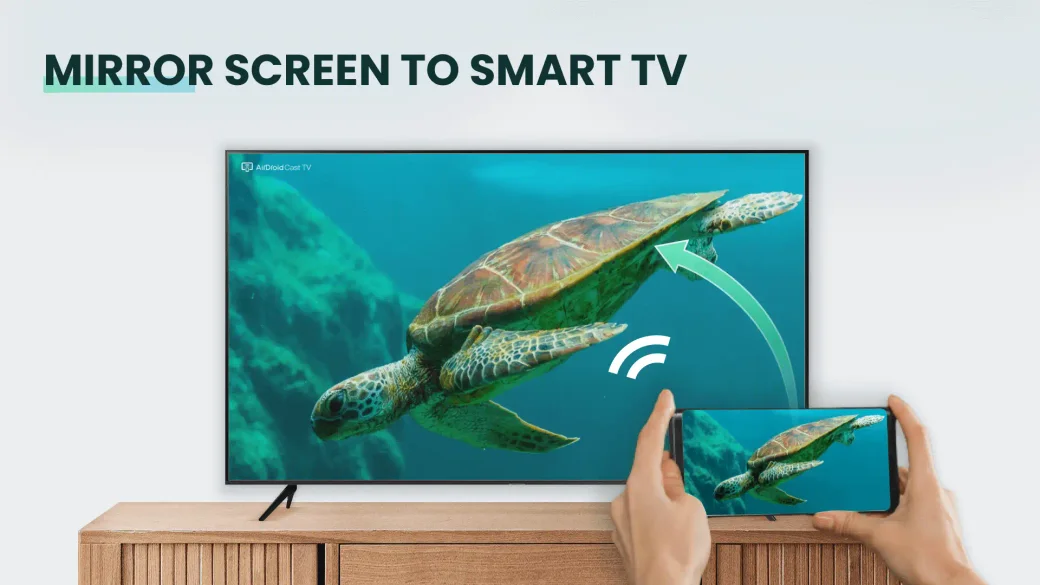
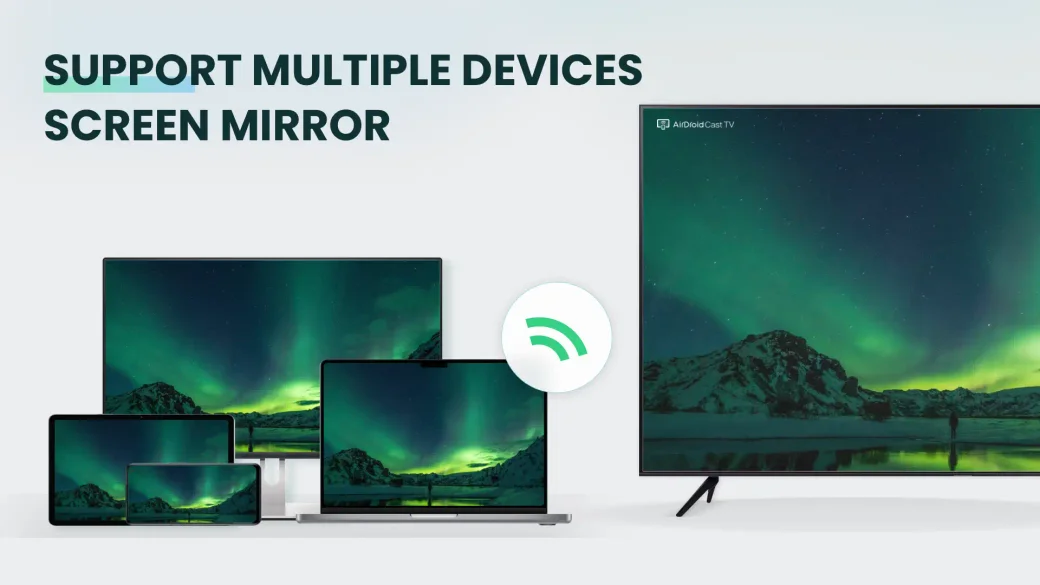
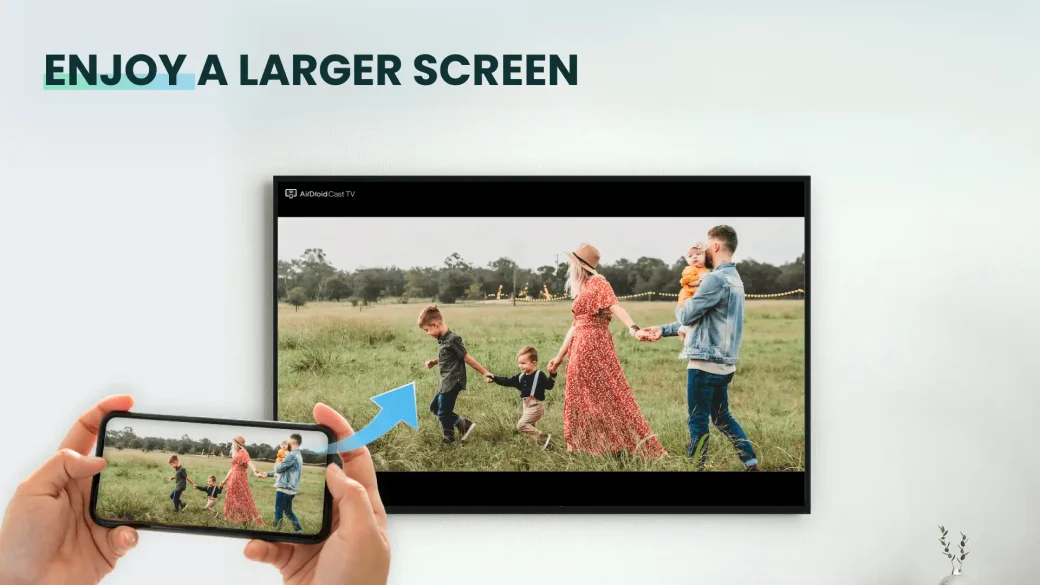
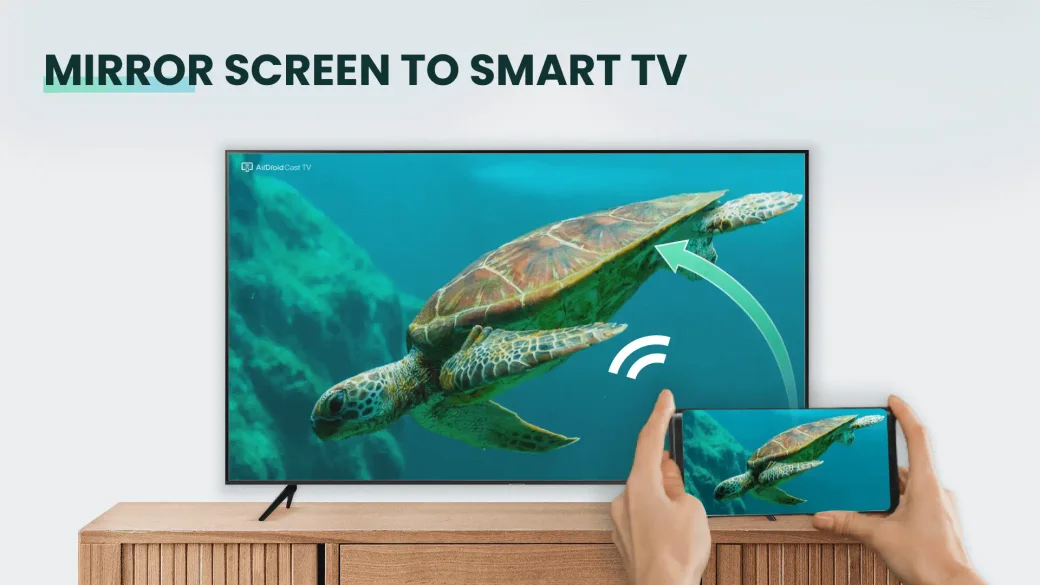
Wireless screen mirroring from mobile devices and computers to smart TV
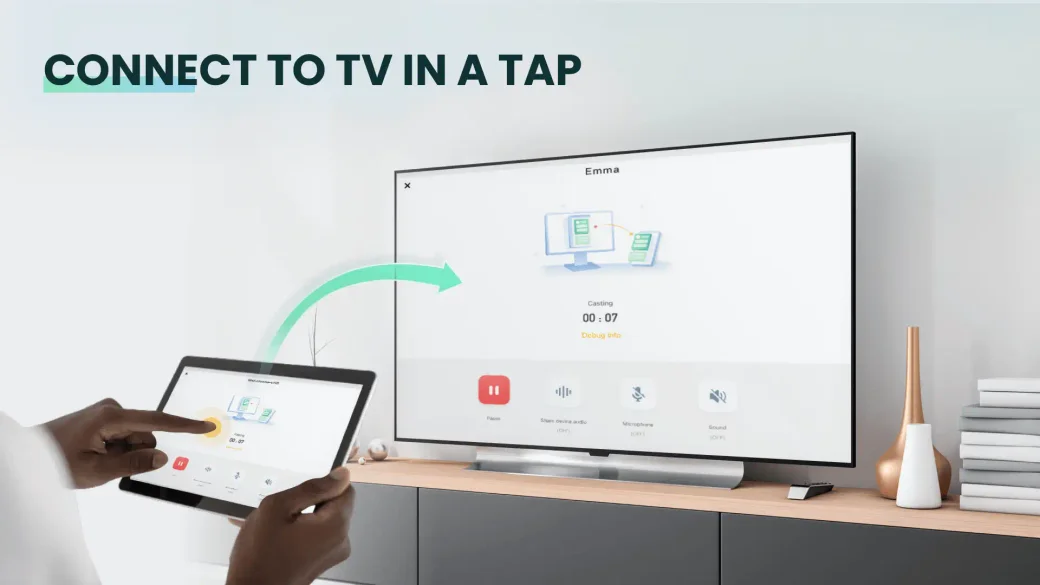
Mirror your device's screen and cast media on TV just in a single tap. AirDroid TV Cast adapts with nearly all major Smart TVs and streaming devices on the market today.
What makes you choose AirDroid TV Cast:
● Mirror your phone screen to the TV
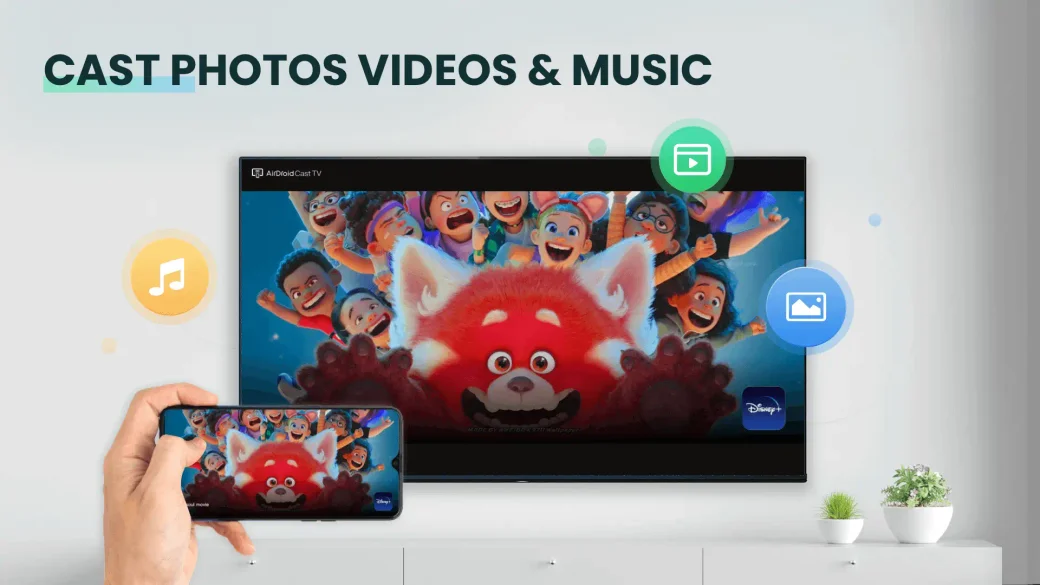
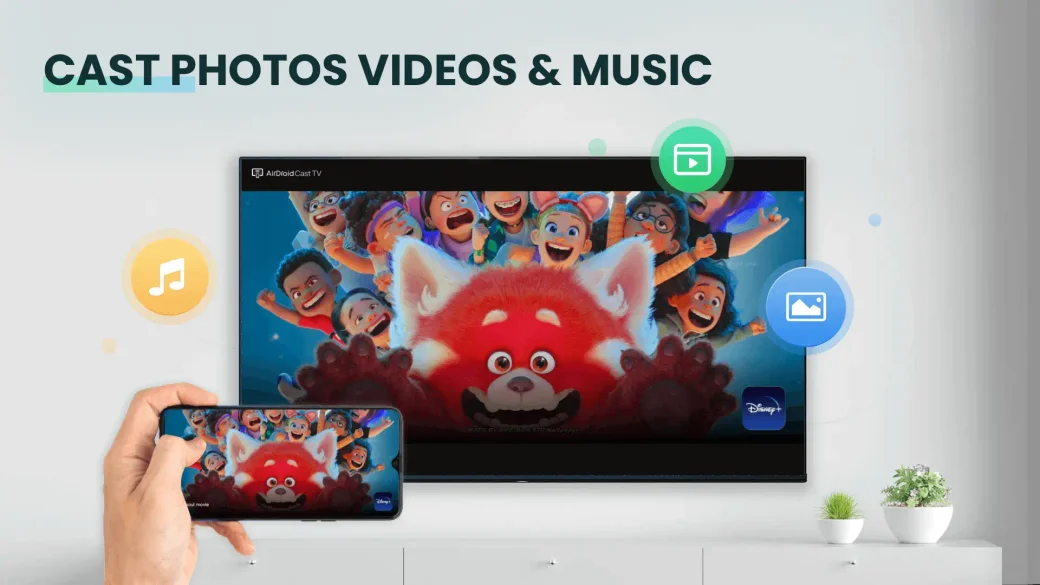
● Cast photos and videos
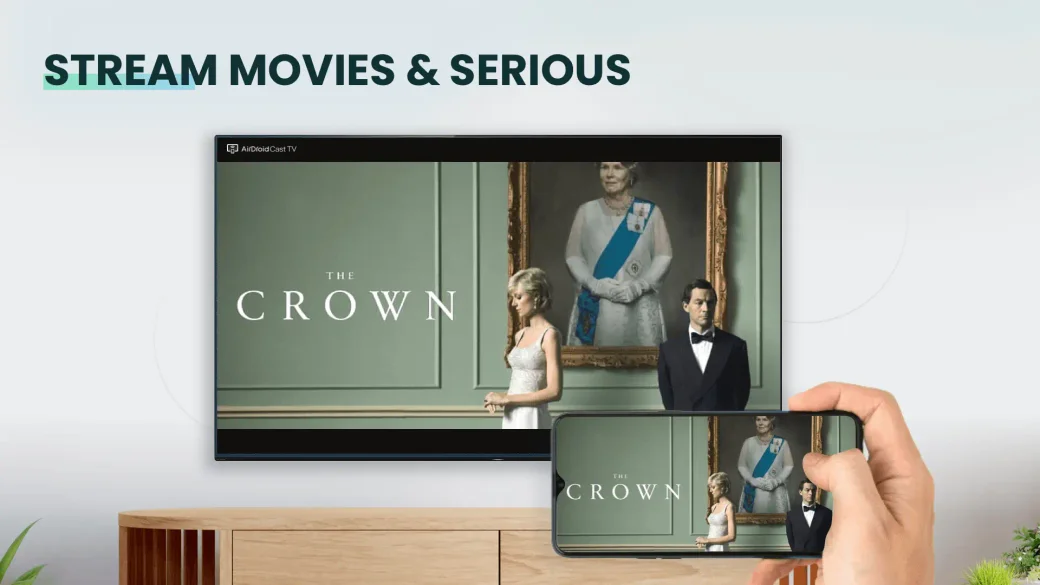
● Stream favorite movies, TV shows, and series
● Play games
● Share presentations and documents
● Have video calls on the big screen
● Supports casting beyond local network
● No client installation needed(Use AirPlay / or visit webcast.airdroid.com on your desktop)
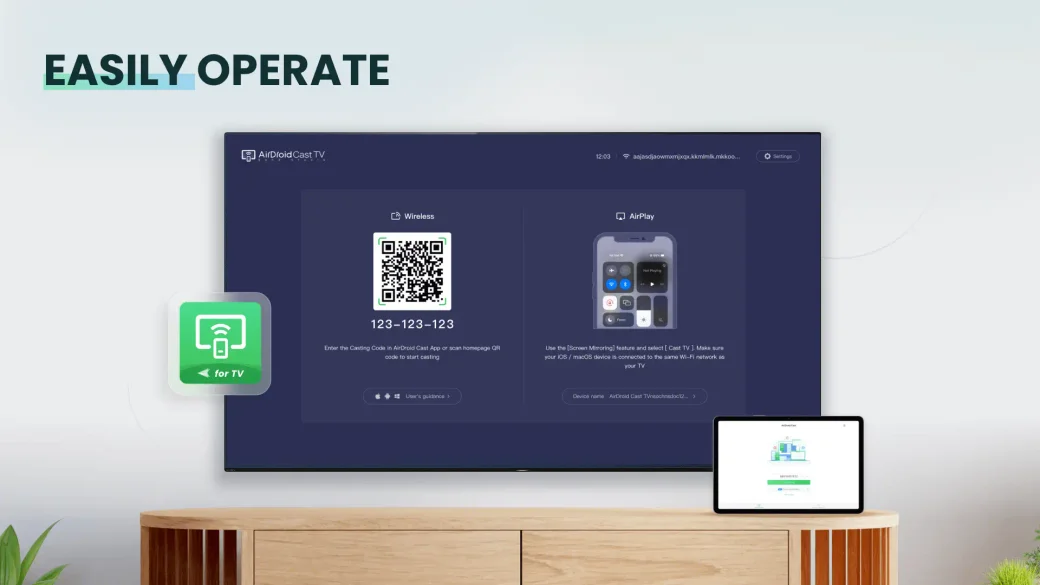
Three ways to cast your screen wirelessly:
1. Use the Cast code of AirDroid Cast App to connect
2. Connect using AirPlay if your device supports it
3. Cast your screen by accessing webcast.airdroid.com on your desktop browser
Features:
● Nearly all major platforms are supported
● No additional hard or software is needed
● High-quality screen mirroring without delays
● Photo and video cast from Photo Library
● Photo and video cast from the web
AirDroid Cast TV's time-limited free usage ( local network only ) is ongoing; don't miss the chance to have a better cast visual experience!
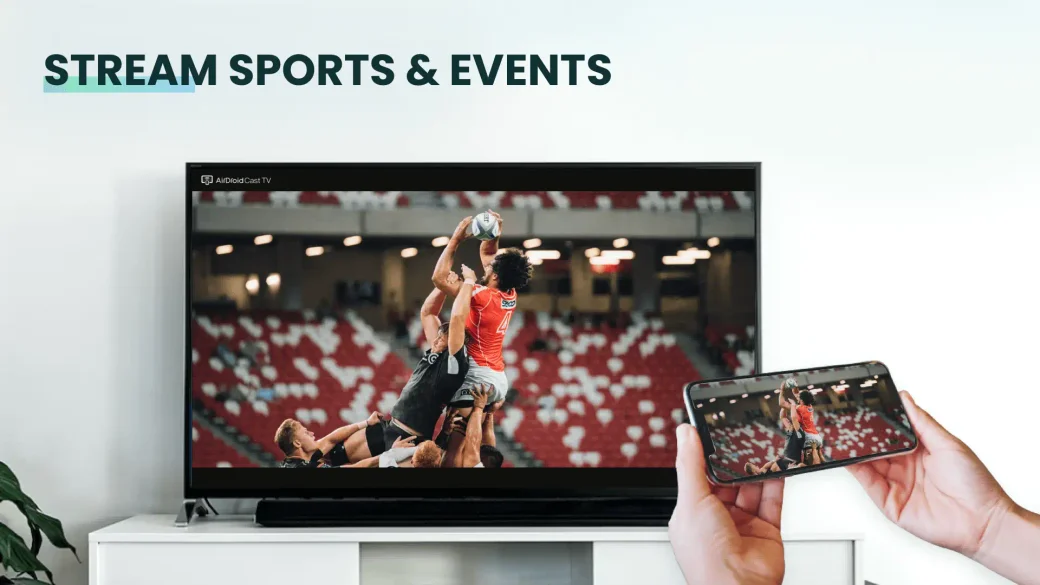
Enjoy the show on your big screen with the no#1 tv video streamer. Support to watch any web video, online movie, Livestream, or live tv show on your TV or Blu-ray Player.
Open AirDroid Cast, and scan the mirroring code after you install the AirDroid TV Cast app on your device. Then tap the confirm to start the show. You don't need to install a big media server or third-party software.
AirDroid TV Cast® allows you to watch videos from your favorite websites, including movies, TV shows, and live streams of news and sports.
AirDroid TV Cast® supports the most popular streaming devices, allowing your TV to stream videos directly from the web.
● Google Cast (Chromecast, Android TV, Chromecast built-in)
● DLNA devices like Xbox, Samsung TVs, LG TVs,
● PlayStation 4 - by using its web browser
● Most web browsers
**This functionality does not apply universally to all streaming devices.
*If you experience compatibility issues, contact us and include the brand and model number.
*Your streaming device must be capable of decoding the video you are playing. Web Video Caster doesn't perform any video/audio decoding or transcoding.
SHARE YOUR FEEDBACK
We are committed to open communication with our users. Please contact us first with any questions or support issues before leaving a review. We will respond and address your concern promptly. Contact us through our website http://www.airdroid.com
Data safety
What SAND STUDIO declares on Google Play about the data this app collects and shares.
- No data shared with third partiesLearn more about how developers declare sharing
- This app may collect these data typesLocation, App activity and 2 others
- Data is encrypted in transit
- Data can’t be deleted
What’s new
Version 1.0.4.1 · Mar 31, 2026
Bug fixes and finetunes that improve stability and user experience.
Developer contact
- Websiteairdroid.com
- Emailsupport@airdroid.com
- Privacy policyairdroid.cn
- AddressRm 29 5/F SILVERCORD CTR TWR 2 30 CANTON RD 尖沙咀 九龍 Hong Kong
Information
- Offered by
- SAND STUDIO
- Category
- Tools
- Version
- 1.0.4.1
- Updated
- Mar 31, 2026
- Released
- Sep 20, 2023
- Requires
- Android 7.0 or later
- Age rating
- Everyone
- Price
- Free
- Package name
- com.sand.aircasttv
Similar apps
-
 Play zeta
Education
-
 FX File Explorer
Business
-
 TiviMate IPTV Player
Video Players & Editors
-
 Yamo Doodle - Kids Drawing Pad
Tools
-
 Acropolis educational 3D scene
Education
-
 MGM+
Entertainment
-
 Hue Essentials
Lifestyle
-
 Santa: TOEFL Preparation & AI
Education
-
 Symfonium: Music player & cast
Music & Audio
-
 The Bugs I: Insects?
Education
-
 Garmin Clipboard™
Health & Fitness
-
 Southwest Airlines: Travel App
Travel & Local