Authenticator App-2FA Security
AI Document Apps - Edit, Scan, Convertアプリ内課金
- 3 歳以上対象年齢
- ツールカテゴリ
- 2025/12/29更新日
- 無料価格
com.a1.authenticatorのGoogle Play公式ページにリンクしています。最終確認:2026/11/27。
スクリーンショット
このアプリについて
Googleによる英語 (アメリカ合衆国)からの自動翻訳です。
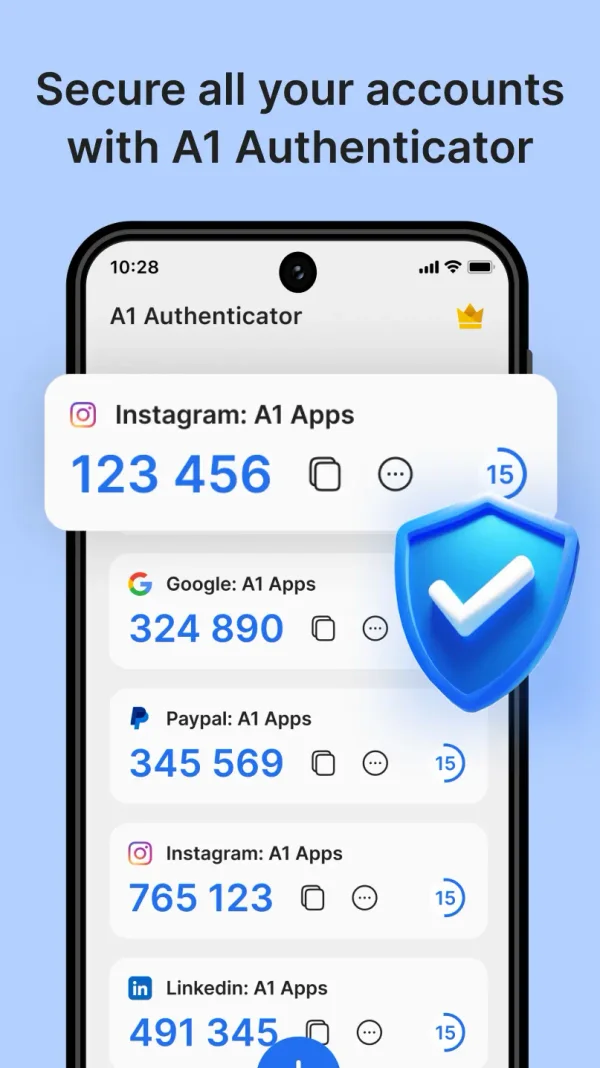
パスワードのセキュリティとバックアップを備えた、2FA と OTP 用の安全な認証アプリ。
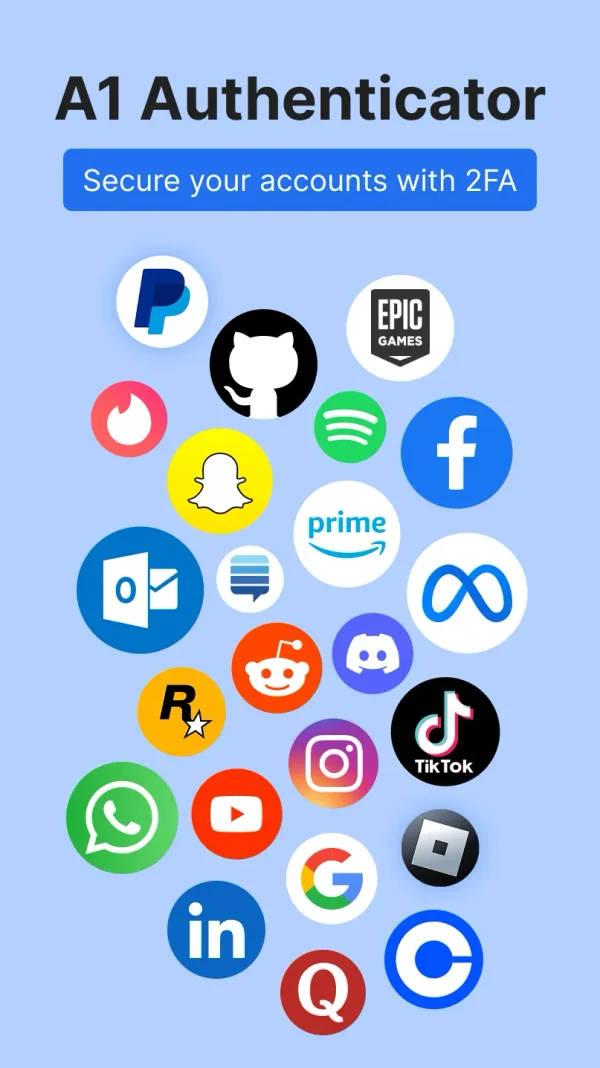
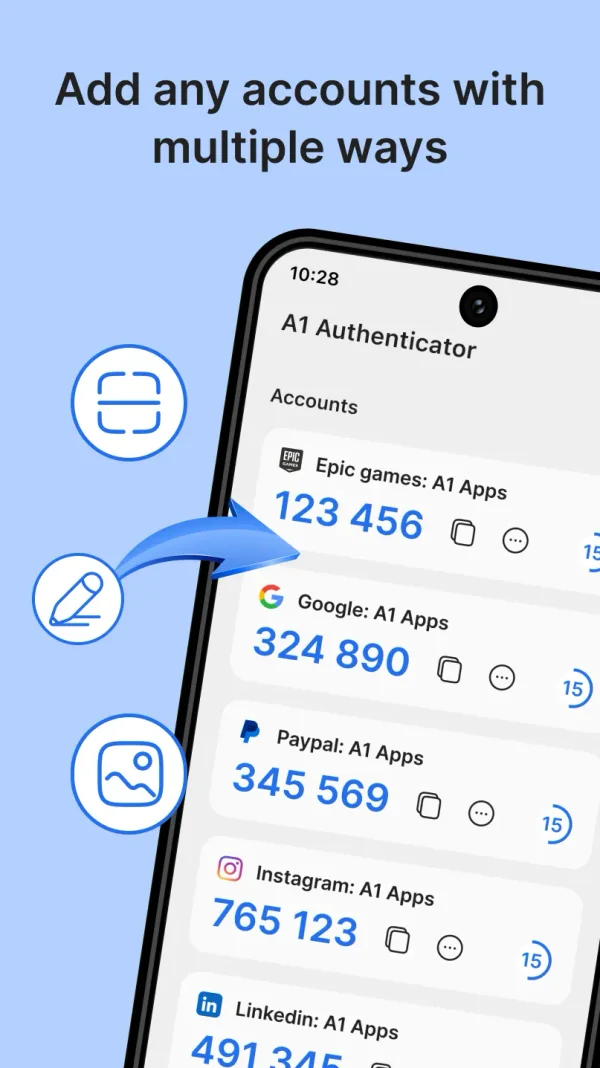
A1 Authenticator を使えば、アカウントとその他の対応アプリでシンプルな2要素認証をご利用いただけます。A1 Authenticator アプリなら、ワンタップ認証と安全なクラウドバックアップにより、手間をかけずにセキュリティを確保できます。
パスワードを忘れても大丈夫。スマートフォンでログインしましょう!ユーザー名を入力し、スマートフォンでログインリクエストを承認してください。この2段階認証は、指紋、顔認証、またはPINでセキュリティをさらに強化します。2要素認証(2FA)を完了すると、すべてのアカウント情報にアクセスできるようになります。
機能:
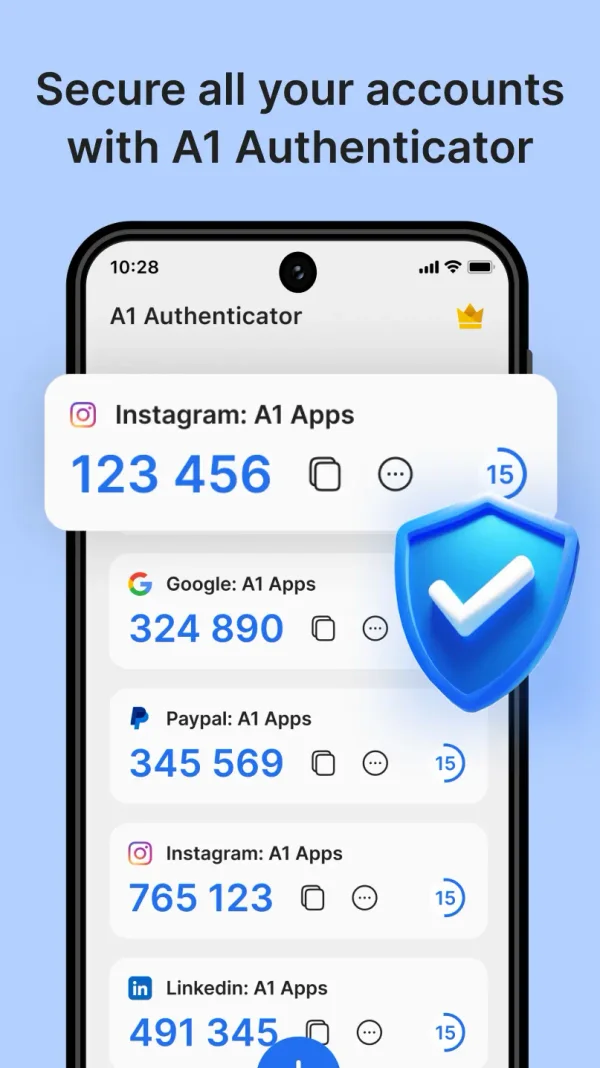
✅ 30秒ごとに6桁のコードを生成
✅ プッシュ通知でユーザーに通知し、ワンタップで認証完了
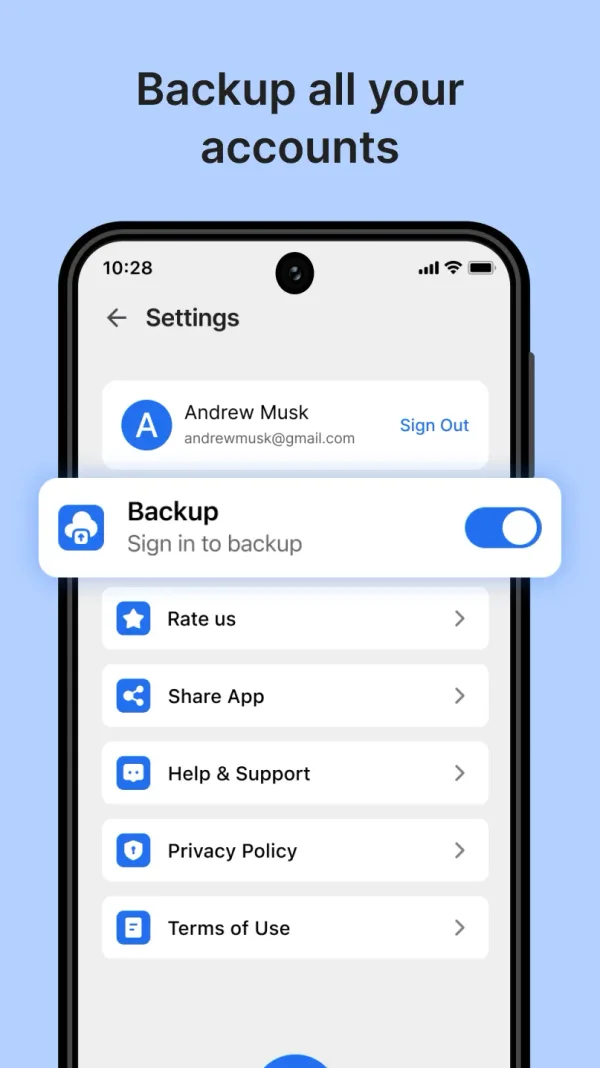
✅ 無料の暗号化バックアップを提供
✅ SMSコードによるサポート
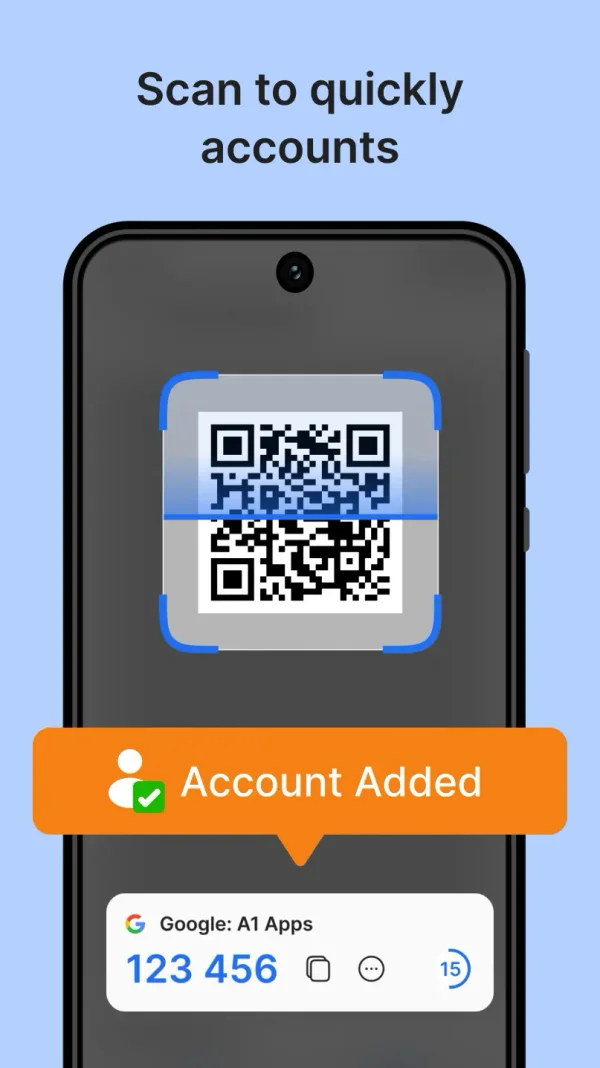
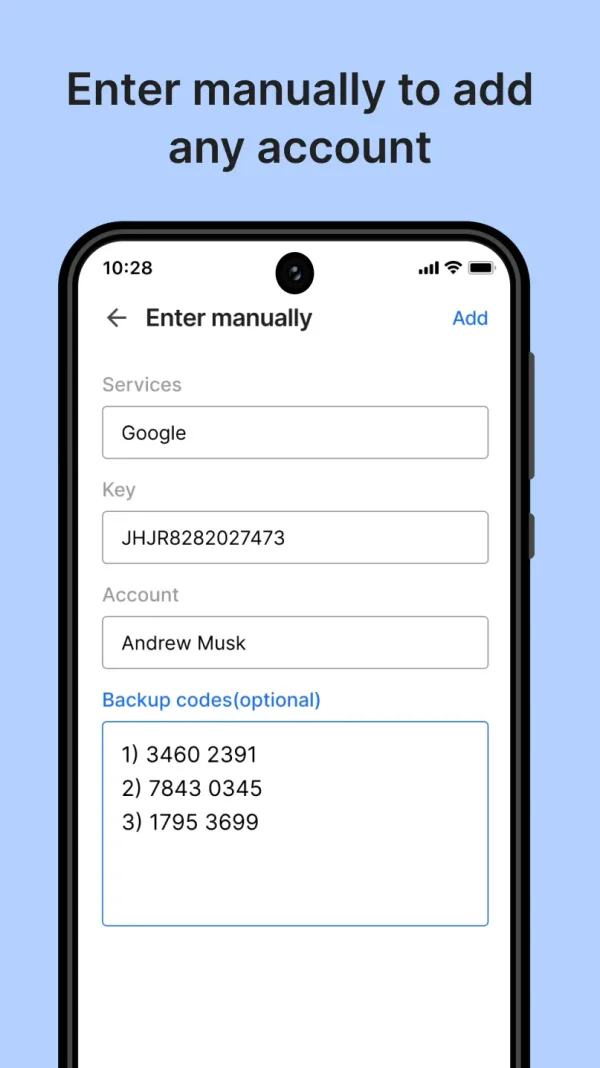
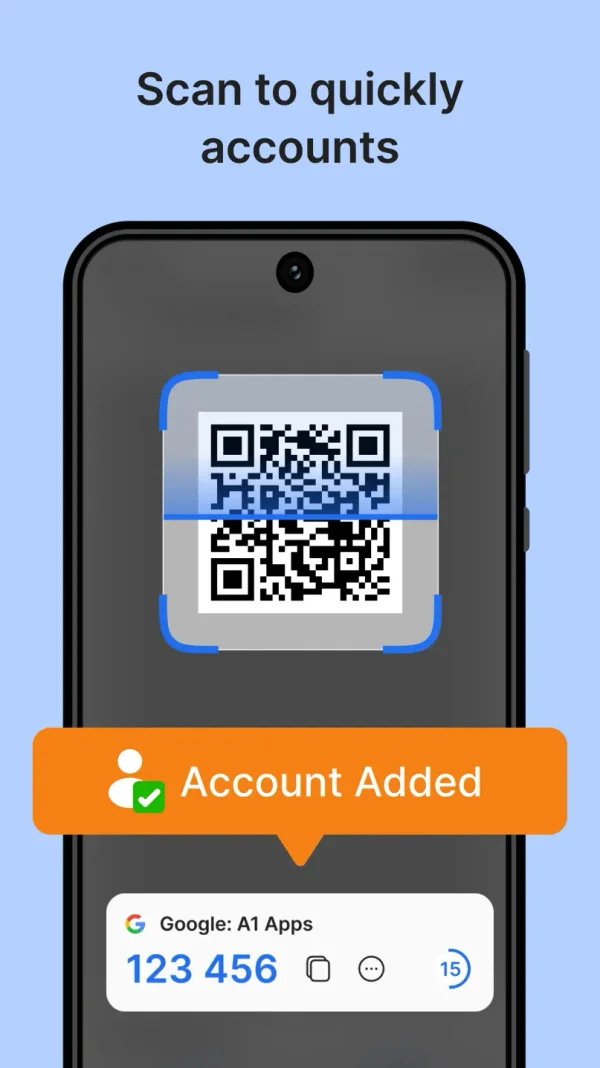
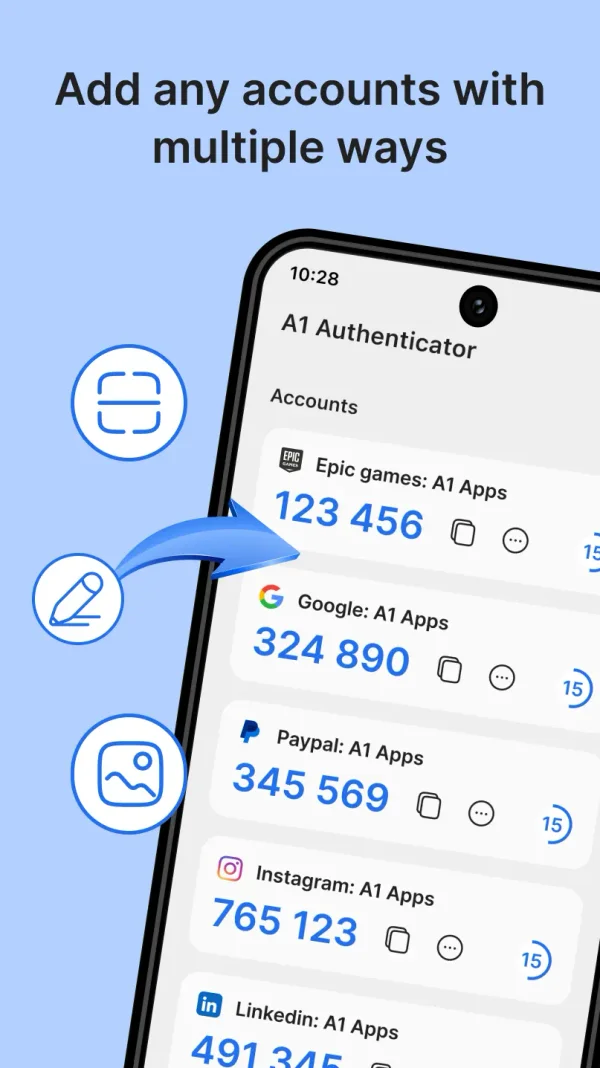
✅ QRコードによる自動セットアップ
✅ ダークモード:アプリを快適に使用可能
A1 Authenticator が多要素認証アプリである理由:
1) オフライン機能
インターネットに接続できなくても問題ありません!当アプリは、ネットワーク接続を必要とせずに安全なワンタイムパスワード(OTP)を生成できます。
2) 安全なバックアップ
オフラインバックアップとアカウント復元オプションにより、安心してデータを保護できます。
データ保護はまだ間に合います。今すぐA1 Authenticatorアプリを使い始めて、オンラインアカウントを保護しましょう。
今すぐA1 Authenticatorアプリを使い始めましょう。
原文を表示
Simple two-factor authentication is available for your account and other compatible apps with A1 Authenticator. With A1 Authenticator App, you get all the security without any of the hassle thanks to one-tap verification and safe cloud backup.
Forget passwords—use your phone to log in! Enter your username, then approve the login request on your phone. This two-step verification adds an extra layer of security with your fingerprint, face ID, or PIN. After completing the two-factor authentication (2FA), you’ll gain access to all your account details.
Features:
✅ Produces 6-digit codes every 30 seconds
✅ Notifies users via push notification for one-tap clearance
✅ Provides a free encrypted backup
✅ Assistance with SMS codes
✅ QR code-based automated setup
✅ Dark Mode: Use the app with comfort
Why A1 Authenticator is a multi factor authentication app:
1) Offline Functionality
Disconnected from the internet? It’s not an issue! Our app can generate secure one-time passwords (OTPs) without needing a network connection
2) Secure Backups
You can safeguard your data without worrying thanks to options for offline backup and account restoration.
It’s not too late to protect your data, so what are you waiting for? Start using the A1 Authenticator app today and Protect your online accounts
Start using the A1 Authenticator app today.
データ セーフティ
このアプリが収集・共有するデータについて、AI Document Apps - Edit, Scan, ConvertがGoogle Playで申告している内容です。
- 第三者と共有されるデータはありません詳しくは、デベロッパーが共有を申告する方法についての説明をご覧ください
- このアプリは以下の種類のデータを収集することがあります個人情報、アプリのアクティビティ、他 2 件
- データは送信中に暗号化されます
- データを削除できません
新機能
バージョン 1.2.8 · 2025/12/29
📝 Release Notes – v1.2.8
New:
👔 Bug Fixes + Improved Tablet UX
開発元の連絡先
- ウェブサイトa1apps.co
- メールrpdev92@gmail.com
- プライバシーポリシーsites.google.com
- 住所Building A1, Dubai Digital Park, Dubai Silicon Oasis إمارة دبيّ United Arab Emirates
情報
- 提供元
- AI Document Apps - Edit, Scan, Convert
- カテゴリ
- ツール
- バージョン
- 1.2.8
- 更新日
- 2025/12/29
- リリース
- 2024/8/14
- 必要条件
- Android 7.0以降
- 対象年齢
- 3 歳以上
- 価格
- 無料
- アプリ内課金
- ¥750~¥11,100/アイテム
- パッケージ名
- com.a1.authenticator
類似のアプリ
-
 Daypad - Simple Time Tracker
仕事効率化
-
 Octopus: Planner, Goal Tracker
仕事効率化
-
 4.Do: タスク&ToDoリスト
仕事効率化
-
 パスワード管理 ロボフォーム
仕事効率化
-
 ParkUsher: Find Parking Easily
地図&ナビ
-
 Ivy Wallet: money manager
ファイナンス
-
 デバイスケア
ツール
-
 Pushover
仕事効率化
-
 PDK Access by ProdataKey
ライフスタイル
-
 Diarium: 日記アプリ・写真日記
ライフスタイル
-
 Braive
健康&フィットネス
-
 認証アプリ
仕事効率化