Automate
LlamaLabアプリ内課金
- 3 歳以上対象年齢
- ツールカテゴリ
- 2026/10/27更新日
- 無料価格
com.llamalab.automateのGoogle Play公式ページにリンクしています。最終確認:2026/11/20。

スクリーンショット
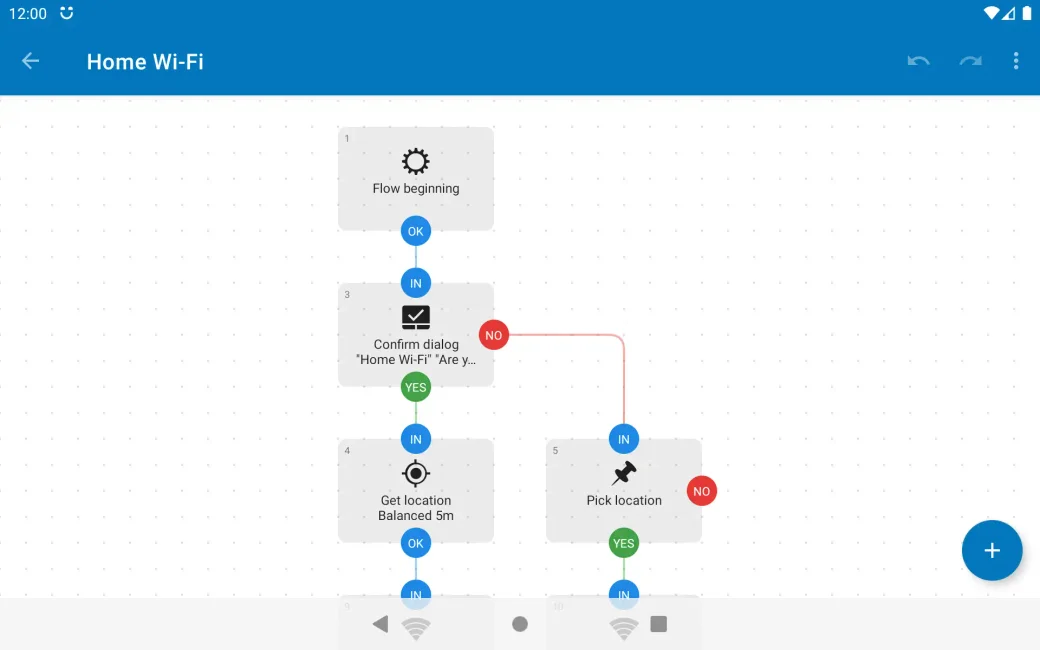
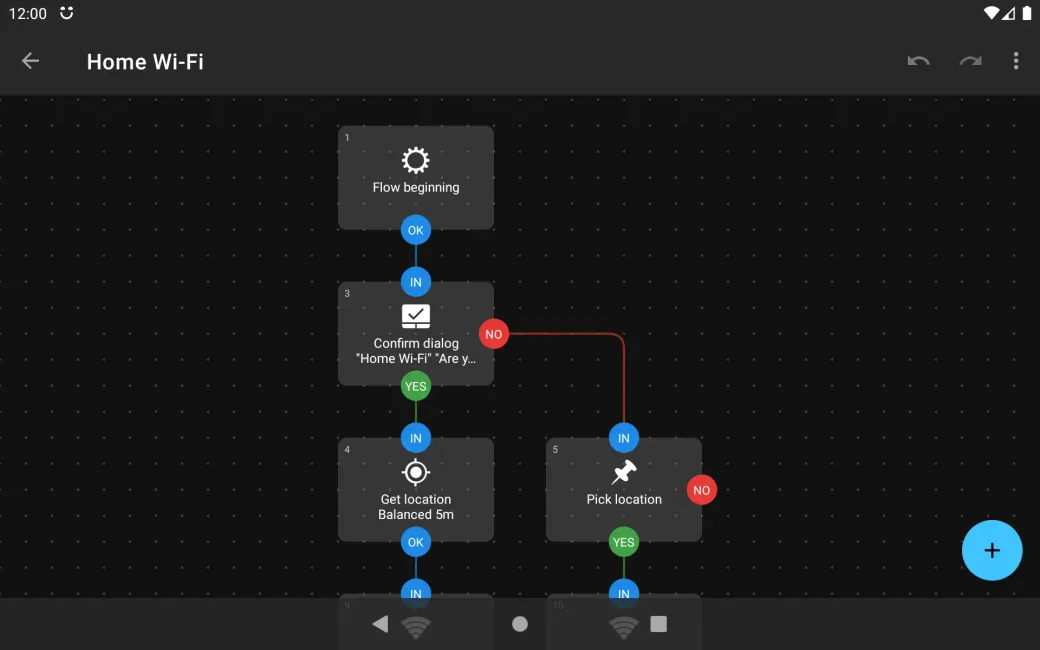
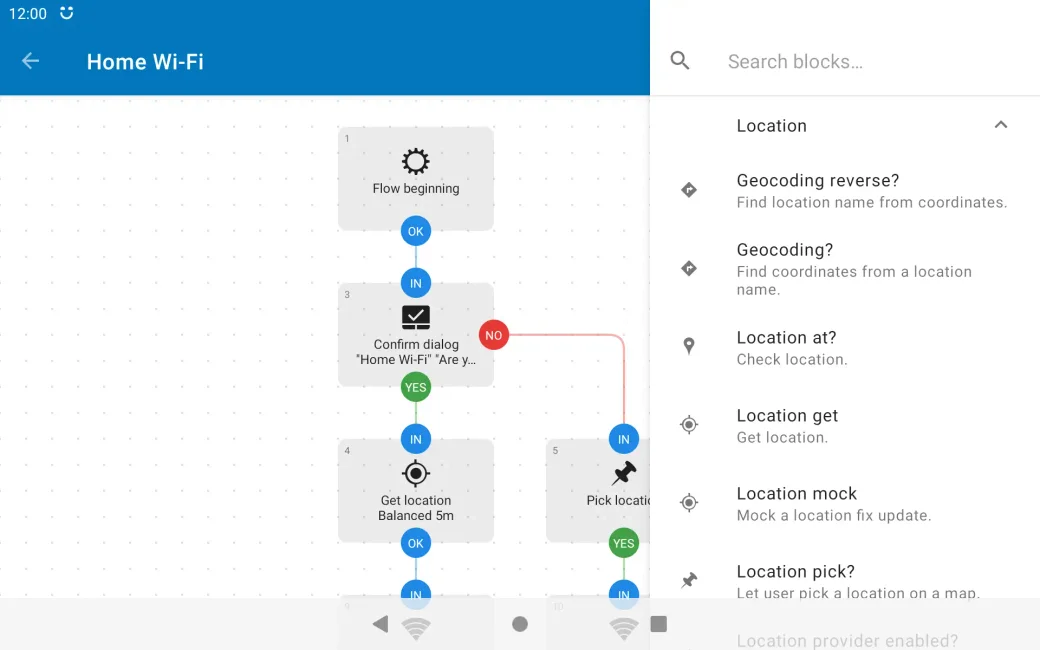
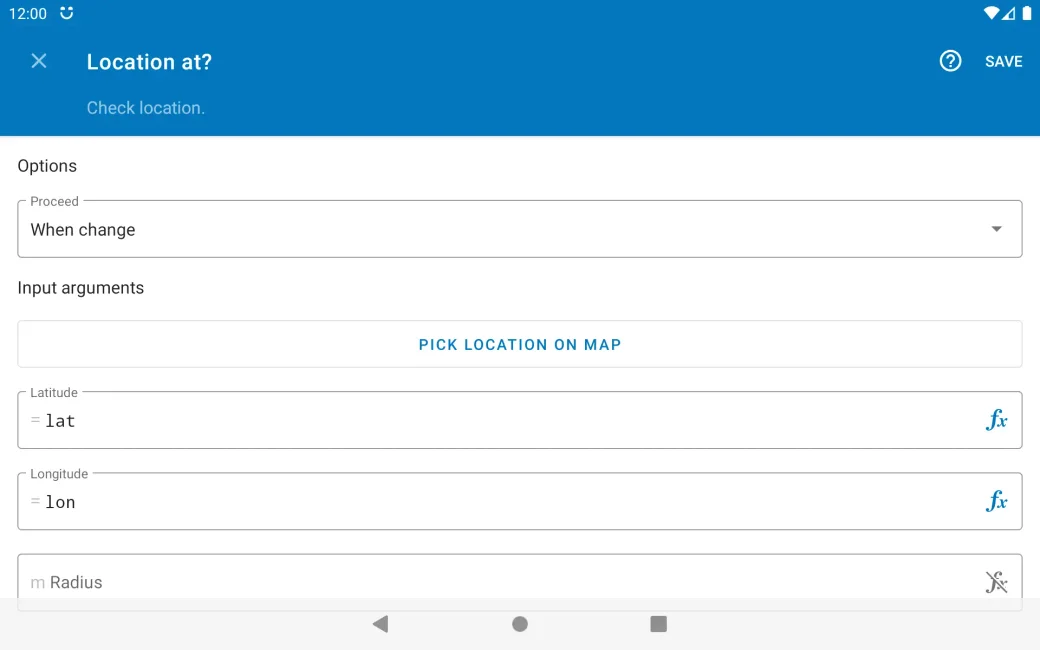
このアプリについて
Googleによる英語 (アメリカ合衆国)からの自動翻訳です。
ほぼすべてのタスクを実行できる Android 用の自動化アプリ。
Androidデバイスの自動化が簡単に。Automateで毎日のルーティンを自動化しましょう:
📂 デバイスとリモートストレージのファイル管理
☁️ アプリとファイルのバックアップ
✉️ メッセージの送受信
📞 電話のコントロール
🌐 オンラインコンテンツへのアクセス
📷 写真撮影、音声・動画録画
🎛️ デバイス設定の構成
🧩 他のアプリとの連携
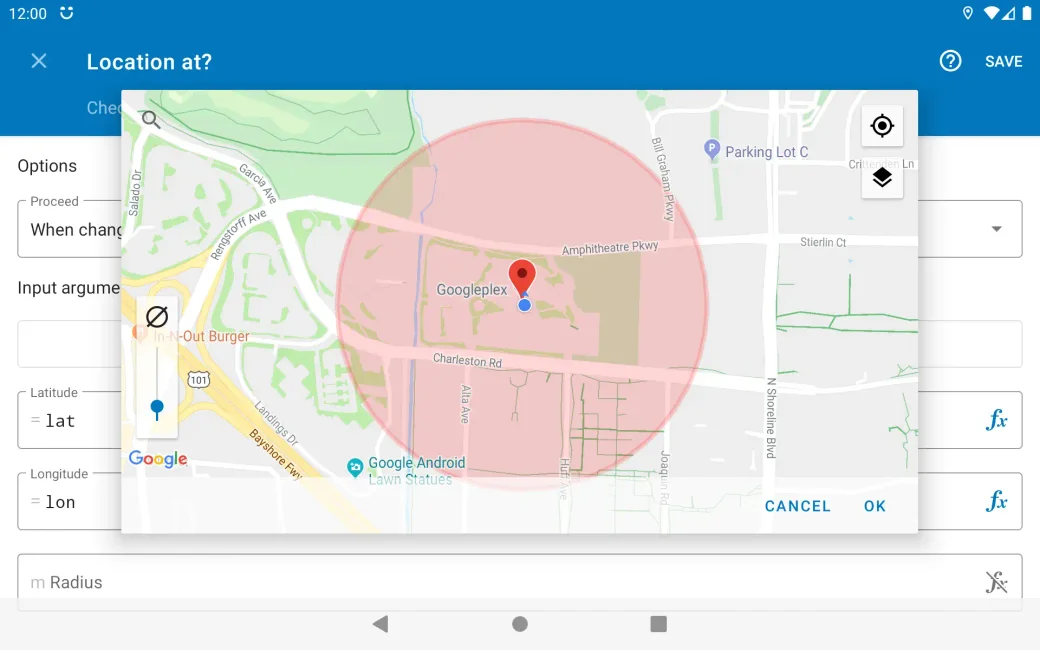
⏰ タスクを手動、スケジュール設定、特定の場所への到着時、運動開始時など、様々なタイミングで開始できます。
シンプルながらパワフル
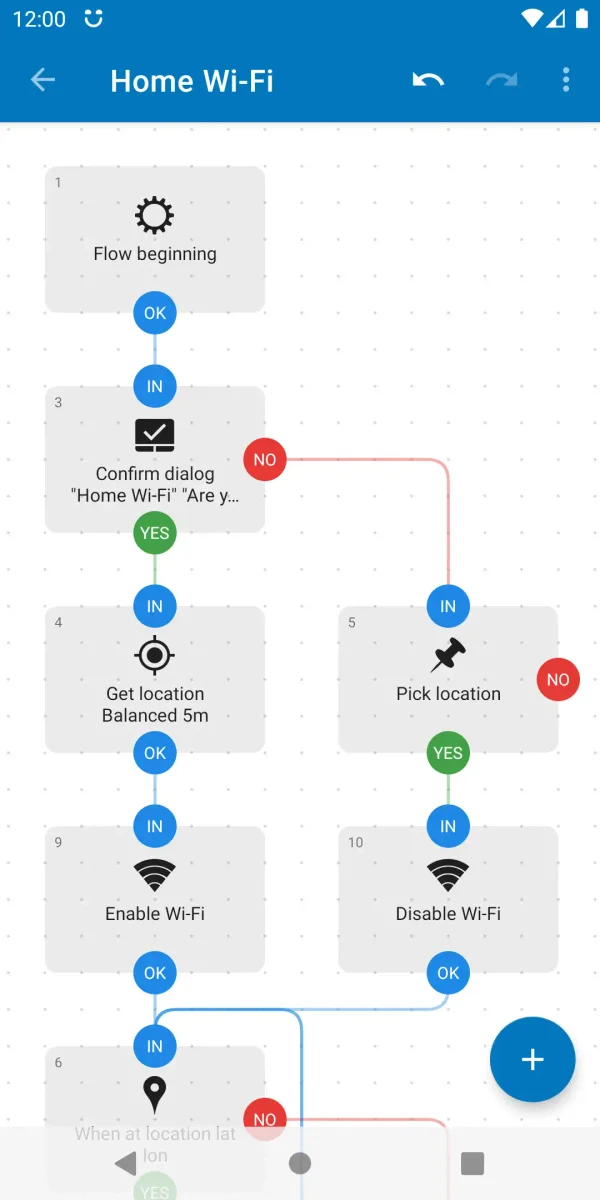
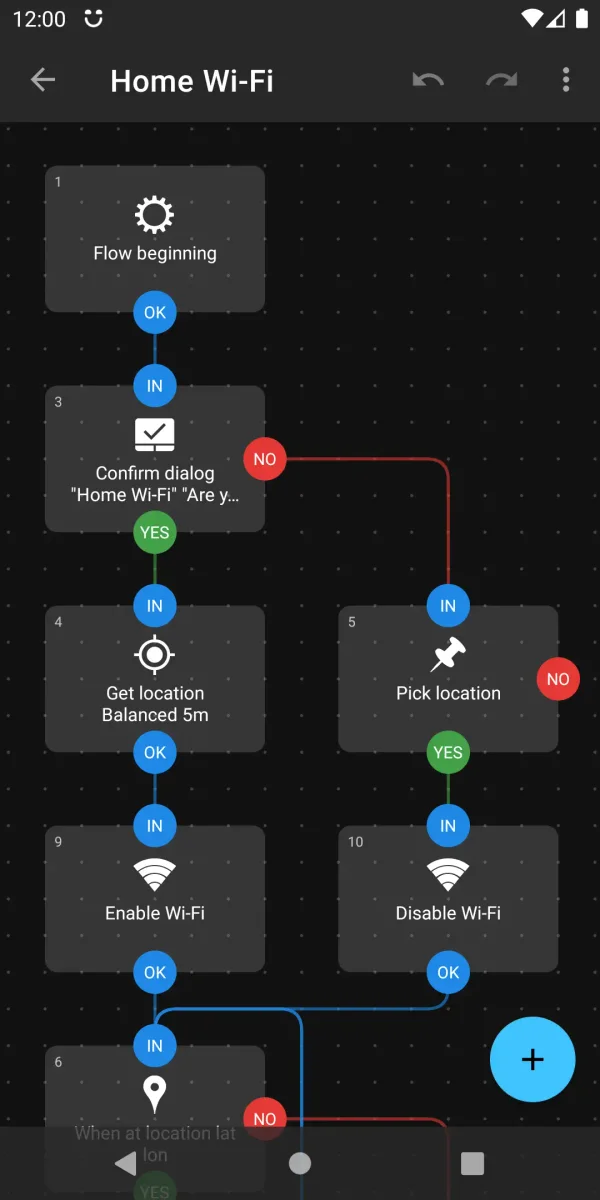
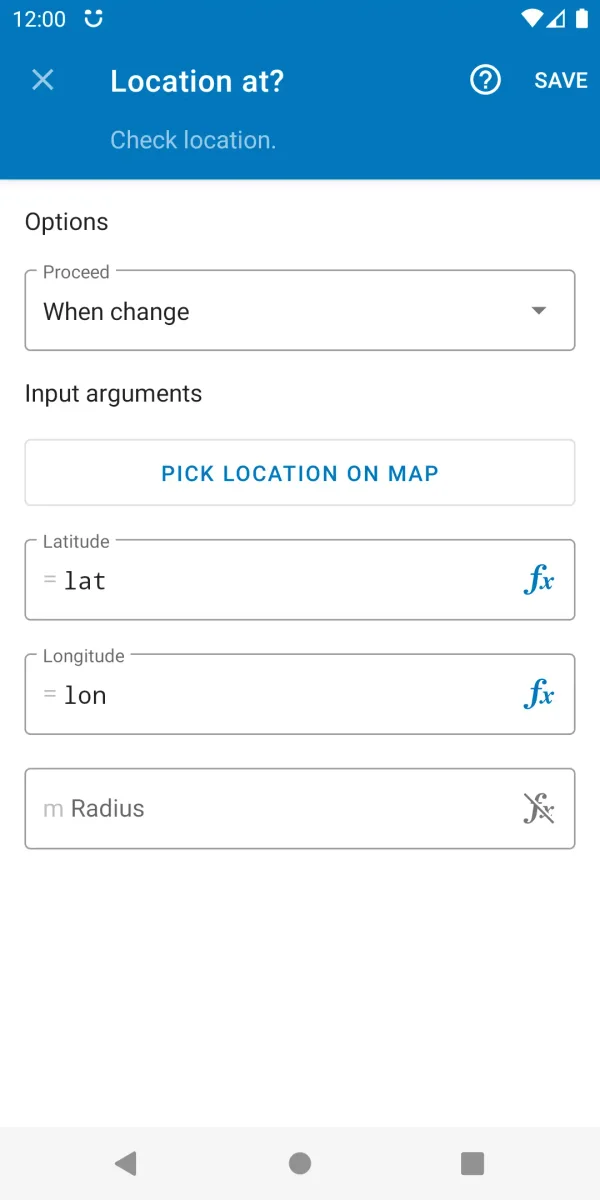
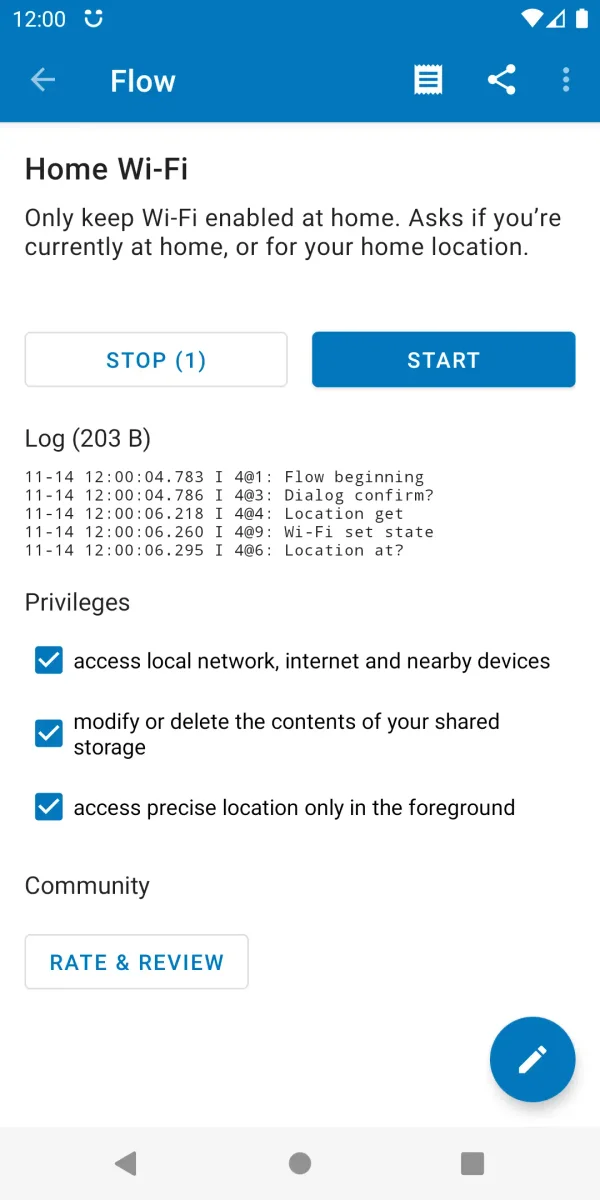
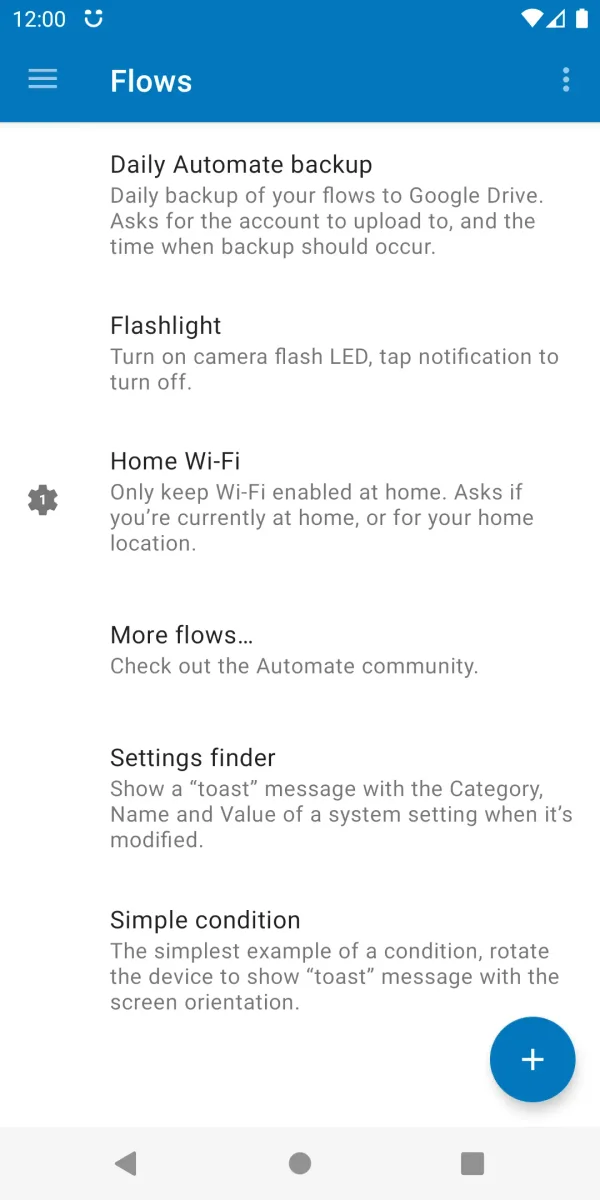
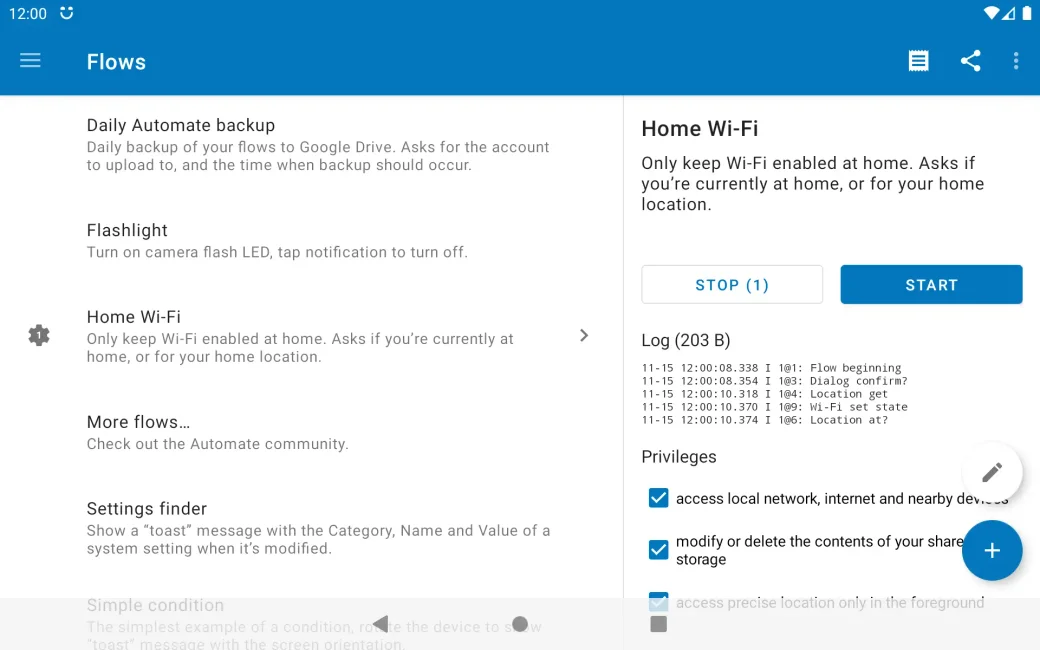
フローチャートを描くだけで自動化タスクを作成できます。ブロックを追加して接続するだけで簡単に設定でき、初心者はあらかじめ定義されたオプションで設定できます。上級者は式、変数、関数を使ってさらに高度な設定を行うことができます。
オールインワン
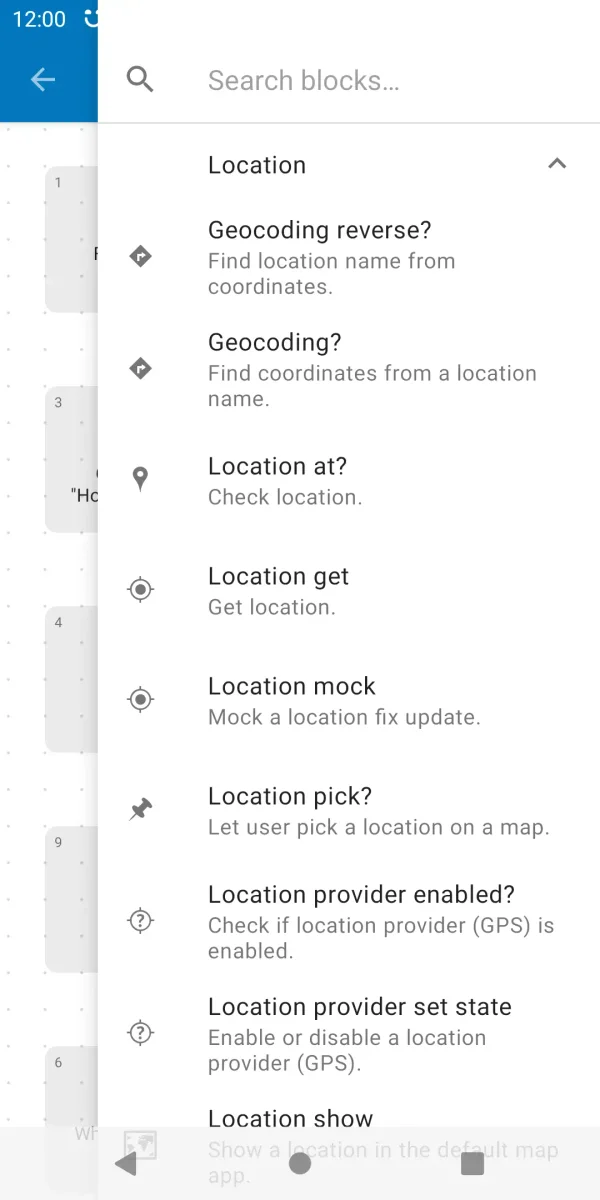
Androidスマートフォンやタブレットのほぼすべての機能は、付属の410種類以上のビルディングブロックを使ってアクセスできます。
https://llamalab.com/automate/doc/block/
作品を共有
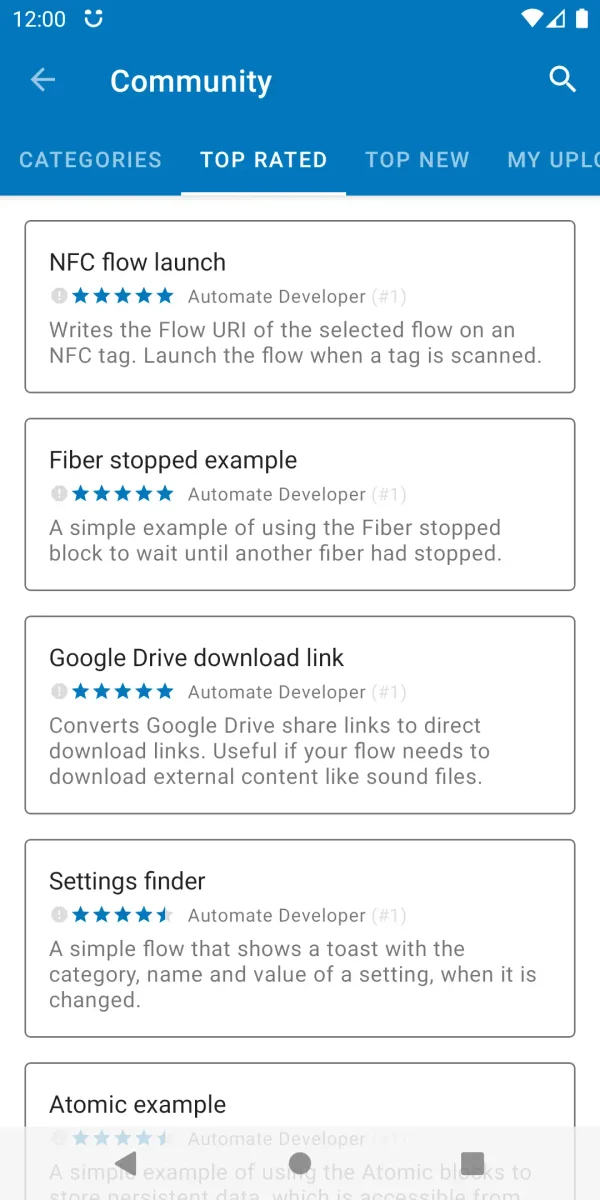
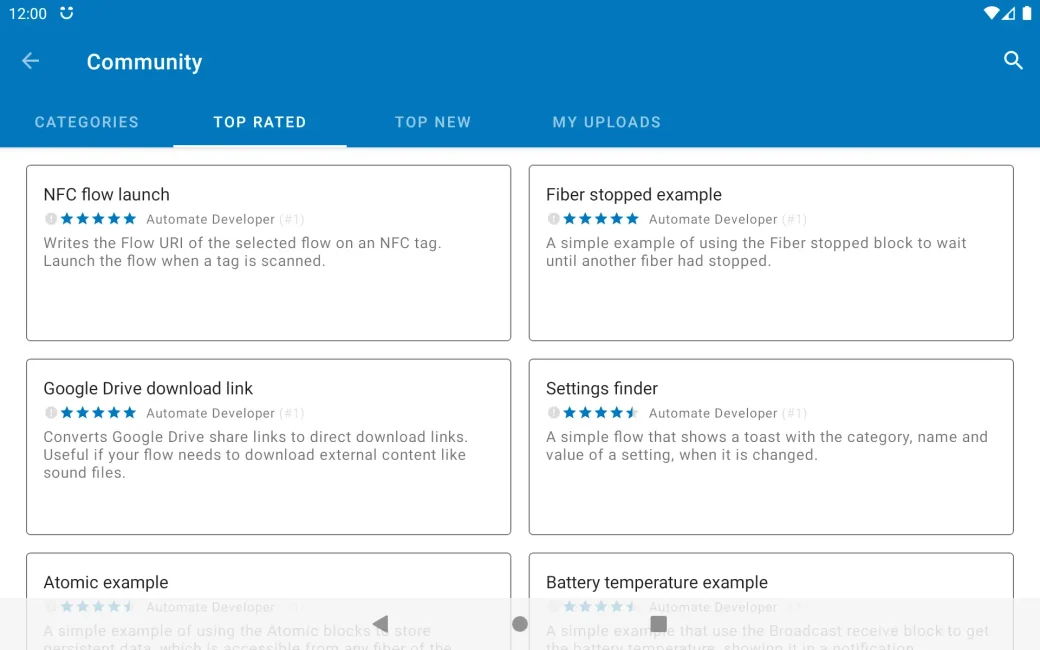
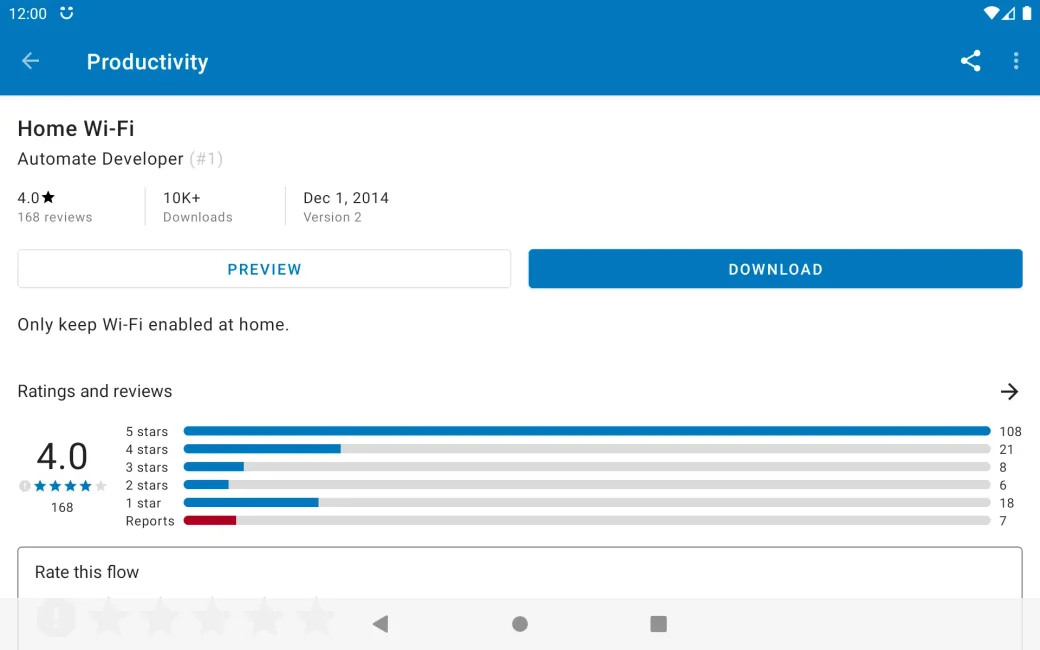
他のユーザーが作成・共有した自動化フローをダウンロードして、時間を節約しましょう。アプリ内コミュニティセクションからダウンロードできます。
https://llamalab.com/automate/community/
コンテキスト認識
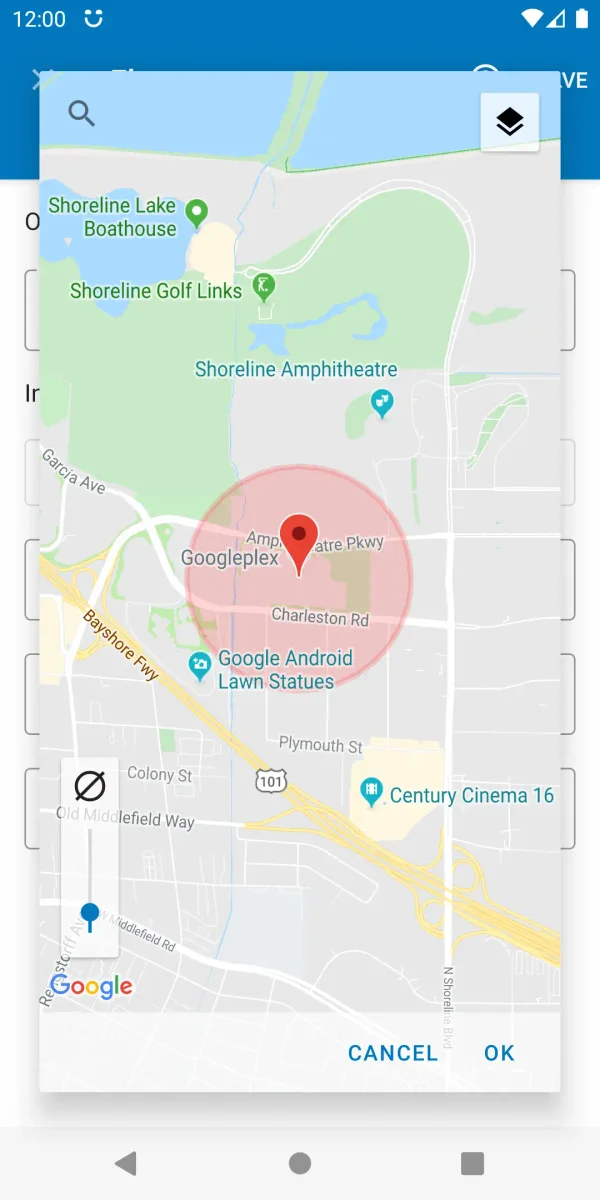
時間帯、現在地(ジオフェンシング)、カレンダーの予定、現在開いているアプリ、接続中のWi-Fiネットワーク、バッテリー残量、運動量、心拍数、歩数など、数百もの条件やトリガーに基づいて、繰り返しタスクを実行できます。
完全な制御
すべてを自動化する必要はありません。ホーム画面のウィジェットやショートカット、クイック設定タイル、通知、画面上のフローティングボタン、Bluetoothヘッドセットのメディアボタン、音量ボタンなどのハードウェアボタン、NFCタグのスキャンなどを使って、複雑なタスクを手動で開始できます。
ファイル管理
デバイス、SDカード、外部USBドライブ上のファイルの削除、コピー、移動、名前変更。ZIPアーカイブの解凍と圧縮。テキストファイル、CSV、XML、その他のドキュメントの処理。
デイリーバックアップ
アプリとファイルをリムーバブルSDカードとリモートストレージにバックアップ。
ファイル転送
Googleドライブ、Microsoft OneDrive、FTPサーバー、およびHTTP経由でアクセス可能なオンラインストレージに保存されているファイルのアップロードとダウンロード。
コミュニケーション
内蔵クラウドメッセージングサービスを使用して、SMS、MMS、Eメール、Gmailなどのデータを送信。着信電話の管理、通話スクリーニング。内蔵Webサーバーを使用して着信HTTPリクエストを受信。
カメラ、サウンド、アクション
カメラで素早く写真を撮影、スクリーンショットを撮影、ビデオ録画、音声認識、音声認識。音声再生とテキスト読み上げ。画像の一括処理、トリミング、拡大縮小、回転を行い、JPEGまたはPNG形式で保存。OCRを使用して画像内のテキストを読み取り。 QRコードの生成とバーコードのスキャン。
デバイス設定
ほとんどのシステム設定を変更できます。音量調整、画面の明るさ調整、おやすみモードの制御、モバイルネットワーク(3G/4G/5G)の切り替え、Wi-Fi、ホットスポット/テザリング、機内モード、省電力モードの切り替えなど、様々な操作が可能です。
すべてをカスタマイズ
高度なホーム画面ウィジェット、壁紙、スクリーンセーバーをカスタムレイアウトデザインで作成できます。
アプリ連携
Locale/TaskerプラグインAPIをサポートするアプリを簡単に連携できます。それ以外の場合は、Androidのあらゆる機能を利用して連携できます。アプリのアクティビティやサービスを開始したり、ブロードキャストを送受信したり、コンテンツプロバイダにアクセスしたり、最終手段としてシェルコマンドを実行したり、スクリーン・スクレイピングを実行したり、ユーザー入力をシミュレートしたりすることも可能です。
詳細なドキュメント
アプリ内には詳細なドキュメントが掲載されています。
https://llamalab.com/automate/doc/
サポートとフィードバック
問題の報告やサポート依頼は、Google Playストアのレビューコメントではなく、ヘルプとフィードバックメニューまたは以下のリンクをご利用ください。
• Reddit: https://www.reddit.com/r/AutomateUser/
• フォーラム: https://groups.google.com/g/automate-user
• メール: info@llamalab.com
このアプリは、UIとのインタラクション、キー入力の傍受、スクリーンショットの撮影、「トースト」メッセージの読み上げ、フォアグラウンドアプリの判別、指紋認証ジェスチャーの取得などの機能を提供するために、アクセシビリティAPIを使用しています。
このアプリは、ログイン失敗の確認と画面ロックの有効化などの機能を提供するために、デバイス管理者権限を使用しています。
原文を表示
Android device automation made easy. Let Automate perform your daily routine automatically:
📂 Manage files on device and remote storage
☁️ Backup apps and files
✉️ Send and receive messages
📞 Control phone calls
🌐 Access online content
📷 Take pictures, record audio and video
🎛️ Configure device settings
🧩 Integrate other apps
⏰ Start tasks manually, on a schedule, when reaching a location, starting a physical activity and much more
SIMPLE, YET POWERFUL
Create your automated tasks by drawing flowcharts, simply add and connect blocks, novices can then configure them with predefined options, while experienced users may use expressions, variables and functions.
ALL-INCLUSIVE
Almost every feature on your Android smartphone or tablet can be accessed using the more than 410 building blocks that’s included:
https://llamalab.com/automate/doc/block/
SHARE YOUR WORK
Save time by downloading complete automation “flows” that other users already made and shared through the in-app community section:
https://llamalab.com/automate/community/
CONTEXT AWARE
Perform recurring tasks based on the time of day, your location (geofencing), events in your calendar, app currently open, connected Wi-Fi network, remaining battery, physical activity, heart rate, steps taken, and hundreds of other conditions and triggers.
TOTAL CONTROL
Not everything needs to be automatic, manually start complex tasks by clicking home screen widgets & shortcuts, Quick Settings tiles, notifications, floating on-screen buttons, media buttons on your Bluetooth headset, volume & other hardware buttons, by scanning NFC tags and more.
FILE MANAGEMENT
Delete, copy, move and rename files on your device, SD card and external USB drive. Extract and compress zip archives. Process text files, CSV, XML and other documents.
DAILY BACKUPS
Backup your apps and files to removable SD card and remote storage.
FILE TRANSFER
Upload and download files stored on Google Drive, Microsoft OneDrive, FTP server, and online when accessible through HTTP.
COMMUNICATIONS
Send SMS, MMS, e-mail, Gmail, and other data through the built-in cloud messaging service. Manage incoming phone calls, perform call screening. Accept incoming HTTP requests using a built-in web server.
CAMERA, SOUND, ACTION
Quickly take photos using the camera, take screenshots, record video, audio and speech recognition. Playback audio and text-to-speech. Bulk process images, crop, scale and rotate them then save as JPEG or PNG. Read text in images using OCR. Generate QR codes and scan barcodes.
DEVICE CONFIGURATION
Change most system settings, adjust audio volume, lower screen brightness, control Do Not Disturb, switch mobile network (3G/4G/5G), toggle Wi-Fi, hotspot/tethering, airplane mode, power save mode and much more.
CUSTOM EVERYTHING
Create advanced home screen widgets, wallpapers and screensavers with custom layout designs.
APP INTEGRATION
Easily integrate apps supporting the Locale/Tasker plug-in API. Otherwise, use every Android capability to do so, start app activities & services, send & receive broadcasts, access content providers, or as a last resort, execute shell commands, do screen scraping, and simulate user inputs.
EXTENSIVE DOCUMENTATION
The full documentation is readily available within the app:
https://llamalab.com/automate/doc/
SUPPORT & FEEDBACK
Please don’t report problems or ask for support through Google Play store review comment, use the Help & feedback menu or the links below:
• Reddit: https://www.reddit.com/r/AutomateUser/
• Forum: https://groups.google.com/g/automate-user
• E-mail: info@llamalab.com
This app uses the Accessibility API to provide features that interact with the UI, intercept key presses, take screenshots, read “toast” messages, determine foreground app and capture fingerprint gestures.
This app uses the Device Administrator permission to provide features that check for failed login attempts and engage screen lock.
データ セーフティ
このアプリが収集・共有するデータについて、LlamaLabがGoogle Playで申告している内容です。
- このアプリはサードパーティと以下の種類のデータを共有することがあります個人情報、アプリのアクティビティ、他 2 件
- このアプリは以下の種類のデータを収集することがあります個人情報、アプリのアクティビティ、他 2 件
- データは送信中に暗号化されます
- データを削除するようリクエストできます
新機能
バージョン 1.54.0-play · 2026/10/27
• Bluetooth device scan block got Filters input argument
• Dialog web block got Keychain alias input argument (Android 5+)
• Inspect layout and Interact blocks got Strict input argument
• Bluetooth connect workaround setting (Android 5.1+)
• Chronometer UI element got android:started attribute
• Permission to access the AnkiDroid content provider
• Fixed Privileged service start method guidance for Android 17
開発元の連絡先
- ウェブサイトllamalab.com
- メールinfo@llamalab.com
- プライバシーポリシーllamalab.com
- 住所Rehnsgatan 22, Lgh 1502 113 57 Stockholm Sweden
情報
- 提供元
- LlamaLab
- カテゴリ
- ツール
- バージョン
- 1.54.0-play
- 更新日
- 2026/10/27
- リリース
- 2014/9/7
- 必要条件
- Android 4.0以降
- 対象年齢
- 3 歳以上
- 価格
- 無料
- アプリ内課金
- ¥500/アイテム
- パッケージ名
- com.llamalab.automate
類似のアプリ
-
 ScreenStream
ツール
-
 MacroDroid - デバイス自動化
ツール
-
 TAP Kiln Control Mobile
ツール
-
 Orion Intelligence
ツール
-
 WiFiman
ツール
-
 IFTTT - 職場と自宅を自動化する
仕事効率化
-
 Macrorify - Image Auto Clicker
ツール
-
 MediaFire
仕事効率化
-
 TrebEdit - Mobile HTML Editor
ツール
-
 WolOn: Wake on LAN, SSH Widget
ツール
-
 Tooly All Tools In One ツールボックス
ツール
-
 RealVNC Viewer: Remote Desktop
仕事効率化