Automate
LlamaLabIn-app purchases
- EveryoneAge rating
- ToolsCategory
- Oct 27, 2026Updated
- FreePrice
Links to the official Google Play listing of com.llamalab.automate. Last checked on Nov 20, 2026.

Screenshots
About this app
An automation app for Android that can perform almost any task.
Android device automation made easy. Let Automate perform your daily routine automatically:
📂 Manage files on device and remote storage
☁️ Backup apps and files
✉️ Send and receive messages
📞 Control phone calls
🌐 Access online content
📷 Take pictures, record audio and video
🎛️ Configure device settings
🧩 Integrate other apps
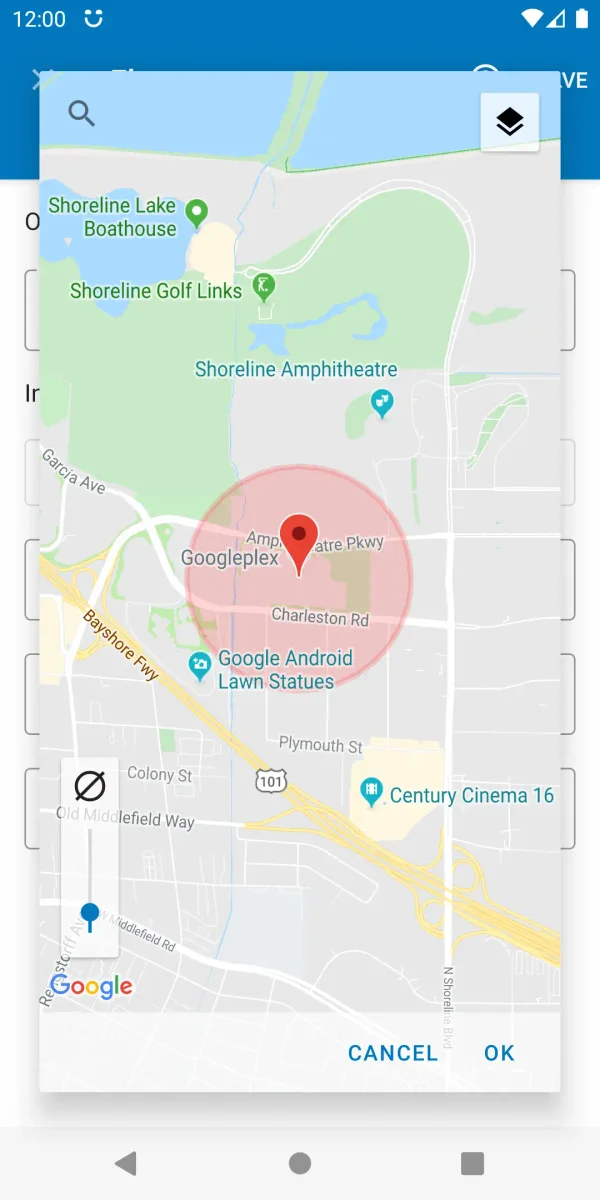
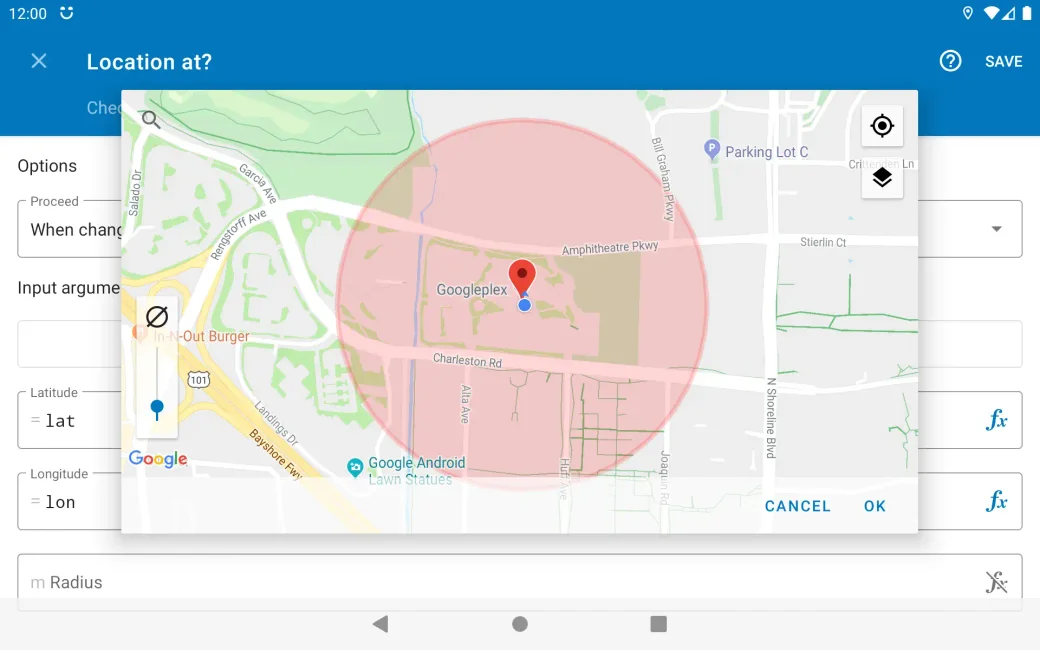
⏰ Start tasks manually, on a schedule, when reaching a location, starting a physical activity and much more
SIMPLE, YET POWERFUL
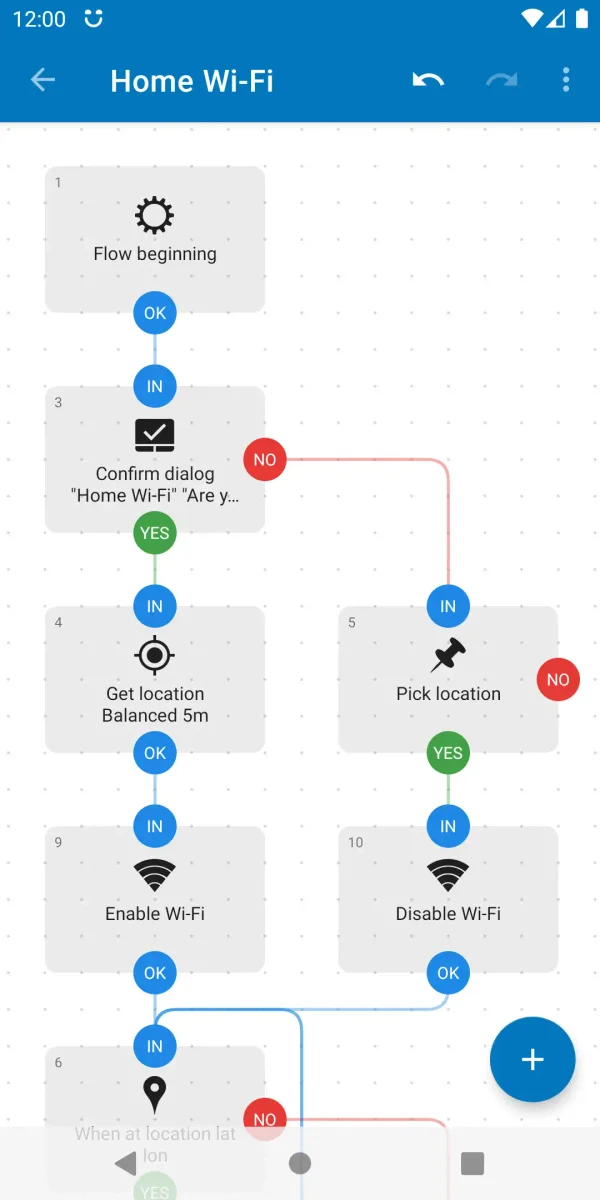
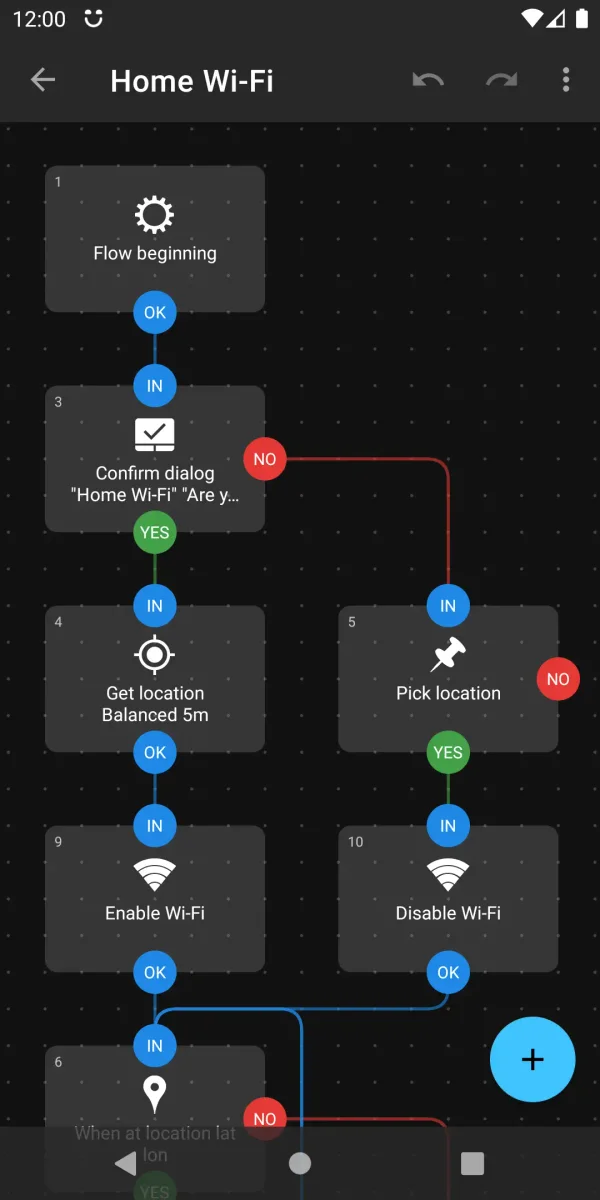
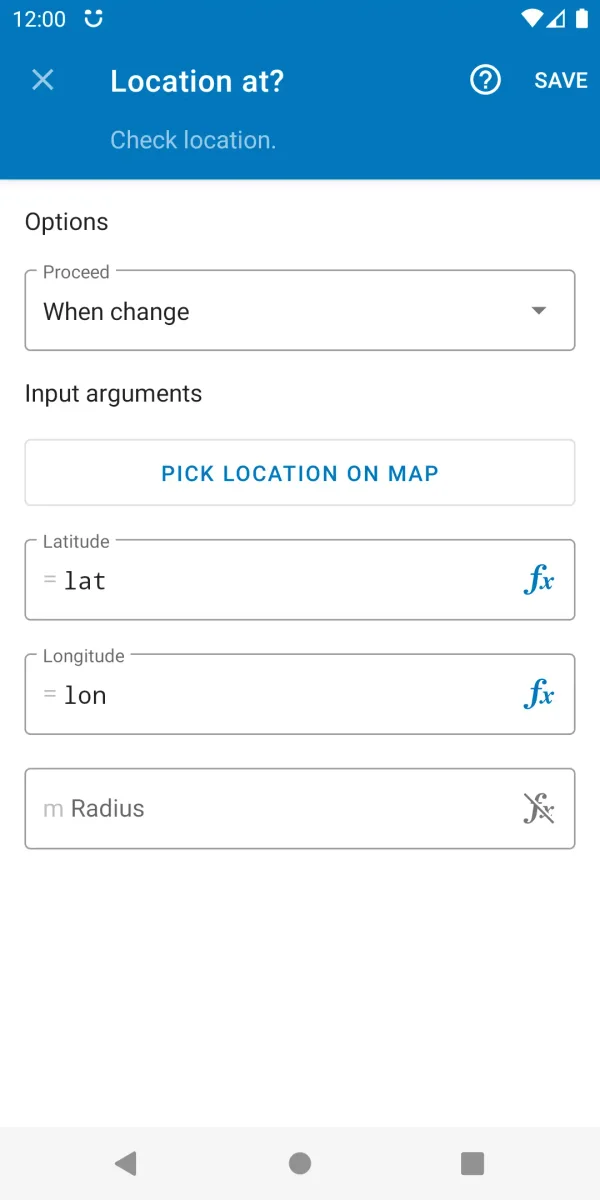
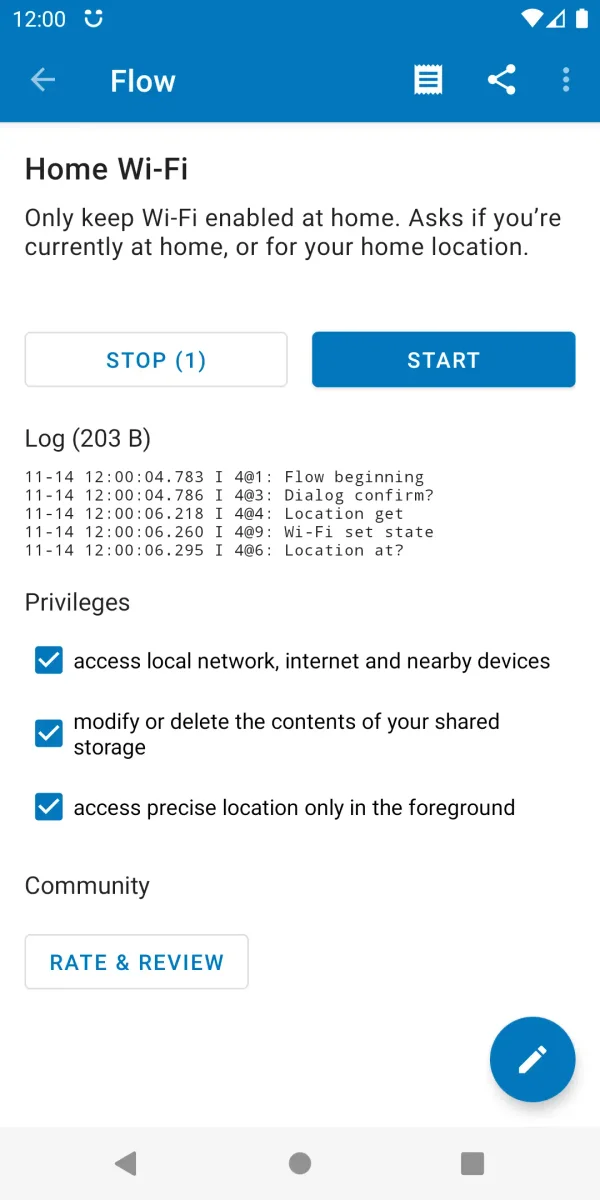
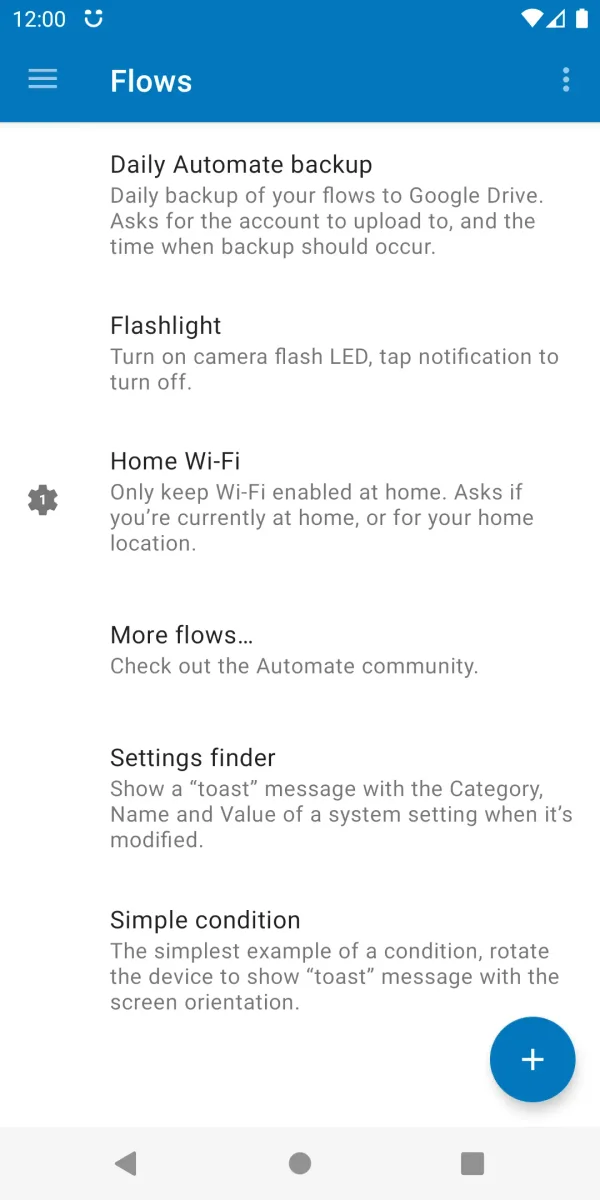
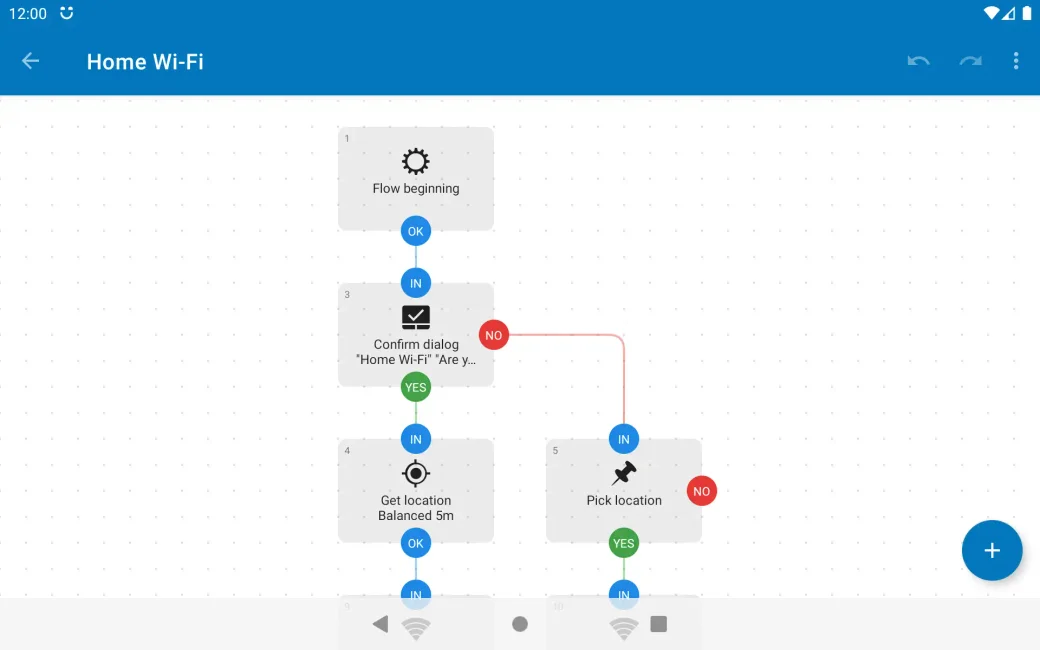
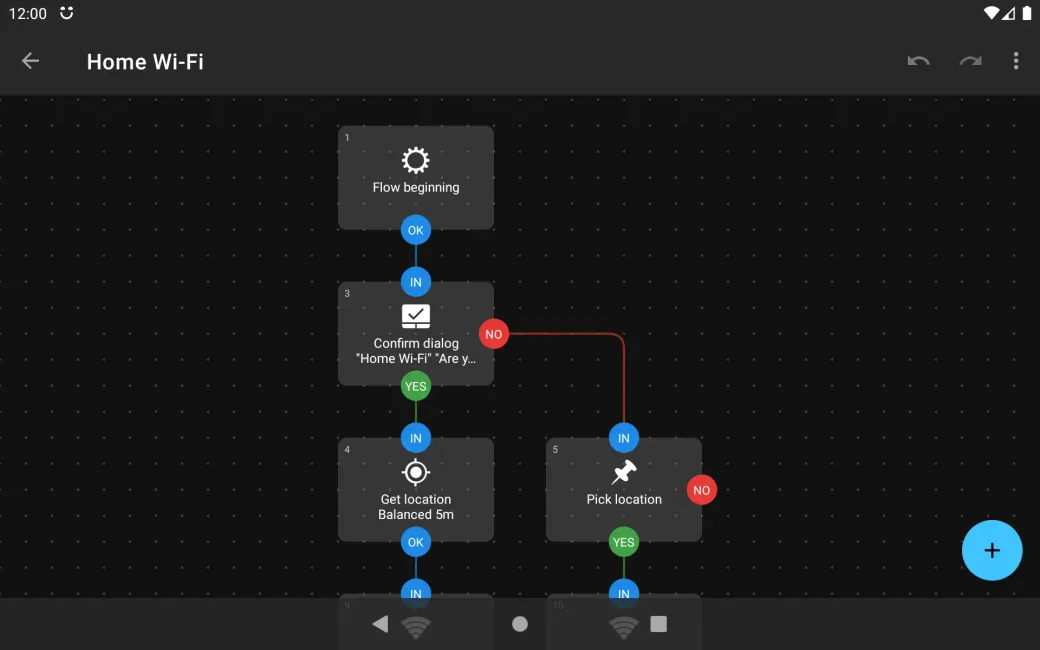
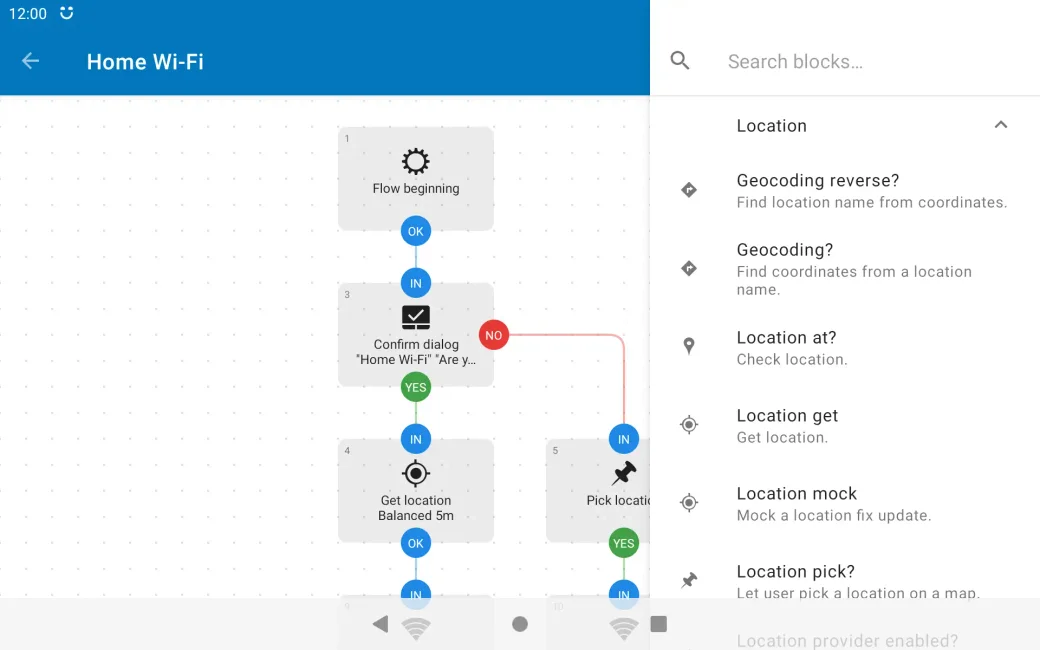
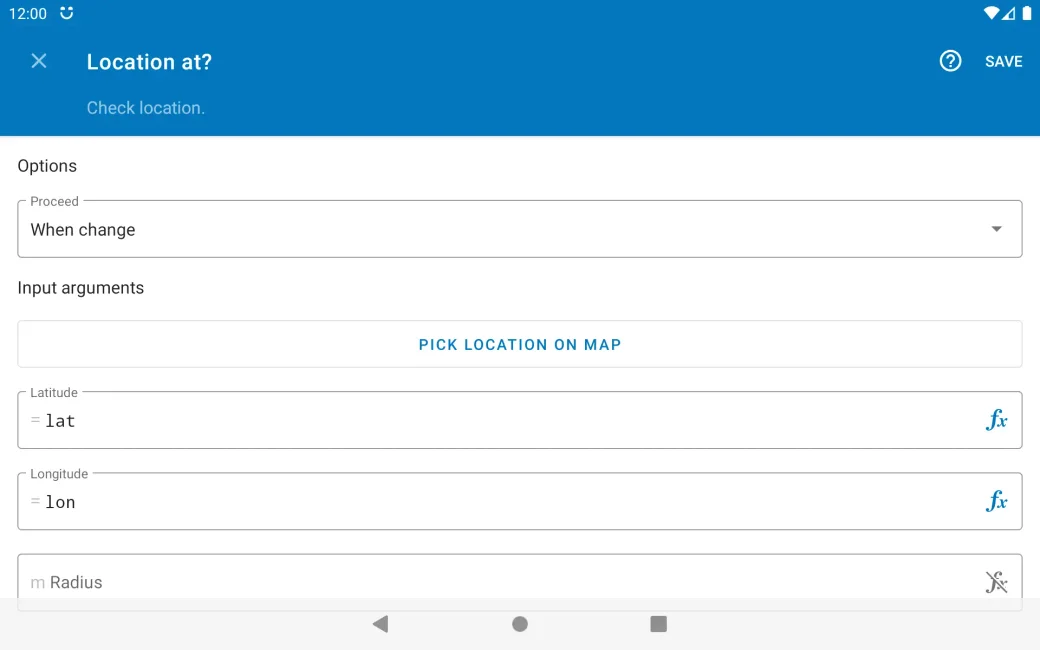
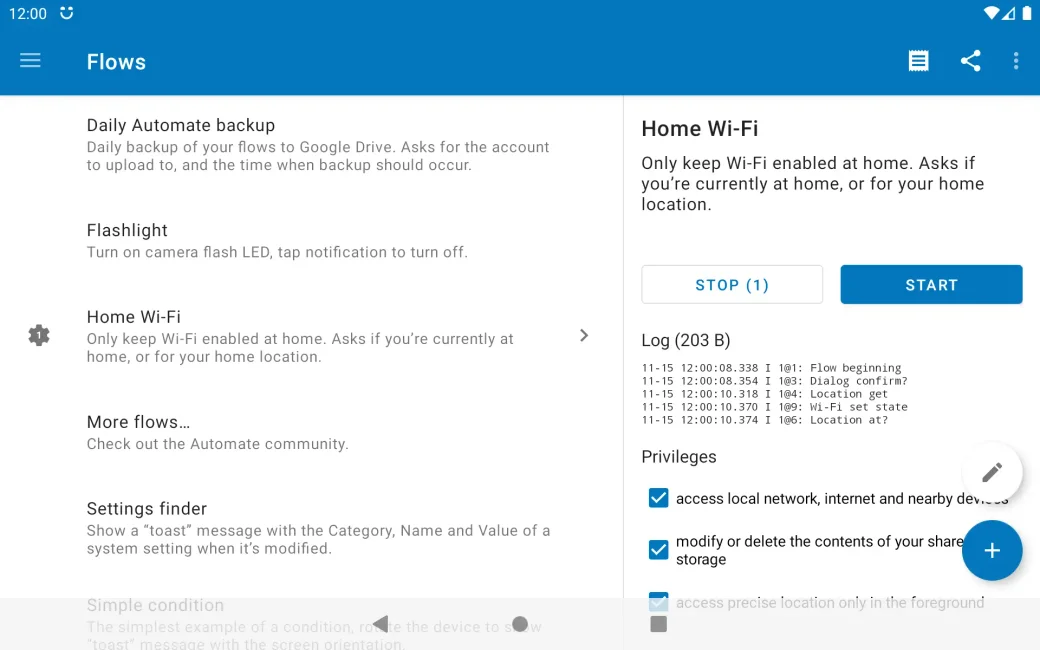
Create your automated tasks by drawing flowcharts, simply add and connect blocks, novices can then configure them with predefined options, while experienced users may use expressions, variables and functions.
ALL-INCLUSIVE
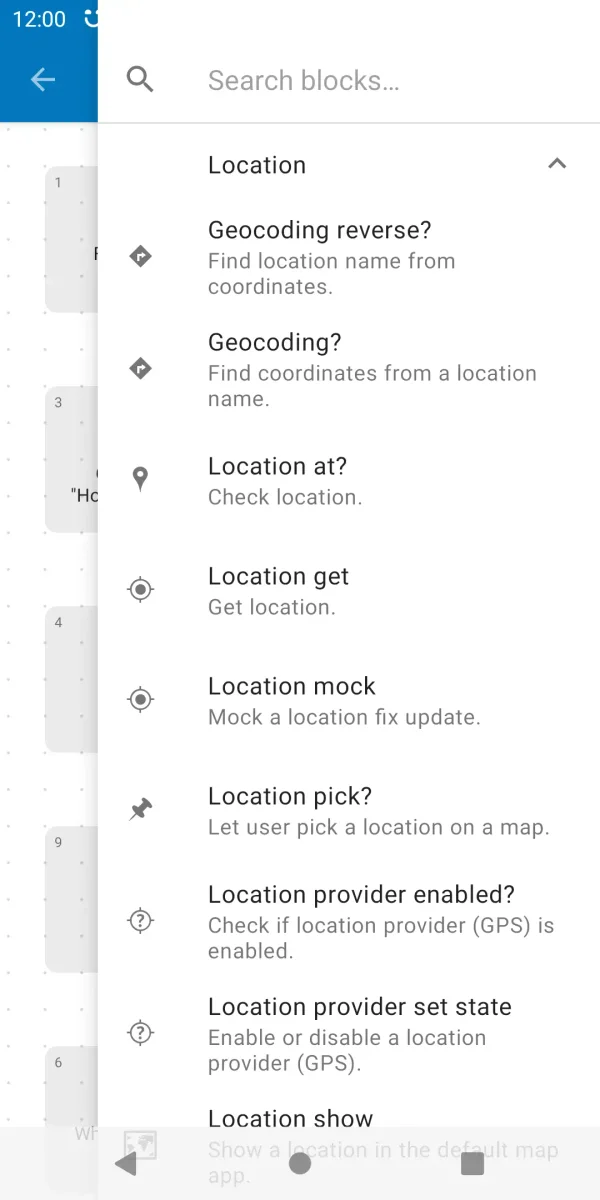
Almost every feature on your Android smartphone or tablet can be accessed using the more than 410 building blocks that’s included:
https://llamalab.com/automate/doc/block/
SHARE YOUR WORK
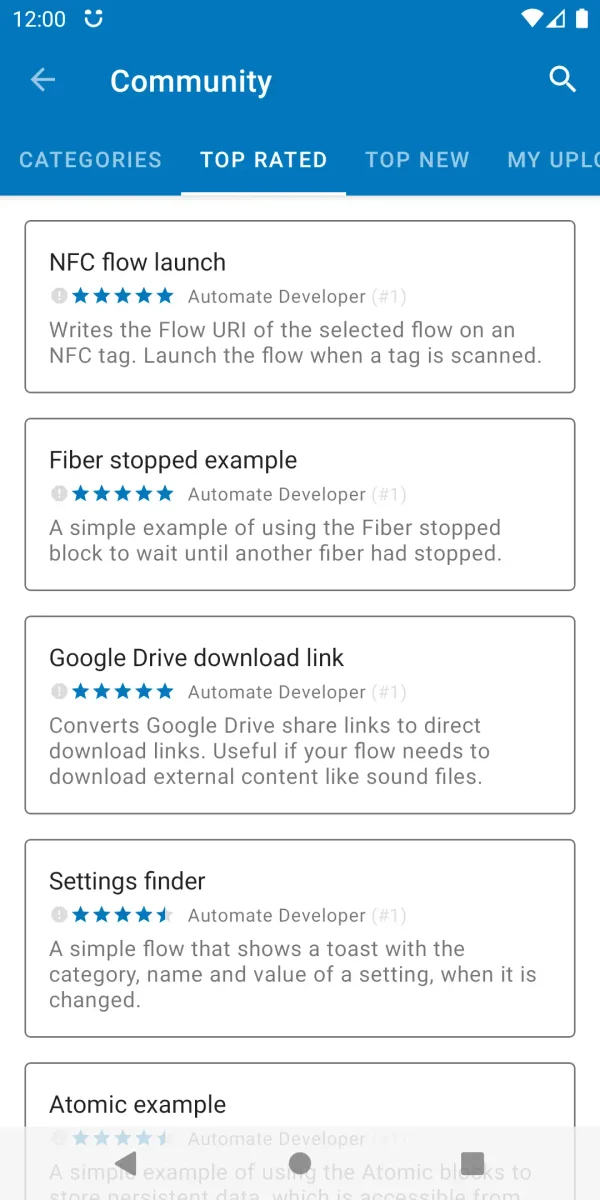
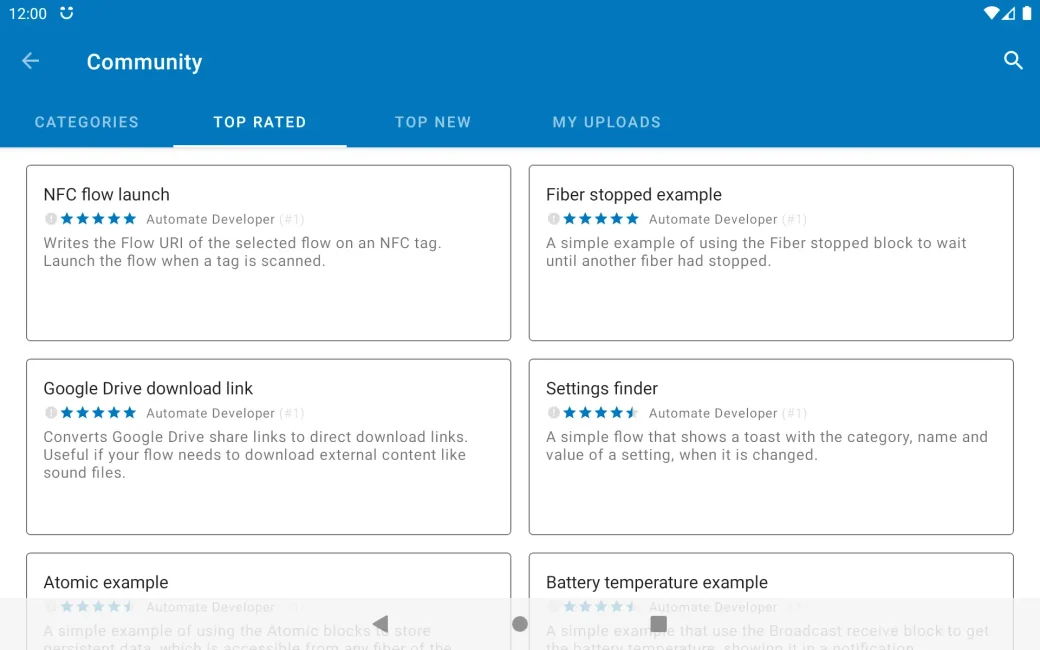
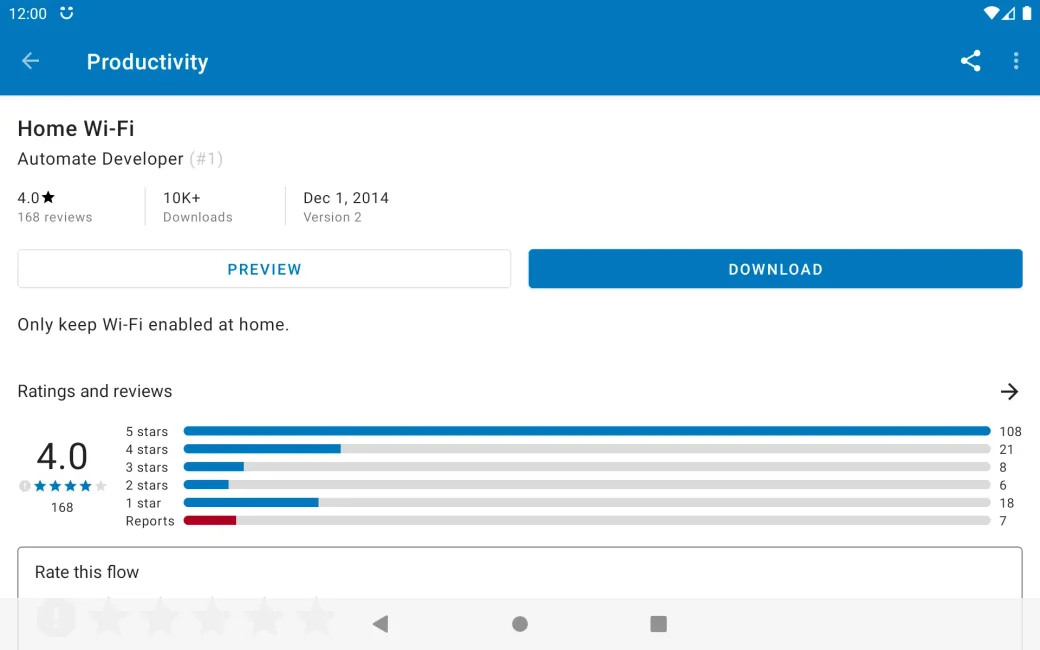
Save time by downloading complete automation “flows” that other users already made and shared through the in-app community section:
https://llamalab.com/automate/community/
CONTEXT AWARE
Perform recurring tasks based on the time of day, your location (geofencing), events in your calendar, app currently open, connected Wi-Fi network, remaining battery, physical activity, heart rate, steps taken, and hundreds of other conditions and triggers.
TOTAL CONTROL
Not everything needs to be automatic, manually start complex tasks by clicking home screen widgets & shortcuts, Quick Settings tiles, notifications, floating on-screen buttons, media buttons on your Bluetooth headset, volume & other hardware buttons, by scanning NFC tags and more.
FILE MANAGEMENT
Delete, copy, move and rename files on your device, SD card and external USB drive. Extract and compress zip archives. Process text files, CSV, XML and other documents.
DAILY BACKUPS
Backup your apps and files to removable SD card and remote storage.
FILE TRANSFER
Upload and download files stored on Google Drive, Microsoft OneDrive, FTP server, and online when accessible through HTTP.
COMMUNICATIONS
Send SMS, MMS, e-mail, Gmail, and other data through the built-in cloud messaging service. Manage incoming phone calls, perform call screening. Accept incoming HTTP requests using a built-in web server.
CAMERA, SOUND, ACTION
Quickly take photos using the camera, take screenshots, record video, audio and speech recognition. Playback audio and text-to-speech. Bulk process images, crop, scale and rotate them then save as JPEG or PNG. Read text in images using OCR. Generate QR codes and scan barcodes.
DEVICE CONFIGURATION
Change most system settings, adjust audio volume, lower screen brightness, control Do Not Disturb, switch mobile network (3G/4G/5G), toggle Wi-Fi, hotspot/tethering, airplane mode, power save mode and much more.
CUSTOM EVERYTHING
Create advanced home screen widgets, wallpapers and screensavers with custom layout designs.
APP INTEGRATION
Easily integrate apps supporting the Locale/Tasker plug-in API. Otherwise, use every Android capability to do so, start app activities & services, send & receive broadcasts, access content providers, or as a last resort, execute shell commands, do screen scraping, and simulate user inputs.
EXTENSIVE DOCUMENTATION
The full documentation is readily available within the app:
https://llamalab.com/automate/doc/
SUPPORT & FEEDBACK
Please don’t report problems or ask for support through Google Play store review comment, use the Help & feedback menu or the links below:
• Reddit: https://www.reddit.com/r/AutomateUser/
• Forum: https://groups.google.com/g/automate-user
• E-mail: info@llamalab.com
This app uses the Accessibility API to provide features that interact with the UI, intercept key presses, take screenshots, read “toast” messages, determine foreground app and capture fingerprint gestures.
This app uses the Device Administrator permission to provide features that check for failed login attempts and engage screen lock.
Data safety
What LlamaLab declares on Google Play about the data this app collects and shares.
- This app may share these data types with third partiesPersonal info, App activity and 2 others
- This app may collect these data typesPersonal info, App activity and 2 others
- Data is encrypted in transit
- You can request that data be deleted
What’s new
Version 1.54.0-play · Oct 27, 2026
• Bluetooth device scan block got Filters input argument
• Dialog web block got Keychain alias input argument (Android 5+)
• Inspect layout and Interact blocks got Strict input argument
• Bluetooth connect workaround setting (Android 5.1+)
• Chronometer UI element got android:started attribute
• Permission to access the AnkiDroid content provider
• Fixed Privileged service start method guidance for Android 17
Developer contact
- Websitellamalab.com
- Emailinfo@llamalab.com
- Privacy policyllamalab.com
- AddressRehnsgatan 22, Lgh 1502 113 57 Stockholm Sweden
Information
- Offered by
- LlamaLab
- Category
- Tools
- Version
- 1.54.0-play
- Updated
- Oct 27, 2026
- Released
- Sep 7, 2014
- Requires
- Android 4.0 or later
- Age rating
- Everyone
- Price
- Free
- In-app purchases
- $4.99 per item
- Package name
- com.llamalab.automate
Similar apps
-
 ScreenStream
Tools
-
 MacroDroid - Device Automation
Tools
-
 TAP Kiln Control Mobile
Tools
-
 Orion Intelligence
Tools
-
 WiFiman
Tools
-
 IFTTT.ai: Automation made easy
Productivity
-
 Macrorify - Image Auto Clicker
Tools
-
 MediaFire
Productivity
-
 TrebEdit - Mobile HTML Editor
Tools
-
 WolOn: Wake on LAN, SSH Widget
Tools
-
 Tooly Toolbox All Tools In One
Tools
-
 RealVNC Viewer: Remote Desktop
Productivity