Data Usage Alert - Ryn
ElQube Tech広告を含む · アプリ内課金
- 3 歳以上対象年齢
- ツールカテゴリ
- 2026/10/7更新日
- 無料価格
oh.mypackage.hasnonameのGoogle Play公式ページにリンクしています。最終確認:2026/11/13。

スクリーンショット
このアプリについて
Googleによる英語 (アメリカ合衆国)からの自動翻訳です。
ネットワーク速度を表示し、使用状況を監視し、データ制限に達したときにアラートを出します。
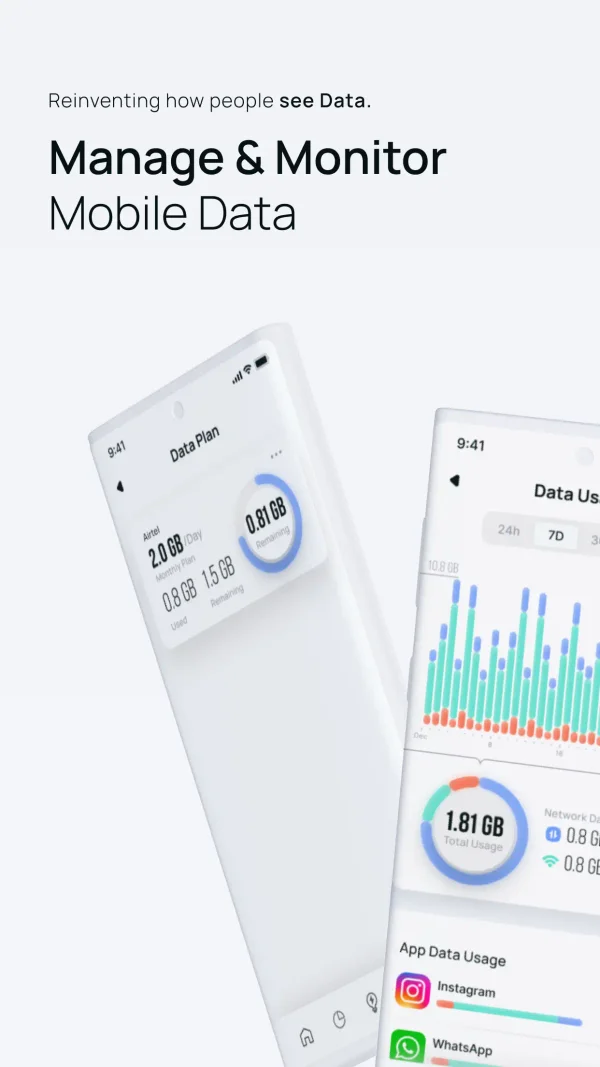
データを監視し、データ使用量をチェックするモバイル データ マネージャー。使用統計とネット速度メーター。
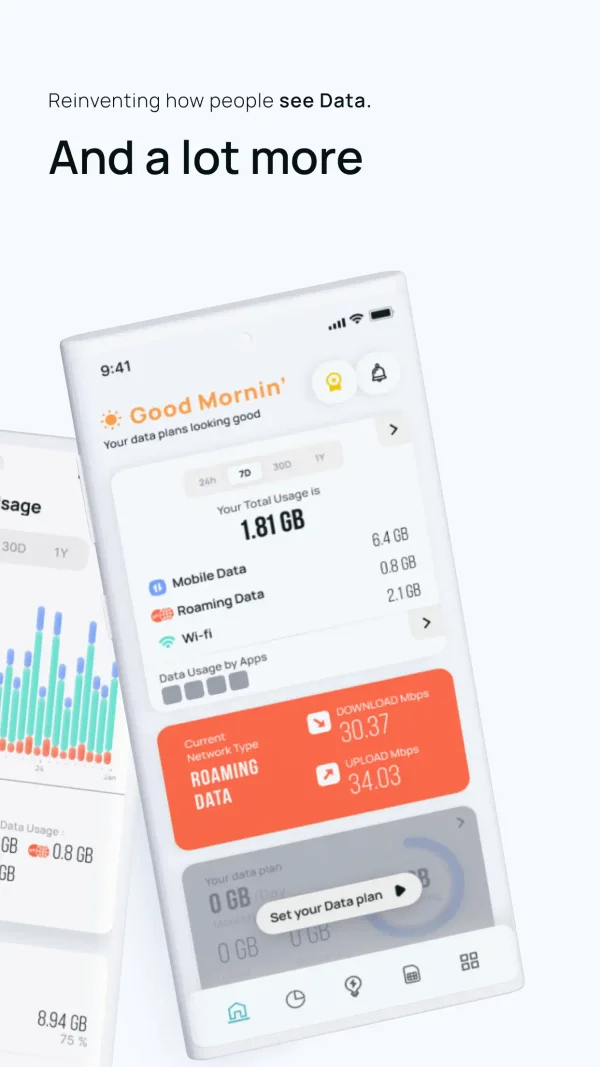
「データ使用量アラート、速度インジケーター、使用量モニター」アプリは 3 つのことを行います。現在のネットワーク速度をステータス バー (通知バーではなく) に表示し、データ制限に達するとアラーム通知を送信し (モバイル、Wi-Fi、ローミング ネットワークをサポート)、すべてのアプリとデバイスのデータ使用量を監視します。 。
特徴:
速度インジケーター:
ステータス バーにインターネット速度が表示されます (サポートされているデバイス上)。
速度インジケーターはすべてのネットワーク (Wi-Fi、モバイル、ローミング) をサポートします。
データプランを作成します。
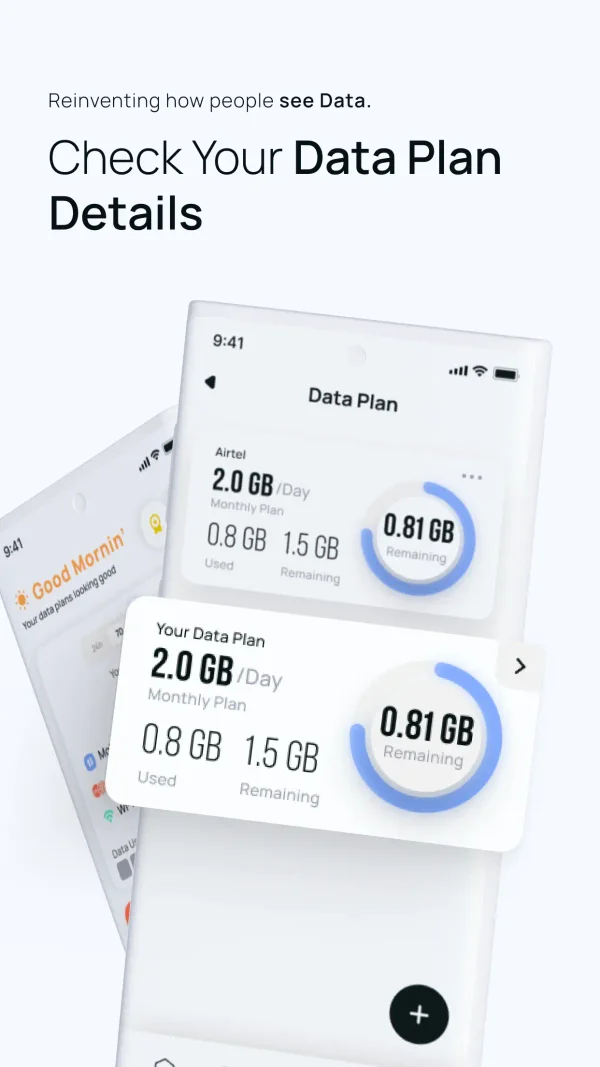
「データプラン」画面では、カスタマイズしたデータプランを作成できます。
利用可能なオプションは次のとおりです。
1. 毎日 - 1 日あたりのデータ使用量制限を設定できます
2. 毎週 - 週ごと
3. 毎月 – 毎月
4. カスタム定期プラン - 期間を選択します
5. 非定期プラン
制限付きプランまたは無制限プランを選択することもできます。
素晴らしいのは、1 日ごとのプランを選択すると、正確な更新時間を指定するように求められることです。こうすることで、プラン期間中のデータ消費量を追跡できます。
Wi-Fi、ローミング、モバイルのプランを作成できます。
ローミングプランを作成する場合は、設定画面で通知に表示するプランの種類を選択してください。
データ制限アラート - アラーム:
プランで指定したデータ制限の 80% および 100% に達すると、アプリから通知が送信されます。携帯電話会社に追加料金を支払う必要がなくなります。
データ使用量モニター:
インストールされているすべてのアプリとデバイスのデータ使用量を監視します。通知バーには、現在のネットワーク名とその日のデータ使用量が表示されます。データ制限がある場合は、残りのデータ、プラン、更新日が表示されます。
ホットスポットの使用状況を追跡する:
このアプリには、ホットスポットまたはテザリング (モバイル ネットワークとローミング ネットワークの両方) によって消費されるデータ量も表示されます。
速度と使用量のリアルタイム更新:
新しいネットワーク (モバイルから Wi-Fi など) に切り替えると、通知バーがすぐに更新されます。ステータス バーのネットワーク速度インジケーターもそれに応じて更新されます。
データ使用履歴:
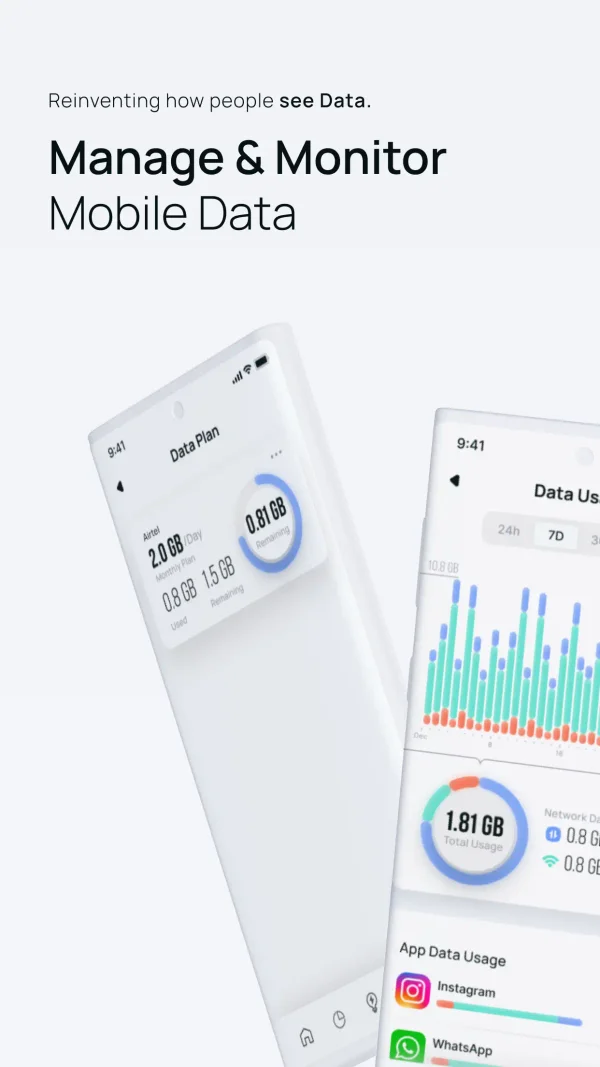
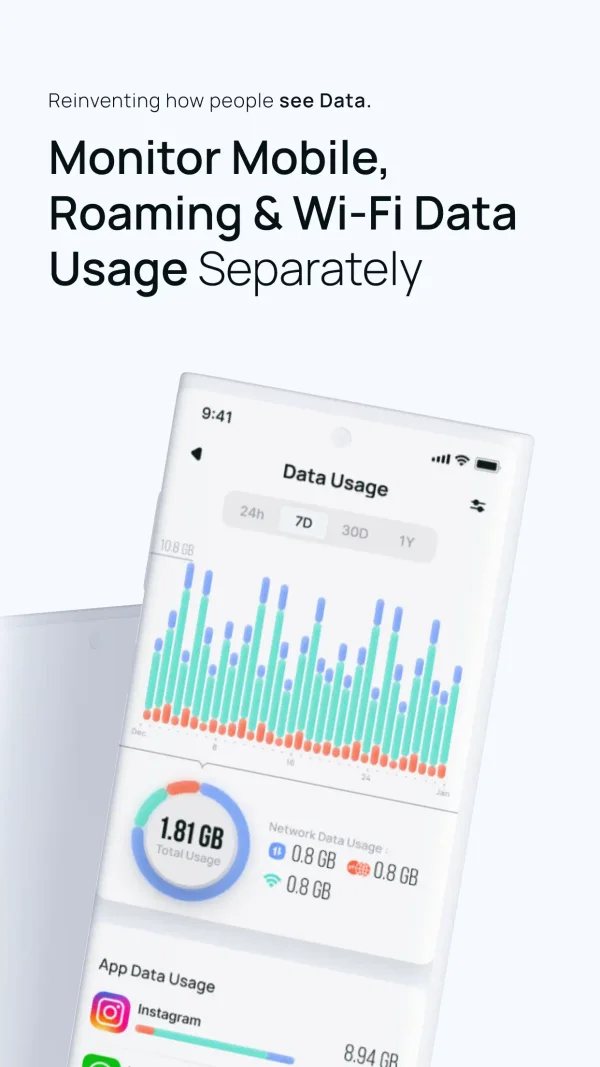
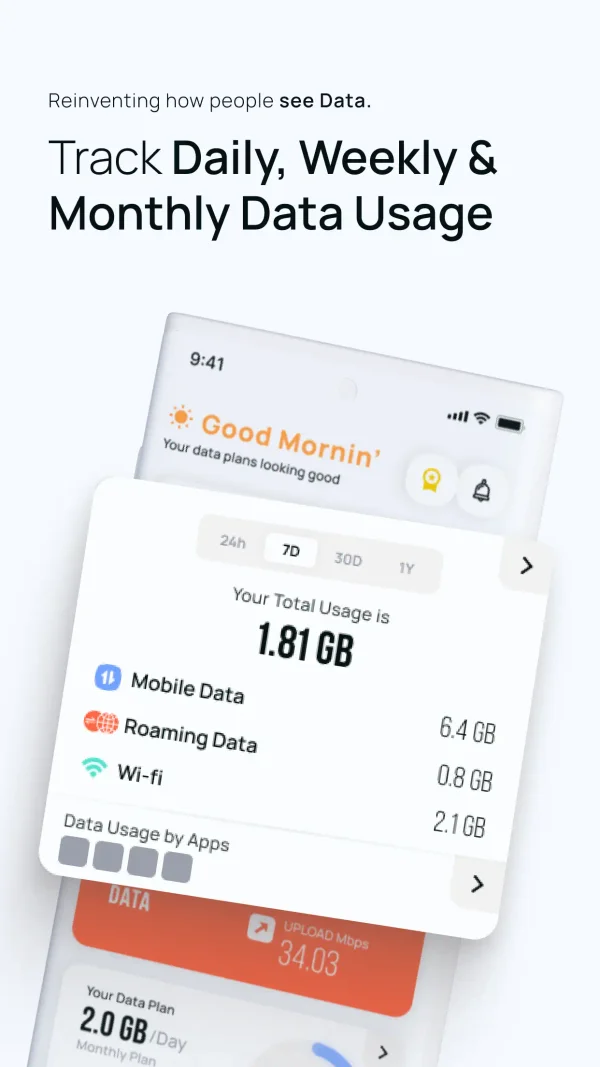
デバイスとすべてのアプリの使用状況を追跡できます。データ使用量の概要を取得しながら、期間 (日、週、月) を選択します。概要画面には、合計、モバイル使用量、Wi-Fi 使用量が表示されます。データ使用量を明確に理解するためにグラフが追加されています。
データトラッカー:
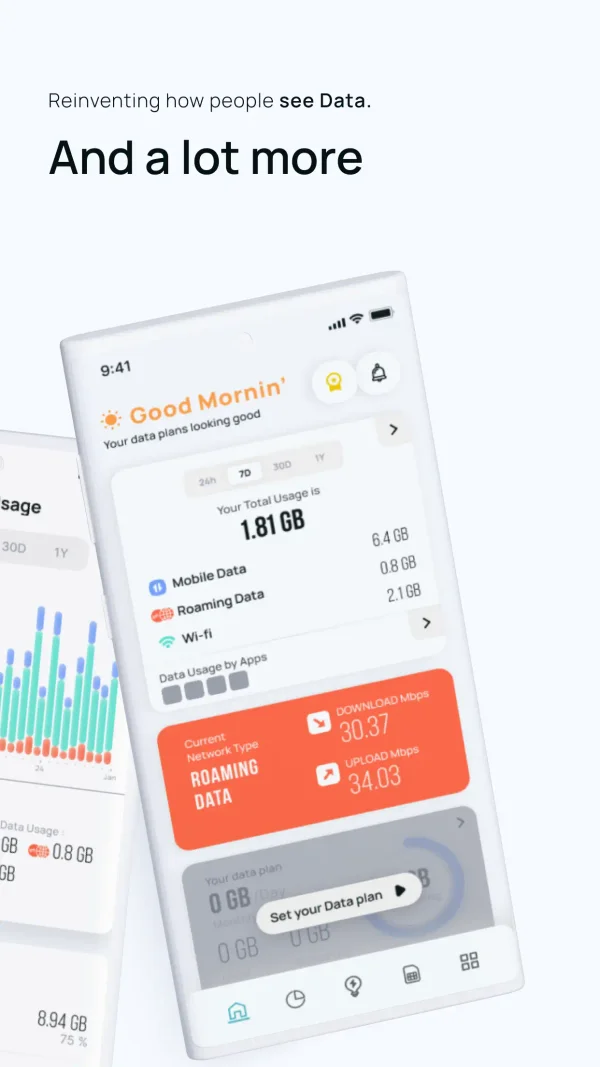
アプリを開くと、プランの詳細と、インターネット データを消費したすべてのアプリのリストが降順で表示されます。つまり、より多くのデータを消費したアプリがリストの先頭に表示されます。
個々のアプリの履歴を表示します。
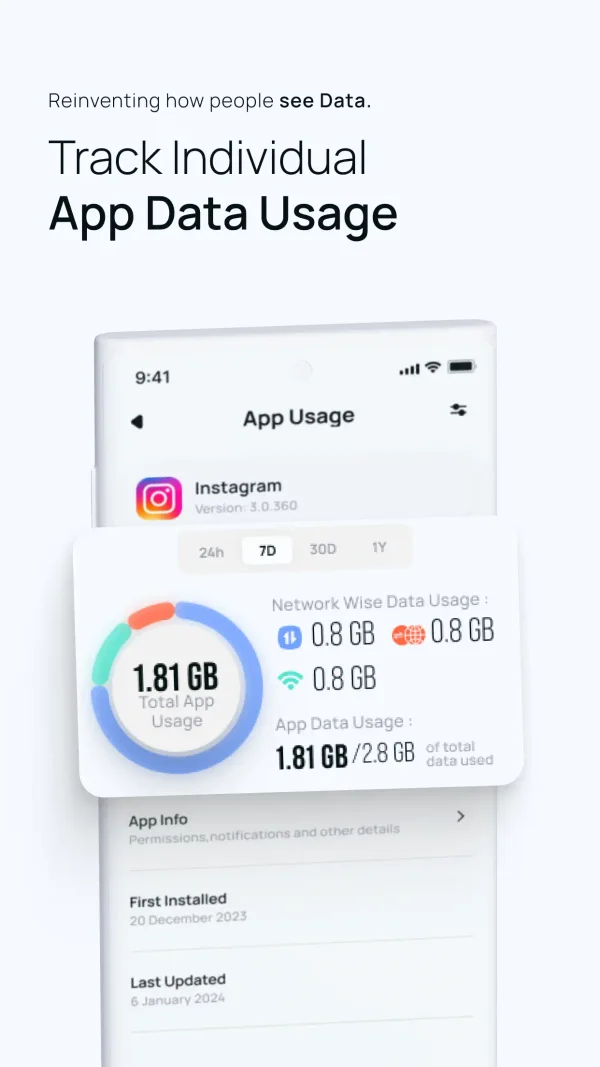
メイン画面または使用履歴画面でアプリをタップすると、その特定のアプリの使用状況の詳細が表示されます。棒グラフをタップすると、その特定の期間のデータ使用量が表示されます。
フローティングウィンドウ:
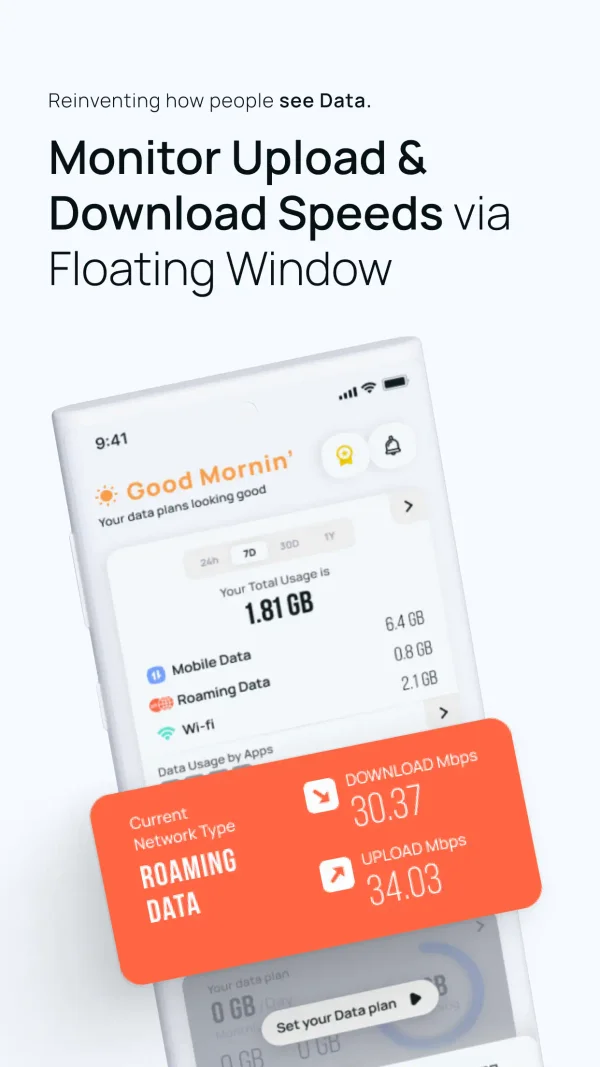
他のアプリへの描画権限を付与することで、フローティング ウィンドウを有効にできます。現在のネットワークのアップロード速度とダウンロード速度が表示されます。背景や文字の色を変更できます。
データ使用量ウィジェット:
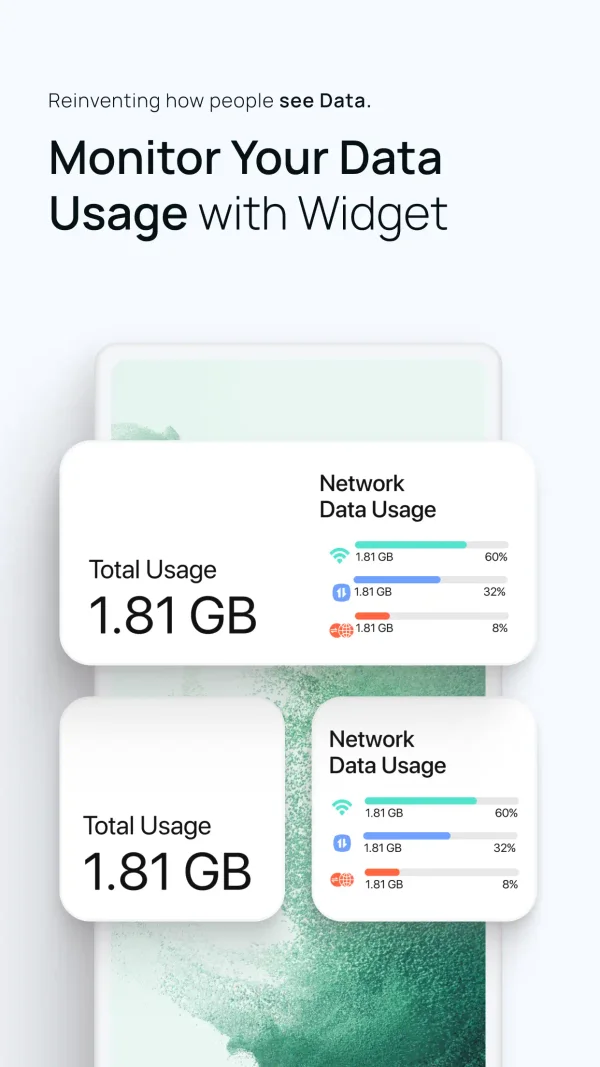
ウィジェットをホーム画面に追加すると、外出先でもインターネットの使用状況を確認できます。ウィジェットをカスタマイズして、モバイル、Wi-Fi、ローミングの使用状況を表示できます。プランの詳細も表示されます。
※インド人が作ったアプリです
原文を表示
Mobile data manager to monitor data & data usage check. Usage statistics & net speed meter.
The "Data usage alert, speed indicator, and usage monitor" app does 3 things. It indicates the current network speed on the status bar (not in the notification bar), sends alarm notifications when you reach the data limit (supports mobile, wifi, and roaming networks), and monitors the data usage of all the apps and the device.
Features:
Speed Indicator:
It shows the internet speed on the status bar (on supported devices).
The speed indicator supports all the networks (wifi, mobile, and roaming).
Create Data Plans:
In the Data Plans screen, you can create your customized data plans.
Available options are:
1. Daily - You can set a data usage limit per day
2. Weekly - per week
3. Monthly - per month
4. Custom recurring plan - select a duration period
5. Non-recurring plan
You can also select a limited or unlimited plan.
The cool thing is when you select per day plan, you will be asked to provide the exact renewal time. This way you can track the data consumption in your plan duration.
You can create wifi, roaming, and mobile plans.
If you create a roaming plan, please select the plan type that you want to show on the notification in the settings screen.
Data Limit Alerts - Alarms:
The app sends notifications when you reach 80% and 100% of the data limit you specified in the plans. It saves you from paying extra charges to your mobile carrier.
Data Usage Monitor:
It monitors the data usage of all the installed apps and the device. On the notification bar, it displays the current network name and current day's data usage. If you have a data limit, it shows the remaining data, plan, and renewal date.
Track Hotspot Usage:
The app also displays how much data is consumed by hotspot or tethering (on both mobile and roaming networks).
Real time Speed and Usage Update:
The notification bar will be updated immediately when you switch to a new network (for example, mobile to wifi). The network speed indicator on the status bar will be updated accordingly.
Data Usage History:
You can track the usage of the device and all the apps. Choose duration (day, week, month) while getting the summary of the data usage. The summary screen displays total, mobile usage, and wifi usage. The chart is added to make you understand the data usage clearly.
Data Tracker:
When you open the app, it displays the plan details and list of all the apps which consumed the internet data in descending order, which means apps that consumed higher data will be listed on the top of the list.
Displays Individual Apps History:
Tap on an app on the Main screen or Usage History screen to get the usage details of that particular app. Tap on the bar chart to get the data usage of that particular period.
Floating Window:
You can enable the floating window by granting the draw on the other apps permission. It displays the current network upload and download speeds. You can change the background and text color.
Data Usage Widget:
You can add the widget to your home screen to see the internet usage on the go. You can customize the widget to show mobile, wifi, and roaming usage. It shows the plan details also.
*The app is made by an Indian
データ セーフティ
このアプリが収集・共有するデータについて、ElQube TechがGoogle Playで申告している内容です。
- このアプリはサードパーティと以下の種類のデータを共有することがありますユーザー ID
- このアプリは以下の種類のデータを収集することがありますアプリのアクティビティ、アプリの情報、パフォーマンス、デバイスまたはその他の ID
- データは送信中に暗号化されます
- データを削除できません
開発元の連絡先
- ウェブサイトhumandatasystems.com
- メールcontactus@kalagato.co
- プライバシーポリシーdua.voice-changer.ru
- 住所10 ANSON ROAD #16-04 INTERNATIONAL PLAZA Singapore 079903
情報
- 提供元
- ElQube Tech
- カテゴリ
- ツール
- バージョン
- 5.1.6
- 更新日
- 2026/10/7
- リリース
- 2021/2/7
- 必要条件
- Android 10以降
- 対象年齢
- 3 歳以上
- 価格
- 無料
- アプリ内課金
- ¥300~¥3,060/アイテム
- パッケージ名
- oh.mypackage.hasnoname