Digital Material You 2
SOC Creations- 3 歳以上対象年齢
- カスタマイズカテゴリ
- 2026/10/24更新日
- ¥280価格
com.digitalmaterialyou2のGoogle Play公式ページにリンクしています。最終確認:2026/11/22。
スクリーンショット

このアプリについて
Googleによる英語 (アメリカ合衆国)からの自動翻訳です。
Material You を Wear OS ウォッチに持ち込みます。
インストール:
1. 時計が Bluetooth 経由で携帯電話に接続されていることを確認します。
2. コンパニオン アプリをインストールしてダウンロードし、開きます。
3. 時計の Play ストアに移動し、正確な時計の名前を (正しいスペルとスペースで) 入力し、リストを開きます。それでも価格が表示される場合は、2 ~ 5 分待つか、ウォッチフェイスを再起動してください。
4. また、Galaxy Wearable アプリ (インストールされていない場合はインストール) > Watch Faces > Downloaded からウォッチフェイスをインストールして、時計に適用してみてください。
5. PC またはラップトップの Web ブラウザで Google Play ストアにアクセスして、このウォッチフェイスをインストールすることもできます。二重請求を避けるために、購入を行ったのと同じアカウントを使用していることを確認してください。
6. PC/ラップトップが利用できない場合は、電話の Web ブラウザを使用できます。 Play ストア アプリに移動してから、ウォッチフェイスに移動します。右上隅にある 3 つの点をクリックしてから、[共有] をクリックします。利用可能なブラウザを使用して、購入したアカウントにログインし、そこにインストールします。
ウォッチフェイスについて:
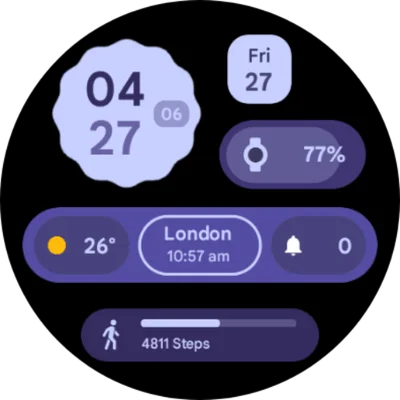
Material You by Google にインスパイアされた、Wear OS スマートウォッチ用のアナログ ウォッチフェイス。オーガニックなフォルムとパステル カラーのウォッチフェイスは、時計にスパイスを加え、携帯電話に一貫した UI をもたらすことを目指しています。
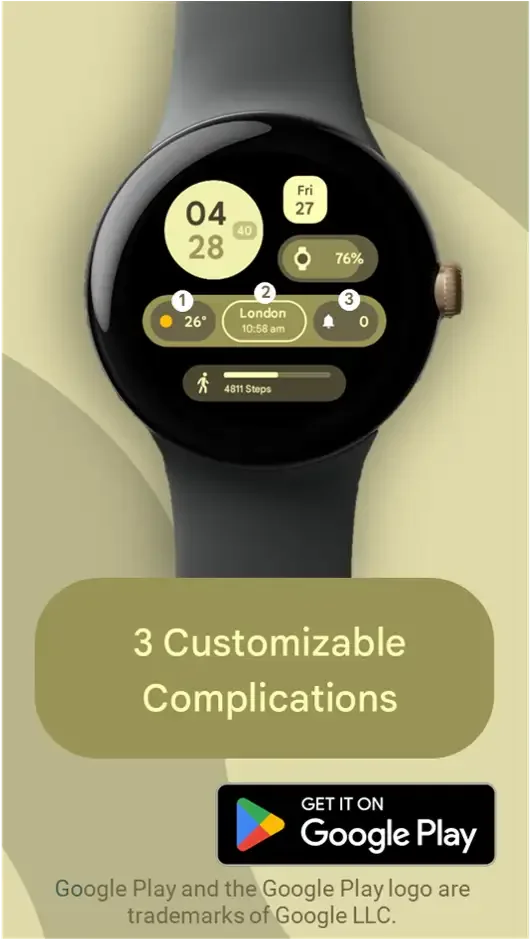
- 3 つのカスタマイズ可能なコンプリケーション
- 時計と歩数ウィジェットの 2 つの秘密のアプリ ショートカット
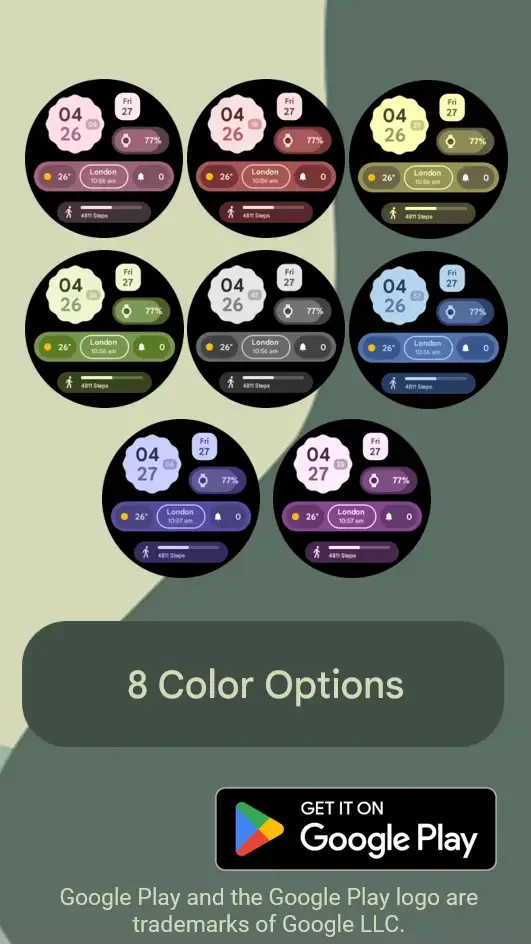
- 8色のオプション
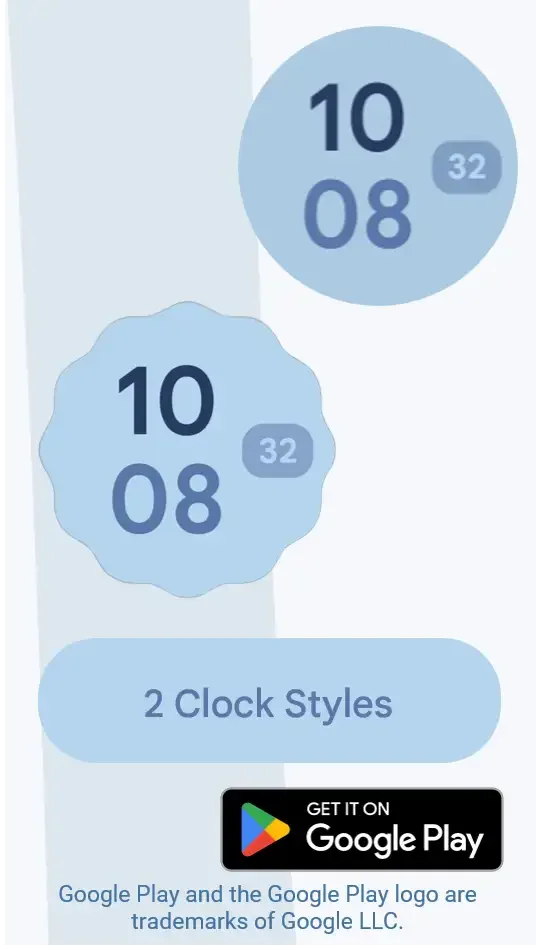
- 2 つの時計スタイル
今後のアップデートでさらに追加予定..
原文を表示
Installation:
1. Make sure you watch is connected to your phone via Bluetooth.
2. Install, download and open the companion app.
3. Go to the watch Play Store, and type the exact watch name(with correct spelling and spacing) and open listing. If price still appears, wait for 2-5 minutes or restart your watch face.
4. Please also try installing the watch face via Galaxy Wearable app(install it if not installed)> Watch Faces> Downloaded and apply it to watch.
5. You can also install this watch face by accessing the Google Play Store in the web browser in a PC or Laptop. Make sure you use the same account you made the purchase from to avoid double charge.
6. If PC/laptop not available, you can use the phone web browser. Head over to the Play Store app, then to the watch face. Click the 3 dots in the upper right hand corner then Share. Use the available browser, login to the account you made the purchase from and install it there.
About the watch face:
An analog watch face for your Wear OS smartwatch inspired from Material You by Google. With organic shapes and pastel colors, the watch face aims to spice up your watch and bring a consistent UI with your phone.
- 3 customizable complications
- 2 secret app shortcuts on the clock and the steps widget
- 8 color options
- 2 clock styles
More to come in future updates..
データ セーフティ
このアプリが収集・共有するデータについて、SOC CreationsがGoogle Playで申告している内容です。
- 第三者と共有されるデータはありません詳しくは、デベロッパーが共有を申告する方法についての説明をご覧ください
- データは収集されません詳しくは、デベロッパーが収集を申告する方法についての説明をご覧ください
開発元の連絡先
- メールnnprnsrsh@gmail.com
- プライバシーポリシーdocs.google.com
- 住所H 304 SHRIRAM SPURTHI APTS KUNDALAHALLI BROOKFIELD Bengaluru, Karnataka 560037 India
情報
- 提供元
- SOC Creations
- カテゴリ
- カスタマイズ
- 更新日
- 2026/10/24
- リリース
- 2023/1/27
- 対象年齢
- 3 歳以上
- 価格
- ¥280
- パッケージ名
- com.digitalmaterialyou2
類似のアプリ
-
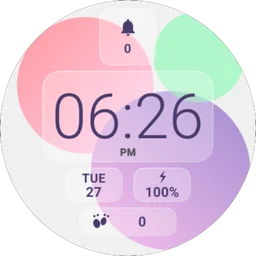 Glassmorphism - watch face
カスタマイズ
-
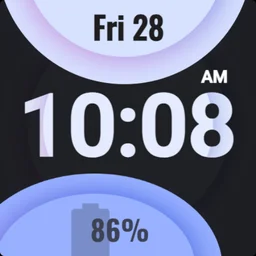 Simple Anim Watch Face II
カスタマイズ
-
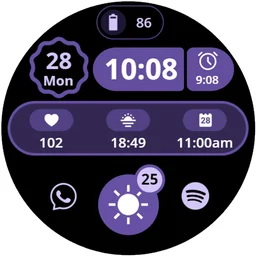 Watchface Material 2
カスタマイズ
-
 インクパープルアセンブリ
カスタマイズ
-
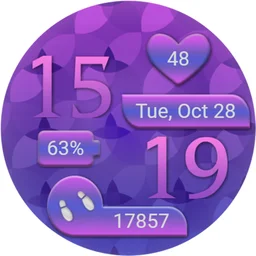 grddigital
カスタマイズ
-
 Simple Gradient Watch Face
カスタマイズ
-
 Material You 3 Digital
カスタマイズ
-
 [69D] SweetPop Color WatchFace
カスタマイズ
-
 EXD189: Digital Bold
カスタマイズ
-
 Neon Cascade ウォッチフェイス
カスタマイズ
-
 Pixel Style Digital Pro
カスタマイズ
-
 Digital Material You 3
カスタマイズ