EZVIZ
EZVIZ Inc.広告を含む
- 3 歳以上対象年齢
- 動画プレーヤー&エディタカテゴリ
- 2026/11/5更新日
- 無料価格
com.ezvizのGoogle Play公式ページにリンクしています。最終確認:2026/11/20。

スクリーンショット
このアプリについて
Googleによる英語 (アメリカ合衆国)からの自動翻訳です。
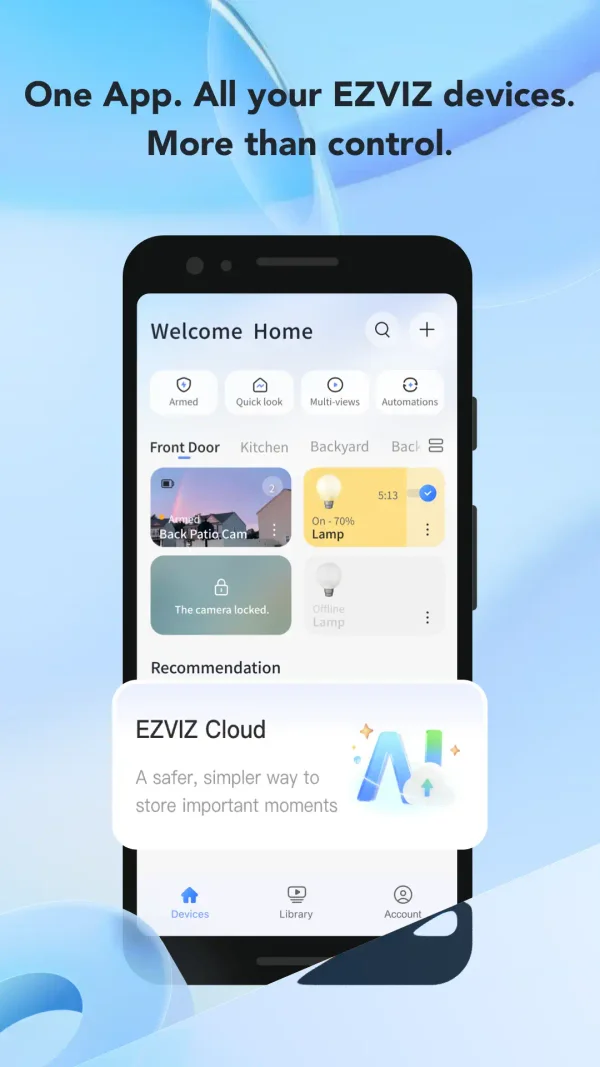
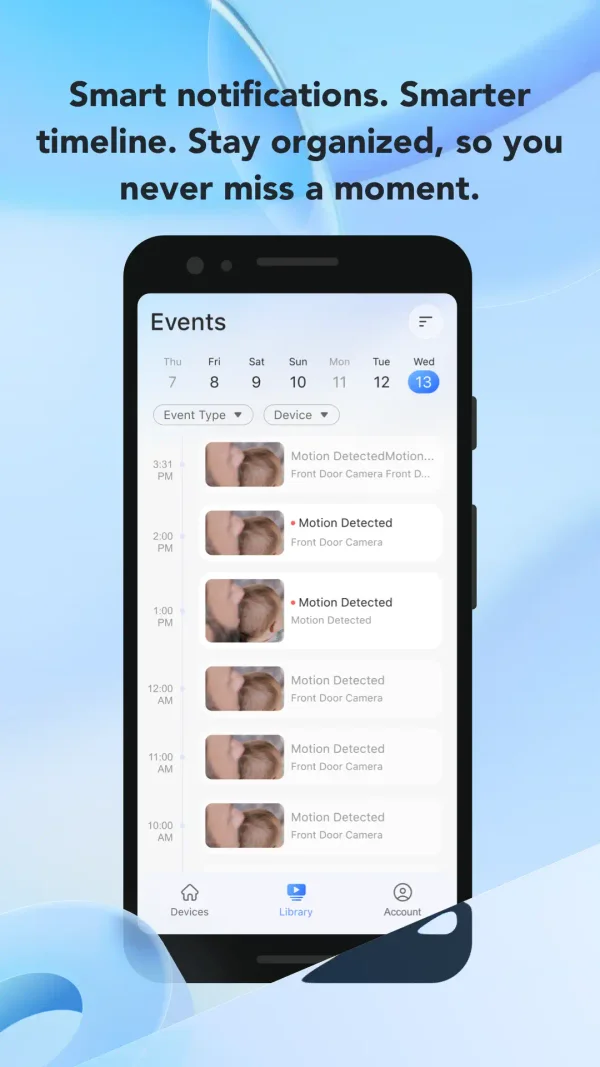
EZVIZアプリは、世界中からリモートでカメラを管理することが容易になります
EZVIZ – スマートライフのためのセキュリティビデオ
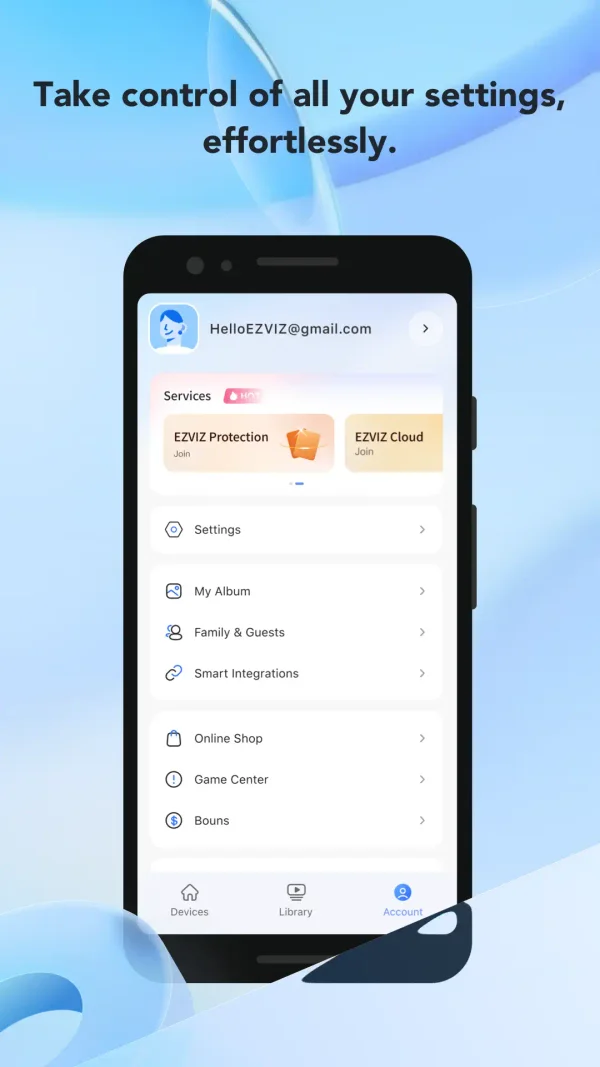
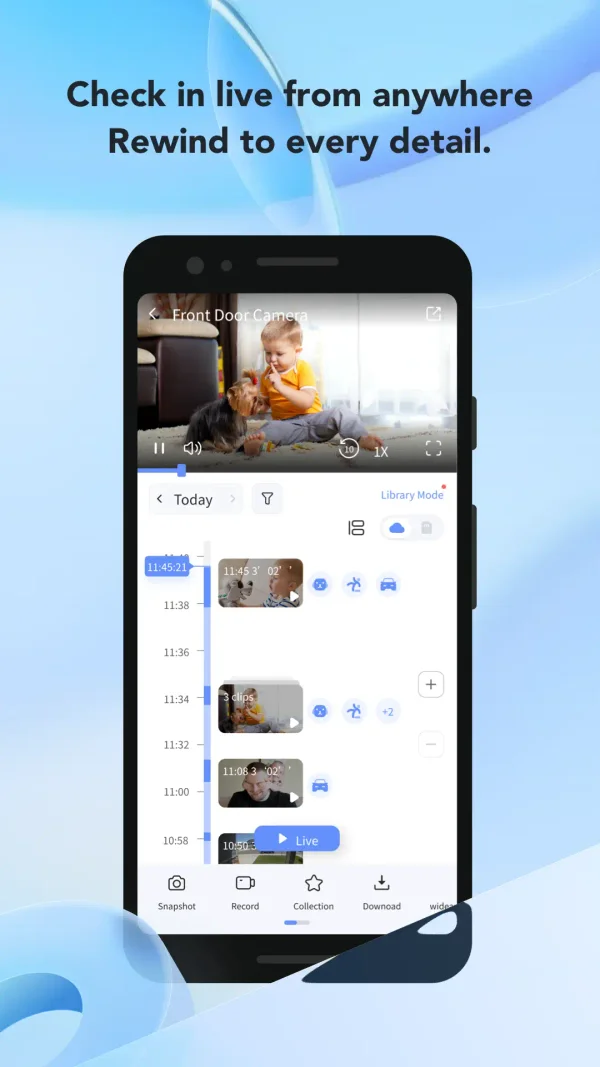
EZVIZアプリは、当社のセキュリティカメラシリーズやその他のスマートホーム製品と連携するように設計されています。このアプリを使えば、世界中どこからでも、いつでも簡単にカメラやその他のスマートホームデバイスを遠隔操作できます。
すべてのデバイスの機能に簡単にアクセスして遠隔操作でき、スマートフォンにモーション検知アラートが即座に届くことで、ご自宅、オフィス、そして大切な人の安全を守るために必要な措置を講じることができます。
主な機能:
- どこからでも高画質のライブストリームを視聴
- 赤外線ライトで暗闇でも鮮明な映像を撮影
- CloudPlayまたはSDカードで録画済みビデオを再生
- 双方向音声通話
- モーション検知時に即座にアラートを受信
- 検知ゾーンと感度をカスタマイズ
- 大切な瞬間を録画するスケジュールを設定
- デバイスを友人や家族と共有
権限設定の説明
EZVIZアプリには以下の権限が必要です。要求される権限はすべて「任意」です。拒否した場合でも、サービスは通常どおりご利用いただけます。
- 近隣デバイス
1. デバイスを追加する際に、近くのBluetoothデバイスをスキャンしてペアリングします。
- マイク
1. デバイスとのリアルタイム音声通話を有効にします。
2. 音声変換機能とペットの声変換機能を使用します。
3. デバイスのアラート音として、カスタム音声クリップを録音します。
4. 音声認識機能を使用して、素早く入力できます。
- 写真とビデオ
1. デバイスを追加する際に、アルバムからQRコード画像を選択して認識させます。
2. デバイスのライブフィードのスクリーンショットとビデオ録画をローカルに保存します。
3. アカウント表示用の個人アバターをアップロードします。
4. スクリーンショットを添付してフィードバックを送信したり、問題を報告したりできます。
- 通知
1. デバイスのアラーム、モーション検知アラート、その他のメッセージ通知を受信します。
- 連絡先
1. ワンタップアラーム機能のために、緊急連絡先を追加します。
- 位置情報
1. デバイスのネットワーク設定を支援するために、現在のWi-Fi名(SSID)を取得します。
2. 都市選択ページで、現在地を自動的に特定します。
* 位置情報データはデバイス上でローカルにのみ使用され、クラウドにアップロードされることはありません。
- カメラ
1. QRコードをスキャンしてデバイスを追加
2. 写真を撮影して、パーソナルアバターとしてアップロード
お問い合わせ
テクニカルサポート:support@ezvizlife.com
一般のお問い合わせ:info@ezvizlife.com
原文を表示
EZVIZ – Security Video For Smart Life
The EZVIZ app is designed to work with our series of Security Cameras and other Smart Home products. By using this app, it is so easy to manage your camera and other smart home devices remotely from across the globe any time.
You can get full access and remote control of all devices functions at fingertips, and take necessary actions to ensure the safety of your homes, businesses and loved ones when receiving immediate motion detection alerts on your phone.
Key features:
- View high-definition live stream from anywhere
- See in the dark with IR light on
- Playback recorded videos with CloudPlay or an SD card
- Talk via Two-Way Audio
- Get instant alerts when motion is detected
- Customize detection zones and sensitivity
- Set schedules to record the moments that matter
- Share devices with friends and family
Permission Settings Description
The EZVIZ APP requires the following permissions. All requested permissions are “optional”. You can still use the service normally even if you decline.
- Nearby Devices
1. Scan and discover nearby Bluetooth devices for pairing when adding a device.
- Microphone
1. Enable real-time voice calls with devices
2. Use voice-changing and pet voice-changing features
3. Record custom voice clips as the device alert tone
4. Use speech-to-text for quick input
- Photos & Videos
1. Select QR code images from the album for recognition when adding devices
2. Save screenshots and video recordings of device live feeds locally
3. Upload a personal avatar for account display
4. Submit feedback and report issues with screenshots
- Notifications
1. Receive device alarms, motion detection alerts, and other message reminders
- Contacts
1. Add emergency contacts for the one-tap alarm feature
- Location
1. Obtain the current Wi-Fi name (SSID) to assist with device network setup
2. Automatically locate your city on the city selection page
* The location data is used locally on your device only and is never uploaded to the cloud.
- Camera
1. Scan QR codes to add devices
2. Take photos and upload them as personal avatars
Contact Us
Technical Support: support@ezvizlife.com
General Enquiries: info@ezvizlife.com
データ セーフティ
このアプリが収集・共有するデータについて、EZVIZ Inc.がGoogle Playで申告している内容です。
- このアプリはサードパーティと以下の種類のデータを共有することがありますおおよその現在地
- このアプリは以下の種類のデータを収集することがあります位置情報、個人情報、デバイスまたはその他の ID
- データは送信中に暗号化されます
- データを削除するようリクエストできます
新機能
バージョン 7.6.8.1026 · 2026/11/5
Regular app updates. Bug fixes and user experience improvements.
* New feature: AI message summaries, which can be enabled anytime on the Message Settings page.
開発元の連絡先
- ウェブサイトezviz.com
- メールservice@ezvizlife.com
- プライバシーポリシーezviz.com
- 住所18639 Railroad St City OF Industry, CA 91748-1317 United States
情報
- 提供元
- EZVIZ Inc.
- カテゴリ
- 動画プレーヤー&エディタ
- バージョン
- 7.6.8.1026
- 更新日
- 2026/11/5
- リリース
- 2015/8/13
- 必要条件
- Android 9以降
- 対象年齢
- 3 歳以上
- 価格
- 無料
- パッケージ名
- com.ezviz