EZVIZ
EZVIZ Inc.Contains ads
- EveryoneAge rating
- Video Players & EditorsCategory
- Nov 5, 2026Updated
- FreePrice
Links to the official Google Play listing of com.ezviz. Last checked on Nov 20, 2026.

Screenshots
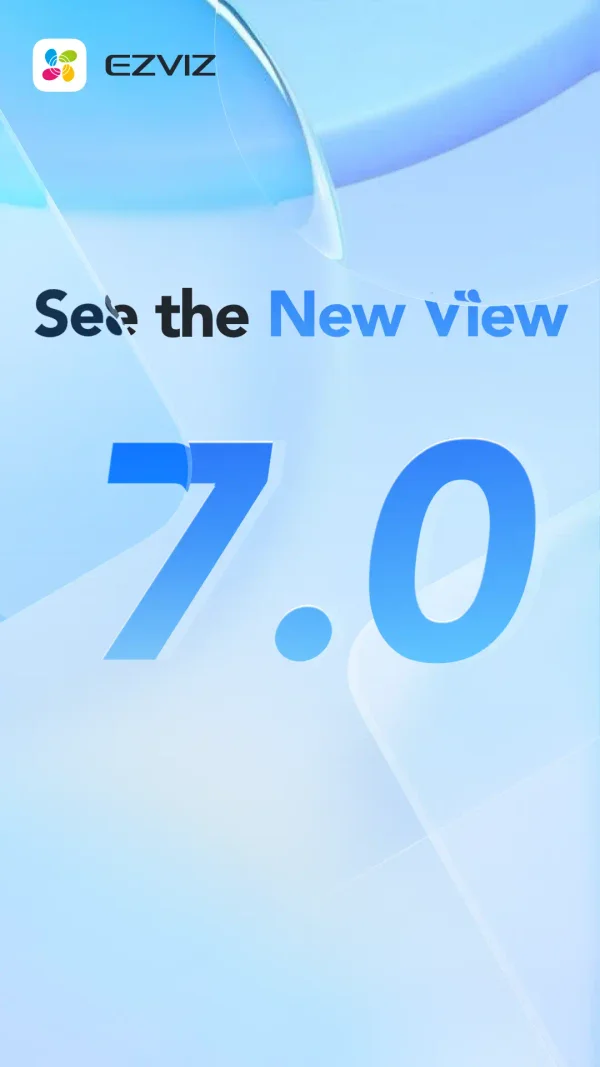
About this app
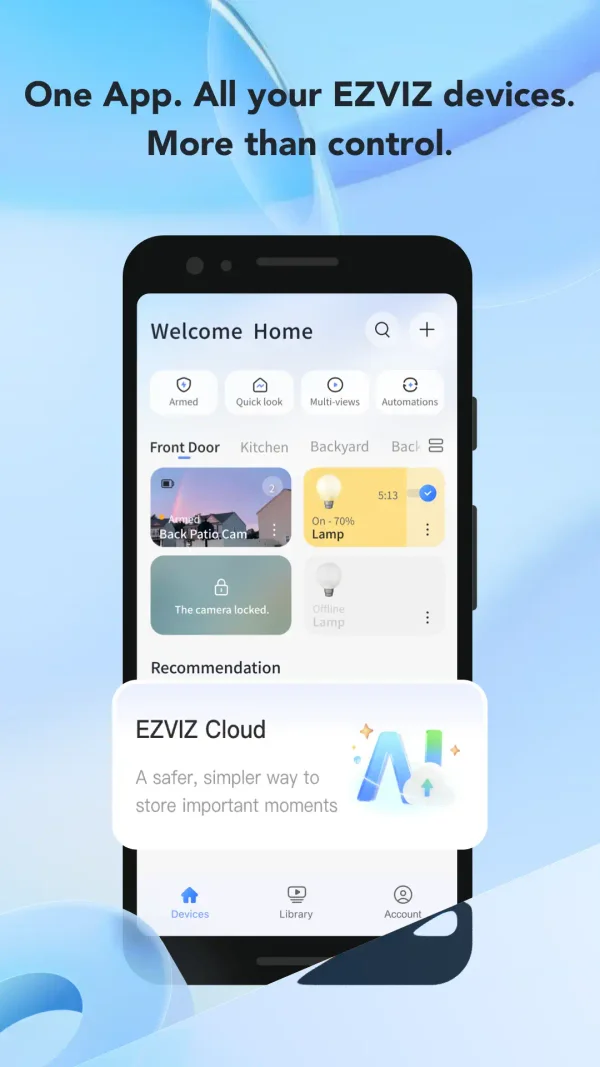
The EZVIZ app makes it easy to manage your camera remotely from across the globe
EZVIZ – Security Video For Smart Life
The EZVIZ app is designed to work with our series of Security Cameras and other Smart Home products. By using this app, it is so easy to manage your camera and other smart home devices remotely from across the globe any time.
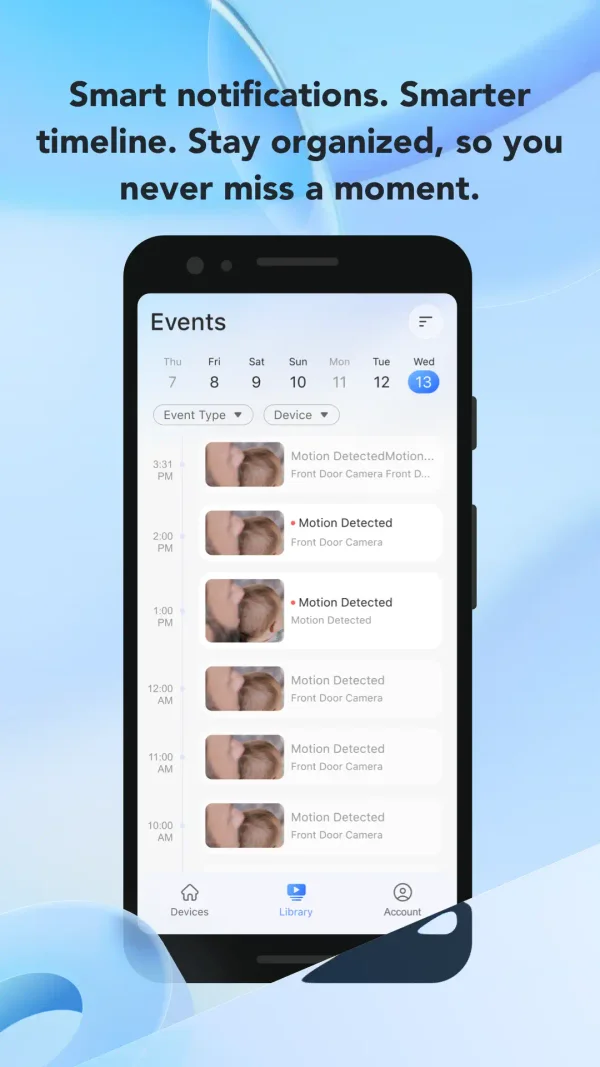
You can get full access and remote control of all devices functions at fingertips, and take necessary actions to ensure the safety of your homes, businesses and loved ones when receiving immediate motion detection alerts on your phone.
Key features:
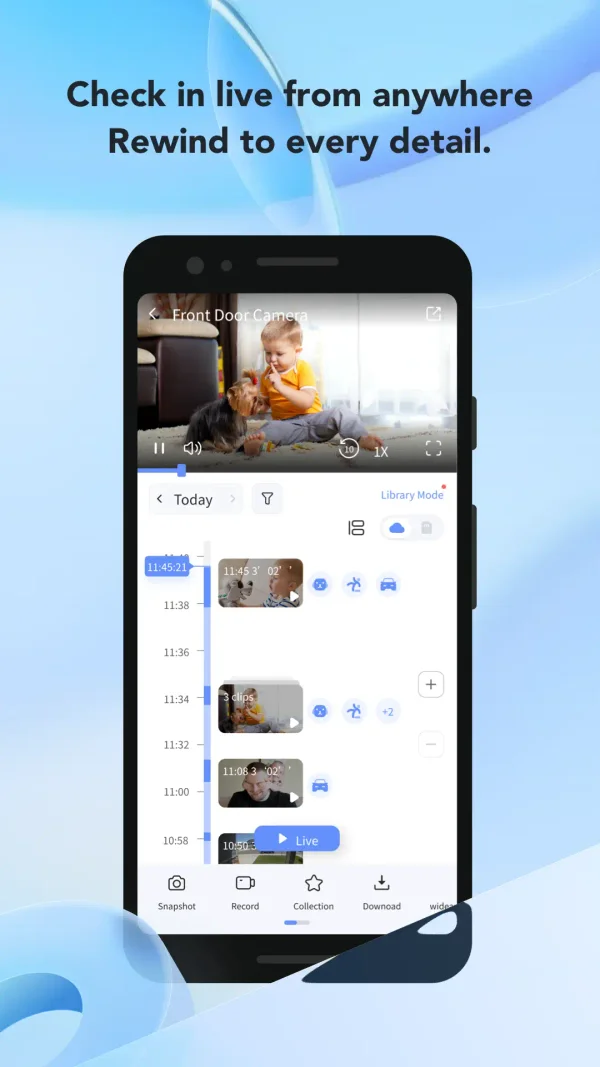
- View high-definition live stream from anywhere
- See in the dark with IR light on
- Playback recorded videos with CloudPlay or an SD card
- Talk via Two-Way Audio
- Get instant alerts when motion is detected
- Customize detection zones and sensitivity
- Set schedules to record the moments that matter
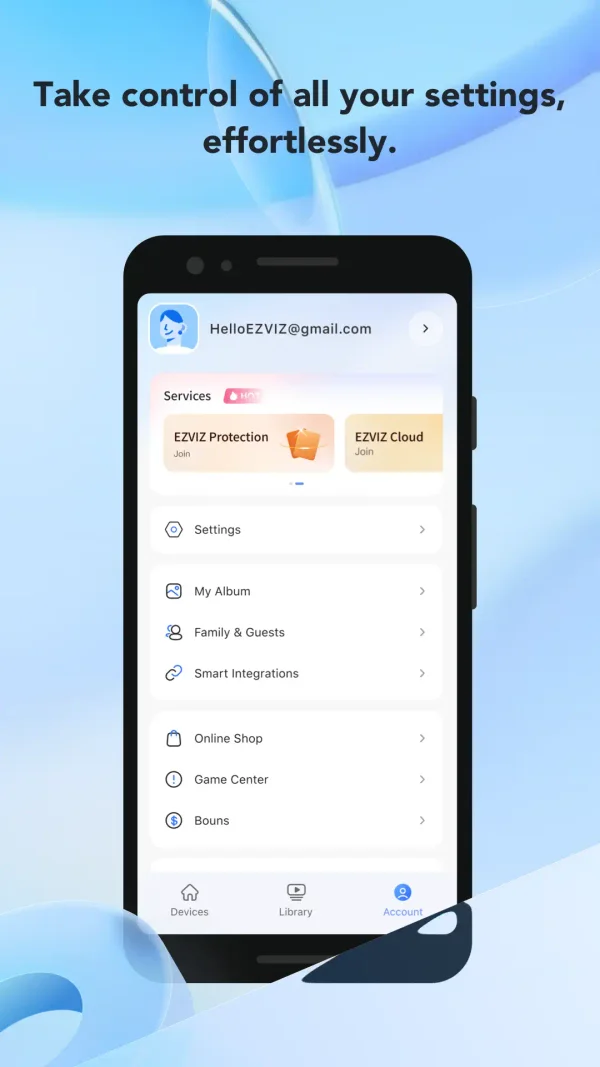
- Share devices with friends and family
Permission Settings Description
The EZVIZ APP requires the following permissions. All requested permissions are “optional”. You can still use the service normally even if you decline.
- Nearby Devices
1. Scan and discover nearby Bluetooth devices for pairing when adding a device.
- Microphone
1. Enable real-time voice calls with devices
2. Use voice-changing and pet voice-changing features
3. Record custom voice clips as the device alert tone
4. Use speech-to-text for quick input
- Photos & Videos
1. Select QR code images from the album for recognition when adding devices
2. Save screenshots and video recordings of device live feeds locally
3. Upload a personal avatar for account display
4. Submit feedback and report issues with screenshots
- Notifications
1. Receive device alarms, motion detection alerts, and other message reminders
- Contacts
1. Add emergency contacts for the one-tap alarm feature
- Location
1. Obtain the current Wi-Fi name (SSID) to assist with device network setup
2. Automatically locate your city on the city selection page
* The location data is used locally on your device only and is never uploaded to the cloud.
- Camera
1. Scan QR codes to add devices
2. Take photos and upload them as personal avatars
Contact Us
Technical Support: support@ezvizlife.com
General Enquiries: info@ezvizlife.com
Data safety
What EZVIZ Inc. declares on Google Play about the data this app collects and shares.
- This app may share these data types with third partiesApp info and performance
- This app may collect these data typesLocation, Personal info, and Device or other IDs
- Data is encrypted in transit
- You can request that data be deleted
What’s new
Version 7.6.8.1026 · Nov 5, 2026
Regular app updates. Bug fixes and user experience improvements.
* New feature: AI message summaries, which can be enabled anytime on the Message Settings page.
Developer contact
- Websiteezviz.com
- Emailservice@ezvizlife.com
- Privacy policyezviz.com
- Address18639 Railroad St City OF Industry, CA 91748-1317 United States
Information
- Offered by
- EZVIZ Inc.
- Category
- Video Players & Editors
- Version
- 7.6.8.1026
- Updated
- Nov 5, 2026
- Released
- Aug 13, 2015
- Requires
- Android 9 or later
- Age rating
- Everyone
- Price
- Free
- Package name
- com.ezviz