Flora Digital Watch Face
Filmmotion Studio広告を含む
- 3 歳以上対象年齢
- カスタマイズカテゴリ
- 2026/9/22更新日
- 無料価格
com.floradigital.simplefloral.pinkbloom.goldenfloral.spring.watchface.wearのGoogle Play公式ページにリンクしています。最終確認:2026/11/28。
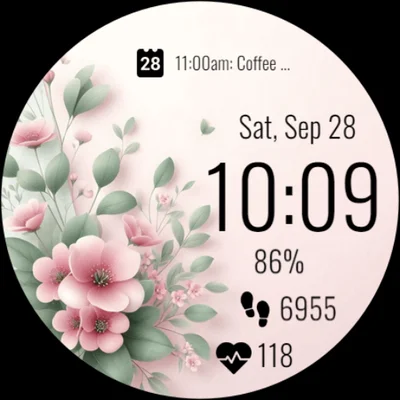
スクリーンショット
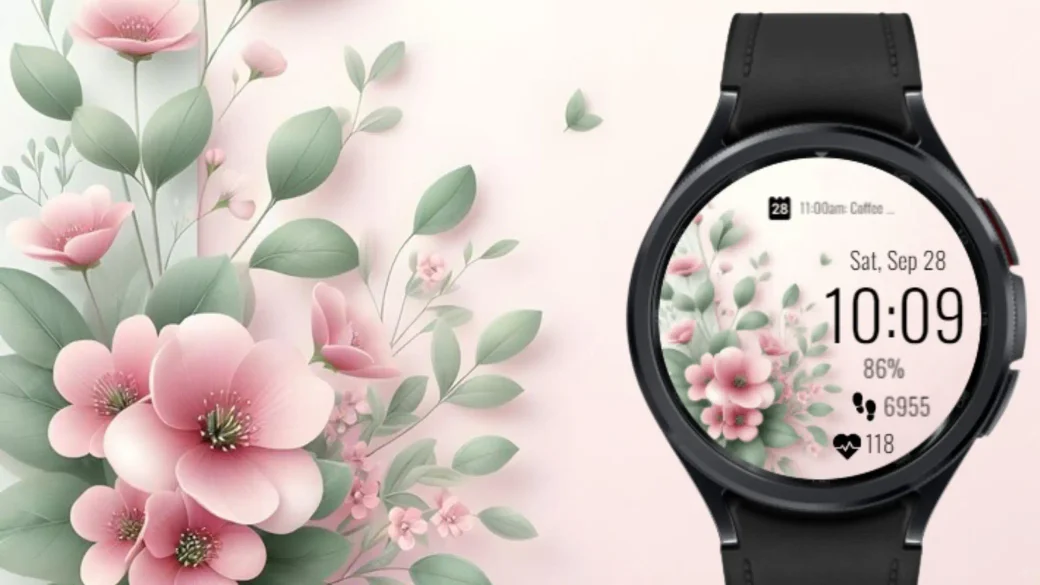
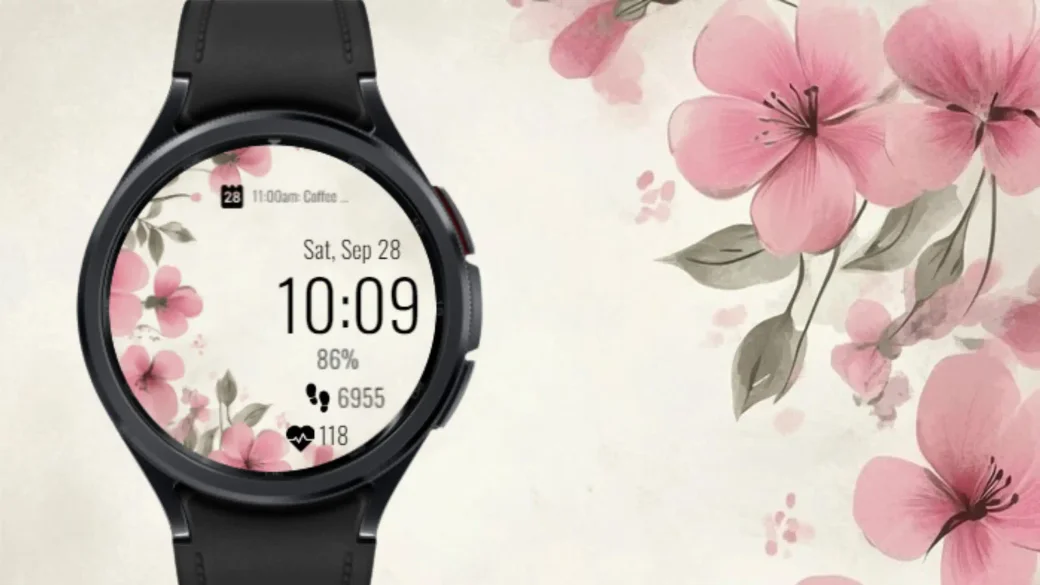


このアプリについて
Googleによる英語 (アメリカ合衆国)からの自動翻訳です。
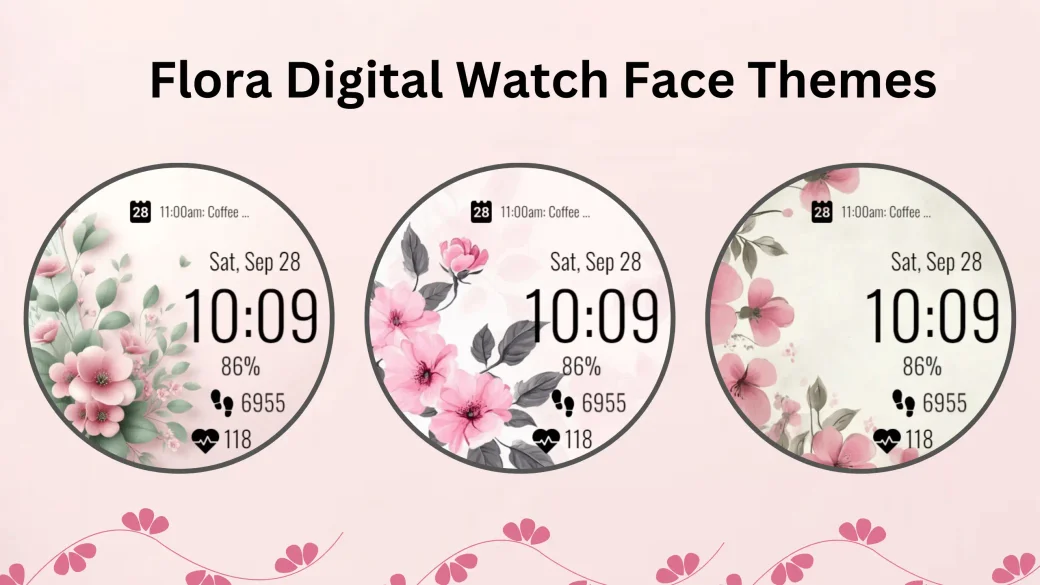
女性向けのエレガントなデジタル時計の文字盤は、特別で素晴らしい外観を提供します。
レディース(女性)向けのエレガントなデジタルウォッチフェイスで、特別で素晴らしい外観を提供します。
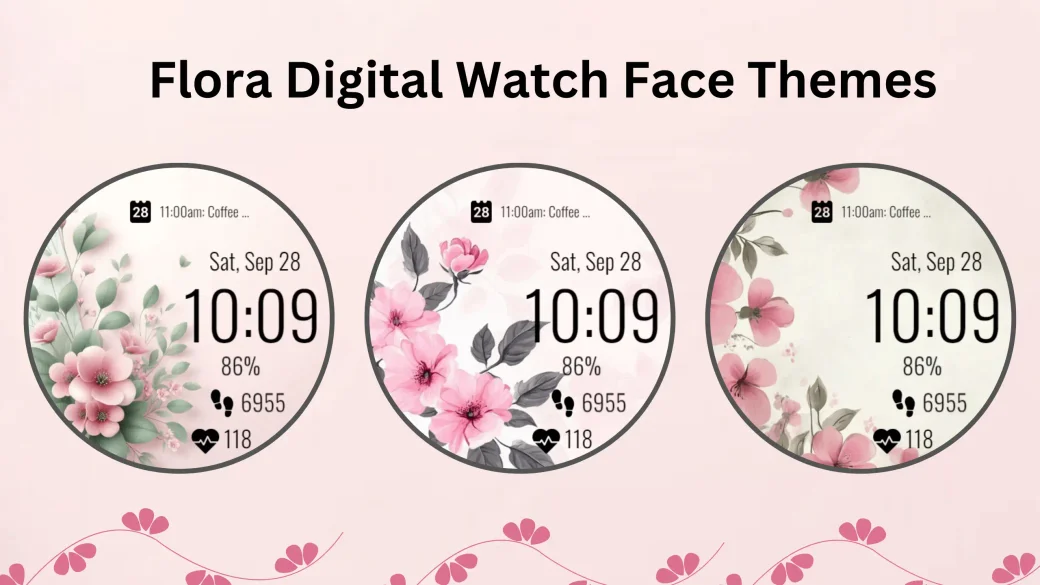
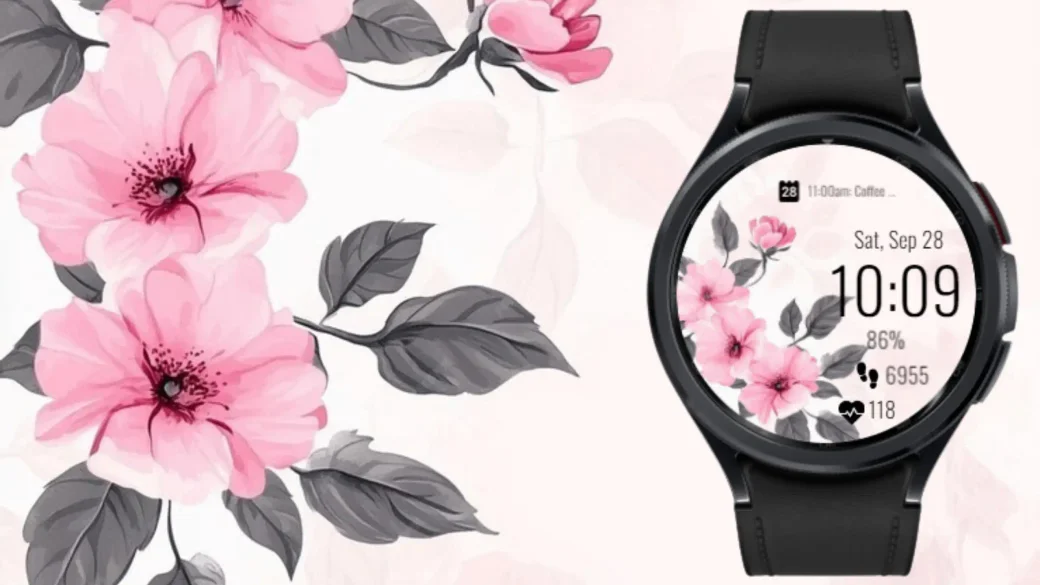
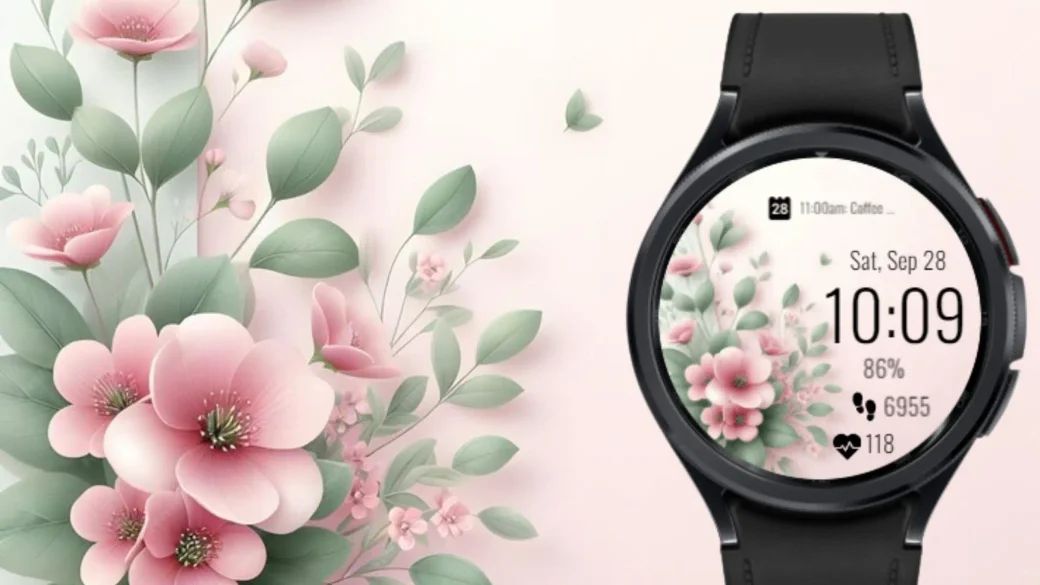
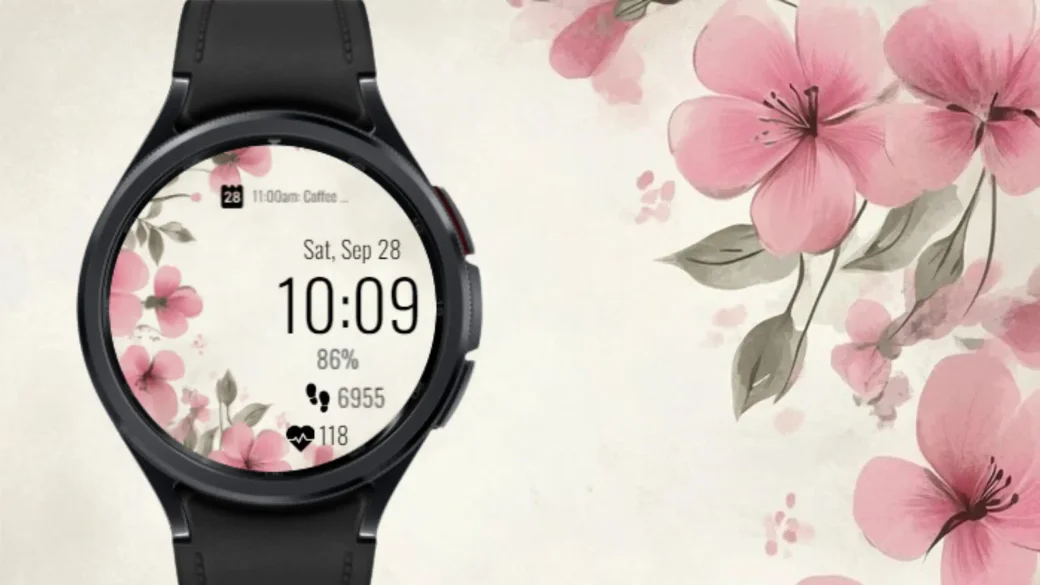
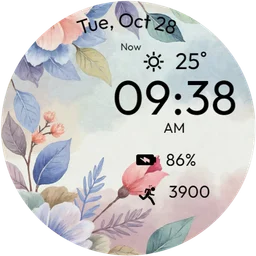
Flora Digital Watch Face は、スタイルと機能の美しい融合を好む女性のために作られた、エレガントでフェミニンなデザインです。柔らかなピンクとグリーンの繊細な花柄が特徴で、さわやかで優雅な印象を与えます。
それぞれの花柄は魅力を醸し出しており、日常使いや特別な機会に最適です。日常に優雅さを加える、スタイリッシュでありながら実用的な文字盤を探している女性に最適です。
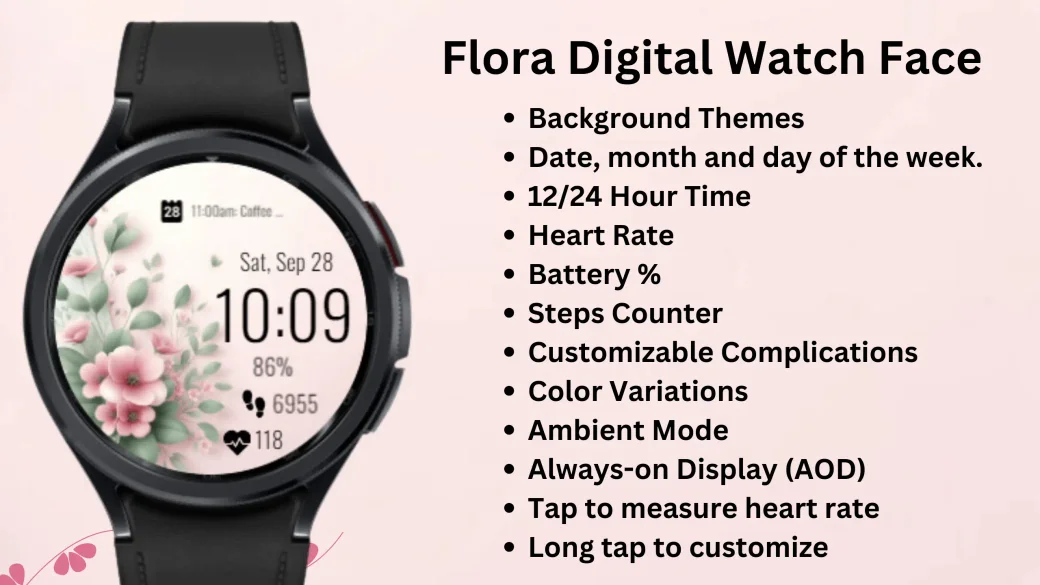
⚙️ウォッチフェイスの機能
• 背景テーマ
• 日付、月、曜日。
• 12/24時間制
• 心拍数
• バッテリー %
• 歩数カウンター
• カスタマイズ可能なコンプリケーション
• カラーバリエーション
• アンビエントモード
• 常時表示ディスプレイ (AOD)
• タップして心拍数を測定します
• 長押ししてカスタマイズします
🎨 Flora デジタルウォッチフェイスのカスタマイズ
1 - ディスプレイをタッチアンドホールドします
2 - [カスタマイズ]オプションをタップします
🎨 Flora デジタルウォッチフェイスの合併症
ディスプレイを長押しすると、カスタマイズ モードが開きます。必要なデータを使用してフィールドをカスタマイズできます。
🔋バッテリー
時計のバッテリー性能を向上させるために、「常時表示」モードを無効にすることをお勧めします。
Flora Digital Watch Face をインストールした後、次の手順に従います。
1. 携帯電話でコンパニオン アプリを開きます。
2.「ウォッチにインストール」をタップします。
3 .ウォッチで、設定またはウォッチフェイス ギャラリーから Flora Digital ウォッチフェイスを選択します。
ウォッチフェイスを使用する準備ができました。
✅ Google Pixel Watch、Samsung Galaxy Watch などを含む、API 33 以降のすべての Wear OS デバイスと互換性があります。
長方形の時計には適しません。
ありがとう !
原文を表示
Elegant digital watch face for ladies(women), providing a special and awesome look.
Flora Digital Watch Face is an elegant, feminine design crafted for ladies who appreciate a beautiful blend of style and function. Featuring delicate floral themes in soft pinks and greens, it offers a refreshing and graceful look.
Each floral design exudes charm, making it ideal for everyday wear or special occasions. Perfect for women looking for a stylish yet practical watch face that adds a touch of elegance to their day.
⚙️ Watch Face Features
• Background Themes
• Date, month and day of the week.
• 12/24 Hour Time
• Heart Rate
• Battery %
• Steps Counter
• Customizable Complications
• Color Variations
• Ambient Mode
• Always-on Display (AOD)
• Tap to measure heart rate
• Long tap to customize
🎨 Flora Digital Watch Face Customization
1 - Touch and hold display
2 - Tap on Customize option
🎨 Flora Digital Watch Face Complications
Touch and hold display to open customization mode. You can customize the field with any data you want.
🔋 Battery
For better battery performance of the watch, we recommend disabling the "Always On Display" mode.
After installing the Flora Digital Watch Face, follow these steps:
1. Open the Companion App on your phone.
2. Tap "Install on Watch".
3 .On your watch, select the Flora Digital Watch Face from your settings or watch face gallery.
Your watch face is now ready to use !
✅ Compatible with all Wear OS devices API 33+ including such as Google Pixel Watch, Samsung Galaxy Watch etc.
Not suitable for rectangular watches.
Thank you !
データ セーフティ
このアプリが収集・共有するデータについて、Filmmotion StudioがGoogle Playで申告している内容です。
- このアプリはサードパーティと以下の種類のデータを共有することがありますアプリのアクティビティ、デバイスまたはその他の ID
- このアプリは以下の種類のデータを収集することがありますアプリのアクティビティ、アプリの情報、パフォーマンス、デバイスまたはその他の ID
- データは送信中に暗号化されます
- データを削除できません
開発元の連絡先
- ウェブサイトfilmmotionwatchfacestudio.blogspot.com
- メールhelpfilmmotionstudio@gmail.com
- プライバシーポリシーfilmmotionstudio.wordpress.com
- 住所18 VITTHALNAGAR SOC NR BAPASITARAM CHOWK KATARGAM SURAT CITY SURAT, Gujarat 395005 India
情報
- 提供元
- Filmmotion Studio
- カテゴリ
- カスタマイズ
- 更新日
- 2026/9/22
- リリース
- 2024/9/11
- 対象年齢
- 3 歳以上
- 価格
- 無料
- パッケージ名
- com.floradigital.simplefloral.pinkbloom.goldenfloral.spring.watchface.wear
類似のアプリ
-
 NXV01 Flower bloom watch face
カスタマイズ
-
 NXV99 Exquisite Watch Face
カスタマイズ
-
 MFT WF 8
カスタマイズ
-
 Realistic Spring Floral Watch
カスタマイズ
-
 Rose Flower
カスタマイズ
-
 Floral Butterfly Digital Watch
カスタマイズ
-
 Blossom Floral Watch Face
カスタマイズ
-
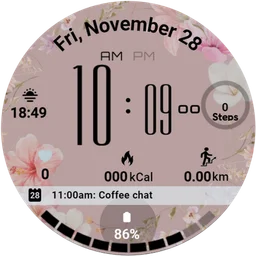 ZRU01 Watch Face for Wear OS
カスタマイズ
-
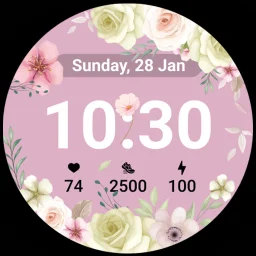 U011Flower Pastel Watch Face
ライフスタイル
-
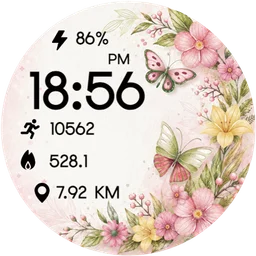 Spring Flora Wear OS
カスタマイズ
-
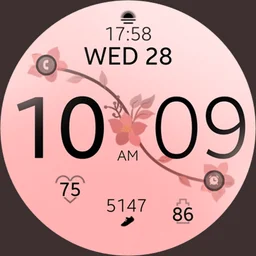 Pink Bloom Digital Watch Face
カスタマイズ
-
 Wildflower WatchFace
カスタマイズ