Frequency Sound Generator
LuxDeLux広告を含む · アプリ内課金
- 3 歳以上対象年齢
- ツールカテゴリ
- 2025/12/22更新日
- 無料価格
com.luxdelux.frequencygeneratorのGoogle Play公式ページにリンクしています。最終確認:2026/11/20。

スクリーンショット


このアプリについて
Googleによる英語 (アメリカ合衆国)からの自動翻訳です。
周波数発生器、スピーカーのテスト、瞑想などを試してください。
あなたは生産していますか?スピーカーのサウンドテストや楽器のチューニングをしたいですか?それとも、あなたは音を生成し、異なる周波数で生成された音を聴きたいですか?さて、それならあなたは異なる周波数の音波を作り出すために周波数サウンドジェネレータとサウンドアナライザが必要です。 周波数サウンドジェネレータをご紹介します。
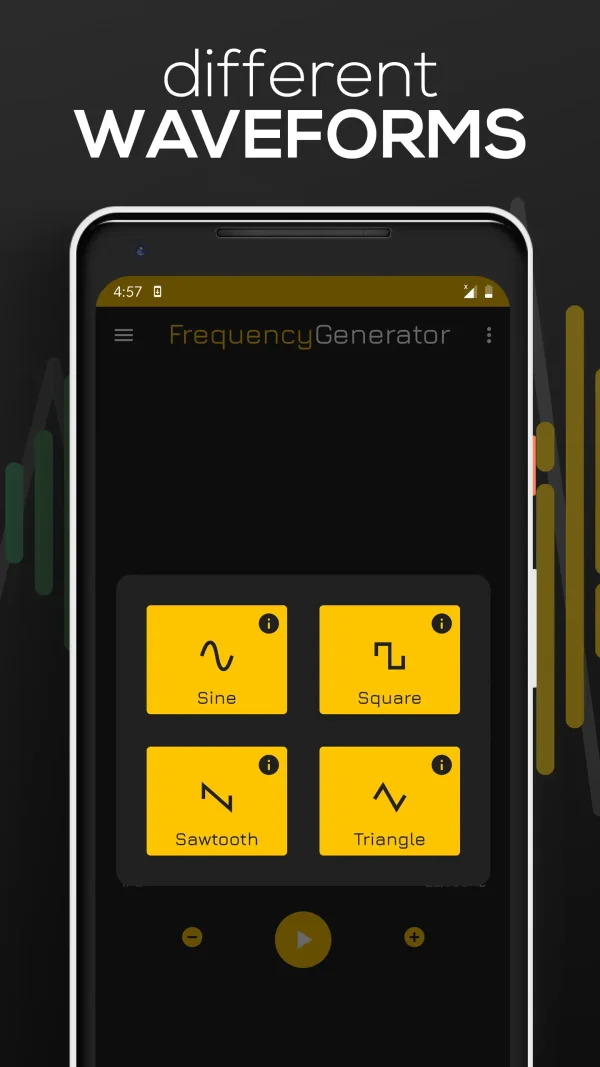
周波数ジェネレータサウンドプレーヤーを使用すると、 1 Hz〜22000 Hz(ヘルツ)の周波数の正弦波、方形波、のこぎり波、または三角波を生成できます。シンプルで使いやすく、正確なトーンと音波を作り出します。
あなたがサウンドテストをして、高周波数の音または低周波数の音を生成する必要があるかどうかに関係なく、私たちの周波数トーンジェネレータはあなたの#1最高の解決策です。
▶️簡単な管理
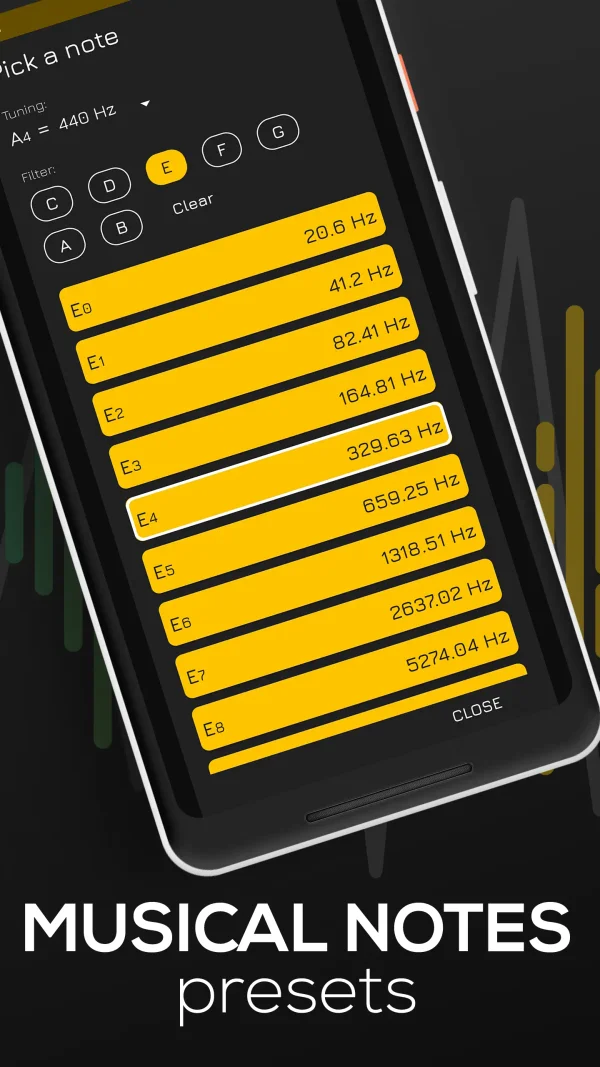
Frequency Sound Generatorを使用すると、メインメニューから音波を簡単に変更できます。音波のアイコンをタップして、サイン、スクエア、ノコギリ波、またはトライアングルを選択します。さらに、メモ🎵アイコンをタップして、さまざまなメモから選択します。
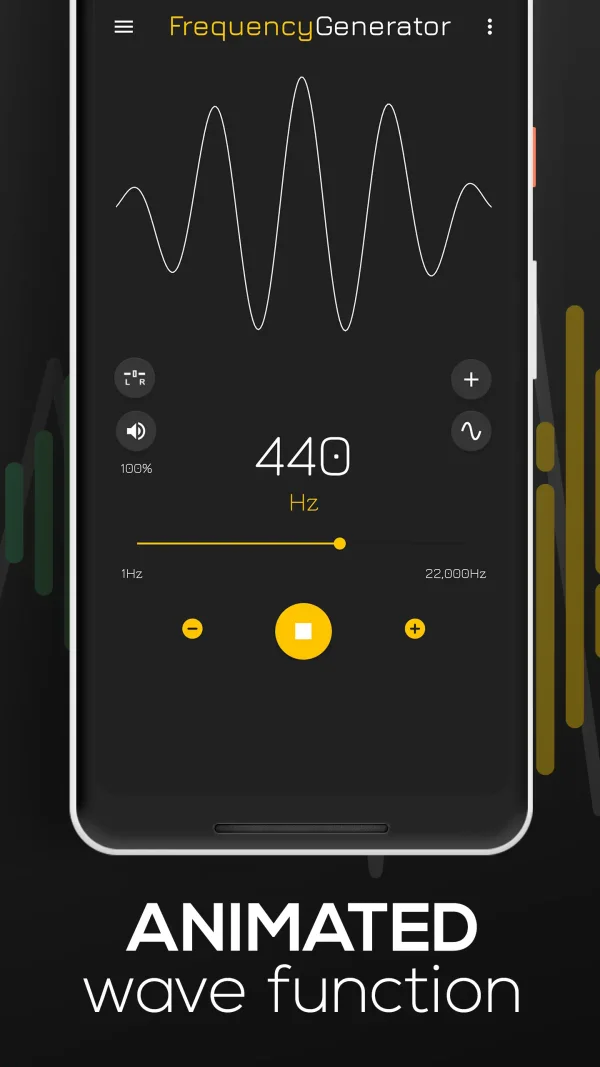
📲アニメの音の波
あなたは視覚的に与えられた周波数の音を表現するアニメーションの音波機能を気に入るはずです。あなたは左側の丸いボタンをクリックすることによって波形を変えることができて、そして異なる音と活気に満ちた波を得ることができます。
️頻度と音量の調整
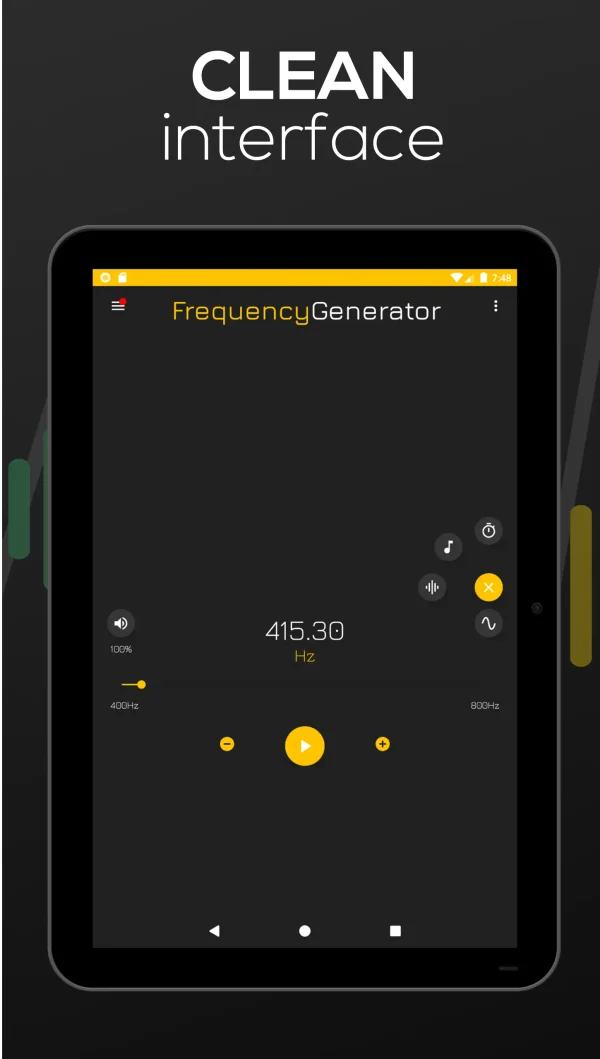
黄色い点をドラッグして、発音頻度を簡単に調整できます。追加の調整精度のために - と+ボタンを使用してください。さらに、生成されるサウンドの音量を0〜100%の範囲で調整します。
📑自分のプリセットを保存する
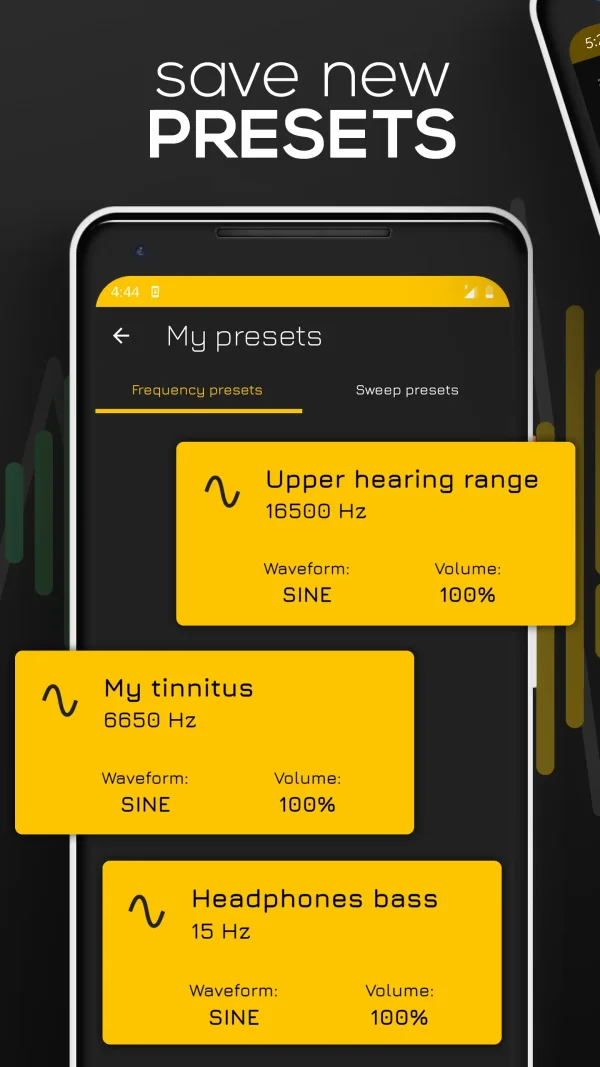
右上隅にある3つのドットをクリックすることで、自分で好きな周波数のサウンドプリセットを作成して読み込むことができるので、もう一度ダイヤルする必要はありません。
🎼バックグラウンドで周波数を再生する
周波数ジェネレータアプリの設定では、周波数サウンドアプリを最小化したときに、周波数サウンドをバックグラウンドで再生し続けるかどうかを選択できます。
🔊多数の用途:
このサウンド生成アプリは、複数のユースケースで使用できます。
●聴覚をテストする。人間は、20Hz〜20000Hzの平均範囲の周波数を聞くことができる。この範囲は年齢とともに小さくなっているので、聴力をテストするのは面白いです。
●ハイエンド(高音)トーンとローエンド(低音)トーンのスピーカーとヘッドフォンのテスト。
●このアプリを再生または制作時にインストゥルメントチューナーとして使用します。
●スピーカーからの洗浄水。音が小さい振動を作っているのでそれはあなたのスピーカーから不要な水を振り払うのを助けることができます。
●耳鳴りの頻度を調べる。
️設定:
Frequency Generatorアプリの動作をカスタマイズするために調整できる設定はいくつかあります。
●周波数を選択しながらより正確にできるように、[スライダの範囲]を変更します。
●[ 2つのスライダスケール]から選択します(線形または対数)。
●低遅延設定を使用すると、高性能低遅延オーディオが有効になり、スライダの応答性が向上し、遅延がなくなります。 (注:レイテンシーを低く設定すると、特に音量が大きい場合、一部のデバイスでは高周波数が不正確に聞こえる可能性があります。)
●より正確なサウンドを生成する必要がある場合は、小数精度を2桁以内で有効または無効にします。
●さらに簡単に調整するために+/-ボタンステップを変更します。
注:携帯電話は高音質のオーディオソースではなく、内蔵スピーカーは品質が異なる場合があるため、人間の聴覚の範囲を超えても非常に低いまたは高い周波数で音が聞こえることがあります。そのノイズは特定の周波数の音ではなく、あなたのモバイル機器によって生成される静的または「寄生虫」ノイズです。最高の経験のためには、良質のヘッドフォンを使用してください。
原文を表示
Are you producing? Want to sound test your speakers or tune your instruments? Or simply, do you want to generate sounds and listen to the generated sounds in different frequencies? Well, then you need a frequency sound generator and sound analyzer to produce sound waves in different frequencies. Introducing Frequency Sound Generator!
Frequency Generator Sound player lets you generate a sine, square, sawtooth or triangle sound wave with a frequency between 1Hz and 22000Hz (hertz). It produces accurate tone & soundwaves while being simple and easy to use.
No matter if you need to sound test and generate high frequency sounds or low frequency sounds, our frequency tone generator is your #1 best solution.
▶️EASY CONTROL
Frequency Sound Generator allows you to easily change the soundwaves from the main menu. Simply tap on the sound wave icon and pick between sine, square, sawtooth or triangle. Additionally, pick from a wide variety of notes by taping the notes 🎵 icon.
📲ANIMATED SOUND WAVE
You’ll love the animated sound wave function which visually represents the sound for a given frequency. You can change waveform by clicking on a round button at the left side and get a different sound and animated wave.
🎚️ADJUST FREQUENCY & VOLUME
Adjust the sound generating frequency easily by dragging the yellow dot. Make use of the - & + buttons for added adjusting precision. Additionally, control the volume of the generated sounds from 0-100%.
📑SAVE YOUR OWN PRESETS
By clicking on the three dots in the top right corner you can create and load your own favorite frequency sound presets so you do not have to dial it every time again.
🎼PLAY FREQUENCY SOUNDS IN THE BACKGROUND
In the frequency generator app settings, you can choose if you want the frequency sound to continue playing in the background when you minimize the frequency sound playing app.
🔊NUMEROUS USES:
This sound generating app can be used in multiple use cases:
● Test your hearing. A human being is capable of hearing frequencies in the average range of 20Hz-20000Hz. This range is getting smaller by age, so it’s interesting to sound test your hearing capabilities.
● Test speakers and headphones for the high end (treble) and low end (bass) tones.
● Use this app as an instrument tuner when playing or producing.
● Cleaning water from the speaker. Since sound is making small vibrations it can help to shake off unwanted water from your speakers.
● Find your tinnitus frequency.
⚙️ SETTINGS:
There are few settings you can adjust to customize Frequency Generator app behavior.
● Change frequency slider range to allow you more precision while selecting frequencies.
● Choose between two slider scales: linear or logarithmic.
● Low latency setting enables high-performance low latency audio which makes slider more responsive and eliminates lag. (NOTE: Low latency setting may result in high frequencies on some devices sound inaccurate, especially on higher volume.)
● Enable or disable decimal precision up two decimals in case of need for more precise sound generation.
● Change +/- button step for even easier adjustments.
NOTE: Since mobile phones are not high-quality audio sources and in-built speakers may vary in quality, sometimes users can hear sounds at very low or high frequencies even beyond the scope of human hearing. That noise is not sound of a given frequency but static or “parasite” noise generated by your mobile device. For the best experience use a pair of good quality headphones.
データ セーフティ
このアプリが収集・共有するデータについて、LuxDeLuxがGoogle Playで申告している内容です。
- このアプリはサードパーティと以下の種類のデータを共有することがあります位置情報、アプリのアクティビティ、他 2 件
- このアプリは以下の種類のデータを収集することがあります位置情報、個人情報、他 3 件
- データは暗号化されません
- データを削除できません
新機能
バージョン 3.1.2 · 2025/12/22
v3.1
Other:
Bug fixes and stability improvements.
開発元の連絡先
- メールluxdelux.develop@gmail.com
- プライバシーポリシーsites.google.com
- 住所Ul. Ivana Stožira 6 10000, Zagreb Croatia
情報
- 提供元
- LuxDeLux
- カテゴリ
- ツール
- バージョン
- 3.1.2
- 更新日
- 2025/12/22
- リリース
- 2017/12/10
- 必要条件
- Android 6.0以降
- 対象年齢
- 3 歳以上
- 価格
- 無料
- アプリ内課金
- ¥100~¥11,500/アイテム
- パッケージ名
- com.luxdelux.frequencygenerator