Frequency Sound Generator
LuxDeLuxContains ads · In-app purchases
- EveryoneAge rating
- ToolsCategory
- Dec 22, 2025Updated
- FreePrice
Links to the official Google Play listing of com.luxdelux.frequencygenerator. Last checked on Nov 20, 2026.

Screenshots



About this app
Experiment with frequency generator , test speakers, meditate and much more.
Are you producing? Want to sound test your speakers or tune your instruments? Or simply, do you want to generate sounds and listen to the generated sounds in different frequencies? Well, then you need a frequency sound generator and sound analyzer to produce sound waves in different frequencies. Introducing Frequency Sound Generator!
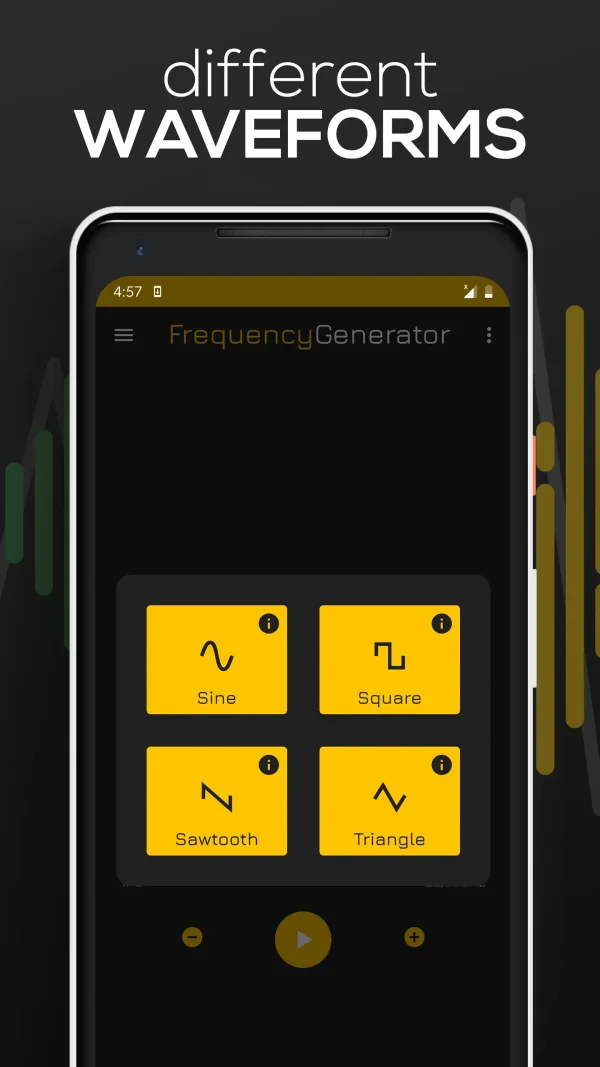
Frequency Generator Sound player lets you generate a sine, square, sawtooth or triangle sound wave with a frequency between 1Hz and 22000Hz (hertz). It produces accurate tone & soundwaves while being simple and easy to use.
No matter if you need to sound test and generate high frequency sounds or low frequency sounds, our frequency tone generator is your #1 best solution.
▶️EASY CONTROL
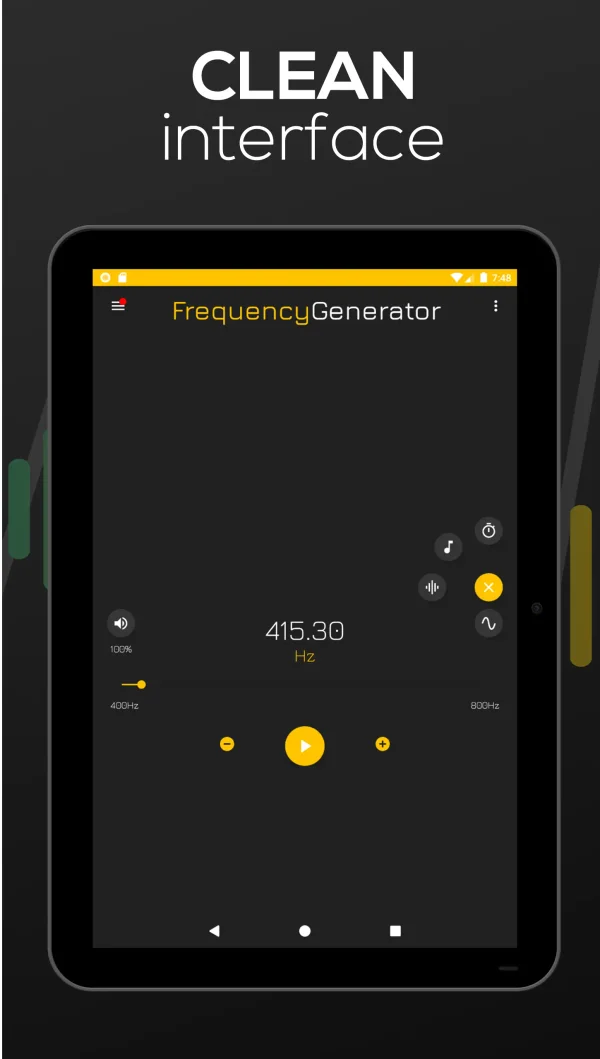
Frequency Sound Generator allows you to easily change the soundwaves from the main menu. Simply tap on the sound wave icon and pick between sine, square, sawtooth or triangle. Additionally, pick from a wide variety of notes by taping the notes 🎵 icon.
📲ANIMATED SOUND WAVE
You’ll love the animated sound wave function which visually represents the sound for a given frequency. You can change waveform by clicking on a round button at the left side and get a different sound and animated wave.
🎚️ADJUST FREQUENCY & VOLUME
Adjust the sound generating frequency easily by dragging the yellow dot. Make use of the - & + buttons for added adjusting precision. Additionally, control the volume of the generated sounds from 0-100%.
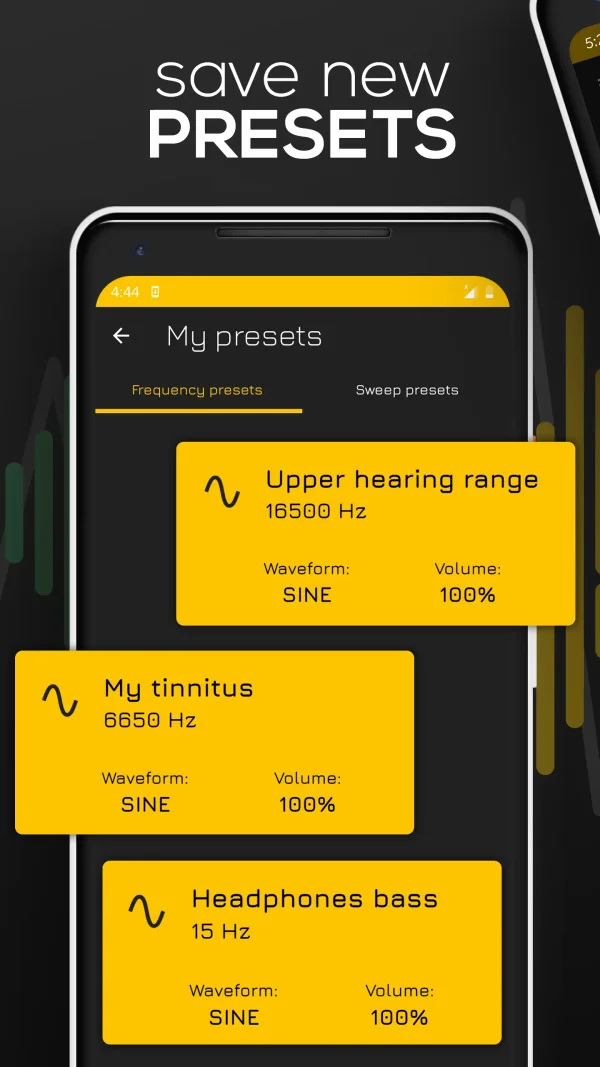
📑SAVE YOUR OWN PRESETS
By clicking on the three dots in the top right corner you can create and load your own favorite frequency sound presets so you do not have to dial it every time again.
🎼PLAY FREQUENCY SOUNDS IN THE BACKGROUND
In the frequency generator app settings, you can choose if you want the frequency sound to continue playing in the background when you minimize the frequency sound playing app.
🔊NUMEROUS USES:
This sound generating app can be used in multiple use cases:
● Test your hearing. A human being is capable of hearing frequencies in the average range of 20Hz-20000Hz. This range is getting smaller by age, so it’s interesting to sound test your hearing capabilities.
● Test speakers and headphones for the high end (treble) and low end (bass) tones.
● Use this app as an instrument tuner when playing or producing.
● Cleaning water from the speaker. Since sound is making small vibrations it can help to shake off unwanted water from your speakers.
● Find your tinnitus frequency.
⚙️ SETTINGS:
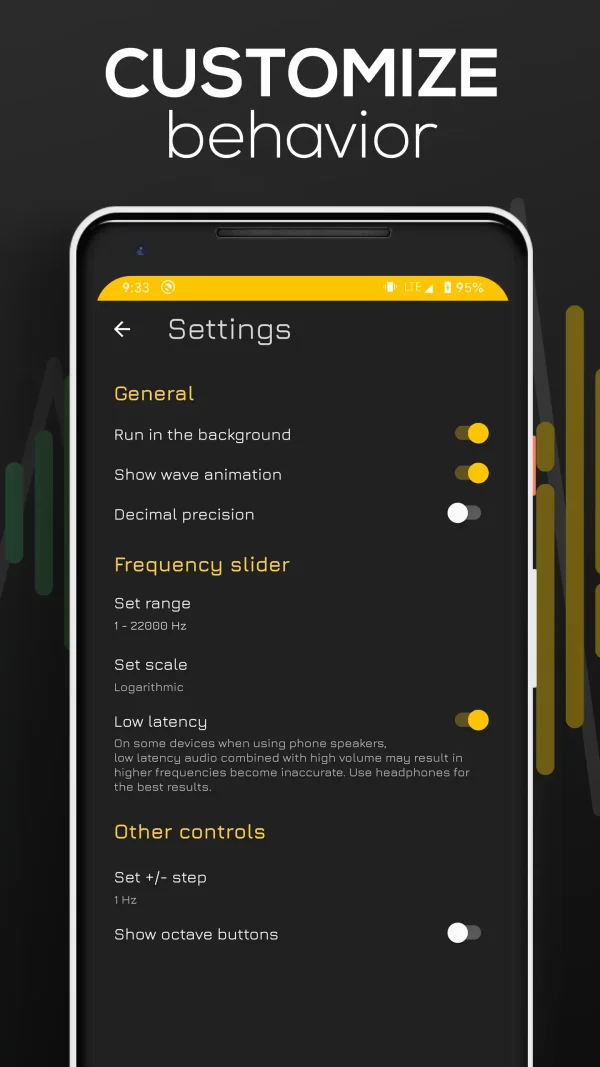
There are few settings you can adjust to customize Frequency Generator app behavior.
● Change frequency slider range to allow you more precision while selecting frequencies.
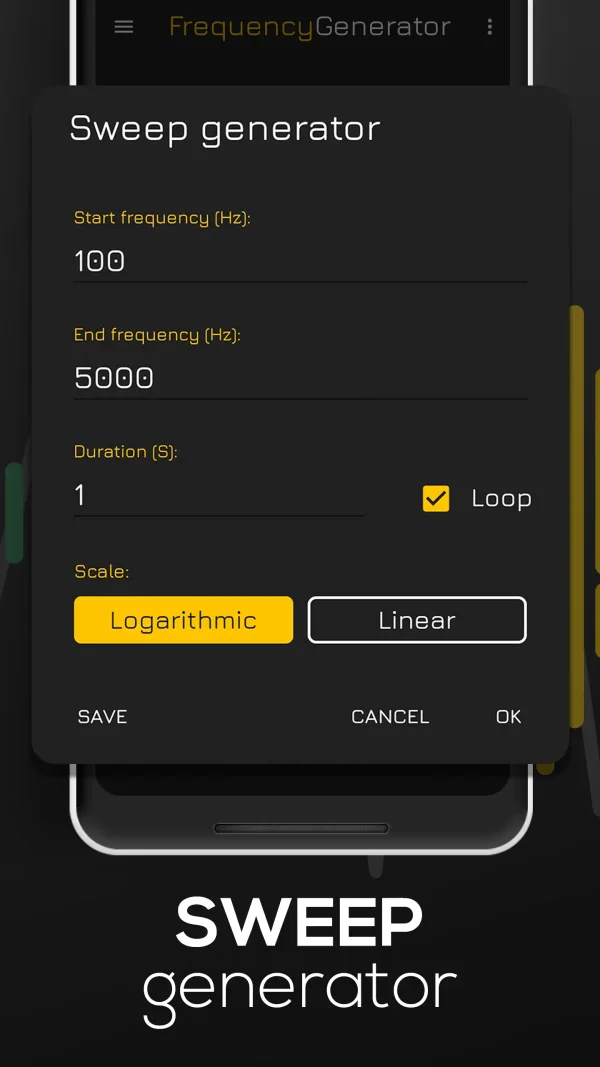
● Choose between two slider scales: linear or logarithmic.
● Low latency setting enables high-performance low latency audio which makes slider more responsive and eliminates lag. (NOTE: Low latency setting may result in high frequencies on some devices sound inaccurate, especially on higher volume.)
● Enable or disable decimal precision up two decimals in case of need for more precise sound generation.
● Change +/- button step for even easier adjustments.
NOTE: Since mobile phones are not high-quality audio sources and in-built speakers may vary in quality, sometimes users can hear sounds at very low or high frequencies even beyond the scope of human hearing. That noise is not sound of a given frequency but static or “parasite” noise generated by your mobile device. For the best experience use a pair of good quality headphones.
Data safety
What LuxDeLux declares on Google Play about the data this app collects and shares.
- This app may share these data types with third partiesLocation, App activity and 2 others
- This app may collect these data typesLocation, Personal info and 3 others
- Data isn’t encrypted
- Data can’t be deleted
What’s new
Version 3.1.2 · Dec 22, 2025
v3.1
Other:
Bug fixes and stability improvements.
Developer contact
- Emailluxdelux.develop@gmail.com
- Privacy policysites.google.com
- AddressUl. Ivana Stožira 6 10000, Zagreb Croatia
Information
- Offered by
- LuxDeLux
- Category
- Tools
- Version
- 3.1.2
- Updated
- Dec 22, 2025
- Released
- Dec 10, 2017
- Requires
- Android 6.0 or later
- Age rating
- Everyone
- Price
- Free
- In-app purchases
- $1.00 - $100.00 per item
- Package name
- com.luxdelux.frequencygenerator
Similar apps
-
 SPL Meter : dB & sound meter
Tools
-
 Signal Detector
Tools
-
 Magnifier & Microscope [Cozy]
Lifestyle
-
 SkyView® Lite
Education
-
 Radio Garden
Music & Audio
-
 Speedometer: GPS Speedometer
Maps & Navigation
-
 phyphox
Education
-
 Frequency Sound Generator
Music & Audio
-
 Music Speed Changer
Music & Audio
-
 OBD2 Car Scanner - EOBD Facile
Auto & Vehicles
-
 Segway Mobility
Travel & Local
-
 NASA
Education