MD331 Analog watch face
Matteo Dini MD ® Watch Faces- 3 歳以上対象年齢
- カスタマイズカテゴリ
- 2026/10/28更新日
- ¥330価格
com.watchfacestudio.md331のGoogle Play公式ページにリンクしています。最終確認:2026/11/14。
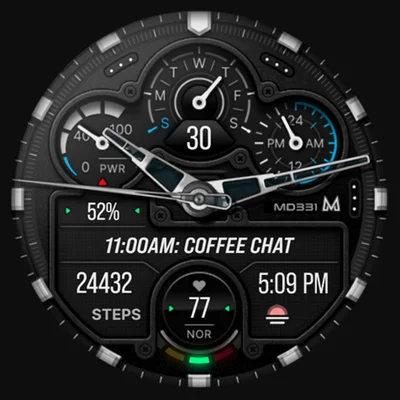
スクリーンショット
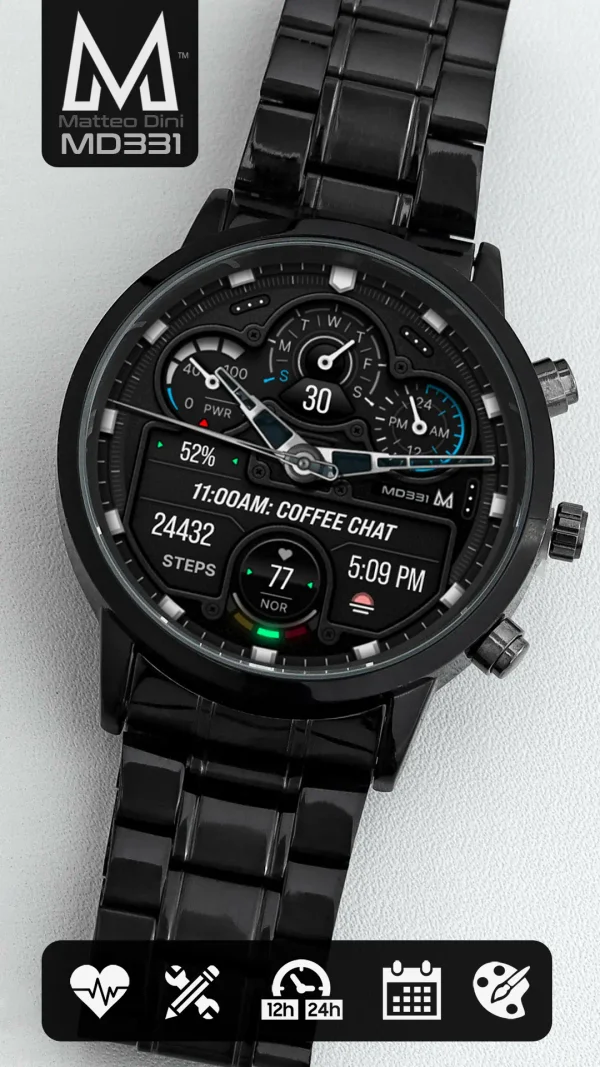
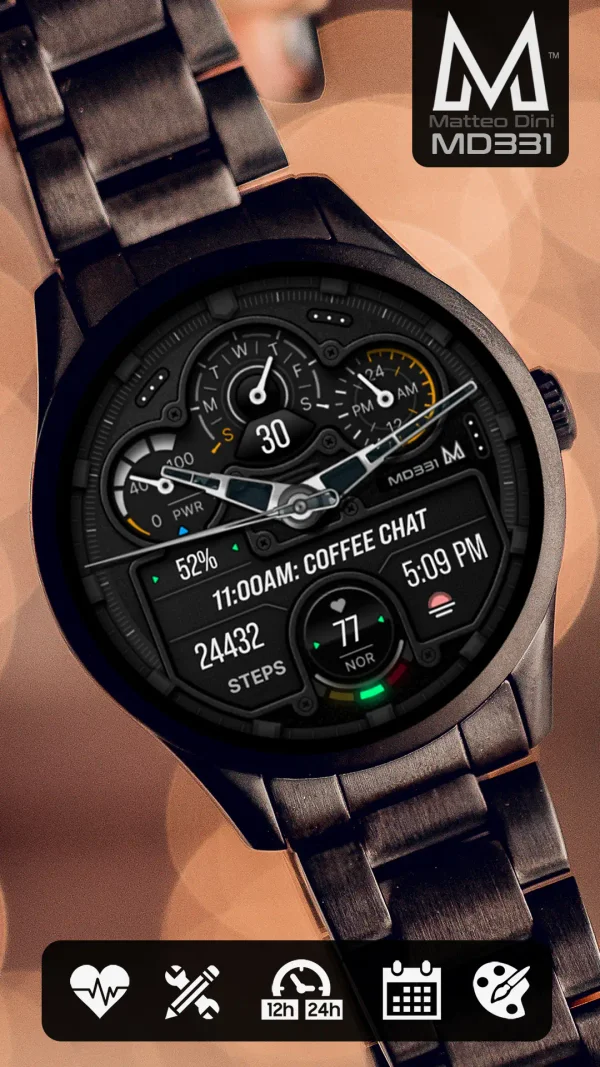
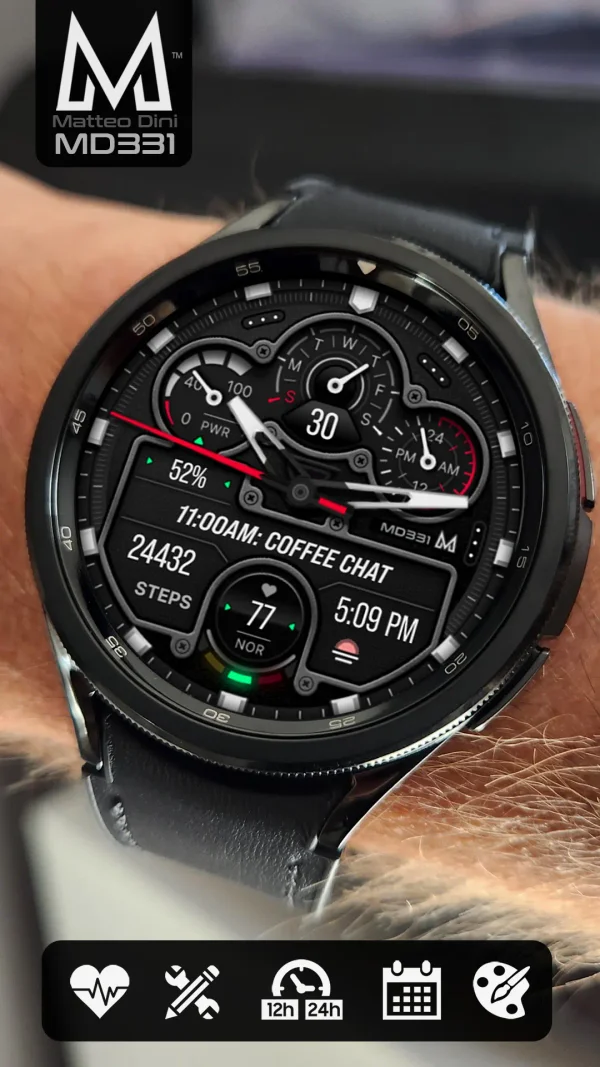
このアプリについて
Googleによる英語 (アメリカ合衆国)からの自動翻訳です。
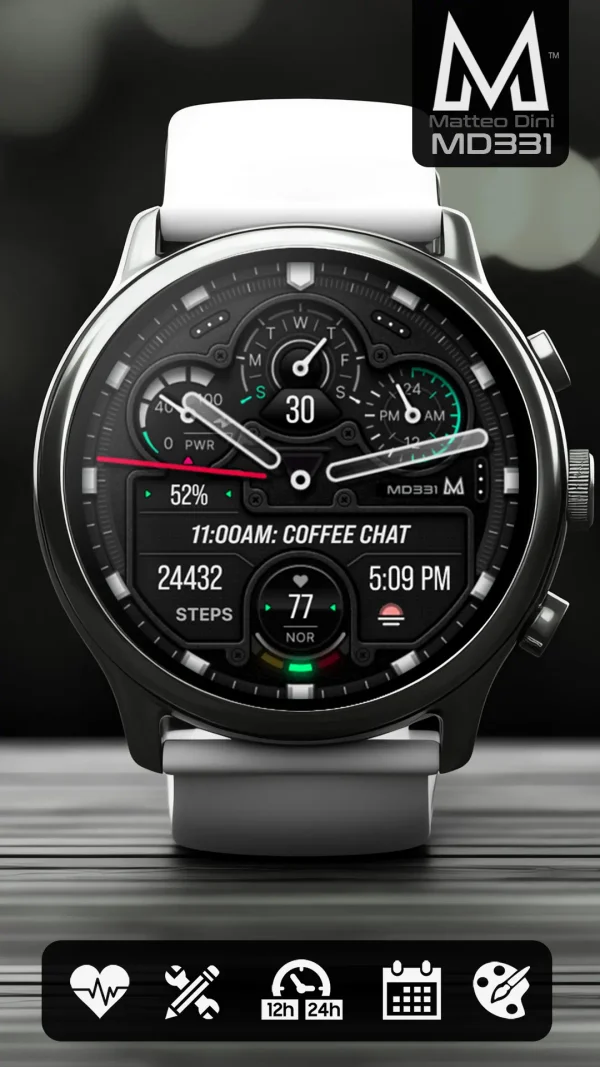
Wear OS 用に多くのカスタマイズを備えたアナログウォッチフェイス。
新しいウォッチフェイス形式。
Galaxy Watch ユーザーの皆様へ:Samsung Wearable アプリのウォッチフェイスエディターでは、このような複雑なウォッチフェイスの読み込みに失敗することがよくあります。
これはウォッチフェイス自体の問題ではありません。
Samsung がこの問題を解決するまでは、ウォッチフェイスを直接カスタマイズすることをお勧めします。
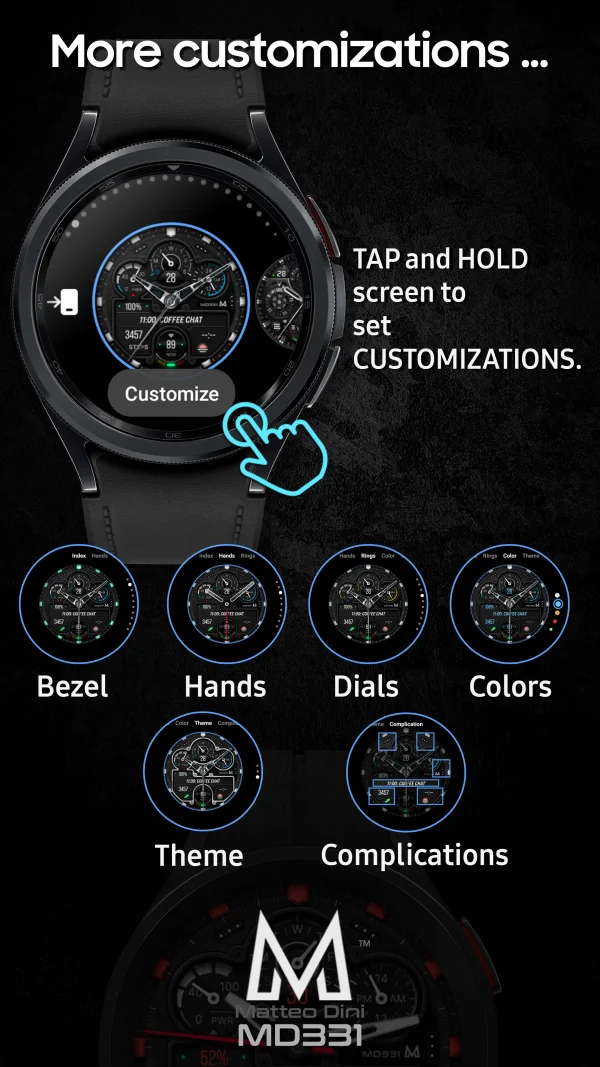
ウォッチの画面を長押しし、「カスタマイズ」を選択してください。
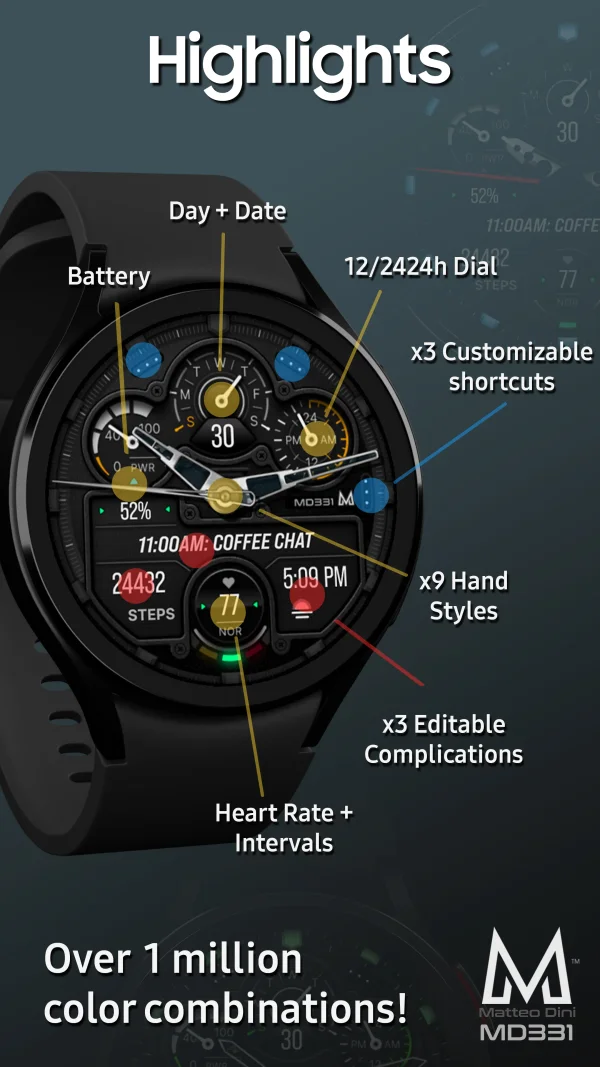
プリセットアプリのショートカットが 4 つ、カスタマイズ可能なショートカットが 3 つ、カスタマイズ可能なコンプリケーションが 3 つ含まれており、天気、気圧計、歩行距離、カロリー、紫外線指数、降水確率など、お好みのデータを表示できます。
インストールに関する注意事項:
インストールとトラブルシューティングガイドについては、こちらのリンクをご覧ください:
https://www.matteodinimd.com/watchface-installation/
このウォッチフェイスは、Samsung Galaxy Watch 4-8、Ultra、Pixel Watch など、API レベル 33 以上 (Wear OS 4 以降) のすべての Wear OS デバイスに対応しています。
主な特徴:
- アナログデザイン
- 日付
- 曜日
- バッテリー
- 心拍数 + インターバル
- 4 つのプリセットアプリショートカット
- 3 つのカスタマイズ可能なショートカット
- 3 つのカスタマイズ可能なコンプリケーション
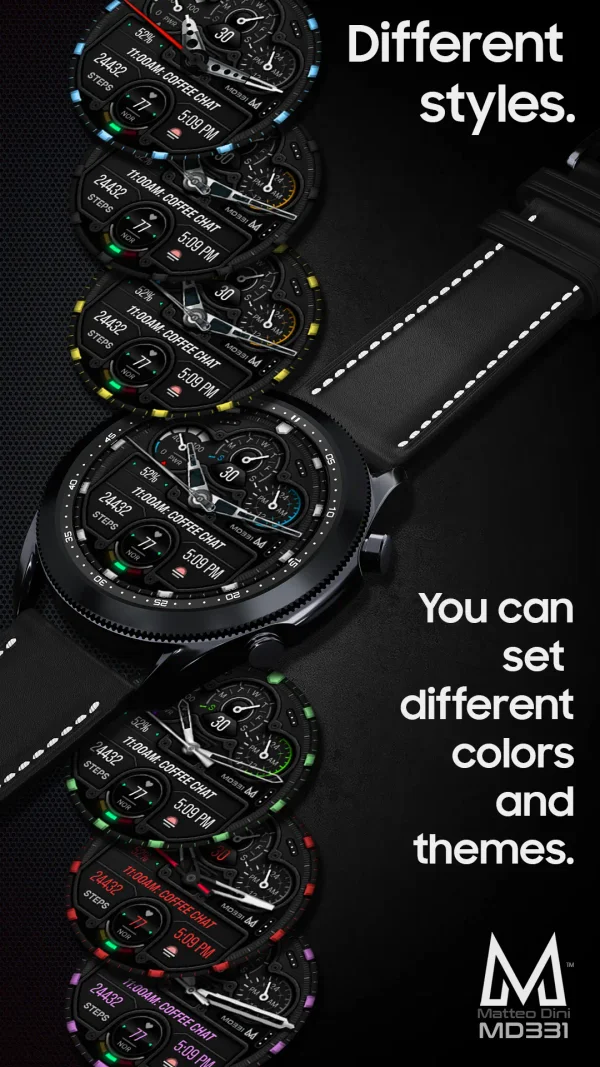
- ベゼル、文字盤、テーマ、全体の色を変更可能
- 針のスタイルを変更可能
カスタマイズ:
1 - ディスプレイを長押し
2 - カスタマイズオプションをタップ
プリセットアプリショートカット:
- カレンダー
- アラーム
- バッテリー
- 心拍数測定
コンプリケーション:
ウォッチフェイスは、お好みのデータでカスタマイズできます。
例えば、天気、カロリー、歩行距離などの健康データ、世界時計、気圧計などを選択できます。
コンプリケーションはウォッチフェイスの一部ではなく外部アプリであり、当社ではこれらを制御することはできませんのでご注意ください。ありがとうございます。
**一部の機能は一部の時計ではご利用いただけない場合があります。
ぜひご連絡ください。
ニュースレター:
新しいウォッチフェイスやプロモーションの最新情報を受け取るには、ご登録ください!
http://eepurl.com/hlRcvf
Facebook:
https://www.facebook.com/matteodiniwatchfaces
Instagram:
https://www.instagram.com/mdwatchfaces/
Telegram:
https://t.me/mdwatchfaces
Web:
https://www.matteodinimd.com
ありがとうございます。
原文を表示
New watch face format.
Note for Galaxy Watch Users: The watch face editor in the Samsung Wearable app often fails to load complex watch faces like this one.
This is not an issue with the watch face itself.
It is recommended to customize the watch face directly on the watch until Samsung resolves this issue.
TAP AND HOLD SCREEN ON WATCH AND SELECT CUSTOMIZE.
It contains 4 Preset App shortcuts, 3 customizable shortcuts, 3 customizable complications where you can have the data you prefer like weather, barometer, distance walked, calories, uv index, chanche of rain and many more.
INSTALLATION NOTES:
Please check this link for installation and troubleshooting guide:
https://www.matteodinimd.com/watchface-installation/
This watch face supports all Wear OS devices with API Level 33+ (Wear OS 4 and later versions) like Samsung Galaxy Watch 4-8, Ultra, Pixel Watch etc.
Highlights:
- Analog design
- Date
- Day
- Battery
- Heart Rate + Intervals
- 4 Preset app shortcuts
- 3 customizable shortcuts
- 3 customizable complications
- Changeable colors of bezel, dials, theme and general colors
- Changeable styles of hands
Customization:
1 - Touch and hold display
2 - Tap on customize option
Preset APP Shortcuts:
- Calendar
- Alarms
- Battery
- Measure Heart Rate
Complications:
you can customize the watch face with the any data you want.
For example, you can select weather, health data such calories, distance walked, world clock, barometer and many more.
Please note that complications are NOT part of the watch face but are external apps and we have NO control over them. Thank you.
**some features may not be available on some watches.
Let's keep in touch:
Newsletter:
Sign up to stay updated with new watchfaces and promotions!
http://eepurl.com/hlRcvf
FACEBOOK:
https://www.facebook.com/matteodiniwatchfaces
INSTAGRAM:
https://www.instagram.com/mdwatchfaces/
TELEGRAM:
https://t.me/mdwatchfaces
WEB:
https://www.matteodinimd.com
Thank you.
データ セーフティ
このアプリが収集・共有するデータについて、Matteo Dini MD ® Watch FacesがGoogle Playで申告している内容です。
- 第三者と共有されるデータはありません詳しくは、デベロッパーが共有を申告する方法についての説明をご覧ください
- データは収集されません詳しくは、デベロッパーが収集を申告する方法についての説明をご覧ください
新機能
2026/10/28
App updated to API 3.6
開発元の連絡先
- ウェブサイトmatteodinimd.com
- メールsupport@mdwatchfaces.com
- プライバシーポリシーmatteodinimd.com
- 住所VIA DEGLI ULIVI 31 57014 COLLESALVETTI Italy
情報
- 提供元
- Matteo Dini MD ® Watch Faces
- カテゴリ
- カスタマイズ
- 更新日
- 2026/10/28
- リリース
- 2023/11/1
- 対象年齢
- 3 歳以上
- 価格
- ¥330
- パッケージ名
- com.watchfacestudio.md331