ONLYOFFICE Documents
Ascensio System SIA- 3 歳以上対象年齢
- 仕事効率化カテゴリ
- 2026/10/26更新日
- 無料価格
com.onlyoffice.documentsのGoogle Play公式ページにリンクしています。最終確認:2026/11/20。

スクリーンショット
このアプリについて
Googleによる英語 (アメリカ合衆国)からの自動翻訳です。
ONLYOFFICE Documents-無料のポケットオフィススイート
ONLYOFFICE Documents - Android向け究極のモバイルオフィススイート
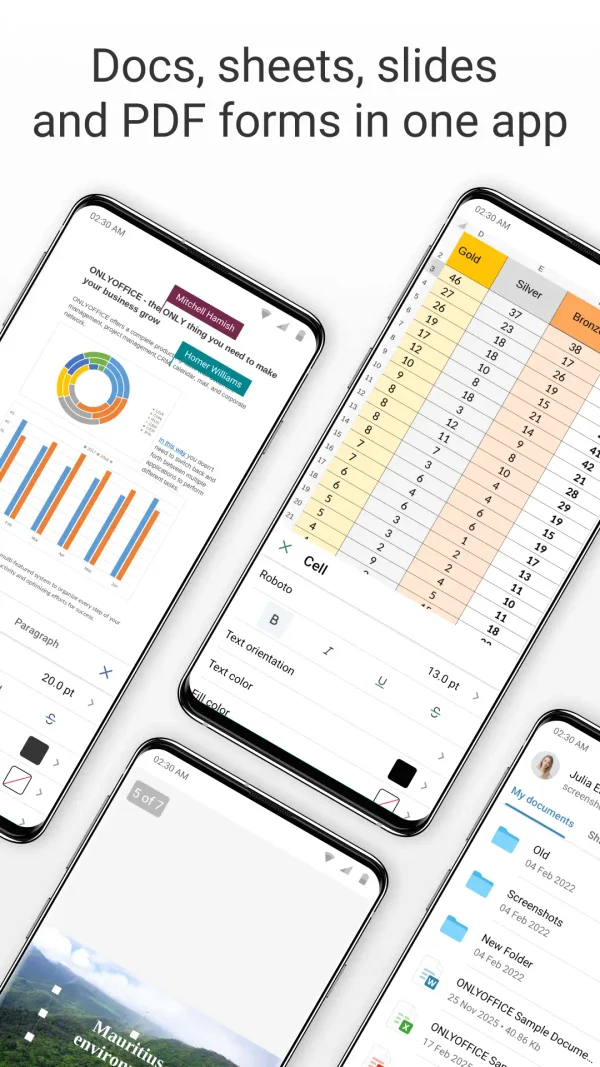
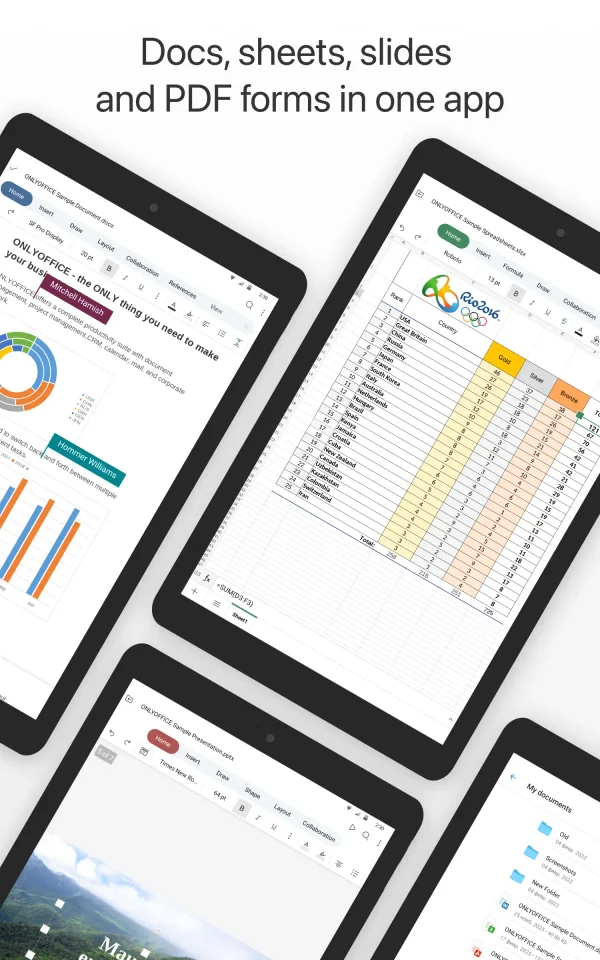
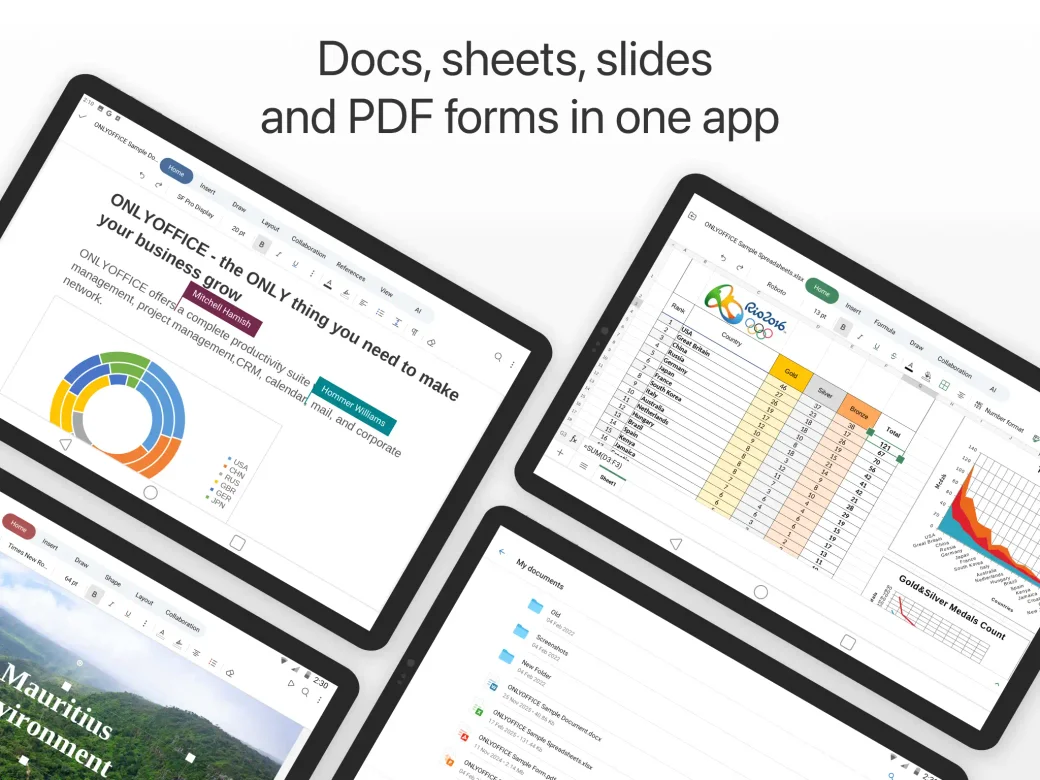
ONLYOFFICE Documentsは、テキスト、スプレッドシート、プレゼンテーション、PDFの編集、オンラインフォームへの入力が可能な、Android向けの無料オフィススイートです。MS Office形式と完全互換で、リアルタイムコラボレーションとオフラインアクセスに対応しています。モバイルデバイスからドキュメントを整理、編集、共有できます。
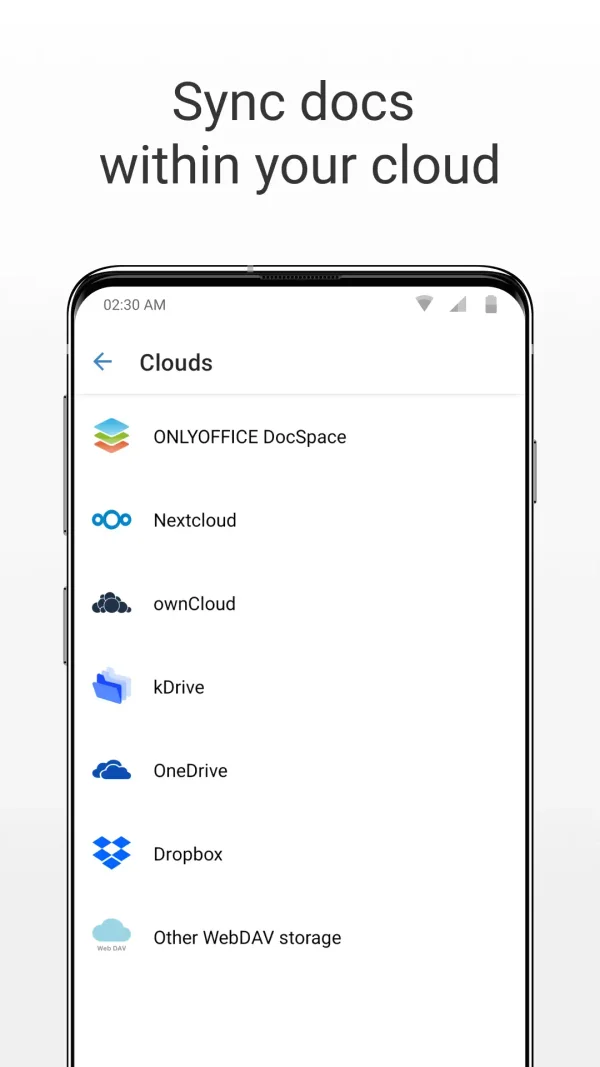
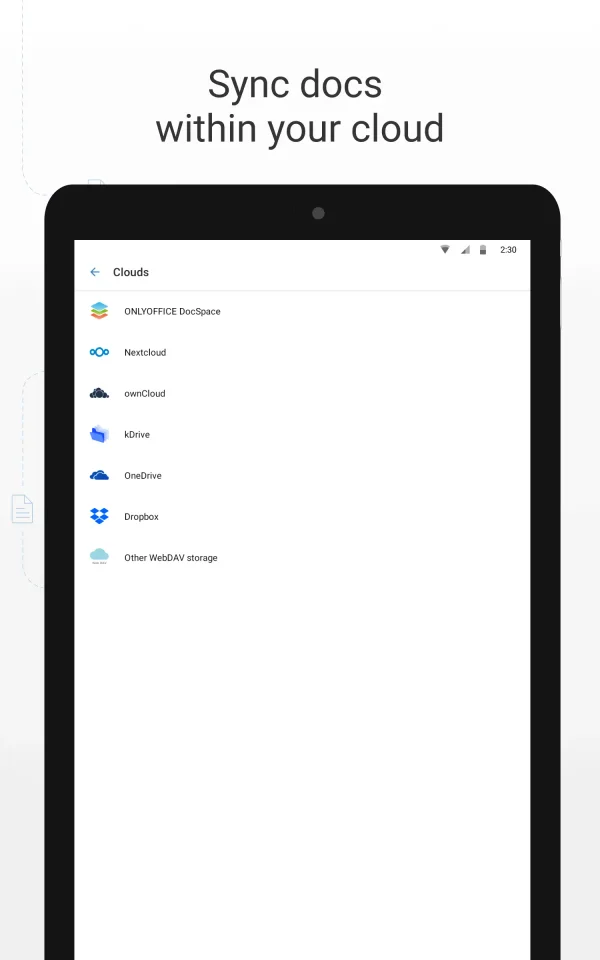
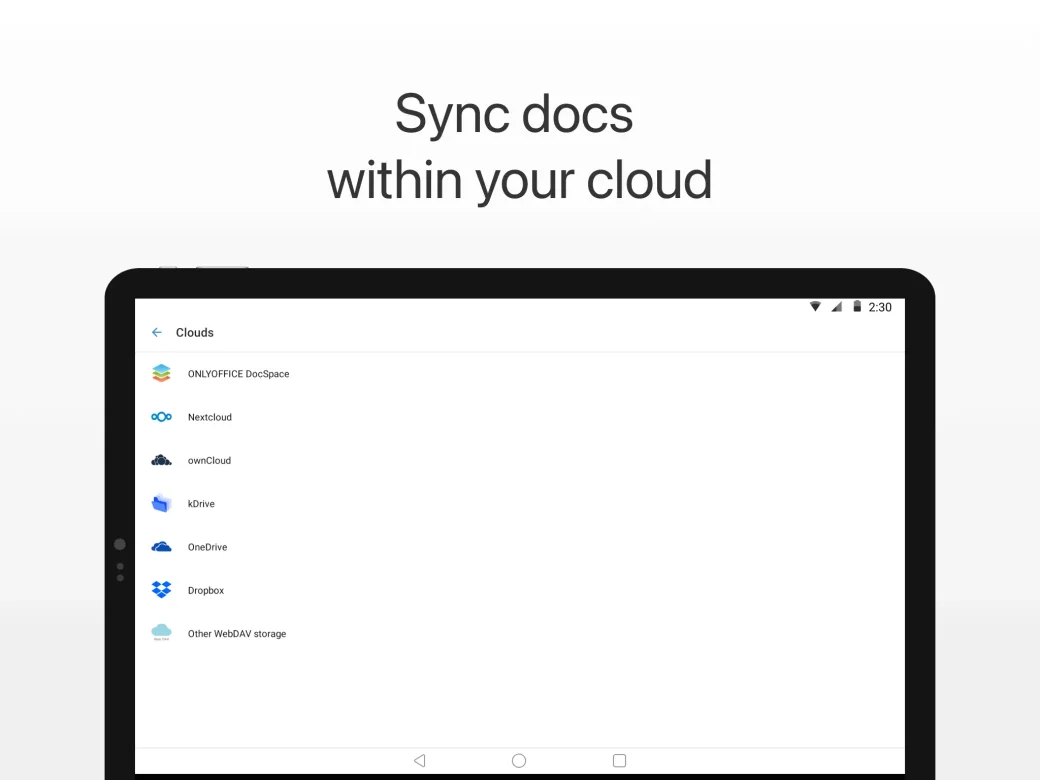
ONLYOFFICE、Nextcloud、OneDrive、ownCloud、kDrive、Dropbox、WebDAVなどのクラウドサービスと同期して、ファイルにすぐにアクセスできます。
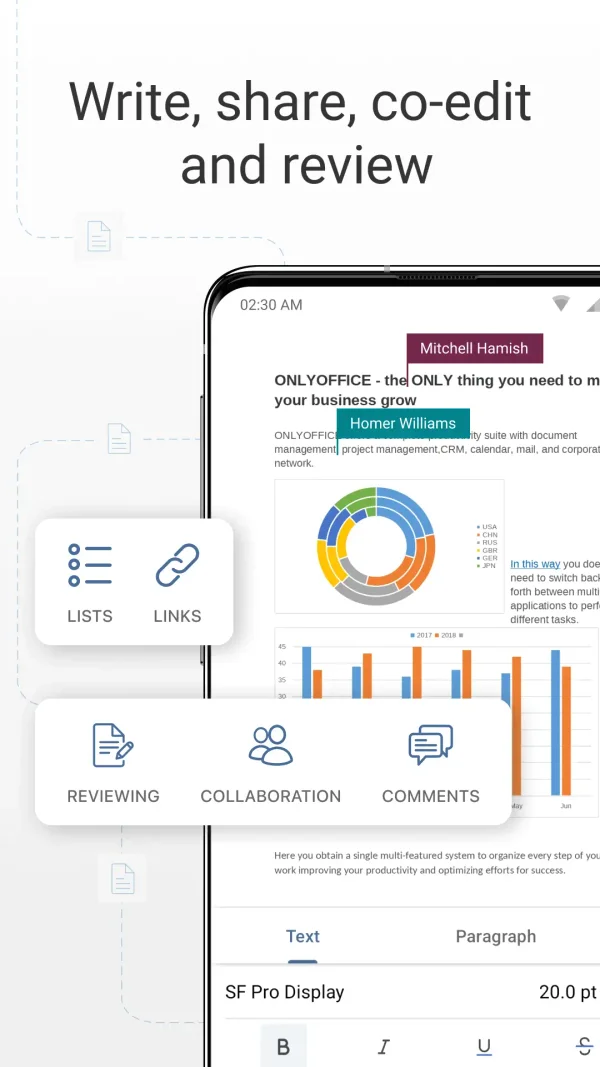
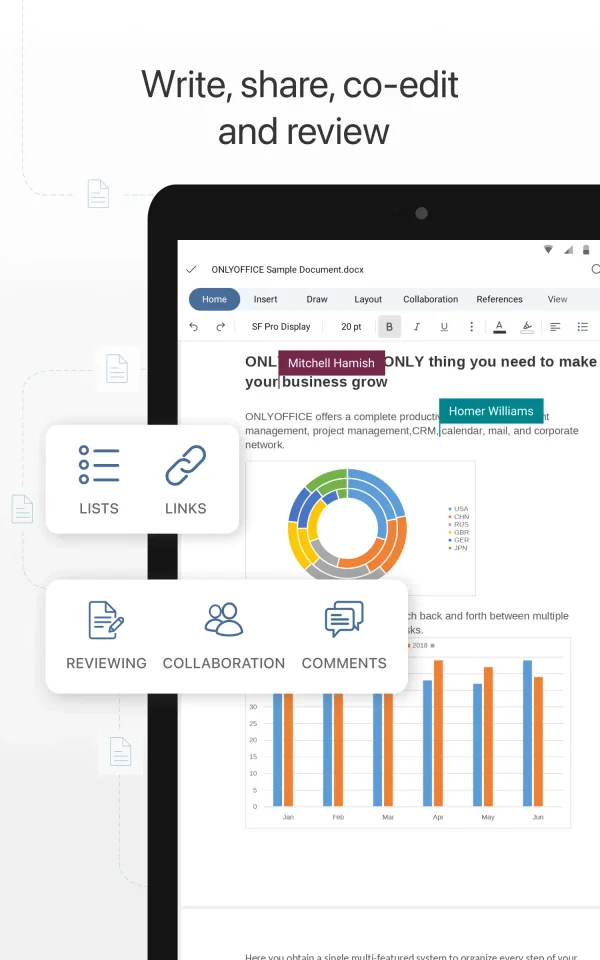
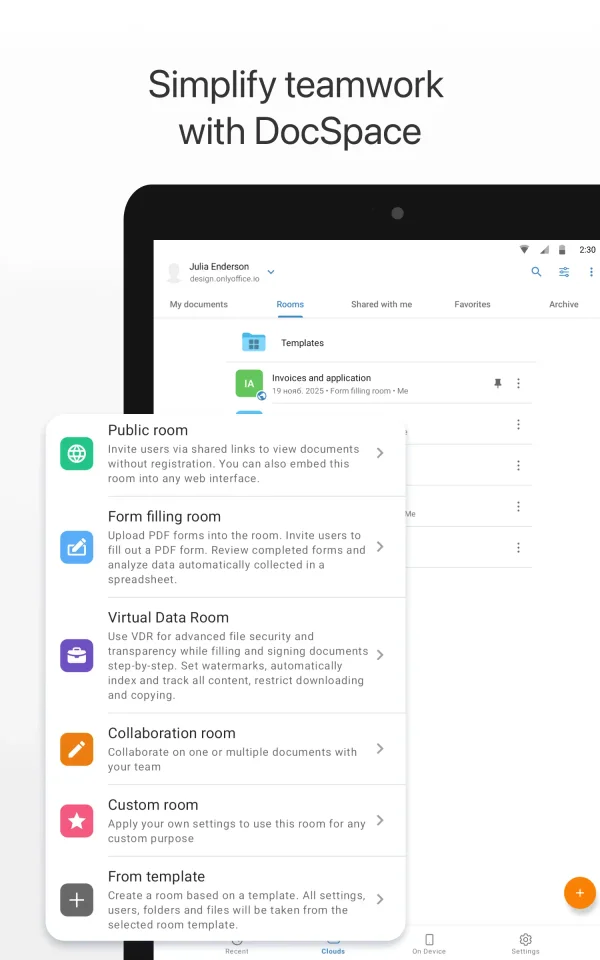
ONLYOFFICEクラウドに接続すると、チームメンバーとリアルタイムで共同作業が可能です。コメントの挿入、変更履歴の追跡、ドキュメントバージョンの管理、閲覧、コメント、編集などの柔軟なアクセス権限の割り当てができます。
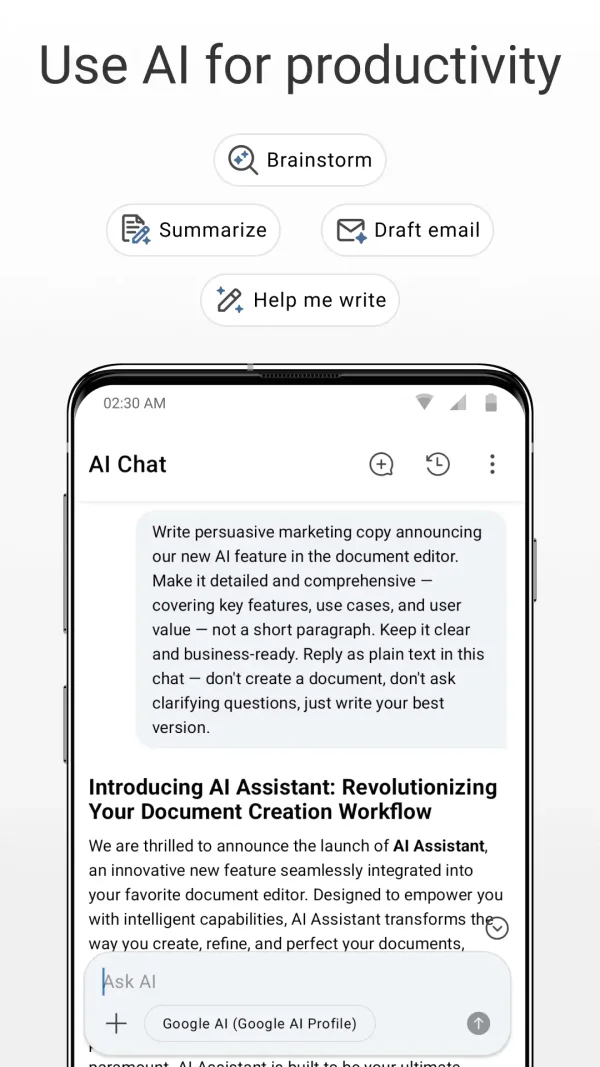
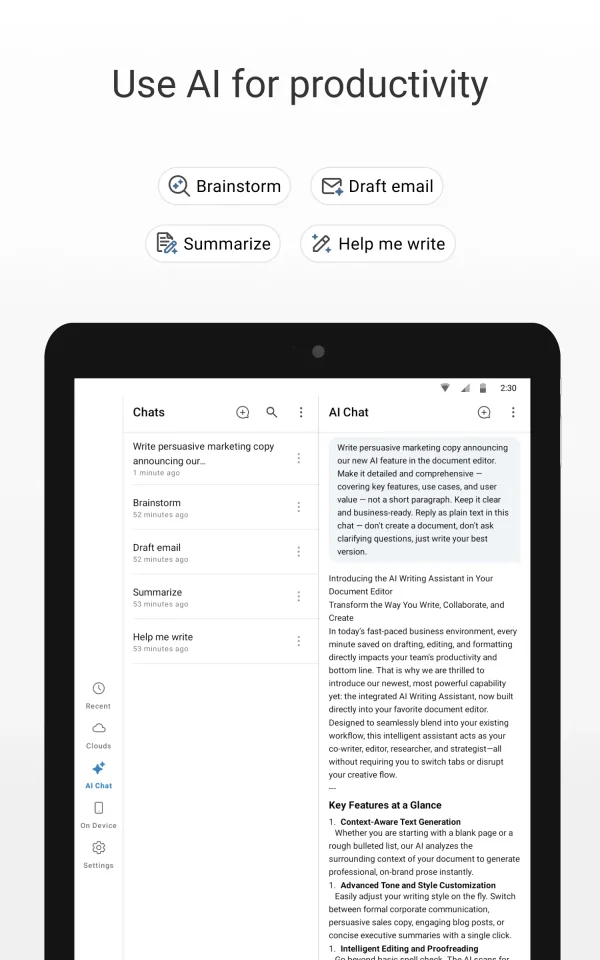
AIを活用して作業を効率化:AIアシスタントとのチャット、ドキュメント、スプレッドシート、プレゼンテーションエディター内でのAIヘルプ、プレゼンテーションの作成、自動入力によるフォームへの自動入力、デバイス上でのAI応答の読み上げなどが可能です。複数のAIプロバイダーから選択できます。カメラで書類をスキャンし、テキストを抽出して編集可能なファイルに変換できます。
ONLYOFFICE Documentsは、強力な編集ツールとコラボレーション機能を兼ね備え、外出先でも生産性を維持できます。
主な機能
Officeドキュメントの表示と編集
• 主な対応フォーマット:DOCX、XLSX、PPTX
• その他の一般的なフォーマット:DOC、XLS、PPT、ODT、ODS、ODP、DOTX
• 標準および保護されたPDFファイルを表示
• Appleドキュメント(Pages、Numbers、Keynote)およびHWPファイルに対応
• ODG/Markdownファイルを開く
• ファイルをPDF、TXT、CSV、HTML形式で保存
オンラインでもオフラインでも作業可能
ONLYOFFICE Documentsを使えば、インターネット接続がなくても、デバイス上でローカルにドキュメントファイルにアクセスして編集できます。オンラインに戻ったら、すべての変更を簡単に同期できます。
• テキスト文書とスプレッドシートの編集
• プレゼンテーション、PDF、写真、ビデオの閲覧
• フォルダの並べ替え、名前変更、移動、作成
• ポータル上でファイルをお気に入りとして登録
クラウド版アプリを使用するには、アカウントをお持ちでない場合は、アプリから直接無料のONLYOFFICEクラウドアカウントを作成してください。
リアルタイムコラボレーション
ONLYOFFICEクラウドでの作業中は、便利なコラボレーション機能をご利用いただけます。
• コメント、変更履歴の追跡、レビュー
• VDRで役割ベースのフォームに入力
• 外部の共同作業者とも簡単に共有
• アクセス権限の共有と付与
ドキュメントのアクセス権限には以下が含まれます。
• 編集 – フルアクセス
• レビュー – 変更には承認が必要
• カスタムフィルター – 個人用フィルターを使用してスプレッドシートを表示
• フォーム入力 – フォームへの入力のみ
• コメント – 元のコンテンツを変更せずにコメントを追加
• 読み取り専用 – ファイルを表示するだけ
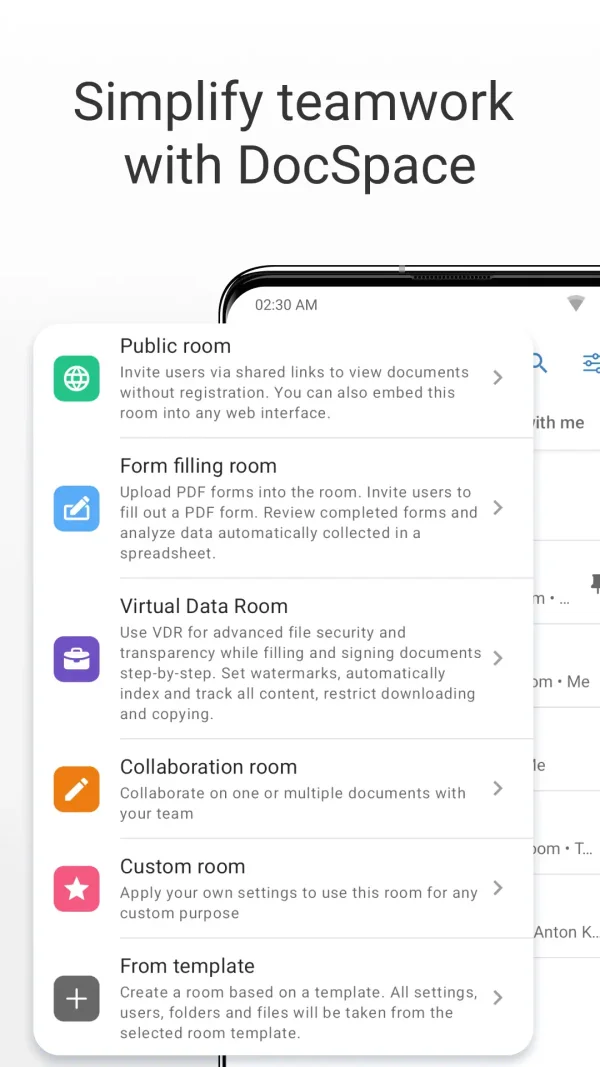
公開共有機能を使用すると、登録不要で外部リンクを介してユーザーを招待し、ドキュメントを閲覧させることができます。
ドキュメントエディター
• 表、オートシェイプ、画像、グラフの挿入
• 脚注、文末脚注、ページ番号、セクション区切りの挿入
• フォントの種類、サイズ、色の設定
• テキストの折り返しの変更
• スペルチェックの使用
• パスワードによるドキュメントの保護
• ハイパーリンクの追加
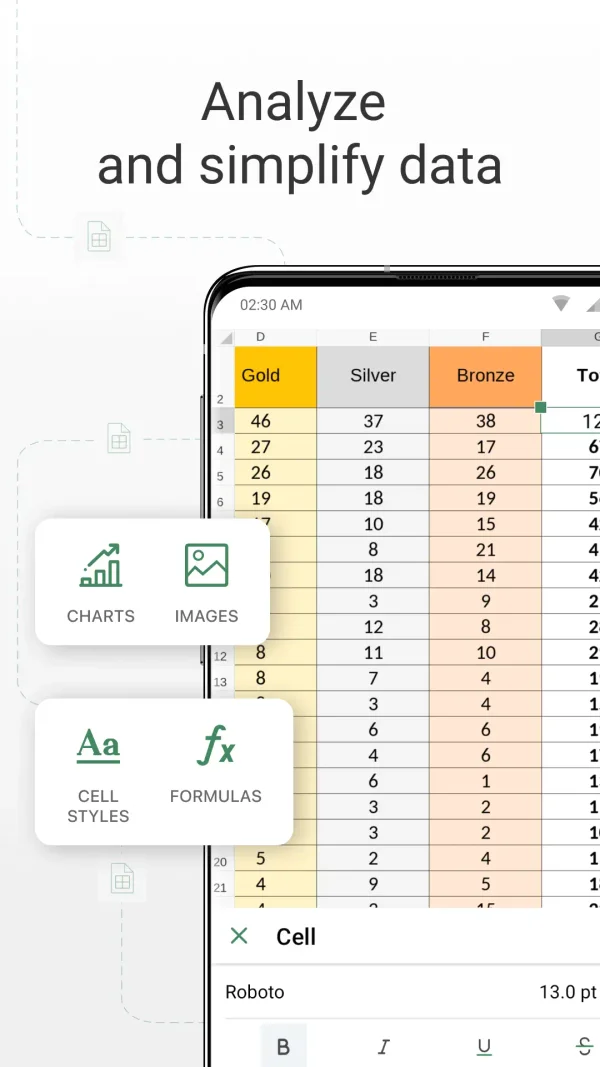
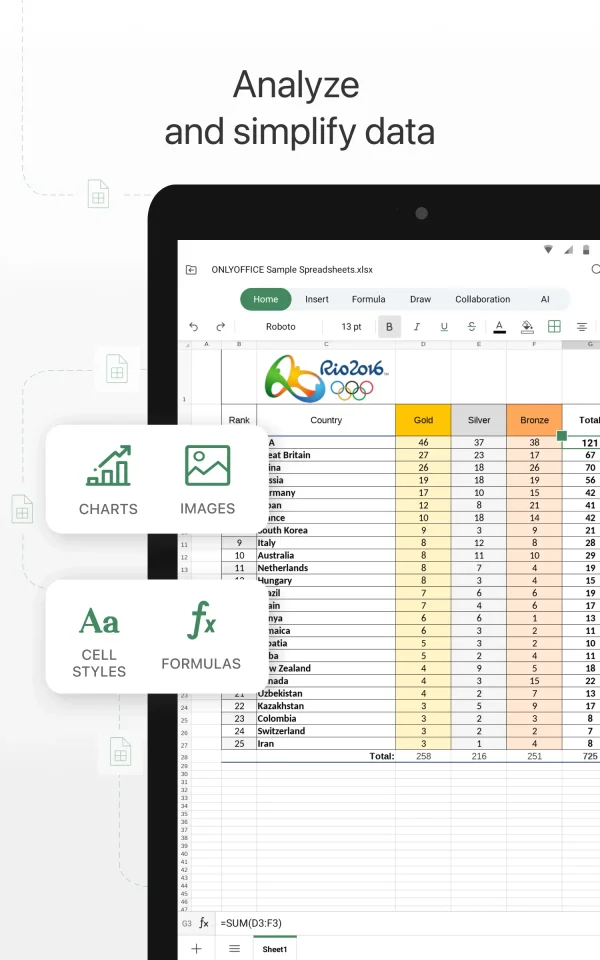
スプレッドシートエディター
• データの選択、切り取り、コピー、貼り付け
• フォントの種類、サイズ、色の設定
• セルスタイルの適用、セル罫線の追加、セル内のデータの配置
• セル内のテキストの折り返し
• 表、オートシェイプ、画像、グラフの挿入
• パスワードによるスプレッドシートの保護
• データの並べ替えとフィルタリング
• スプレッドシートでの共同作業
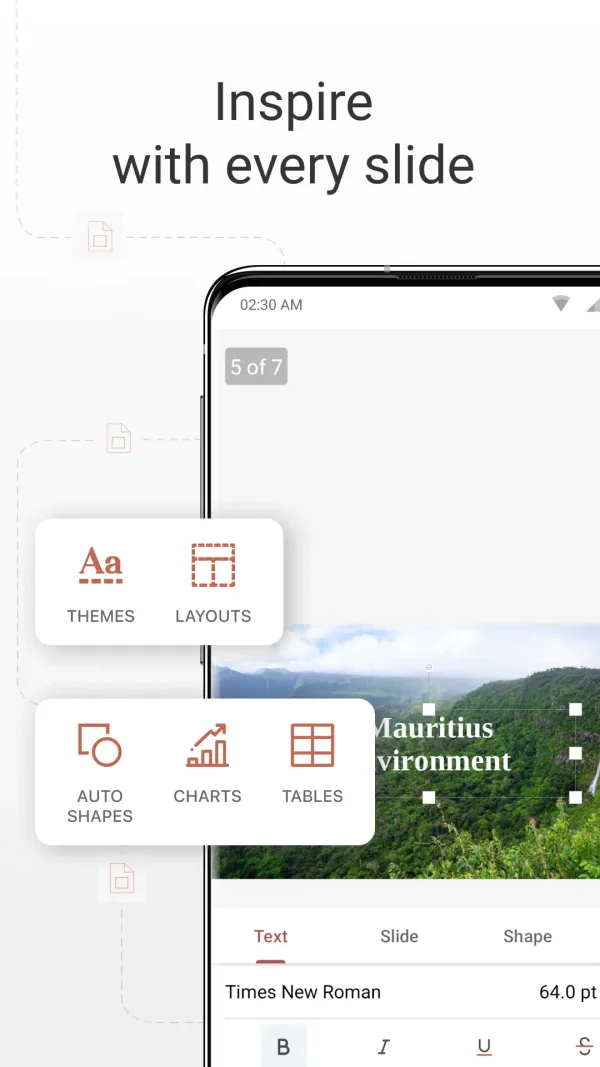
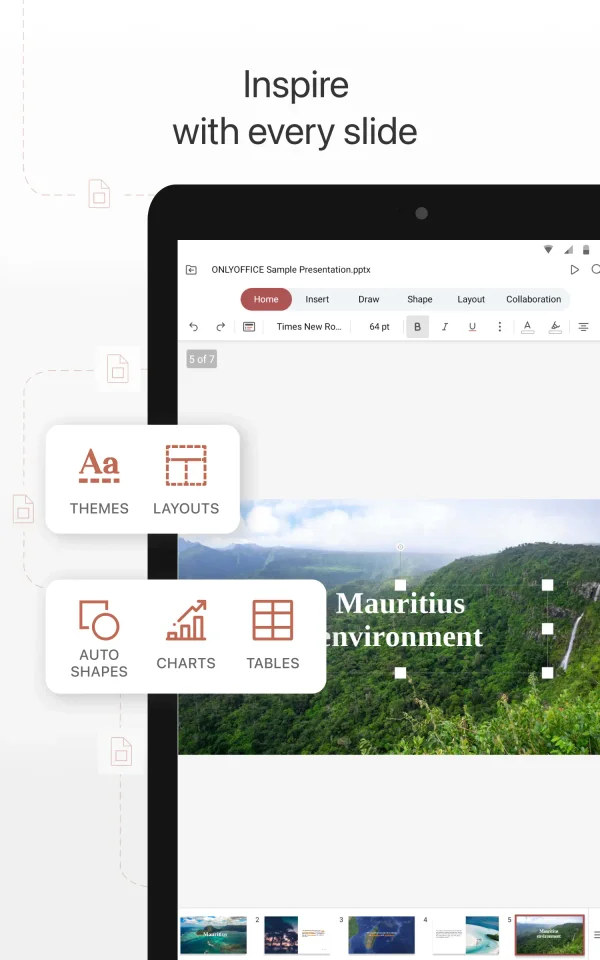
プレゼンテーションエディター
• モバイルプレゼンテーションビューアー
• テキストとオブジェクトの選択、切り取り、コピー、貼り付け
• スライドのレイアウト、パラメーター、テーマ、スライドの背景の変更
• トランジションの適用
• 表、オートシェイプ、画像、グラフの挿入
• スペルチェックの使用
• スライドのリアルタイムディスカッション
• プレゼンテーションの保護パスワードで保護
• プレゼンテーションのダウンロードと印刷
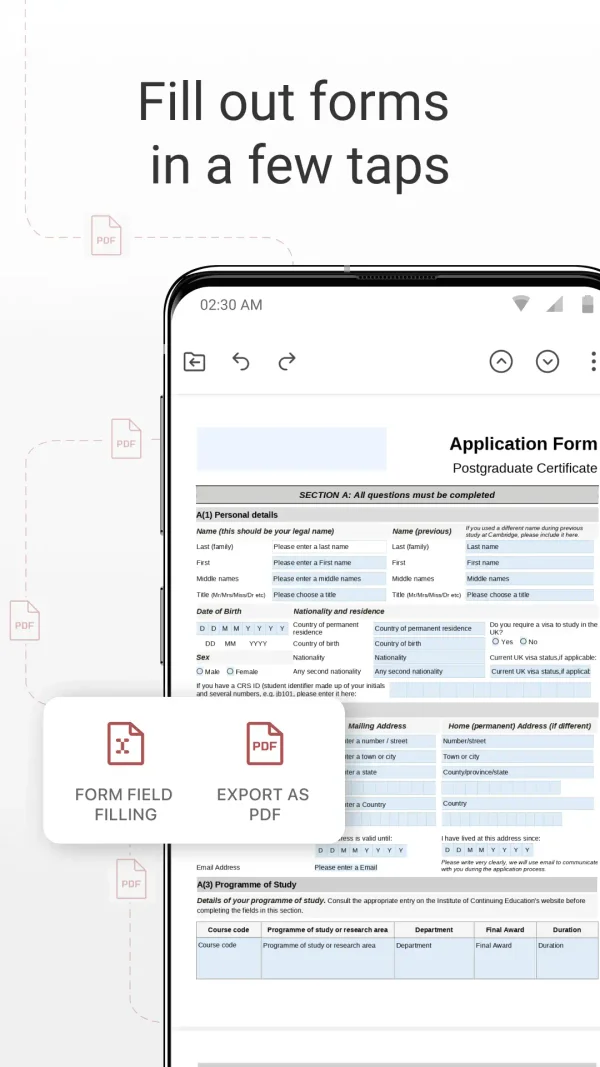
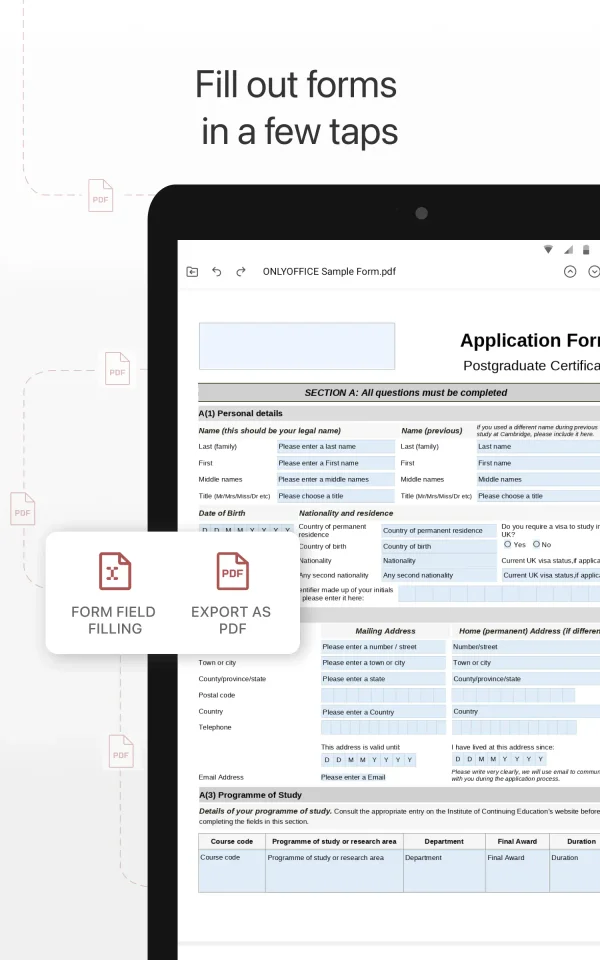
PDFフォーム入力
• デバイスに保存されているフォームを開いて入力
• テンプレートライブラリから既成のテンプレートを使用
• フォームをパスワードで保護
• 入力済みのフォームをDOCX/PDF形式でエクスポート
今すぐONLYOFFICE Documentsをダウンロードして、どこでもスマートなコラボレーションを実現しましょう。
原文を表示
ONLYOFFICE Documents - The ultimate mobile office suite for Android
ONLYOFFICE Documents is a free office suite for Android that lets you edit text, spreadsheets, presentations, PDFs, and fill out online forms. Fully compatible with MS Office formats, it supports real-time collaboration and offline access. Organize, edit, and share documents from your mobile device.
Sync your cloud services: ONLYOFFICE, Nextcloud, OneDrive, ownCloud, kDrive, Dropbox, or WebDAV for instant access to your files.
When connected to your ONLYOFFICE cloud, work collaboratively with teammates in real time: leave comments, track changes, manage document versions, and assign flexible access rights for viewing, commenting, or editing.
Work faster with AI: chat with the AI assistant, get AI help right inside the document, spreadsheet, and presentation editors, generate presentations, fill out forms automatically with Auto Fill, and listen to AI responses read aloud on your device. Choose from multiple AI providers. Scan documents with your camera, extract text, and turn them into editable files.
ONLYOFFICE Documents combines powerful editing tools and collaboration features to keep you productive on the go.
Main features
View and edit Office documents
• Key supported formats: DOCX, XLSX, PPTX
• Other popular formats: DOC, XLS, PPT, ODT, ODS, ODP, DOTX
• View both standard and protected PDF files
• Work with Apple documents (Pages, Numbers, Keynote) and HWP
• Open ODG/Markdown files
• Save files as PDF, TXT, CSV, HTML
Work online or offline
ONLYOFFICE Documents lets you access and edit document files locally on your device, even without an internet connection. Sync all changes effortlessly once you’re back online.
• Edit text documents and spreadsheets
• View presentations, PDFs, photos, and videos
• Sort, rename, move, and create folders
• Mark files as favorites on your portal
To use the app in the cloud, simply create a free ONLYOFFICE cloud account directly from the app if you don’t already have one.
Real-time collaboration
While working in ONLYOFFICE cloud, enjoy handy collaborative features:
• Comment, track and review changes
• Fill out role-based forms in VDR
• Easy sharing, even with external collaborators
• Share and grant different access rights
Document access permissions include:
• Editing – full access
• Review – changes need approval
• Custom filter – view spreadsheets with personal filters
• Form filling – fill out forms only
• Comment – add comments without changing the original content
• Read only – just view the file
Use public sharing to invite users via external links to view documents without registration.
Document Editor
• Insert tables, autoshapes, images, charts
• Insert footnotes, endnotes, page numbers, section breaks
• Set font type, size, and colour
• Change text wrapping
• Use spell-checking
• Protect documents with a password
• Add hyperlinks
Spreadsheet Editor
• Select, cut, copy, paste data
• Set font type, size, and colour
• Apply cell style, add cell borders, align data in cells
• Wrap text in a cell
• Insert tables, autoshapes, images, charts
• Protect spreadsheets with a password
• Sort and filter data
• Work collaboratively on spreadsheets
Presentation Editor
• Mobile presentation viewer
• Select, cut, copy, paste text and objects
• Change slide layout, parameters, theme, slide background
• Apply transitions
• Insert tables, autoshapes, images, charts
• Use spell-checking
• Discuss slides in real-time
• Protect presentations with a password
• Download and print presentations
PDF form filler
• Open and fill out forms stored on your device
• Use ready templates from the template library
• Protect forms with a password
• Export ready forms in DOCX/PDF
Download ONLYOFFICE Documents now and collaborate smarter anywhere.
データ セーフティ
このアプリが収集・共有するデータについて、Ascensio System SIAがGoogle Playで申告している内容です。
- このアプリはサードパーティと以下の種類のデータを共有することがあります個人情報、メッセージ、他 3 件
- このアプリは以下の種類のデータを収集することがありますメッセージ
- データは送信中に暗号化されます
- データを削除するようリクエストできます
新機能
バージョン 10.0.0 · 2026/10/26
• AI assistant
• AI chat in editors
• AI-powered presentation generation
• AI-powered form filling
• Text-to-speech for AI responses
• New Grok, DeepSeek
• Improved integration with ONLYOFFICE cloud
• Sign in using a Google account
• Shared and Favorites from the editors for files without co-editing
• Inserting a table into a range in spreadsheets
• Improved HTML / e-book file processing
• Selecting multiple images when uploading
• Disabling SSL certificate verification
開発元の連絡先
- ウェブサイトonlyoffice.com
- メールsupport@onlyoffice.com
- プライバシーポリシーonlyoffice.com
- 住所20A - 6 Ernesta Birznieka-Upisa iela Riga, LV-1050 Latvia
情報
- 提供元
- Ascensio System SIA
- カテゴリ
- 仕事効率化
- バージョン
- 10.0.0
- 更新日
- 2026/10/26
- リリース
- 2016/5/13
- 必要条件
- Android 8.0以降
- 対象年齢
- 3 歳以上
- 価格
- 無料
- パッケージ名
- com.onlyoffice.documents
類似のアプリ
-
 DOCX Editor: PDF, DOC, XLSX
仕事効率化
-
 フォルダで整理できるメモ帳 - Folino
仕事効率化
-
 カラーフォルダ付きノート
仕事効率化
-
 Bullet: Habit Tracker, Journal
仕事効率化
-
 すべてのドキュメントリーダー
ツール
-
 MobiOffice: Word, Sheets, PDF
仕事効率化
-
 Inkpad ノートパッド - メモとリスト
仕事効率化
-
 Polaris Office - Edit,View,PDF
仕事効率化
-
 UpNote: メモ、日記、やる事
仕事効率化
-
 Office Reader - PDF,Word,Excel
仕事効率化
-
 Google ドキュメント
仕事効率化
-
 Memento:データベース&AIアプリ
仕事効率化