Pars Color Waves
Pars Watch Faces- 3 歳以上対象年齢
- カスタマイズカテゴリ
- 2026/10/4更新日
- 無料価格
com.watchfacestudio.parscolorwavesのGoogle Play公式ページにリンクしています。最終確認:2026/11/25。
スクリーンショット

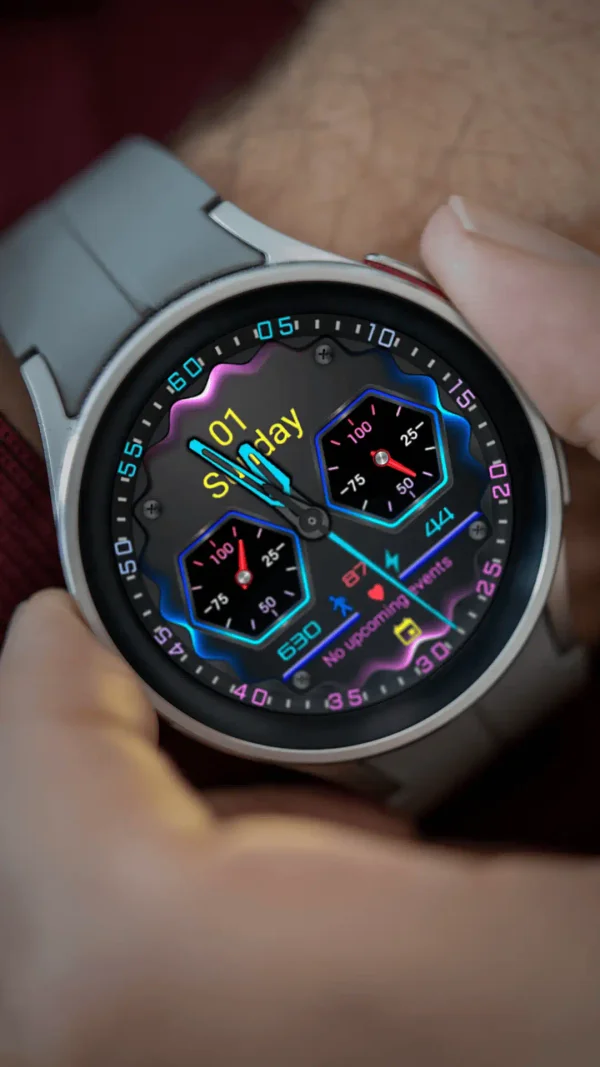
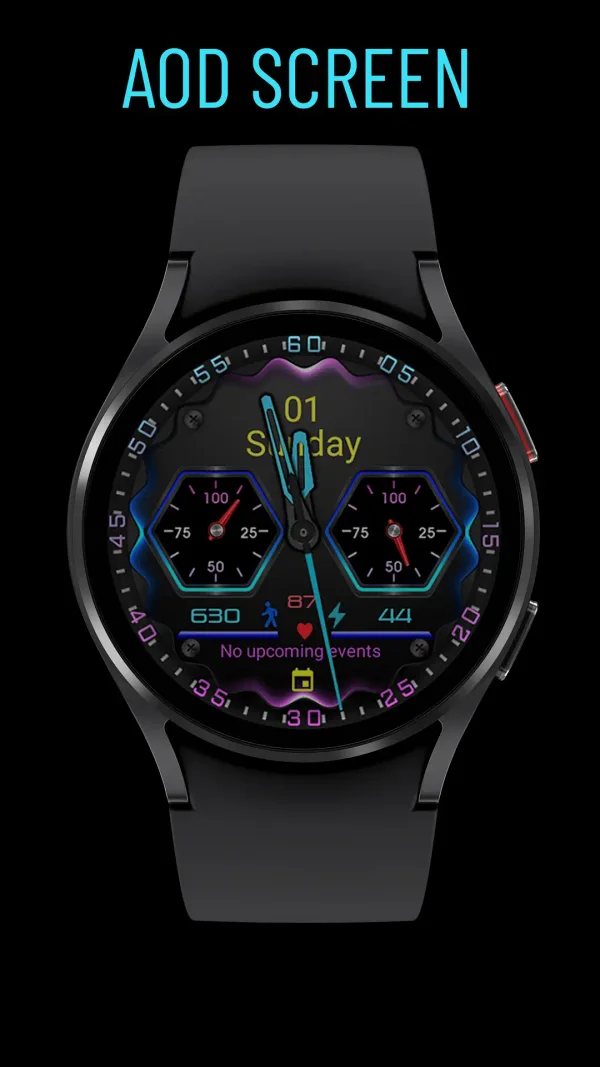
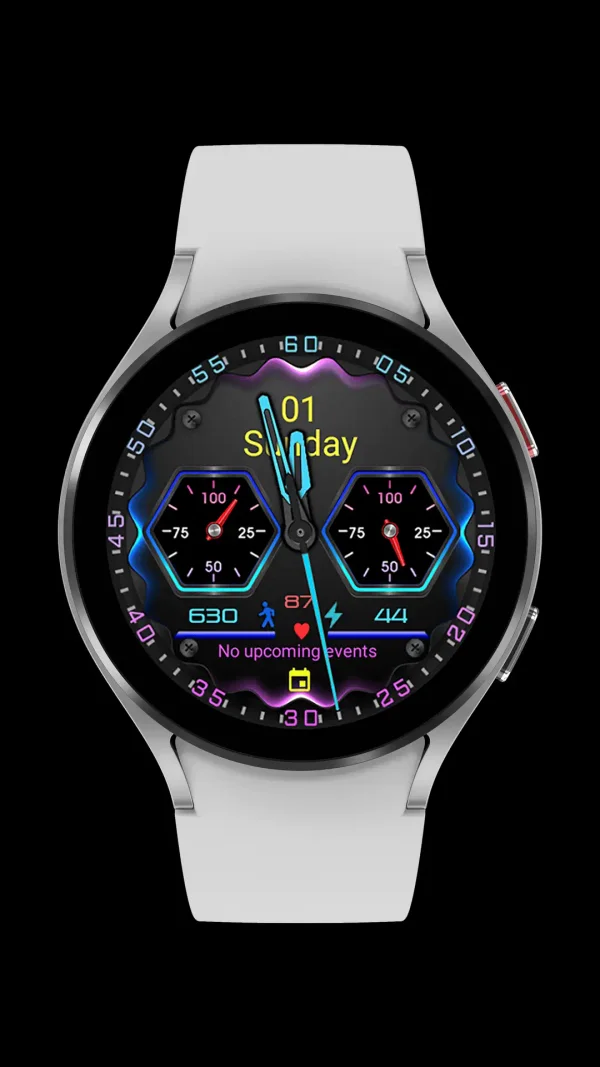
このアプリについて
Googleによる英語 (アメリカ合衆国)からの自動翻訳です。
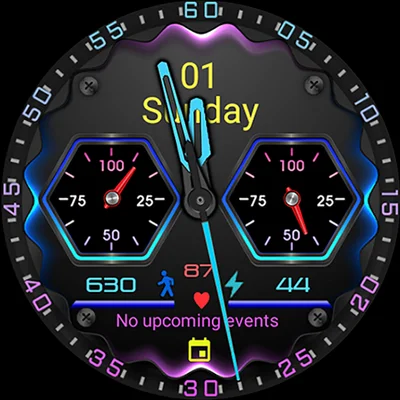
モダンな情報を提供するアナログ時計の文字盤
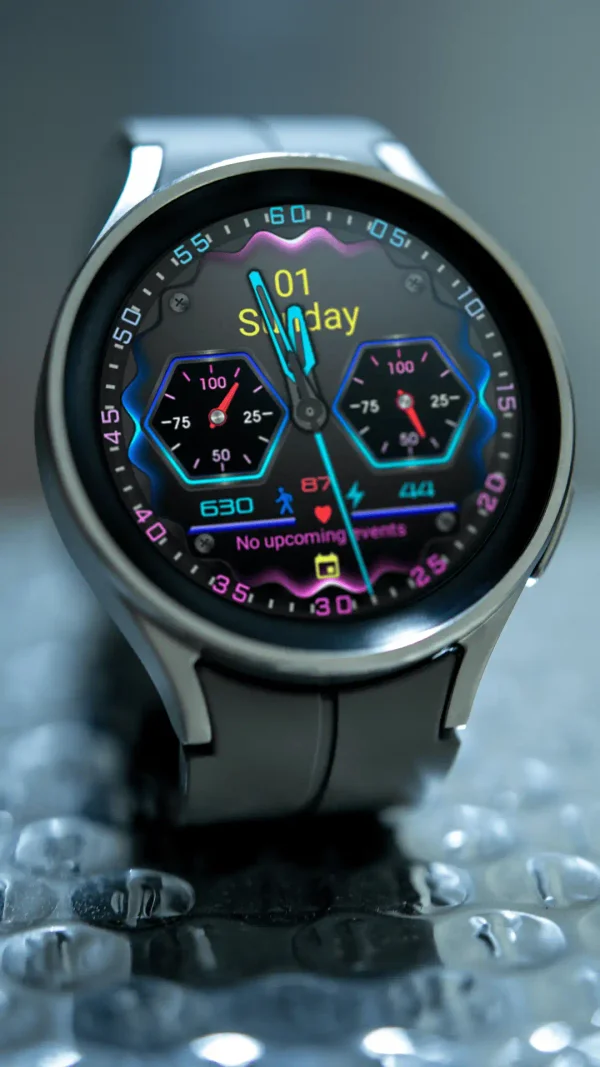
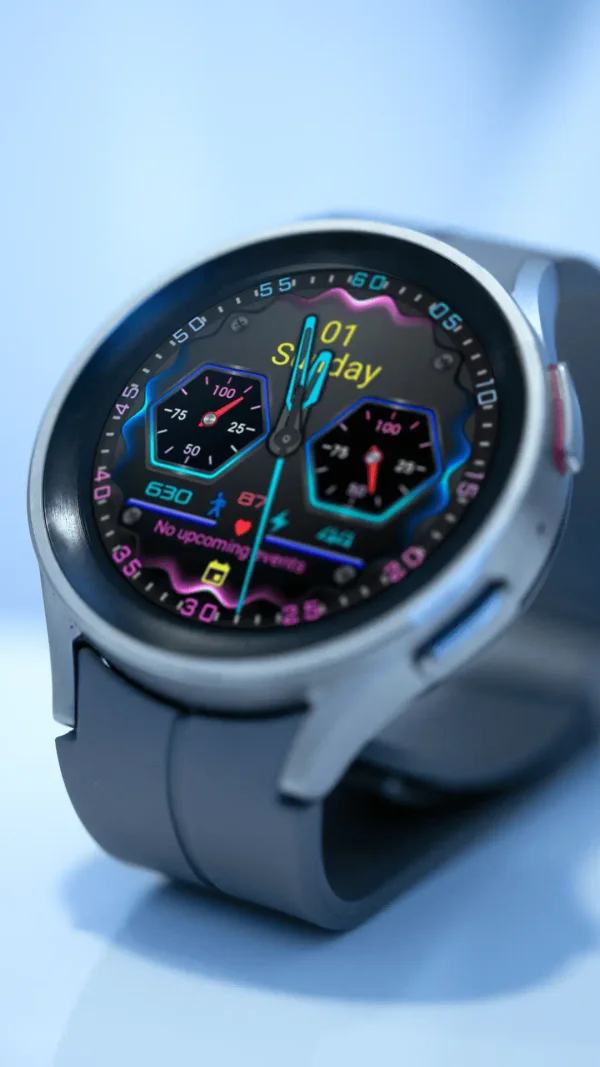
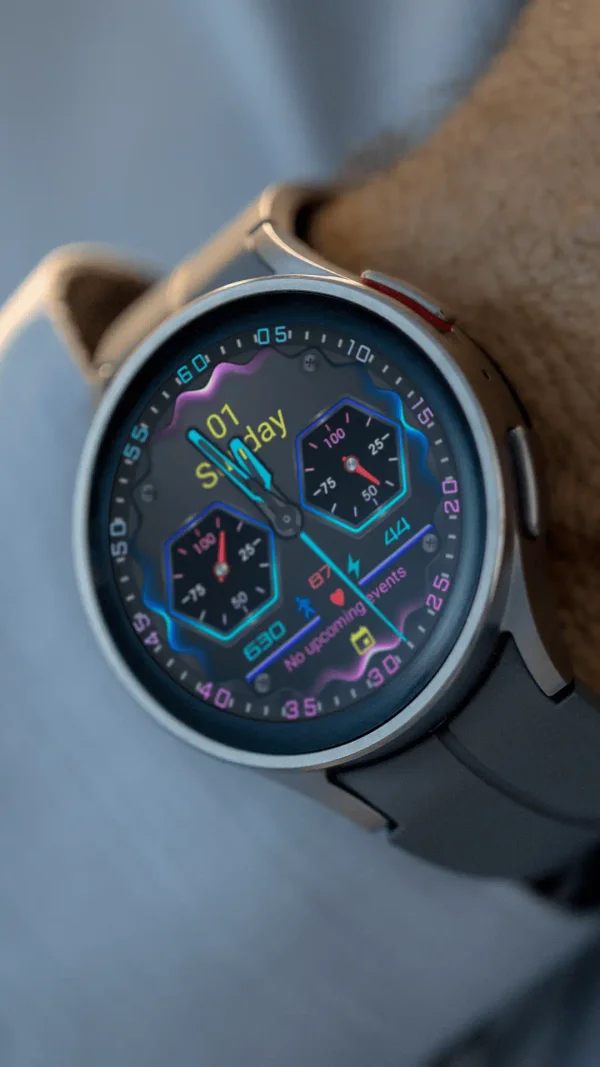
Pars Color Waves は、スタイリッシュで有益なアナログ時計の文字盤です。
Pars Color Waves ウォッチフェイスは、WearOs デバイス用に設計されており、Wearos Api 34+ デバイスと互換性があります。
特徴
- アナログデザイン
- 曜日
- 月の日付。
- バッテリーと歩数のインジケーター
- バッテリーの状態。
- 歩数カウンター。
- 心拍数カウンター。
- アラーム、バッテリーステータス、心拍数アプリのショートカット。
- 常に表示されます。
注:
- アクセスセンサーを許可していることを確認してください。
- ステップ目標を 10k に設定。
- 歩数計のテキストをクリックして歩数計をオンにしても、Samsung 製時計モデル以外の一部の時計モデルでは機能しない場合があります。
- この文字盤は、Samsung Galaxy Watch 4、Galaxy Watch 5、Pixel Watch などと互換性があります。API レベル 30+ のすべての Wear OS デバイスをサポートします。
インストールメモ:
1 - 時計が電話に正しく接続されていることを確認し、電話で電話アプリを開いて「時計にダウンロード」をタップし、時計の指示に従います。
ウォッチの設定ボタンをタップしてから数分後に、ウォッチフェイスがインストールされます。インストールされているウォッチフェイスを選択できます。
電話アプリは、Wear OS ウォッチの文字盤を簡単にセットアップして見つけられるようにするためのプレースホルダーとして機能します。
PS: 支払いサイクルに行き詰まった場合でも、2 回目の支払いを求められた場合でも、支払いは 1 回だけ行われるので、ご安心ください。 5 分間待つか、時計を再起動してもう一度お試しください。
デバイスと Google サーバーの間で同期の問題が発生している可能性があります。
または
2 - または、PC の Web ブラウザからウォッチフェイスをインストールしてみてください。
PS: ウォッチフェイスのインストール中、開発者はインストールを制御できません。
否定的なコメントを書いたり、1 つ星評価を付けたりする前に、以下のリンクにあるインストール ガイドをよくお読みください。その他の問題が発生した場合は、電子メールでご連絡ください。
https://www.parswatchfaces.com/installation-guide/
注:携帯電話のアプリではなく「お使いのデバイスには互換性がありません」というメッセージが表示される場合は、PCまたはラップトップからWEBブラウザでPlayストアを使用してください。
重要なお知らせ :
インストール後、ウォッチフェイスは最後の心拍数測定結果をロードできますが、そうする必要はありません。
ウォッチフェイスは自動的に心拍数を測定したり、心拍数の結果を自動的に表示したりしません。
現在の心拍数スコアを表示するには、手動で測定する必要があります。
これを行うには、じっと座って数分間待ってから、心拍数表示領域をクリックします。
数秒待ちます。時計の文字盤が測定を行い、現在の結果が表示されます。
現在の心拍数を確認したいときはいつでもこれを実行してください。
私の時計の文字盤カタログ
https://play.google.com/store/apps/dev?id=7655501335678734997
私たちに従ってください :
フェイスブック
https://www.facebook.com/profile.php?id=100078915463662
インスタグラム
https://www.instagram.com/parswf/
電報
https://t.me/parswatchfaces
ご質問がございましたら、私までご連絡ください:wfpars@gmail.com
ストアでの評価とレビューをいただければ幸いです。
ありがとう。
原文を表示
Pars Color Waves is a stylish and informative analog watch face.
Pars Color Waves Watch Face is designed for WearOs devices and compitable with Wearos Api 34+ devices.
FEATURES
- Analog Design
- Day of the week
- Date of the month.
- Battery & Steps Indicators
- Battery status.
- Steps counter.
- Heart Rate counter.
- Alarm, Battery Status and Heart Rate App shortcuts.
- Always on view.
NOTES:
- Make sure you have allowed the access sensors.
- Step target set to 10k.
- Turning on the pedometer by clicking on the Pedometer text may not work on some watch models other than Samsung watch models.
- This watch face is compatible with Samsung Galaxy Watch 4, Galaxy Watch 5, Pixel Watch etc.It supports all Wear OS devices with API Level 30+.
ISTALLING NOTES:
1 - Make sure the watch is properly connected to the phone, open the Phone App on the phone and tap "DOWNLOAD TO WATCH" and follow the instructions on the watch.
A few minutes after tapping the set watch button, the watch face will be installed. You can choose the installed watch face.
The Phone app just acts as a placeholder to make it easy to set up and find the watch face on your Wear OS watch
PS: If you get stuck in the payment cycle, don't worry, only one payment will be made even if you are asked to pay a second time. Wait 5 minutes or restart your watch and try again.
There may be a synchronization issue between your device and Google servers.
or
2 - Alternatively, try to install the watch face from the web browser on your PC.
PS: While installing the watch face, the developer has no any control about the installation.
Before writing a negative comment or giving 1 star rating please read the Installation Guide carefully in the link below and please contact us via e-mail if you get any other problem.
https://www.parswatchfaces.com/installation-guide/
NOTE :If you get the message "Your devices are not compatible" instead of app on phone, please use Play Store in WEB browser from PC or Laptop.
IMPORTANT NOTICE :
After installation, the watch face can load the last heart rate measurement result, but it doesn't have to.
The watch face does not automatically measure and does not automatically display the heart rate result.
To view your current heart rate score, you'll need to take a manual measurement.
To do this, sit still, wait a few minutes and click on the heart rate display area.
Wait a few seconds. The watch face will take a measurement and display the current result.
Do this whenever you want to see your current heart rate.
MY WATCH FACES CATALOG
https://play.google.com/store/apps/dev?id=7655501335678734997
FOLLOW US :
FACEBOOK
https://www.facebook.com/profile.php?id=100078915463662
INSTAGRAM
https://www.instagram.com/parswf/
TELEGRAM
https://t.me/parswatchfaces
if you have any question, please contact with me: wfpars@gmail.com
I would be very grateful for the rate and review in the Store.
Thanks.
データ セーフティ
このアプリが収集・共有するデータについて、Pars Watch FacesがGoogle Playで申告している内容です。
- 第三者と共有されるデータはありません詳しくは、デベロッパーが共有を申告する方法についての説明をご覧ください
- データは収集されません詳しくは、デベロッパーが収集を申告する方法についての説明をご覧ください
新機能
2026/10/4
SDK Update
開発元の連絡先
- ウェブサイトparswatchfaces.com
- メールinfo@parswatchfaces.com
- プライバシーポリシーparswatchfaces.com
- 住所Esentepe Mah.Tuna Caddesi̇.Di̇nlendi̇ Sok. İçsezgi̇ Apt.K:3 D:8, 16120 Nilüfer/Bursa Türkiye
情報
- 提供元
- Pars Watch Faces
- カテゴリ
- カスタマイズ
- 更新日
- 2026/10/4
- リリース
- 2024/1/14
- 対象年齢
- 3 歳以上
- 価格
- 無料
- パッケージ名
- com.watchfacestudio.parscolorwaves
類似のアプリ
-
 ACTIVE 51 Futuristic Digital
カスタマイズ
-
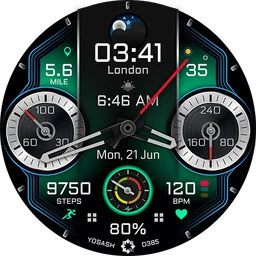 D385 Analog Watch face
カスタマイズ
-
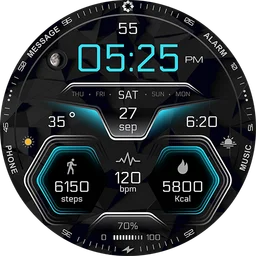 A385 フューチャーウォッチフェイス
カスタマイズ
-
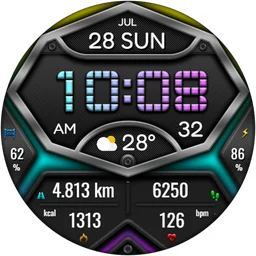 DIGI TRANSOMA WS19 Watch face
カスタマイズ
-
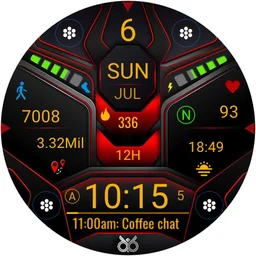 DB053 Adaptive
カスタマイズ
-
 VIDAMOL WS27 Watch face
カスタマイズ
-
 WIN - Super Hybrid SP
カスタマイズ
-
 ブルーリニア
カスタマイズ
-
 Hybrid Watch Face CUE176
カスタマイズ
-
 IA44 Hybrid Watchface
カスタマイズ
-
 Watch face M15
カスタマイズ
-
 KF160 Watch face
カスタマイズ